AI Invitation Maker: Create Free Invitations in Minutes
The Pixazo AI invitation maker turns one sentence about your event into a finished invitation card — palette, typography, and layout designed in a single pass. It is a free invitation maker you use online with no template to fill in: describe the occasion, generate the design, then send it as a digital invitation tonight or print it at the classic 5×7.


What can invitations from Pixazo look like?
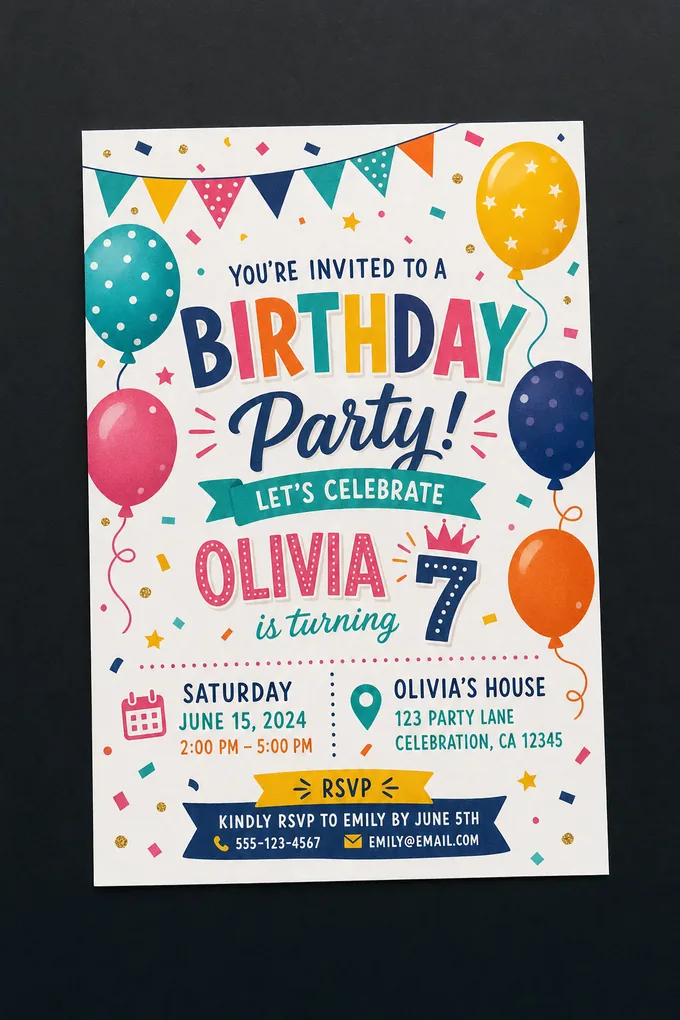
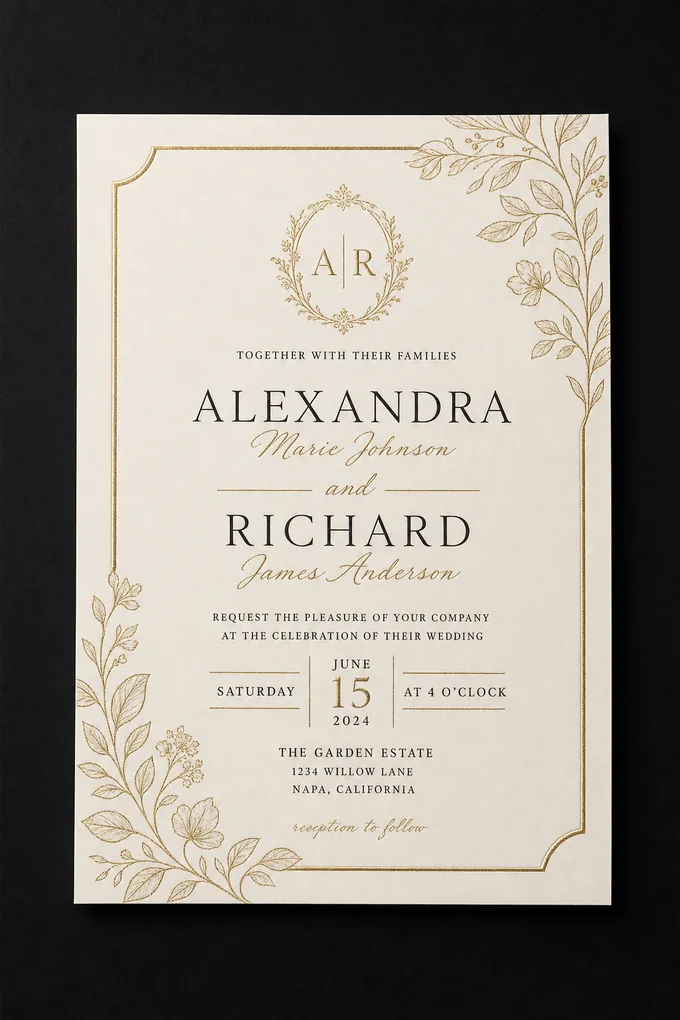
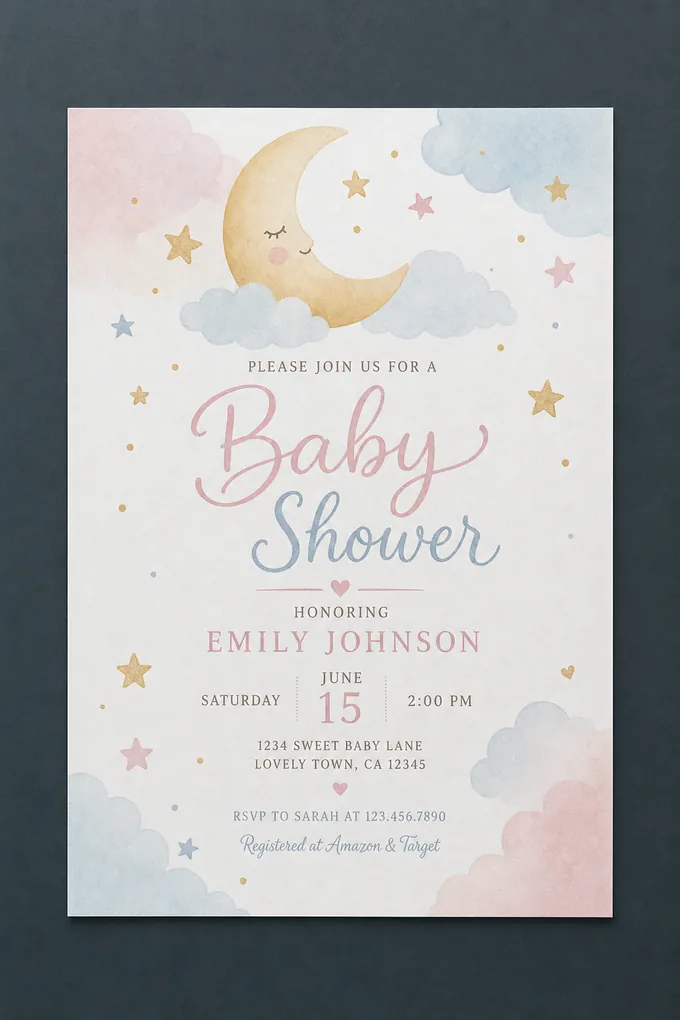
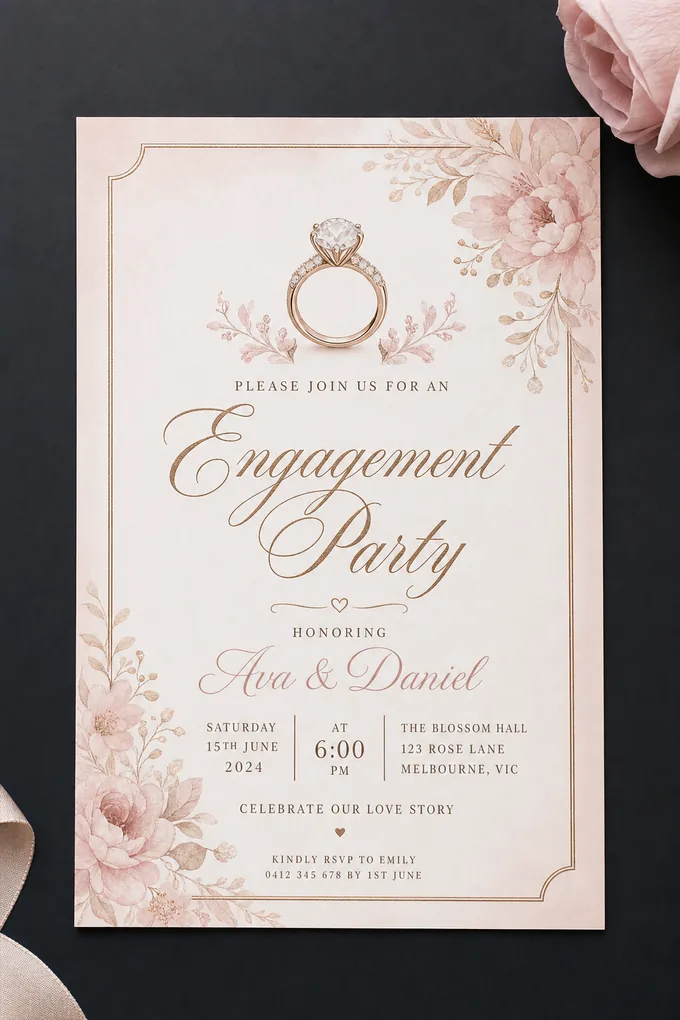
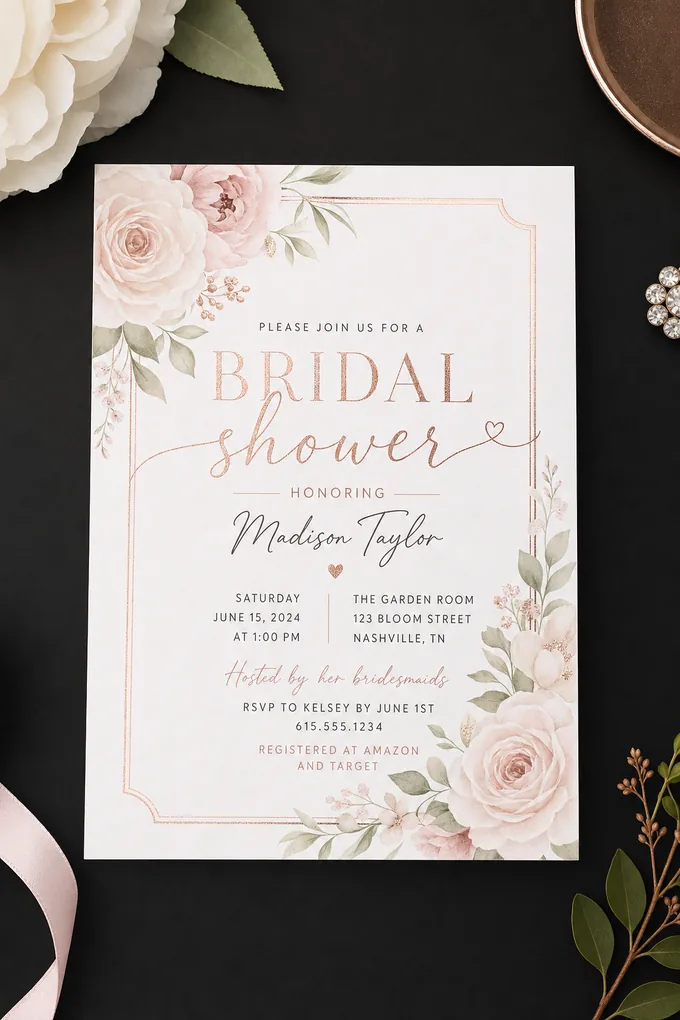
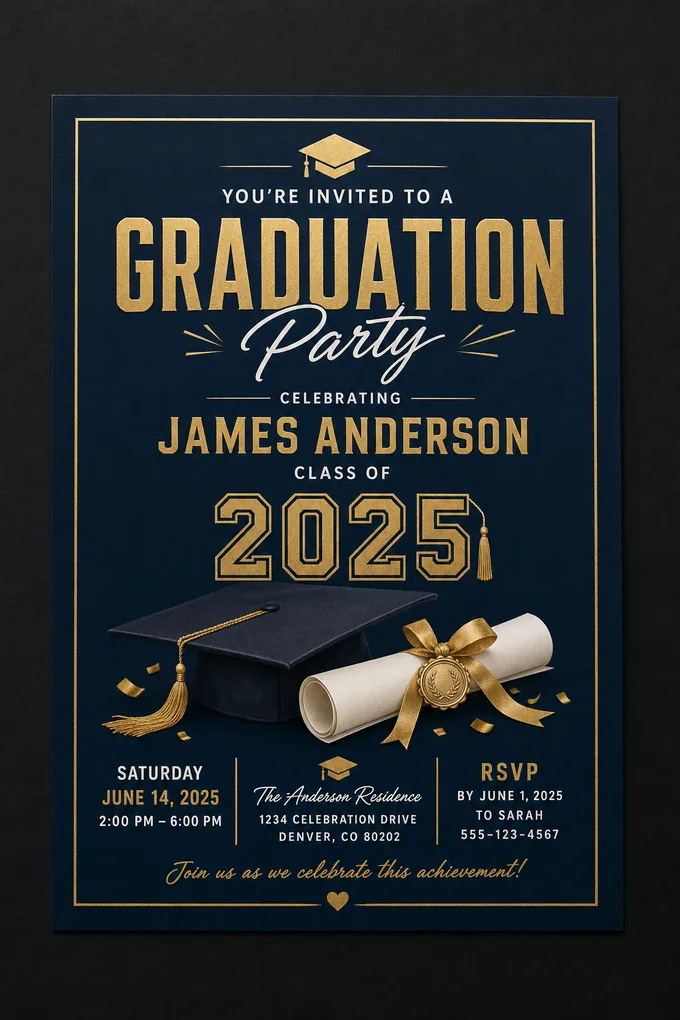
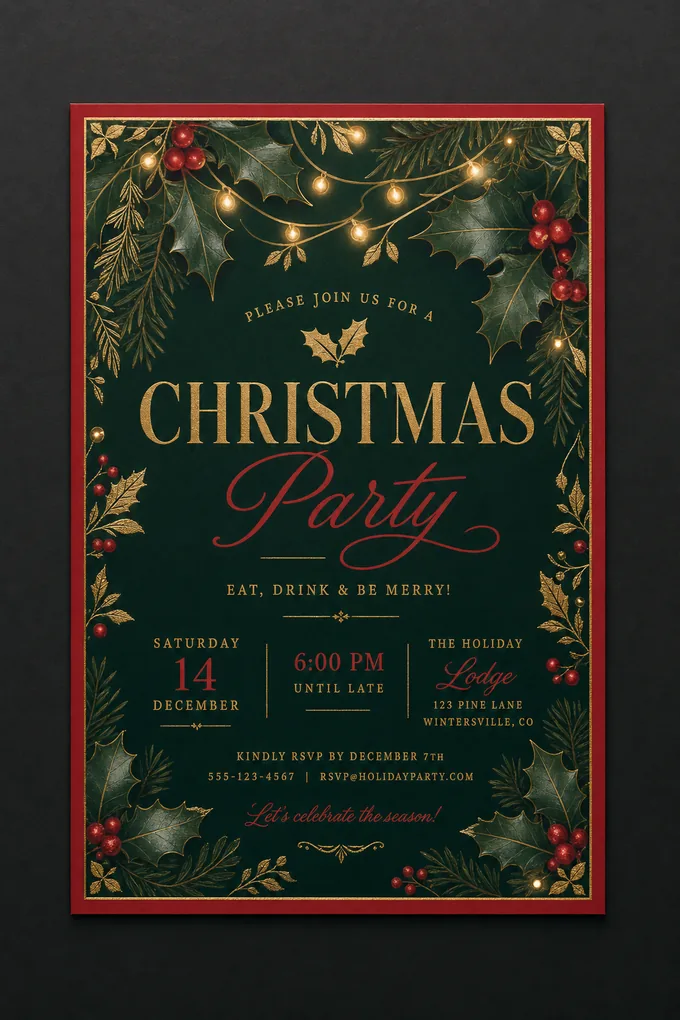
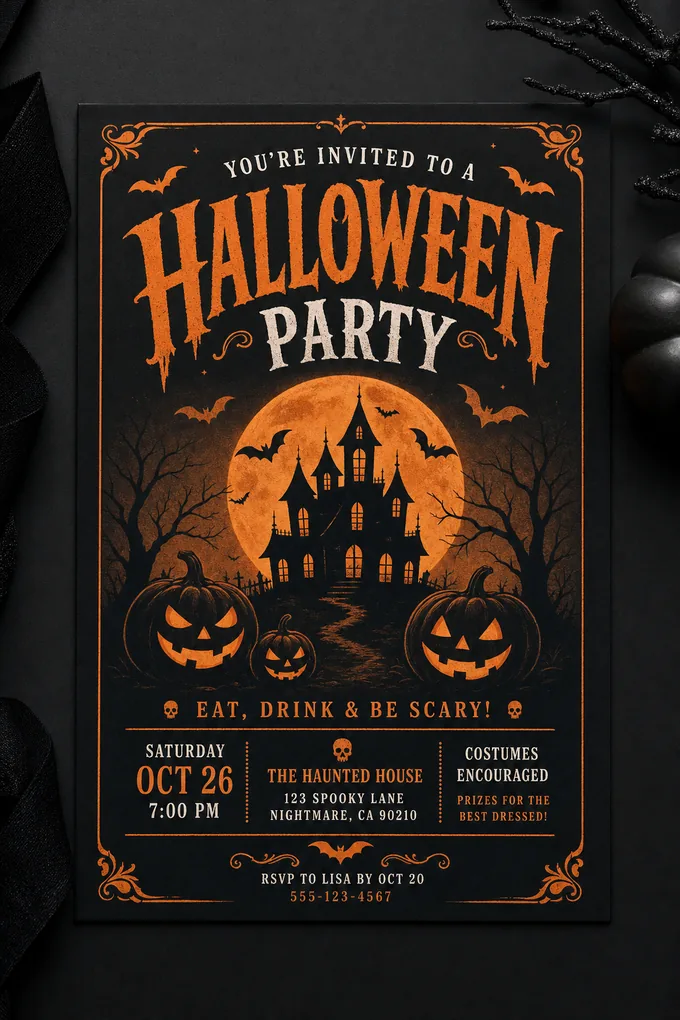
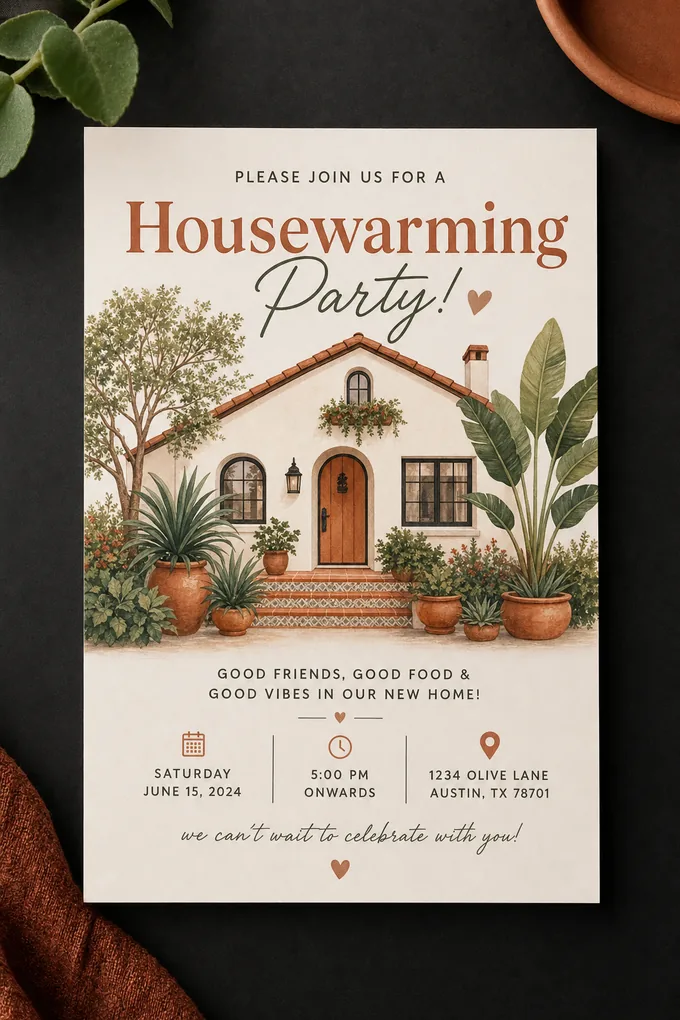
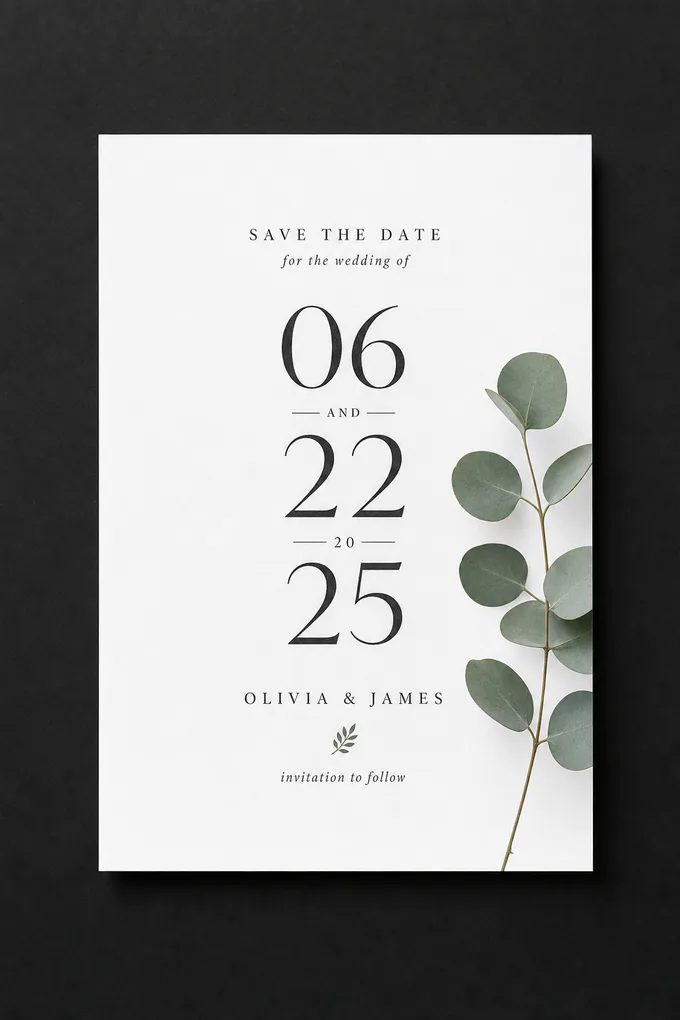
Anything from a formal corporate card to a hand-illustrated party invite — the five cards above all came straight from the AI invitation generator, each from a different one-line brief and none from a shared template. Because every design is generated to your prompt rather than picked off a rack, a wedding invitation, a birthday invitation, and a launch-party invite each get a look of their own.
Sixty seconds from prompt to proof.Free starter credits
Design Yours NowWhat Is an AI Invitation Maker?
An AI invitation maker turns a plain-language description of your event into a finished invitation card — no template grid to scroll and no drag-and-drop editor to learn. You write what the occasion is and how it should feel; the model handles the decisions that separate a professional card from an amateur one: palette selection, type hierarchy, and compositional structure. Those choices are made for invitation aesthetics specifically, not borrowed from a generic design template.
Pixazo’s AI invitation generator runs on the same image models behind our AI image generator, tuned by your prompt rather than a preset. That means a mehndi card, a startup launch party, and a farewell brunch each get a design language of their own — and every result arrives as a high-resolution portrait image that works equally well on a phone screen as an online invitation and in an envelope. In short: it is an online invitation maker for anyone who can describe an event but does not want to open design software to announce it.
What are the tool’s specs at a glance?
Here is exactly what the tool produces and where its edges are — formats, color space, sizing, editing model, and pricing at a glance, so you can plan around it before you generate a single card.
| Specification | Detail |
|---|---|
| Output format | High-resolution portrait raster image (PNG / WEBP / JPG), downloaded without a watermark. |
| Color space | RGB — ideal for digital invitation sends and home or online printing; offset presses need a manual CMYK conversion. |
| Best print size | Classic 5×7 inches, which drops straight into a standard A7 envelope. |
| Occasions (by prompt) | Wedding invitation, birthday invitation, party invitation, baby shower, engagement, save-the-date and more — you name the occasion. |
| Editing model | Prompt-based re-generation. There is no layer editor and no invitation template to drag around. |
| Free tier | Free starter credits to try the invitation generator. |
| Commercial use | Yes — generated invitations are cleared for commercial use with no extra licensing fee. |
| Text language | Prompt in English for the most reliable rendered invitation wording. |
How does the AI invitation maker work?
In four steps: describe the occasion, generate the card, refine with follow-up prompts, then download and send. Each card below is styled the way your guests will reply — tick each line and the invitation is on its way.
Describe the occasion
Write the brief as you’d say it: who’s hosting, what the event is, when and where, plus the mood — color palette, typography preference, and which line should dominate the card.
Step 1 of 4 — the favour of a prompt is requestedGenerate the card
The AI invitation generator interprets your description — visual intent, layout, style — and produces a complete design in seconds, with the palette and hierarchy already resolved.
Step 2 of 4 — accepts with pleasureRefine with follow-ups
Ask for a warmer palette, a heavier headline, or a textured background. Follow-up prompts adjust the elements you name while preserving what already works. Compare 3–5 versions side by side.
Step 3 of 4 — kindly reply by revisionDownload & send
Export the finished card as a high-resolution image. Share it in chat or email as a digital invitation, or hand it to any print service for 5×7 cards. The file is yours to use commercially.
Step 4 of 4 — sealed and dispatchedWhat wording does every invitation need?
Five lines: the host, the occasion, the date and time, the venue, and the R.S.V.P. Before styling, an invitation is information — guests forgive a plain card, but they don’t forgive a missing address. Put these five lines in your prompt and the AI builds the hierarchy around them: hosts and occasion largest, logistics legible, reply line last.
Dress code, registry, and parking notes belong in small type at the foot of the card — or on an insert — never crowding the announcement itself.
Which invitation styles can you generate?
Four broad directions cover most events — high-contrast, minimalist, editorial, and textured. Name one in your prompt and the invitation card maker composes the whole design in that register.
High-Contrast
Strong tonal contrast between text and ground, so the card reads at any viewing distance — ideal for a bold party invitation or a launch invite.
Minimalist
Fewer elements and generous negative space; typography carries the visual weight. Suits a modern wedding invitation and formal dinners.
Editorial
Text-dominant layouts inspired by print publication design, with deliberate typographic rhythm — a natural fit for galas and exhibitions.
Textured
Background treatments that add surface depth — paper grain, gradients, patterns — without ever costing legibility.
Digital invitation or printed card — which should you send?
Both, from the same file — the only decisions are format and finish. A digital invitation is instant and free to deliver; a printed card feels more formal in the hand. The same card the AI invitation generator produces can go out either way.
Send it digitally
- A portrait card reads perfectly full-screen in WhatsApp, iMessage, and email — no e-vite platform required.
- PNG or WEBP keeps text crisp for chat and web; JPG is fine for email attachments.
- Put the RSVP link or phone number in the accompanying message as well as on the card, so replying is one tap.
- Instant and free to deliver — the natural choice for casual digital invitation rounds and last-minute updates.
Send it to print
- The classic invitation size is 5×7 inches, which slips into a standard A7 envelope — the portrait output maps to it directly.
- Files generate in RGB; most consumer print services accept RGB, and offset shops can convert to CMYK before the run.
- Mention “for print” in your prompt and the AI leans toward palettes and contrast that survive ink on paper.
- Order a small proof batch first — paper stock changes how dark backgrounds and fine hairlines feel in hand.
What can the AI invitation generator do?
Six things, all shipping today — prompt-to-design interpretation, palette control, background variation, suite consistency, iterative refinement, and commercial rights. Nothing below is aspirational or locked behind an upgrade.
Prompt-to-design intelligence
Plain language is read for visual intent, layout, and style — context-aware, so “garden brunch” and “black-tie gala” produce different worlds.
Color temperature control
Ask for warm, cool, or neutral and the AI builds the entire palette around that temperature.
Background variation
Solid, gradient, textured, or patterned grounds — specified in the prompt or offered across variants.
Consistency across a suite
Fix the core parameters and vary the secondary ones to keep a save-the-date, main invite, and thank-you card visually related.
Iterative refinement
Follow-up prompts adjust named elements non-destructively, so a palette change doesn’t cost you the layout you liked.
Commercial use rights
Generated invitations are cleared for commercial use with no additional licensing fees.
Who is this invitation maker for?
Anyone who needs a good-looking invite without opening design software — couples, parents, small businesses, event planners, and designers. Here is how each group uses the invitation card maker.
Couples & hosts
Save-the-dates, a wedding invitation or engagement card, reception and haldi invites — a full matching suite from one brief.
Parents
A birthday invitation, baby showers, gender reveals, and graduation announcements without a design-software detour.
Small businesses
Grand openings, workshops, webinars, and client appreciation events — on brand tone, off the designer’s clock.
Event planners
Concept cards for pitches and fast revisions per client note, with consistent variants across an event series.
Designers & creators
A first-draft engine: generate directions, pick one, and finish in your own tools with commercial rights intact.
How do you get a sharper invitation?
Lead with hierarchy, cap yourself at two typefaces, demand high contrast, generate several variations, and write the real text into the prompt. Five habits turn a decent first pass into a card worth sending.
- Lead with the hierarchy. The most important line — usually the occasion or the names — should be the largest element; say so explicitly in the prompt.
- Two typefaces, maximum. One for the headline, one for details. Ask for it directly and the card instantly looks more deliberate.
- Demand high contrast. Strong text-to-background contrast keeps the card readable on a dim phone screen and on paper under warm light.
- Generate 3–5 variations. Comparing versions side by side is faster and more honest than perfecting a single draft from memory.
- Write the real text into the prompt. Names, date, venue — the AI composes better hierarchy around actual content than around placeholders.
What are the limits of this AI tool?
Five, mainly: no photo uploads yet, decorative-only QR codes, no licensed assets, approximate brand colors, and the occasional second pass on complex briefs. Here is where the tool currently says no — so you can plan around it instead of discovering it mid-project.
- No image uploads yet. The AI generates every visual element from text; compositing your own photos is on the roadmap, so add them afterwards in an editor.
- QR codes won’t scan. Generated QR codes and barcodes are decorative — add a real one in post-production if your invite needs it.
- Licensed assets are off-limits. Copyrighted design elements, commercially licensed typefaces, and branded assets can’t be reproduced.
- Brand colors are approximate. Hex codes are interpreted, not matched — verify exact brand colors manually before a print run.
- Complex briefs may need a second pass. Prompts that stack many style constraints can come back with unexpected interpretations; one refinement round usually resolves it.
Your invitation questions, answered
Is the AI invitation maker free to use?
New accounts start with free credits, so you can design your first invitations. Pixazo is free to start with a credit card; after the starter credits are used, generation runs on Pixazo’s credit system — you only pay for what you generate.
How does the AI invitation generator work?
You describe the invitation in plain language — occasion, mood, color palette, typography preference, and the lines the card must carry. The AI invitation generator interprets that description and produces a finished design in seconds, which you then refine with follow-up prompts until it feels like the event.
Can I use my invitations commercially?
Yes. Invitations you create are cleared for commercial use with no additional licensing fees — client projects, ticketed events, product launches, and paid promotion are all fine.
What size and format do invitations download in?
Cards download as high-resolution portrait raster images in RGB color space, which suits both full-screen phone viewing and the classic 5×7-inch printed card. Use PNG or WEBP where text sharpness matters; JPG works for email.
Can I edit an invitation after it’s generated?
Editing is prompt-based. Follow-up prompts adjust the elements you name — palette, typography weight, background, compositional focus — while preserving what already works. There’s no layer-based editor, so treat each refinement like a design revision round.
Can I upload my own photos into an invitation?
Not yet. The maker currently generates every visual element from your text prompt; custom image uploads for compositing are on the product roadmap. If your card needs a specific photo, add it afterwards in an image editor.
Can I get CMYK files for offset printing?
Pixazo generates invitations in RGB. Most consumer print services accept RGB files directly; for offset printing that requires CMYK, convert the download in Photoshop or the free GIMP. Mentioning print use in your prompt also steers the AI toward palettes that translate well to ink.
One tool, every occasion
Each envelope below opens a dedicated maker tuned to that occasion’s conventions — wording, mood, and style included.
Your Guests Are Waiting to Hear From You
One sentence about the occasion is all the AI invitation generator needs. Generate the card, refine it until it feels like the event, and send it — digitally tonight or printed by the weekend.
Create Your Invitation Free