Ramadan Invitation : Create Free Ramadan Invitations in Minutes with AI
Create Custom Ramadan Invitations Quickly with Pixazo Best AI Ramadan Invitation Maker. Try for Free!
Get Started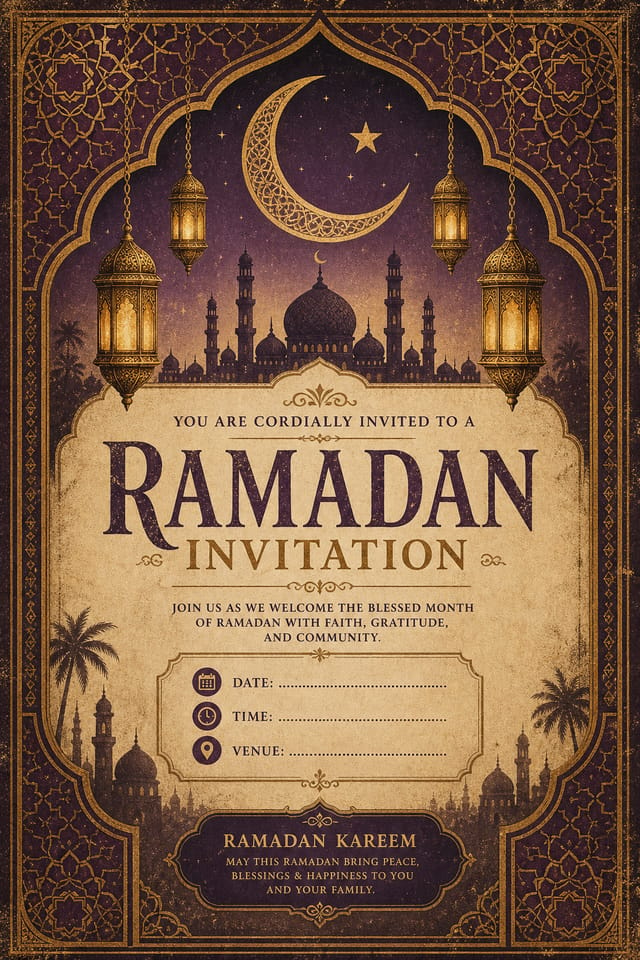
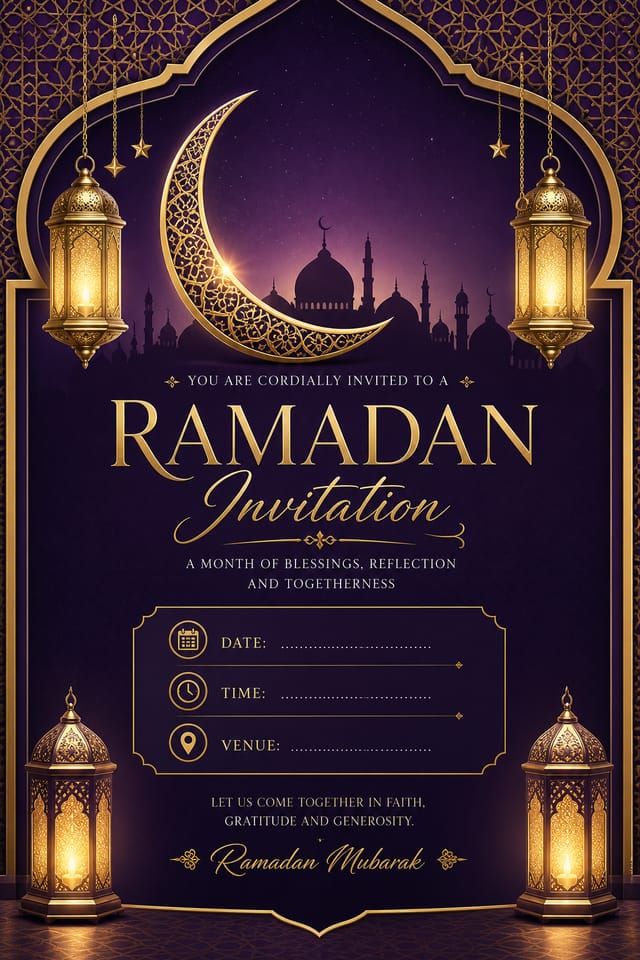
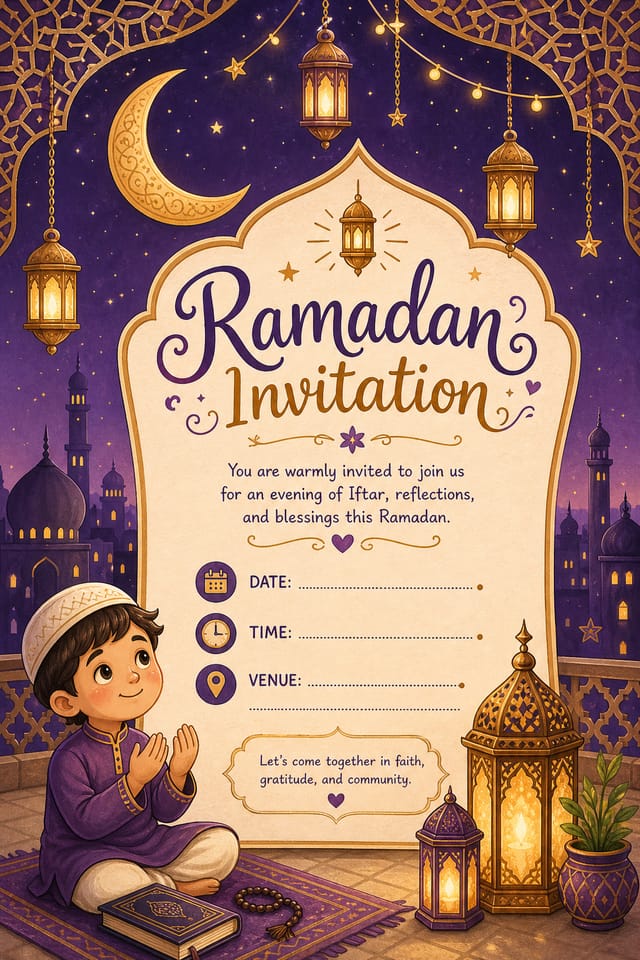
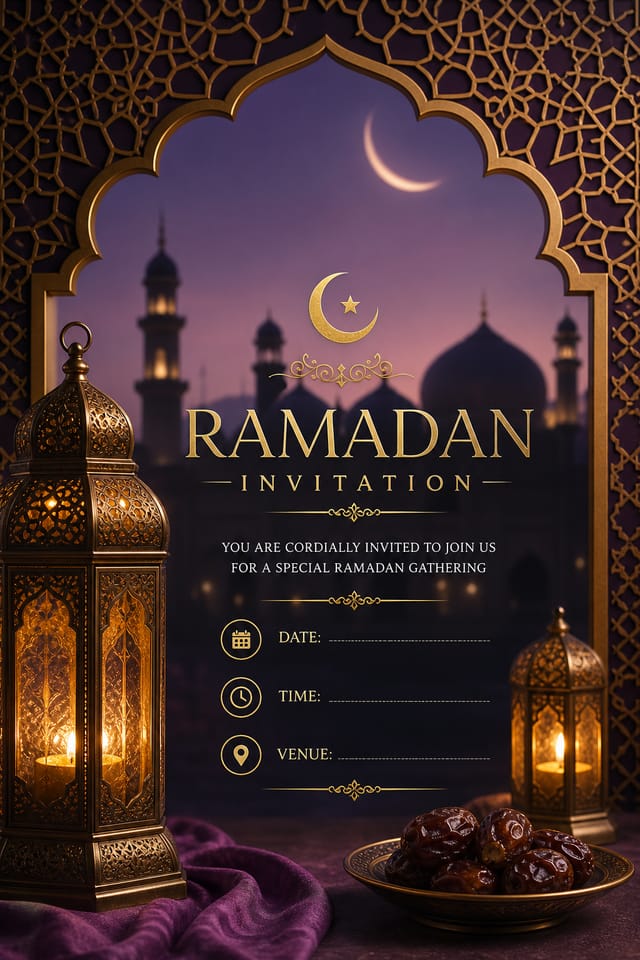
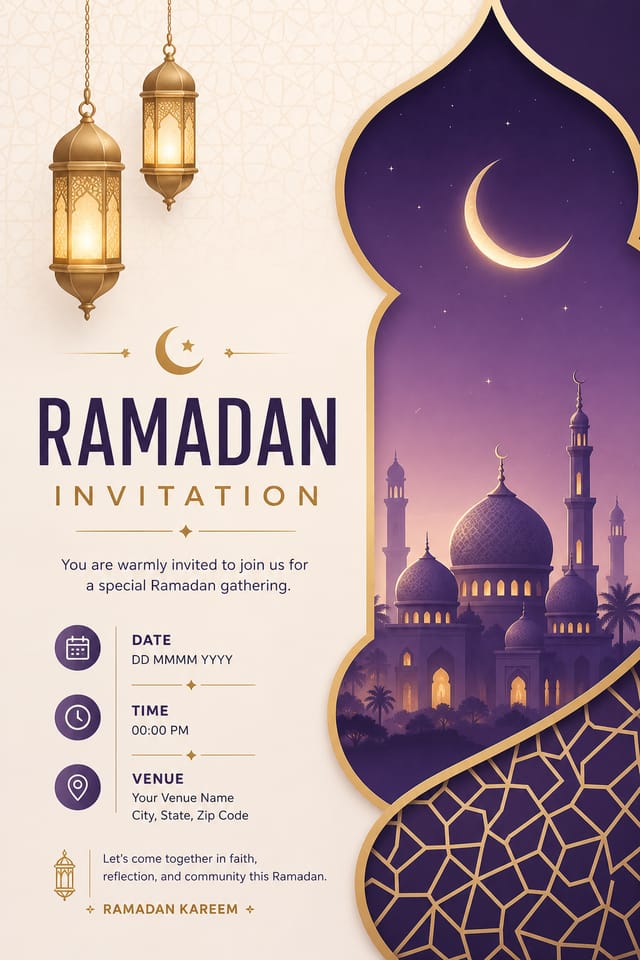
What Makes Ramadan Invitation Design Work: The Underlying Framework
Why Ramadan Invitation Design Requires Specific Knowledge
Effective ramadan invitation design depends on understanding what makes ramadan work visually.
Color relationships, typographic choices, and spatial arrangement all carry different weight depending on the design style.
Pixazo's AI has been trained to recognize these distinctions.
The practical result is that a ramadan invitation prompt produces designs that fit ramadan conventions rather than generic poster layouts.
Ramadan Invitation Design Workflow: Workflow Breakdown
Brief
Establish the key message, dimensions, color preferences, and target audience for your ramadan invitation before any design work begins.
Generate
Use AI to produce multiple ramadan invitation variations based on your brief. Start broad and narrow down from the strongest options.
Research
Collect examples of effective ramadan invitation designs, note what works, and identify patterns relevant to your project goals.
Refine
Apply targeted edits to your selected ramadan invitation. Adjust typography, spacing, and color until every element meets your quality standard.
Approve
Get stakeholder approval on the finished ramadan invitation. Verify all text is accurate and the design meets brand and technical requirements.
Ramadan Invitation AI: Design Powers
Text Placement Options
Describe where you want text elements positioned in your ramadan invitation. The AI follows compositional direction about headline placement and body copy layout.
Color Temperature Control
Specify warm, cool, or neutral color direction for your ramadan invitation. The AI builds the full palette around your temperature preference.
No Design Software Required
Create professional ramadan invitations without Photoshop, Illustrator, or other design applications. The AI handles all technical production.
Print-Ready Output
Generated ramadan invitations are sized and structured for professional printing. Download high-resolution files ready for production.
Which Ramadan Invitation Tool Fits: Side by Side
| Tool | Description |
|---|---|
| Piktochart | Infographic and presentation maker for data-driven visuals |
| Canva | Drag-and-drop editor with a large template library and collaboration features |
| Pixazo | AI-powered ramadan invitation generator with prompt-based design and professional output quality |
| VistaCreate | Visual content platform with templates and a built-in asset library |
| Adobe Express | Streamlined creative tool backed by Adobe's design ecosystem |
Ramadan Invitations in Practice: Practical Examples
School and College Event Displays
Create ramadan invitations for educational institution celebrations, cultural weeks, and awareness events. Designs that educate while celebrating.
Home and Office Decorative Prints
Design ramadan invitations suitable for framing and display during the festival period. Art prints that bring festive atmosphere to living and working spaces.
Community Celebration Announcements
Design ramadan invitations for neighborhood, temple, church, or community center events. Materials that unify diverse community members around shared celebrations.
Corporate Festival Greetings
Produce ramadan greeting invitations from businesses to clients and partners. Professional designs that acknowledge cultural significance without being generic.
What Ramadan Invitation AI Offers: By the Numbers
Build a Ramadan Invitation: From Start to Finish
Transcribe the Brief
Describe what you want your ramadan invitation to look like. Include the mood, color palette, typography preference, and content hierarchy. Pixazo reads all of this and uses it to generate an appropriate design.
Audit the First Pass
The AI produces a ramadan invitation based on your description. If the first result isn't exactly right, adjust the prompt to address what needs changing. Most designs reach the target within a few iterations.
Calibrate the Final Version
Adjust your prompt to modify specific elements of the ramadan invitation. Change the color palette, shift typography weight, or reposition the compositional focus. Each iteration gets you closer to the final design.
Secure Your Output
Download your completed ramadan invitation in the format that fits your use case. High-resolution files for print, web-optimized versions for digital, or PDF for production-ready delivery.
Watch: Creating Ramadan Invitation designs step by step
Ramadan Design Styles: Worth Exploring
High-Contrast Ramadan
Bold ramadan visual treatment with strong tonal contrast. Elements read clearly at any viewing distance.
Contemporary Ramadan
Current ramadan design sensibility with updated proportions, modern typefaces, and contemporary color relationships.
Editorial Ramadan
Text-dominant ramadan invitation layout inspired by print publication design. Typographic variety creates visual rhythm.
Classic Ramadan
Traditional ramadan design principles applied to modern invitation format. Clean composition, conventional hierarchy, time-tested visual decisions.
Textured Ramadan
Ramadan design with added surface depth. Background treatments add visual interest without disrupting legibility.
Community Ramadan Invitation: Gallery Highlights
Real creators sharing their ramadan designs made with Pixazo AI.

High-contrast ramadan invitation, dark background with light text, accent color used for single key element, modern composition
Warm palette ramadan invitation, ochre and brown tones, serif typography, traditional ramadan design reference, tactile feeling
Ramadan invitation at 1080x1920 pixels for Instagram stories, bold sans-serif headline centered, gradient background in ramadan tones, call-to-action at bottomExporting Your Ramadan Invitation: Export Options Explained
SVG
Scalable format for ramadan invitation designs that need to render crisply at any resolution, commonly used for web and responsive layouts.
TIFF
High-fidelity format for ramadan invitation files destined for professional printing, supporting CMYK color and lossless compression.
Print-ready format for ramadan invitation files that preserves fonts, colors, and layout across different devices and print services.
PNG
Lossless image format ideal for ramadan invitation designs with transparency, sharp text, and web display at predictable file sizes.
Ramadan Invitation Starter Prompts to Try
Copy any prompt below and paste it into Pixazo to generate your design instantly.
Professional ramadan invitation, minimalist ramadan approach, negative space used intentionally, readable at multiple viewing distances, print-ready compositionRamadan invitation with strong visual hierarchy, largest element reads clearly, supporting elements organized by importance, clean background treatmentLarge-format ramadan invitation design, elements sized for visibility at print scale, no fine detail that would be lost in productionTwo-color ramadan invitation design, high contrast between primary and secondary color, clean separation between graphic and text zonesAtmospheric ramadan invitation, background treatment supports the headline without competing with it, visual weight distributed intentionallyTextured ramadan invitation, surface treatment adds depth without obscuring legibility, texture consistent with ramadan aestheticRamadan Invitation AI: Key Things to Know
Templates apply a fixed visual structure with placeholder content. AI generation produces original designs based on your specific description. Two ramadan invitations generated from different prompts will have genuinely different layouts, not just different text in the same box positions.
Generated designs that miss the mark usually need more specific prompts. Add details about the visual hierarchy you want, the feeling the ramadan invitation should create, or specific elements to include or avoid. More context in the prompt produces more targeted output.
Pixazo provides an API for programmatic ramadan invitation generation. Integrate it into your content pipeline to automate design production at scale. API documentation covers authentication, prompt formatting, and output retrieval.
The AI renders text as specified in your prompt, so double-check spelling and punctuation before generating. If text renders incorrectly in a ramadan invitation, adjust your prompt and regenerate. The AI follows your exact text input.
Being Realistic About Ramadan Invitations: Capabilities and Caveats
Known limitations and trade-offs of AI-generated ramadan design. Transparency matters when using AI for ramadan invitation design. The points below describe where you may need to supplement AI output with manual work.

