Halloween Menu : Create Free Halloween Menus in Minutes with AI
Create Custom Halloween Menus Quickly with Pixazo Best AI Halloween Menu Maker. Try for Free!
Get Started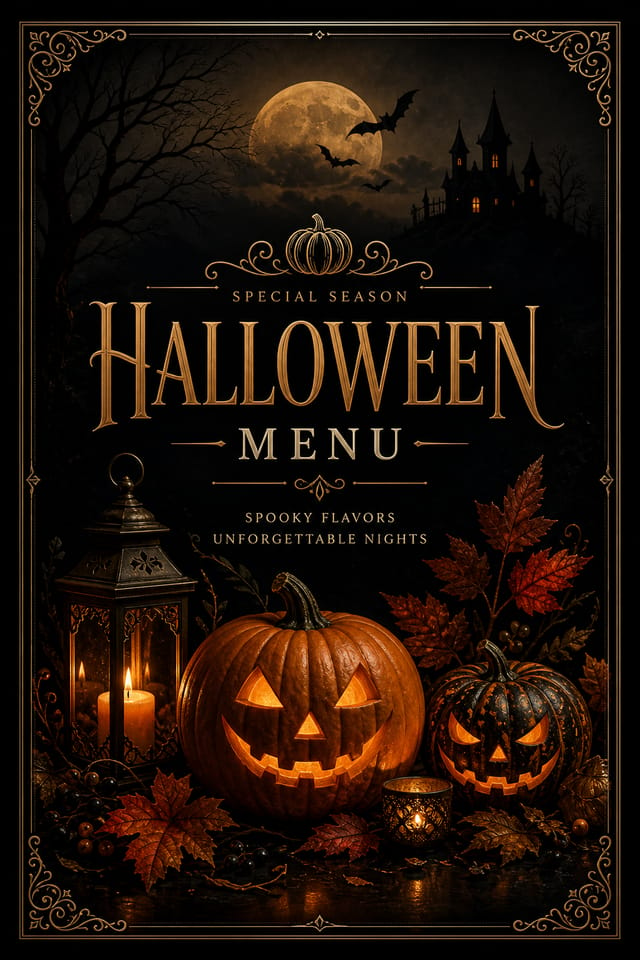
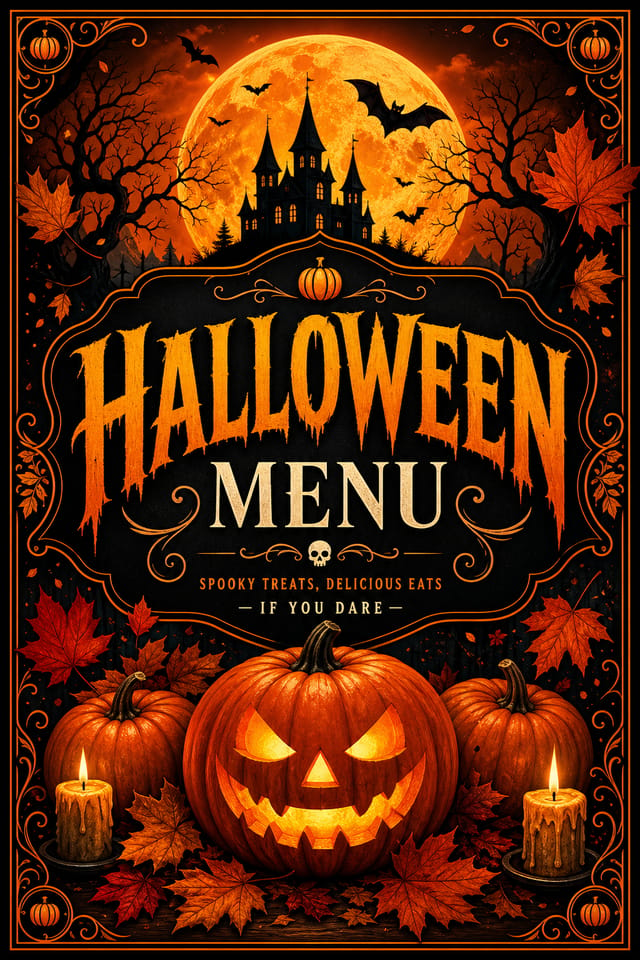
Visual Thinking Behind Halloween Menus: What Good Design Involves
Visual Thinking Behind Halloween Menu Creation
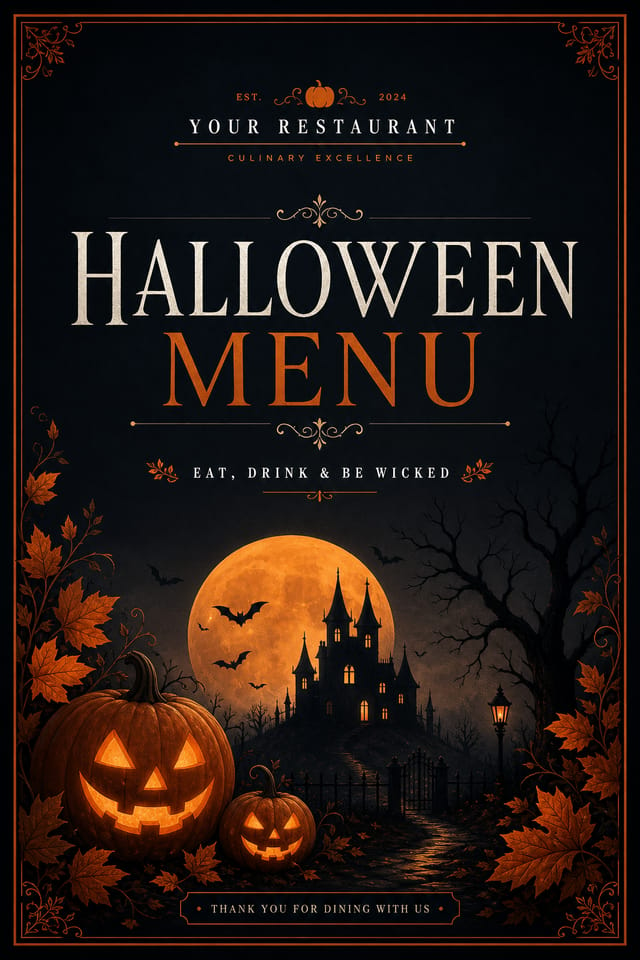
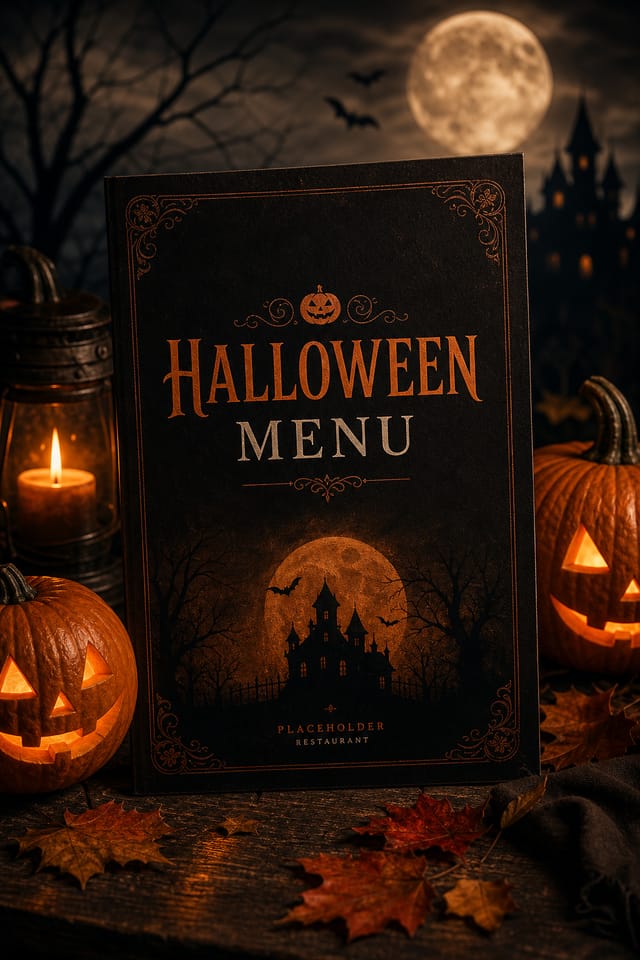
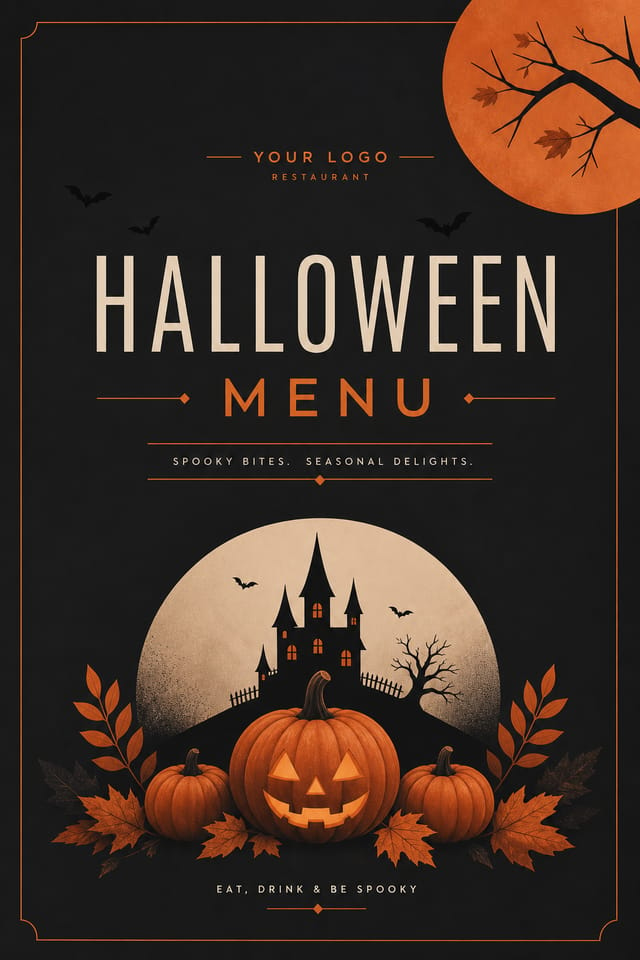
Halloween design carries specific visual associations that viewers pick up on immediately.
The right palette, the right typographic approach, the right compositional balance.
Get these right and your halloween menu communicates clearly.
Making Halloween Menus: In Minutes
Express Your Design Idea
Write a prompt describing your halloween menu. Include style preferences, color direction, the most important text to display, and any specific visual elements you want. The more specific your description, the more targeted the output.
Scan the First Version
Pixazo generates your halloween menu in seconds. Review the design and adjust your prompt to refine specific elements: change the color palette, shift the layout weight, or add visual elements you want included.
Enhance the Details
Adjust your prompt to modify specific elements of the halloween menu. Change the color palette, shift typography weight, or reposition the compositional focus. Each iteration gets you closer to the final design.
Obtain the Result
Get your final halloween menu file in one click. Choose your format, download at full resolution, and use the design immediately. No watermarks, no additional fees, no waiting.
Watch: Creating Halloween Menu designs step by step
Putting Halloween Menus to Work: Who Benefits Most
Charity and Fundraising Appeals
Create halloween menus for charitable giving drives associated with the festival. Materials that connect cultural celebration with community service.
School and College Event Displays
Create halloween menus for educational institution celebrations, cultural weeks, and awareness events. Designs that educate while celebrating.
Festival Invitations
Create halloween menus inviting family, friends, and community to halloween celebrations. Designs that capture the spirit and visual traditions of the festival.
Social Media Festival Posts
Generate halloween menus optimized for social sharing during the festival period. Designs that stand out in crowded holiday feeds.
Retail Seasonal Promotions
Design halloween menus for shops and restaurants running seasonal offers tied to the festival. Sales materials that respect the cultural context.
Halloween Menu Maker Capabilities: Design Powers
Consistency Across Variants
Generate multiple halloween menus for a project and maintain visual consistency across the set. Specify your core design parameters and vary secondary elements.
Commercial Use Rights
Designs generated with Pixazo are yours to use commercially. No additional licensing required for halloween menu projects.
Prompt Refinement
Adjust your description to refine any aspect of the halloween menu design. The AI responds to specific direction about colors, layout, or content.
Compositional Structure
Layout and hierarchy decisions reflect halloween design patterns. The proportions and arrangement match how halloween designs are conventionally structured.
Subcategory Awareness
The AI distinguishes between design subcategories. A halloween menu request produces halloween-appropriate output, not a generic design with halloween text added.
Instant Iterations
Generate multiple halloween menu variations from a single prompt. Compare options and refine until the design matches your vision.
Where Halloween Menu Design Is Heading: Current Directions
Motion-Ready Design
Static halloween menu designs are being created with animation in mind, using layered elements that translate smoothly to motion graphics.
Minimalist Layouts
Stripped-back halloween menu designs with generous white space and limited elements are gaining favor for their clarity and elegance.
Asymmetric Composition
Breaking grid symmetry in halloween menu layouts creates visual tension and a modern, editorial feel that stands out.
Retro Revival
Vintage aesthetics from the 1970s and 1990s are influencing halloween menu design with textured backgrounds, serif fonts, and warm gradients.
Data-Driven Visuals
Incorporating charts, statistics, and structured data directly into halloween menu layouts helps communicate complex messages at a glance.
Hand-Drawn Elements
Illustrations, doodles, and hand-lettering bring a personal, approachable quality to halloween menu designs in an era of polished digital output.
Design Principles for Halloween Menus: What to Aim For
Compositional Balance
Visual weight in halloween menu design should be intentional. Asymmetric balance often creates more interest than centered symmetry, but both can work when executed with purpose.
Scale and Proportion
Element sizing in halloween menu design communicates importance. The largest element gets the most attention. Scale differences between elements should be intentional and clear.
Visual Hierarchy
Strong halloween menu design establishes a clear reading order. The headline should be immediately visible, supporting information should follow in logical sequence.
Halloween Menu Prompts: Prompts That Work
Copy any prompt below and paste it into Pixazo to generate your design instantly.
Contemporary halloween menu design, grid-based layout, typographic precision, restrained color palette, no decorative excessHigh-impact halloween menu, immediate visual read at thumbnail size, clear headline dominance, supporting information structured logicallyTextured halloween menu, surface treatment adds depth without obscuring legibility, texture consistent with halloween aestheticHalloween menu with strong visual hierarchy, largest element reads clearly, supporting elements organized by importance, clean background treatmentProfessional halloween menu, minimalist halloween approach, negative space used intentionally, readable at multiple viewing distances, print-ready compositionHalloween Menu Production Steps: A Production Pipeline
Approve Final sign-off
Get stakeholder approval on the finished halloween menu. Verify all text is accurate and the design meets brand and technical requirements.
Review Evaluate and refine
Compare generated halloween menu options against your brief. Mark what works and note specific changes needed for the next iteration.
Generate Create initial designs
Use AI to produce multiple halloween menu variations based on your brief. Start broad and narrow down from the strongest options.
Export Deliver final files
Export your halloween menu in the required formats and resolutions. Organize deliverables for handoff to the production or publishing team.
Research Gather references
Collect examples of effective halloween menu designs, note what works, and identify patterns relevant to your project goals.
Halloween Menu AI Boundaries: Room to Grow
Known limitations and trade-offs of AI-generated halloween design. Every AI design tool has boundaries. Knowing these limits before you start helps you get the most out of halloween menu generation.
From the Halloween Community: Work in the Wild
Real creators sharing their halloween designs made with Pixazo AI.
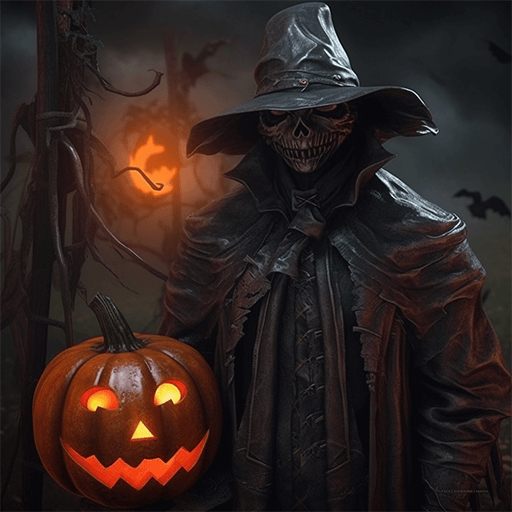
Monochromatic halloween menu, single hue in multiple values, typographic hierarchy creates depth without color complexity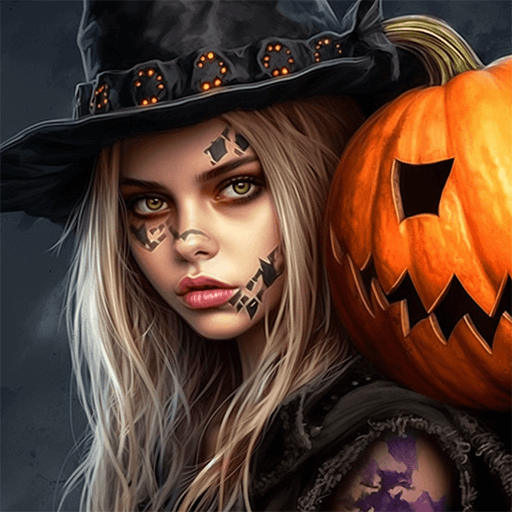
Halloween menu for large format print, elements scaled for visibility at distance, colors optimized for print output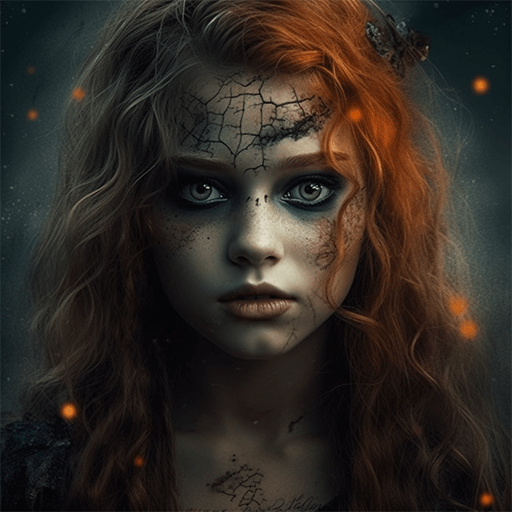
A3 landscape halloween menu for conference booth, informational layout with three columns, clear section headers, QR code placement zoneBefore You Start: Questions and Answers
You control every major design parameter through your prompt: color palette, typography style, layout structure, visual weight distribution, background treatment, and content hierarchy. The more specific your halloween menu prompt, the more precisely the AI follows your creative direction.
Include 'transparent background' in your prompt to generate a halloween menu with no background fill. Download as PNG to preserve transparency. This is useful for halloween designs that will be composited over other imagery or placed on colored surfaces.
A halloween menu generates in seconds after submitting your prompt. Total time from prompt submission to downloadable file is typically under a minute, including any server processing time.
Generated designs that miss the mark usually need more specific prompts. Add details about the visual hierarchy you want, the feeling the halloween menu should create, or specific elements to include or avoid. More context in the prompt produces more targeted output.

