AI Menu Maker : Create Free Menus in Minutes
Create Custom Menus Quickly with Pixazo Best AI Menu Maker. Try for Free!
Get Started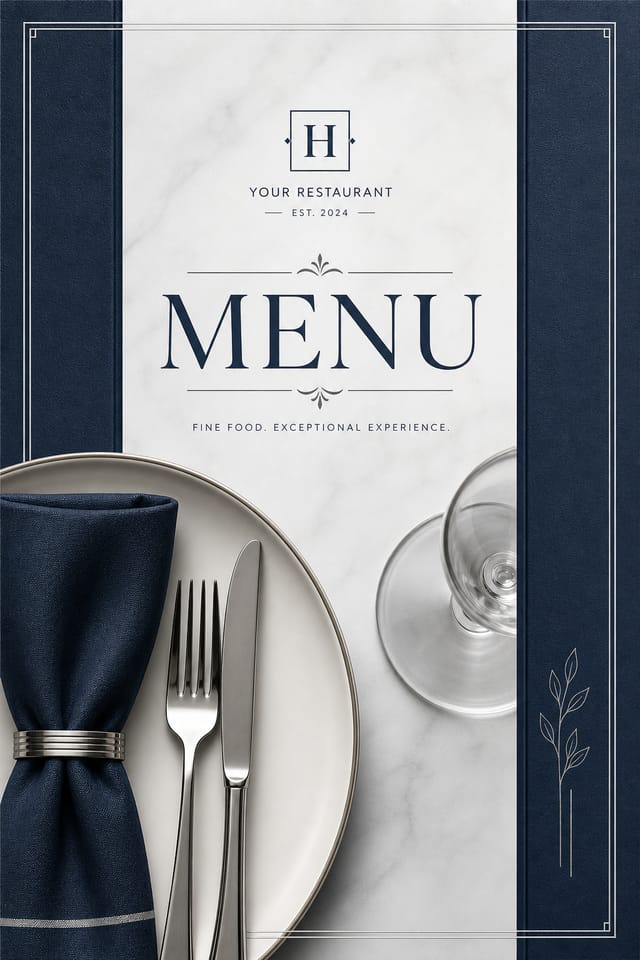
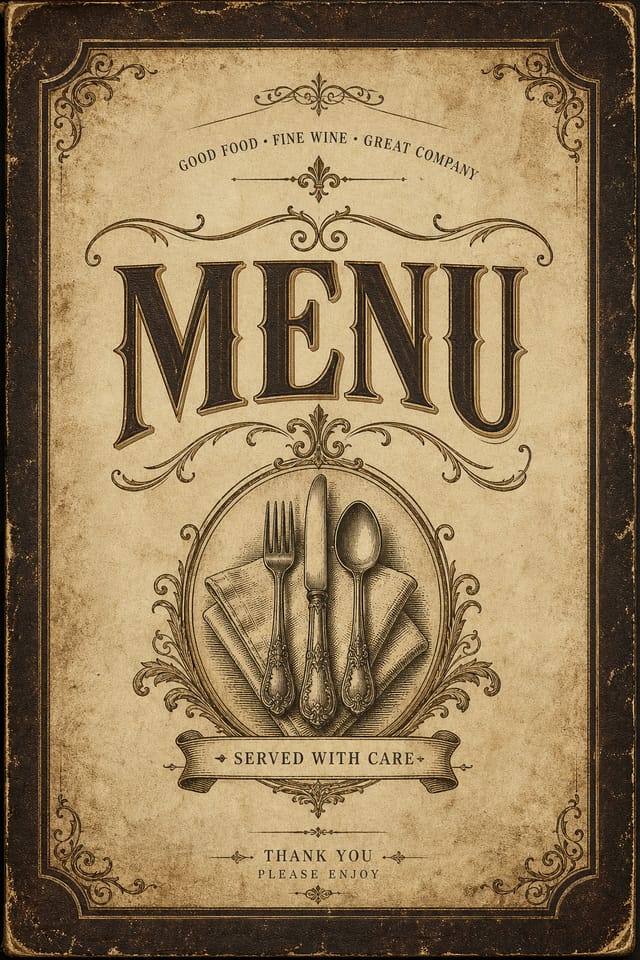
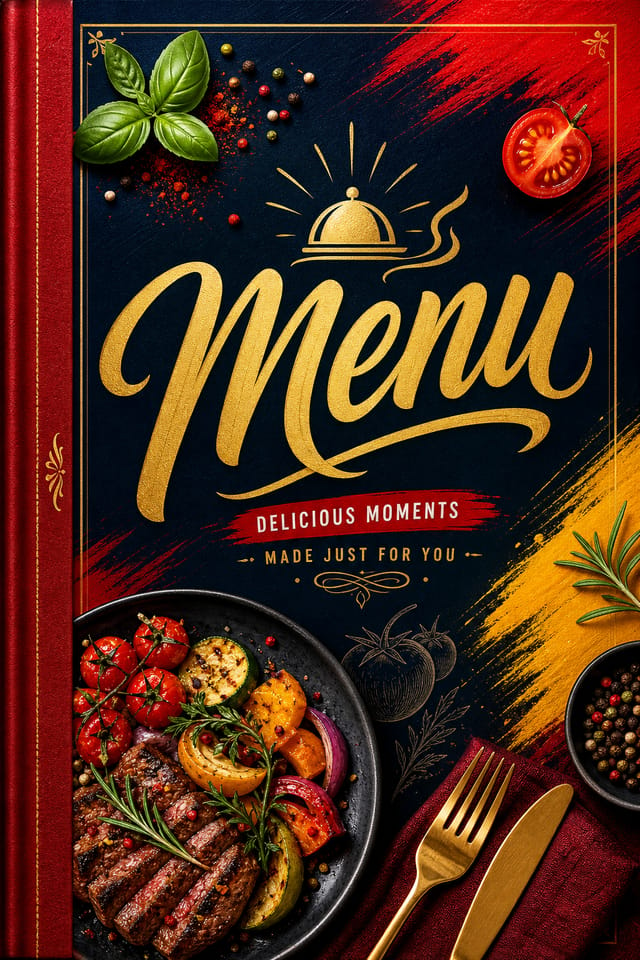
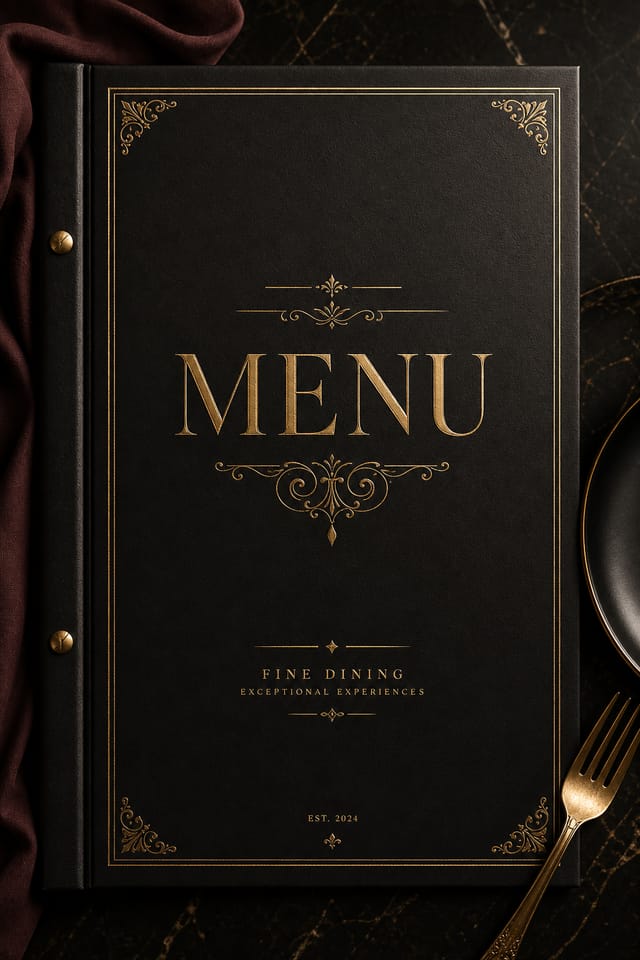
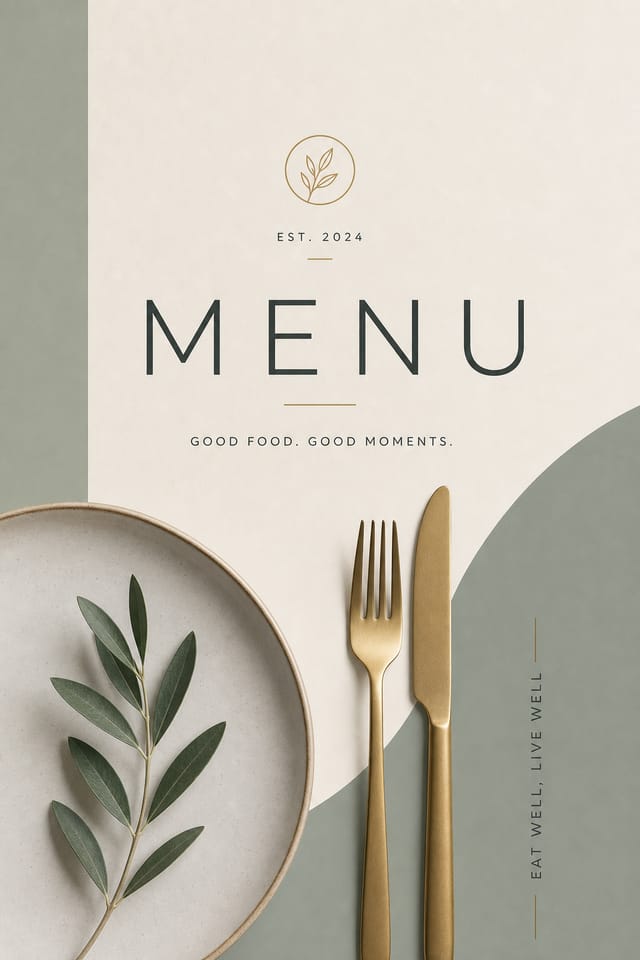
AI-Powered Menu: Professional Results Fast
Create menus that fit your brand and purpose. Hash-based design variations mean your menu posters look distinct every time.
Built for designers, marketers, small business owners, and creators who need professional menu designs without design software.
Create Your Menu FreeThe Menu Design Approach: Visual Processing Explained
The Menu Design Approach: How Pixazo Handles It
Menu design has its own visual conventions that differ significantly from other styles.
The AI recognizes these patterns and applies them when generating your design, rather than defaulting to a generic layout.
When you describe a menu, Pixazo selects typography, color relationships, and compositional approaches appropriate to menu aesthetics.
The result is a design that looks like it belongs in its context, not a repurposed template with the wrong visual DNA.
Effective Menu Strategies: Rules Worth Following
Test with real content
Never finalize a menu with placeholder text. Real copy often has different lengths and line breaks that affect the design.
Use a consistent visual hierarchy
Structure your menu so the viewer's eye follows a clear path from headline to supporting details to call-to-action.
Use grids and alignment
Structured layouts in your menu create a sense of order and professionalism that unstructured designs cannot match.
Ignore accessibility
Low-contrast text and tiny font sizes in your menu exclude a significant portion of your potential audience.
Use too many fonts
More than two or three typefaces in a single menu creates visual noise and makes the design feel disjointed.
Skip proofreading
Typos and grammatical errors on a menu undermine credibility instantly. Always have someone else review the final text.
Creating Your Menu: The Simple Process
Start with an Idea
Describe what you want your menu to look like. Include the mood, color palette, typography preference, and content hierarchy. Pixazo reads all of this and uses it to generate an appropriate design.
Verify the Design
Your menu generates immediately after submission. Evaluate the design against your requirements and refine the prompt to correct any elements that don't match your intent.
Round Out the Process
Export your menu in the format you need. PNG for web and social, PDF for print production, JPG for email and lightweight sharing. The file is yours to use commercially without restrictions.
Watch: Creating Menu designs step by step
The Menu Feature Set: A Closer Look
Typography Matching
Typefaces are selected to match menu aesthetic expectations. The AI pairs fonts that reinforce your menu's visual identity.
Print-Ready Output
Generated menus are sized and structured for professional printing. Download high-resolution files ready for production.
Context-Aware Design
Describe your menu's purpose and audience. The AI adjusts visual weight, complexity, and clarity based on the intended use context.
Style-Accurate Generation
The AI interprets menu design conventions and applies them to your menu, producing output that looks correctly styled rather than generically templated.
Commercial Use Rights
Designs generated with Pixazo are yours to use commercially. No additional licensing required for menu projects.
Creating Menus: A Quick FAQ
Pixazo generates complete menu designs from text prompts. Custom image uploads for compositing are on the product roadmap. Currently, the AI creates all visual elements based on your description rather than incorporating external assets.
Include 'transparent background' in your prompt to generate a menu with no background fill. Download as PNG to preserve transparency. This is useful for menu designs that will be composited over other imagery or placed on colored surfaces.
Individual menus generate in seconds. For batch production, you can submit multiple prompts in sequence and download results as they complete. A series of ten menu variations typically takes under five minutes total.
Pixazo generates menus in RGB color space. For professional offset printing that requires CMYK, convert the downloaded file using Adobe Photoshop, Illustrator, or a free tool like GIMP. The AI selects colors that translate well to print when you mention print use in your prompt.
The AI recognizes menu design as a distinct visual category with its own conventions. Specifying menu style in your prompt triggers appropriate design decisions around color, typography, and composition rather than defaulting to generic poster layout.
Include your specific colors in the prompt, either by hex code or descriptive terms. 'Navy and copper with white text' or '#1a1a2e and #c9a84c palette' both work. The AI builds a menu-appropriate palette around your specified colors.
Menu Applications: Where They Fit
Product Catalogs and Lookbooks
Generate menus for catalog covers and interior spreads. Layouts that showcase products with consistent visual standards.
Marketing Flyers and Handouts
Create menus for promotional flyers distributed at events, storefronts, and mail campaigns. Designs optimized for single-sheet impact.
Real Estate Property Sheets
Create menus for property listings, open house flyers, and agent marketing materials. Clean layouts that highlight key property details.
Door-to-Door Campaign Materials
Design menus for leaflets, pamphlets, and handbills for local outreach. High-impact designs that survive a quick glance at the doorstep.
Mastering Menu Creation: Lessons from the Field
Check Alignment Carefully
Misaligned elements are one of the most common signs of amateur menu design. Use grid lines and snap-to features to keep things precise.
Iterate with Variations
Generate 3-5 versions of your menu before committing. Comparing variations side by side often reveals the strongest direction.
Test at Actual Size
Always preview your menu at the dimensions it will be displayed. Design details that look fine at 100% can disappear or crowd at real-world scale.
Get Feedback Early
Share your menu draft with someone outside the project. Fresh eyes catch issues you have become blind to after hours of refinement.
How Menu AI Excels: Standing Out
Multi-Format Export
Export your completed menu in the format that fits your workflow. PNG for web, PDF for print, and JPG for universal compatibility.
Prompt-to-Design Intelligence
Describe your menu in plain language and the AI interprets visual intent, layout preferences, and stylistic cues to generate a design that matches your brief.
How Menu Style Varies: Worth Exploring
Editorial Menu
Text-dominant menu layout inspired by print publication design. Typographic variety creates visual rhythm.
Contemporary Menu
Current menu design sensibility with updated proportions, modern typefaces, and contemporary color relationships.
Geometric Menu
Structured menu composition using grid systems and angular forms. Order and precision define the visual approach.
Minimalist Menu
Stripped-back menu approach. Fewer elements, more negative space, typography carries more visual weight.
Textured Menu
Menu design with added surface depth. Background treatments add visual interest without disrupting legibility.
Delivering Your Menu: Format Guide
PNG
Lossless image format ideal for menu designs with transparency, sharp text, and web display at predictable file sizes.
JPG
Compressed image format suited for menu designs with photographic elements where smaller file size matters more than pixel-perfect edges.
TIFF
High-fidelity format for menu files destined for professional printing, supporting CMYK color and lossless compression.
Print-ready format for menu files that preserves fonts, colors, and layout across different devices and print services.
Tested Menu Prompt Starters
Copy any prompt below and paste it into Pixazo to generate your design instantly.
Full-bleed menu, background treatment extends to edges, foreground elements positioned for compositional balance, strong central hierarchyGeometric menu, structured grid system, angular composition, colors in blocks rather than gradients, modern clean finishRefined menu, sophisticated color relationships, intentional whitespace, typefaces appropriate to menu style, balanced compositionAtmospheric menu, background treatment supports the headline without competing with it, visual weight distributed intentionallyPortrait-orientation menu, vertical composition, headline at natural reading entry point, supporting information flows downward logicallyWhat Menu Creators Built: Community Showcase
Real creators sharing their menu designs made with Pixazo AI.
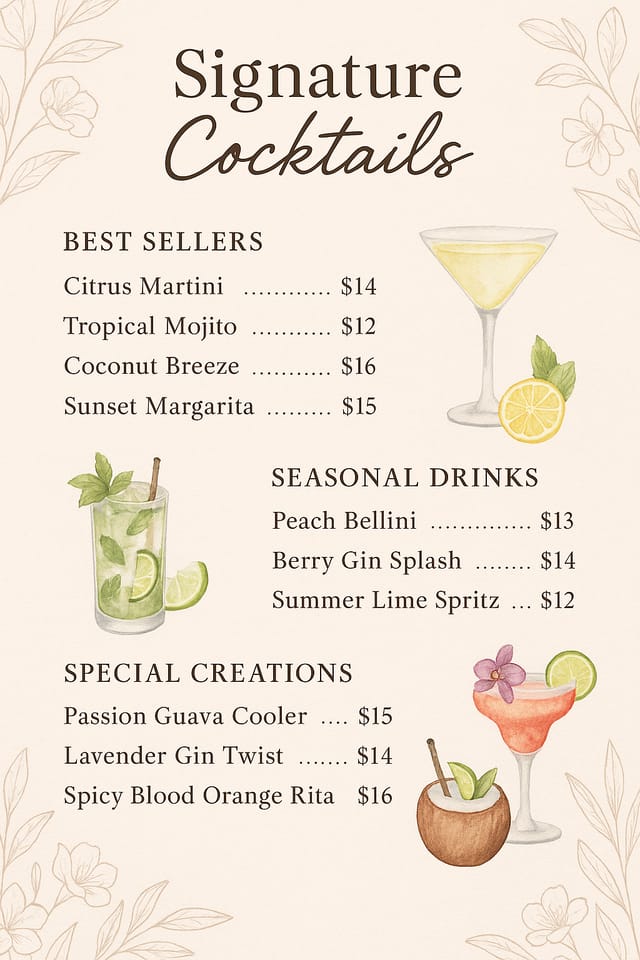
Handmade-feel menu with brush stroke textures, imperfect edges, warm color palette, artisanal craft aesthetic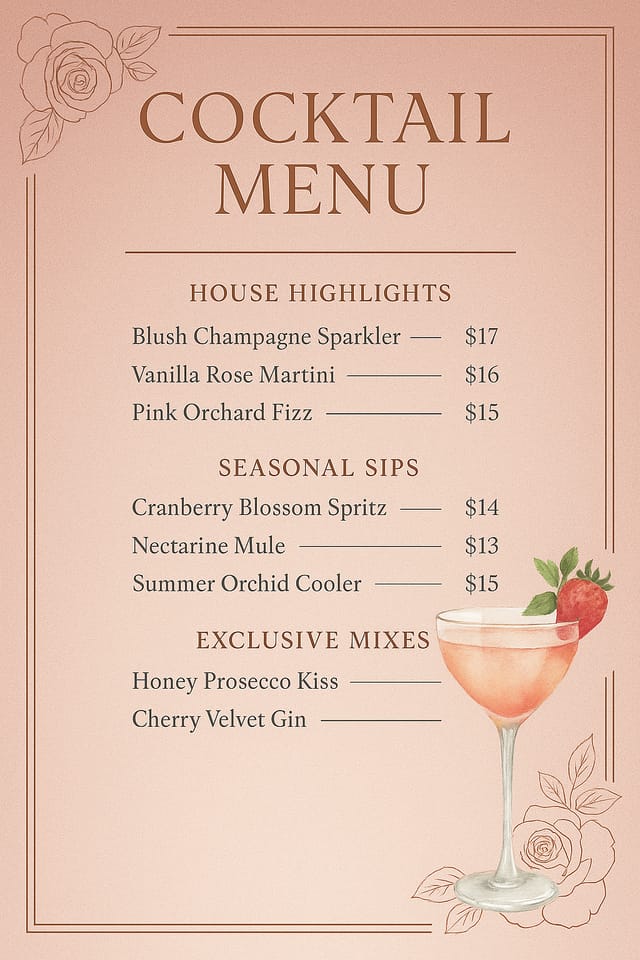
Menu for outdoor billboard at 14x48 feet, extreme readability at distance, three-word headline max, high contrast background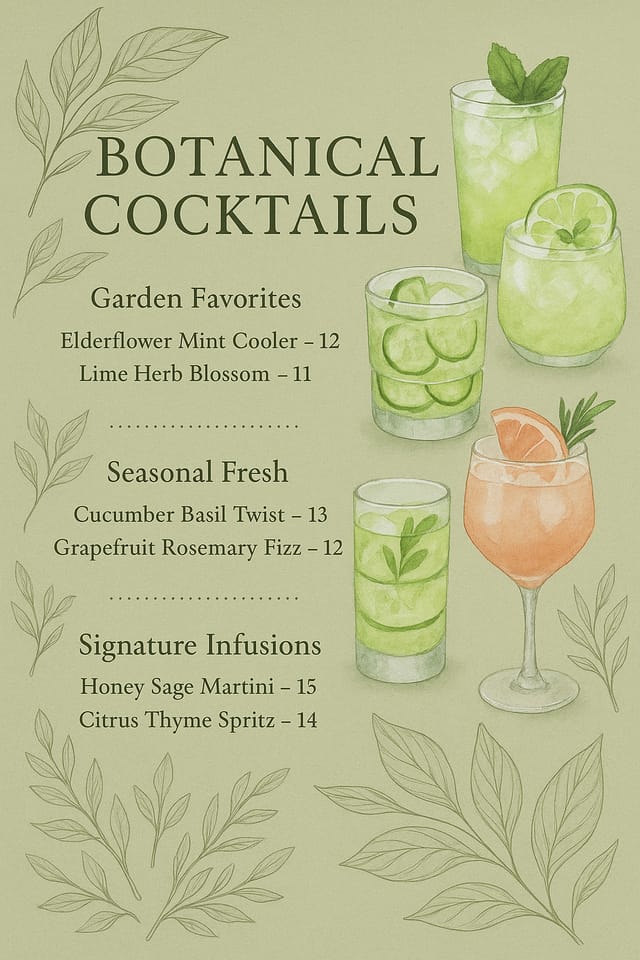
Portrait menu for social sharing, vertical 4:5 ratio, headline in upper third, supporting content below centerlineWhat Menu AI: Known Limitations
Known limitations and trade-offs of AI-generated menu design. Understanding what the AI handles well and where it falls short helps you structure your menu design workflow effectively.

