Concert Poster : Create Free Concert Posters in Minutes with AI
Create Custom Concert Posters Quickly with Pixazo Best AI Concert Poster Maker. Try for Free!
Get Started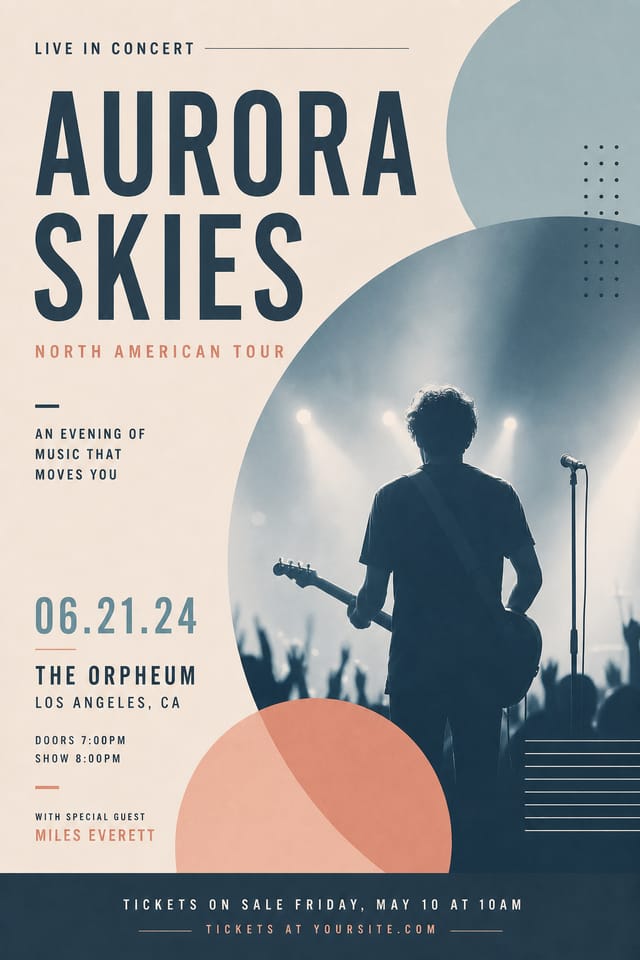
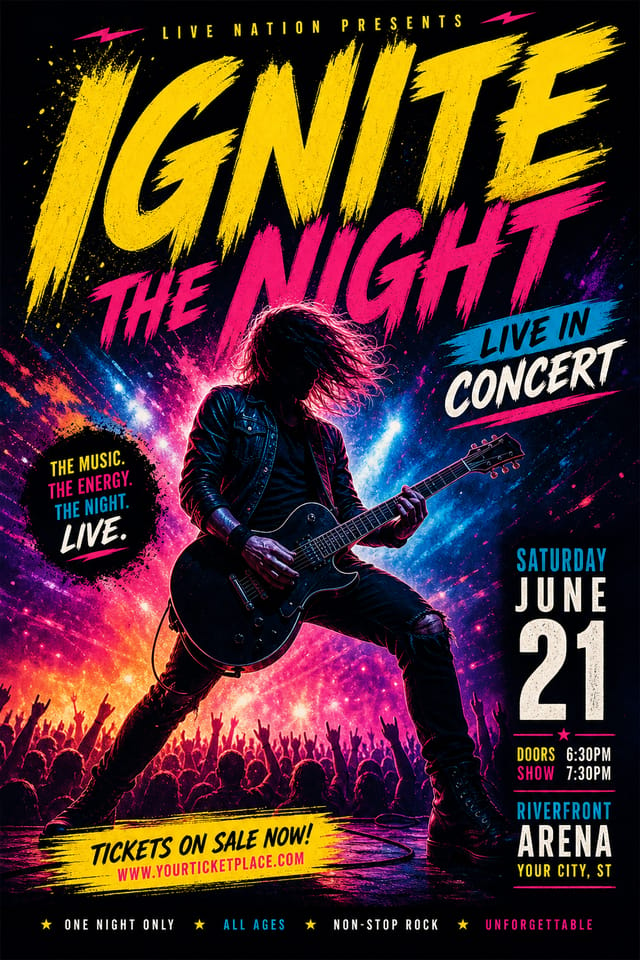
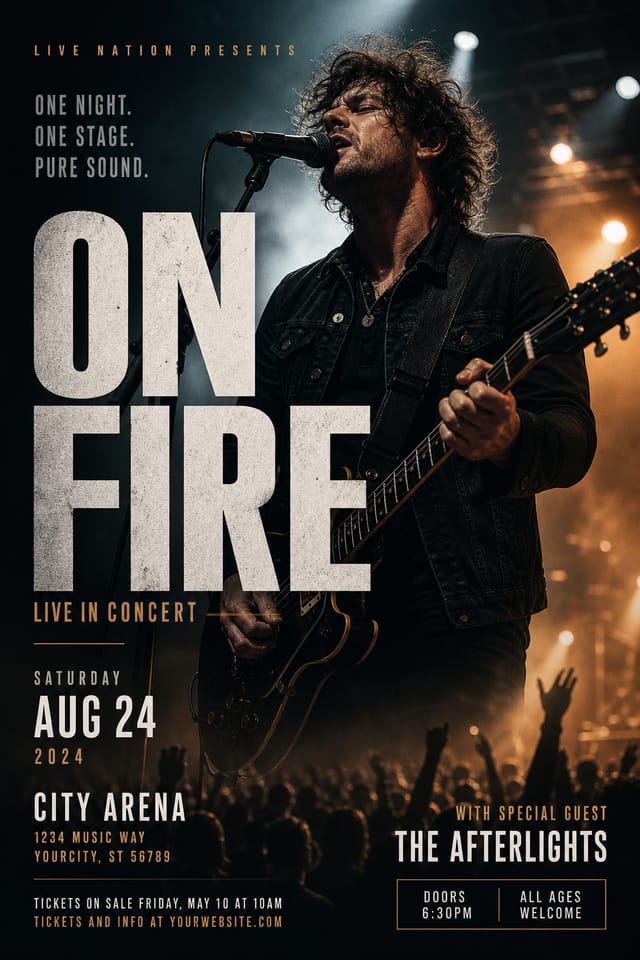
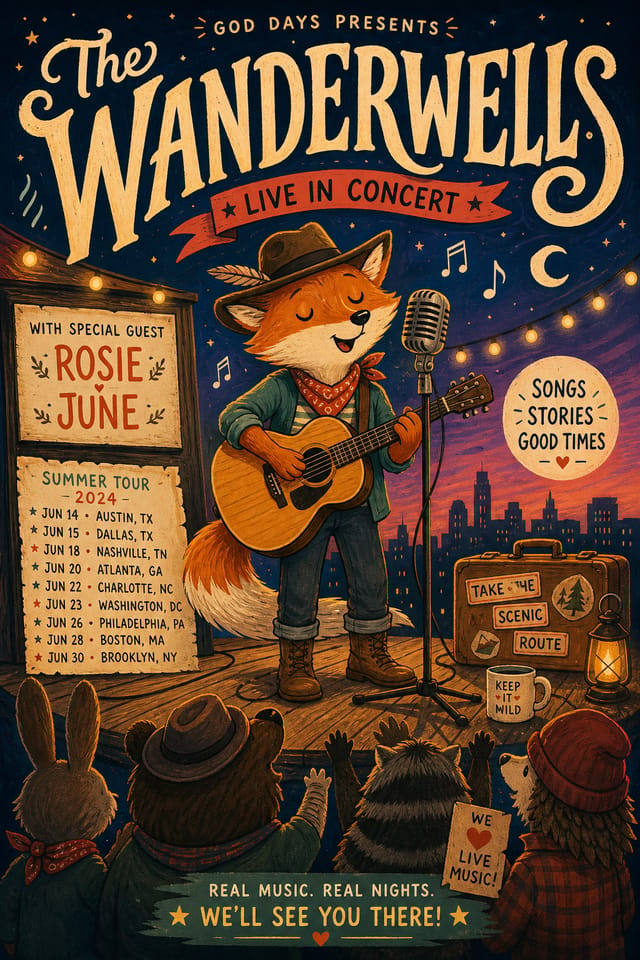
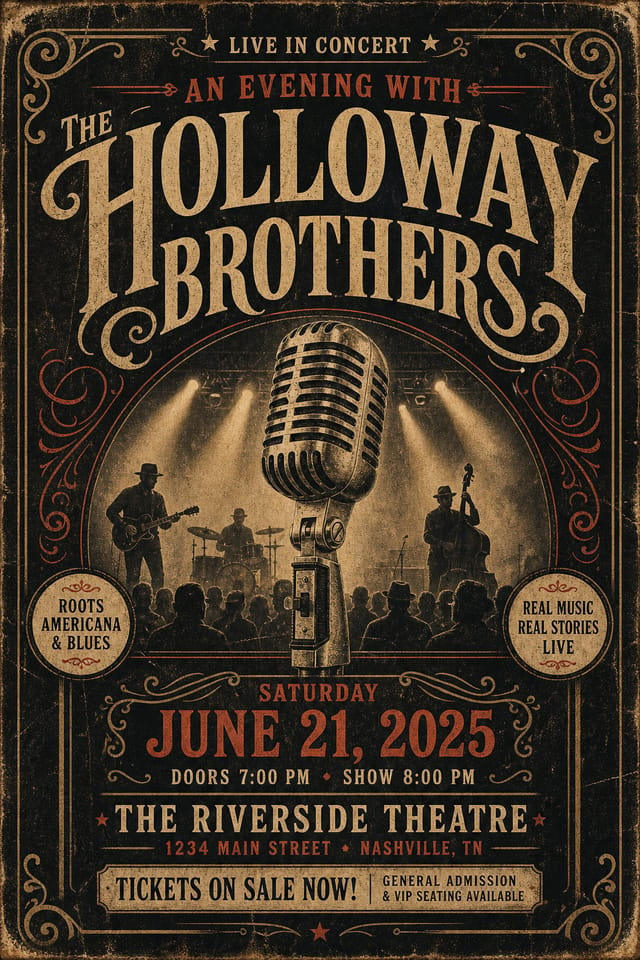
Concert Poster File Formats: Export Options Explained
Print-ready format for concert poster files that preserves fonts, colors, and layout across different devices and print services.
PNG
Lossless image format ideal for concert poster designs with transparency, sharp text, and web display at predictable file sizes.
SVG
Scalable format for concert poster designs that need to render crisply at any resolution, commonly used for web and responsive layouts.
WEBP
Modern web format offering smaller file sizes than PNG or JPG for concert poster images without significant quality loss.
What Separates Good Concert Design: Specific Knowledge Required
The Logic of Concert Poster Design
Creating a convincing concert poster requires understanding concert as a design vocabulary, not just as a label.
The color relationships, the type choices, the spatial organization.
These elements work together to create the impression of intentional concert design.
Pixazo's generation model recognizes concert design patterns and applies them systematically.
Behind Concert Poster Design: Feature Overview
Typography Matching
Typefaces are selected to match concert aesthetic expectations. The AI pairs fonts that reinforce your concert poster's visual identity.
Prompt Refinement
Adjust your description to refine any aspect of the concert poster design. The AI responds to specific direction about colors, layout, or content.
Color Temperature Control
Specify warm, cool, or neutral color direction for your concert poster. The AI builds the full palette around your temperature preference.
Negative Space Handling
The AI manages whitespace in concert poster designs according to concert aesthetic conventions, not generic poster defaults.
Concert Poster Design For: A Practical Guide
Fan Community Materials
Create concert posters for fan clubs, viewing groups, and appreciation events. Designs that celebrate fandom and community.
Gig and Show Promotion
Create concert posters announcing upcoming performances, screenings, and shows. Eye-catching designs that drive ticket sales and attendance.
Merchandise and Collectibles
Generate concert posters intended for print on merchandise, limited editions, and collectible items. Designs with commercial print production in mind.
Release Day Announcements
Design concert posters for album drops, film releases, and premiere events. Launch-day materials that build buzz across channels.
Streamlining Concert Poster Creation: Stages Explained
Export
Export your concert poster in the required formats and resolutions. Organize deliverables for handoff to the production or publishing team.
Research
Collect examples of effective concert poster designs, note what works, and identify patterns relevant to your project goals.
Review
Compare generated concert poster options against your brief. Mark what works and note specific changes needed for the next iteration.
Brief
Establish the key message, dimensions, color preferences, and target audience for your concert poster before any design work begins.
Refine
Apply targeted edits to your selected concert poster. Adjust typography, spacing, and color until every element meets your quality standard.
Your Concert Poster Tool: The Technical Edge
Making Concert Posters: Step by Step
Watch: Creating Concert Poster designs step by step
Design Variations for Concert Posters: Compared
Contemporary Concert
Current concert design sensibility with updated proportions, modern typefaces, and contemporary color relationships.
High-Contrast Concert
Bold concert visual treatment with strong tonal contrast. Elements read clearly at any viewing distance.
Minimalist Concert
Stripped-back concert approach. Fewer elements, more negative space, typography carries more visual weight.
Classic Concert
Traditional concert design principles applied to modern poster format. Clean composition, conventional hierarchy, time-tested visual decisions.
Geometric Concert
Structured concert composition using grid systems and angular forms. Order and precision define the visual approach.
From the Concert Community: Work in the Wild
Real creators sharing their concert designs made with Pixazo AI.
High-contrast concert poster, dark background with light text, accent color used for single key element, modern composition
Concert poster with Japanese minimalism influence, abundant whitespace, single focal element, restrained palette of black, white, and one accent
Concert poster for outdoor billboard at 14x48 feet, extreme readability at distance, three-word headline max, high contrast backgroundWriting Concert Poster Prompt Ideas
Copy any prompt below and paste it into Pixazo to generate your design instantly.
Concert poster design, clean layout, strong typography hierarchy, appropriate color palette for concert aesthetic, high contrast between headline and backgroundProfessional concert poster, minimalist concert approach, negative space used intentionally, readable at multiple viewing distances, print-ready compositionHigh-impact concert poster, immediate visual read at thumbnail size, clear headline dominance, supporting information structured logicallyConcert style poster, bold headline placement, supporting text at appropriate scale, color palette consistent with concert design conventionsTextured concert poster, surface treatment adds depth without obscuring legibility, texture consistent with concert aestheticTwo-color concert poster design, high contrast between primary and secondary color, clean separation between graphic and text zonesYour Concert Poster Questions: Your Questions Answered
Adjust your prompt to change any element of the design. If a generated concert poster is close but not quite right, describe what you want changed and regenerate. The AI responds to specific direction about individual elements like color, layout, or typographic weight.
Pixazo generates complete concert poster designs from text prompts. Custom image uploads for compositing are on the product roadmap. Currently, the AI creates all visual elements based on your description rather than incorporating external assets.
Templates apply a fixed visual structure with placeholder content. AI generation produces original designs based on your specific description. Two concert posters generated from different prompts will have genuinely different layouts, not just different text in the same box positions.
Longer, more detailed prompts generally produce more accurate results for concert poster design. Include all the relevant information: style direction, color preferences, content to display, intended use, and any specific design elements you want. There is no strict character limit.
Pixazo supports PNG, JPEG, and PDF export for concert posters. PNG preserves transparency if your design uses it. JPEG works well for web and social media. PDF is the preferred format for print production of concert posters.
AI Concert Poster Design: Where It Falls Short
Known limitations and trade-offs of AI-generated concert design. Being specific about what AI poster generation can and cannot do helps you plan your workflow and set accurate expectations.

