Pitch Deck Presentation : Create Free Pitch Deck Presentations in Minutes with AI
Create Custom Pitch Deck Presentations Quickly with Pixazo Best AI Pitch Deck Presentation Maker. Try for Free!
Get Started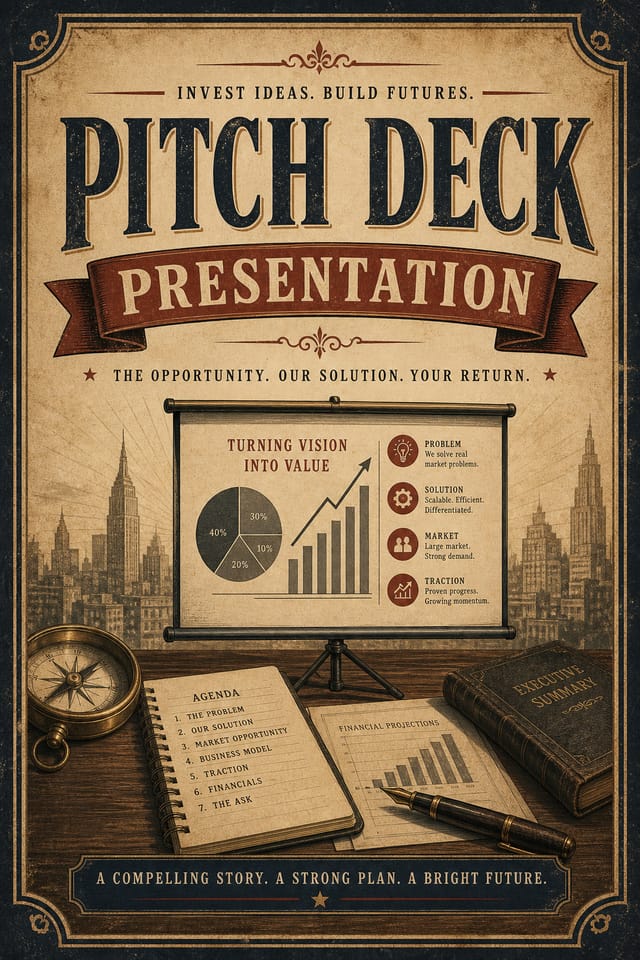
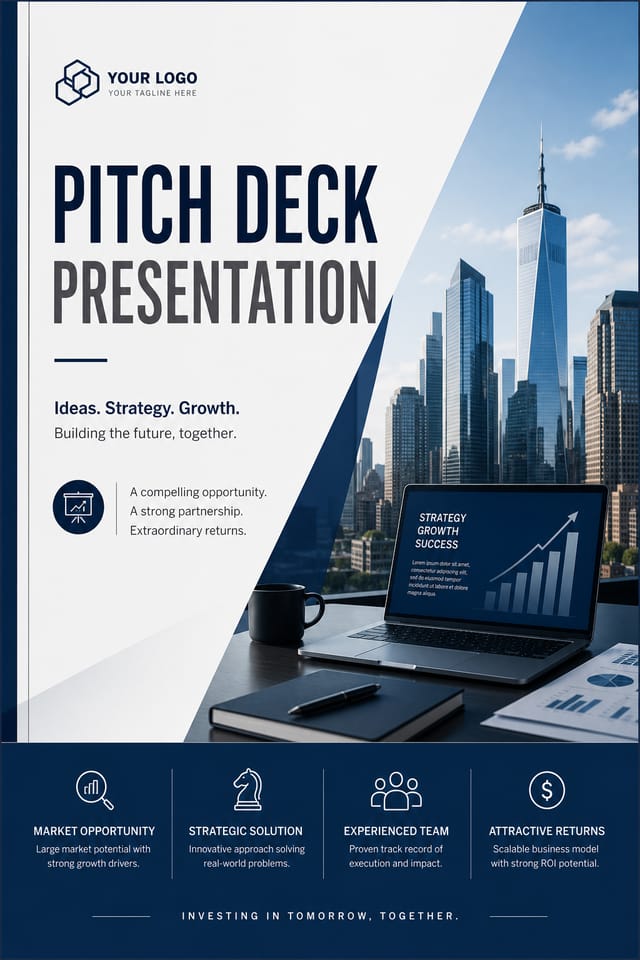
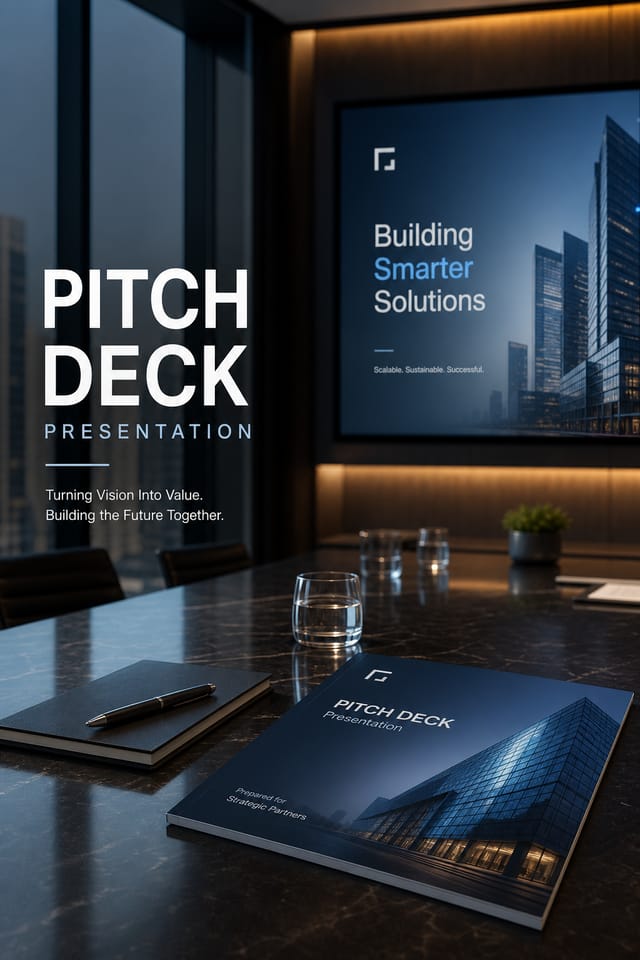
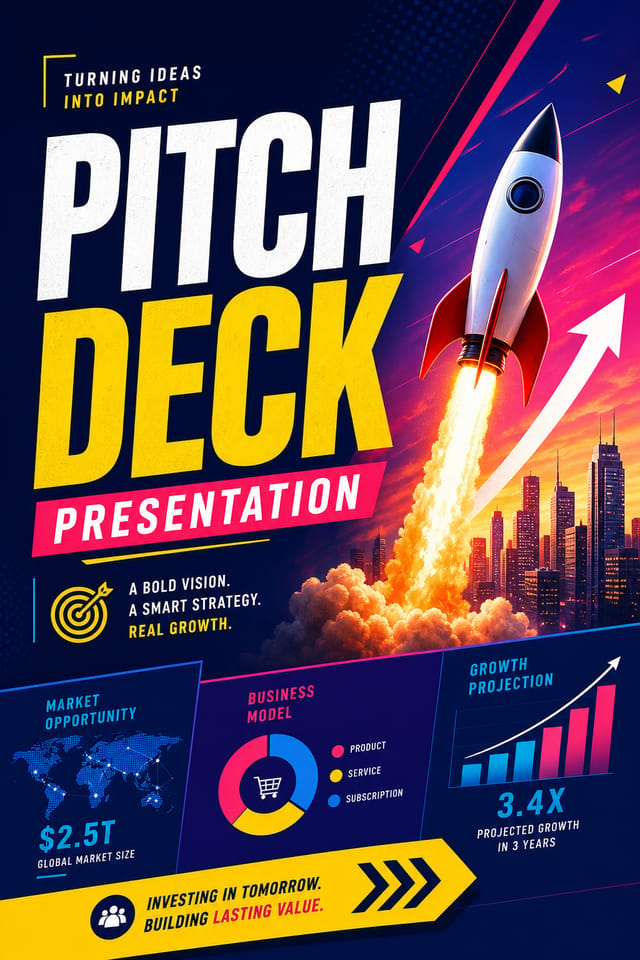
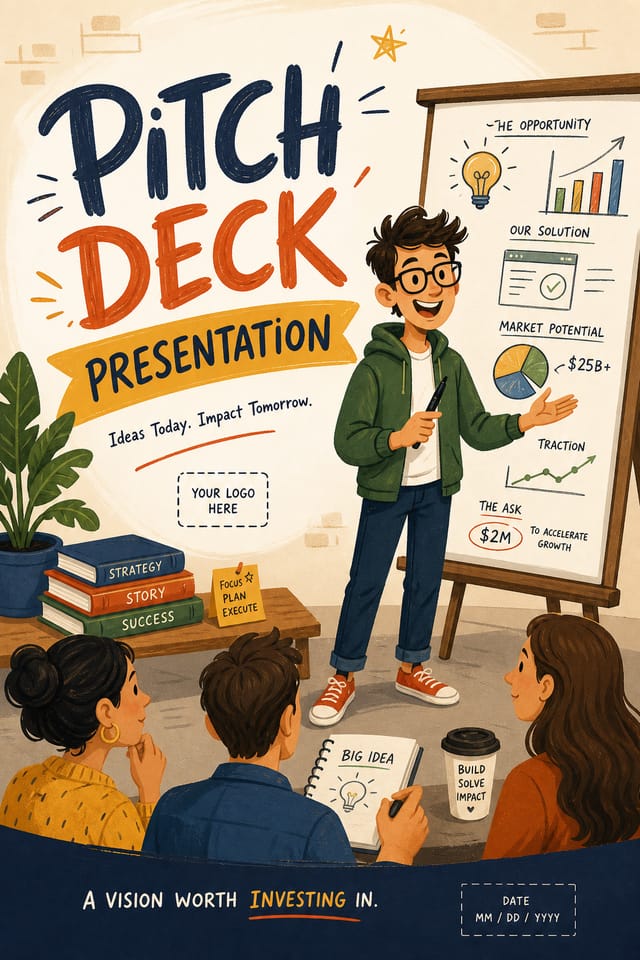
How AI Translates Pitch-Deck Style: The Design System
Pitch-Deck Presentation Aesthetics: What the AI Understands
Effective pitch-deck presentation design depends on understanding what makes pitch-deck work visually.
Color relationships, typographic choices, and spatial arrangement all carry different weight depending on the design style.
Pixazo's AI has been trained to recognize these distinctions.
The practical result is that a pitch-deck presentation prompt produces designs that fit pitch-deck conventions rather than generic poster layouts.
Pitch-Deck Presentation Design Steps: From Start to Finish
Kick Off the Design
Describe what you want your pitch-deck presentation to look like. Include the mood, color palette, typography preference, and content hierarchy. Pixazo reads all of this and uses it to generate an appropriate design.
Watch It Come Together
Your pitch-deck presentation generates immediately after submission. Evaluate the design against your requirements and refine the prompt to correct any elements that don't match your intent.
Perfect the Design
Iterate on your pitch-deck presentation by modifying the aspects that need work. Regenerate with a more targeted prompt until the design matches your vision. Most refinements take one or two iterations.
Extract the Final
Download your completed pitch-deck presentation in the format that fits your use case. High-resolution files for print, web-optimized versions for digital, or PDF for production-ready delivery.
Watch: Creating Pitch Deck Presentation designs step by step
Comparing Pitch-Deck Presentation Tools: Finding the Right Fit
Desygner
Multi-format design tool with PDF editing and brand management
Adobe Express
Streamlined creative tool backed by Adobe's design ecosystem
Pixazo
AI-powered pitch-deck presentation generator with prompt-based design and professional output quality
Snappa
Quick graphic creator focused on social media and marketing visuals
PicMonkey
Photo editor and design tool with brand kit management
Pitch-Deck Presentation Applications: Where They Fit
Proposal and Report Covers
Generate pitch-deck presentations for business proposals, annual reports, and white papers. Cover designs that signal quality before the reader opens the document.
Resume and CV Design
Create pitch-deck presentations that present professional qualifications with clarity and visual polish. Designs that pass ATS screening while looking distinctive.
Certificate and Diploma Templates
Generate pitch-deck presentations for awards, course completions, and professional certifications. Formal designs that convey legitimacy and achievement.
Training and Workshop Materials
Design pitch-deck presentations for corporate training sessions, onboarding packets, and skill development programs. Clear, structured layouts for learning contexts.
Pitch Deck and Presentation Covers
Create pitch-deck presentations for investor presentations, sales decks, and keynote slides. Opening visuals that establish credibility and capture attention.
Pitch-Deck Presentation Workflow Stages: Stages Explained
Export Deliver final files
Export your pitch-deck presentation in the required formats and resolutions. Organize deliverables for handoff to the production or publishing team.
Generate Create initial designs
Use AI to produce multiple pitch-deck presentation variations based on your brief. Start broad and narrow down from the strongest options.
Refine Polish the design
Apply targeted edits to your selected pitch-deck presentation. Adjust typography, spacing, and color until every element meets your quality standard.
Review Evaluate and refine
Compare generated pitch-deck presentation options against your brief. Mark what works and note specific changes needed for the next iteration.
Research Gather references
Collect examples of effective pitch-deck presentation designs, note what works, and identify patterns relevant to your project goals.
Pitch-Deck Presentation AI: Technical Breakdown
Commercial Use Rights
Designs generated with Pixazo are yours to use commercially. No additional licensing required for pitch-deck presentation projects.
Consistency Across Variants
Generate multiple pitch-deck presentations for a project and maintain visual consistency across the set. Specify your core design parameters and vary secondary elements.
Print-Ready Output
Generated pitch-deck presentations are sized and structured for professional printing. Download high-resolution files ready for production.
Typography Matching
Typefaces are selected to match pitch-deck aesthetic expectations. The AI pairs fonts that reinforce your pitch-deck presentation's visual identity.
No Design Software Required
Create professional pitch-deck presentations without Photoshop, Illustrator, or other design applications. The AI handles all technical production.
Pitch-Deck Presentation Design Insights: Practical Guidance
Use High Contrast for Readability
Whether your pitch-deck presentation is displayed on screen or in print, strong contrast between text and background ensures the message gets through at any size.
Get Feedback Early
Share your pitch-deck presentation draft with someone outside the project. Fresh eyes catch issues you have become blind to after hours of refinement.
Check Alignment Carefully
Misaligned elements are one of the most common signs of amateur pitch-deck presentation design. Use grid lines and snap-to features to keep things precise.
Prioritize Hierarchy
Every pitch-deck presentation needs a clear reading order. Make sure the most important information is the largest and most prominent element in the layout.
Limit Your Color Palette
Stick to 2-3 primary colors in your pitch-deck presentation design. Too many colors compete for attention and weaken the visual hierarchy.
The Art of Pitch-Deck Presentation Design: Core Design Ideas
Try These Pitch-Deck Presentation Prompt Inspiration
Copy any prompt below and paste it into Pixazo to generate your design instantly.
Full-bleed pitch-deck presentation, background treatment extends to edges, foreground elements positioned for compositional balance, strong central hierarchyEditorial-style pitch-deck presentation, text-dominant design, typographic treatment carries visual weight, layout proportions inspired by print publication designPitch-Deck style presentation, bold headline placement, supporting text at appropriate scale, color palette consistent with pitch-deck design conventionsHigh-impact pitch-deck presentation, immediate visual read at thumbnail size, clear headline dominance, supporting information structured logicallyMonochromatic pitch-deck presentation, single-hue palette with value variation for contrast, typographic hierarchy creates visual interest without color complexityProfessional pitch-deck presentation, minimalist pitch-deck approach, negative space used intentionally, readable at multiple viewing distances, print-ready compositionThe Fine Print on Pitch-Deck Presentations: Known Limitations
Known limitations and trade-offs of AI-generated pitch deck design. Understanding what the AI handles well and where it falls short helps you structure your pitch-deck presentation design workflow effectively.
From the Pitch-Deck Community: Designs Worth Seeing
Real creators sharing their pitch deck designs made with Pixazo AI.
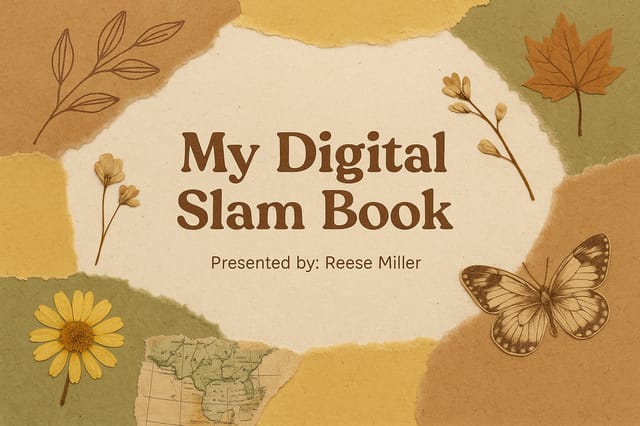
Playful pitch-deck presentation for a family audience, rounded typography, bright saturated colors, approachable and energetic tone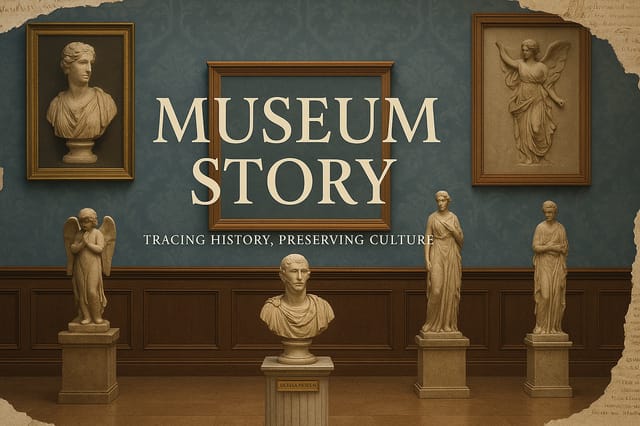
Two-color pitch-deck presentation, maximum contrast between primary and secondary color, typography set in one color per level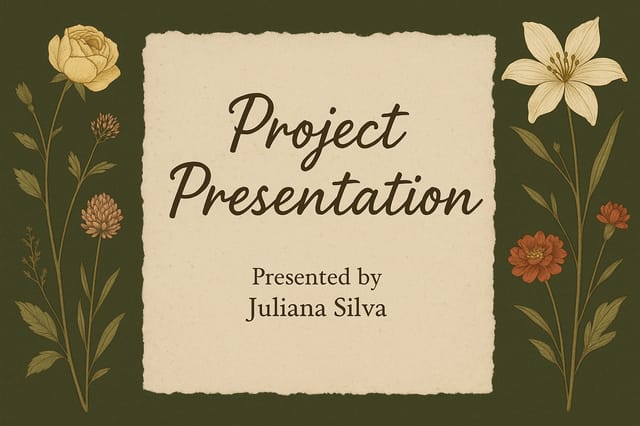
Pitch-Deck presentation for outdoor billboard at 14x48 feet, extreme readability at distance, three-word headline max, high contrast backgroundPitch-Deck Presentation Essentials: FAQ
Templates apply a fixed visual structure with placeholder content. AI generation produces original designs based on your specific description. Two pitch-deck presentations generated from different prompts will have genuinely different layouts, not just different text in the same box positions.
You can specify any aspect ratio in your prompt. Common options include 1:1 for social posts, 4:5 for Instagram, 9:16 for stories, 16:9 for presentations, and standard print sizes like A4 or letter. The AI adapts pitch-deck composition to fit your chosen ratio.
Yes. Set up separate brand kits for each client or brand, then switch between them when generating pitch-deck presentations. Each brand kit stores its own colors, fonts, and logo so the AI applies the correct identity to every pitch-deck presentation without manual reconfiguration.
Brand kits let you save your logo, fonts, and color palette so every pitch-deck presentation you generate stays on brand. Once configured, the AI applies your brand parameters automatically alongside pitch-deck style conventions.
Pixazo generates single-page pitch-deck presentation designs per prompt. For multi-page projects, generate each page individually using consistent prompt language to maintain visual continuity across your pitch-deck document set.
Designs generated through Pixazo are yours to use as you see fit. You retain full usage rights for commercial and personal applications. The platform does not claim ownership over your generated pitch-deck presentation output.

