AI Flex Banner Generator to Create Flex Banners Online
Make striking flex banners for free with Pixazo’s AI Flex Banner Generator
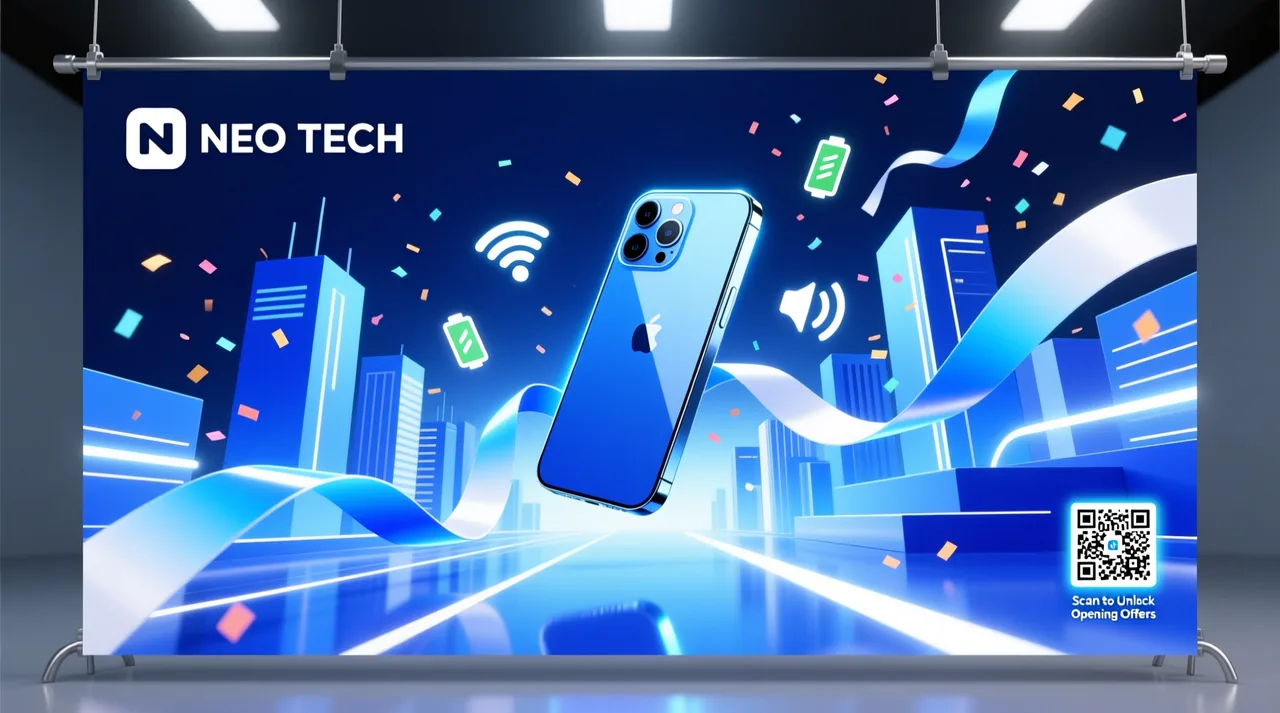 □ Generated from one prompt
Quick and reliable flex banner creation
You shouldn’t need a designer or a week of revisions to get a flex banner printed. Describe what you want and Pixazo’s AI flex banner maker turns it into a finished, print-ready design in seconds.
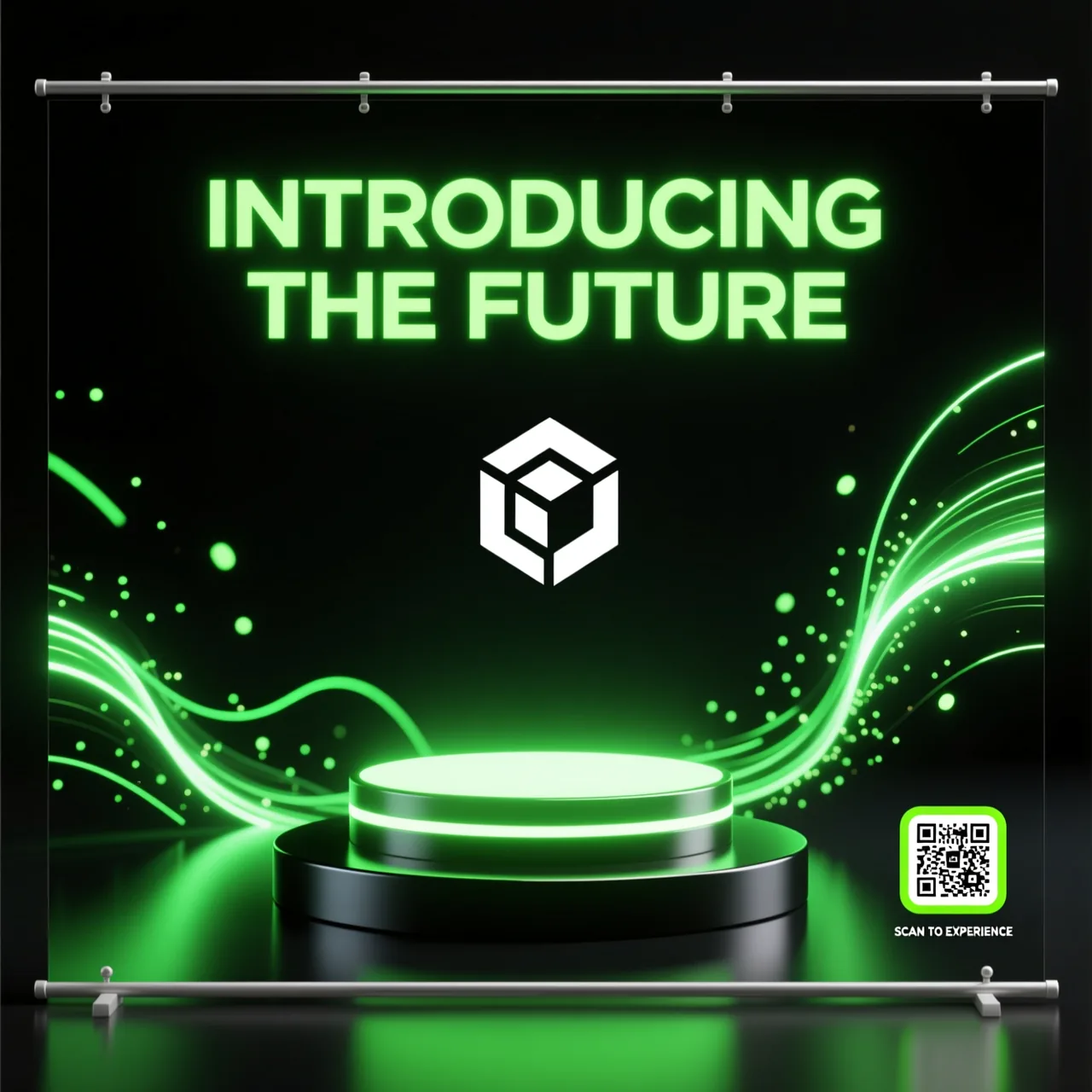
Made in seconds, not days
Type one line about your shop, event or offer and the AI flex banner generator lays out the headline, colours and graphics for you — no design software to learn.
Print-ready quality
Every flex banner exports at high resolution with a PDF built for large-format printing, so what you approve on screen is exactly what the press gets.
Yours to fine-tune
Not quite right? Tweak the prompt, swap the colours or drop in your logo and UPI QR until the flex banner matches your brand exactly.
How to create a flex banner in 3 simple steps
Three steps take you from a plain-text idea to a print-ready flex banner — here’s the whole flow.
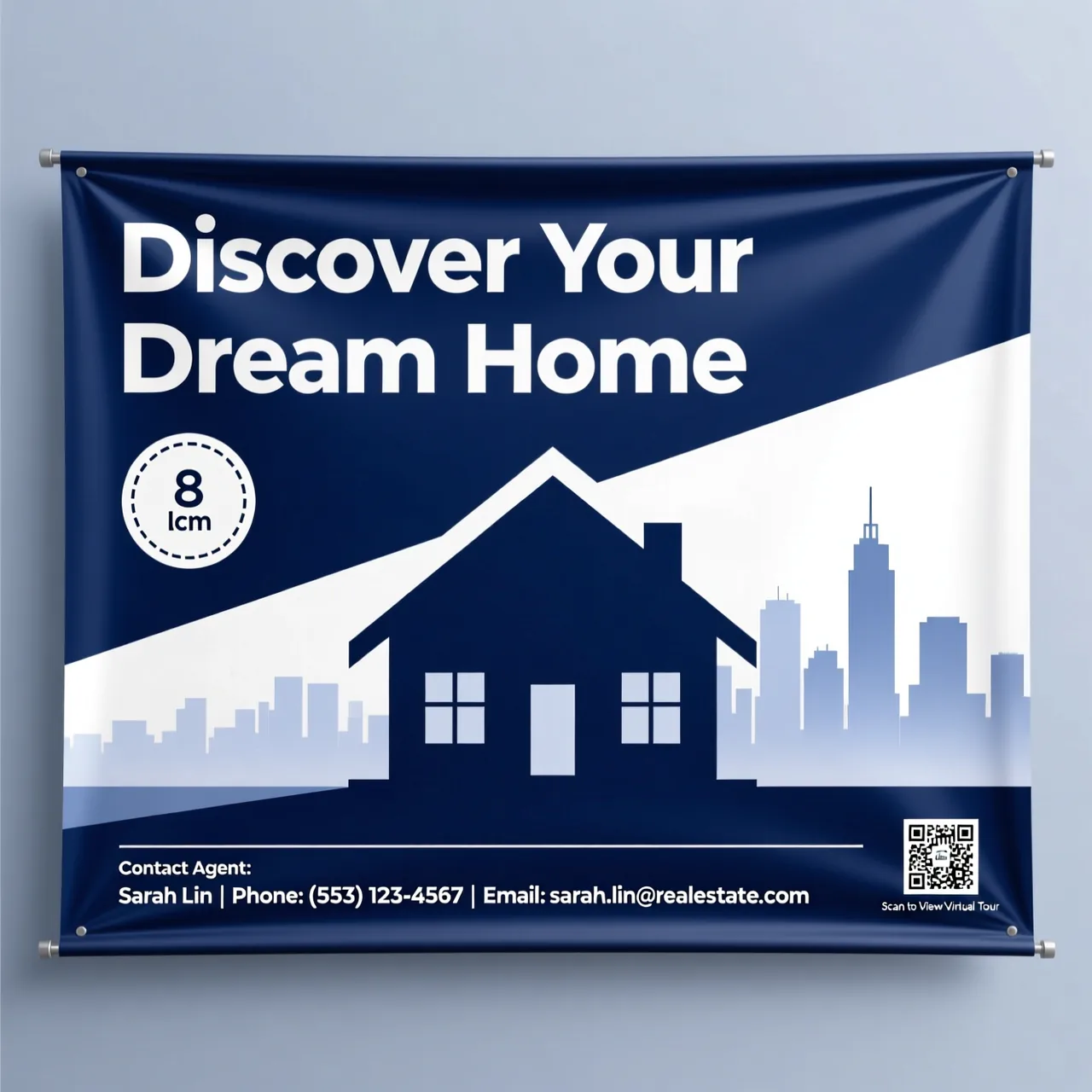
Describe your idea
Tell the generator what the flex banner is for — a grand opening, a sale, a wedding — plus the colours, headline and mood you want. The more detail you give, the closer the first draft lands.
Add your brand details
Upload your own logo (or let the AI design one), then add your address, phone number and UPI ID so the banner is ready to use — not just nice to look at.
Edit and download to print
Fine-tune anything you like, then export a print-ready file — PDF for crisp large-format prints, or JPG and PNG for sharing online.
Ready to print your first flex banner?
RUN A BANNER →How can you benefit from our AI Flex Banner Generator?
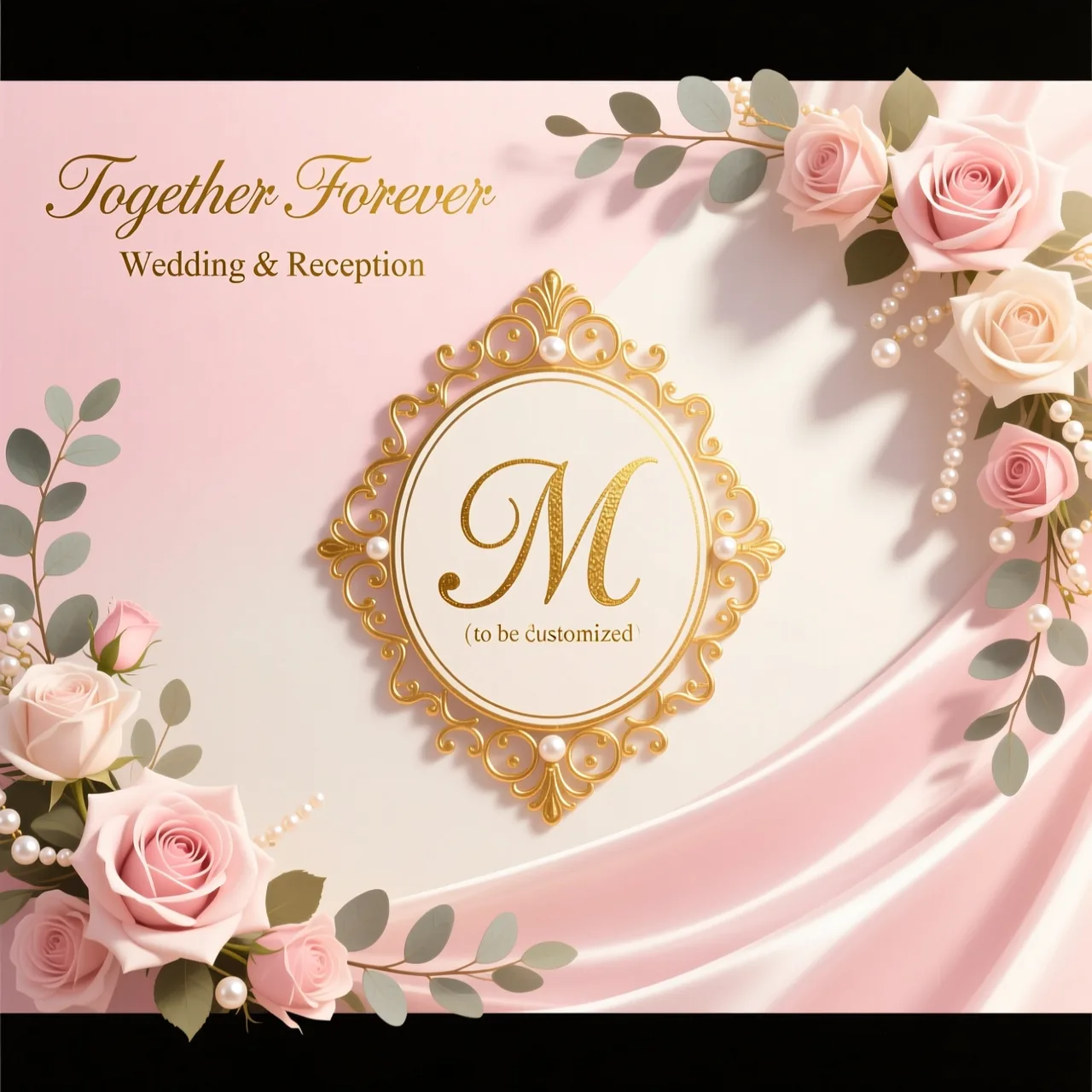
Announce a store opening, a new branch or a seasonal offer with a flex banner that looks professionally designed — without hiring a designer or waiting on a studio.
Skip the blank canvas. Generate a strong first draft in seconds, then art-direct it — a faster way to turn client briefs into finished flex banner designs.
Spin up on-brand flex banners for every sale, launch and campaign, and try a few directions in the time it used to take to brief one.
Weddings, festivals, birthdays, conferences — print a matching flex banner for the stage, the entrance and the photo wall in minutes.
Key features of Pixazo’s AI Flex Banner Generator
Prompt-based design
Describe the flex banner in plain English and the AI handles the layout, typography and graphics. No Photoshop, no templates — just your brief.
Logo, uploaded or AI-made
Bring your existing logo or let Pixazo design one on the spot, so your brand shows up consistently on every flex banner you print.
Built-in UPI QR codes
Add your VPA ID or linked phone number and the flex banner maker prints a scannable UPI QR right on the design — ideal for shops, stalls and events that take payments on the spot.
Quick guide on generating a flex banner
- ✓
Write a clear prompt
Name the occasion, the two or three colours you want and the one line that has to stand out — e.g. “a blue-and-white grand-opening banner for an electronics store.”
- ✓
Add your details
Give the banner everything a printed one needs — your logo, address, phone number and UPI ID. That’s the difference between a mockup and a ready-to-print flex banner.
- ✓
Match your audience
Point the style at who’ll see it — bright and playful for a kids’ party, clean and bold for a corporate launch, warm and ornate for a wedding.
Sizes, formats and orientations for your flex banner
Pick the orientation your print needs, then export a file the press can use. PDF is the safest choice for sharp, large-format flex banner prints.
Landscape
Wide flex banners for shop fronts, stage backdrops and roadside hoardings.
Portrait
Tall, standee-style banners for entrances, roll-ups and doorways.
Square
Balanced banners that double as social posts or compact in-store displays.
Where to use an AI flex banner
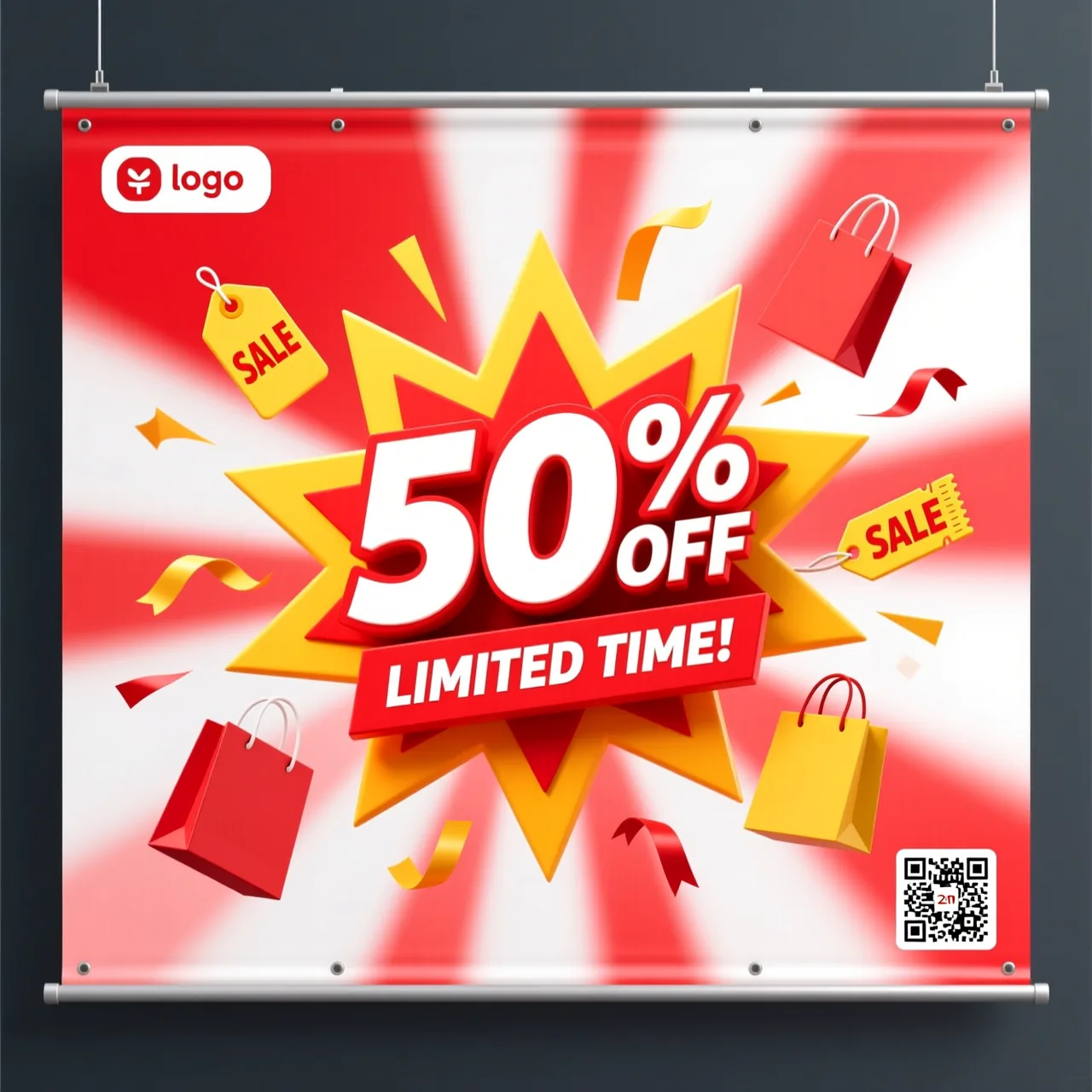
A flex banner still does plenty of everyday jobs offline. Pixazo’s AI flex banner generator covers the common ones — pick a use case and describe it.
Frequently asked questions
Q01What is the AI Flex Banner Generator?▸
Pixazo’s AI Flex Banner Generator is a tool that uses artificial intelligence to create custom flex banners based on your text instructions.
Q02How do I create a flex banner?▸
Simply enter a description of what you want in the prompt box, and the AI will generate your design.
Q03Can I personalize my flex banner design?▸
Yes. Personalize your banner by providing specific details in your prompt, such as the text, address, UPI and logo you want included.
Q04What formats are available to download a flex banner?▸
You can download your flex banner in multiple formats, with PDF recommended for high-quality prints. JPG and PNG are also available.
Q05Is the Flex Banner Generator easy to use for beginners?▸
Yes. The tool is designed to be user-friendly — if you can describe what you want, you can create a flex banner, regardless of design experience.
Q06Can I use my logos with the Flex Banner Generator?▸
Yes, you can include your own logos. For best results, make sure they are in a compatible format and size before uploading.
Q07Who can use the AI Flex Banner Maker tool?▸
Anyone — from business owners to event planners to individuals creating personal projects.
Q08Can I use the generated flex banner for commercial projects?▸
Yes, you can use the generated flex banners for commercial purposes. We advise reading Pixazo’s policy for the details.
Q09How many attempts do I get to create a flex banner?▸
Create as many banners as you like until you’re happy with the outcome — your ability to generate is limited only by the credits you have available.
Q10What if I’m not happy with the generated flex banner?▸
Refine your prompt or add more details until you get the banner you want. If you run into any issues, reach out at support@pixazo.ai.
Deepak Joshi is a Content Marketing specialist with 10+ years of combined experience in the digital world, and one of the active contributors to the Pixazo Blog. More from Deepak →