AI Headshot Generator to Create Professional Headshots
Generate professional headshots for LinkedIn, CVs, and social media profiles with AI Headshot Generator. Try for Free!


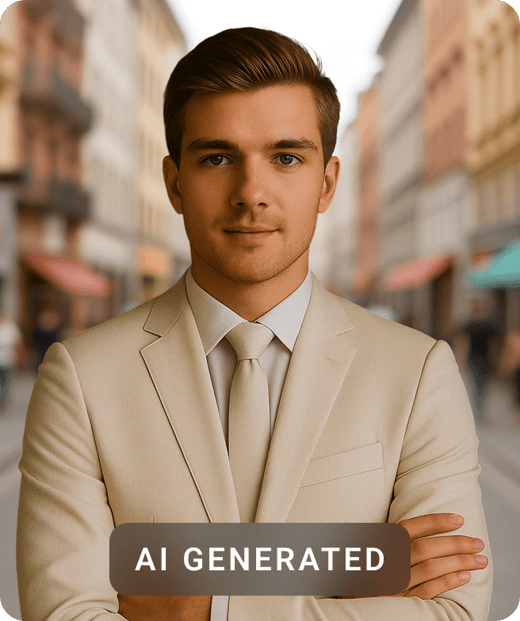
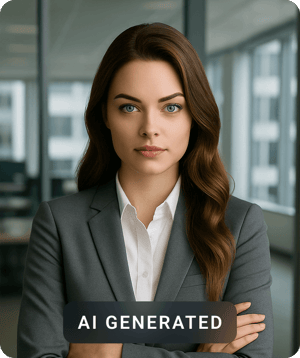
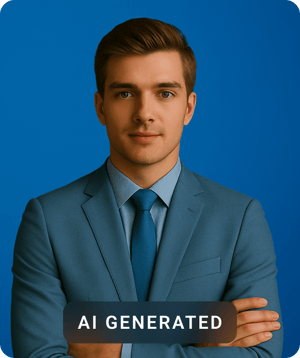
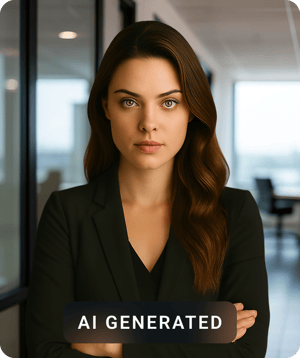
How do I get the AI Headshot Generator app?
You get the AI Headshot Generator as a free-to-try mobile app on iOS and Android. Scan the QR code for your phone, or tap a store badge. Then upload your selfies and make your first set of professional headshots.
Scan for Android
Generate professional headshots on your Android phone.

Scan for iPhone
Generate professional headshots on your iPhone or iPad.

What this tool does
The Pixazo AI Headshot Generator makes professional headshots from your own selfies. You upload 6–10 clear photos of one person, pick a style (corporate, LinkedIn, creative, outdoor, or team), and the AI gives you a set of polished portraits with different outfits, backgrounds, and lighting.
It is made for people who need a good professional photo fast — job seekers, remote workers, founders, actors, and full teams who want one matching look. You get high-resolution JPG and PNG headshots in square and vertical sizes. They work well for LinkedIn, a CV or resume, company "about" pages, speaker bios, email signatures, and social media profile pictures. A set is usually ready in about 10–15 minutes.
One honest note: AI headshots are a likeness, not a real photo. The results depend a lot on the selfies you upload, and the AI can get small details wrong (glasses, jewelry, teeth). Most people pick the best images from the set, or make a new set, instead of using the first result.
What headshot styles can you create?
You can make five main headshot styles from the same uploads. Each style changes the clothing, background, and lighting but keeps your face the same, so you can match the photo to where you will use it.
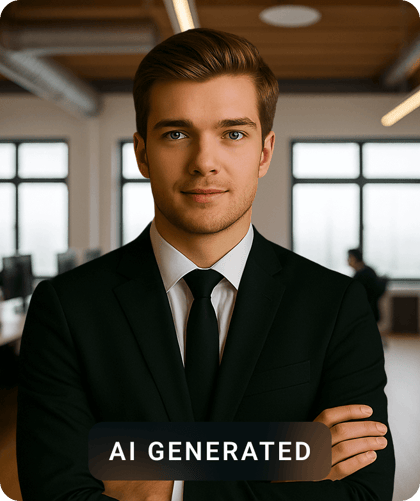
Corporate
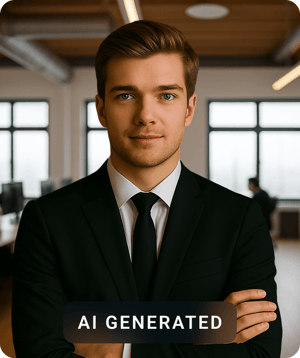
Suit-and-tie headshots on plain studio backgrounds for executive bios and company pages.
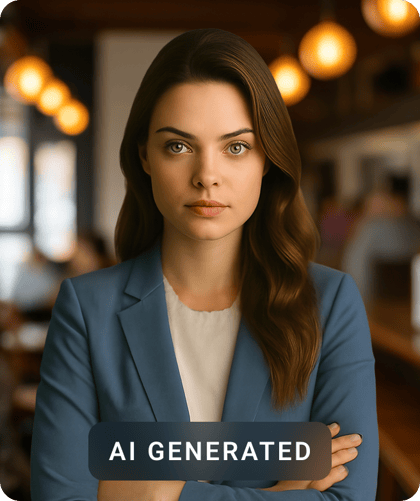
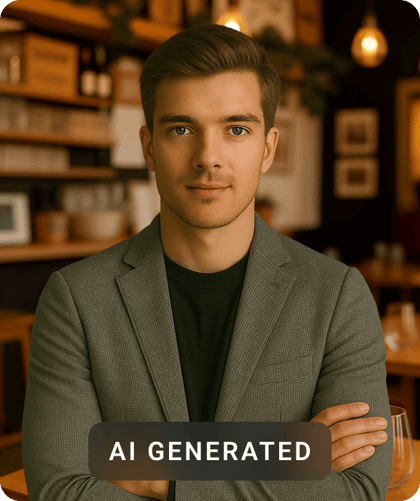
Friendly business-casual looks made for your LinkedIn profile picture and recruiter searches.
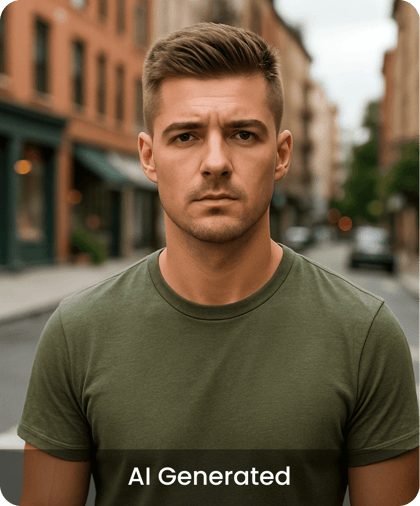
Creative
Bold, personality-driven portraits for actors, designers, and personal brands.
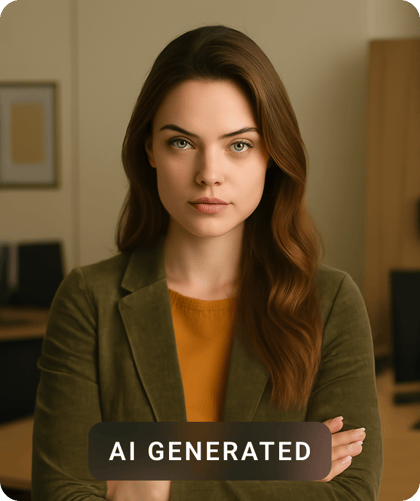
Outdoor
Natural-light, outdoor looks for founders and creators who want a warm, relaxed photo.
Team
The same background and size for every colleague, so your team page looks neat and matching.
How do I create a headshot in 3 steps?
You make a headshot in three steps: upload your selfies, pick a style, and download the photos. It all happens in the app and usually takes 10–15 minutes, with no photo shoot to book.
Upload 6–10 selfies
Add clear, recent photos of one person from a few angles and in good light. More variety helps the AI learn your face better.
Pick a style
Choose corporate, LinkedIn, creative, outdoor, or team. The style sets the clothing, background, and lighting for all your headshots.
Download your headshots
In about 10–15 minutes you get a set of high-resolution professional headshots. Pick your favourites, make more if you want, and download in JPG or PNG.
What kind of portraits can the AI Headshot Generator make?
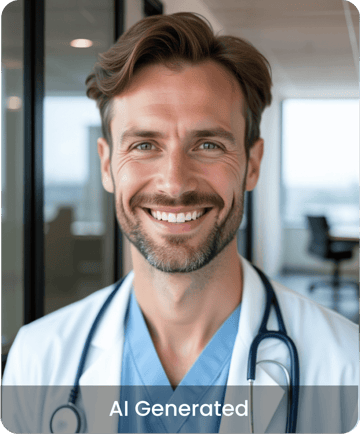
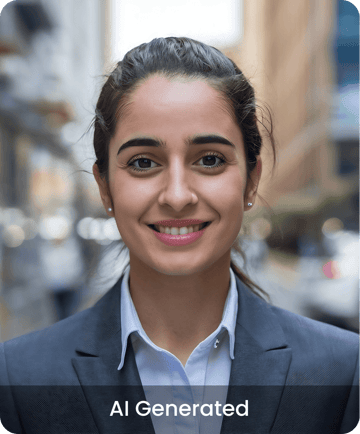
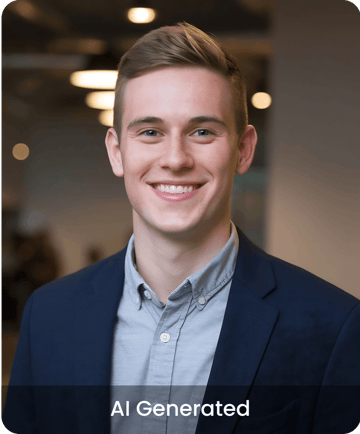
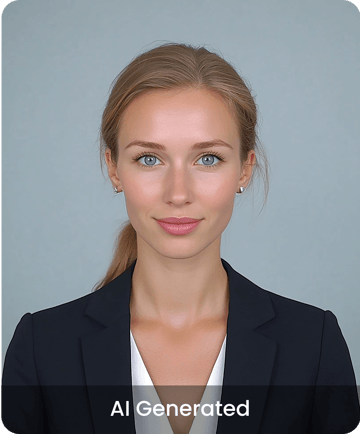
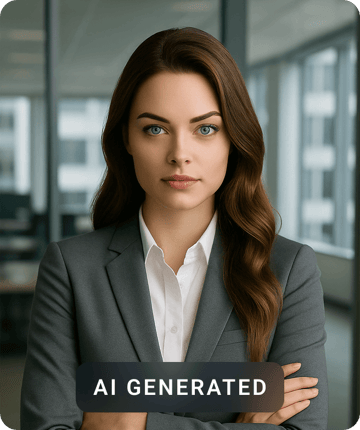
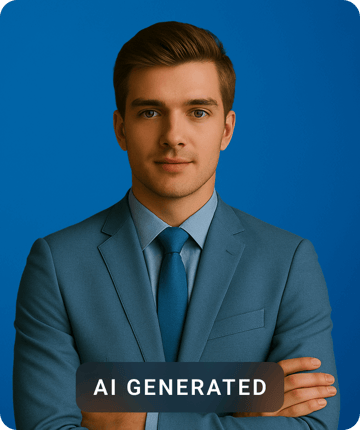
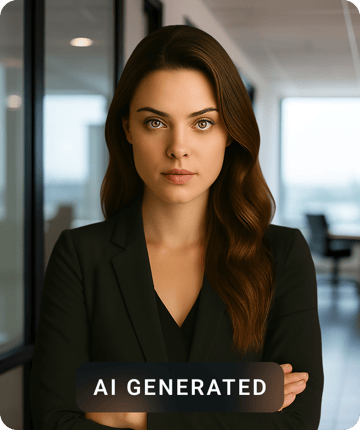
Here are more real examples — different faces, clothing, backgrounds, and lighting. Every image below is an AI headshot made with Pixazo from a person's uploaded selfies.
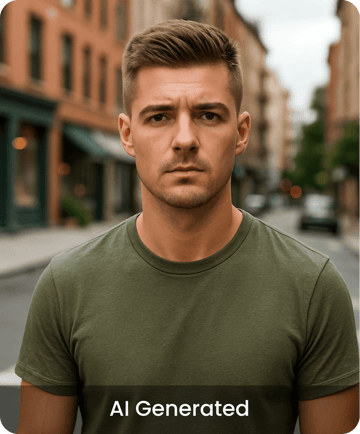
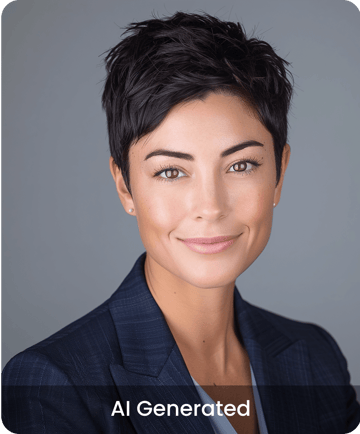
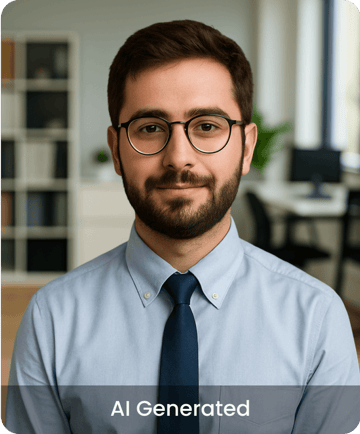
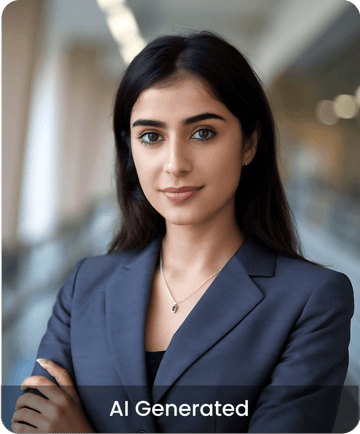
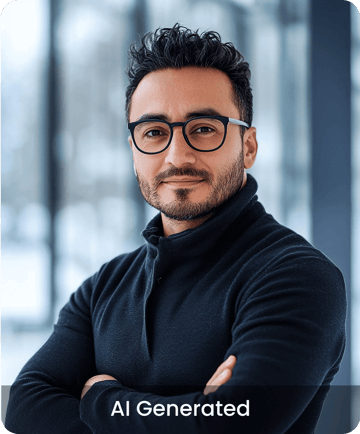
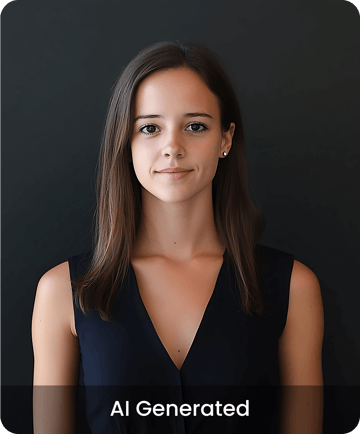
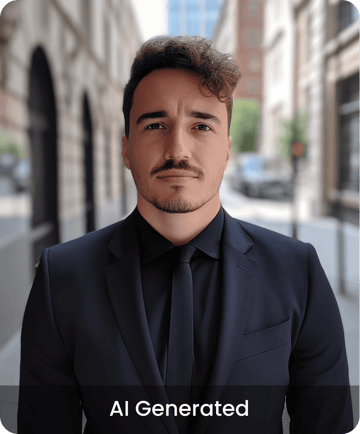
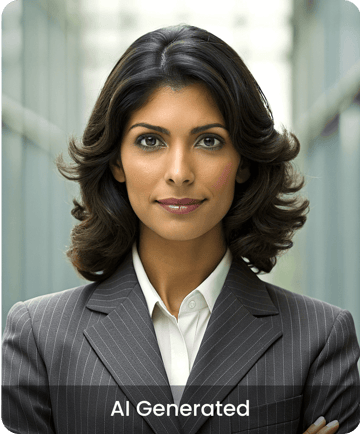
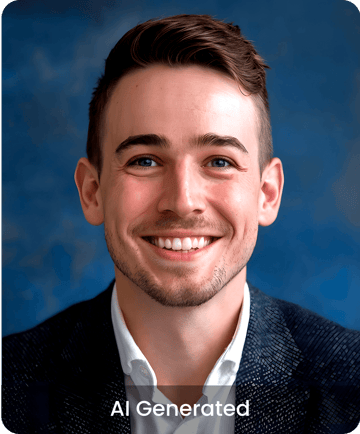
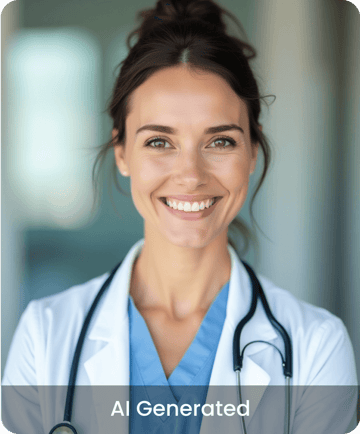
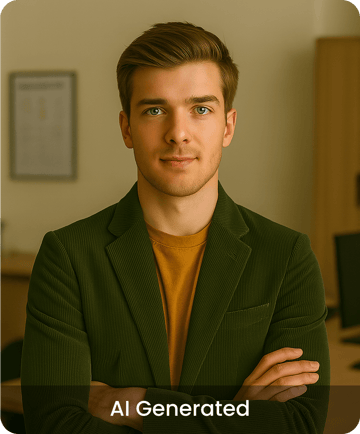
What do selfie-to-headshot results actually look like?
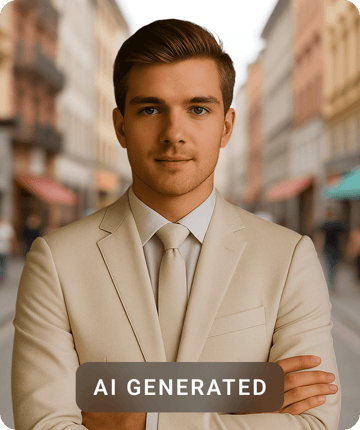
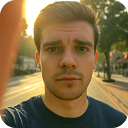
Each example below shows a casual selfie next to the headshot the AI made from it. Every result is an AI headshot made with Pixazo — a likeness built from the selfies, not a retouched photo.



What are the AI Headshot Generator's specs?
The table below lists the main specs. Plan limits and pricing are set in the app and can change by region, so use the paid numbers as a guide and check the current offer on the store listing.
| Feature | Availability | Notes |
|---|---|---|
| Output formats | JPG, PNG | High-resolution downloads on paid packs |
| Max resolution | Up to ~2048 px | Square (1:1) and vertical (4:5) headshot sizes |
| Generation time | ~10–15 minutes | Per set, after your photos finish uploading |
| Free tier | Limited previews | Try styles before you buy a pack; sample quality |
| Paid pricing | In-app purchase | Headshot packs in tiers; price changes by region and plan |
| Styles in this category | 40+ | Corporate, LinkedIn, creative, outdoor, team |
| AI model | Pixazo portrait AI | Trained on your uploads; the provider is shown in the app |
| Languages | English app | More languages coming soon |
| Commercial use | Yes | You can use your professional headshots for work — see the in-app terms |
Who is the AI Headshot Generator for?
It is for anyone who needs a good professional photo fast and at a low cost, without booking a studio shoot.
- Job seekersUpdate your LinkedIn and CV or resume photo the day before you apply.
- Remote teamsGive colleagues who work from home one matching look for the company team page.
- Founders & execsGet press-kit and speaker-bio headshots without booking a photographer.
- Actors & creativesMake creative, personality-driven versions to try out different looks.
- Agencies & HRGive new hires and clients the same professional headshot style at scale.
- Anyone rebrandingUpdate an old profile picture across LinkedIn, social media, and more at once.
AI headshots vs a traditional photographer — which is best for you?
Neither one is better in every case; each is best for a different situation. Use the table to decide, and read it as a guide, not a final answer.
| Factor | Pixazo AI Headshot Generator | Traditional photographer |
|---|---|---|
| Speed | ~10–15 minutes | Days to weeks (booking plus edits) |
| Cost | App purchase | Usually much higher per session |
| Variety | Many looks in one set | Only the setups from the shoot |
| True to life | Very good, small slips at times | Captures the real you |
| Control | Styles and new sets | Live posing and feedback |
| Best for | Fast, low cost, many looks | Important photos that must be exact |
What can't the AI Headshot Generator do?
Here is what the tool does not do well, so you know what to expect before you start.
- It can't make a likeness from nothing. Blurry photos or too few uploads give weaker results. Good selfies matter more than the style you pick.
- It can't get every small detail right. Glasses, jewelry, logos, and teeth can look off, so plan to pick the best images or make a new set.
- It isn't a real photo. The results are a styled likeness, clearly labelled AI-generated, not a record of a real moment.
- It can't reliably show text, badges, or brand logos on clothing, and it isn't built for full-body or group photos. It makes head-and-shoulders headshots.
- It won't replace a photographer when you need an exact, verified photo, such as some official IDs with strict photo rules.
AI Headshot Generator — frequently asked questions
Can I use the headshots commercially?
Yes. You can use your AI headshots on LinkedIn, a CV or resume, company pages, press kits, and other work uses. The exact licence is shown in the app's terms at checkout, so read it before you use them widely.
What file formats does it export?
Your headshots download as high-resolution JPG or PNG, in square (1:1) and vertical (4:5) sizes that fit most profile picture and CV layouts.
Is there a free version, and what are the limits?
Yes. There is a free tier so you can preview styles before you buy. Full-resolution sets and the bigger style packs are unlocked with an in-app purchase, and the limits and pricing change by region.
How long does it take to generate headshots?
A set usually takes about 10–15 minutes after your photos finish uploading. You don't need to keep the app open the whole time — your headshots will be ready soon after.
What happens if I'm not happy with the results?
You get a full set, not one image, so you can pick the best shots. If a style misses, make a new set or try a different pack. Clear, varied selfies make the results much better.
Do I need an account?
You install the app and sign in so your uploads and headshots stay saved to your account. Your photos are used to make your headshots, as explained in the app's privacy policy.
Is this different from Pixazo's AI Image Generator?
Yes. The AI Image Generator makes images from text or a reference photo across many subjects. The AI Headshot Generator is one focused use of that technology, set up to turn your own selfies into professional headshots of you.
Turn your selfies into studio headshots
Install the app, upload a few selfies, and download a set of professional headshots in minutes.