AI Voice Dubbing
Pixazo's AI voice dubbing turns a script into natural-sounding, multilingual voice tracks in dozens of languages — so you can re-voice videos, courses, and ads without a recording booth or voice actors. Type or paste your lines, pick a voice (or clone one), choose the target language, and generate a studio-quality dub in seconds.
- Free to start
- Cancel anytime
- Multilingual · dozens of languages
What AI voice dubbing looks like
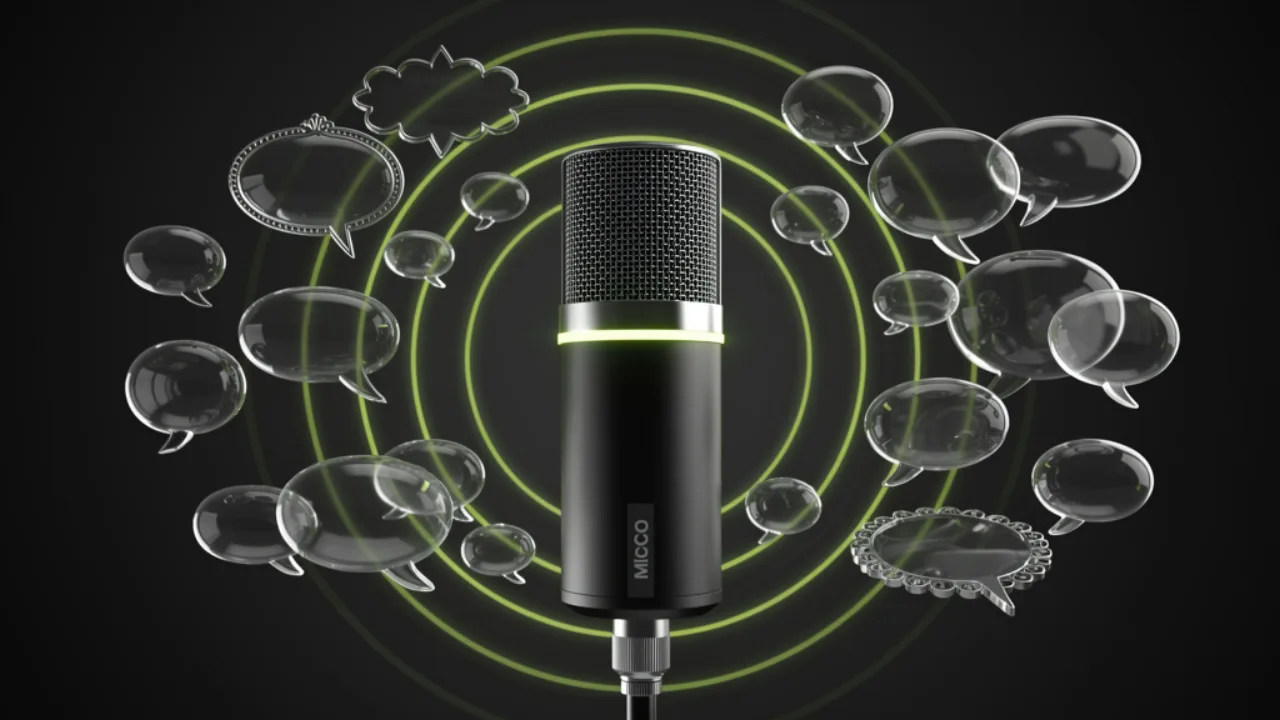
Re-voice a script into dozens of languages
Type or paste your lines, pick a voice (or clone one), set the target language, and generate a clean, natural voice track — no booth and no voice actors.
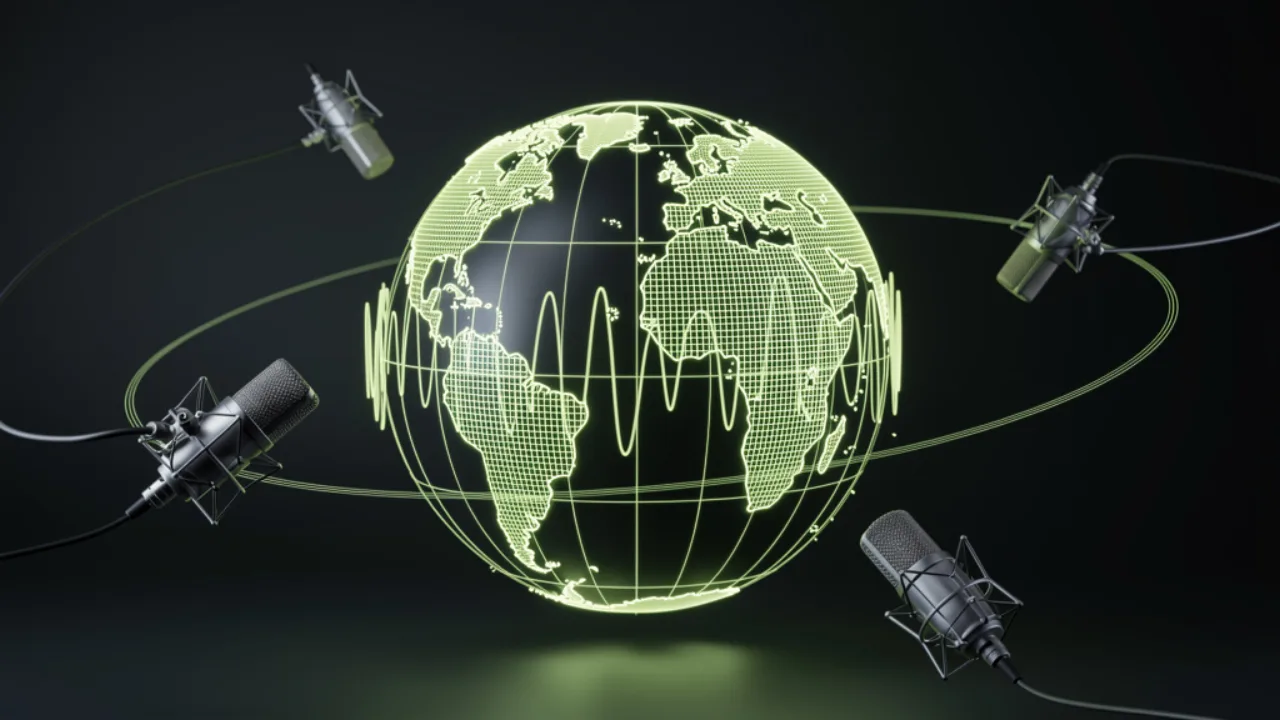
Reach global audiences from one source
Ship the same video, course or ad in every market. Keep a consistent brand voice across languages by cloning one voice and reusing it.
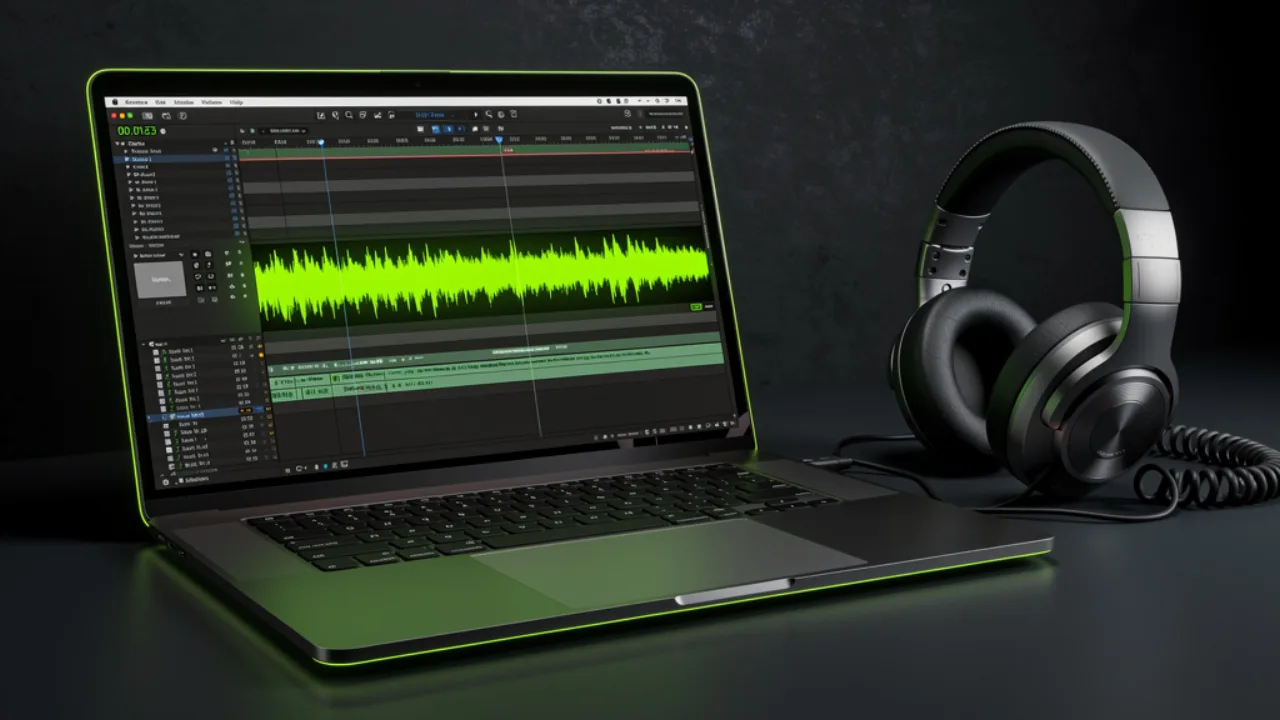
Export MP3 or WAV and sync
Download the generated track and lay it under your video or podcast edit — the audio is yours to place and time exactly how you want.
What is AI voice dubbing?
AI voice dubbing is the process of replacing or recreating the spoken audio of a piece of content with an AI-generated voice — usually in a different language. Instead of booking a voice actor and a studio, you give the AI your script (or translated text), choose a voice and language, and it synthesizes a clean, natural voice track you can lay over your video or podcast.
Pixazo's dubbing is powered by multilingual text-to-speech and voice cloning models (Minimax, ElevenLabs and Chatterbox). You can keep a consistent brand voice across every language, match tone and pacing, and regenerate a line until it sounds right.
The result is a downloadable voice track — ideal for localizing YouTube videos, e-learning, explainers, ads and audiobooks — at a fraction of the time and cost of a traditional dubbing session.
How does AI voice dubbing work?
Four steps, all in the browser:
Add your script
Paste the lines you want spoken (already translated, or write them in the target language).
Pick a voice & language
Choose a preset voice or clone one from a short sample, then set the language and tone.
Generate the track
The AI synthesizes a natural voice track in seconds. Regenerate any line you want to tweak.
Download & sync
Export as MP3/WAV and drop it onto your video timeline or podcast edit.
What a dub looks like on the desk
These are example prompts you can run in the playground — one source script, re-voiced into different languages. Try your own to hear the result.
Everything the dubbing tool gives you
Pixazo's AI voice dubbing is for creators, marketers and educators who need to reach audiences in more than one language without the cost of a dubbing studio. You bring the script; the tool generates a clean, natural voice track in your chosen language and voice, ready to lay under your video or export as audio. It supports dozens of languages, multiple preset voices, and voice cloning so your brand can sound consistent everywhere. It's free to start.
An honest note on scope: this is a voice-track generator, not a one-click "upload a video and auto-dub it" button. It doesn't transcribe your video, auto-translate the audio, or lip-sync the speaker for you — you provide the text and sync the generated track yourself. That trade-off is what keeps it fast, flexible and fully under your control.
Try the dubbing tool freeKey capabilities
| Capability | Availability | Notes |
|---|---|---|
| Languages | Dozens | Multilingual text-to-speech |
| Voices | Multiple presets + voice cloning | Clone from a short sample to keep a brand voice |
| Models | Minimax, ElevenLabs, Chatterbox | Pick the engine that fits your voice |
| Output formats | MP3 · WAV | Drop onto any video/podcast timeline |
| Input | Text / script | Paste translated lines or write in-language |
| Speed | Seconds per line | Regenerate until it sounds right |
| Commercial use | Per your plan | Check your plan's terms |
| Free tier | Yes, cancel anytime | Start dubbing right away |
How is it different from a traditional dubbing studio?
It depends on what you need — speed and scale, or a human performance. Localizing a film or series with mouth-matched lip-sync? See AI dubbing and lip-sync for studios. Here's the honest comparison:
| Aspect | AI voice dubbing (Pixazo) | Traditional dubbing studio |
|---|---|---|
| Turnaround | Seconds to minutes | Days to weeks |
| Cost | Free to start | Per-actor, per-hour studio rates |
| Languages at once | Add as many as you need | One booking per voice/language |
| Brand-voice consistency | Clone once, reuse everywhere | Depends on actor availability |
| Emotional nuance & acting | Good and improving | Still the gold standard |
| Lip-sync to on-screen actor | Not automated | Handled by the studio |
Best for fast, multilingual, budget-friendly dubs: AI voice dubbing. Best for high-end film performances with lip-sync: a traditional studio.
What can you dub with AI?
Anything with a script or voiceover. Common uses:
Video localization
Re-voice YouTube videos, reels and explainers for new-language audiences.
Courses & e-learning
Dub lessons and training into multiple languages with one consistent narrator.
Ads & promos
Ship the same spot in every market without re-recording talent.
Podcasts
Offer translated episodes or a synthetic co-host voice.
Audiobooks
Narrate long-form text in a natural, steady voice.
Games & characters
Generate placeholder or final character lines across languages.
Who is AI voice dubbing for?
Anyone who needs their words heard in more than one language:
- YouTubers and video creators localizing their catalogue
- Course creators and educators reaching global learners
- Marketers shipping campaigns across regions
- Podcasters offering translated episodes
- Indie game developers voicing characters
- Small teams without a localization budget
Tips for natural-sounding dubs
A few habits make AI dubs sound far more human:
- Translate for speech, not text — short, spoken sentences dub better than literal translations.
- Add punctuation and line breaks to guide pacing and pauses.
- Pick a voice that matches the content's tone (calm for tutorials, upbeat for ads).
- Regenerate line by line rather than the whole script at once.
- For a consistent brand voice, clone one voice and reuse it across every language.
What it can't do (yet)
So you know where the edges are before you start:
- It doesn't auto-detect or transcribe the speech in an uploaded video — you supply the script.
- It doesn't translate for you inside the tool; paste already-translated text or write in the target language.
- It doesn't lip-sync the generated voice to an on-screen speaker.
- Heavy emotional acting and singing are still better with a human performer.
- Very long scripts are best generated in sections and reviewed for pronunciation of names.
Frequently asked questions
Is AI voice dubbing free?
How many languages does it support?
Can I keep my own voice across languages?
Does it dub my video automatically?
What audio formats can I export?
Can I use dubbed audio commercially?
How long does a dub take?
About the author
Dub it. Download it. Ship it worldwide.
Turn your script into a natural AI voice track in seconds — free, and in dozens of languages.
Start dubbing free
