AI App Store Screenshot Generator
Generate the marketing screenshots that appear on your App Store and Google Play Store listings — device frames, captions, backgrounds, and all — from a text prompt. No design software required.
Built for app developers, indie makers, mobile marketers, and ASO teams who need store-ready listing visuals without a dedicated designer.
What Does the App Store Screenshot Generator Do?
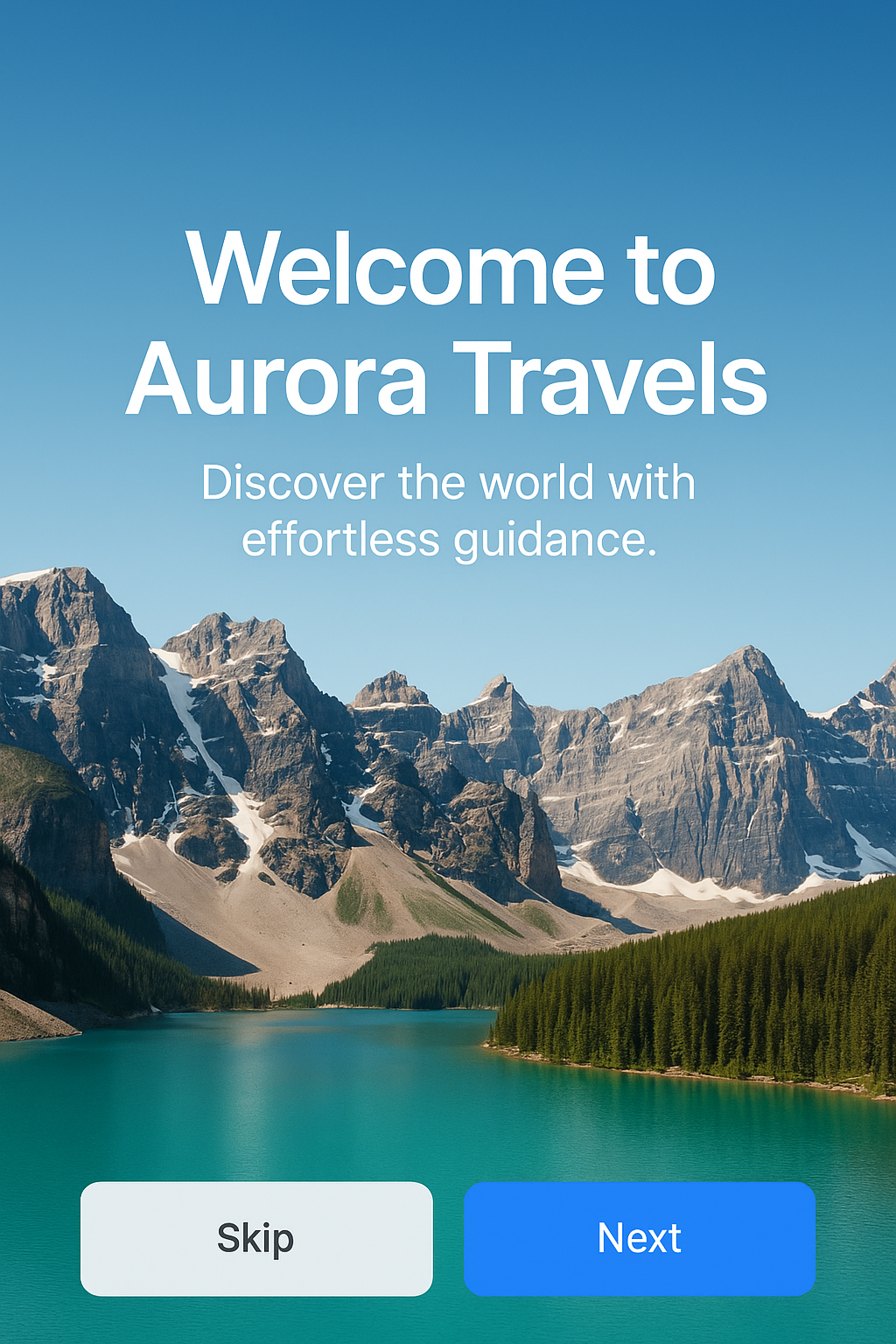
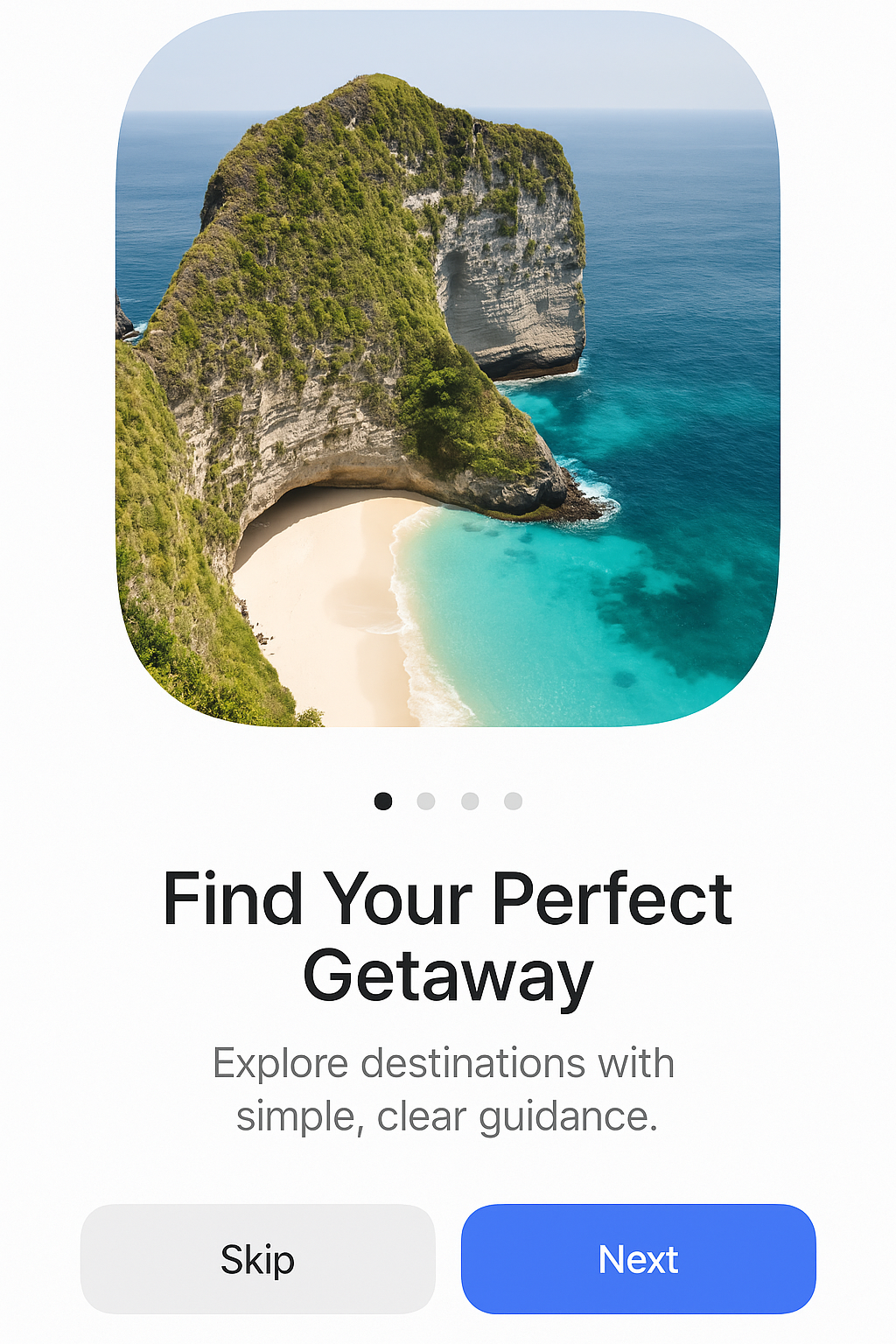
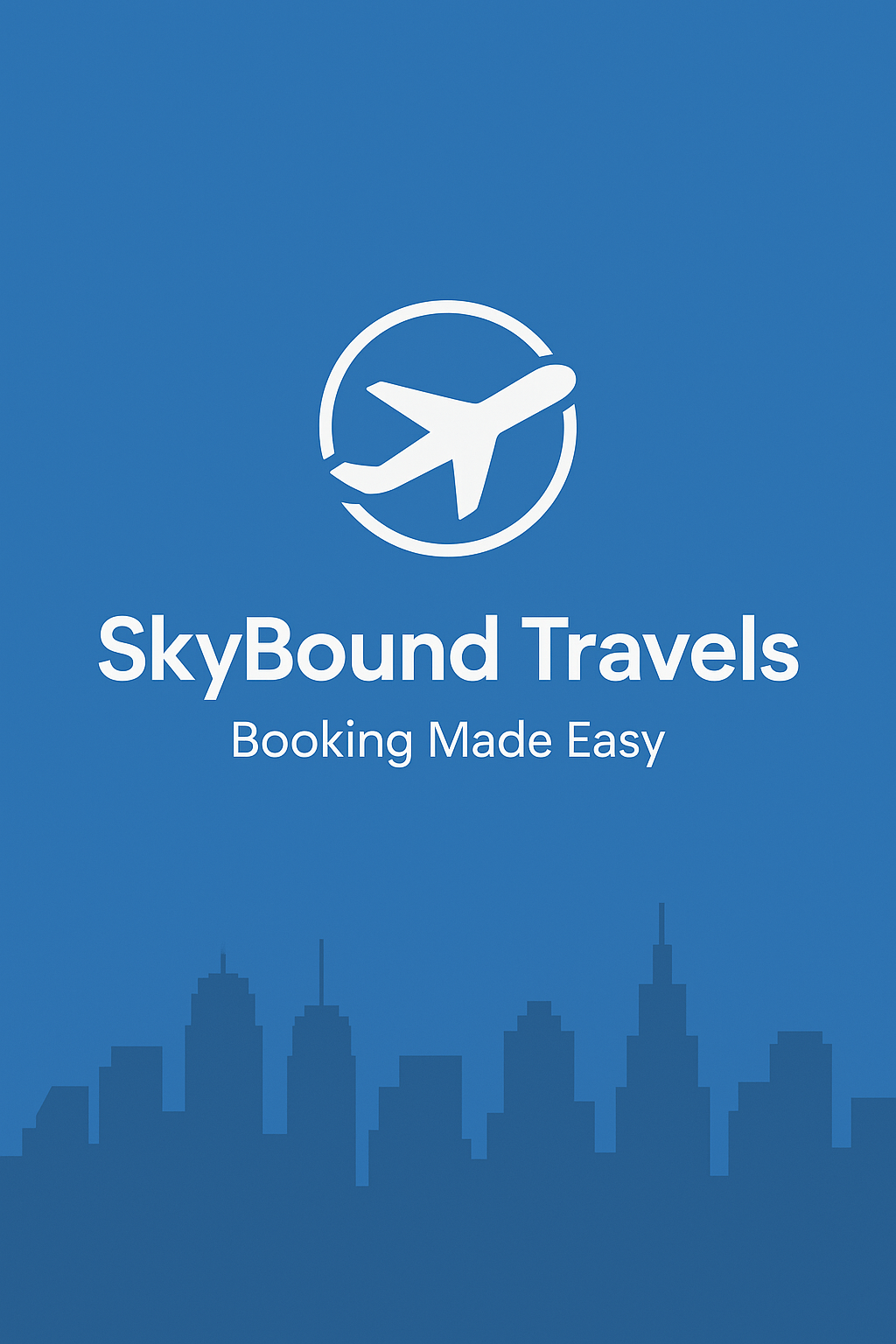
It generates the promotional marketing screenshots shown on Apple App Store and Google Play Store listing pages — the visuals that convince users to download your app. Each screenshot typically shows your app's interface inside a device frame, with marketing captions, styled backgrounds, and feature callouts — all assembled from a single text prompt.
You describe what you want: the app screen to showcase, the device frame style, background color or gradient, headline text, and any feature badges. The AI generates a complete, store-ready screenshot composition without any manual layout work.
This is a standalone AI tool — not part of the AI Image Generator. It is purpose-built for app store marketing visuals, understanding the specific layout conventions, aspect ratios, and visual patterns that perform well in store listings.
Specifications
How Do You Create App Store Screenshots?
Three steps: describe what you want, let the AI generate it, download and upload to your store listing. No Figma, no Photoshop, no screenshot framing tools.
Describe Your Screenshot
Write a prompt describing the app store screenshot you need. Include details about the app screen to showcase, device frame preference, background style, headline text, and any feature callouts or badges you want included.
Review & Iterate
The AI generates your app store screenshot immediately. If the layout, colors, or text placement need adjusting, refine the prompt and regenerate. Most screenshots reach the right direction within a few iterations.
Download & Upload to Store
Download the final screenshot and upload it directly to App Store Connect or Google Play Console. The output is sized and formatted for store submission.
What Can the Screenshot Generator Do?
It generates device-framed mockups with marketing text, styled backgrounds, store-native sizing, and multi-variation output — all from a text prompt. Purpose-built for app store listing visuals, not a generic image generator.
Device Frame Mockups
App screens displayed inside realistic device frames — the standard visual format that users expect to see in store listings. Frame style and device type are controlled through the prompt.
Marketing Text & Captions
Headlines, feature callouts, and promotional text composed directly into the screenshot. The AI handles typography, sizing, and placement within the store screenshot layout.
Styled Backgrounds
Solid colors, gradients, patterns, and themed backgrounds behind the device frame. Describe the background you want — "dark gradient," "brand blue #1a73e8," "geometric pattern" — and the AI applies it.
Store-Native Sizing
Output sized for App Store and Play Store submission requirements. No manual resizing or cropping needed after generation — the screenshot is ready to upload.
Prompt-Based Generation
No drag-and-drop, no template selection, no manual positioning. Describe the screenshot in natural language and the AI assembles the composition — device, background, text, and layout — automatically.
Multiple Variations
Generate a full set of store screenshots by iterating your prompt. Each app store listing typically needs 4-10 screenshots — create variations for each feature or screen of your app.
Who Needs App Store Screenshot Generation?
Anyone who publishes apps and needs listing screenshots without hiring a designer or learning mockup tools. Here are the most common use cases.
Indie Developers
Solo devs who build the app but don't do design. Generate professional store screenshots that match the quality users expect from top-ranked apps — without touching Figma.
ASO & Growth Teams
App Store Optimization teams running screenshot A/B tests. Generate multiple visual variants quickly to test which layouts and headlines drive more installs.
Freelance App Designers
Designers managing multiple client apps who need rapid screenshot mockups for review before building the final version in their design tool.
App Agencies
Development agencies that ship multiple apps and need consistent, professional store visuals across every client project without scaling the design team.
Product Managers
PMs who need store screenshot drafts for stakeholder review or launch planning — before design resources are allocated to the final assets.
How Does Pixazo Compare?
A neutral comparison with traditional approaches to creating app store screenshots.
| Aspect | Pixazo AI | Traditional Tools |
|---|---|---|
| Design method | Text prompt — describe what you want | Manual mockup assembly in Figma, Sketch, or screenshot builder tools |
| Software required | None — runs in browser | Figma, Sketch, Photoshop, or dedicated screenshot tools (AppMockUp, Screenshots.pro, etc.) |
| Time to first set | Minutes — prompt, generate, iterate | Hours — find template, insert screens, adjust text, resize per device |
| Design skill needed | None — describe in plain language | Moderate — layout, typography, and export knowledge |
| A/B test variants | Regenerate with different prompts | Manually duplicate and edit each variant |
| Commercial license | Included with all output | Varies by tool and template license |
What Are the Limitations?
Honest notes on where this tool works well and where human judgment is still needed.
Not a Real Screenshot Capture Tool
This tool generates marketing visuals — it does not take actual screenshots of your running app. You describe the app screen appearance in your prompt and the AI creates a representative mockup.
AI-Generated UI Representations
The app interface shown in the device frame is AI-generated based on your description, not a pixel-perfect capture of your real app. Review generated screenshots for accuracy before uploading to your store listing.
Text Rendering Precision
Small text and complex UI elements in the device frame may not render with pixel-perfect clarity. For critical UI details, consider compositing your actual app screenshot into the AI-generated frame and background.
Frequently Asked Questions
Common questions about the AI App Store Screenshot Generator.
What sizes does the screenshot generator support?
Can I add marketing text and captions to the screenshots?
Does it generate device frames around the screenshots?
Can I generate screenshots for both App Store and Google Play Store?
Do I need design software to use this tool?
Can I use the generated screenshots commercially?
Create Your Store Screenshots Now
Your app deserves listing visuals that match the quality of the app itself. Generate them from a prompt — no design skills required.
Generate Screenshots Free