Introducing GPT Image 2.5 API on Pixazo API


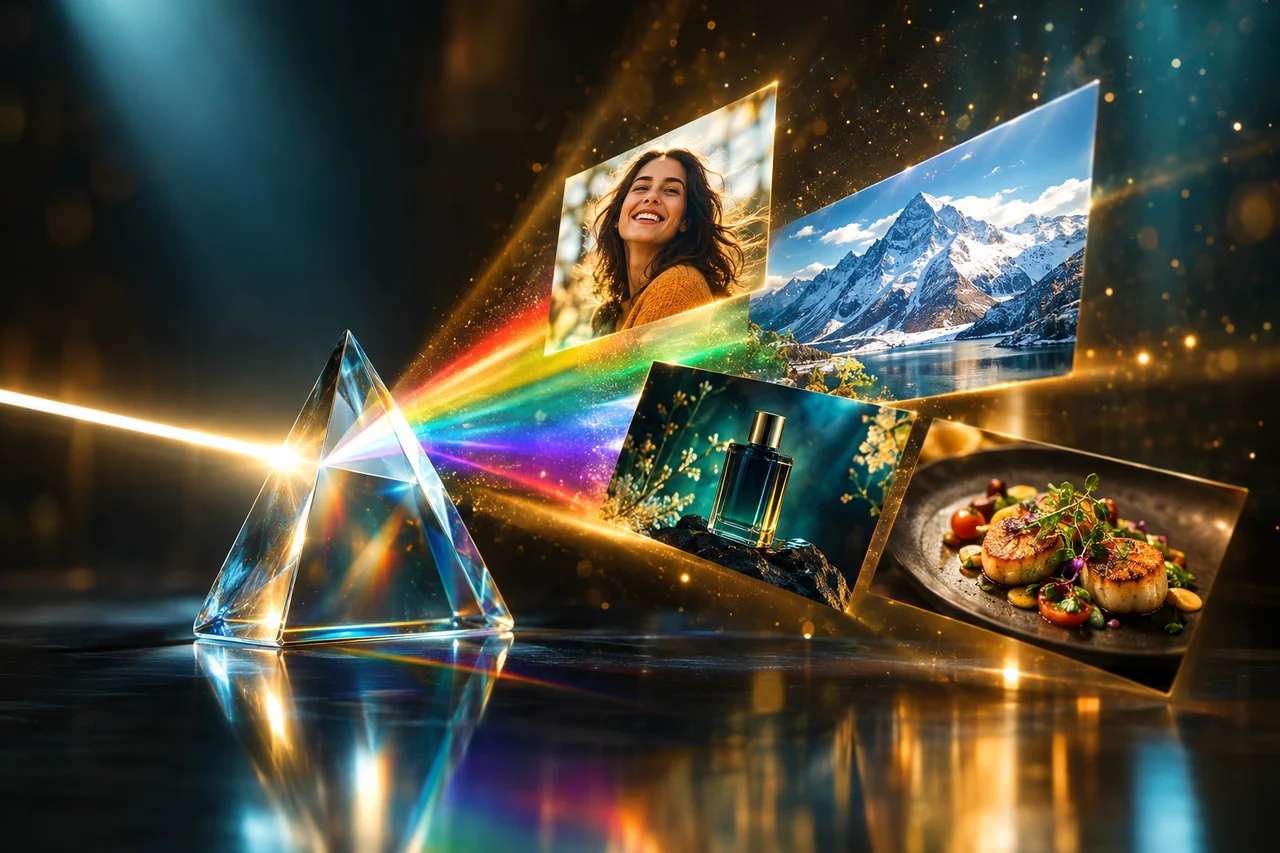
OpenAI’s newest image model is live on Pixazo API: the GPT Image 2.5 API turns plain-language prompts into photoreal images, edits existing pictures from a single sentence, and follows long, complicated instructions with an accuracy the earlier GPT Image models could only approximate. It ships as a family of four versions behind one gateway, with five quality tiers that let you dial cost and detail from a half-cent draft to a razor-sharp 4K render. This post is a field guide: what it is, how it behaves, what it costs, and how to call it, with real GPT Image 2.5 renders throughout, each captioned with the exact prompt that produced it.
§01 · FIELD NOTE
What is GPT Image 2.5?
GPT Image 2.5 is OpenAI’s latest text-to-image and image-editing model. What separates it from an ordinary diffusion model is language understanding. It reads a prompt the way GPT reads a sentence, so it handles multi-part instructions, specific object counts, spatial relationships (“the cup to the left of the book”) and, the trick most image models still fumble, legible text inside the image. You describe the picture in words, or hand it an existing photo and describe the change, and it renders the result.
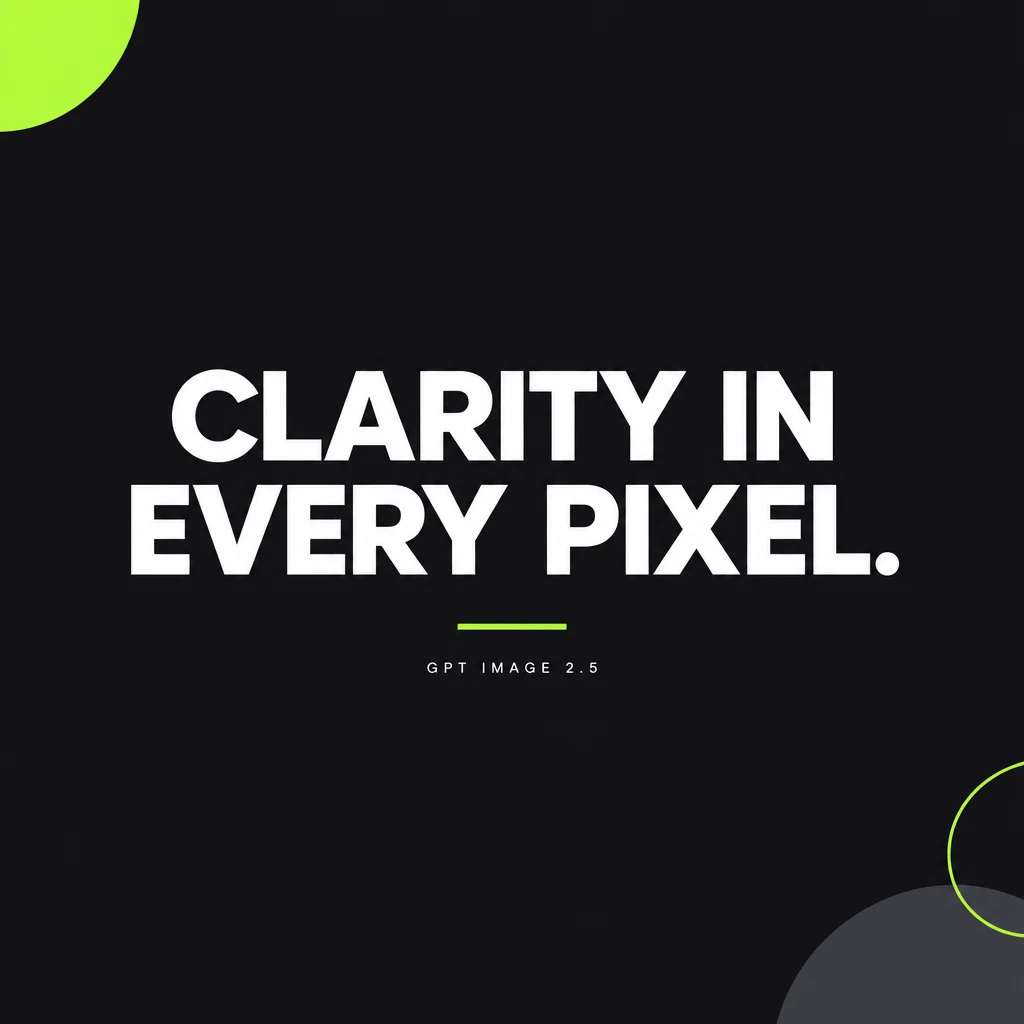
That single property changes what you can safely automate. A model that mangles text can’t make a poster, a label, a UI mockup or an ad with a headline. GPT Image 2.5 can, which is why the plate below, a real render from a one-line prompt, comes back with clean, correctly spelled type instead of the usual dreamlike gibberish.
§02 · THE ROSTER
Four versions, one gateway
The GPT Image family on Pixazo gives you four versions. You switch between them by changing one slug in the URL, the request shape, headers and polling flow stay identical.
Which one should you use? Start on Flare. If a particular prompt renders better on Sunburst, keep that, they cost the same. Reach for GPT Image 2 or v1.5 only to match output from an existing integration.
§03 · CAPABILITIES
Text-to-image and editing
Each version exposes two operations at its own endpoint:
- Text-to-image. One
promptof up to 32,000 characters, enough to specify a whole scene, its lighting and the exact words on a sign, and up to 10 images per request vian. - Image editing. Send up to 16 images and a plain-language instruction to restyle, extend, retouch or combine them. Add an optional alpha-channel
mask(PNG) to edit only the region you paint transparent and leave everything else untouched. - Reference combining. Because the image field is an array, one call can carry several references, a “put the product from image 1 into the scene from image 2” workflow.
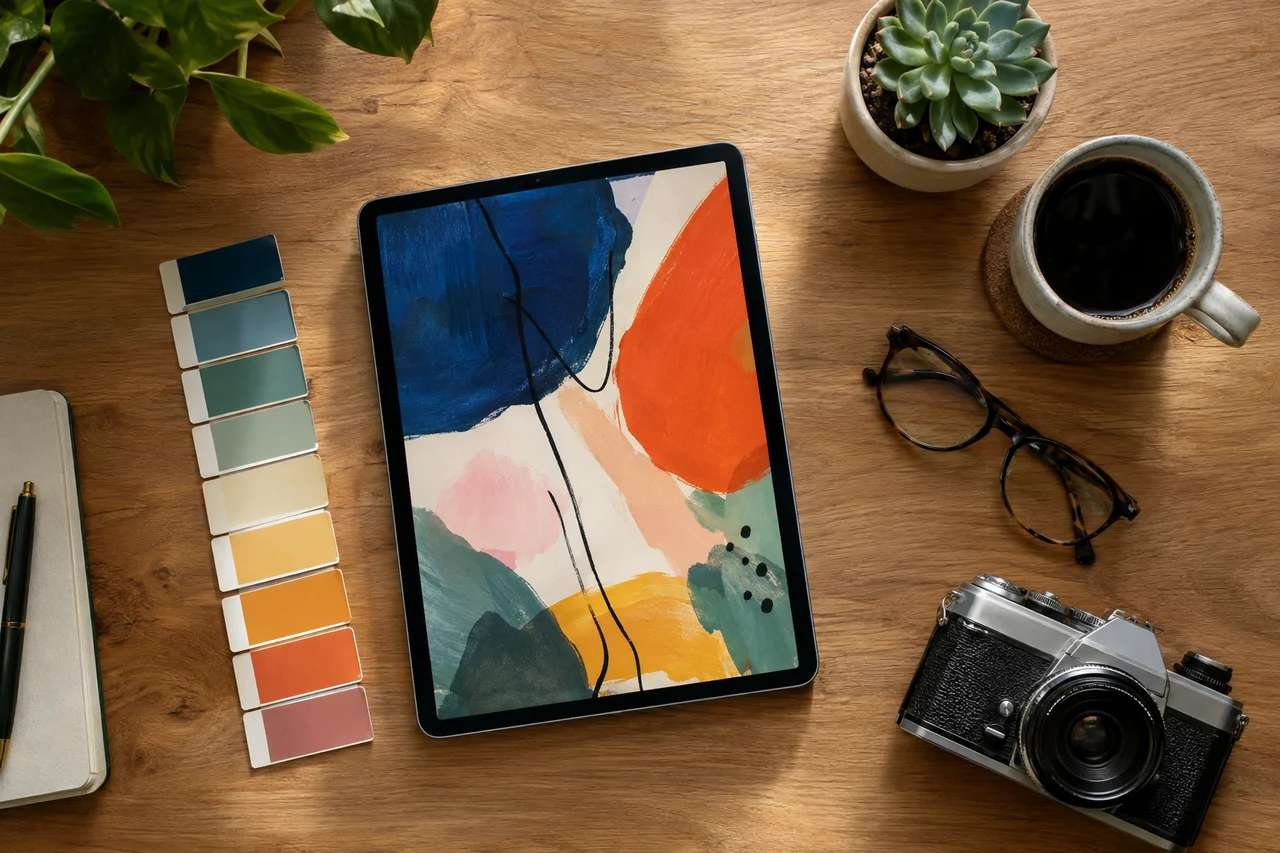
Prompt adherence is the headline: name half a dozen objects, a surface, a light source and a camera angle, and the model places them all. The flat-lay below is a single render, tablet, swatches, coffee, succulent, glasses and a camera, all where the prompt asked for them.
§04 · THE QUALITY DIAL
Five tiers, one dial
The 2.5 versions expose a single quality parameter with five stops. Turn it up for more detail; turn it down for cheaper, faster drafts. This dial is what keeps GPT Image 2.5 affordable at production scale, you don’t pay Max prices to iterate.
Same 1024×1024 image, five prices: about $0.006 at Low, $0.053 at High, and $0.211 at Max. A common pattern is to draft at Low, then re-render only the winners at High or Max.
§05 · RATE CARD
Pricing
Both 2.5 versions (Flare and Sunburst) are priced per image by resolution and quality. A few representative points:
| Quality | 1024×1024 | 1536×1024 | 3840×2160 (4K) |
|---|---|---|---|
| Low | $0.006 | $0.005 | $0.012 |
| Medium | $0.014 | $0.011 | $0.026 |
| High | $0.053 | $0.042 | $0.101 |
| XHigh | $0.094 | $0.074 | $0.178 |
| Max | $0.211 | $0.165 | $0.401 |
Suggested Read: We Ran GPT-Image-2 Against 4 Competitors on 10 Real Pixazo Prompts. Here’s What Arena Didn’t Tell You.
GPT Image 2 uses three tiers (Low / Medium / High). Every account gets 10% cashback on first top-up on first payment, and a system ERROR is never charged.
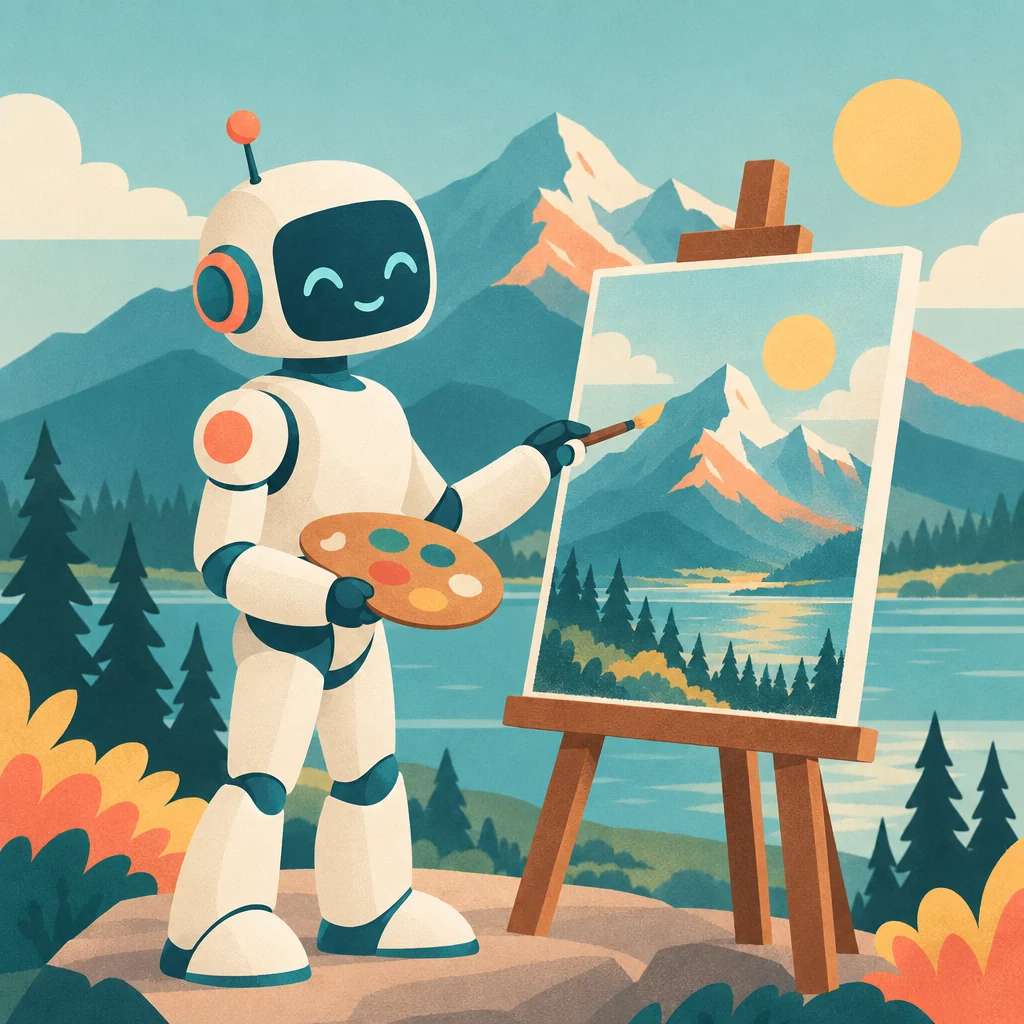
Range is not limited to photography. The same endpoint renders flat illustration, painterly art, product mockups and UI, style is just another thing you describe. Here is the model in an editorial illustration register:
§06 · THE CALL
Calling the API
Every version shares one flow. POST a JSON body with your prompt, authenticate with the Ocp-Apim-Subscription-Key header, and read back a request_id:
curl -X POST "https://gateway.pixazo.ai/gpt-image-2-5-flare/v1/text-to-image" \
 -H "Content-Type: application/json" \
 -H "Ocp-Apim-Subscription-Key: YOUR_API_KEY" \
 -d '{
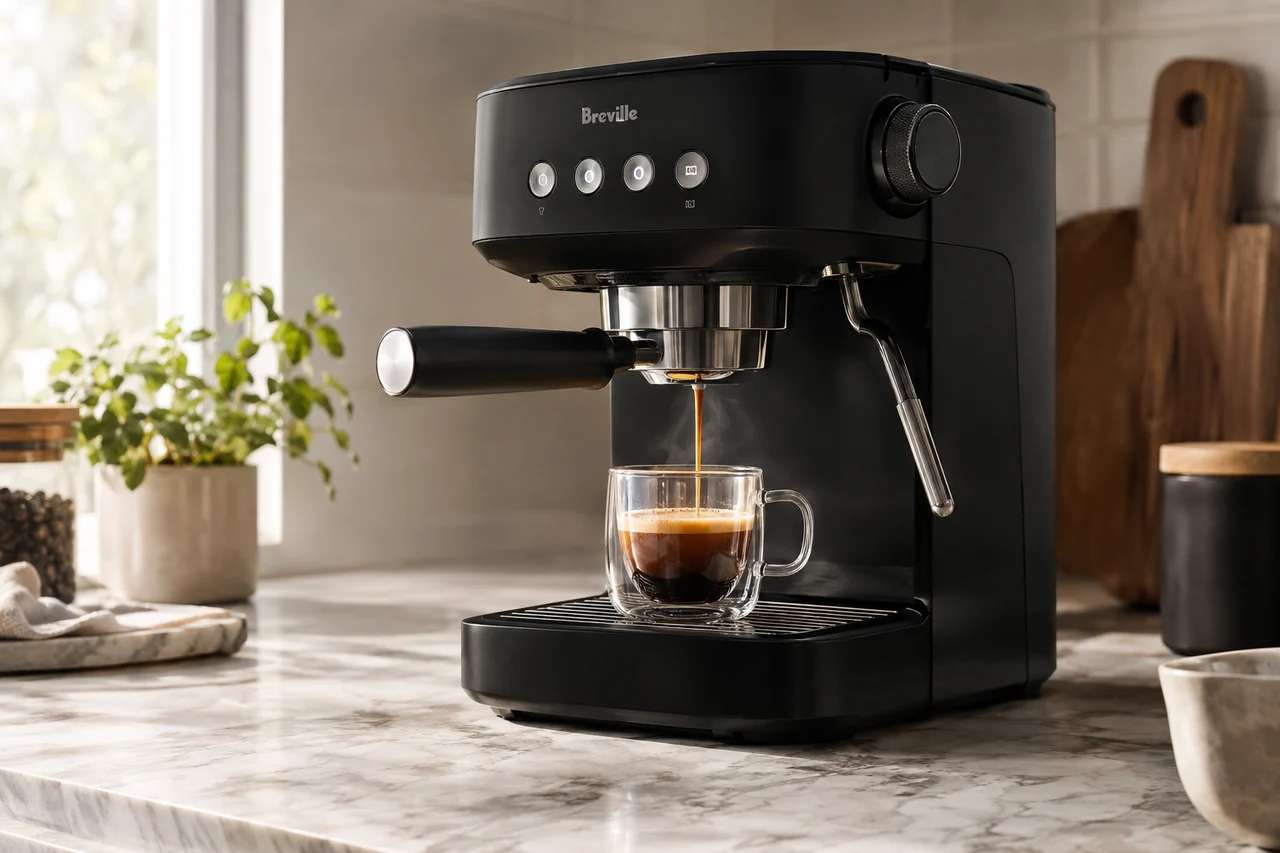
  "prompt": "Photorealistic product shot of a matte-black espresso machine on marble, soft window light",
  "size": "1536x1024",
  "quality": "high",
  "format": "webp"
 }'
GPT Image 2.5 is asynchronous. The submit call returns a request_id and a polling_url; poll the universal status endpoint every 5–10 seconds until the status is COMPLETED:
curl -H "Ocp-Apim-Subscription-Key: YOUR_API_KEY" \
 "https://gateway.pixazo.ai/v2/requests/status/YOUR_REQUEST_ID"
Suggested Read: GPT Image 2.5 Prompt Guide: How to Write Prompts That Get the Image You Want
The completed response carries output.media_url, the finished image on Pixazo’s R2 CDN. Would rather not poll? Add an X-Webhook-URL header and Pixazo POSTs your server the moment the job finishes. Statuses run QUEUED → PROCESSING → COMPLETED, with FAILED and (uncharged) ERROR as terminal states.
§07 · PROMPTING
Prompting tips for GPT Image 2.5
Because the model reads instructions literally, a little structure goes a long way:
- Quote exact text. For on-image words, write reads exactly “…”. It dramatically improves spelling and layout.
- Name the shot. Subject, surface, lighting, lens/angle and mood in one sentence beats a pile of loose adjectives.
- Be explicit about count and position. “three bottles in a row” and “top-down” land, because the model actually parses them.
- Pick a resolution that fits the crop. Use
1536x1024for landscape,1024x1536for portrait, or a custom size (edges multiples of 16, up to 4K). - Draft cheap, finish sharp. Iterate at Low or Medium; commit the keeper to High, XHigh or Max.
Suggested Read: Best Image Editing APIs in 2026
§08 · IN THE FIELD
What you can build
- On-brand marketing visuals, product shots, ad creative and social graphics from a text brief, with real, legible on-image text.
- In-app photo editing, let users restyle or retouch their uploads with a sentence, using masks for surgical edits.
- Bulk catalog imagery, draft at Low, promote the winners, and keep spend predictable across thousands of assets.
- Reference-driven composition, combine several source images into one scene for mockups, try-ons and concept art.
§09 · QUICK START
Getting started in four steps
gpt-image-2-5-flare’s text-to-image endpoint.output.media_url when it is COMPLETED.quality and size per request to balance cost against detail.Suggested Read: How to Make an 8-Bit Sprite Sheet GIF From Your Photo?
Frequently Asked Questions
What is the GPT Image 2.5 API?
It is OpenAI’s latest text-to-image and image-editing model, available on Pixazo API. It generates images from prompts and edits existing images from natural-language instructions, with strong prompt-following and legible on-image text.
How much does GPT Image 2.5 cost?
Pricing is per image by resolution and quality tier, from about $0.005 for a Low-tier draft to about $0.40 for a 4K Max render. A 1024×1024 image is roughly $0.006 (Low) to $0.21 (Max). New accounts get 10% cashback on their first top-up (up to $500).
Suggested Read: Best Text To Image APIs in 2026
What is the difference between Flare and Sunburst?
Both are GPT Image 2.5 versions with identical parameters, quality tiers and pricing. They are separate renderers, so you can run the same prompt through each and keep whichever look you prefer.
Can GPT Image 2.5 render text in images?
Yes, that is one of its strengths. Quote the exact words in your prompt (for example, reads exactly “SALE”) and it produces clean, correctly spelled type, which makes posters, labels and ad creative practical to automate.
Can it edit my own images?
Yes. The editing endpoint accepts up to 16 images plus a text instruction, and an optional PNG mask lets you edit only a selected region while leaving the rest untouched.
Suggested Read: Top 10 Image Generation APIs in 2026
Does it support transparent backgrounds?
Not on the GPT Image 2.5 versions, the background setting supports opaque and auto only, so transparent cut-outs are not available on these models.
Is the API synchronous?
No. It is asynchronous: submit a request, receive a request_id, then poll the universal status endpoint or use a webhook to get the finished image URL. Requests that end in a system ERROR are not charged.
Suggested Read: Best AI Image Generation Models in 2026: A Comparison Guide
Deepak Joshi
Author · Pixazo
Deepak writes about generative AI models, APIs, and the workflows teams use to ship them. Reviewed by Abhinav Girdhar.