Best Image Editing APIs in 2026


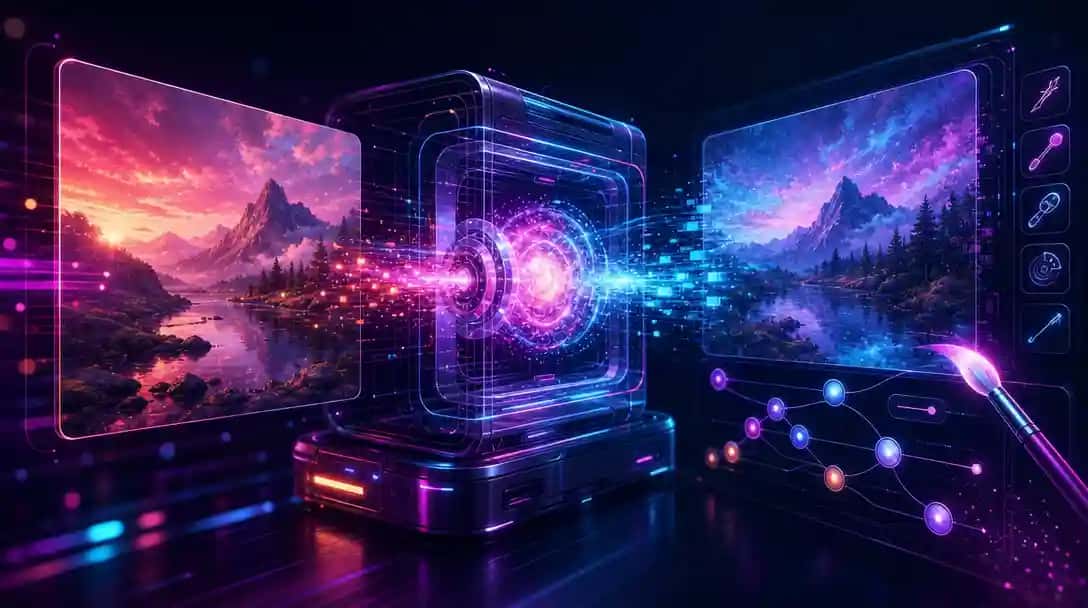
Inpainting, object removal, background swaps, and instruction-driven edits now run through APIs that rival desktop software. Which one to reach for depends on edit precision, prompt understanding, and how cleanly it leaves the untouched pixels alone. This roundup covers the full image editing API lineup on Pixazo, refreshed as models ship, spanning all 25 options you can call today.
One integration, every editor. Each editing model here is reachable from the same Pixazo endpoint, so you switch freely, pay per request, and skip the per-provider paperwork. Get a free API key →
Image Editing models at a glance
| Model | Provider | What it’s best for |
|---|---|---|
| GPT Image 2 | OpenAI | OpenAI multimodal image generation and editing with GPT intelligence. |
| Nano Banana 2 Lite | Google-powered AI image generation and editing. | |
| Seedream 5.0 Pro | ByteDance | ByteDance AI image generation and advanced editing. |
| Flux 3 | Black Forest Labs | Cutting-edge AI image generation with Dev, Pro, and Schnell variants. |
| Grok Imagine Image 2.0 | xAI | xAI AI image generation and editing. |
| MAI Image 2.6 | Microsoft | Advanced AI image generation from text descriptions. |
| Qwen Image 3.0 Pro | Alibaba | Alibaba AI image generation, editing, and LoRA training. |
| Ideogram v4 | Ideogram | AI image generation with accurate, readable text rendering. |
| Recraft v3 | Recraft | Professional-grade AI image generation with Recraft V3 and V4 Normal. |
| GLM Image | Zhipu AI | Advanced AI Image generation from text and image. |
| Kling 3.0 | Kuaishou | Professional AI video generation with motion control and avatar features. |
| Hunyuan 3.0 | Tencent | Tencent AI for image generation and 3D asset creation. |
| HiDream | HiDream | Advanced AI image generation from text and image. |
| Reve Image 2.1 | Reve | Versatile AI image generation, editing, and creative remixing. |
| Wan 3.0 | Alibaba | Alibaba comprehensive AI video, image, and multimodal generation. |
| Bria | Bria | Enterprise AI image generation and background removal with commercial licensing. |
| Stable Diffusion 3.5 | Stability AI | Open image generation by Stability AI. |
| Tripo3D | Tripo | Fast AI 3D model generation from text and images. |
| Hyper3D | Hyper3D | Detailed AI 3D model generation from images and text. |
| Trellis3d | Trellis | AI 3D model generation from 2D images with accurate texturing. |
| FireRed Image Edit 1.1 | FireRed Image Edit | Advanced AI-powered image editing and transformation. |
| Smart Resize | Smart Resize | Advanced context-aware visual recomposition. |
| Pixelforge 2.0 | Pixazo | AI image generation and intelligent photo relighting. |
| P Image | Pruna AI | AI-powered image editing and transformation by Pruna AI. |
| Boogu Image | Boogu | Advanced AI image generation and image editing. |
Quick picks
- GPT Image 2: OpenAI multimodal image generation and editing with GPT intelligence.
- Nano Banana 2 Lite: Google-powered AI image generation and editing.
- Seedream 5.0 Pro: ByteDance AI image generation and advanced editing.
The 25 best image editing models on Pixazo
1. GPT Image 2 by OpenAI
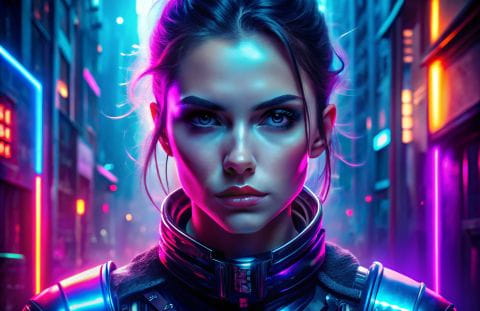
OpenAI multimodal image generation and editing with GPT intelligence. Available on the Pixazo API through one unified endpoint, so you can benchmark it against the others on your own inputs without changing your integration.
2. Nano Banana 2 Lite by Google
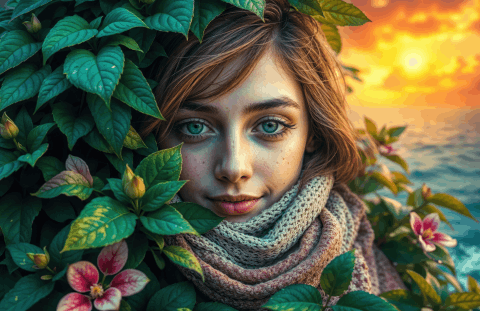
Google-powered AI image generation and editing. Available on the Pixazo API through one unified endpoint, so you can benchmark it against the others on your own inputs without changing your integration.
Suggested Read: Best AI Image Upscaler APIs in 2026
3. Seedream 5.0 Pro by ByteDance

ByteDance AI image generation and advanced editing. Available on the Pixazo API through one unified endpoint, so you can benchmark it against the others on your own inputs without changing your integration.
4. Flux 3 by Black Forest Labs
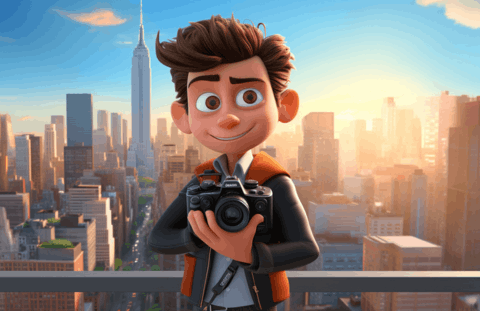
Cutting-edge AI image generation with Dev, Pro, and Schnell variants. Available on the Pixazo API through one unified endpoint, so you can benchmark it against the others on your own inputs without changing your integration.
5. Grok Imagine Image 2.0 by xAI
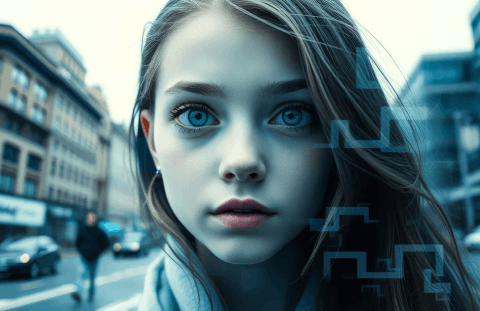
xAI AI image generation and editing. Available on the Pixazo API through one unified endpoint, so you can benchmark it against the others on your own inputs without changing your integration.
6. MAI Image 2.6 by Microsoft
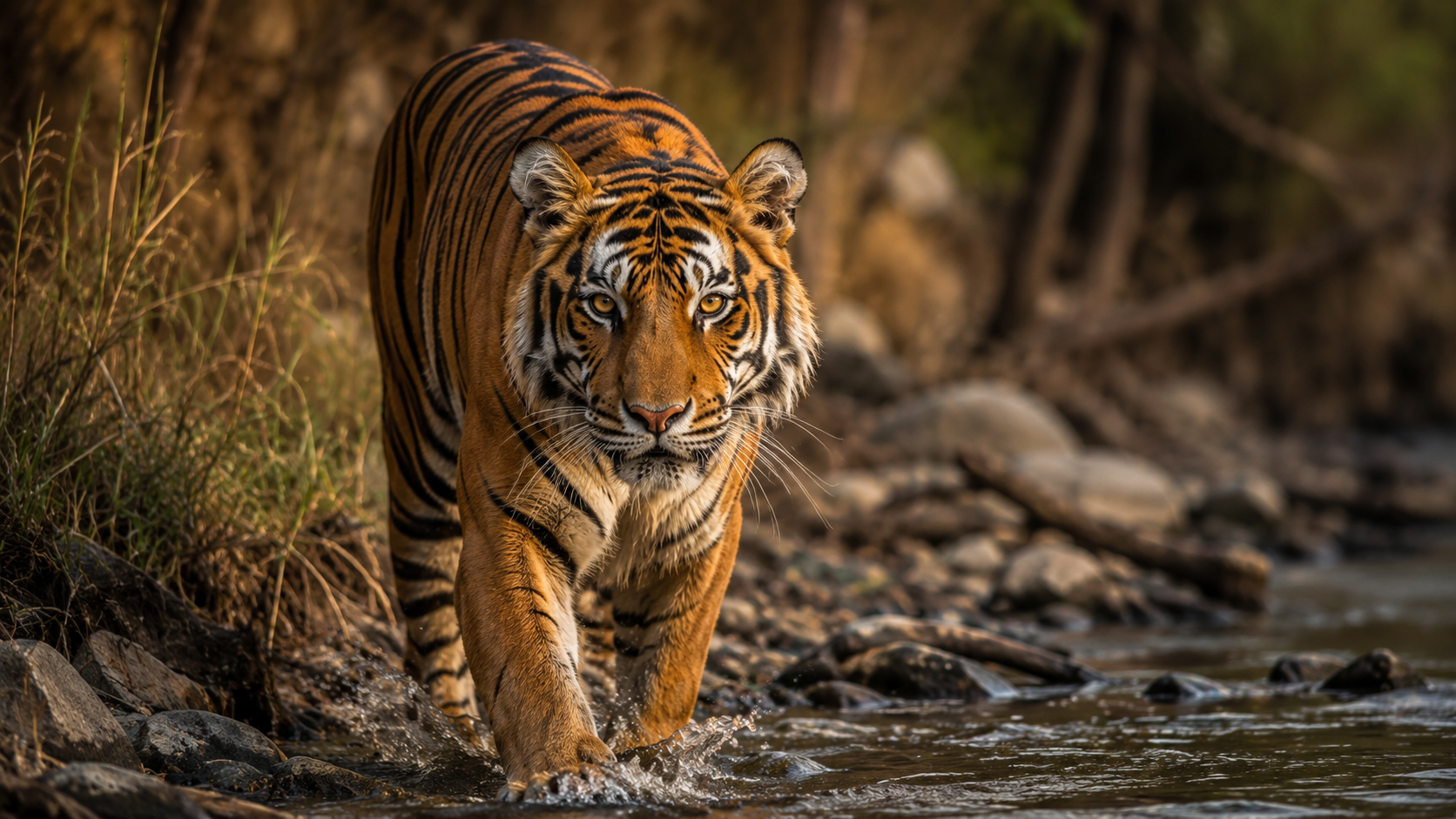
Advanced AI image generation from text descriptions. Available on the Pixazo API through one unified endpoint, so you can benchmark it against the others on your own inputs without changing your integration.
7. Qwen Image 3.0 Pro by Alibaba
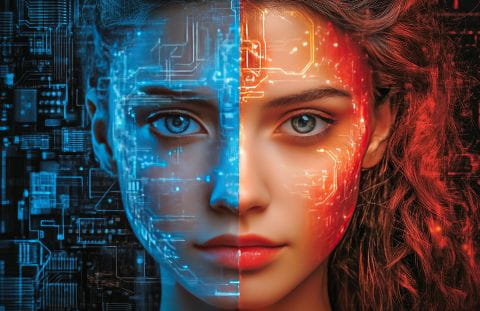
Alibaba AI image generation, editing, and LoRA training. Available on the Pixazo API through one unified endpoint, so you can benchmark it against the others on your own inputs without changing your integration.
8. Ideogram v4 by Ideogram
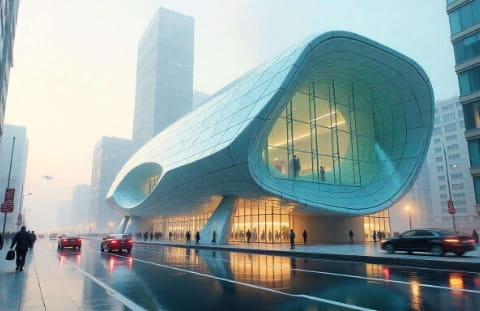
AI image generation with accurate, readable text rendering. Available on the Pixazo API through one unified endpoint, so you can benchmark it against the others on your own inputs without changing your integration.
Suggested Read: Introducing GPT Image 2.5 API on Pixazo API
9. Recraft v3 by Recraft
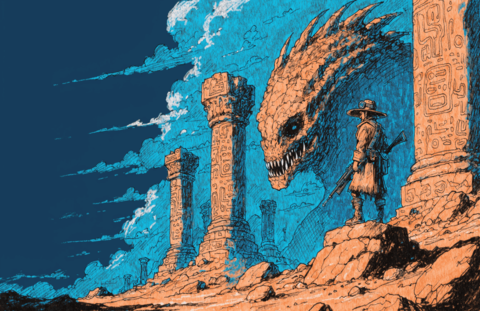
Professional-grade AI image generation with Recraft V3 and V4 Normal. Available on the Pixazo API through one unified endpoint, so you can benchmark it against the others on your own inputs without changing your integration.
10. GLM Image by Zhipu AI
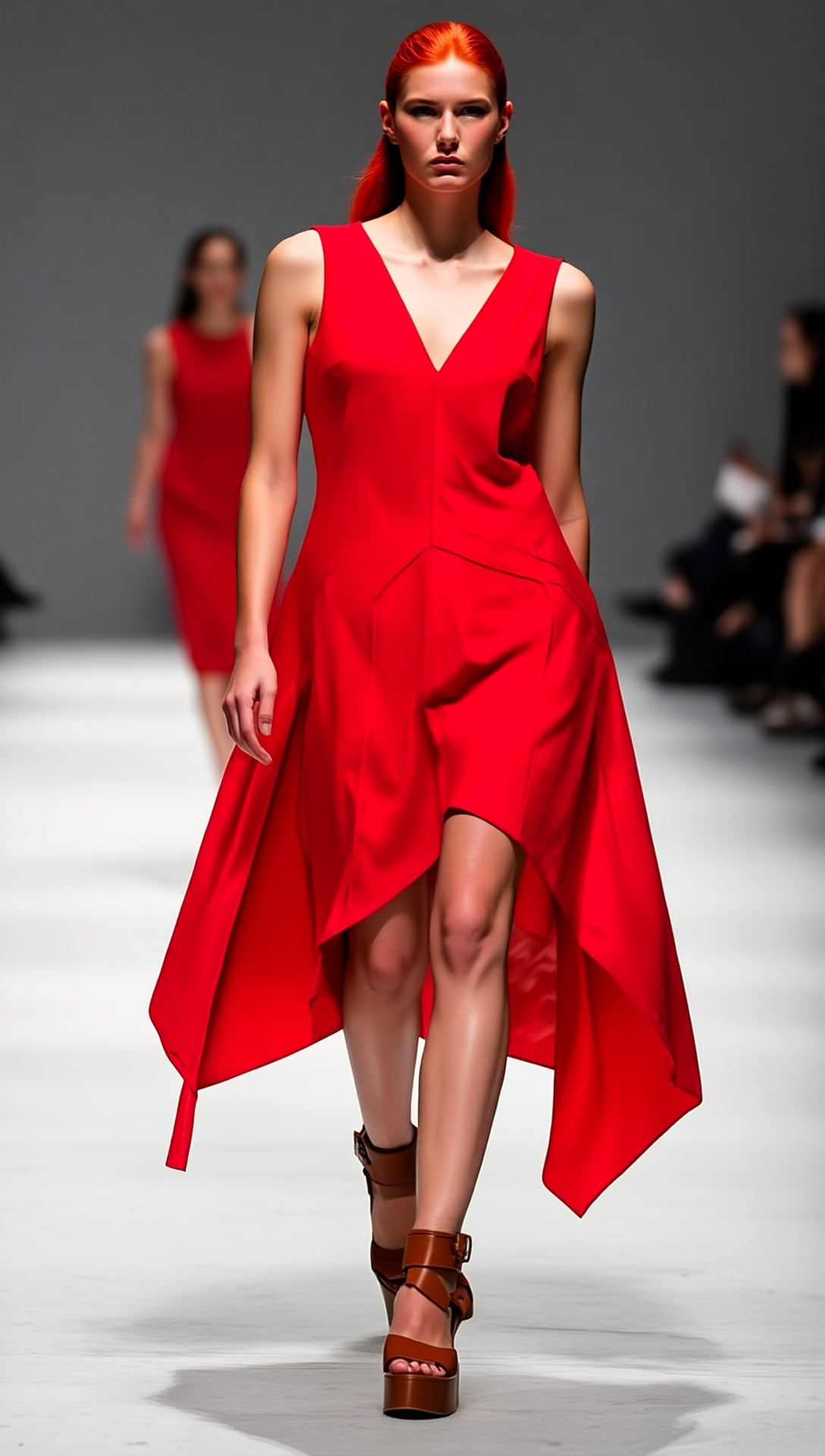
Advanced AI Image generation from text and image. Available on the Pixazo API through one unified endpoint, so you can benchmark it against the others on your own inputs without changing your integration.
11. Kling 3.0 by Kuaishou
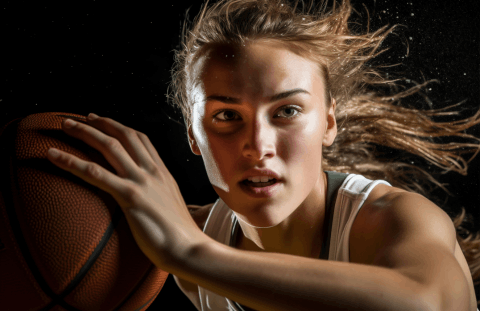
Professional AI video generation with motion control and avatar features. Available on the Pixazo API through one unified endpoint, so you can benchmark it against the others on your own inputs without changing your integration.
12. Hunyuan 3.0 by Tencent
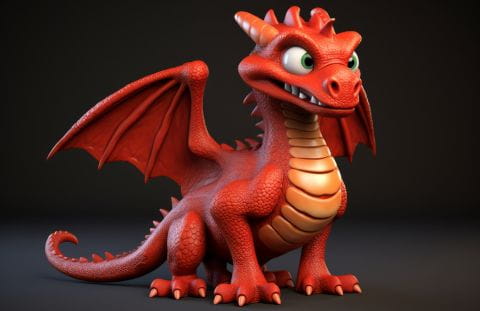
Tencent AI for image generation and 3D asset creation. Available on the Pixazo API through one unified endpoint, so you can benchmark it against the others on your own inputs without changing your integration.
13. HiDream by HiDream
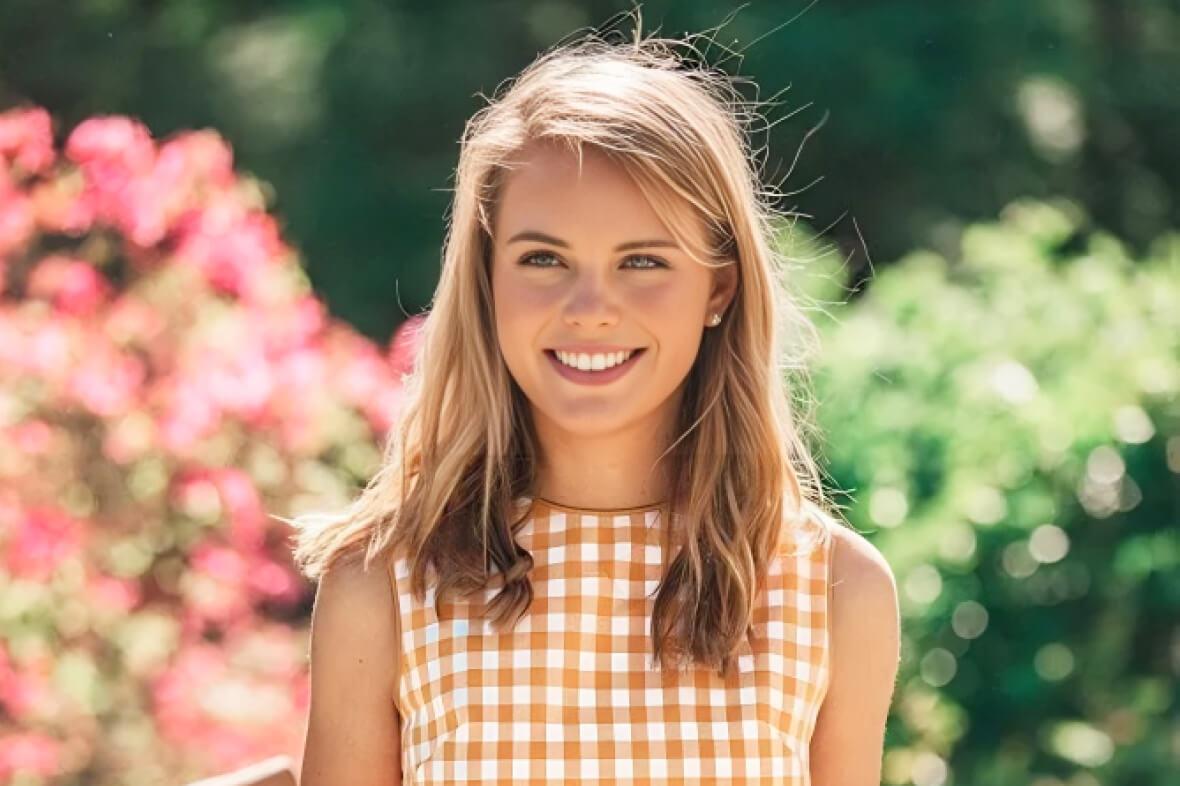
Advanced AI image generation from text and image. Available on the Pixazo API through one unified endpoint, so you can benchmark it against the others on your own inputs without changing your integration.
Suggested Read: GPT Image 2.5 Prompt Guide: How to Write Prompts That Get the Image You Want
14. Reve Image 2.1 by Reve
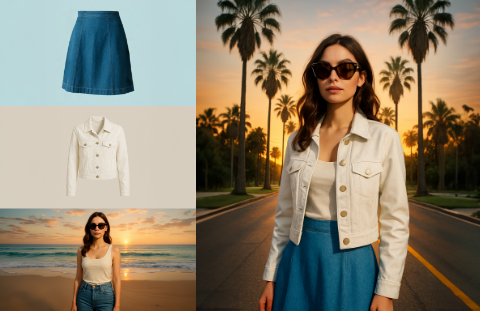
Versatile AI image generation, editing, and creative remixing. Available on the Pixazo API through one unified endpoint, so you can benchmark it against the others on your own inputs without changing your integration.
15. Wan 3.0 by Alibaba
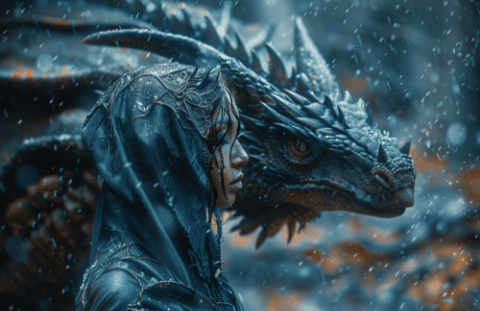
Alibaba comprehensive AI video, image, and multimodal generation. Available on the Pixazo API through one unified endpoint, so you can benchmark it against the others on your own inputs without changing your integration.
16. Bria by Bria

Enterprise AI image generation and background removal with commercial licensing. Available on the Pixazo API through one unified endpoint, so you can benchmark it against the others on your own inputs without changing your integration.
17. Stable Diffusion 3.5 by Stability AI

Open image generation by Stability AI. Available on the Pixazo API through one unified endpoint, so you can benchmark it against the others on your own inputs without changing your integration.
18. Tripo3D by Tripo
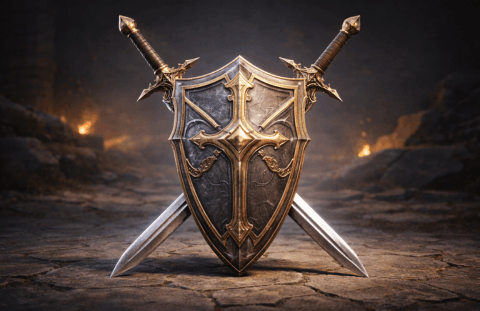
Fast AI 3D model generation from text and images. Available on the Pixazo API through one unified endpoint, so you can benchmark it against the others on your own inputs without changing your integration.
19. Hyper3D by Hyper3D
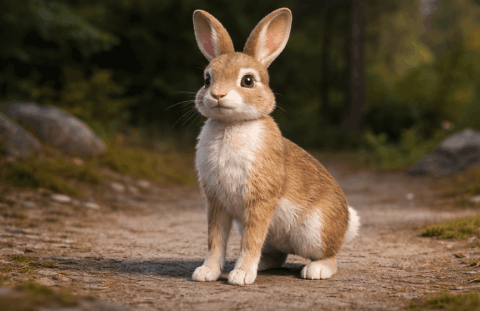
Detailed AI 3D model generation from images and text. Available on the Pixazo API through one unified endpoint, so you can benchmark it against the others on your own inputs without changing your integration.
Suggested Read: Best Image To Image APIs in 2026
20. Trellis3d by Trellis
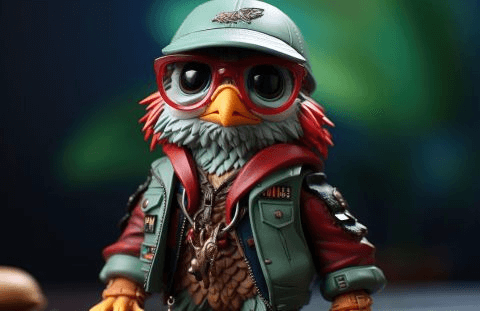
AI 3D model generation from 2D images with accurate texturing. Available on the Pixazo API through one unified endpoint, so you can benchmark it against the others on your own inputs without changing your integration.
21. FireRed Image Edit 1.1 by FireRed Image Edit
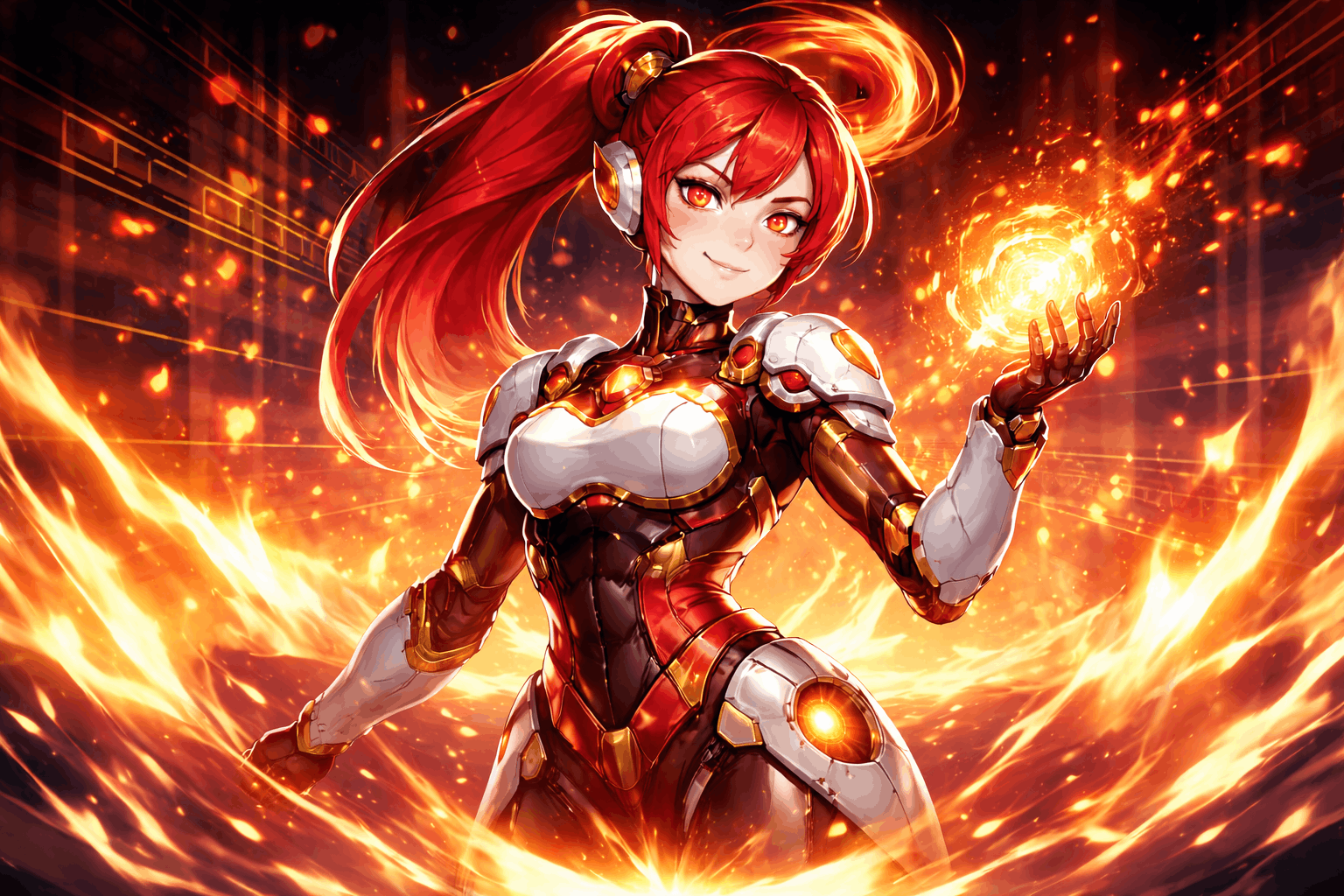
Advanced AI-powered image editing and transformation. Available on the Pixazo API through one unified endpoint, so you can benchmark it against the others on your own inputs without changing your integration.
22. Smart Resize by Smart Resize
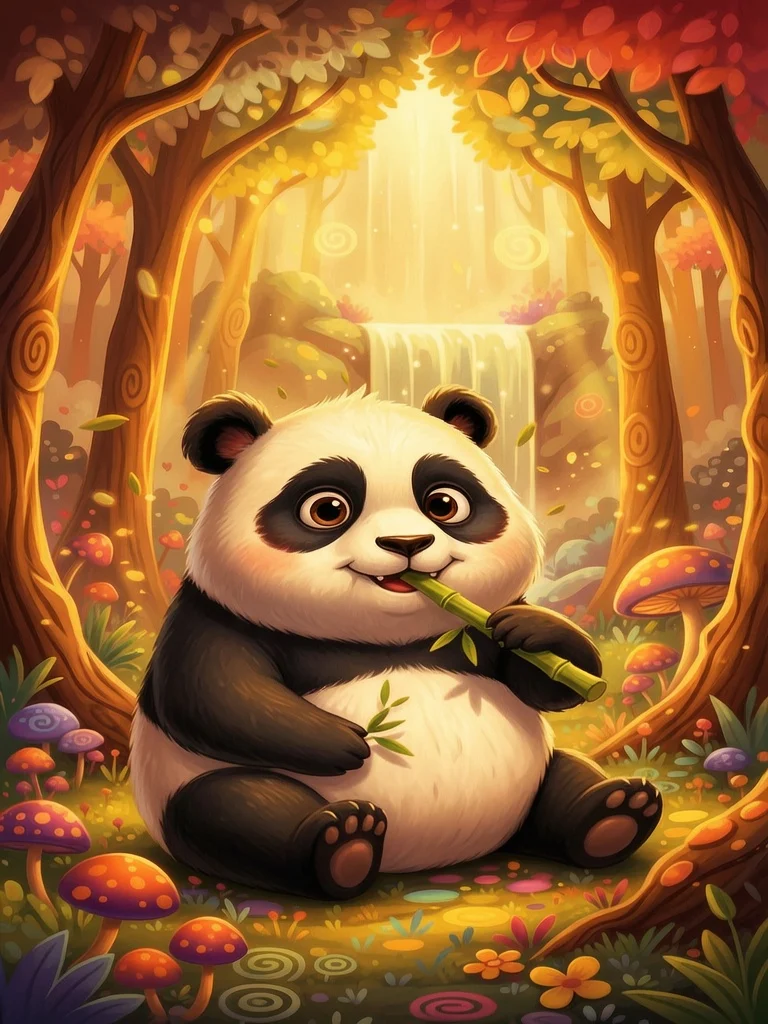
Advanced context-aware visual recomposition. Available on the Pixazo API through one unified endpoint, so you can benchmark it against the others on your own inputs without changing your integration.
23. Pixelforge 2.0 by Pixazo

AI image generation and intelligent photo relighting. Available on the Pixazo API through one unified endpoint, so you can benchmark it against the others on your own inputs without changing your integration.
24. P Image by Pruna AI

AI-powered image editing and transformation by Pruna AI. Available on the Pixazo API through one unified endpoint, so you can benchmark it against the others on your own inputs without changing your integration.
Suggested Read: Introducing Seedream 5.0 Pro API and Seedream 5.0 Lite API on Pixazo API
25. Boogu Image by Boogu
Advanced AI image generation and image editing. Available on the Pixazo API through one unified endpoint, so you can benchmark it against the others on your own inputs without changing your integration.
Start with the Image Editing API
Every model here runs through one Pixazo API key — pick a model, send a request, and switch freely as new models launch.
Or browse the full model catalog across image, video, and audio.
Frequently asked questions
Which image editing API is best in 2026?
It depends on your use case — GPT Image 2, Nano Banana 2 Lite and Seedream 5.0 Pro are among the strongest right now. Because every model here runs on one Pixazo endpoint, the fastest way to decide is to test them on your own inputs.
Can I switch between these models without changing my code?
Yes. Pixazo exposes every image editing model through a single API — you change one model parameter, not your integration, and billing stays unified.
Are new models added automatically?
This list is refreshed from Pixazo’s live image editing catalog, so newly launched models appear on the same endpoint as they go live.
How does pricing work?
Pay-as-you-go through one key, with no per-provider contracts. See the Image Editing API page for current rates.
Suggested Read: Best Video Editing APIs for Developers in 2026
Is there a free image editing API to start with?
Yes. Create a free key from the Pixazo API console and call any model on this list right away, then move to pay-as-you-go as your volume grows.
Do I need a separate API key for each model?
No. One Pixazo key works across every image editing model here, so you can benchmark and switch models without managing separate credentials or contracts.
Which model should I start with?
GPT Image 2, Nano Banana 2 Lite, Seedream 5.0 Pro are strong defaults today. Because they share one endpoint, the fastest way to choose is to run the same input through each and compare the results.
Can I use the outputs commercially?
Commercial rights depend on the specific model you call. Check each model page for its licensing terms before shipping to production.
How do I get started with the image editing API?
Grab a key from the API console, pick a model from the list above, and send your first request to the unified endpoint.
Model list sourced from the live Pixazo Image Editing API catalog. Written by Deepak Joshi, reviewed by Abhinav Girdhar. Last updated July 2026.
Suggested Read: Best Image Restoration APIs in 2026
Deepak Joshi
Author · Pixazo
Deepak writes about generative AI models, APIs, and the workflows teams use to ship them. Reviewed by Abhinav Girdhar.