Top 10 AI Pitch Deck Generators You Should Try in 2026



If you are starting a business, trying to get funding, or pitching an idea, you will need something called a pitch deck. A pitch deck is a short presentation that explains what your business or idea is all about. It helps others quickly understand your vision, your goals, and why they should support you. AI Pitch Deck Presentation Maker lets you try this in your browser.
A strong pitch deck is very important for many reasons. If you are looking for investors, a good pitch deck can help you raise money. If you are meeting a new client, a pitch deck can help you explain your services in a simple way. Even when telling the story of your business journey, a well-made pitch deck makes a lasting impression. It is your first chance to show your confidence, creativity, and clear thinking.
Today, technology has made it even easier to create amazing pitch decks. Thanks to AI Pitch Deck Presentation Maker tools, you do not have to be a designer or a writer to make a professional-looking presentation. These tools help you save time, offer beautiful templates, and even suggest text ideas. With the help of AI, anyone can build a strong pitch deck that looks like it was made by a pro.
What is a Pitch Deck?
A pitch deck is a short and simple presentation that gives an overview of your business, product, or idea. It is usually made up of a few slides that explain what you are offering, why it matters, and how it works. The goal of a pitch deck is to get the audience interested and excited about what you are doing.
Pitch decks are used in many situations. Startups often use them when they are raising money from investors. Companies use them to pitch their services to new clients. Business owners create them when they are making proposals for partnerships. They are also helpful during product launches when you need to quickly explain a new product to the market.
A good pitch deck usually includes a few important parts. First, you show the problem you are solving. Then you explain your solution and how it helps. You also talk about your business model, which means how you make money. It is important to introduce your team because people invest in people as much as they invest in ideas. It is also easy to create images for the presentation using AI Image Generator to enhance the appeal of the pitch deck. Some decks also include information about the market opportunity, your competition, and your future plans.
How We Select the Best AI Design Generator Platforms at Pixazo
At Pixazo, we carefully evaluate AI design generator platforms to help users skip the overwhelming trial-and-error process. Our experts, with extensive experience in AI-powered design tools, assess each platform based on creativity, ease of use, customization options, and overall performance. We put these tools to the test by creating designs across different categories to ensure they deliver high-quality results effortlessly. Every recommendation is based on thorough research and real-world testing, with no paid placements or outside influence. Want to know how we pick the best AI design platforms? Explore our detailed evaluation process.
Top 10 AI Pitch Deck Generator Tools (Detailed Reviews)
1) Storydoc
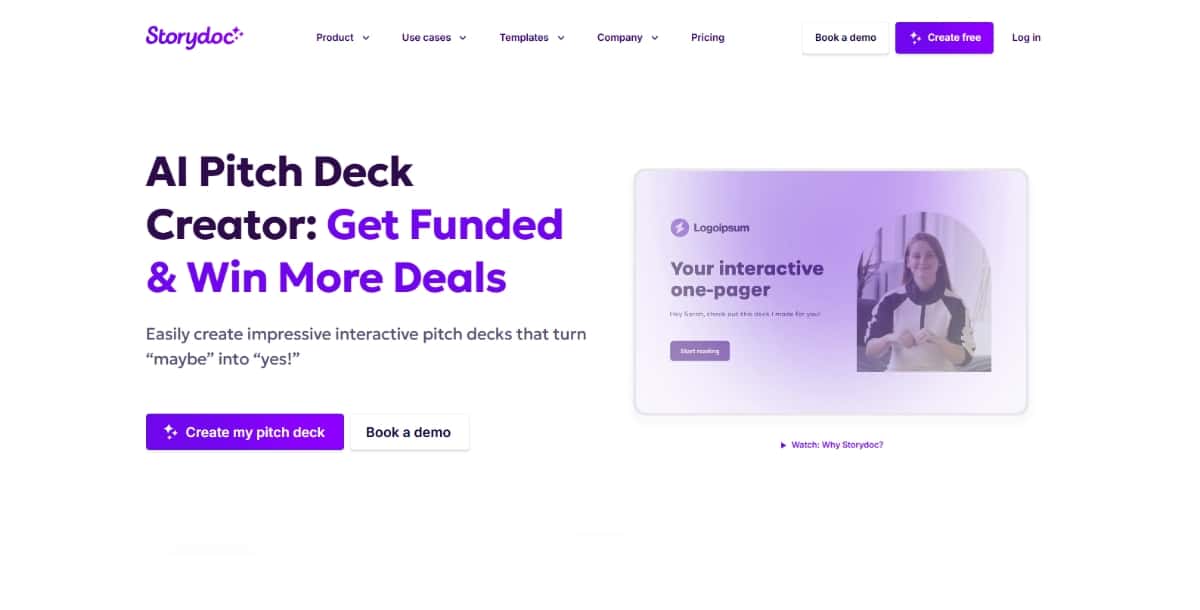
Storydoc transforms static content—whether from your website, PDF, or plain text—into interactive, mobile-friendly presentations complete with animations, narration, and viewer personalization. Its built-in analytics reveal exactly which slides engage audiences most, making it a go-to for teams that need data-driven insights alongside compelling storytelling.
Features:
- Generates fully structured slides from URLs, PDFs or text
- Interactive, mobile-friendly decks with animations and narration
- Dynamic personalization via CRM variables and viewer segmentation
- Built-in analytics to track engagement and viewer behavior
- Business-focused templates for problem, solution, team and financial slides
Pros:
- Creates highly engaging, interactive presentations
- AI-assisted copywriting and design workflow
- Detailed analytics highlight which slides resonate
- 14-day free trial with unlimited creations
Cons:
- Starter plan limits you to 20 slides and includes a watermark
- Pro plan can be pricey for small teams
- Custom branding and advanced integrations only on higher tiers
Best For:
- Sales and marketing teams who need data-driven investor pitches
- Startups looking for polished, personalized decks
- Companies that want detailed insights into viewer engagement
Pricing:
- Starter: $24 / user / month (billed annually)
- Pro: $36 / user / month (billed annually)
- Teams & Enterprise: Custom pricing
2) Slidebean
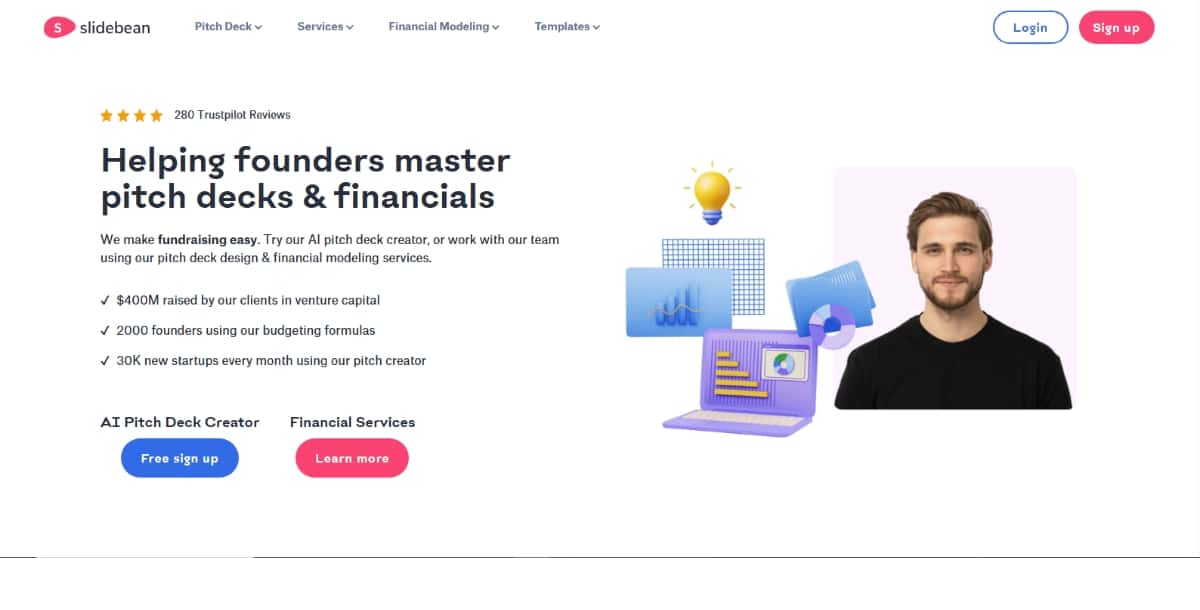
Slidebean’s standout feature is URL-based AI generation: point it at your public website, and it builds a pitch deck around your existing content in seconds. Coupled with high-quality, agency-grade templates and optional expert services for financial modeling and pitch coaching, it’s built for startups aiming to impress investors with minimal effort.
Features:
- AI generator pulls content from your public website URL
- Professional templates optimized by design experts
- In-editor logo uploads, image placeholders and manual tweaks
- Exports to PDF or PowerPoint on subscription tiers
- Optional agency-level services: deck design, financial modeling
Pros:
- URL-based generation requires no prompts or uploads
- High-quality, investor-ready slide designs
- Optional expert support for financials and pitch coaching
- Engagement analytics to refine slides over time
Cons:
- No text-prompt or file upload—requires a live website
- Downloading and sharing locked behind paid plans
- Plan offerings ($8–$99/month) can feel confusing
Best For:
- Founders with a live website seeking instant deck drafts
- Entrepreneurs who want integrated design plus analytics
- Teams that value optional agency-style support
Pricing:
- Starter: Free (unlimited slides, basic templates, no analytics/download)
- All-Access: $8 / month (annual) or $19 / month – full AI deck builder, tracking, templates
- Accelerate: $99 / month – includes strategy calls and pitch reviews
- Enterprise/Agency: Custom
3) Visme
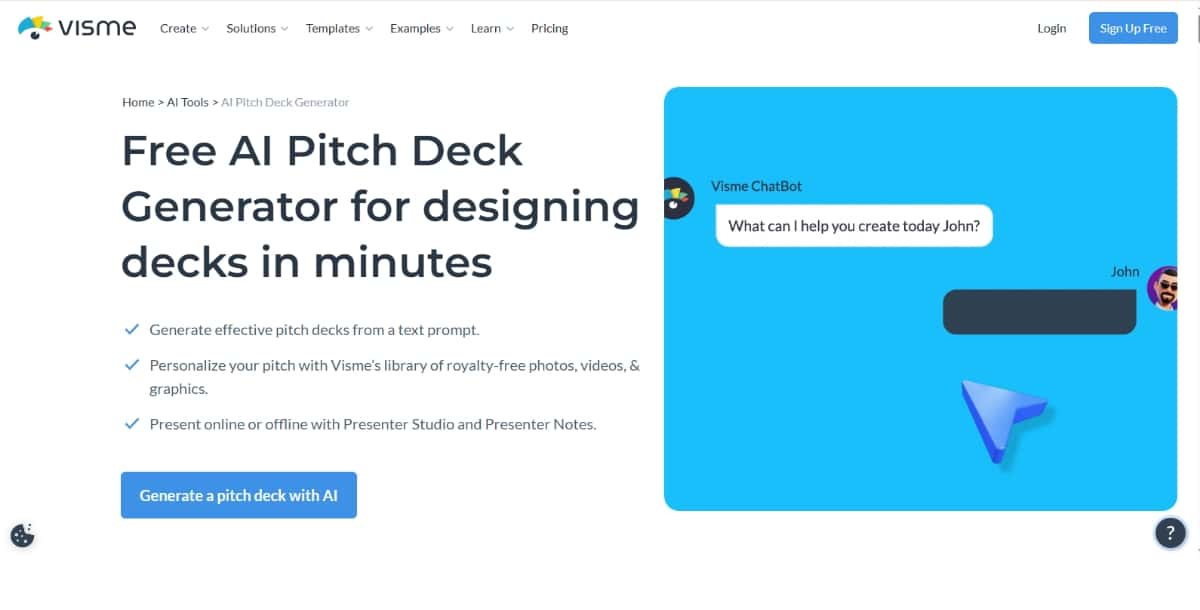
Visme packs AI deck creation into a broader design platform, offering prompt- or document-based generation plus deep customization of themes, Brand Kits, charts, and animations. Its Presenter Studio adds timers, notes, and offline playback, making Visme a natural choice for educators, trainers, and teams that need rich data visualizations alongside AI assistance.
Features:
- AI deck generator in every plan; decks cost 3 credits each
- Source content via prompt, document upload or URL for summarization
- Presenter Studio with timer, notes and offline playback
- Brand Kit, color themes, charts, infographics and AI image editing
- Exports as PPTX, PDF or interactive HTML5
Pros:
- AI decks accessible on all subscription levels
- Deep customization: templates, data visuals and branding
- Collaboration tools built into Presenter Studio
- Extensive library for varied use cases
Cons:
- Credit-based model can deplete smaller plans quickly
- AI interface and credit management have a learning curve
- File-sourcing options sometimes limited by size/format
Best For:
- Teams already using Visme who want AI-powered decks
- Educators and trainers needing fast, interactive presentations
- Users who value integrated data visualization
Pricing:
- Basic (Free): $0 / month (5 designs, public sharing)
- Premium: $10 / user / month (annual billing)
- Business: $24 / user / month (annual billing)
- Enterprise: Custom
4) Prezi AI (Present & Design)
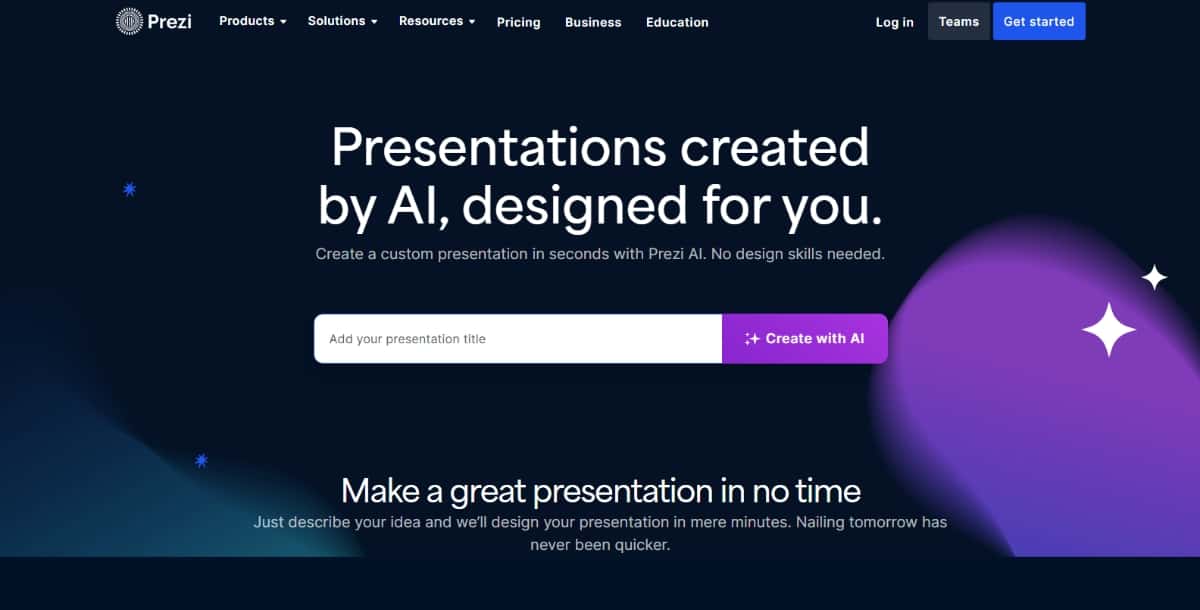
Prezi’s AI tools focus on elevating your existing content—suggesting clearer wording, dynamic layouts, and engaging animations—and feeding insights back on what will resonate most with your audience. Rather than a prompt-to-deck generator, it enhances every step of the storytelling process within Prezi’s non-linear, narrative-driven canvas.
Features:
- AI suggestions for wording, tone and content clarity
- Smart layout and animation recommendations from bullet points
- Engagement insights to tailor content for specific audiences
- Integration across Prezi Present, Video and Design suites
- Interactive, non-linear templates ideal for storytelling pitches
Pros:
- Inspires creative, dynamic presentations
- Automates repetitive formatting and animations
- Non-linear format keeps audiences engaged
- Unified AI support across multiple Prezi products
Cons:
- Not a prompt-to-deck generator—manual slide assembly still needed
- AI features focus on editing existing content, not full generation
- Steeper learning curve for users accustomed to linear slides
Best For:
- Presenters seeking story-driven, animated formats
- Teams already invested in the Prezi ecosystem
- Users focused on refining content and animations rather than starting from scratch
Pricing:
- Basic: $0 / month (core Present & Design features)
- Standard (Plus): $5 / month (billed annually)
- Premium (Business): $15 / month (billed annually)
- Prezi Business: Custom pricing for larger teams
| Tool | Main Feature | Key Pros | Pricing Summary | Best For |
|---|---|---|---|---|
| Storydoc | Interactive, mobile-first decks + analytics | Engagement insights; personalization; AI workflows | Starter $24/user/mo; Pro $36/user/mo; Teams custom | Sales & marketing teams; investor pitches |
| Slidebean | URL-based deck builder + agency services | Instant site-to-deck; expert support; analytics | Starter free; $8–$19/mo All-Access; $99/mo Accelerate | Startups with websites wanting investor-ready decks |
| Visme | Credit-based AI decks + Presenter Studio | Rich visuals; collaboration tools; Brand Kit | Free; Premium $10/user/mo; Business $24/user/mo; Enterprise custom | Educators & trainers needing interactive, data-driven slides |
| Prezi AI (Present & Design) | AI-driven editing, layouts & engagement insights | Dynamic storytelling; non-linear formats; AI support | Free; Standard $5/mo; Premium $15/mo; Business custom | Presenters focused on narrative, animated formats |
| Pitches.ai | Multiple input modes + token-based output | Flexible workflows; token savings; fast turnaround | 3 for $29; 6 for $52; 12 for $94 | Founders on the go preferring pay-per-pitch |
| Pixazo AI Presentation Generator | Prompt-to-slide creation + real-time refinement | Ultra-easy; fast drafts; large templates; 7-day trial | 7-day trial (20 credits); $84/year; extra credits pay-as-you-go | Non-designers needing quick, polished decks |
| Venngage AI Pitch Deck Generator | AI generation + Brand Kit + data visuals | Intuitive; strong infographics; brand consistency | Free (5 decks); Premium $10/user/mo; Business $24/user/mo | Marketers & small teams needing branded, data-rich decks |
| Beemerdocs (Beemer) | Zero-signup instant deck generation | No friction; professional templates; easy export | Core free; $10 one-time Pitch Booster; packages on request | Entrepreneurs wanting one-off, instant pitch decks |
| PitchBob | AI co-pilot + full investor kit + matching | Comprehensive kit; flat fees; investor matching | Basic free; Advanced $49.90; Pro $79.90; Super Pro $99.90 | Solo founders needing complete investor packages |
| Pitch | Unlimited AI drafts + full editor + analytics | Free tier; deep customization; collaborative tracking | Free; Pro €17/user/mo; Business €68/user/mo; Enterprise custom | Collaborative teams seeking built-in analytics |
5) Pitches.ai
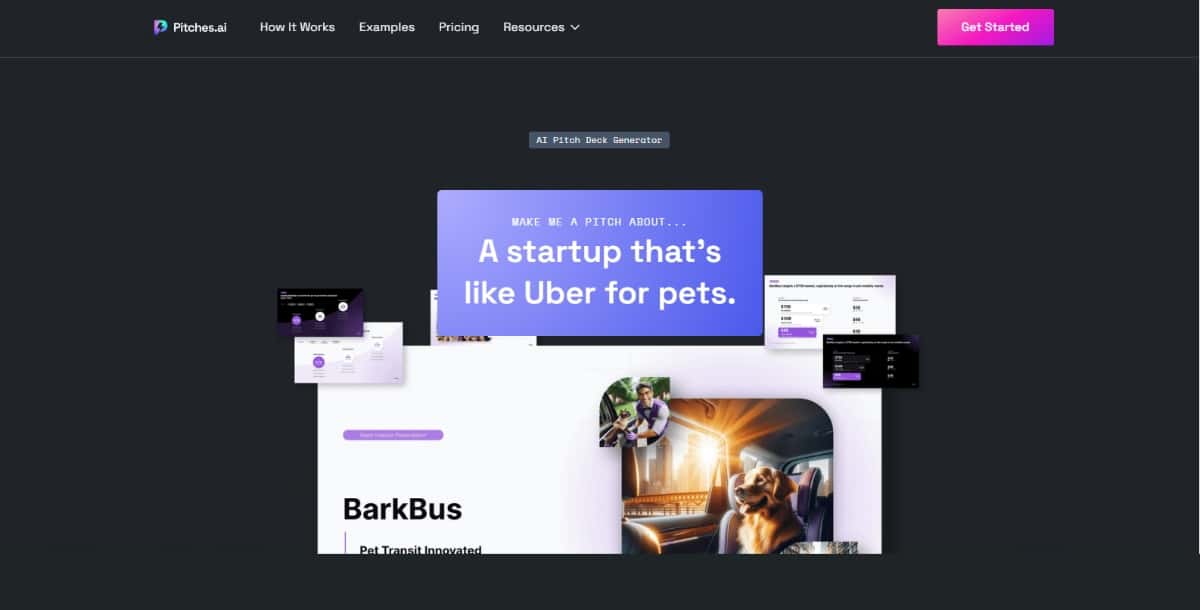
Pitches.ai offers flexible pitch creation through draft uploads, guided Q&As, or freestyle prompts, then automatically stitches in AI-generated visuals and charts. Its token-based pricing keeps costs transparent, and seamless exports to Slides or PPTX let you collaborate effortlessly—perfect for founders and sales pros racing against the clock.
Features:
- Three input modes: draft upload, guided Q&A or freestyle prompt
- AI-generated images, charts and light/dark theme options
- Brand color picker and style presets
- Exports to Google Slides or PowerPoint; shareable links
- Token-based system: 1 token = 1 complete pitch
Suggested Read: 70+ International Yoga Day Poster Ideas in 2026
Pros:
- Flexible workflow options to suit any user
- Rapid deck creation (around 10 minutes)
- Token bundles lower the per-pitch cost
- High satisfaction with output quality
Cons:
- Strictly pay-per-pitch; no subscription model
- Tokens may deter infrequent users
Best For:
- Founders and sales pros needing quick investor-ready decks
- Early-stage startups wanting structured pitch frameworks
- Teams preferring usage-based pricing
Pricing:
- 3 tokens for $29
- 6 tokens for $52
- 12 tokens for $94
6) Pixazo AI Presentation Generator
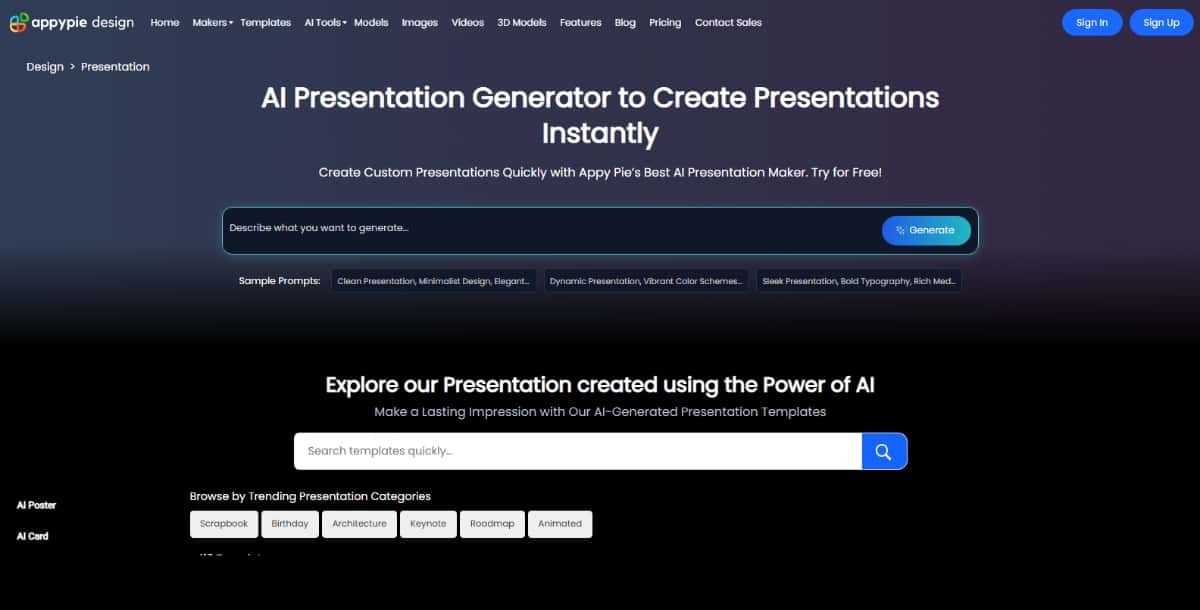
Pixazo’s AI Presentation Generator turns simple text prompts into fully designed slides in minutes, all through an intuitive drag-and-drop interface. With real-time AI commands to tweak tone, visuals, and data layouts, it empowers anyone, regardless of design experience, to produce polished, on-brand decks and export them.
Features:
- AI-powered prompt-to-slide creation with smart template suggestions
- Drag-and-drop editor for layouts, colors, fonts, and logos. It has built-in features of AI Font Generator and AI Logo Generator.
- Real-time AI commands to refine tone, visuals, and data displays
Pros:
- Extremely user-friendly for non-designers
- Creates polished decks in minutes
- Large, industry-specific template library
- 7-day free trial with generous credits
Suggested Read: Best Voice Cloning API Providers in 2026: Ranked and Compared
Cons:
- Advanced AI actions use credits, which can add up
- Template structure may limit deep customization
- AI-written content sometimes needs manual brand tweaks
Best For:
- Professionals and students seeking a fast, no-code solution
- Small teams needing cost-efficient presentations
- Anyone who wants polished slides without design skills
Pricing:
- Free trial (20 credits) for 7 days
- $8 per month and $84 per year afterward
- Additional pay-as-you-go credits available
7) Venngage AI Pitch Deck Generator
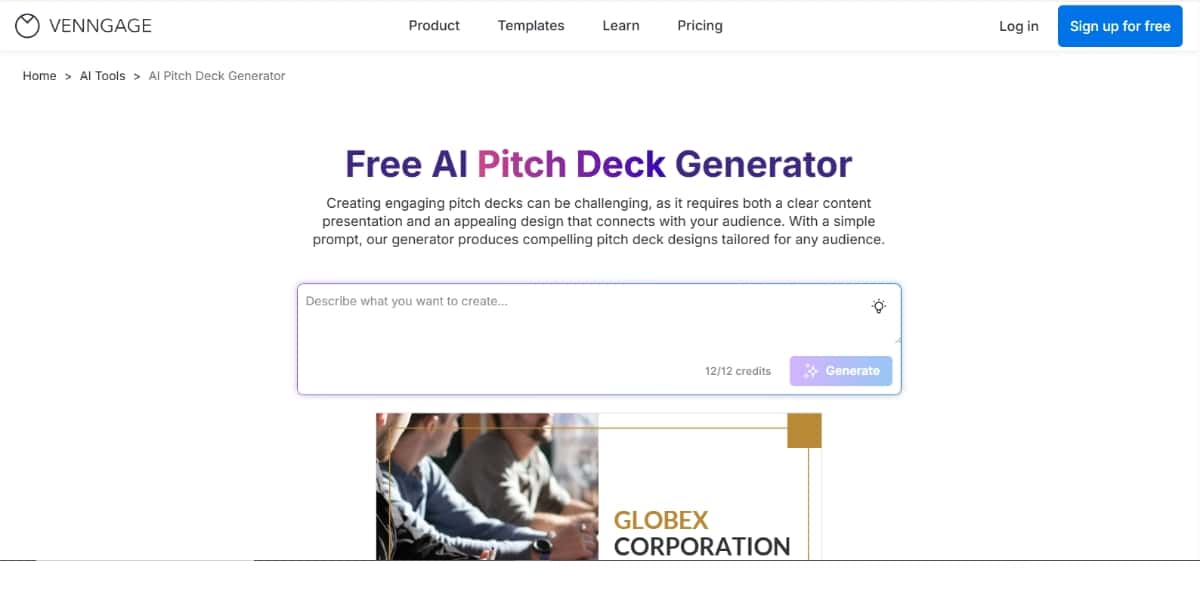
Venngage combines AI-powered slide generation with a robust Brand Kit and data-visualization toolkit. You prompt the AI, then fine-tune layouts, colors, charts, and infographics in a familiar drag-and-drop editor—ideal for marketers and small businesses that want eye-catching, on-brand decks without hiring a designer.
Features:
- AI-created decks from simple text prompts
- Seamless Brand Kit integration for logos, colors and fonts
- Drag-and-drop editing and a vast template gallery
- Built-in chart, graph and infographic tools
- Sample prompts and guided workflows
Pros:
- Up to five free decks on the free plan
- Very intuitive for non-designers
- Strong data visualization features
- Consistent branding via Brand Kit
Cons:
- Free plan limited to five decks (and includes watermark)
- AI credit usage not always transparent
- Full AI access requires Premium plan
Best For:
- Educators, marketers and small businesses seeking quick, branded decks
- Users already on Venngage leveraging their existing Brand Kit
- Anyone who values integrated data visuals in presentations
Suggested Read: Create Stunning Slides With Nano Banana Pro — Now Available on Pixazo
Pricing:
- Free: $0 / month (5 decks, public sharing)
- Premium: $10 / user / month (annual billing)
- Business: $24 / user / month (annual billing)
- Enterprise: Custom
8) Beemerdocs (Beemer)
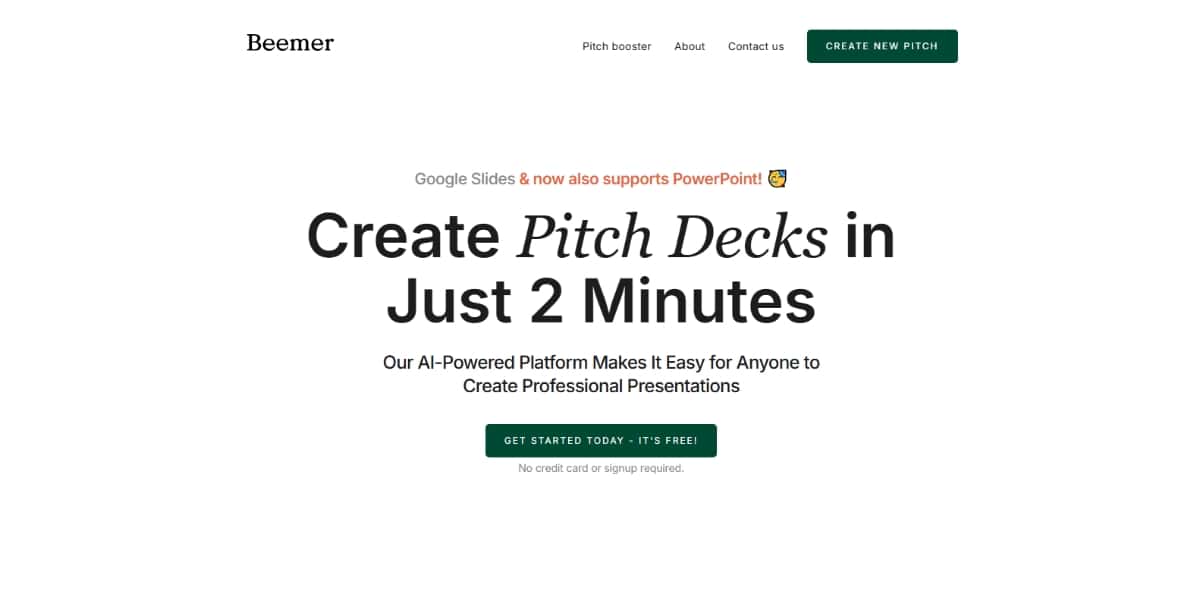
Beemer delivers instant pitch decks—no signup required—by turning a brief business description into a sleek Google Slides or PPTX file in about two minutes. Its minimalist templates keep design friction to a minimum, and the optional “Pitch Booster” add-on extends your deck with executive summaries and investor emails, all without a subscription.
Features:
- Generates full Google Slides or PowerPoint decks from a brief description in ~2 minutes
- Clean, modern slide layouts following current design trends
- No signup or payment needed to try the core generator
- Exports seamlessly to Google Slides or PowerPoint for collaboration
- Optional “Pitch Booster” add-on for executive summaries and investor emails
Pros:
- Truly instant deck creation with zero signup friction
- Professional templates reduce design effort
- Familiar export formats for easy editing and sharing
- Low-cost Pitch Booster enhances messaging
Cons:
- Limited to pitch decks; no other presentation types supported
- Basic customization unless you purchase the booster
- All final edits must be done in an external slide app
Best For:
- Startup founders wanting a risk-free trial of AI deck creation
- Entrepreneurs needing quick exports without account setup
- Anyone looking for a one-off, instant pitch deck
Pricing:
- Core Generator: Free, no signup
- Pitch Booster: $10 one-time for summaries and extra templates
- Advanced Packages: Available on request
Suggested Read: 10 Best AI Presentation Maker Tools in 2026
9) PitchBob
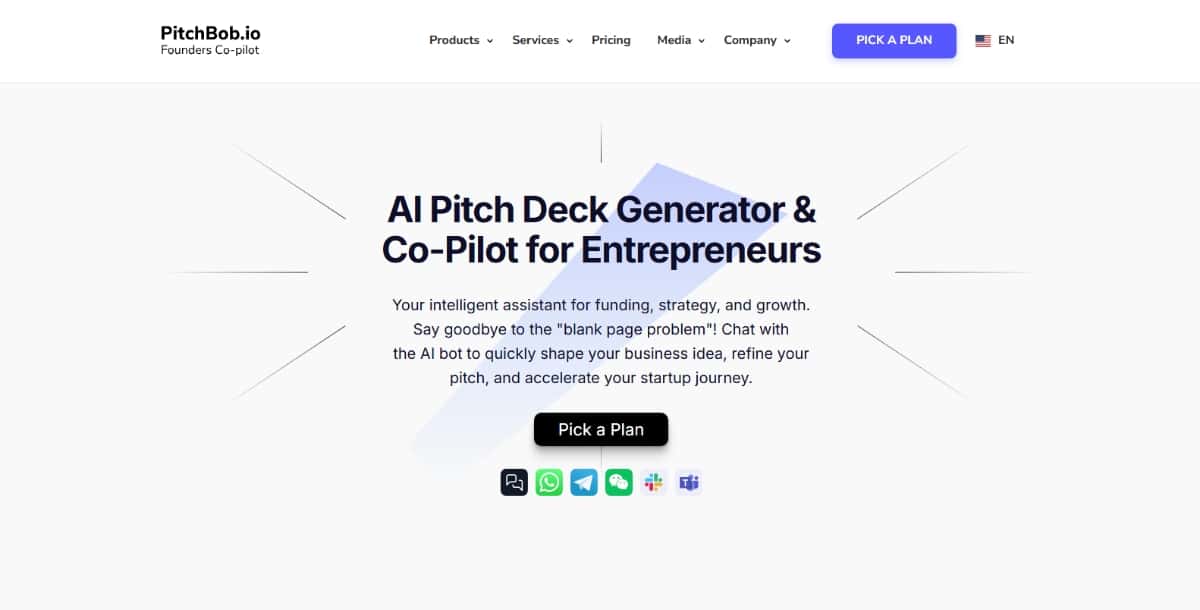
PitchBob goes beyond slides by offering an AI co-pilot chat to refine your ideas, then generates a full investor kit—pitch deck, one-pager, executive summary and outreach emails—and even matches you to relevant investors. Its straightforward one-time-purchase plans make it easy for solo founders to get a complete, investor-ready package without ongoing fees.
Features:
- AI co-pilot chat interface for refining business ideas and decks
- Generates full investor kits: deck, one-pager, summary and emails
- Investor matching to surface top prospects from a 150,000+ database
- One-time purchase plans—no ongoing subscription
- Upload existing materials for instant AI-powered improvements
Pros:
- Complete investor-ready materials beyond just slides
- Transparent, flat-fee pricing tiers
- Built-in investor matching eases outreach
- Conversational refining via co-pilot chat
Cons:
- One-time model may not suit teams needing frequent updates
- AI output can feel generic and require manual polish
- Limited on-platform editing—requires external apps
Best For:
- Solo founders desiring a full kit with a single purchase
- Entrepreneurs preferring flat-fee over subscription costs
- Startups seeking automated investor targeting support
Pricing:
- Basic: $0 (AI deck & co-pilot basics)
- Advanced: $49.90 (additional deliverables and chat features)
- Pro: $79.90 (full investor kit and matching)
- Super Pro: $99.90 (all features plus extended support)
10) Pitch
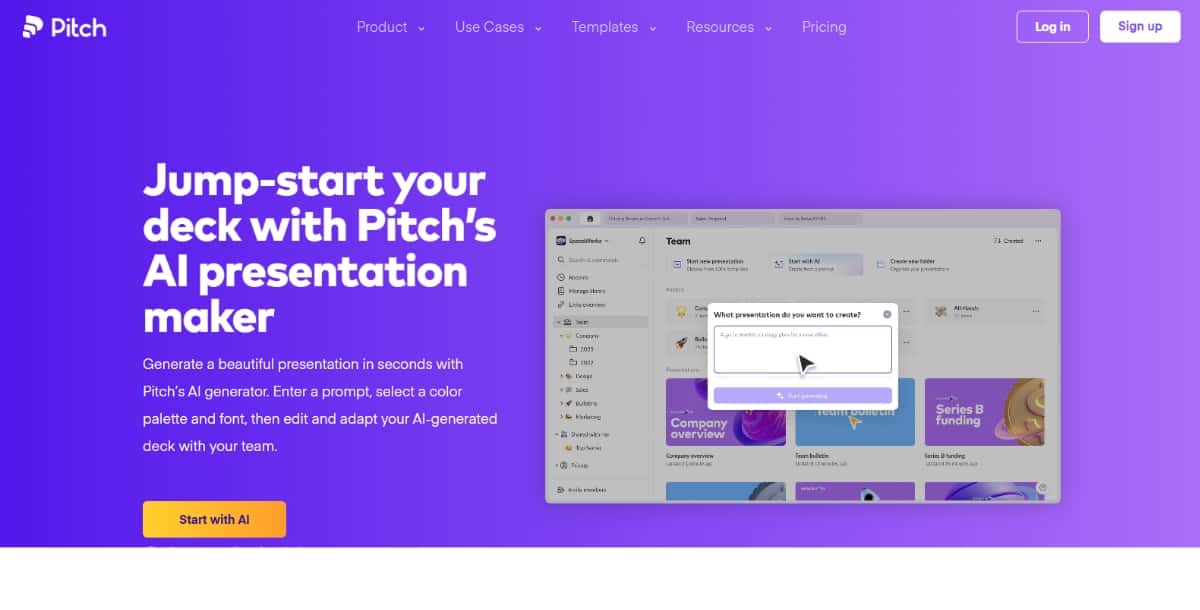
Pitch blends unlimited AI-driven draft creation with a full-featured editor, version history, and engagement analytics—all starting on its free tier. Whether you’re an individual or a team, you can instantly generate a deck, customize every element, and share trackable links, making it a one-stop shop for modern, collaborative presentations.
Features:
- Instant AI-drafted decks from a text prompt with style presets
- Full editor for colors, fonts, images and custom slide layouts
- Unlimited AI generation and shareable analytics links
- PPTX, PDF export and real-time collaboration
- Version history and guest access controls
Pros:
- Free tier includes unlimited AI decks and editor features
- Combines AI drafting with powerful customization
- Branded exports and custom templates on free plan
- Scales smoothly from individuals to large teams
Suggested Read: Best Trending APIs in 2026
Cons:
- Free plan limited to five workspace members with Pitch branding
- Paid tiers (€17–€68/month) can be expensive for small groups
Best For:
- Teams needing AI plus in-depth customization and tracking
- Individuals seeking a robust free AI presentation tool
- Organizations wanting built-in analytics and collaborative editing
Pricing:
- Free: €0 / month (up to 5 members)
- Pro: €17 / month (per user, annual billing)
- Business: €68 / month (per user, annual billing)
- Enterprise: Custom
Why Use an AI Pitch Deck Generator?
Creating a good pitch deck from scratch can take a lot of time and effort. This is where AI pitch deck generators come in. They make the whole process faster, easier, and better, even if you have no design or writing experience. These best AI presentation makers offer various features that you can use to speed up your pitch creation process.
Speed
An AI pitch deck generator helps you create a professional presentation much faster. Instead of spending days designing and writing slides, you can finish a full deck in just a few hours.
Creativity
These tools offer modern templates and smart design ideas. Some even suggest text and layouts, making your deck look fresh and exciting without much effort.
Accessibility
You do not need to be a designer or a writer. AI pitch deck generators are built for everyone, including first-time founders and small business owners.
Customization
Many AI tools allow you to customize your deck based on your industry, your audience, and the purpose of your pitch. This means you can create a deck that fits your exact needs.
How to Use Your Pitch Deck for the Greatest Impact
Tailor Your Deck to Your Audience
Different audiences have different expectations. Investors care about numbers and growth potential. Clients want to see how your product solves their problem. Partners might be interested in your team and vision. Adjust your tone and message for each audience.
Keep It Concise and Visual
Less text means your audience can focus more on your message. Use visuals like images, charts, and graphs to tell your story. People remember visuals much more than long paragraphs of text. You can use the best AI slideshow maker tools to get assistance in keeping your information concise and visually impressive.
Practice Your Delivery
An AI Presentation Maker assisted pitch deck is only half the job. The way you present it is just as important. Practice speaking clearly, confidently, and with passion. Be ready to answer questions and make the pitch feel natural.
Tell a Story
Your pitch should not be just a list of facts. Tell a story that engages your audience emotionally. Show them why your idea matters and how it can make a difference. People connect better with stories than with dry facts alone.
Use Data Wisely
While storytelling is important, data also matters. Use statistics, market research, and case studies to back up your claims. But be careful not to overwhelm your audience with too many numbers. Select the most powerful data that supports your message. A web scraper tool like Apify can help you achieve that by gathering relevant datasets from multiple sources.
Update Regularly
As your business grows, your pitch deck should too. Keep it up to date with your latest progress, metrics, and milestones. An outdated deck can make you seem less serious about your business.
Final Thoughts
AI pitch deck tools have truly changed the game for entrepreneurs and business owners. They save time, improve creativity, and make professional design accessible to everyone. Whether you’re raising funds, pitching to clients, or launching a new product, using these AI design tools can help you create a deck that grabs attention and communicates your message clearly.
The best part is that there are so many options to choose from, each offering different features to suit your needs. Don’t hesitate to try a few different AI pitch deck generators to find the one that works best for you. With the right tool, you can create a pitch deck that makes a lasting impression and moves your business forward.
Suggested Read: What Is Nano Banana? The Mystery Generative AI Changing Everything
Frequently Asked Questions
What is an AI pitch deck generator?
An AI pitch deck generator creates presentation slides for a startup or business idea from a short prompt or outline. It suggests structure, copy, and visuals so you can build a deck faster.
Can AI really build a full pitch deck?
AI can draft the slide structure, headlines, and starter content, but you should refine the numbers, story, and branding to fit your business. It is a strong first draft, not a finished investor deck.
Are AI pitch deck generators free?
Several offer free plans with limited slides or exports, while full decks, templates, and downloads often need a paid subscription. Check export formats before choosing.
Do I need design skills to use a pitch deck generator?
No, these tools handle layout and styling automatically so you can focus on your message. You mainly adjust the wording and swap in your own data.
Which AI pitch deck generator is best for startups?
The best one depends on whether you need investor-ready templates, brand customization, or quick internal decks, so match the tool to your stage. Trying a free version first helps you compare.
Deepak Joshi
Author · Pixazo
Deepak writes about generative AI models, APIs, and the workflows teams use to ship them. Reviewed by Abhinav Girdhar.