How to Design a Flyer for Your Business (Step-by-Step Guide)



Have you ever stared at a blank page, overwhelmed by the thought of designing a flyer for your business? Creating well-designed flyers that effectively grab attention and communicate your message can be daunting initially. The good news? The days of wrestling with complex design software are fading. AI Design Tools have emerged as a powerful ally that can help you streamline the flyer design process. These tools even enable non-designers to create professional-looking results. This guide will provide a step-by-step process to design a flyer with effective business flyer design tips and ideas to help you design a flyer that gets your business noticed. So, forget the design anxiety and explore this guide to create a business flyer within minutes! AI Flyer Maker lets you try this in your browser.
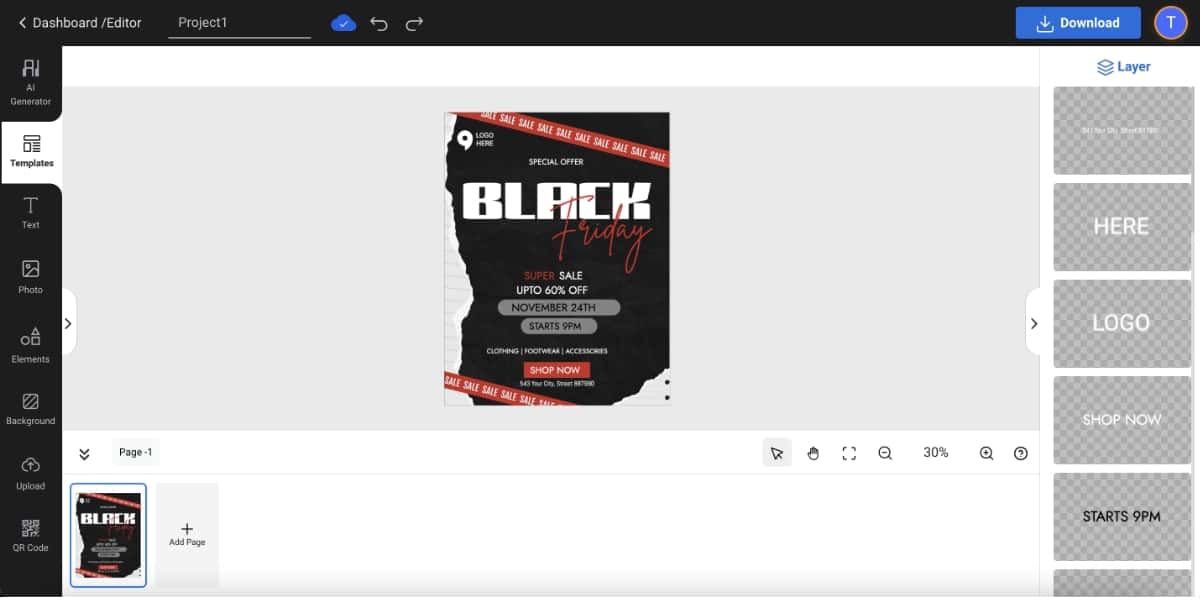
Step 6: Select the ‘Text’ option to add or edit text
Utilize the ‘Text’ feature to add or modify text content on your flyer, including headings, subheadings, body text, and any other textual elements essential for conveying your message effectively. You can even use the AI Font Generator to create personalized fonts for your flyer.
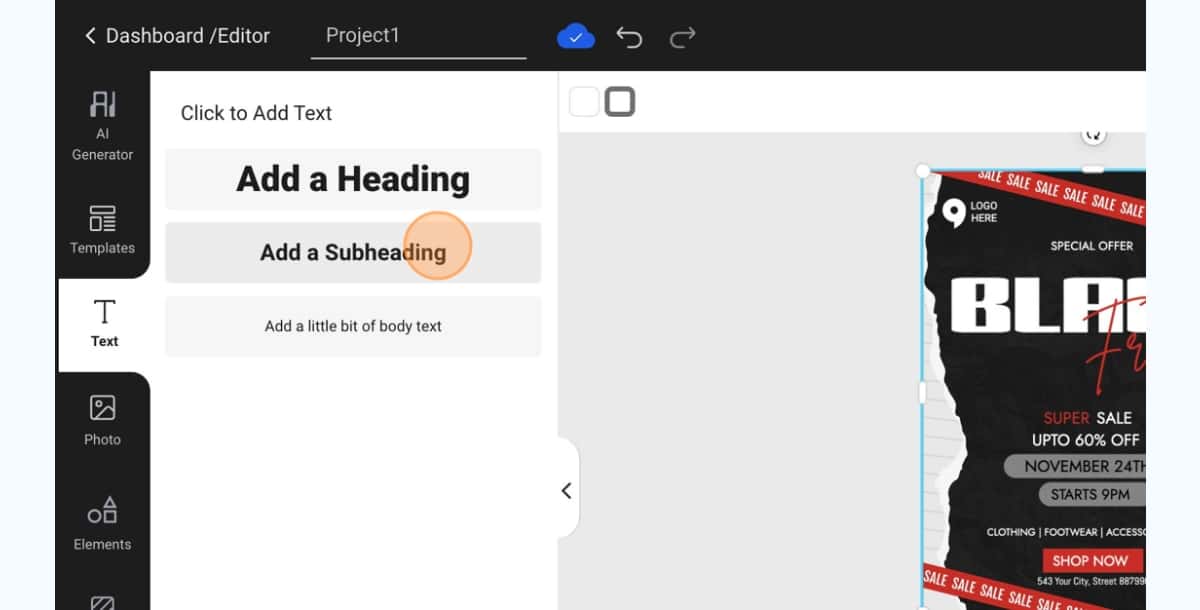
Step 7: Click the ‘Photos’ option to explore stock photos
You can go to the ‘Photos’ option to explore a vast library of stock photos available within the platform. You will find high-quality images spanning various categories and themes to enhance the visual appeal of your flyer design.
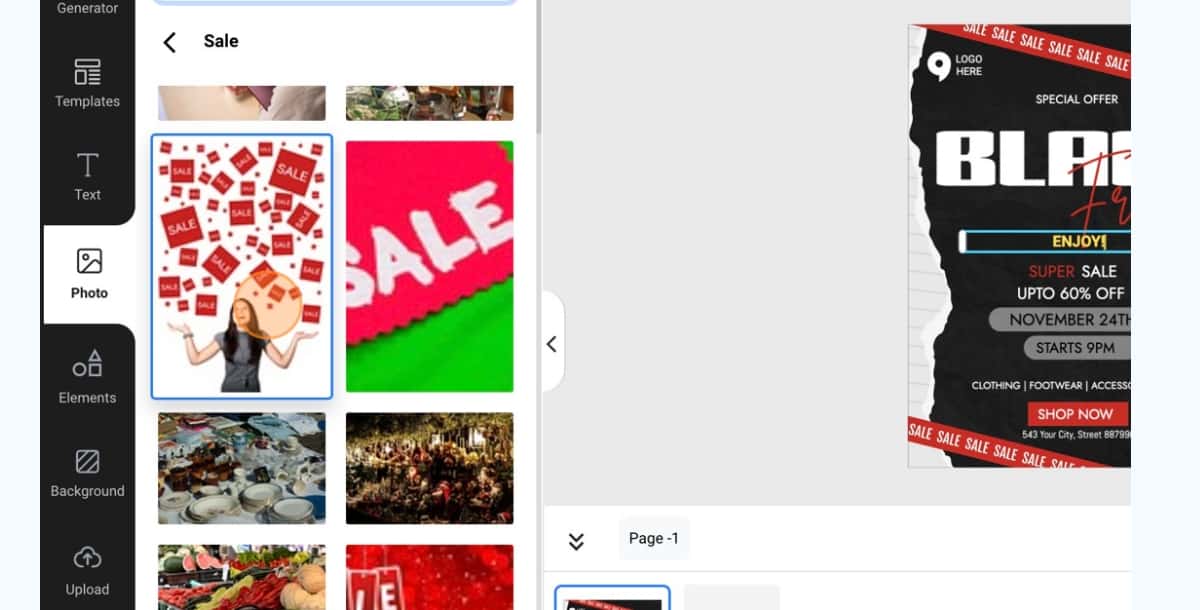
Step 8: Click the ‘Elements’ option to add elements
You can enhance your flyer design by adding various graphical elements and icons from the ‘Elements’ feature. These elements help you customize and embellish your flyer with decorative accents and visual enhancements.
- Hierarchy and Clarity: Your flyer should have a clear hierarchy of information. Use a prominent headline to grab attention and follow it with supporting details and a strong call to action. Also, emphasize key information with bold text or contrasting color combinations for easy readability.
- Visual Appeal is Key: People are drawn to visuals. Always use high-quality images or graphics that are relevant to your message and brand. Also, consider the overall color scheme and ensure it complements your brand identity and evokes the desired emotions.
- Keep it Concise and Compelling: Flyers are meant for quick glances. So keep your message concise and impactful. Use clear and concise language that conveys the essence of your offer. Also, avoid text overload that may overwhelm viewers.
- Whitespace is Your Friend: Don’t crowd your flyer. Learn to create a sense of balance and improve readability. It allows elements to breathe and highlights important information, making your flyer catchy and easier to digest.
- Call to Action: What do you want people to do after seeing your flyer? Include a clear and strong call to action, whether it’s visiting your website, attending an event, or redeeming a special offer. If your goal is to generate sales, tools like Zintego can help you create professional invoices for a smooth customer payment experience.
Suggested Read: Top Business Card Design Trends for 2026
<Moreovver, you can even explore some latest flyer design apps the even facilitate facilitate creating flyer designs for free.
Explore These Business Flyer Design Ideas
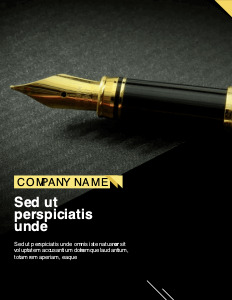
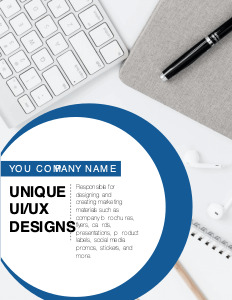
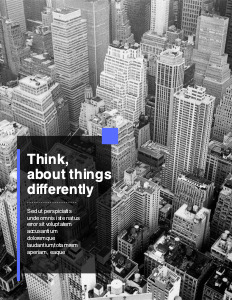
Pixazo provides you with a variety of business flyer templates for different needs and preferences. You can try some of the templates attached below.
Suggested Read: Discover the Meaning of Shapes in Design

Suggested Read: Bad Logo Design: Why Some Logos Just Don't Work
Suggested Read: Typography Design 101: Guidelines and Terms
Conclusion
So there you have it! These expert design tips, innovative business flyer ideas, and the power of design tools like Pixazo’s AI Flyer Maker at your fingertips will significantly help you design flyers that capture attention and drive results. Moreover, flyers are a tangible touchpoint that can cut through the digital noise and connect with your local audience effectively. So what’s the wait for? Start designing your flyer right away!
Suggested Read: 11+ Types of Logos: Purpose And Significance For Business
Save time and effort by referring to our expert roundup of the best AI flyer generator tools to spot the perfect match for your brand.
Suggested Read: 12 Timeless Web Design Trends for 2026 and Beyond
If you want to design brochures without hiring a designer, these best AI brochure generator tools can help you do just that—fast and affordably.
Suggested Read: What is Color Wheel [A Guide to Use Colors in Design]
Frequently Asked Questions
What information should a business flyer include?
A good flyer includes a clear headline, a short description of your offer, key details like date, price, or location, a call to action, and your contact information. Keeping it focused on one main message makes it more effective.
What is the standard size for a business flyer?
Flyers are commonly printed at standard letter size, A4, A5, or half-page dimensions depending on your region and purpose. Confirm the size with your printer before designing so your layout matches the final output.
How do I design a flyer if I am not a designer?
Start from a template, replace the text and images with your own, and keep the layout uncluttered with a clear focal point. Pixazo offers image tools that can help you create flyer visuals without professional design software.
What is the most important element of an effective flyer?
A clear call to action is often the most important element, since it tells people exactly what to do next, such as visit, call, or scan a code. Without it, even an attractive flyer can fail to drive results.
Should I design flyers for print, digital, or both?
It depends on how you plan to share them, and many businesses use both. If you are printing, design at high resolution with bleed margins, and if you are sharing online, optimize the file size and dimensions for screens.
Deepak Joshi
Author · Pixazo
Deepak writes about generative AI models, APIs, and the workflows teams use to ship them. Reviewed by Abhinav Girdhar.