US
Loading...

AI Flyer Maker to Create Flyers Instantly

Flyer Maker MODEL Choose an AI palette for artistic style for Generate Flyer.

Pixazo PixelForge

Pixazo PixelForge

AI Text to Image

Describe your vision for AI to illustrate.

Character remaining: 1000
1

Select the canvas size for your art.

Create Custom Flyers Quickly with Pixazo’s Best AI Flyer Maker. Try for Free!

How to Make a Flyer Using Pixazo’s AI Flyer Maker
Create Custom Flyers Effortlessly with Our Easy-to-Use AI Tool
Step 01 of 05
Visit Pixazo’s AI Flyer Maker Page

Start by going to the AI Flyer Maker page on Pixazo’s website. This tool makes it easy to create professional flyers for any purpose, such as business promotions, events, or announcements. You can describe your flyer design with a custom prompt or choose from a variety of pre-made templates to customize.

Flyer Maker
Step 02 of 05
Enter a Design Prompt or Choose a Template

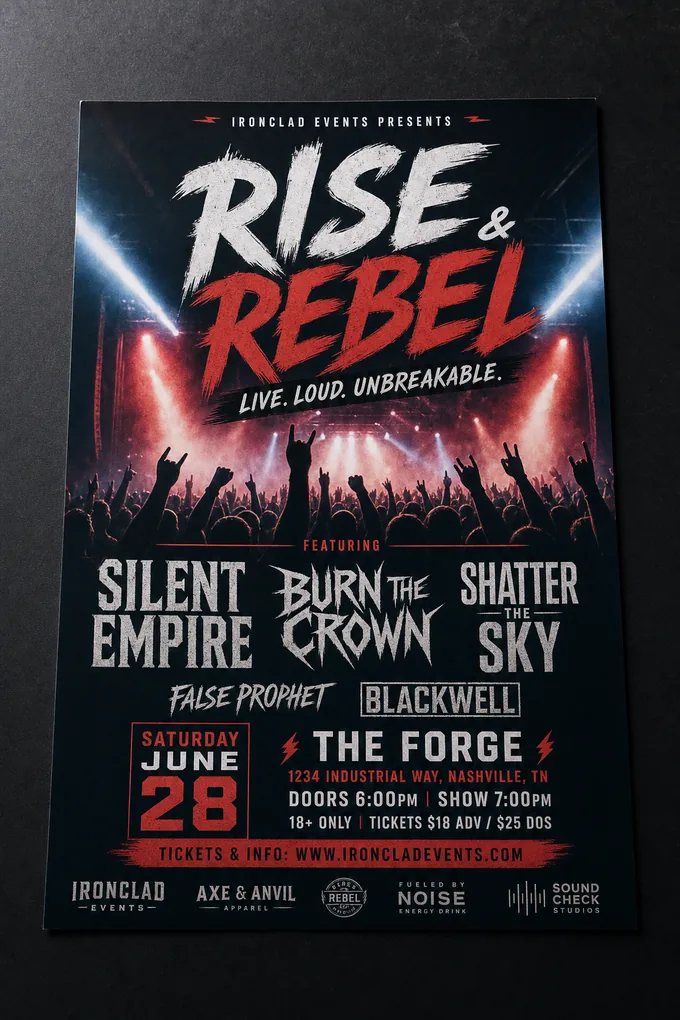
Once on the Flyer Maker page, describe your vision for the flyer by entering a prompt. For example, you can ask for a clean, modern flyer for a product launch. Click Generate to let the AI create a flyer based on your description. Alternatively, explore the available Flyer Templates and select one that matches your needs. You can edit and personalize these templates to suit your preferences.

Flyer Generator
Step 03 of 05
Sign Up or Log In to Pixazo

To continue working on your flyer, sign in to your Pixazo account. If you don’t have an account, sign up to access the design editor.

Create Flyer
Step 04 of 05
Customize Your Flyer Design in the AI Playground

After generating your flyer, select Preview and click Edit to customize it further. Use the Open in Design Editor option to make more detailed adjustments. You can modify the text to include your event or business details, upload your logo, and add relevant images. The editor allows you to experiment with fonts, colors, layouts, and other design elements to create a polished, eye-catching flyer.

Design a Flyer
Step 05 of 05
Download and Share Your Flyer

Once your flyer is ready, download it to your device by clicking Download. Share your flyer digitally via email, or social media, or print it for physical distribution. Pixazo’s AI Flyer Maker simplifies the process of creating and sharing stunning flyers.

AI Flyer Maker

Pixazo’s free Flyer Maker to design your own Flyer

Pixazo's flyer maker lets you create flyers that exclusively cater to your business needs. It allows you to design flyers with the following features:

Pixazo's Free Flyer Maker to Design your own Flyer in Few Mints

1. Simplistic

Create your flyer with a beautiful design layout and simple language.

2. White space

Use white space to draw the reader's attention and subtly direct the readers to the most relevant information.

3. Visible fonts

Design flyers with readable text having a bolder and bigger font to attract more attention.

4. Grammatically perfect

Make flyers free from grammatical errors and incorrect usages of words.

5. Key information

Add a business name, contact details, etc., to your flyers and attract maximum attention.

Let’s Get Started
Flyer templates
Flyer templates
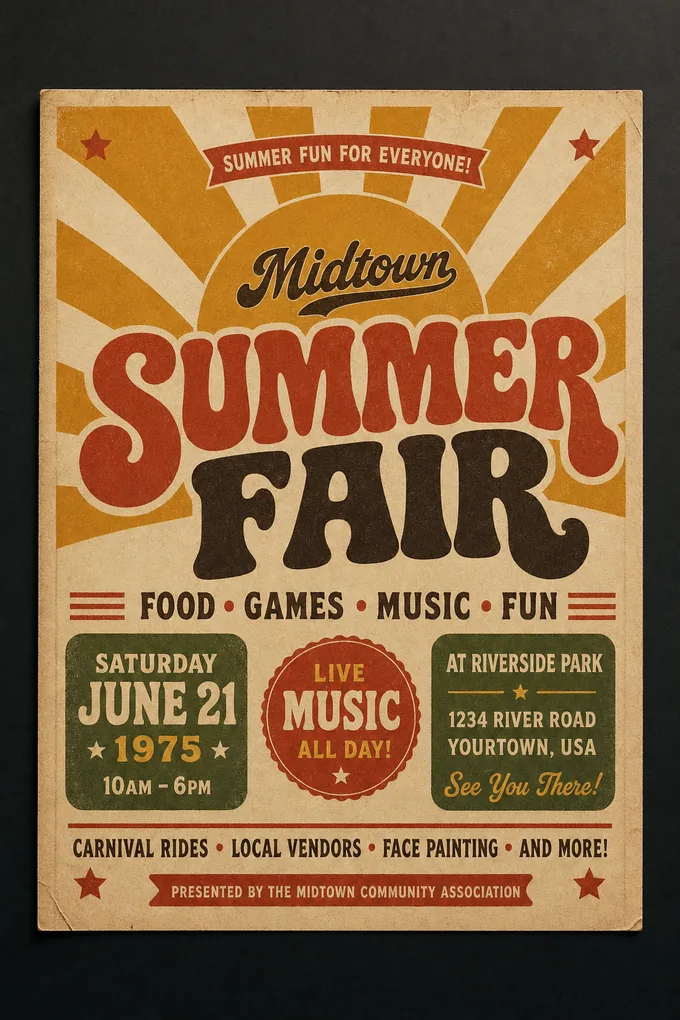
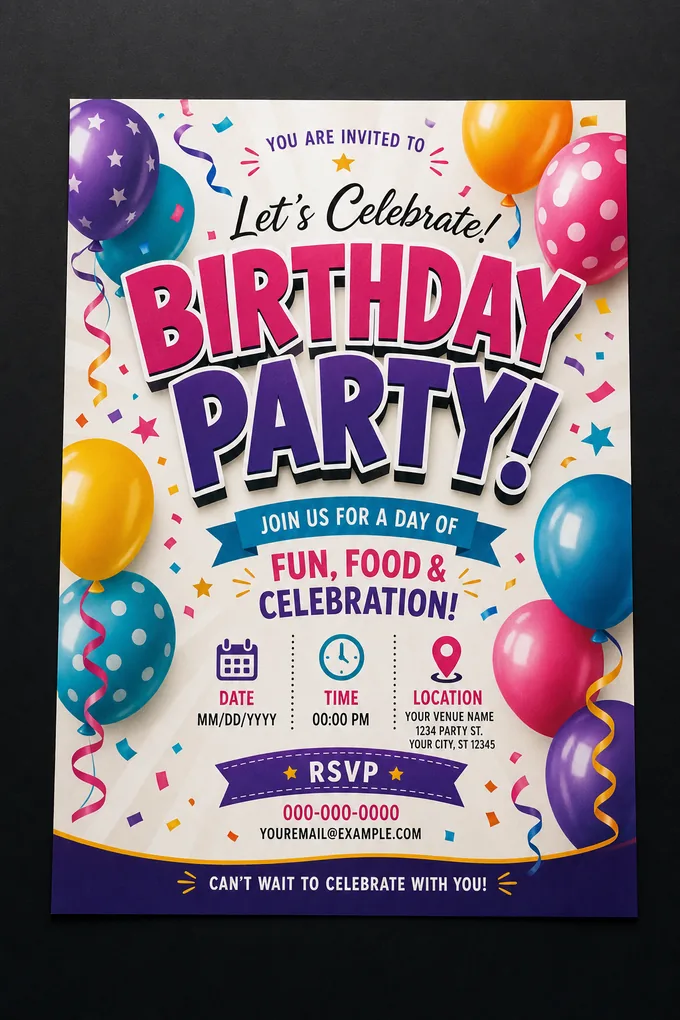
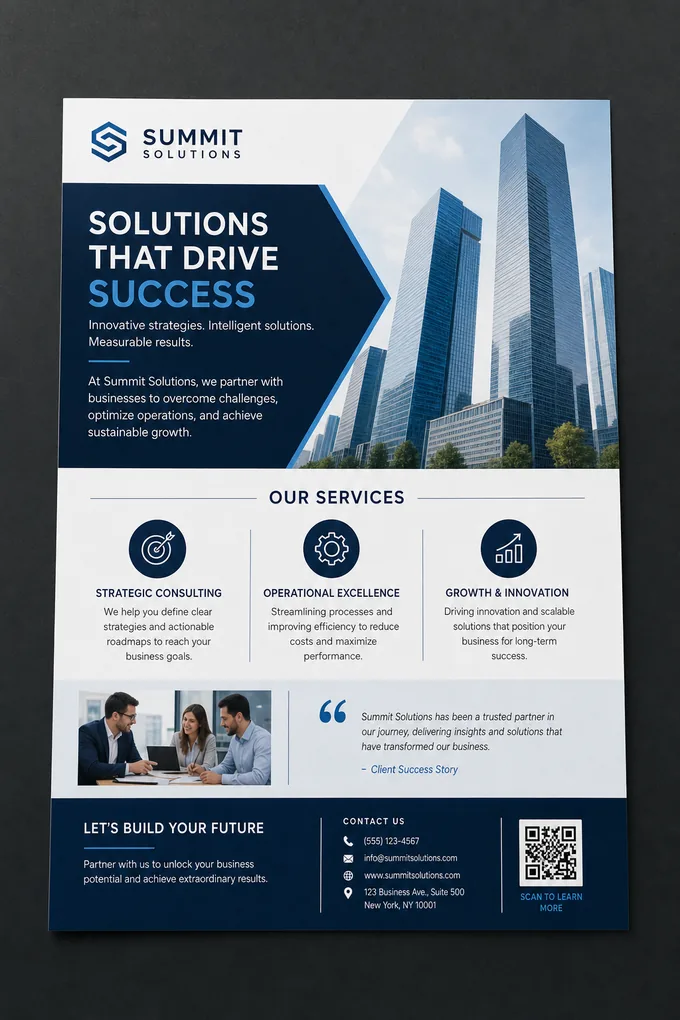
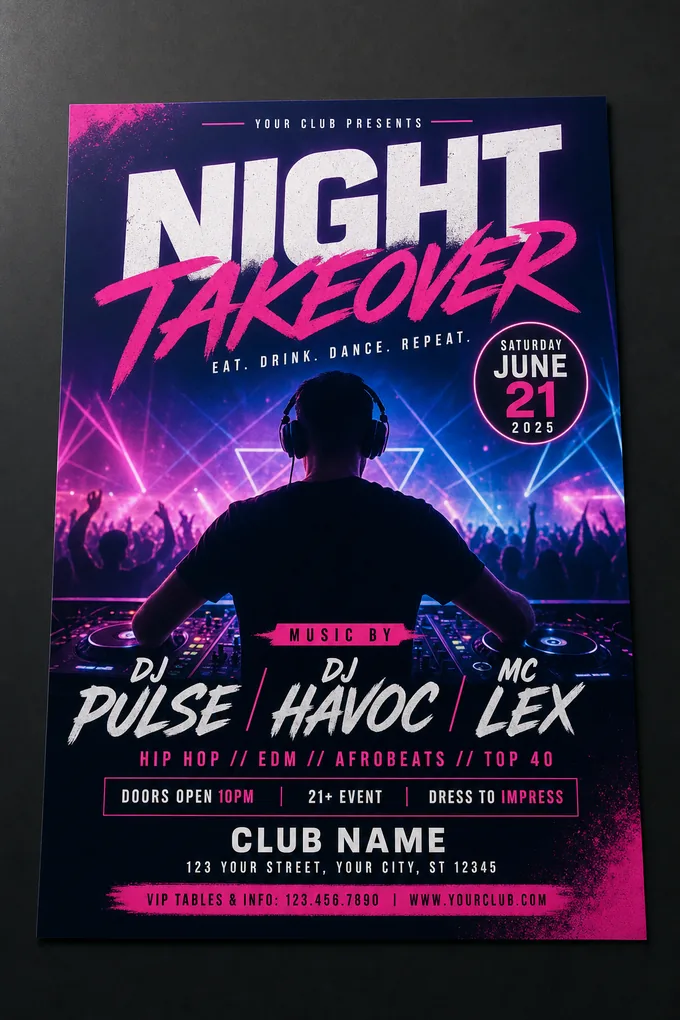
We offer a wide range of free personalized templates. You can choose your favorite flyer template as per your business needs and customize to make it truly unique and stand apart from the crowd. Your customized templates are stored in your account and you can modify them as many times as you wish. Additionally, Create stunning property listings with our Real Estate Flyer Maker.
Customizable
Customizable
You have the freedom to customize all the elements of your flyer including colors, graphics, and the background to express the brand identity effectively. You don’t have to be a designer to create a flyer that looks professional. Simple features of the software can help you customize your design and create a flyer that suits your particular purpose.
Beautiful typography
Typography can help you make your flyer design truly unique and attractive. You can vary font sizes, add unique fonts, include graphics, use proximity, vary alignment, and create unique styles. You can even drag-and-drop text boxes to your design. You have the freedom to choose from our wide range of in-built fonts. The result is a balanced layout that creates a dynamic flyer design.
Royalty-free images
Royalty-free images
The free flyer maker from Pixazo offers a free photo library that has thousands of royalty-free images for you to use and create unique flyers. Royalty-free images provide a cost-effective solution for using high-quality visuals without recurring fees, granting users flexible rights while avoiding the complexities of traditional licensing.
Online platform
Online platform 
Pixazo is a web-based platform, which means you need not install any software on any device. You can access your account from any browser and start using this awesome online flyer maker. To promote your event or brand, make a flyer in minutes with Appy pie Flyer Maker. You can use our simple and easy to use features to enhance the message of your flyer and use it to convince your prospective consumers.
Easy-to-use
Easy-to-use
Pixazo has a user-friendly interface and drag-n-drop visual editor for creating flyers. Irrespective of your creative knowledge, you can create flyers within a few minutes by selecting relevant templates and personalizing them as per your needs. An easy-to-use interface ensures that even beginners can navigate the software effortlessly.

Frequently Asked Questions

Yes, you can upload your own images, such as logos, product photos, or other visuals, to make your flyer more personal and relevant.
Yes, the platform offers templates for a variety of flyer types, including business promotions, event invitations, sales, and seasonal themes.
Yes, after generating a flyer, you can edit it further using the design editor. You can change text, colors, fonts, and images to match your needs.
Yes, your flyer design is automatically saved while you work, so you don’t lose progress if you get interrupted.
Yes, there are templates for seasonal events like holidays, festivals, and special promotions, which you can customize as needed.
Yes, you can easily share your flyer via email or social media platforms after creating and downloading it.
Yes, Pixazo offers customer support to help with any issues or questions you may have while using the tool.

Browse by Trending Categories

image to video generator
Image To Video AI

Experience seamless fusion of art and technology, transforming images into captivating videos using AI.

Try Image To Video AI

Video Generator
AI Video Generator

Automate video creation, and reduce production time, cost, and skill gaps using our AI video maker. Enjoy the advantage of versatility, dynamic content, personalized marketing, and creative storytelling.

Try AI Video Generator

AI Image to Animation Maker
Image To Animation AI

Transform images into animated stories, customize transitions, elevate creativity!

Try Image To Animation AI

AI Animation Generator

Turn your prompts into animated videos with Pixazo AI Animation Generator.

Try AI Animation Generator

YouTube Thumbnail AI

Enhance YouTube presence with AI thumbnails, increasing visibility and engagement.

Try now

New Year Card
New Year Card

Create personalized New Year cards effortlessly with our easy card maker tool.

Try now

New Year Poster
New Year Poster

Design eye-catching New Year posters quickly with our simple poster maker tool.

Try now

New Year Flyer
New Year Flyer

Create festive New Year flyers with ease using our user-friendly flyer maker tool.

Try now

New Year's Eve Card
New Year's Eve Card

Design stunning New Year's Eve cards effortlessly with our user-friendly design tool.

Try now

AI GIF Generator
AI GIF Generator

AI GIF Generator allows you to transform your ideas into animated GIFs with the power of AI. Instantly turn text into Live Images and eye-catching GIFs with our AI GIF Generator.

Try AI GIF Generator

Certificate Maker
Certificate Maker

Create professional certificates easily with Appy pie's user-friendly certificate maker tool.

Try now

Business Card Maker
Business Card Maker

Design professional business cards effortlessly with our easy-to-use card generator tool.

Try now

Card Maker
Card Maker

Design personalized cards for any occasion easily with our custom card generator tool.

Try now

Logo Maker
Logo Maker

Create your own Logo using Pixazo's AI Logo Maker in Minutes.

Try now

ID Card Maker
ID Card Maker

Create professional ID cards effortlessly with our easy-to-use ID Card Maker. Customize designs, text, and photos instantly!

Try now

Photo Collage Maker
Photo Collage Maker

Create a unique photo collage effortlessly! Share your idea as a prompt, and watch it transform into a stunning visual masterpiece.

Try now

TRUSTED BY 10 MILLION+ BUSINESSES WORLDWIDE!
With Pixazo’s platform we deliver enterprise-class security and compliance to you and your customers through every interaction.