Introducing the Meshy 7.1 API on Pixazo API: Text and Image to Production-Grade 3D


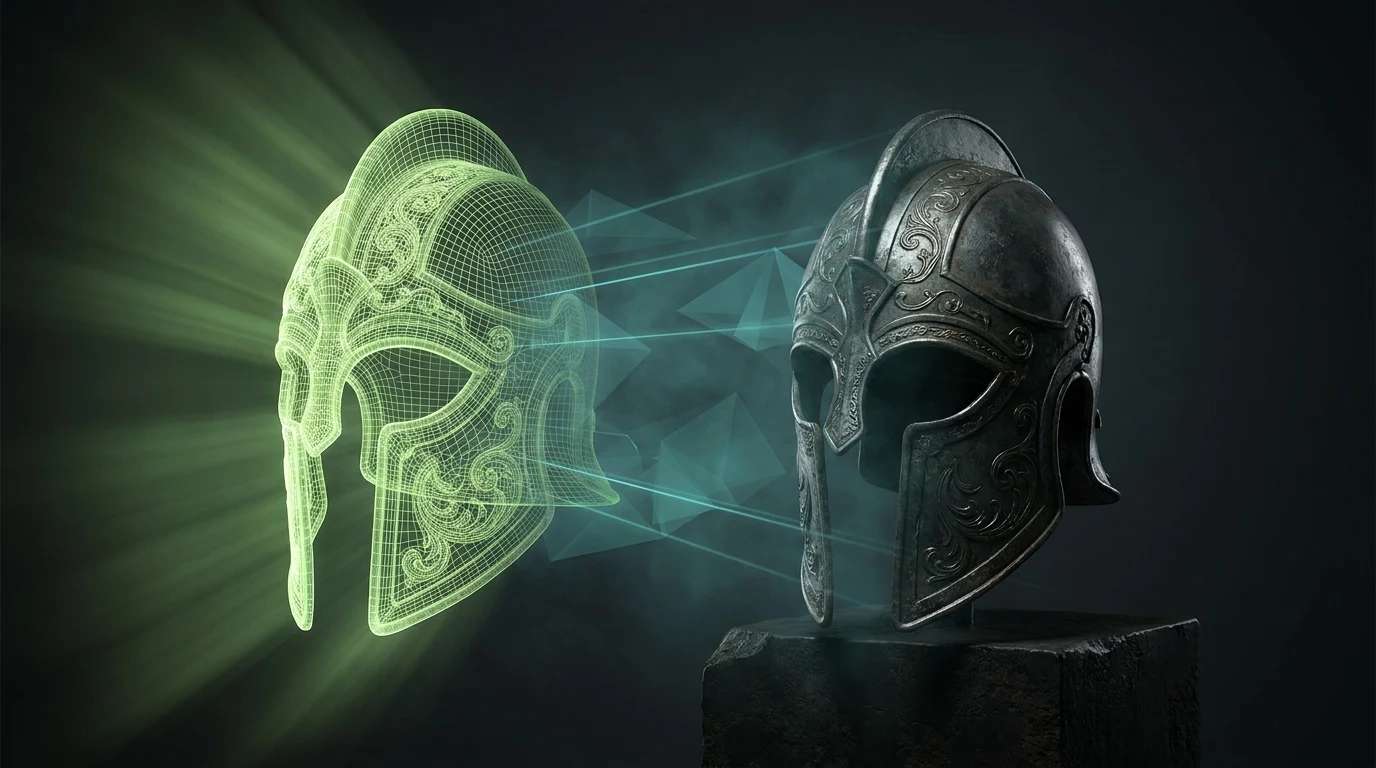
Meshy just shipped its sharpest 3D model yet, and it is live on the Pixazo API today. The Meshy 7.1 API turns a text prompt or a photo into a clean, production-ready 3D asset, complete with PBR textures, rigging, and animation. The headline change from Meshy 7 is simple but big: 7.1 brings back text-to-3D, so you no longer need a reference image to start. Type what you want, poll for the result, and download a GLB.
What is New in Meshy 7.1
Meshy 7 was an image-to-3D specialist, and a very good one. Meshy 7.1 keeps that strength and re-wires the graph to add the input everyone kept asking for: text-to-3D is back. Describe an object in a sentence and get a mesh, no reference photo required. Under the hood, 7.1 uses neural geometry reconstruction for cleaner topology, crisper hard-surface edges, and more believable organic shapes, which matters when an asset has to hold up close in an engine or a print. It also adds a smart-topology option and standard A-pose or T-pose output for characters, so the mesh drops straight into your rigging tools.
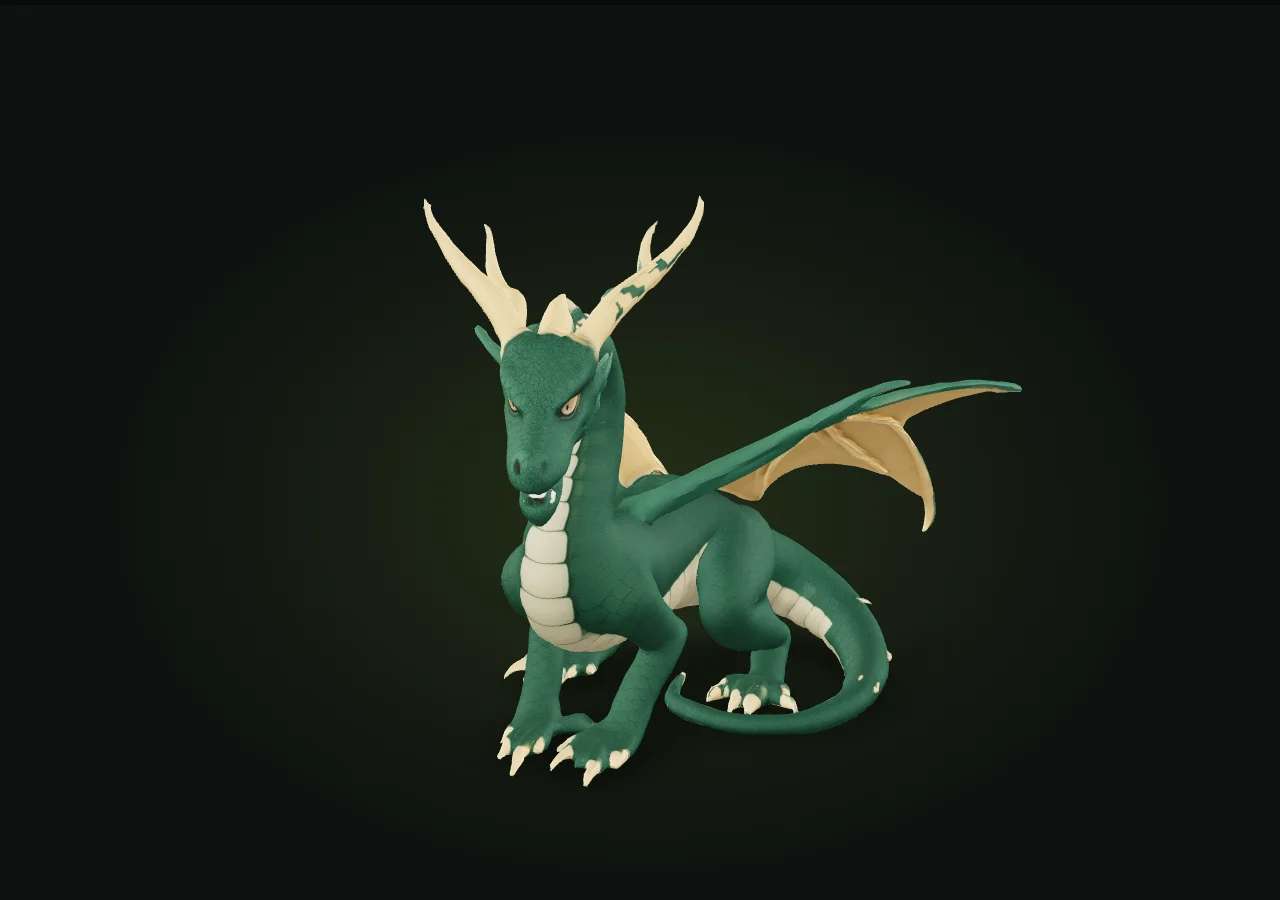
Three Inputs, One Solver
The three source nodes above map to three endpoints on the same model. Pick the one that matches the material you already have.
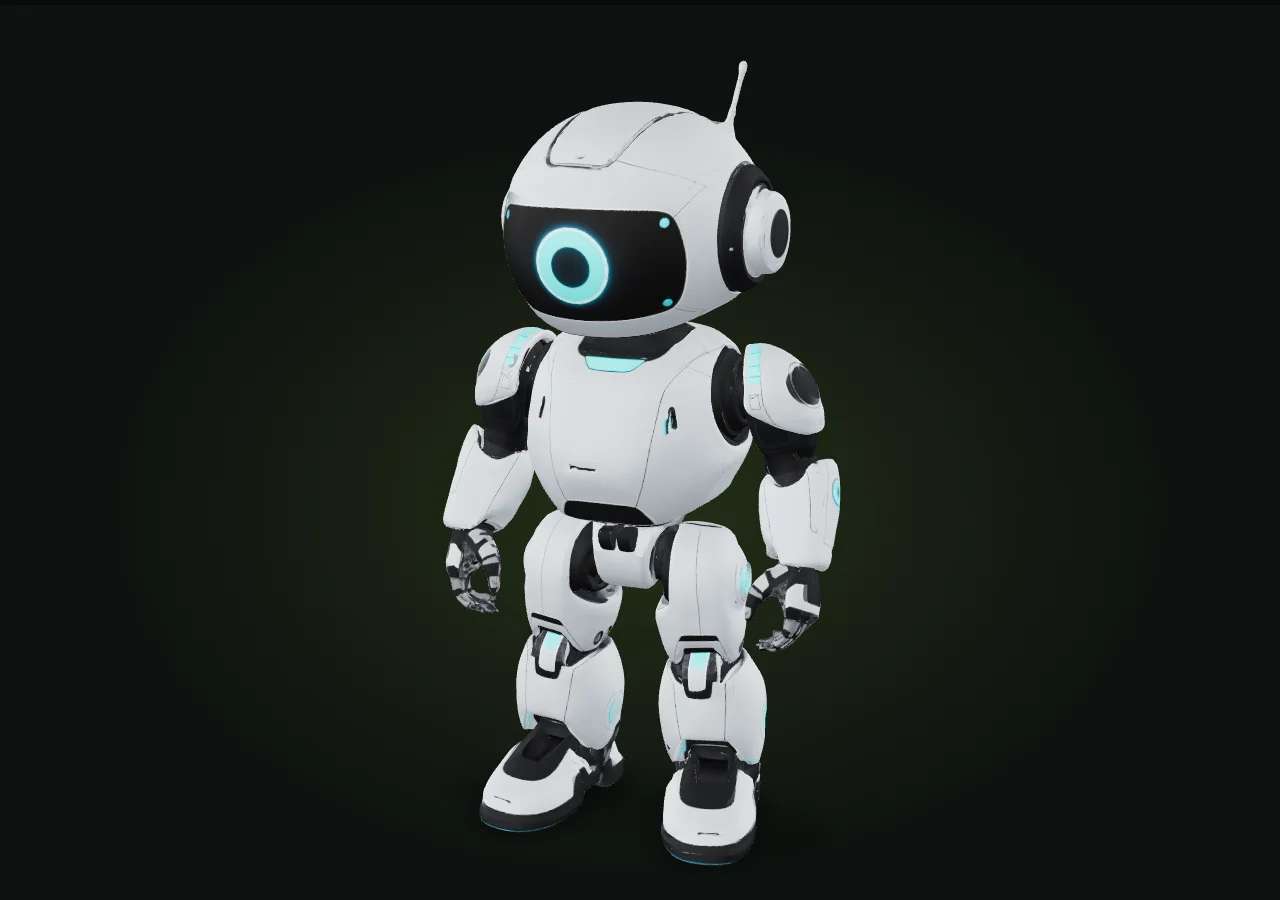
What the Output Node Carries
Every run returns one downloadable model, and you decide how finished it is. Texturing is on by default and produces PBR maps that read correctly under real lighting. Rigging and animation are optional: turn them on and a character comes back skinned with a chosen motion, ready to preview. Low-poly mode trims the mesh for real-time engines, while the default keeps detail high for renders and print. The file is a GLB, with OBJ and FBX available so the asset fits whatever pipeline you run.
Meshy 7.1 API Pricing
Pricing is per successful generation, and textured is the default. Polygon count, topology and the number of reference images do not change the price, so you can push detail without watching the meter. You only pay when a run completes.
The Inspector: Parameters to Tune
The request body is short, and most fields have sensible defaults. These are the sockets worth knowing.
Suggested Read: Best AI 3D Model Generators in 2026: A Comparison Guide
The Run: Submit, Poll, Download
Meshy 7.1 is asynchronous. You submit a job, get a request ID back right away, then poll a status URL until the model is ready. A full run usually takes a few minutes. The flow is one straight line of nodes.
POST https://gateway.pixazo.ai/meshy-7-1/v1/text-to-3d
Content-Type: application/json
Ocp-Apim-Subscription-Key: YOUR_API_KEY

{
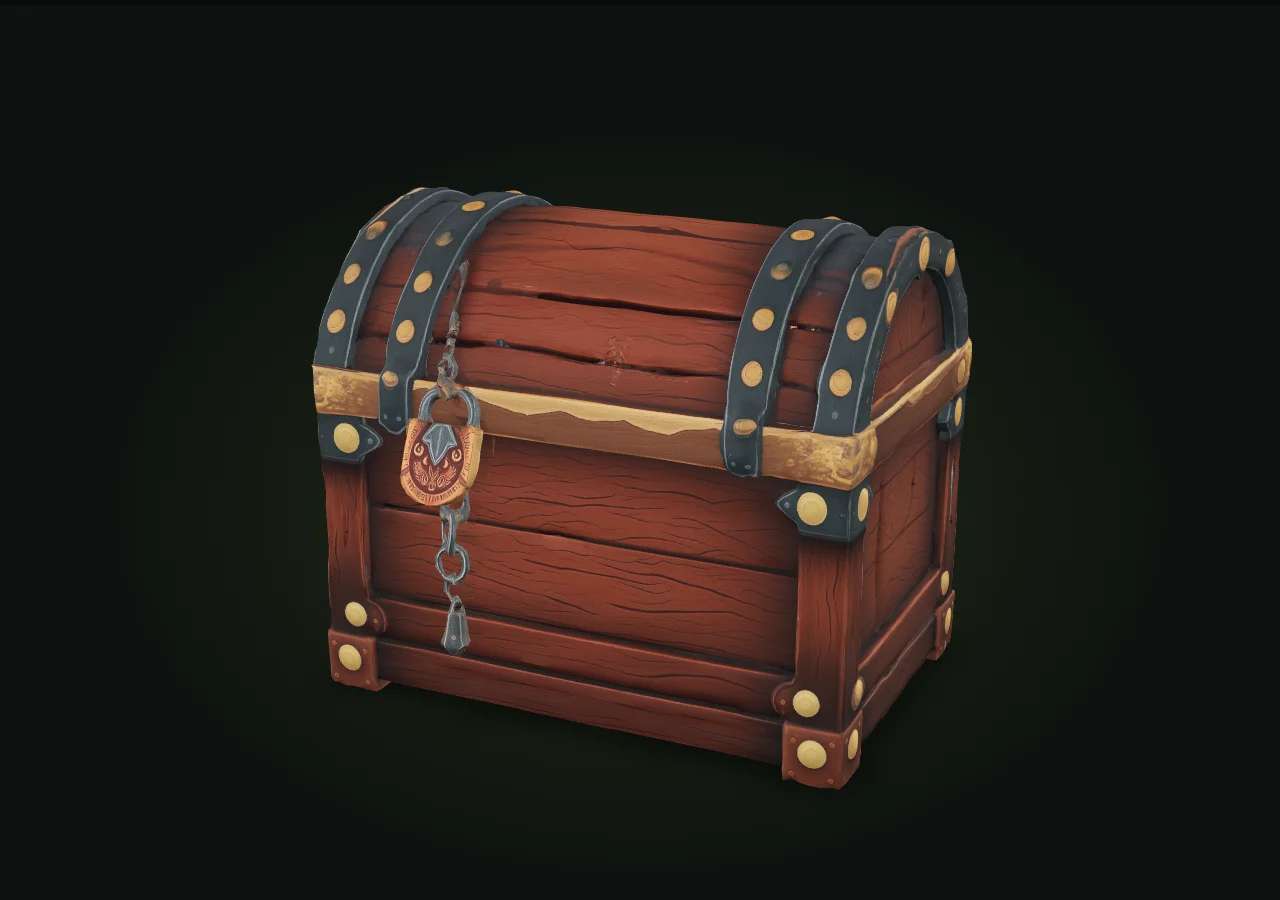
  "prompt": "a weathered wooden treasure chest with iron bands",
  "mode": "full",
  "topology": "triangle",
  "target_polycount": 30000
}
The response returns a request ID and a polling URL. Check it until the status reads COMPLETED, then grab the model from output.media_url.
GET https://gateway.pixazo.ai/v2/requests/status/{request_id}
Ocp-Apim-Subscription-Key: YOUR_API_KEY

-> QUEUED  ->  PROCESSING  ->  COMPLETED
   output.media_url = ...output.glb
Prefer not to poll? Pass an X-Webhook-URL header on the submit and Meshy calls your server when the job reaches a terminal state. Image-to-3D and multi-image-to-3D work the same way, on their own endpoints.
Suggested Read: How to Create Roblox 3D Models with Pixazo: A Step-by-Step Guide
Pin a Version: 6, 7 or 7.1
All three versions sit on the same Pixazo API endpoint, so you can lock one in production and move up when you are ready. A textured model is $1.26 on 7.1, against $1.20 on 6 and 7. Each version node below shows what it can do.

Downstream Nodes: Where Teams Use It
The GLB feeds straight into the pipelines teams already run.
Wire Up Your First Run
Grab an API key from the Meshy 7.1 model page, pick an input node, and send your first job. Start with a preview run to check the shape, then switch to a full textured pass once you like it. Since every version stays on the same Pixazo API endpoint, pinning 7.1 in production is a one-line change.
Frequently Asked Questions
Q1. What is new in the Meshy 7.1 API compared to Meshy 7?
The biggest change is that text-to-3D is back. Meshy 7 only accepted images, while Meshy 7.1 also generates a model from a text prompt. It also produces cleaner topology and sharper detail, and adds a smart-topology option and A-pose or T-pose character generation.
Suggested Read: How AI 3D Model Generation Models Are Ranked: Inside the Pixazo Leaderboard
Q2. How much does the Meshy 7.1 API cost?
A textured model is $1.26 and an untextured mesh is $0.84, charged per successful generation. Rigging adds $0.20 and animation adds $0.12 on top. Polygon count, topology and the number of reference images do not change the price.
Q3. What file formats does Meshy 7.1 return?
Generations return a GLB by default, with OBJ and FBX also supported. GLB carries the mesh and PBR textures in one file, which is convenient for web, engines and quick previews.
Q4. Can I create characters that are ready to rig?
Yes. Set pose_mode to a-pose or t-pose so the character generates in a standard stance, and turn on the rigging add-on to get a skinned model back. You can add an animation clip on top of rigging.
Suggested Read: Best 3D Models APIs in 2026
Q5. Is the API synchronous or asynchronous?
Asynchronous. You submit a job and receive a request ID, then poll the status URL until it reads COMPLETED and download from output.media_url. You can also pass a webhook URL to be notified instead of polling.
Q6. Which input mode should I use?
Use text-to-3D when you only have an idea, image-to-3D when you have one clear photo or concept render, and multi-image-to-3D when you have several angles of the same object and want tighter shape accuracy.
Q7. Can I still use Meshy 7 or Meshy 6?
Yes. All three versions are available on the same Pixazo API endpoint. You can pin the version you want and switch by changing the model version in your request.
Suggested Read: Best 3D Model Generation APIs in 2026: Full Comparison
Deepak Joshi
Author · Pixazo
Deepak writes about generative AI models, APIs, and the workflows teams use to ship them. Reviewed by Abhinav Girdhar.