Instagram Sizes 2026: Posts, Reels, Stories and Profile



Post a photo at the wrong dimensions and Instagram will crop it, squash it or soften it — and all your work goes to waste. Getting the Instagram sizes right is the quiet difference between a feed that looks sharp and one that looks off. This is the complete, up-to-date guide to every Instagram dimension in 2026 — posts, reels, stories and profile — with the exact pixels, aspect ratios and safe zones, plus a one-click way to resize any image to fit.
One thing to know up front: Instagram uploads at a maximum width of 1080 pixels. Going wider doesn’t help — it gets scaled down. What actually changes between formats is the height, and that’s what the to-scale frames below show at a glance.
Instagram post sizes
Feed posts come in three shapes. Portrait (4:5) is the current favourite because it takes up the most vertical space in the feed without being cropped.
TO SCALE
Portrait post (recommended)
TO SCALE
Square post
TO SCALE
Landscape post

Instagram Reels size
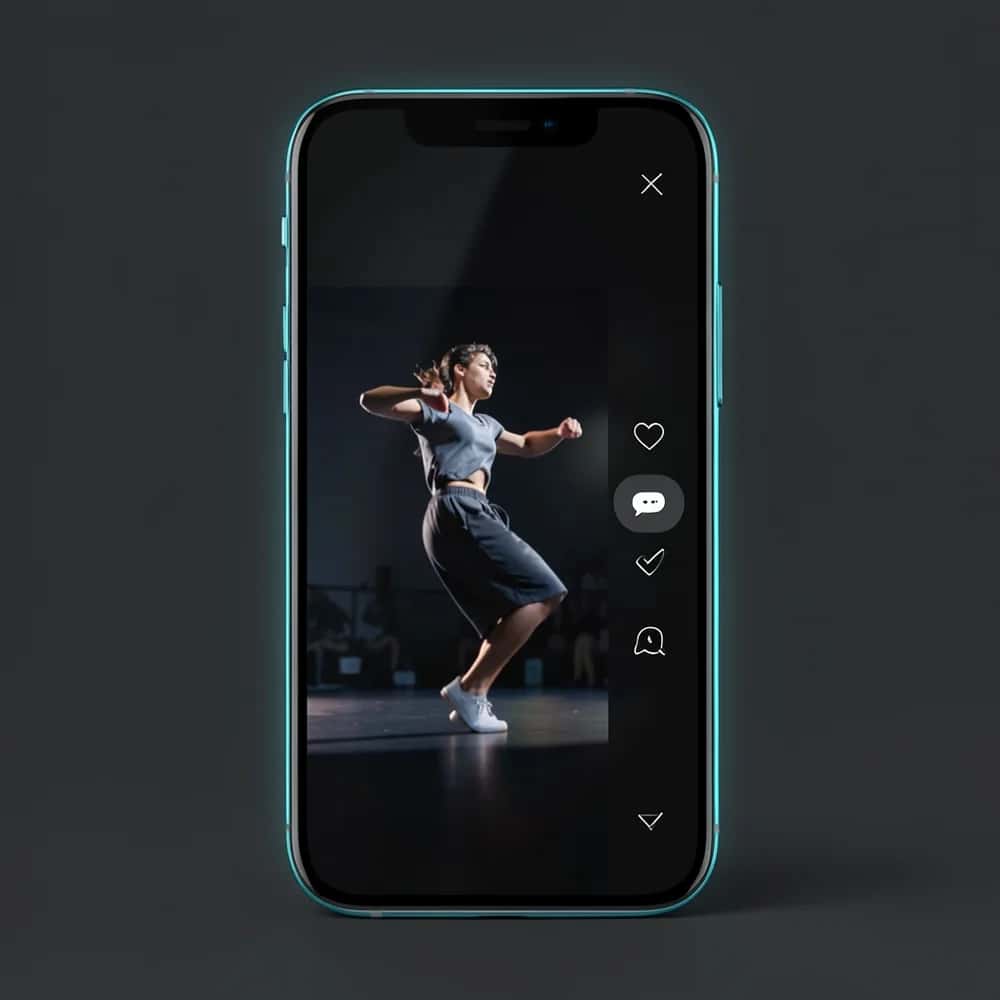
Reels are full-screen vertical video. Design for 9:16, but keep your key content inside the centre — the top and bottom are covered by the caption, username and action buttons (shown as the hatched safe zones below). Making reels from scratch is easiest with an AI Instagram Reels generator.
TO SCALE
Reel / Reel cover
TO SCALE
Reel grid thumbnail
Instagram Stories size
Stories share the reel’s 9:16 canvas. The same safe-zone rule applies: stickers, polls and links sit near the edges, so keep anything important in the middle.
TO SCALE
Story
Instagram profile & grid sizes
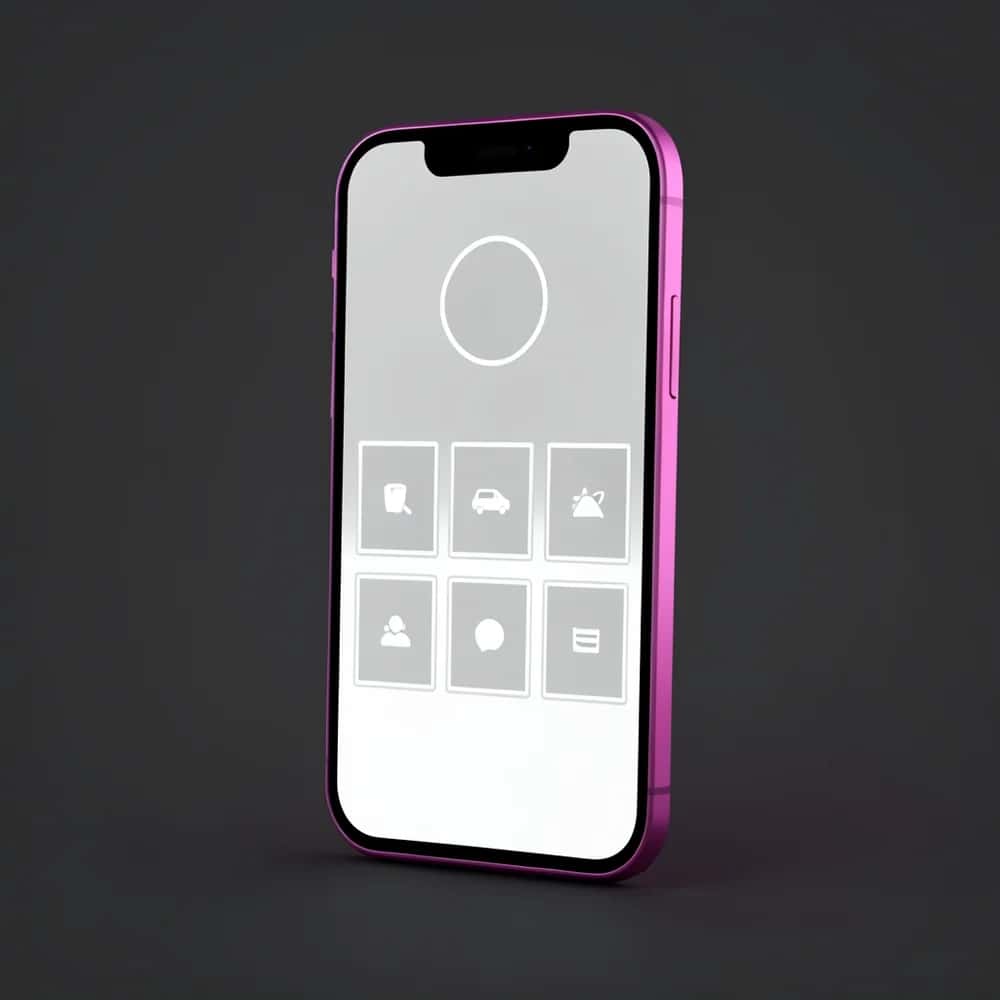
Your profile photo and highlight covers are uploaded square (or tall) but displayed as small circles, so centre the subject and keep it simple.
TO SCALE
Profile photo
TO SCALE
Highlight cover
TO SCALE
Grid thumbnail
Instagram ad sizes
Paid placements mirror the organic formats. For feed ads, 4:5 and 1:1 perform best; for Stories and Reels ads, go full-screen 9:16.
TO SCALE
Feed ad
TO SCALE
Stories / Reels ad
Instagram sizes: 2026 quick-reference table
| Format | Dimensions (px) | Aspect ratio | Use |
|---|---|---|---|
| Square post | 1080 × 1080 | 1:1 | Feed |
| Portrait post | 1080 × 1350 | 4:5 | Feed (recommended) |
| Landscape post | 1080 × 566 | 1.91:1 | Feed |
| Reel | 1080 × 1920 | 9:16 | Full-screen video |
| Reel grid cover | 1080 × 1080 | 1:1 | Profile grid |
| Story | 1080 × 1920 | 9:16 | Full-screen story |
| Profile photo | 320 × 320 | 1:1 | Avatar (circle) |
| Highlight cover | 1080 × 1920 | 9:16 | Highlight icon |
| Carousel | 1080 × 1350 | 4:5 | Multi-image post |
| Feed ad | 1080 × 1350 | 4:5 | Paid in-feed |
| Stories / Reels ad | 1080 × 1920 | 9:16 | Paid full-screen |
Suggested Read: The Ultimate Guide to Social Media Image Sizes
Understanding safe zones
On Reels and Stories, Instagram layers its own interface over your content. Anything in the top or bottom strip can be hidden behind buttons and captions. The rule of thumb for a 1080×1920 canvas:
- Top ~250px: reserved for the profile name and close button.
- Bottom ~250–480px: reserved for the caption, audio, and action buttons (more on Reels than Stories).
- Centre: your true safe zone — keep text, faces and logos here.
Suggested Read: A Guide to Common Aspect Ratios and Image Sizes
File format and quality tips
- Format: JPG or PNG for photos and graphics; MP4 (H.264) for reels and stories.
- Width: always export at 1080px wide — Instagram compresses anything larger.
- File size: keep photos under ~8MB and reels under ~4GB to avoid extra compression.
- Colour: use sRGB so colours stay accurate after upload.
Suggested Read: The Best Design Tools for Social Media Graphics
How to resize any image to an Instagram size (3 steps)
If you already have an image and just need it to fit, the Pixazo image resizer handles every format above without cropping your subject out of frame:
Upload your image
Drop in any photo or graphic — JPG, PNG or WebP.
Pick the Instagram size
Choose a preset (square, portrait 4:5, story/reel 9:16) or type exact pixels. AI fills any new space instead of stretching your image.
Download and post
Export a crisp 1080px-wide file, correctly sized and ready to upload.
Suggested Read: What Is the Best LinkedIn Video Size?
Suggested Read: Discord Profile Picture Size: The Ultimate Guide
Conclusion
Instagram sizing really comes down to three shapes: 1:1 square, 4:5 portrait and 9:16 vertical, all at 1080px wide. Design for those, respect the safe zones on reels and stories, and your content will look sharp everywhere. When an image isn’t the right shape, the Pixazo image resizer reshapes it to any Instagram format in one click — no cropping, no stretching.
Frequently Asked Questions
Q1. What is the best Instagram post size in 2026?
A 4:5 portrait at 1080×1350 px is the best default — it takes up the most vertical space in the feed without being cropped. A 1:1 square (1080×1080) is the safest all-rounder.
Q2. What size are Instagram Reels and Stories?
Both use a 9:16 vertical canvas at 1080×1920 px. Keep important content in the centre, away from the top and bottom UI safe zones.
Q3. What is the Instagram profile picture size?
Upload at 320×320 px. Instagram displays it as a circle roughly 110px across, so centre your logo or face.
Q4. Why does Instagram crop or blur my photos?
Usually because the aspect ratio doesn’t match a supported format, or the file is wider than 1080px and gets compressed. Resizing to an exact Instagram size before uploading fixes both.
Q5. What aspect ratios does Instagram support?
1:1 (square), 4:5 (portrait), 1.91:1 (landscape) for feed posts, and 9:16 for reels and stories.
Q6. How do I resize an image for Instagram without cropping it?
Use an AI resizer like the Pixazo image resizer: it extends the background to fill the new aspect ratio instead of cutting your subject off, then exports at the exact Instagram dimensions.
Deepak Joshi
Author · Pixazo
Deepak writes about generative AI models, APIs, and the workflows teams use to ship them. Reviewed by Abhinav Girdhar.