Best AI Background Generator Tools in 2026


Welcome to our guide on AI Background Generator tools. In this blog, you will explore a range of tools that help you remove or change image backgrounds with ease. We break down what each tool does, the features it offers, and how it can make your work with images simpler. This guide is written so that you can choose the best AI Background Generator tool for your projects.
Our focus is on making the process straightforward. Whether you are working on images for your website, social media, or business projects, these tools help you get the job done quickly without complex software. Enjoy reading through this guide and find the tool that fits your needs perfectly.
What Are AI Background Generator Tools?
AI Background Generator tools use artificial intelligence to remove or change the background of an image. You start by uploading your photo. The tool then separates the main part of the image from its background. After that, you can add a new background or keep the image as it is. These tools work fast and do not need you to install any software. An AI Image Generator may also be part of the process, where the tool can help create new backgrounds or images using AI technology. This section explains how these tools work and how they help you work with images.
This guide onhow to change background color using AI helps you get fast, polished results even without design experience.
How We Select the Best AI Design Generator Platforms at Pixazo
At Pixazo, we carefully evaluate AI design generator platforms to help users skip the overwhelming trial-and-error process. Our experts, with extensive experience in AI-powered design tools, assess each platform based on creativity, ease of use, customization options, and overall performance. We put these tools to the test by creating designs across different categories to ensure they deliver high-quality results effortlessly. Every recommendation is based on thorough research and real-world testing, with no paid placements or outside influence. Want to know how we pick the best AI design platforms? Explore our detailed evaluation process.
Best AI Background Generator Tools for Effortless Creations
Tool Name | Key Features | Pros | Cons | Pricing | Best For |
Photoroom | Automatic background removal, mobile and desktop access, preset backgrounds | Easy to use, many preset options, works on mobile | Limited templates in free version | Free version; subscription plans | Online shop owners and social media managers |
Picsart | Background replacement, many editing tools, community sharing | Versatile with many editing options, mobile access | Busy interface if only background removal is needed; some tools need subscription | Free version; paid subscriptions | Creators and social media users |
Kittl | Design templates, background removal, online design tool | Combines design and editing tools; clear results | May be complex for new users; some features require subscription | Free trial; paid plans available | Designers and small business owners |
Picwish | Batch processing, simple interface, online background removal | Fast when processing many images; free option | Limited advanced editing features | Free plan; paid options available | Online sellers and bulk image editing |
Pixazo AI Background Generator | Quick background removal, online use | Simple, fast, easy to use | Fewer advanced options | Free trial; paid plans available | Beginners and business users |
Phot AI | AI-powered background removal, fast processing, online tool | Easy and quick processing | Fewer customization options; limited background choices | Free trial; subscription plans | Users needing fast results for websites or blogs |
Mokker AI | Simple background removal and replacement, fast online processing | Easy to use with clear steps | Limited background options; may lack advanced features | Free trial; subscription plans | Users needing basic and fast editing |
1. Photoroom
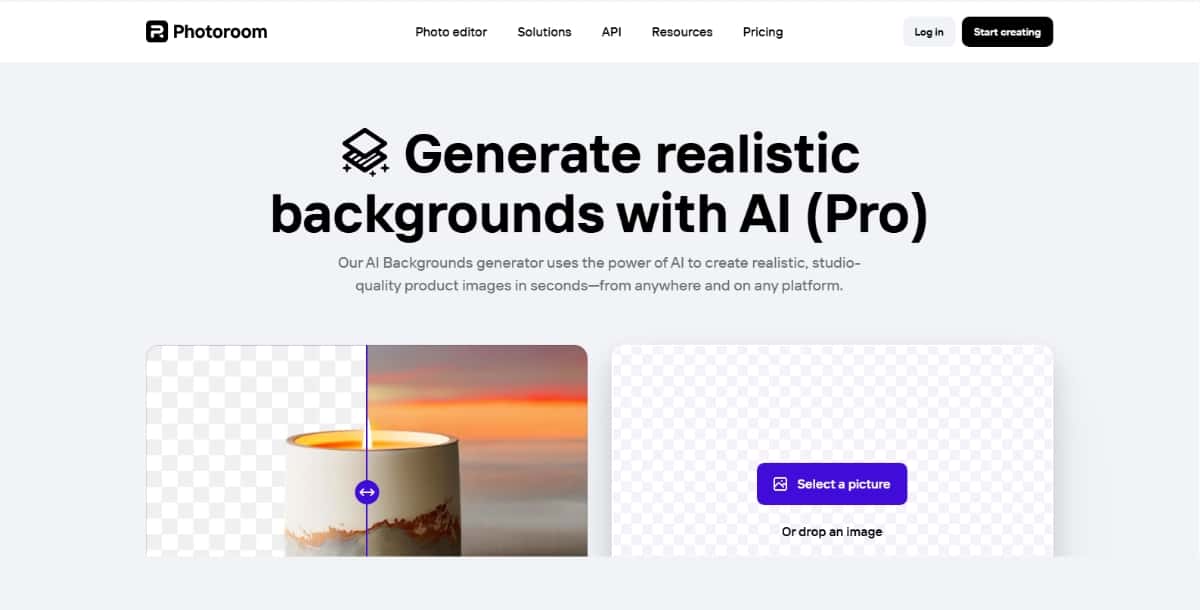
Photoroom is an app and web tool that helps you remove the background from your photos and create new ones. It uses artificial intelligence to detect the subject of a photo and separate it from the background. The result is a clear image that you can place on any background you like. This tool is popular among people who work with online shops or social media images.
Features
- Automatic Background Removal: The tool finds and removes the background from your image automatically.
- Editing Tools: You have the option to adjust the image after the background is removed.
- Template Library: There are many preset backgrounds available that you can use.
- Mobile and Web Versions: You can use Photoroom on your phone or computer.
- Batch Processing: You can work on several images at once if needed.
Pros
- The tool is easy for you to use.
- It works on both mobile devices and desktop computers.
- Many preset backgrounds help you get a finished image fast.
- Suitable for those who need to work with many images at a time.
Cons
- Some features need a paid subscription.
- The free version has limited templates.
- Advanced editing options are few compared to dedicated design software.
Pricing
Photoroom has a free version with basic features. If you need more templates or extra tools, you can subscribe to a paid plan. The subscription plans come in different levels, and the official site gives you the details on monthly and yearly pricing.
Best for
- Online shop owners who need to remove backgrounds quickly.
- Social media managers who need clean images for posts.
- Users who work with both mobile and desktop platforms.
2. Picsart
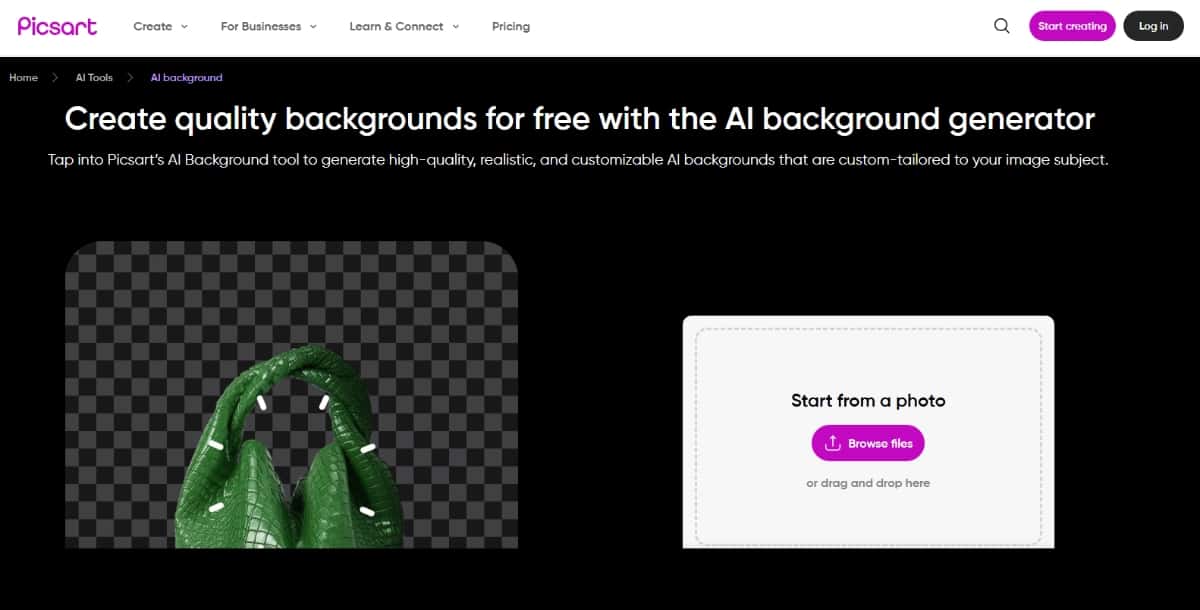
Picsart is a well-known editing tool that gives you a variety of options to change photos. Among its many features is an AI Background Generator that helps you remove and replace backgrounds in images. The tool is part of a larger set of creative editing features. You can use it to adjust photos and add effects easily.
Features
- Background Removal and Replacement: The tool helps you remove the background and add a new one from a collection.
- Photo Editing Tools: You can crop, adjust colors, and apply filters.
- Effects and Overlays: There are many effects that you can use to change the look of your image.
- Community Sharing: The tool has a platform where you can share your work with others.
- Mobile Application: You can work on your photos on the go using the mobile app.
Pros
- You get many options for editing a photo in one tool.
- The app is popular and many users share their work.
- You can combine background generation with other editing tools.
- Available on multiple platforms for your convenience.
Cons
- The interface can feel busy if you only need to remove a background.
- Some advanced tools are available only with a subscription.
- The tool may be too broad if you need just background changes.
Pricing
Picsart offers a free version that gives you access to many features. For more advanced options, you can choose a paid subscription. The subscription levels vary, and you can see the details on the official Picsart website.
Best for
- Creators who want many photo editing tools in one place.
- Social media users who also want to add creative effects.
- Users who appreciate a community platform for sharing work.
3. Kittl
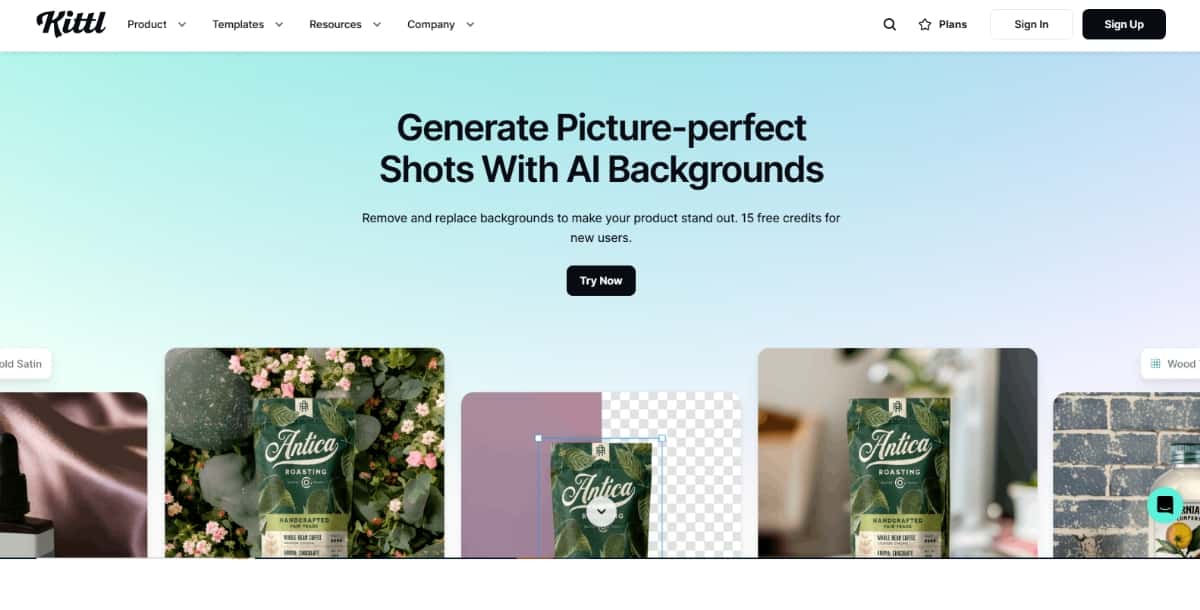
Kittl is a design tool that comes with an AI Background Generator feature. You can work on graphic design projects while using the tool to remove or change image backgrounds. The interface is made for people who work on designs, and you can easily adjust your images. Kittl is made for those who want a design tool with extra editing options.
Features
- Background Removal and Replacement: The tool lets you remove a background and add another.
- Design Templates: You can work with a variety of templates to create your design.
- Editing Tools: There are basic editing tools for adjusting images after background changes.
- Web-Based Application: You do not need to install software to use the tool.
- Integration with Other Design Elements: You can add text, shapes, and other design elements to your image.
Pros
- The tool offers both background changes and design options.
- It is simple to use for people who work on graphic design.
- You can work on projects without switching between tools.
- It helps you get clear results in your design work.
Cons
- The tool might be too broad if you only need background removal.
- Some advanced design options may require a subscription.
- The tool may take time to learn if you are new to design software.
Pricing
Kittl offers a free trial so that you can test its features. After the trial, you can choose a paid plan that gives you access to more design features and higher quality outputs. The official website provides detailed pricing plans and options.
Best for
- Designers who need a tool that combines editing and design.
- Small business owners who work on their own marketing materials.
- People who want a tool to work with both photos and other design elements.
4. Picwish
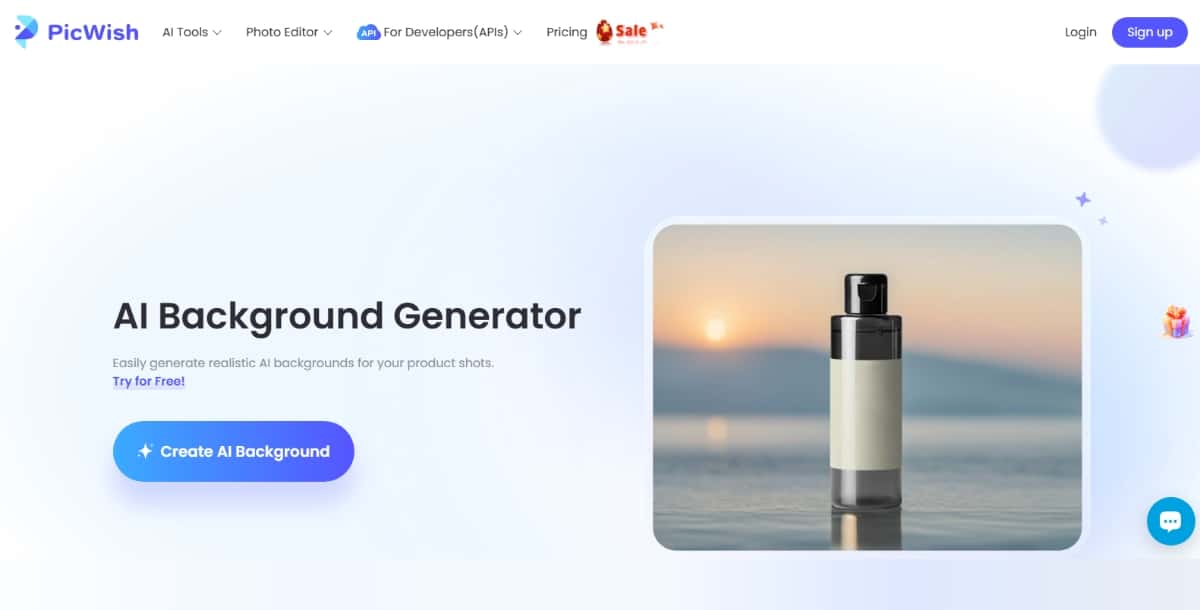
Picwish is a web tool that uses AI to remove the background from images. The tool is made for users who need to process many images quickly. Picwish helps you get a clear image by removing unnecessary parts. You can use the tool for photos that you use in online shops or social media posts.
Suggested Read: Best AI Cartoon Generator Tools in 2026: A Clear Overview
Features
- Automatic Background Removal: The tool uses AI to separate the subject from the background.
- Batch Processing: You can process many images at the same time.
- Simple Interface: The website is made so that you can work without learning complex steps.
- Free Option: There is a free version that lets you try the basic features.
- Additional Editing Options: You can crop and adjust the image after the background is removed.
Pros
- The tool works fast when you have many images.
- You can use the free version to test the basic features.
- The process is clear and simple for you to follow.
- It is useful for people who need to edit product photos.
Cons
- Some editing tools are only available with a paid plan.
- The free version has limitations on how many images you can work on.
- There are fewer advanced editing options for professional needs.
Pricing
Picwish offers a free plan for basic background removal. If you need more features or higher limits, you can subscribe to one of the paid plans. Check the official website for the latest information on pricing and subscription levels.
Best for
- Online sellers who work with many product images.
- Social media users who need clear images for posts.
- Anyone looking for a fast and simple tool to change backgrounds.
5. Pixazo AI Background Generator
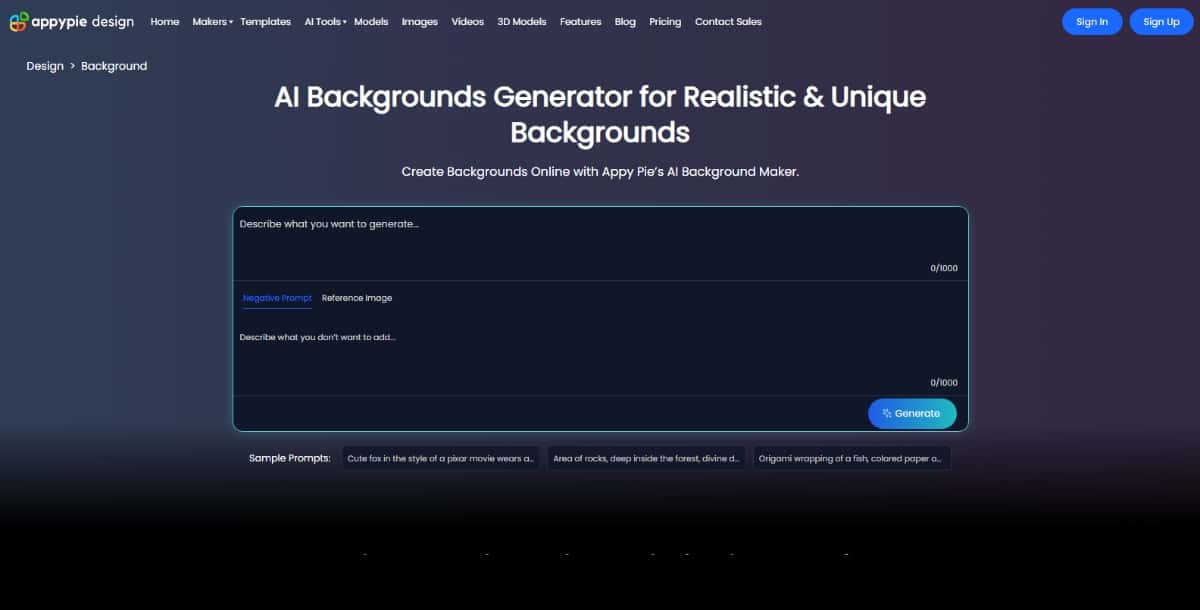
Pixazo’s AI Background Generator is a tool that uses artificial intelligence to help you work with image backgrounds. The tool can remove a background from a photo and replace it with a new and good background design as per your desire. The interface is simple, and you can work on your image quickly. This tool is helpful if you need to change a photo for websites, ads, or social media posts.
Features
- Background Removal: The tool automatically removes the background from an image.
- Background Addition: You can add a new background from a library or upload your own.
- User-Friendly Interface: The layout is made to be easy for you to use.
- Fast Processing: The tool works quickly so that you do not wait long for results.
- Online Access: You can use the tool from a web browser without installing any software.
Pros
- You can remove or change a background in a few clicks.
- The tool is simple, so you do not need expert skills.
- It works online, which means you do not have to download anything.
- Fast processing saves you time.
Cons
- The tool has fewer options for advanced editing.
- You may need to pay for some extra features.
- There are fewer tools if you need to do more than remove or add a background.
Pricing
Pixazo offers a free trial. After the trial, you can choose a plan that fits your needs. The prices are set to give you the basic features or more advanced tools for a monthly fee. You can compare plans on the official website for the most recent prices.
Best for
- Beginners who need a quick way to change an image background.
- Business owners who want to prepare images for online use.
- Social media users who want simple editing without complex features.
6. Phot AI
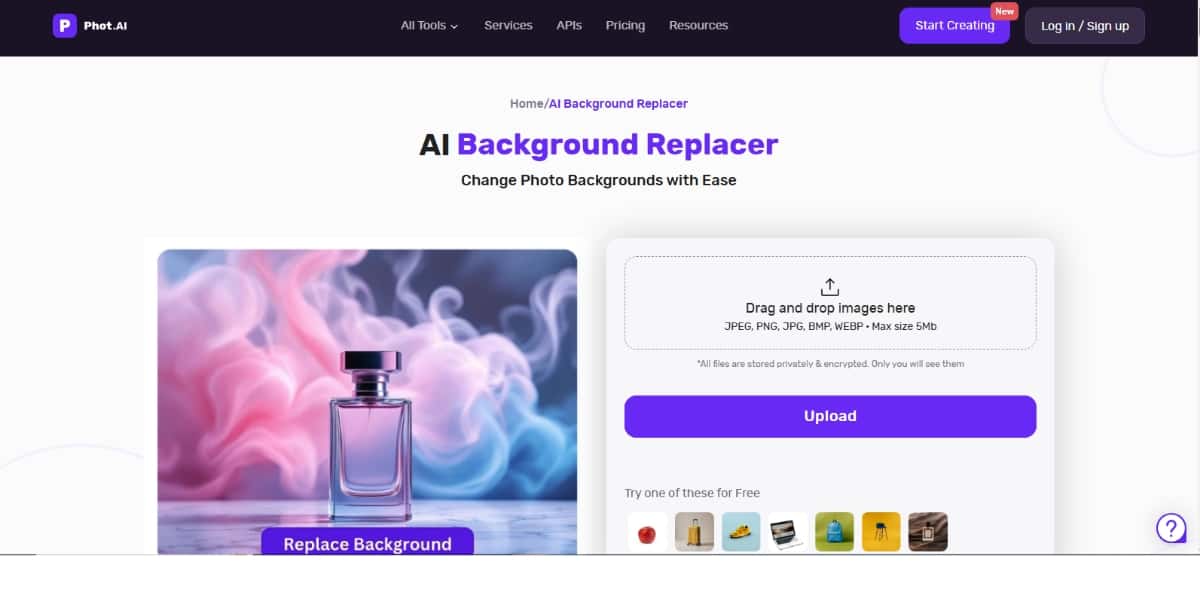
Phot AI is a tool that uses artificial intelligence to work with image backgrounds. You can remove a background from an image and replace it with a new one. The tool is designed to give you quick results without extra steps. It helps you create a clean image for use on websites, blogs, or social media posts.
Suggested Read: Introducing Bria VRMBG 3.0 API on Pixazo API
Features
- AI-Powered Background Removal: The tool uses AI to separate the subject from the background.
- New Background Options: You can choose a background from a set list or upload your own.
- Simple Editing: The tool allows you to adjust the image after removing the background.
- Online Use: You can use the tool directly from your web browser.
- Quick Results: The processing time is short, so you can get your image ready fast.
Pros
- The tool is easy to use with clear instructions.
- You do not have to install software.
- Fast processing is helpful when you work with many images.
- It gives clear results for background changes.
Cons
- The tool may have fewer advanced editing options.
- Some features might be available only in paid versions.
- The set of background options may be limited compared to other tools.
Pricing
Phot AI typically offers a free trial so that you can try the service before paying. After the trial, there are paid plans available with more options. Visit the official site to check the latest pricing details and choose a plan that fits your needs.
Best for
- Users who need a quick fix for background changes.
- People working on websites, blogs, or social media posts.
- Those who prefer a simple, online tool for editing photos.
7. Mokker AI
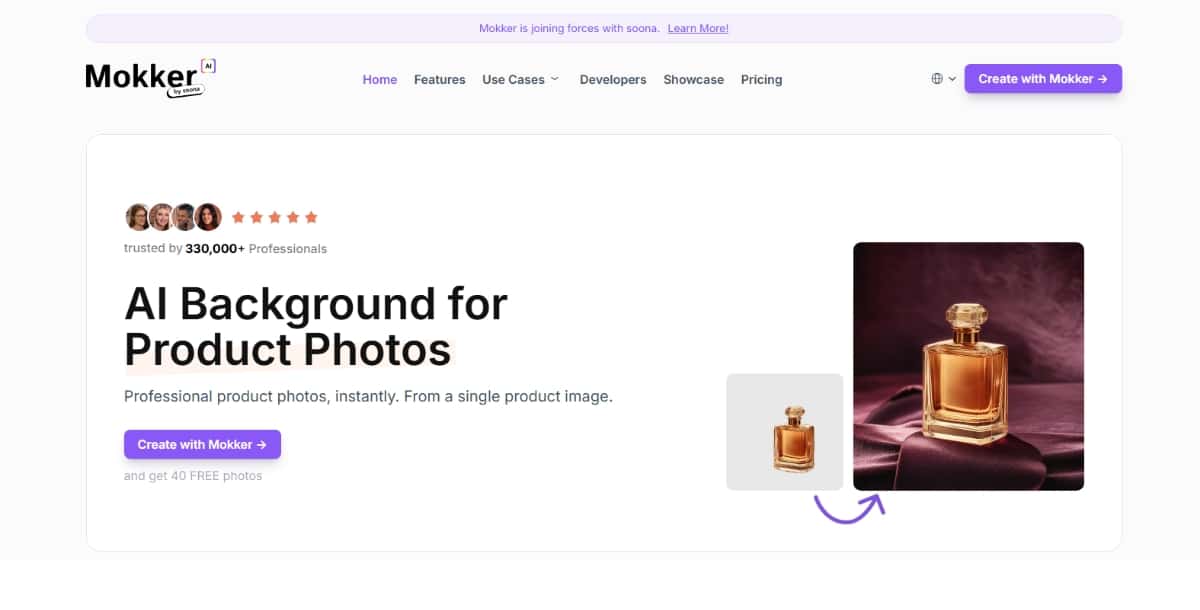
Mokker AI is a tool that uses artificial intelligence to help you change image backgrounds. This tool is made for people who need a simple way to remove or replace the background of a photo. The tool works online and offers clear instructions so that you can work without much help.
Features
- Background Removal: The tool can separate the main subject from the background.
- Background Replacement: You can choose a new background from the provided options or upload one of your own.
- Easy-to-Follow Interface: The design of the tool is simple and clear.
- Quick Processing: You can get results fast, which is useful when you have many images.
- Web-Based Service: Use the tool from any device with an internet connection.
Pros
- The tool is easy to use even if you are new to editing.
- It provides fast results for background changes.
- You can use the tool online without installing any software.
- Clear instructions help you follow the steps without confusion.
Cons
- Some advanced editing features may be missing.
- The tool may have a limited selection of background options.
- For full features, you might need to subscribe to a paid plan.
Pricing
Mokker AI offers a free trial so that you can test the tool. If you need extra features, you can pick a subscription plan that suits your work. Visit the official site to check the latest pricing and subscription details.
Best for
- Users who need a basic tool for quick background edits.
- Business owners who work with images for websites or social media.
- People who want to remove backgrounds without complex steps.
Suggested Read: Online Color Mixer: How to Mix Paint Colors Digitally and Build Perfect Palettes
Comparing the AI Background Generator Tools
Each of the AI design tools discussed above help you work with images in a simple way. You can choose the tool that fits your needs based on the following points:
- Ease of Use: Most of these tools have simple interfaces. You can remove and change a background without needing to learn many complex steps.
- Speed: You get quick results from these tools. This is useful if you work with many images.
- Pricing Options: Most tools offer a free version or a free trial. You can try a tool before you decide on a paid plan.
- Additional Features: Some tools, like Picsart and Kittl, offer more than just background removal. They provide extra options to edit your photo.
- Best for Specific Users:
- If you are new to editing images, you might prefer a tool like Pixazo or Picwish.
- If you work in online selling or need many images processed at once, Photoroom and Picwish might be best.
- If you are a designer or need extra creative options, Picsart and Kittl can give you more choices.
- If you need a straightforward online tool, Phot AI and Mokker AI are good choices.
Suggested Read: 11+ Best PowerPoint Background Ideas For Better Presentation
How to Choose the Right AI Background Generator
When you choose a tool for background changes, think about what you need for your work. Ask yourself these questions:
- Do I need to work with many images at the same time?
If you do, then a tool that offers batch processing, such as Picwish, is a good choice. - Do I need extra design options along with background removal?
In this case, you might prefer a tool like Picsart or Kittl that provides more editing features. - Am I looking for a tool that works quickly and is easy to use?
Tools like Pixazo AI Background Generator, Phot AI, and Mokker AI are made to give you results fast with few extra steps. - What is my budget?
Many of these tools offer a free version or trial. You can try them out before you pay. Check the pricing details on their official sites to decide which tool fits your budget.
Suggested Read: Image Color Picker: Extract Any Color from a Photo and Get HEX, RGB, HSL & CMYK Codes
Final Thoughts
You now have clear information on several AI Background Generator tools. Each tool offers a way for you to remove or change the background of your images quickly. You can decide which tool works best based on your needs, whether you work with many images, need a mix of design features, or prefer a simple interface.
If you need a tool for quick background changes without learning complex software, tools like Pixazo AI Background Generator, Phot AI, and Mokker AI are good choices. For those who want extra editing features and creative options, Picsart and Kittl give you more tools to work with. If you work on a business that uses many images at once, Photoroom and Picwish provide batch processing and a simple layout. Also, there are several best AI background removers that can help you remove backgrounds from the images.
Deepak Joshi
Author · Pixazo
Deepak writes about generative AI models, APIs, and the workflows teams use to ship them. Reviewed by Abhinav Girdhar.