AI Mobile Wallpaper Maker : Create Free Mobile Wallpapers in Minutes
Create Custom Mobile Wallpapers Quickly with Pixazo Best AI Mobile Wallpaper Maker. Try for Free!
Get Started
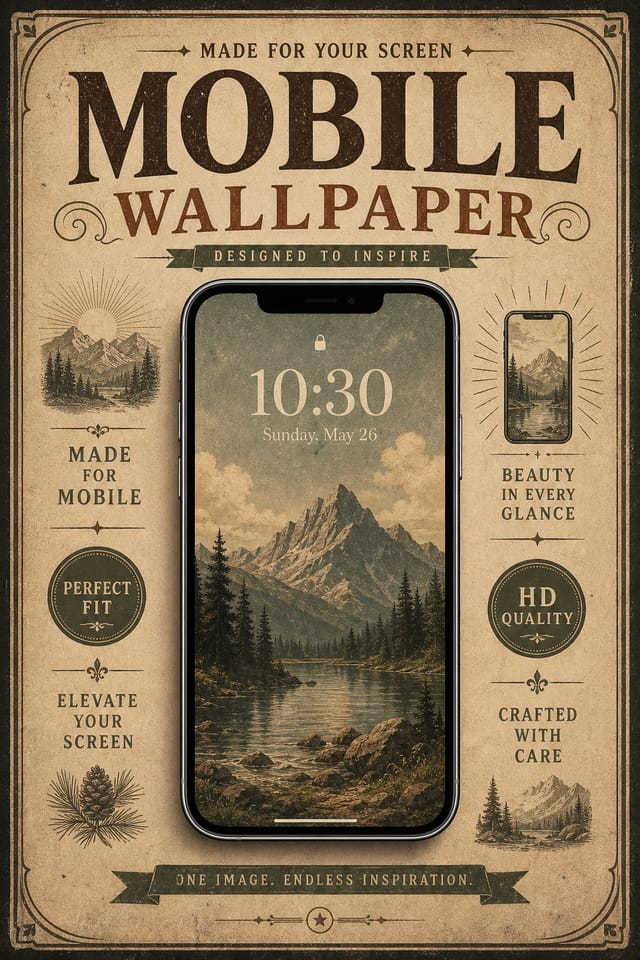
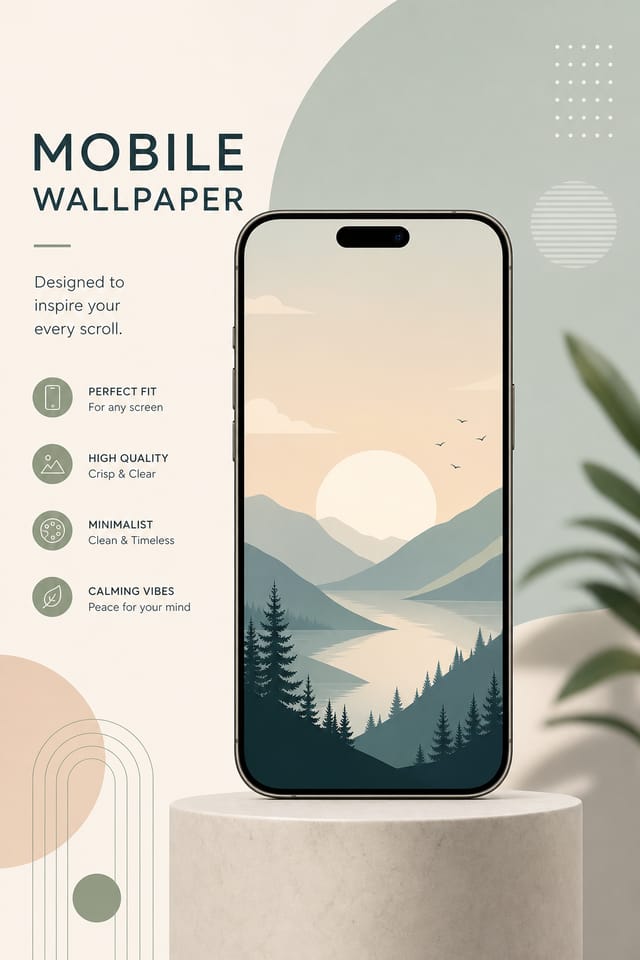
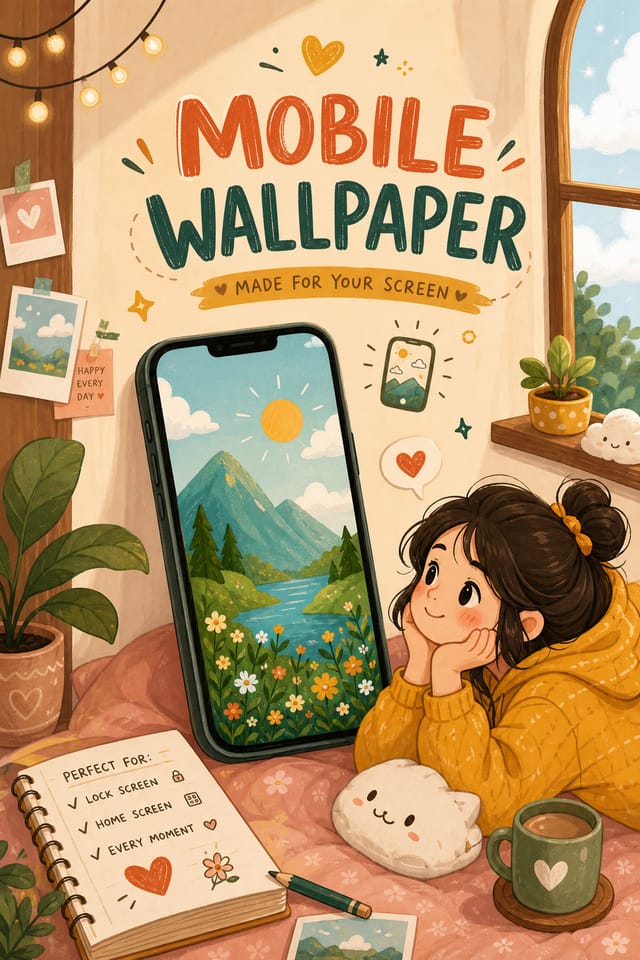
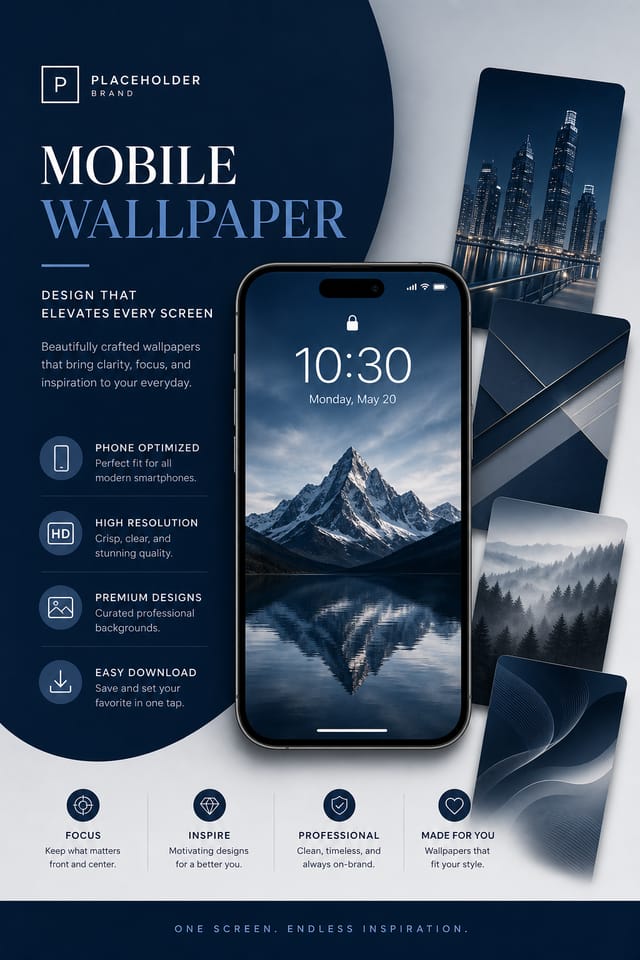
Design Intelligence for Mobile Wallpapers: How Pixazo Handles It
What Good Mobile Wallpaper Design Actually Involves
Mobile wallpaper design has its own visual conventions that differ significantly from other styles.
The AI recognizes these patterns and applies them when generating your design, rather than defaulting to a generic layout.
When you describe a mobile wallpaper, Pixazo selects typography, color relationships, and compositional approaches appropriate to mobile aesthetics.
The result is a design that looks like it belongs in its context, not a repurposed template with the wrong visual DNA.
Mobile Wallpaper Design Insights: Expert-Level Advice
Iterate with Variations
Generate 3-5 versions of your mobile wallpaper before committing. Comparing variations side by side often reveals the strongest direction.
Match Tone to Audience
A mobile wallpaper for a corporate event needs a different visual tone than one for a music festival. Let the audience guide your style choices.
Use High Contrast for Readability
Whether your mobile wallpaper is displayed on screen or in print, strong contrast between text and background ensures the message gets through at any size.
Leave White Space
Resist the urge to fill every area of your mobile wallpaper. Breathing room around key elements makes the overall design more effective.
Keep Typography Simple
Use no more than two typefaces per mobile wallpaper. One for headlines, one for body text. Consistency in typography signals professionalism.
Design Criteria for Mobile Wallpaper: What Good Looks Like
Mobile Wallpaper AI: Professional Features
Print-Ready Output
Generated mobile wallpapers are sized and structured for professional printing. Download high-resolution files ready for production.
No Design Software Required
Create professional mobile wallpapers without Photoshop, Illustrator, or other design applications. The AI handles all technical production.
Color Temperature Control
Specify warm, cool, or neutral color direction for your mobile wallpaper. The AI builds the full palette around your temperature preference.
Commercial Use Rights
Designs generated with Pixazo are yours to use commercially. No additional licensing required for mobile wallpaper projects.
Proven Mobile Wallpaper Prompt Starters
Copy any prompt below and paste it into Pixazo to generate your design instantly.
Atmospheric mobile wallpaper, background treatment supports the headline without competing with it, visual weight distributed intentionallyMobile wallpaper for digital display, optimized proportions for screen viewing, colors calibrated for RGB output, legible at typical viewing distanceClean mobile wallpaper design, geometric structure, disciplined typography, color accent used selectively for emphasis, printer-optimized resolutionTwo-color mobile wallpaper design, high contrast between primary and secondary color, clean separation between graphic and text zonesMobile wallpaper design, clean layout, strong typography hierarchy, appropriate color palette for mobile aesthetic, high contrast between headline and backgroundMonochromatic mobile wallpaper, single-hue palette with value variation for contrast, typographic hierarchy creates visual interest without color complexityCreating Your Mobile Wallpaper: Three Easy Steps
Watch: Creating Mobile Wallpaper designs step by step
Mobile Wallpaper Design Guidance: Rules Worth Following
Optimize for the display medium
Tailor your mobile wallpaper resolution, color space, and text size to the specific platform or physical context where it will appear.
Use a consistent visual hierarchy
Structure your mobile wallpaper so the viewer's eye follows a clear path from headline to supporting details to call-to-action.
Maintain brand alignment
Keep your mobile wallpaper design consistent with existing brand colors, fonts, and visual language for a cohesive identity.
Test with real content
Never finalize a mobile wallpaper with placeholder text. Real copy often has different lengths and line breaks that affect the design.
Rely solely on AI output
AI-generated mobile wallpaper designs are a starting point. Human review catches issues with context, tone, and accuracy that AI can miss.
Skip proofreading
Typos and grammatical errors on a mobile wallpaper undermine credibility instantly. Always have someone else review the final text.
Forget the call to action
A mobile wallpaper without a clear next step for the viewer is a missed opportunity. Always include direction on what to do next.
Mobile Wallpapers in Practice: Practical Examples
Podcast and Media Branding
Generate mobile wallpapers for podcast covers, episode artwork, and media channel identity. Consistent visual branding across audio and video platforms.
Travel and Tourism Promotion
Design mobile wallpapers for destinations, tour packages, and hospitality brands. Aspirational visuals that inspire booking decisions.
Subscription and SaaS Marketing
Generate mobile wallpapers for software launches, feature announcements, and onboarding campaigns. Clean, modern designs for digital-first audiences.
E-Commerce Product Promotion
Design mobile wallpapers for online store banners, product launches, and seasonal sales. Conversion-focused visuals for digital retail.
Interior Display
Generate mobile wallpapers for home and office wall display. Get print-ready files that look considered rather than stock-photo generic.
Mobile Wallpaper Aesthetics: Style Breakdown
High-Contrast Mobile
Bold mobile visual treatment with strong tonal contrast. Elements read clearly at any viewing distance.
Minimalist Mobile
Stripped-back mobile approach. Fewer elements, more negative space, typography carries more visual weight.
Geometric Mobile
Structured mobile composition using grid systems and angular forms. Order and precision define the visual approach.
Editorial Mobile
Text-dominant mobile wallpaper layout inspired by print publication design. Typographic variety creates visual rhythm.
Getting Started with Mobile Wallpapers: What You Should Know
Templates apply a fixed visual structure with placeholder content. AI generation produces original designs based on your specific description. Two mobile wallpapers generated from different prompts will have genuinely different layouts, not just different text in the same box positions.
Generated designs that miss the mark usually need more specific prompts. Add details about the visual hierarchy you want, the feeling the mobile wallpaper should create, or specific elements to include or avoid. More context in the prompt produces more targeted output.
Include your specific colors in the prompt, either by hex code or descriptive terms. 'Navy and copper with white text' or '#1a1a2e and #c9a84c palette' both work. The AI builds a mobile-appropriate palette around your specified colors.
Specify the dimensions in your prompt. Common formats like A3, 18x24 inches, or 1080x1920 pixels for social media stories all work. The AI generates a mobile wallpaper composition appropriate for the specified aspect ratio and use case.
The AI recognizes mobile design as a distinct visual category with its own conventions. Specifying mobile style in your prompt triggers appropriate design decisions around color, typography, and composition rather than defaulting to generic poster layout.
Pixazo generates high-resolution files suitable for both print and digital use. Specify your intended output format in your prompt. Print mobile wallpapers benefit from high-DPI settings, while web and social media use works well with standard resolution output.
Real Mobile Wallpapers: A Design Gallery
Real creators sharing their mobile designs made with Pixazo AI.

Square mobile wallpaper at 1080x1080 for LinkedIn post, professional tone, balanced text-to-visual ratio, brand-safe composition
Editorial-inspired mobile wallpaper, text-dominant layout, typographic variety creates visual interest, clean structured alignment
Mobile wallpaper for large format print, elements scaled for visibility at distance, colors optimized for print outputHonest Notes on Mobile Wallpapers: Realistic Expectations
Known limitations and trade-offs of AI-generated mobile design. Being specific about what AI wallpaper generation can and cannot do helps you plan your workflow and set accurate expectations.

