Friendship Card : Create Free Friendship Cards in Minutes with AI
Create Custom Friendship Cards Quickly with Pixazo Best AI Friendship Card Maker. Try for Free!
Get Started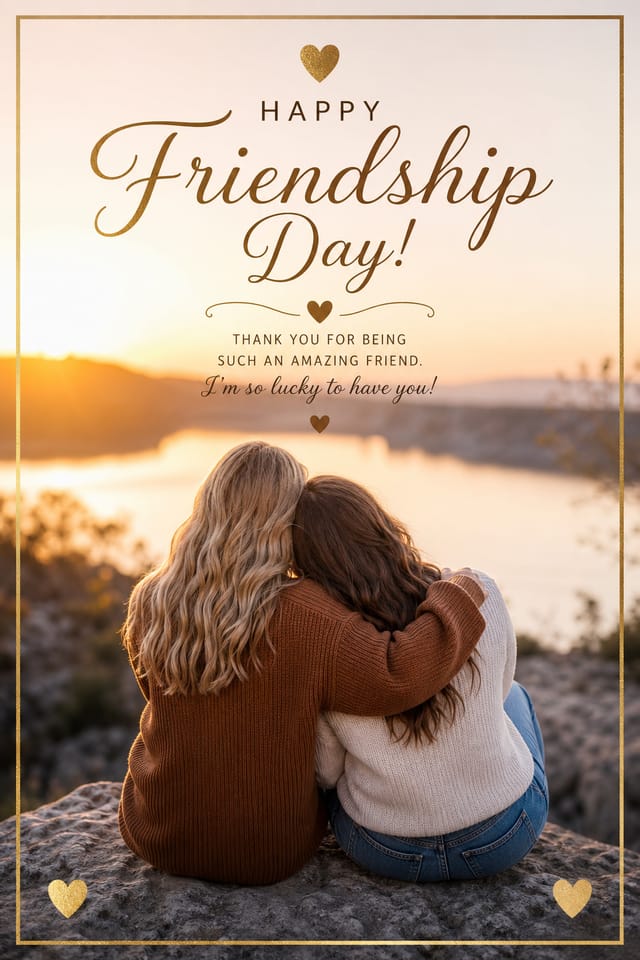
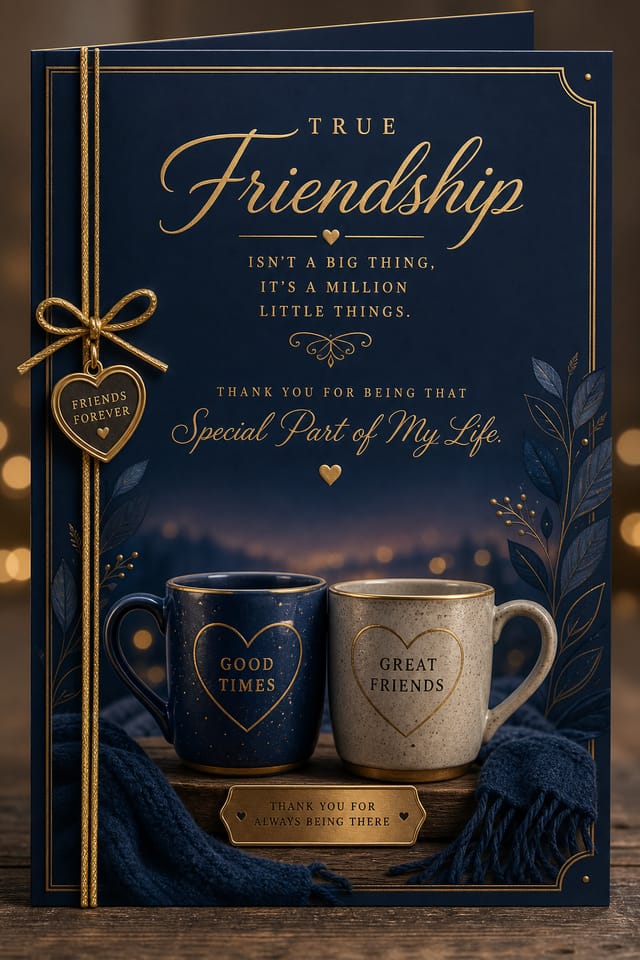
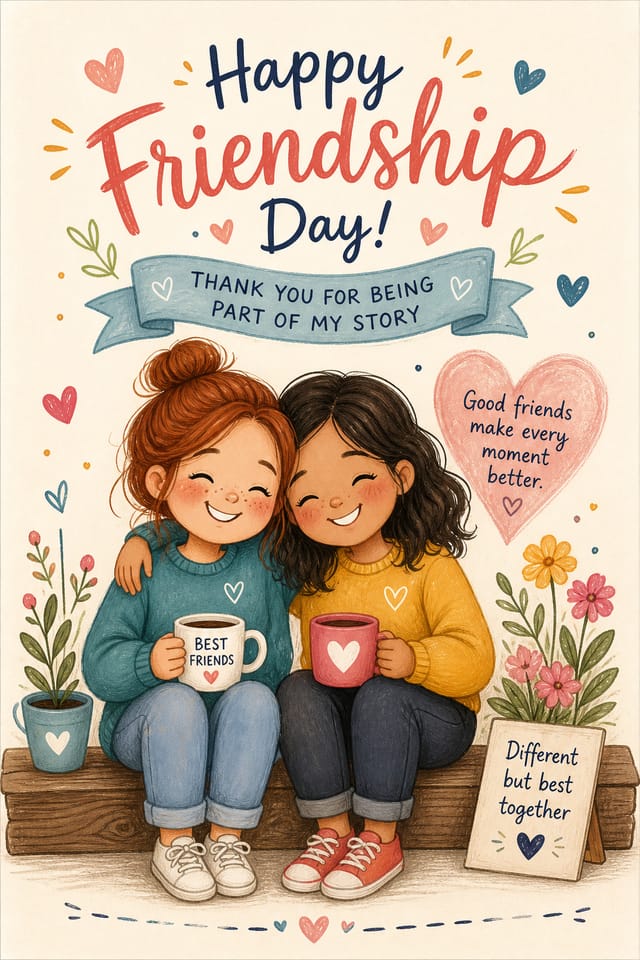
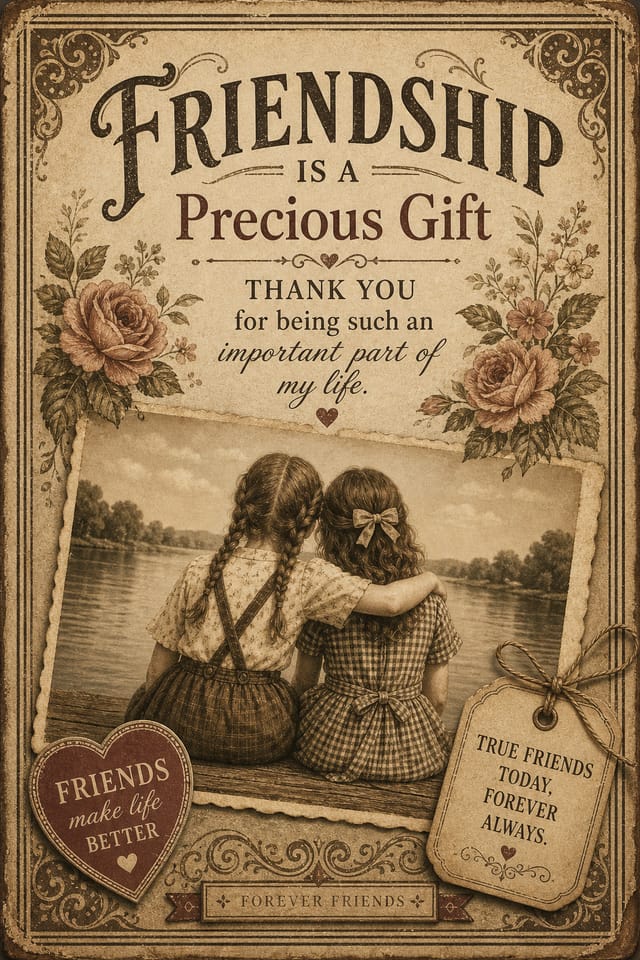
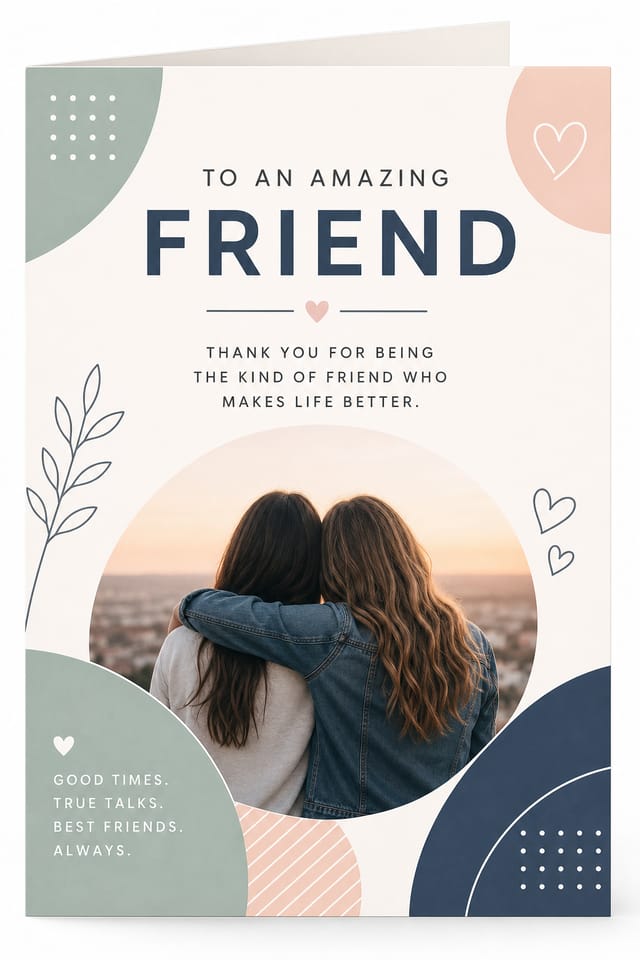
The Logic of Friendship Card Design: Visual Processing Explained
Friendship Card Aesthetics: What the AI Understands
Effective friendship card design depends on understanding what makes friendship work visually.
Color relationships, typographic choices, and spatial arrangement all carry different weight depending on the design style.
Pixazo's AI has been trained to recognize these distinctions.
The practical result is that a friendship card prompt produces designs that fit friendship conventions rather than generic poster layouts.
The Path to Your Friendship Card: Step by Step
State Your Requirements
Write a prompt describing your friendship card. Include style preferences, color direction, the most important text to display, and any specific visual elements you want. The more specific your description, the more targeted the output.
Appraise the Draft
Your friendship card generates immediately after submission. Evaluate the design against your requirements and refine the prompt to correct any elements that don't match your intent.
Get Your Final File
Get your final friendship card file in one click. Choose your format, download at full resolution, and use the design immediately. No watermarks, no additional fees, no waiting.
Friendship Card Specifications
Watch: Creating Friendship Card designs step by step
Smart Friendship Card AI: Key Capabilities
Context-Aware Design
Describe your friendship card's purpose and audience. The AI adjusts visual weight, complexity, and clarity based on the intended use context.
Color Temperature Control
Specify warm, cool, or neutral color direction for your friendship card. The AI builds the full palette around your temperature preference.
Layered Style Application
Combine friendship style with other design parameters in a single prompt. The AI interprets complex requests and applies multiple style constraints simultaneously.
Typography Matching
Typefaces are selected to match friendship aesthetic expectations. The AI pairs fonts that reinforce your friendship card's visual identity.
Subcategory Awareness
The AI distinguishes between design subcategories. A friendship card request produces friendship-appropriate output, not a generic design with friendship text added.
Consistency Across Variants
Generate multiple friendship cards for a project and maintain visual consistency across the set. Specify your core design parameters and vary secondary elements.
Community Friendship Card: Community Showcase
Real creators sharing their friendship designs made with Pixazo AI.
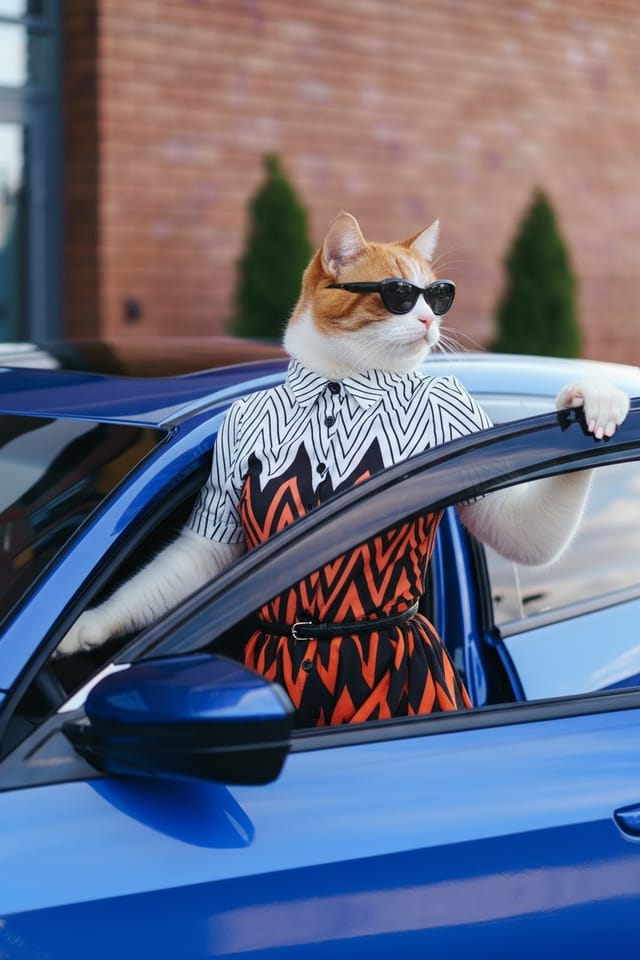
Contemporary friendship style card, grid-based structure, disciplined spacing, restrained decoration, readable at viewing distance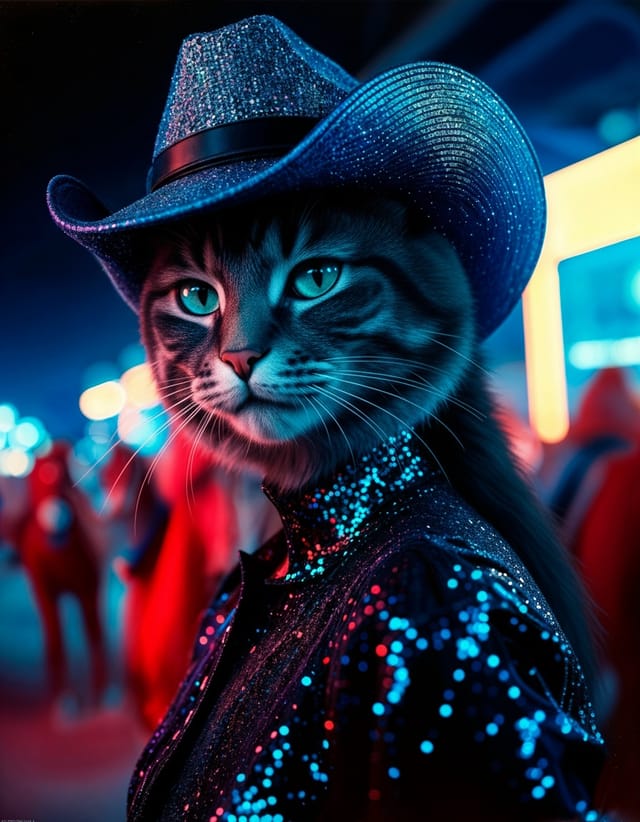
A3 landscape friendship card for conference booth, informational layout with three columns, clear section headers, QR code placement zone
Cool palette friendship card, slate and steel tones, sans-serif typography, contemporary friendship sensibility, precise alignmentFriendship Card Design Insights: What Professionals Know
Start with a Clear Brief
Before generating any friendship card, write down the core message, target audience, and intended use. A focused brief produces better results than iterating from a vague idea.
Prioritize Hierarchy
Every friendship card needs a clear reading order. Make sure the most important information is the largest and most prominent element in the layout.
Test at Actual Size
Always preview your friendship card at the dimensions it will be displayed. Design details that look fine at 100% can disappear or crowd at real-world scale.
Check Alignment Carefully
Misaligned elements are one of the most common signs of amateur friendship card design. Use grid lines and snap-to features to keep things precise.
Leave White Space
Resist the urge to fill every area of your friendship card. Breathing room around key elements makes the overall design more effective.
How People Use Friendship Cards: In the Real World
Trade Show and Conference Materials
Generate friendship cards for booth displays, attendee handouts, and event signage. Professional materials that represent your brand in competitive environments.
Non-Profit Campaigns
Create compelling friendship campaign cards without allocating budget to design production. Focus resources on mission-critical activities.
Healthcare and Wellness
Design friendship cards for clinics, wellness centers, and health campaigns. Trustworthy visuals that communicate care and professionalism.
Religious and Spiritual Organizations
Create friendship cards for worship services, community outreach, and faith-based events. Respectful designs that reflect the organization's character.
E-Commerce Product Promotion
Design friendship cards for online store banners, product launches, and seasonal sales. Conversion-focused visuals for digital retail.
How Friendship Card Tools Stack Up: Finding the Right Fit
PicMonkey
Photo editor and design tool with brand kit management
Pixazo
AI-powered friendship card generator with prompt-based design and professional output quality
Fotor
Photo editing platform with design templates and batch processing
Piktochart
Infographic and presentation maker for data-driven visuals
Stencil
Lightweight image creator optimized for fast social media graphics
Exploring Friendship Card Directions: What Works Best
High-Contrast Friendship
Bold friendship visual treatment with strong tonal contrast. Elements read clearly at any viewing distance.
Textured Friendship
Friendship design with added surface depth. Background treatments add visual interest without disrupting legibility.
Contemporary Friendship
Current friendship design sensibility with updated proportions, modern typefaces, and contemporary color relationships.
Editorial Friendship
Text-dominant friendship card layout inspired by print publication design. Typographic variety creates visual rhythm.
Minimalist Friendship
Stripped-back friendship approach. Fewer elements, more negative space, typography carries more visual weight.
Delivering Your Friendship Card: Format Guide
TIFF
High-fidelity format for friendship card files destined for professional printing, supporting CMYK color and lossless compression.
SVG
Scalable format for friendship card designs that need to render crisply at any resolution, commonly used for web and responsive layouts.
JPG
Compressed image format suited for friendship card designs with photographic elements where smaller file size matters more than pixel-perfect edges.
WEBP
Modern web format offering smaller file sizes than PNG or JPG for friendship card images without significant quality loss.
PNG
Lossless image format ideal for friendship card designs with transparency, sharp text, and web display at predictable file sizes.
Friendship Card Engine: Capabilities at a Glance
Friendship Card Starter Prompts Worth Trying
Copy any prompt below and paste it into Pixazo to generate your design instantly.
Friendship aesthetic card, palette drawn from friendship design tradition, layout proportions consistent with friendship conventions, purposeful use of each elementFull-bleed friendship card, background treatment extends to edges, foreground elements positioned for compositional balance, strong central hierarchyHigh-impact friendship card, immediate visual read at thumbnail size, clear headline dominance, supporting information structured logicallyFriendship style card, bold headline placement, supporting text at appropriate scale, color palette consistent with friendship design conventionsProfessional friendship card, minimalist friendship approach, negative space used intentionally, readable at multiple viewing distances, print-ready compositionUnderstanding Friendship Cards: The Essentials
Pixazo generates original designs rather than copying existing work. The AI creates friendship cards from learned design principles, not by stitching together fragments of existing designs. Generated output does not reproduce copyrighted material or identifiable artistic styles of living creators.
Adjust your prompt to change any element of the design. If a generated friendship card is close but not quite right, describe what you want changed and regenerate. The AI responds to specific direction about individual elements like color, layout, or typographic weight.
Pixazo provides an API for programmatic friendship card generation. Integrate it into your content pipeline to automate design production at scale. API documentation covers authentication, prompt formatting, and output retrieval.
Pixazo supports PNG, JPEG, and PDF export for friendship cards. PNG preserves transparency if your design uses it. JPEG works well for web and social media. PDF is the preferred format for print production of friendship cards.
Honest Notes on Friendship Cards: Trade-Offs to Know
Known limitations and trade-offs of AI-generated friendship design. Being specific about what AI card generation can and cannot do helps you plan your workflow and set accurate expectations.

