Parents' Day Card : Create Free Parents' Day Cards in Minutes with AI
Create Custom Parents' Day Cards Quickly with Pixazo Best AI Parents' Day Card Maker. Try for Free!
Get Started
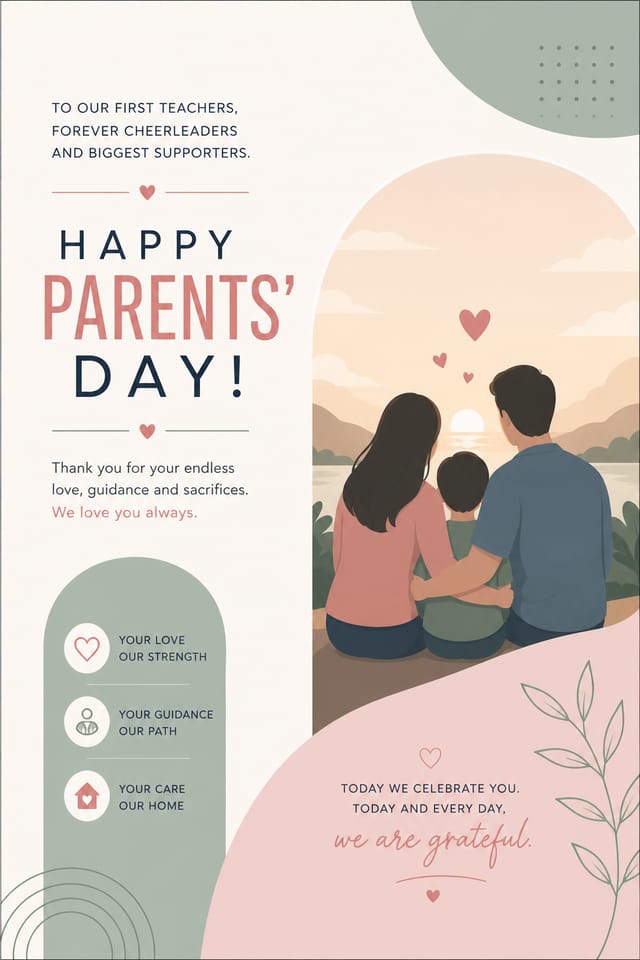
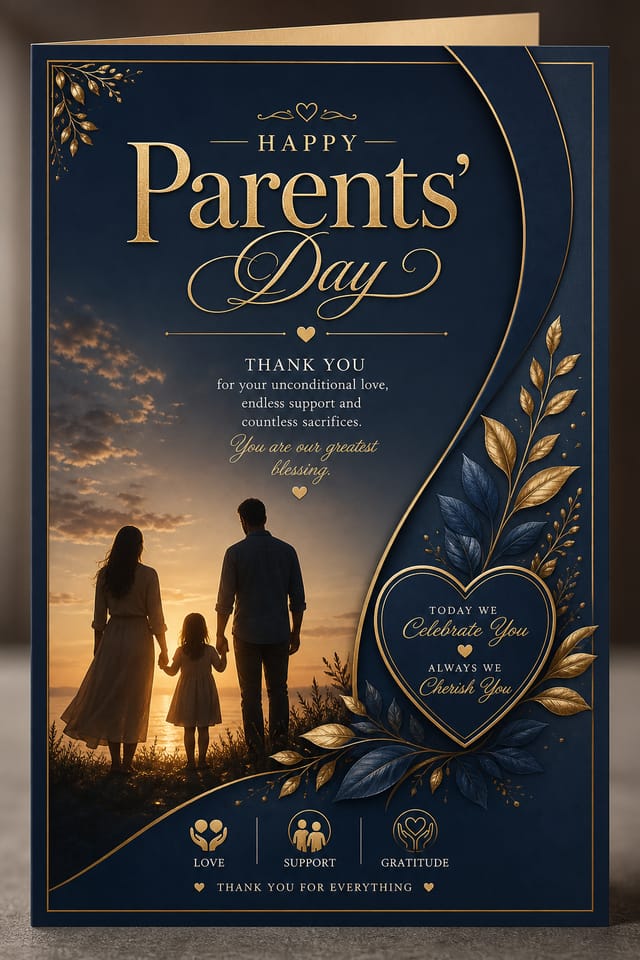
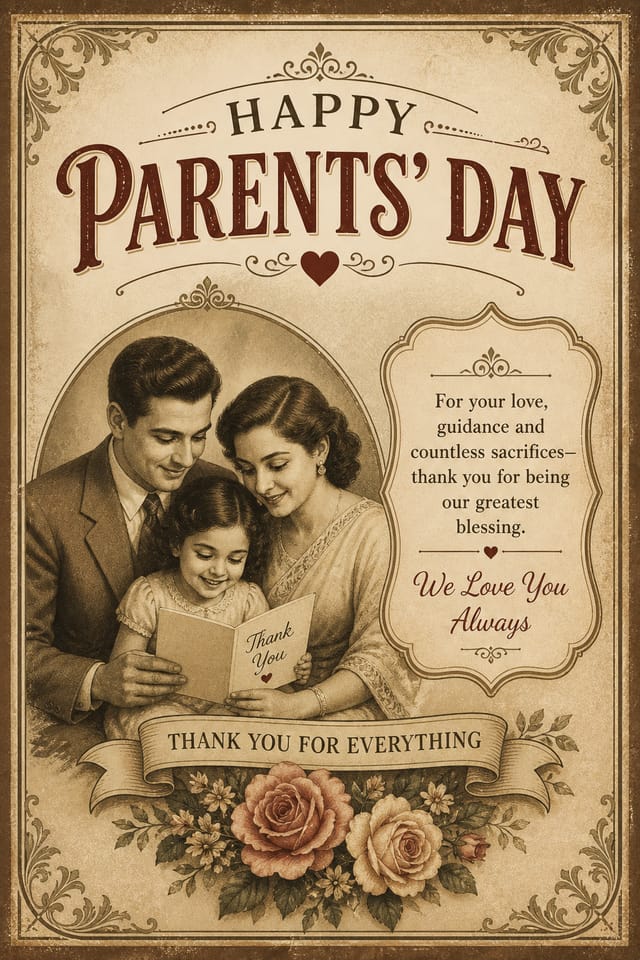

AI Parents-Day Card Creator: Start Creating Now
Generate parents-day cards that capture the right visual mood. Pixazo's AI handles composition, color, and typography so you can focus on your message.
Create Your Parents Day Card FreeHow AI Translates Parents-Day Style: What the AI Understands
How Pixazo Reads Parents-Day Style Cues
Not all card design styles work the same way.
Parents-Day design has specific characteristics that distinguish it from other approaches: particular color affinities, compositional tendencies, and typographic conventions that trained designers recognize immediately.
Pixazo applies this style knowledge automatically.
When you request a parents-day card, the AI pulls from a visual vocabulary appropriate to parents-day design, producing output that reads correctly to anyone familiar with the style.
Build a Parents-Day Card: What Actually Happens
Tell the AI What You Need
Start with a text description of your parents-day card concept. Specify the visual style, colors, layout direction, and key text. Detailed prompts produce more accurate parents-day card designs than general ones.
Let AI Build It
Your parents-day card generates immediately after submission. Evaluate the design against your requirements and refine the prompt to correct any elements that don't match your intent.
Pocket the Design
Download your completed parents-day card in the format that fits your use case. High-resolution files for print, web-optimized versions for digital, or PDF for production-ready delivery.
Watch: Creating Parents Day Card designs step by step
The Parents-Day Card Feature Set: Design Powers
Background Variation
Generate parents-day cards with different background treatments. Solid, gradient, textured, or pattern backgrounds all available for parents-day style.
Subcategory Awareness
The AI distinguishes between design subcategories. A parents-day card request produces parents-day-appropriate output, not a generic design with parents-day text added.
Print-Ready Output
Generated parents-day cards are sized and structured for professional printing. Download high-resolution files ready for production.
Color Temperature Control
Specify warm, cool, or neutral color direction for your parents-day card. The AI builds the full palette around your temperature preference.
Instant Iterations
Generate multiple parents-day card variations from a single prompt. Compare options and refine until the design matches your vision.
Resolution Control
Specify output dimensions for your parents-day card. Get files sized for web display, social media, or large-format printing.
Parents-Day Card Creator Tips: Practical Guidance
Keep Typography Simple
Use no more than two typefaces per parents-day card. One for headlines, one for body text. Consistency in typography signals professionalism.
Iterate with Variations
Generate 3-5 versions of your parents-day card before committing. Comparing variations side by side often reveals the strongest direction.
Prioritize Hierarchy
Every parents-day card needs a clear reading order. Make sure the most important information is the largest and most prominent element in the layout.
Limit Your Color Palette
Stick to 2-3 primary colors in your parents-day card design. Too many colors compete for attention and weaken the visual hierarchy.
Get Feedback Early
Share your parents-day card draft with someone outside the project. Fresh eyes catch issues you have become blind to after hours of refinement.
New to Parents-Day Cards? Key Things to Know
Pixazo generates single-page parents-day card designs per prompt. For multi-page projects, generate each page individually using consistent prompt language to maintain visual continuity across your parents-day document set.
Designs generated through Pixazo are yours to use as you see fit. You retain full usage rights for commercial and personal applications. The platform does not claim ownership over your generated parents-day card output.
You can generate as many variations as your account tier allows. Refine your prompt with each iteration to move toward your target design. Most users find the right direction within three to five generations.
You can request high-contrast or color-blind-friendly palettes in your prompt. Specify 'accessible color palette' or 'deuteranopia-safe colors' and the AI will select parents-day-appropriate colors that maintain sufficient contrast for users with color vision deficiencies.
Longer, more detailed prompts generally produce more accurate results for parents-day card design. Include all the relevant information: style direction, color preferences, content to display, intended use, and any specific design elements you want. There is no strict character limit.
Team accounts allow multiple users to share prompts, saved parents-day card designs, and brand kits within a shared workspace. Team members can iterate on each other's parents-day card designs and maintain consistent output across projects.
Parents-Day Card Design Tool Landscape: An Honest Look
Snappa
Quick graphic creator focused on social media and marketing visuals
Pixazo
AI-powered parents-day card generator with prompt-based design and professional output quality
VistaCreate
Visual content platform with templates and a built-in asset library
Desygner
Multi-format design tool with PDF editing and brand management
Crello
Template-based design tool with animation and video support
The Reach of Parents-Day Cards: A Practical Guide
Freelance Design Work
Use Pixazo to generate parents-day card concepts for client review. Present multiple directions quickly before committing to detailed execution.
Small Business Marketing
Produce parents-day marketing cards without a design agency budget. Get professional results from a text description.
Content Creation Workflow
Incorporate parents-day card generation into a content production workflow. Fast output enables higher publishing frequency.
Personal Creative Work
Generate parents-day cards for personal projects, home display, and creative experiments without spending production time on design execution.
Healthcare and Wellness
Design parents-day cards for clinics, wellness centers, and health campaigns. Trustworthy visuals that communicate care and professionalism.
Parents-Day Card AI Strengths: Why Creators Choose It
Prompt-to-Design Intelligence
Describe your parents-day card in plain language and the AI interprets visual intent, layout preferences, and stylistic cues to generate a design that matches your brief.
Multi-Format Export
Export your completed parents-day card in the format that fits your workflow. PNG for web, PDF for print, and JPG for universal compatibility.
Iterative Refinement
Start with an initial generation and refine your parents-day card through follow-up prompts that adjust specific elements while preserving what already works.
Parents-Day Card Look and Feel: Worth Exploring
Minimalist Parents-Day
Stripped-back parents-day approach. Fewer elements, more negative space, typography carries more visual weight.
Geometric Parents-Day
Structured parents-day composition using grid systems and angular forms. Order and precision define the visual approach.
Editorial Parents-Day
Text-dominant parents-day card layout inspired by print publication design. Typographic variety creates visual rhythm.
Classic Parents-Day
Traditional parents-day design principles applied to modern card format. Clean composition, conventional hierarchy, time-tested visual decisions.
Good Parents-Day Card Prompt Templates
Copy any prompt below and paste it into Pixazo to generate your design instantly.
Editorial-style parents-day card, text-dominant design, typographic treatment carries visual weight, layout proportions inspired by print publication designParents-Day style card, bold headline placement, supporting text at appropriate scale, color palette consistent with parents-day design conventionsAtmospheric parents-day card, background treatment supports the headline without competing with it, visual weight distributed intentionallyLarge-format parents-day card design, elements sized for visibility at print scale, no fine detail that would be lost in productionParents-Day card for digital display, optimized proportions for screen viewing, colors calibrated for RGB output, legible at typical viewing distanceContemporary parents-day card design, grid-based layout, typographic precision, restrained color palette, no decorative excessShowcasing Parents-Day Cards: Community Creations
Real creators sharing their parents day designs made with Pixazo AI.

Parents-Day card for large format print, elements scaled for visibility at distance, colors optimized for print output
Parents-Day card at 1080x1920 pixels for Instagram stories, bold sans-serif headline centered, gradient background in parents-day tones, call-to-action at bottom
Parents-Day card design, clean typographic hierarchy, palette appropriate to parents-day aesthetic, high contrast headline, balanced compositionParents-Day Card Generation: Capabilities and Caveats
Known limitations and trade-offs of AI-generated parents day design. Understanding what the AI handles well and where it falls short helps you structure your parents-day card design workflow effectively.

