HEIC to MP4 Converter
A HEIC is one iPhone still, so convert HEIC to MP4 means generating the motion with AI — not re-wrapping a file.
The verdict, before you scroll
This is not a format conversion. A HEIC holds a single frame. An MP4 holds a sequence of frames plus timing, and something has to invent the frames in between. No transcoder can do that, so you will not find a lossless re-wrap below this line.
This HEIC to MP4 converter runs on AI clip generation: Pixazo reads your photograph, generates new frames from it, and hands you an MP4. Different job, honest label.
One is a page. The other is a flip-book.
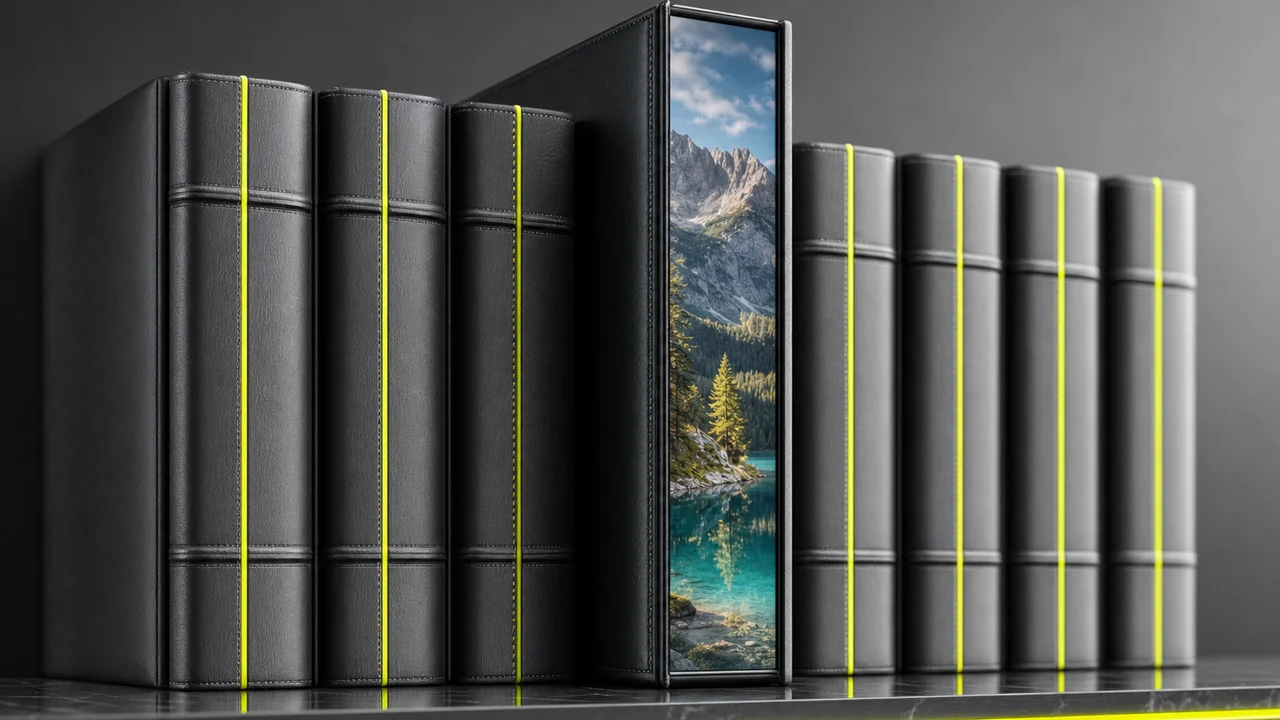
Stand the two files side by side and the reason you convert HEIC to MP4 with AI, not a re-wrap, stops being abstract. Pull the HEIC off the shelf and you get a page. Pull the MP4 off and you get a flip-book with a stopwatch clipped to the cover.
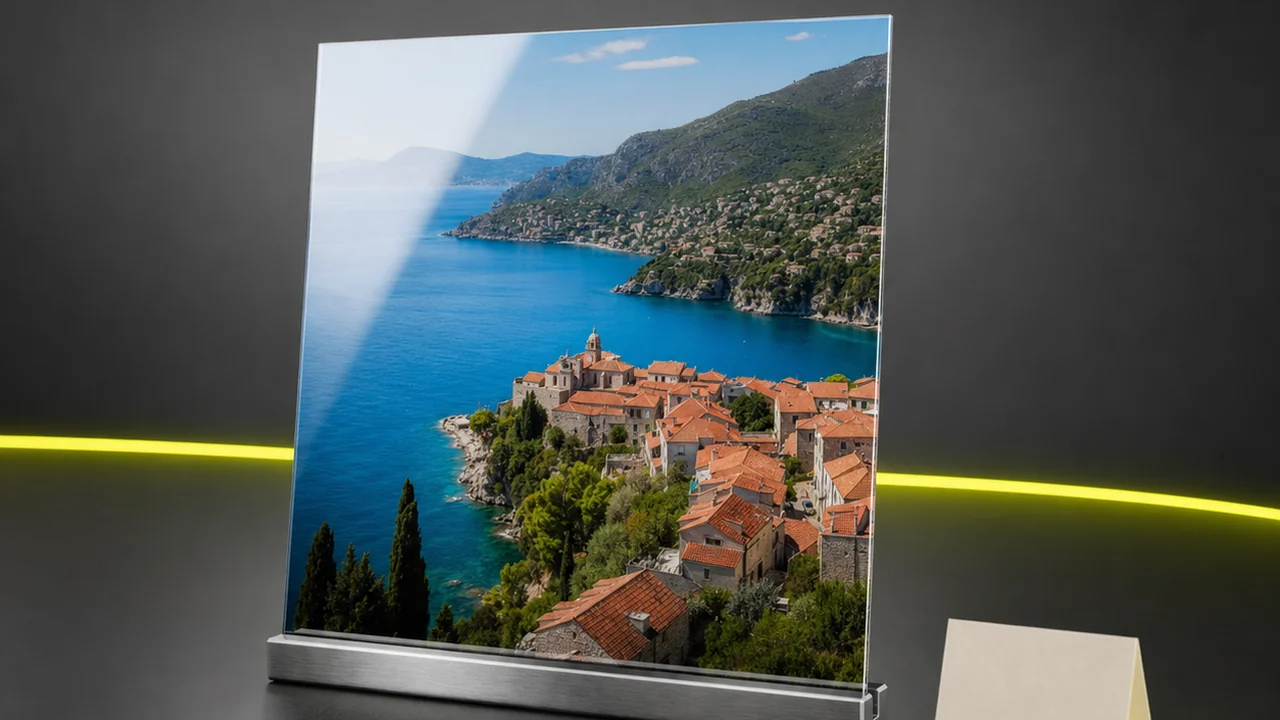
The HEIC spine
What a HEIC to MP4 converter would receive: one frame, compressed with HEVC so it lands near half the size of the same picture as a JPEG. It carries depth data, wide colour and metadata. What it does not carry is duration — no second frame, no frame rate, no timeline.
The MP4 spine
What it would have to produce, and cannot: an MPEG-4 container holding a video track: an ordered run of frames, a frame rate saying how fast to play them, usually audio, and an index for seeking. One second at 24 fps needs twenty-four distinct images. Your HEIC supplies exactly one.
How does converting HEIC to MP4 actually work?
A real HEIC to MP4 converter would rewrite the same information in a different syntax. HEIC to JPG works because both formats describe one raster image; the encoder re-expresses the pixels and moves on. Video is a different category of thing: to reach motion, roughly two dozen frames per second have to come from somewhere, and a converter has nowhere to get them.
Some HEIC to MP4 converter pages paper over this by wrapping your photo in an MP4 container and holding it on screen for five seconds. That is a video file, and it is also just your photo with a runtime. If a still with a duration is genuinely what you need, a slideshow tool will do it, and we would rather say so than sell you an AI model.
What most people mean when they search convert HEIC to MP4 is the other thing: they want the photo to come alive — which is what an AI HEIC to MP4 converter does — it generates the motion. The camera should drift, the water should move. That is generation, not conversion, and it is the one version of the job Pixazo can do.
EXIF and GPS are stripped on the way through.
Convert HEIC to MP4 freePixazo reads HEIC, but it never writes it
Worth knowing before you plan a workflow around it. HEIC is an accepted input for image conversion — drop an iPhone photo in and it will be read. Nothing in the product outputs HEIC: no export preset, no encoder, no checkbox.
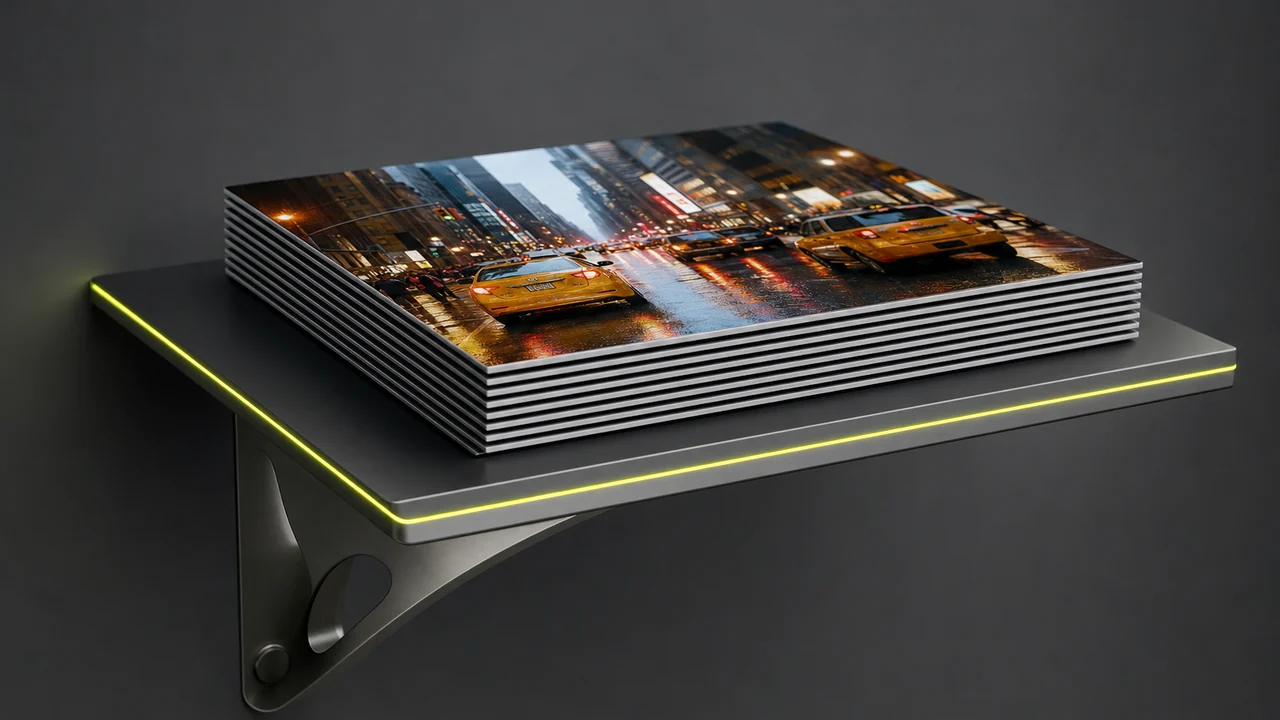
That shapes the route. Take the HEIC off the shelf, run it through HEIC to JPG so you are holding a format every tool accepts, then feed that JPG to the Pixazo. Two shelves, one direction of travel.
The one-way street is deliberate. HEIC is an Apple-first container; a finished clip or an exported still is far more useful as an MP4 or a JPG that opens anywhere.
In tray
Out tray
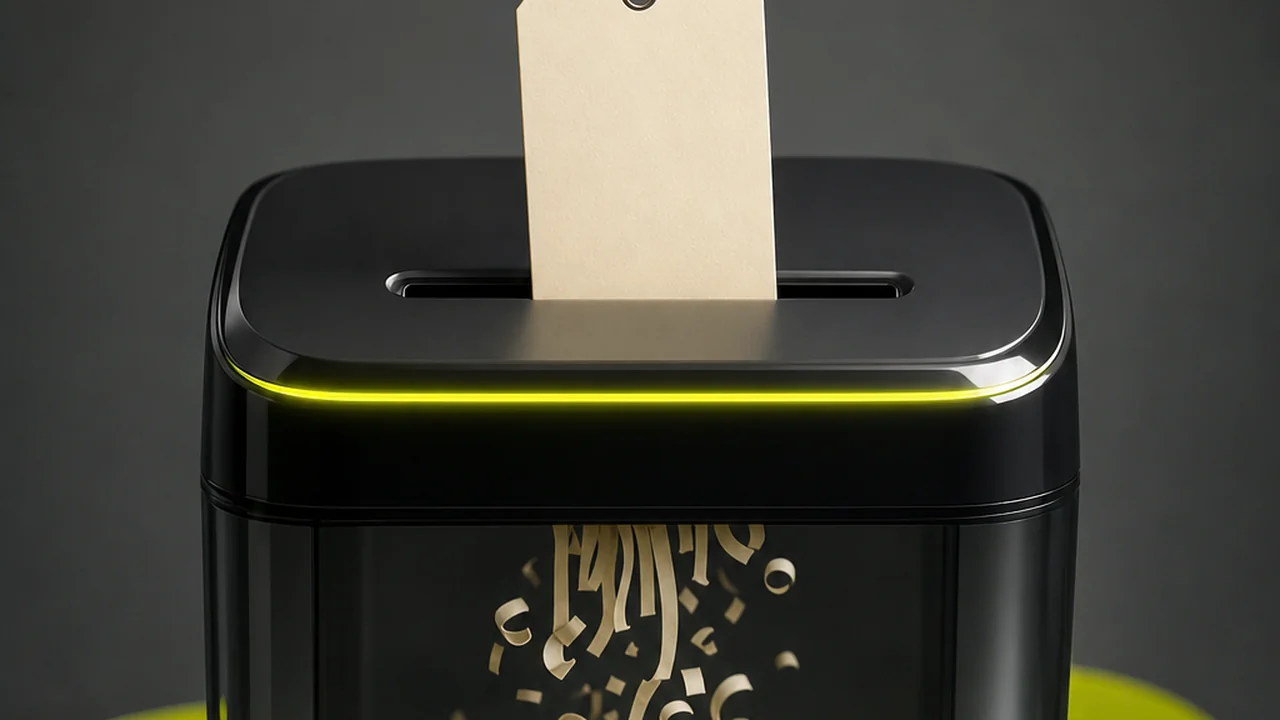
Your iPhone tucks a location into every slip
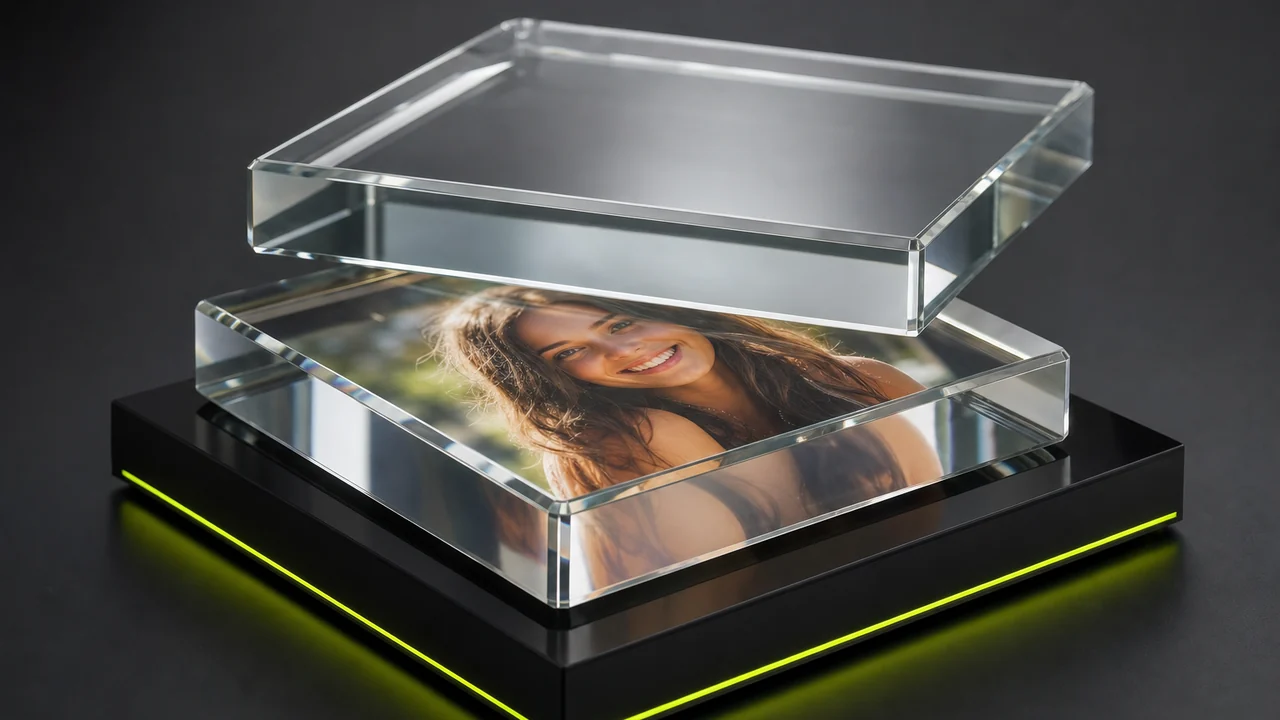
A HEIC straight off an iPhone is not only pixels. Clipped to it is an EXIF block: device model, lens, exposure, a timestamp down to the second, and — if location services were on — GPS coordinates precise enough to pin the building you were standing in.
That slip travels with the file. Email the HEIC, drop it in a shared album, hand it to a client, and the coordinates ride along unless something removes them. Most people never look, which is the problem.
Pixazo's image conversion strips EXIF and GPS by default. Your holiday photo comes out as a picture without the paperwork — no home address baked into a file you are about to post publicly.
The trade-off: stripping is not selective. Capture settings and the original timestamp go with the coordinates, so keep your HEIC originals if you sort an archive by them.
Metadata slip — before conversion
After conversion every row above is gone. The picture stays; the paperwork does not.
No HEIC to MP4 converter exists — this generates the clip.
Convert HEIC to MP4Live Photos really do hold a movie — Apple's, not ours
One honest exception to everything above, and it belongs to Apple.
When you shoot a Live Photo, iOS saves two items shelved as one: a still image, and a clip of roughly three seconds recorded around the shutter press. Press and hold in Photos and the movement you see is that companion file playing. So yes — some items in your library genuinely contain motion, and getting it out is extraction rather than generation.
That extraction is Apple's to offer: the Photos app on iPhone can save the video portion, and macOS surfaces the paired file too. Pixazo does not extract the movie half of a Live Photo. If those three seconds are what you want, stay in Apple's tools — you already have the footage.
If they are not what you want — a different camera move, a longer clip, motion the original never captured — you are back to generation, with the still frame as your starting point.
How to convert HEIC to MP4 the honest way, step by step
Four moves along the rail. The first is a genuine conversion; the rest are generation.
Open Pixazo on your phone
Head to Pixazo in your browser and open the studio. Nothing to install, on desktop or phone.
Pull your HEIC in
Upload your iPhone photo. If the uploader rejects HEIC, save a JPG copy first, which also drops the EXIF and GPS data.
Note the motion
Describe the motion and how the camera should move. That prompt is how you convert your HEIC to MP4.
Preview and keep the MP4
Preview the generated clip, adjust the prompt if the motion is off, and download your MP4.
Limits of converting HEIC to MP4
What this page and this workflow cannot do for you.
There is no direct HEIC to MP4 converter
When you convert HEIC to MP4, it is generation, not transcoding — one frame becomes motion because a model creates it, not by re-encoding.
Pixazo cannot output HEIC
HEIC is read as an input only. If you need a HEIC file at the end, produce it in Apple's tools.
Live Photo movies are not extracted
The clip paired inside a Live Photo stays with Apple's software. Pixazo generates new motion instead.
Generated motion is invented
The frames after the first never happened. Treat the clip as an interpretation, not a record.
Long clips are not the point
Clip generation makes short clips measured in seconds, not a minute of footage from one photo.
Metadata stripping is all or nothing
EXIF and GPS come off together. There is no option to keep capture settings and drop only location.
Start free, no watermark.
Convert HEIC to MP4 freeConverting HEIC to MP4: questions answered plainly
Can you convert HEIC to MP4 directly?
No, and be wary of any tool claiming to be one. A HEIC contains a single frame while an MP4 contains a timed sequence of frames, so there is nothing to transcode. Tools advertising one are usually either wrapping your still in a video container or generating new frames with AI.
What does Pixazo actually do with an iPhone photo?
It generates a short video that starts from your photo. The Pixazo treats your still as the opening frame and creates the frames that follow, based on the motion you describe in a prompt.
Can Pixazo save a file as HEIC?
No. HEIC is accepted as an input for image conversion, but nothing in the product writes HEIC. Conversions come out as JPG, PNG, WebP or AVIF, and generated video comes out as MP4.
Do I have to convert the HEIC to JPG first?
It is the reliable route. Converting to JPG gives you a still every tool accepts, and it removes the EXIF and GPS metadata at the same time. From there the JPG goes straight into the video generator.
Is my location removed when I convert an iPhone photo?
Yes. Pixazo's image conversion strips EXIF and GPS by default, so the coordinates your iPhone attached do not travel with the converted file. Capture settings and the timestamp are removed along with them.
My photo is a Live Photo — can I get the video out of it?
Yes, but not here. A Live Photo pairs a still with a clip of about three seconds, and Apple's Photos app can save that clip for you. Pixazo does not extract the paired movie file.
How long is a generated clip?
Short — a handful of seconds, with the exact length depending on the model you pick in the generator. It is built for a moment of motion rather than a full scene.
Will the video look like my original photograph?
The first frame comes from your image, so the opening looks like your photo. Everything after is generated, and faces, hands and text can drift as the clip plays. Reviewing and re-prompting is part of the process.
Where do you go from here?
Deepak Joshi is a Content Marketing specialist having a combined experience of 10+ years working in the digital world. He is one of the active contributors to Pixazo Blog and has keen interest creating and marketing content related to AI tools, No-Code technology, Design Industry, Social Influencers, and other trending topics. A health and sport enthusiast, Deepak loves to indulge in all kinds of sports & games.

