Skip to content
IN
Free online photo converter

HEIC to JPG Converter

Turn Apple .HEIC photos into universal .JPG files that open everywhere — Windows, Android, the web and any editor. Upload, convert, download in seconds. No app, no watermark, free to start.

  • Free to start
  • No credit card
  • Opens everywhere
  • Strips location data
The basics

What is the HEIC to JPG converter, and who is it for?

The HEIC to JPG converter is a free online tool that turns Apple .HEIC (and HEIF) iPhone photos into universal .JPG images that open on Windows, Android, the web and every editor — at the same resolution, with location metadata stripped by default.

It is for iPhone owners whose photos won't open on a PC, get rejected by an upload form, or need to be shared with someone who isn't on Apple. It also suits sellers, designers and print labs that expect a standard JPG.

The converter re-saves your photo as a standard JPG, keeps its resolution, and by default drops embedded EXIF data such as GPS location so you are not quietly sharing where a picture was taken. Everything runs in the browser, with nothing to install.

What it does not do: it changes format only. It will not retouch, crop or upscale — and because JPG is a lossy format, it uses compression rather than a pixel-perfect copy.

Four steps

How do you convert HEIC to JPG?

Turning an iPhone photo into a universal JPG takes four simple steps — open the tool, upload your .HEIC, convert it, and download the .JPG. It all runs in your browser, nothing to install.

  1. 1

    Open the converter

    Head to Pixazo's converter — it loads in your browser on desktop or mobile, with no app to download.

  2. 2

    Upload your HEIC

    Drag in your iPhone photo or pick it from your device. HEIC and the related HEIF format both work.

  3. 3

    Convert to JPG

    Run the conversion and your photo is re-saved as a standard JPG at the same resolution.

  4. 4

    Download your JPG

    Save the finished file and open it anywhere — PC, Android, web upload or editor.

What it does

What does the HEIC to JPG converter do?

One focused tool that takes your iPhone photo and hands you a JPG anything can open — no plugin, no quality guesswork, and your location data left out by default.

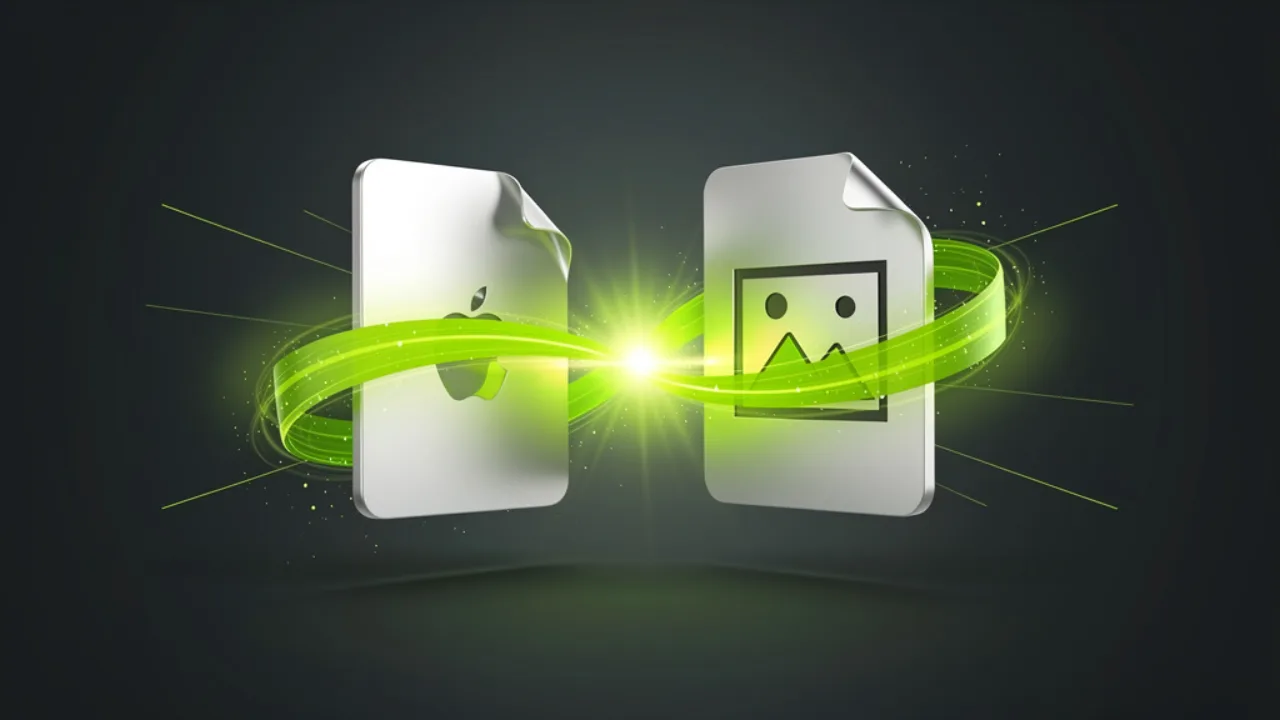
A .HEIC iPhone photo converting to a universal .JPG, created with Pixazo AI

From iPhone .HEIC to universal .JPG

HEIC is efficient, but it's an Apple format that trips up plenty of PCs, sites and apps. The converter re-saves your photo as a standard JPG at the same resolution — same picture, universal format, no watermark.

Convert HEIC to JPG free
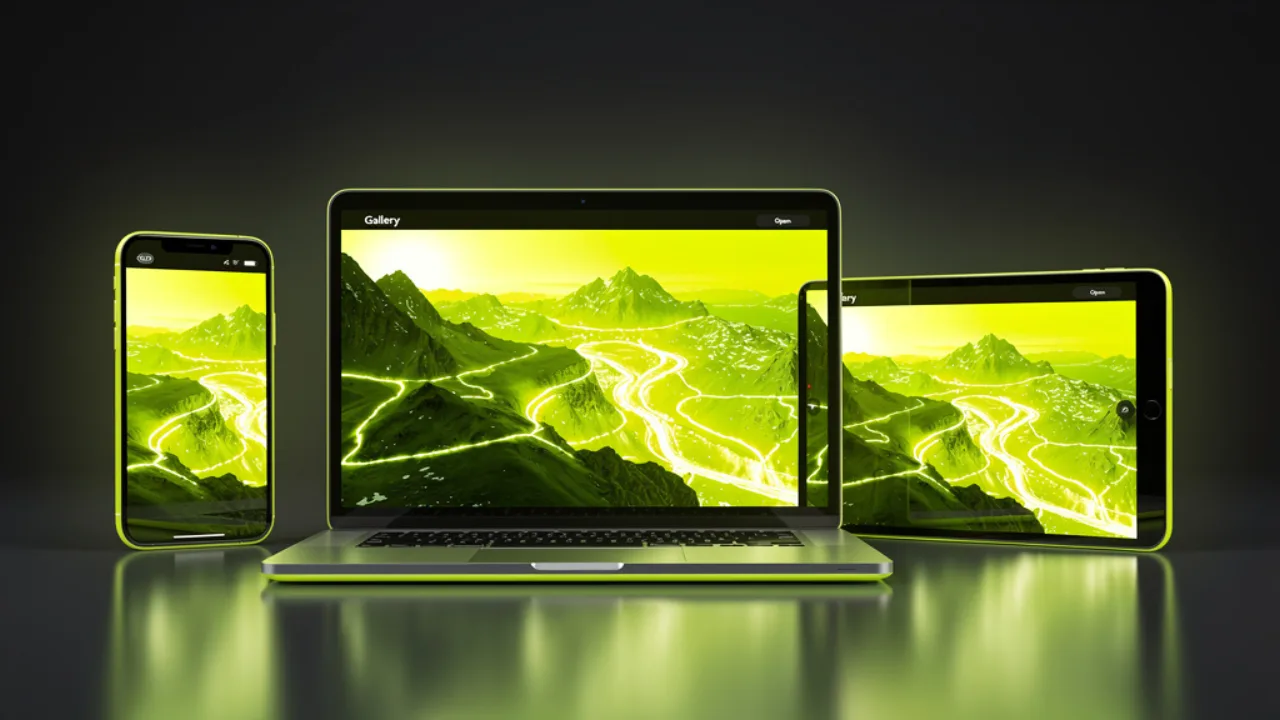
A converted JPG photo opening across a Windows PC, Android phone and web browser, created with Pixazo AI

A photo that opens on Windows, Android and the web

JPG is the closest thing photos have to a universal format. Your converted file opens on any Windows PC, every Android phone, in email previews and in the browser — no HEIC plugin or special viewer needed.

Get a universal JPG
A tidy grid of converted JPG photos in a library view, created with Pixazo AI

Keeps your resolution, drops the location data

Your photo's resolution and detail carry straight over. By default the converter also leaves out embedded EXIF location and camera metadata, so you're not quietly sharing where a picture was taken when you send the JPG on.

Try the converter
Privacy by default

Your location stays off the file?

Every HEIC photo carries hidden EXIF data — often including the exact GPS coordinates where it was taken. Send that photo on unchanged and you can quietly hand over your home, your route or your workplace.

By default this converter strips EXIF and GPS metadata as it re-saves your image to JPG, so the file you share is just the picture. The resolution and detail carry over untouched.

Compatibility

Where does a converted JPG open?

Just about anywhere. HEIC is Apple's efficient photo format, but plenty of everyday tools still can't open it. Converting to JPG clears every one of those walls in a single step — here's the device wall it unlocks.

Windows PCsOpens here
Android phonesOpens here
Web browsersOpens here
Email previewsOpens here
Design editorsOpens here
Print & photo labsOpens here
PlaceHEIC supportJPG support
Windows Photos / older PCsOften no✓ Yes
Most websites & upload formsFrequently rejected✓ Yes
Android phonesPatchy✓ Yes
Email attachmentsSometimes won't preview✓ Yes
Design & editing toolsVaries✓ Yes
Web browsersLimited✓ Yes

In short: if something can show a photo at all, it can almost certainly show a JPG.

Format facts

HEIC vs JPG: what's the difference?

Both hold a single photo. HEIC packs it smaller using newer compression; JPG is the decades-old standard that every device understands. Neither is 'wrong' — they're built for different jobs.

 HEICJPG
Introduced byApple (HEIF)The universal standard
File sizeSmaller for the same photoSlightly larger, still efficient
CompatibilityNewer Apple devicesPlays everywhere
Website uploadsOften blockedWidely accepted
Best forSaving space on iPhoneSharing, uploading, printing

Rule of thumb: keep HEIC on your iPhone to save space — convert to JPG the moment you need to share it.

Who it's for

Who converts HEIC to JPG?

Anyone whose iPhone photos need to travel. If a .HEIC keeps hitting walls off your phone — a PC that won't open it, a form that won't accept it — this clears them in one tap.

iPhone owners on Windows

You shot on iPhone and need the photos to open cleanly on a Windows PC or send to someone who isn't on Apple.

Anyone hitting an upload wall

A job portal, marketplace or CMS asks for JPG and rejects HEIC — one convert and it uploads.

Sellers & marketplaces

Listing photos need a format every buyer and platform can view without a special app.

Designers & editors

You need a JPG that drops straight into your editor without a HEIC plugin.

Printing & photo labs

Many print services still want a standard JPG for orders.

Sharing with family

Send photos that open on everyone's phone and laptop, Apple or not.

Good to know

HEIC to JPG: frequently asked questions

Quick answers to the things people ask most before converting.

Is the HEIC to JPG converter free?
Yes, you can start free with no credit card. It runs on Pixazo, and higher usage follows your Pixazo plan.
Why won't my HEIC files open?
HEIC is Apple's photo format. Many Windows PCs, Android phones, websites and older apps can't read it — converting to JPG makes the photo open everywhere.
Will converting reduce photo quality?
The converter keeps your original resolution and aims to preserve quality. JPG uses compression, so there can be a small quality trade-off, but the result looks like your photo.
Does it remove my location data?
By default the converter leaves out embedded EXIF metadata such as GPS location and camera details, so you don't share where a photo was taken when you send the JPG.
Can I convert HEIC on Windows or Android?
Yes. The converter runs in any browser, so you can convert on Windows, Android, Mac or iPhone with no app to install.
Does it handle HEIF too?
Yes. HEIC and the related HEIF format are both supported and convert to JPG the same way.
Do I need to install anything?
No. It runs entirely in the browser through an upload, convert, download flow. There's no desktop app or plugin.
Can I convert several photos?
The tool is built around a simple one-photo-at-a-time flow so each conversion stays clean and predictable.
See it in action

iPhone photos that open anywhere

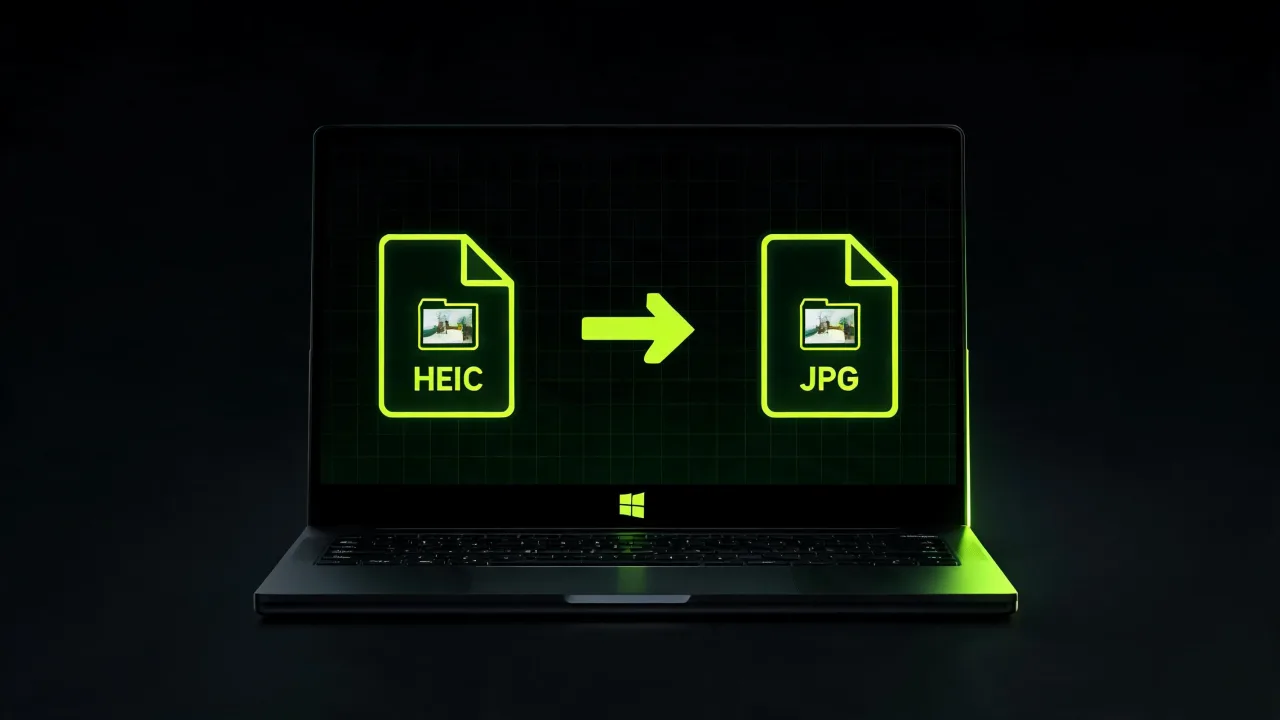
An iPhone HEIC photo converting into a JPG on a laptop, created with Pixazo AIA wall of device icons with ticks as a photo opens everywhere, created with Pixazo AIA gallery of converted JPG photos with location data removed, created with Pixazo AI
Authorship

About the author

DJ
Content Marketing specialist · Pixazo · Reviewed & updated July 2026

Deepak Joshi is a Content Marketing specialist having a combined experience of 10+ years working in the digital world. He is one of the active contributors to Pixazo Blog and has keen interest creating and marketing content related to AI tools, No-Code technology, Design Industry, Social Influencers, and other trending topics. A health and sport enthusiast, Deepak loves to indulge in all kinds of sports & games.

Author page · Pixazo on LinkedIn

Upload · Convert · Download

Get a JPG that opens everywhere.

Turn Apple HEIC photos into universal JPG files in a few clicks — location data left out by default, free to start, no watermark.

Convert HEIC to JPG free
  • Free to start
  • No install
  • No watermark
With Pixazo’s platform we deliver enterprise-class security and compliance to you and your customers through every interaction.