JPG to WebP converter
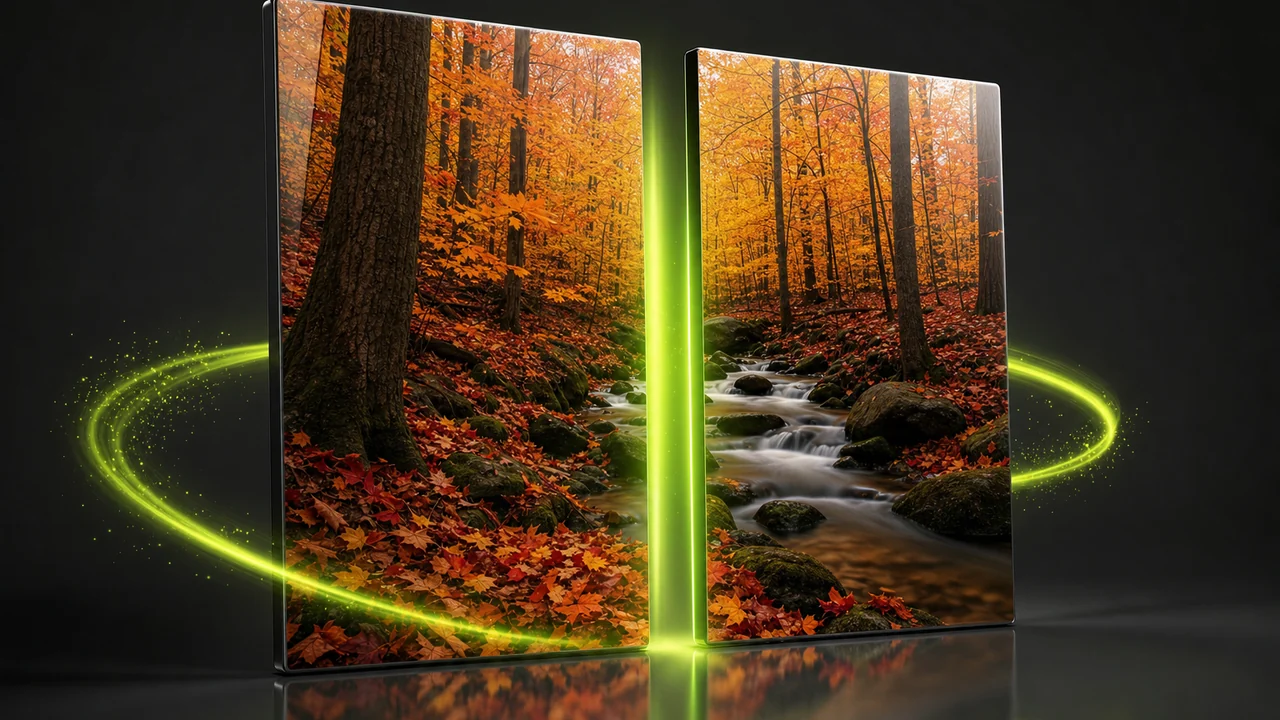
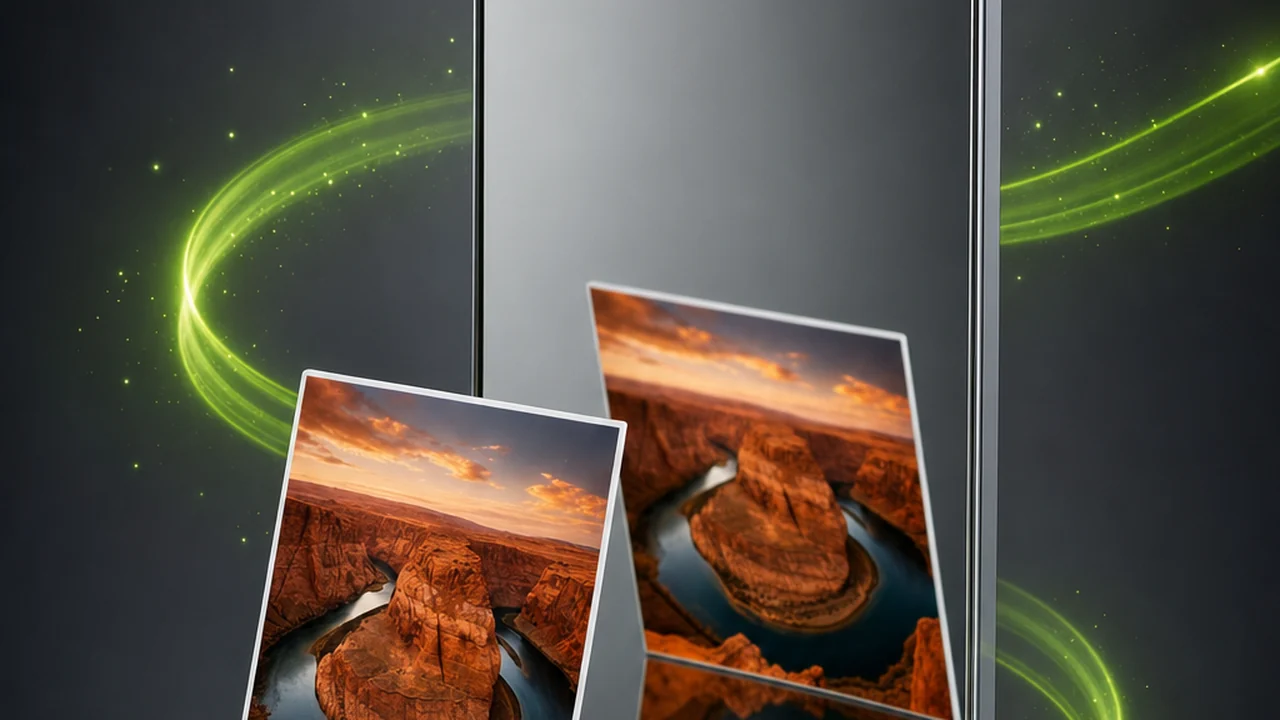
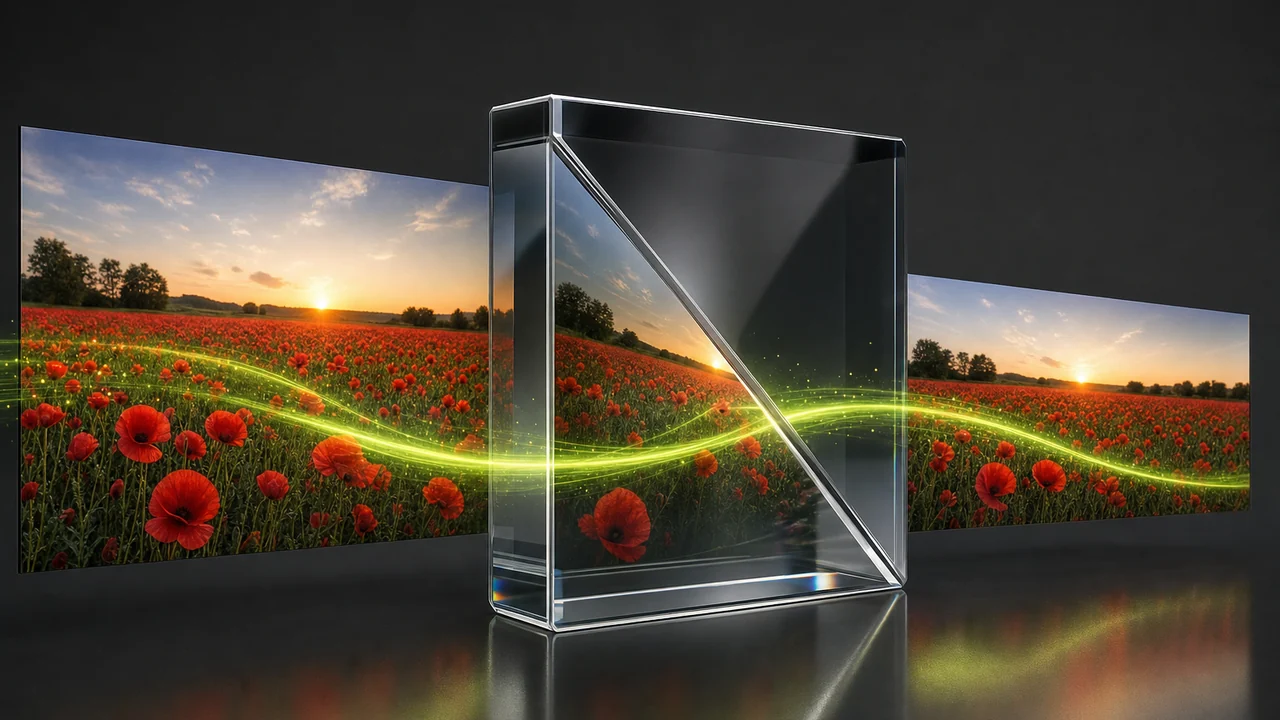
Pixazo's JPG to WebP converter puts a JPG in on the left and hands a WebP back on the right. Put a JPG on the left of the divider and a WebP comes out on the right: the same picture, wrapped in a newer container that carries transparency, supports a lossless mode and lands smaller at comparable visual quality. The conversion runs inside Pixazo's P Agent, in your browser, from a sentence you type.
 JPG
WebP
JPG
WebP
One picture, one divider, two labels. Everything below is about what changes when the label on the right takes over.
What crosses the divider unchanged, and what the right half adds
A format change is a change of container, not a change of subject. Reading the halves against each other tells you whether the crossing is worth making.
What a JPG already gives you
JPG, also written JPEG, is the most universally accepted image format there is. Browsers, phones, printers, content systems and email clients all take it.
What the WebP label brings with it
WebP was developed by Google and offers two modes rather than one. Every current major browser reads it, which is why web teams now ask for it.
One honest caveat before you commit: plenty of older desktop software, print workflows and upload forms still refuse WebP outright. Cross the divider for the web, and keep the JPG for everywhere that has not caught up.
 In
Out
In
Out
Where the split actually happens inside Pixazo
There is no separate JPG-to-WebP utility to hunt down. Image conversion lives in the P Agent, and you drive it by describing what you want.
 In
Out
In
Out
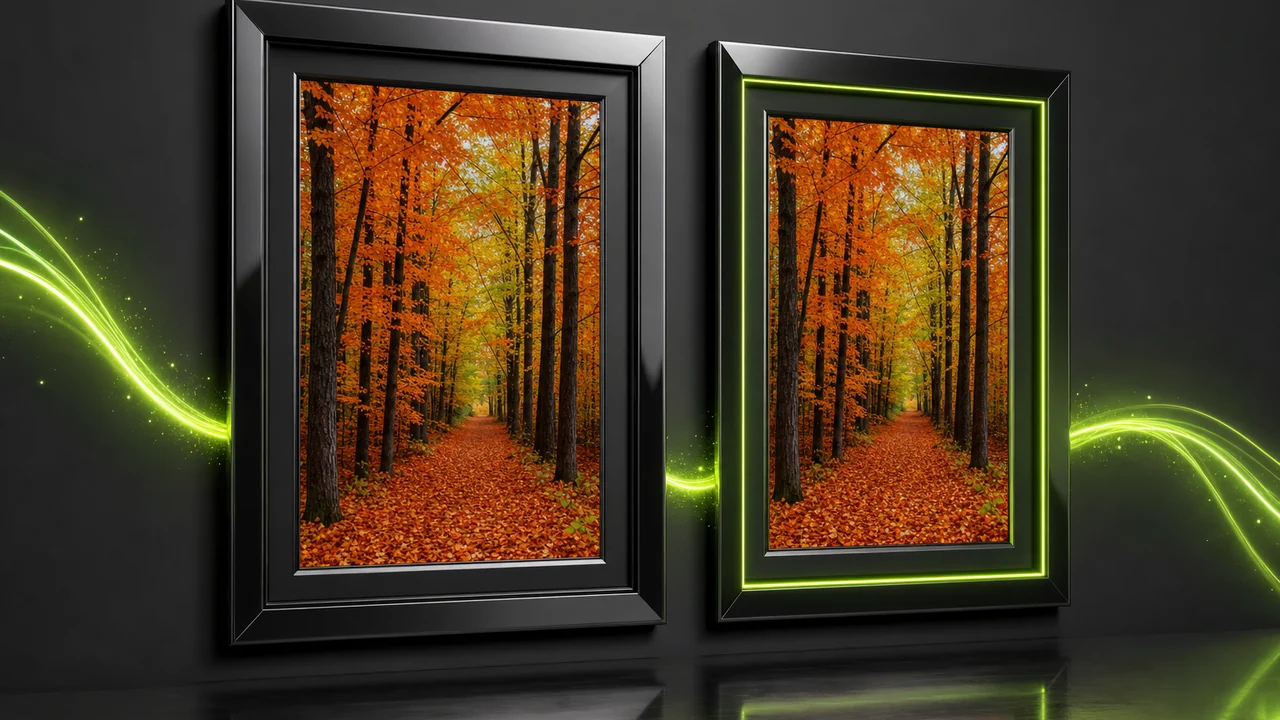
The Studio's own summary of the job: an image between HEIC, JPG, PNG, WebP, AVIF and more — the classic fix for a photo a website will not accept.
A sentence does the work
Attach the picture and type something as ordinary as Convert @Image1 to WebP. There are no dialogs to walk through and no settings panel to decode.
You never declare the left half
The Studio reads the source format itself. If the file turns out to be a HEIC or a PNG rather than the JPG you assumed, the request still works.
Browser and an account
Everything happens in the browser, so there is nothing to install. A Pixazo account is required to run the JPG to WebP converter.
 In
Out
In
Out
JPG against WebP across the divider
The same seven questions, answered for each half. Read down the lime line to see the trade you are making.
| Question | Left half — JPG | Right half — WebP |
|---|---|---|
| Compression | Lossy, and only lossy. | Lossy or lossless, both modes available in the one format. |
| Transparency | No alpha channel at all. | Alpha transparency is kept in either mode. |
| Animation | Not supported. | Supported — the format can hold animation. |
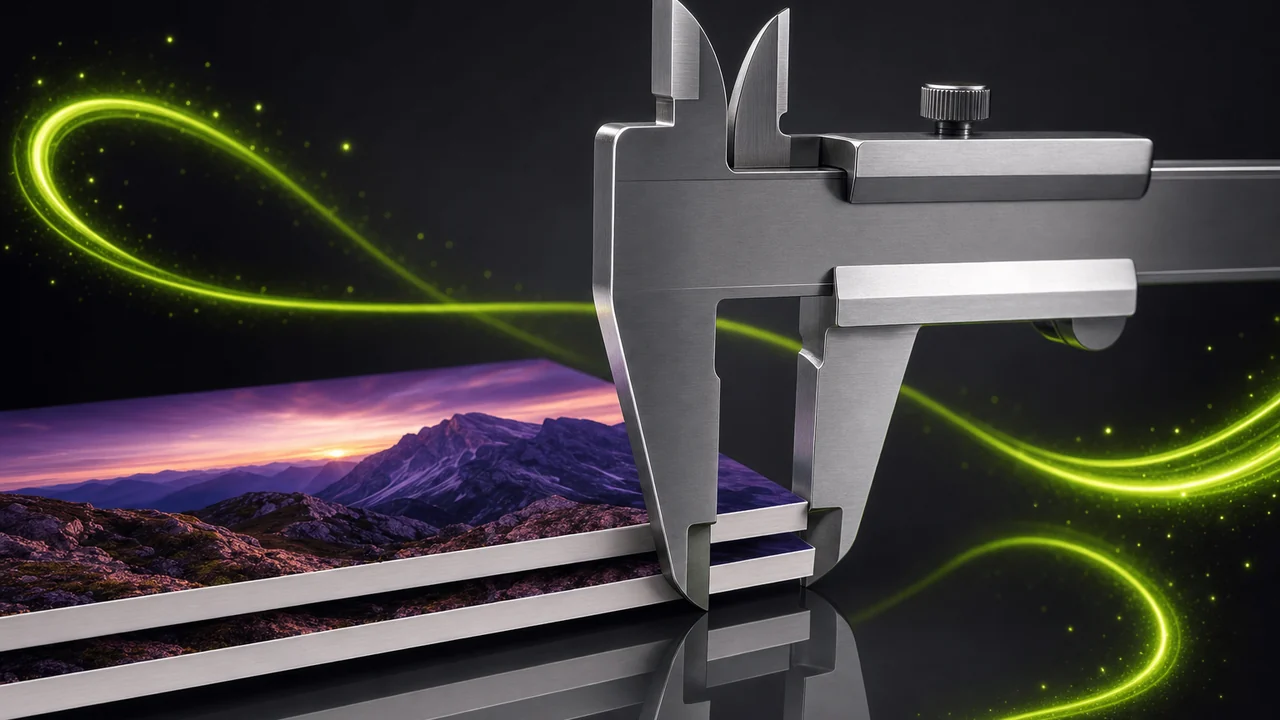
| Weight at comparable quality | Heavier than WebP. | Smaller than both JPG and PNG. |
| Browser support | Universal, on every browser in use. | Read by every current major browser. |
| Older software, print and upload forms | Accepted essentially everywhere, including print. | Often refused by older desktop tools, print workflows and upload forms. |
| Effect of repeated saving | Re-compresses on every save, so edit-and-save cycles slowly soften the picture. | The lossless mode lets you keep re-saving without that softening. |
Comparative statements only: the honest answer on size and quality depends entirely on the picture you feed in.
 In
Out
In
Out
Four moves through the JPG to WebP converter
Label on the left, instruction on the right — built the same way as the frame.
in hand
Open the Studio and sign in
Open the P Agent in your browser and sign in to your Pixazo account. Nothing is installed.
the source
Attach the JPG you want carried over
Add the picture as an attachment. You do not have to say what format it is — the Studio detects the source itself.
right half
Ask for WebP in plain language
Type the request as you would say it out loud, for example Convert @Image1 to WebP. One sentence is the whole instruction.
then keep
Compare the result and save it
Check the returned WebP against the JPG you sent, then download it. Keep the original for anywhere that still refuses WebP.
 In
Out
In
Out
The people who ask for the WebP side of the frame
Nearly every request for this crossing comes from the web, where weight is a cost and transparency is a requirement.
Site owners trimming page weight
Images are usually the heaviest thing on a page. Swapping JPGs for WebP at comparable visual quality lightens it without changing the pictures.
Anyone facing a form that wants WebP
Some content systems and marketplaces ask for WebP specifically and reject the JPG you have. This is the fix, in one sentence.
Designers who need an alpha channel next
JPG has no transparency at all. WebP keeps alpha, so a later cut-out stays see-through instead of flattening onto a background.
People who re-save the same picture often
Every JPG save re-compresses. WebP's lossless mode holds a working copy that does not soften with each round.
Teams standardising a mixed library
Folders collected from phones, cameras and downloads rarely share one format. Because the Studio detects each source, stragglers reach the same right-hand label without sorting.
Anyone publishing simple animation
WebP can hold animation where JPG cannot. If a short looping graphic needs to sit alongside your stills, the right half of the frame is where it belongs.
 Lossy
Lossless
Lossy
Lossless
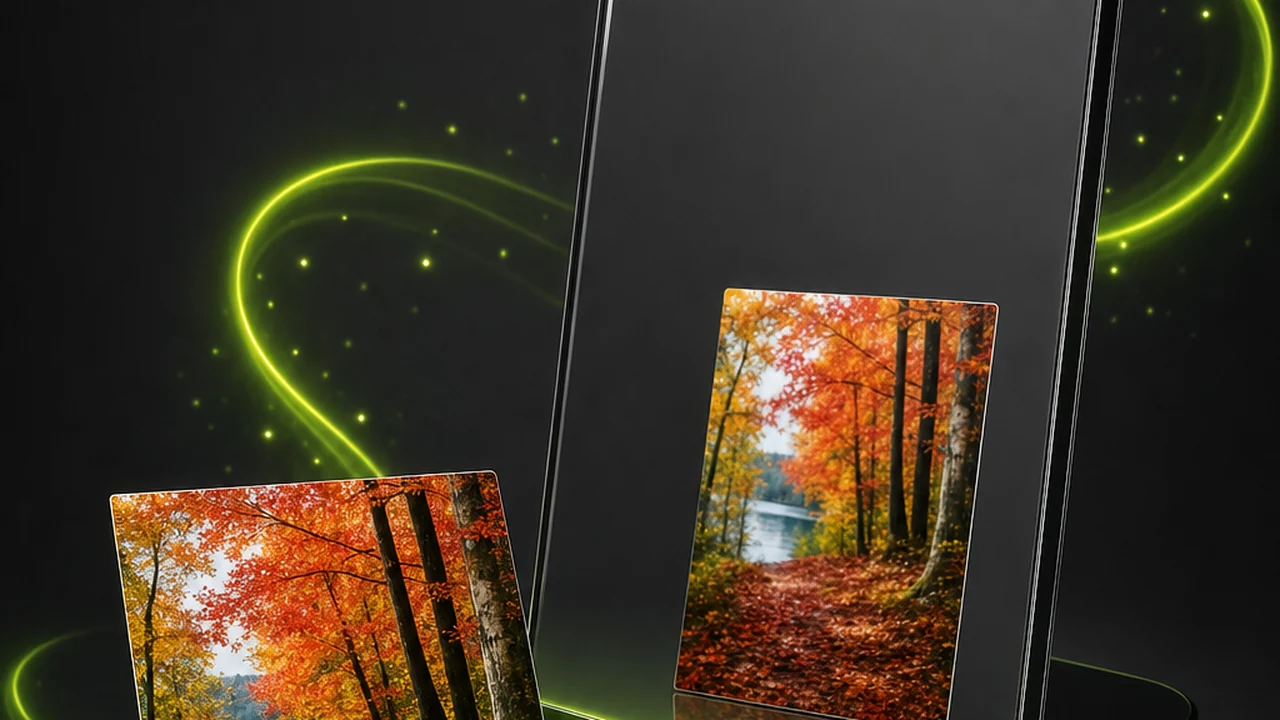
Two labels the JPG half cannot offer: WebP holds either mode, and keeps transparency in both.
 In
Out
In
Out
Jobs the JPG to WebP converter leaves on your side of the line
This is a converter, not an editor. Saying so plainly saves you a wasted attempt, and tells you exactly which task to do first.
Crop, resize or reframe
Set the crop and the dimensions you want in your editor of choice, then convert the finished file once.
Retouch or colour-correct
Finish your grading, cleanup and any retouching before the crossing. Conversion carries the picture over as it stands.
Remove a background
WebP can hold transparency, but the conversion does not create it. Cut the subject out first, then convert to keep that alpha.
Upscale or add detail
A conversion cannot add detail that is not in the source. Start from the largest, least-compressed JPG you can find.
Restore what a JPG already discarded
Lossless WebP preserves what is there; it does not bring back detail thrown away in earlier saves. Treat it as a floor, not a repair.
Make WebP acceptable everywhere
Older desktop software, print workflows and some upload forms still refuse it. Hold on to the JPG for those destinations.
 In
Out
In
Out
Habits that make the crossing look clean
None of these are settings. They are ordering decisions, and they separate a WebP you publish from one you quietly re-do.
Edit on the left, convert once
Every extra JPG save re-compresses the picture. Finish editing while the file is still a JPG, then make the crossing your final action.
Start from the strongest original
If two copies exist, take the larger, less re-saved one. The right half can only hold what the left half still contains.
Do not throw the JPG away
Archive the original, publish the WebP, and you always have an answer when something refuses the newer format.
Look at the two halves together
Before you ship it, open the WebP next to the JPG at full size and check the areas that suffer first: skin, gradients, flat skies and fine text.
 Edit first
Convert once
Edit first
Convert once
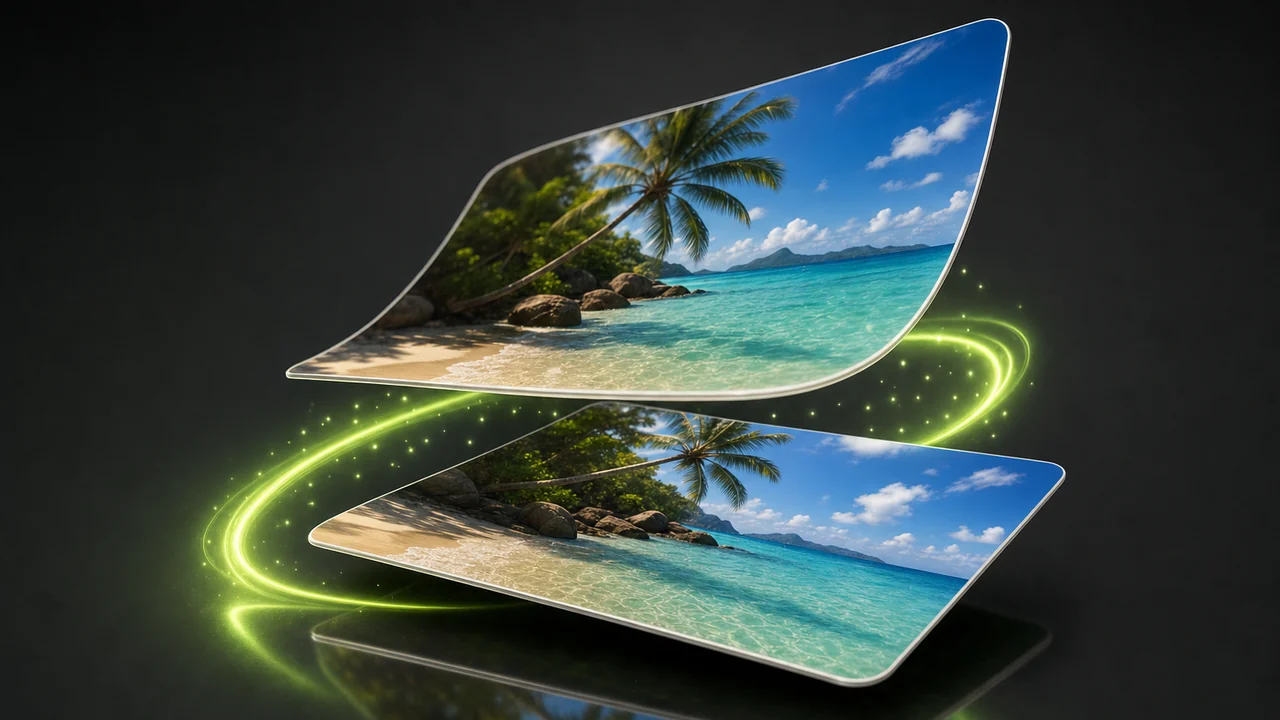
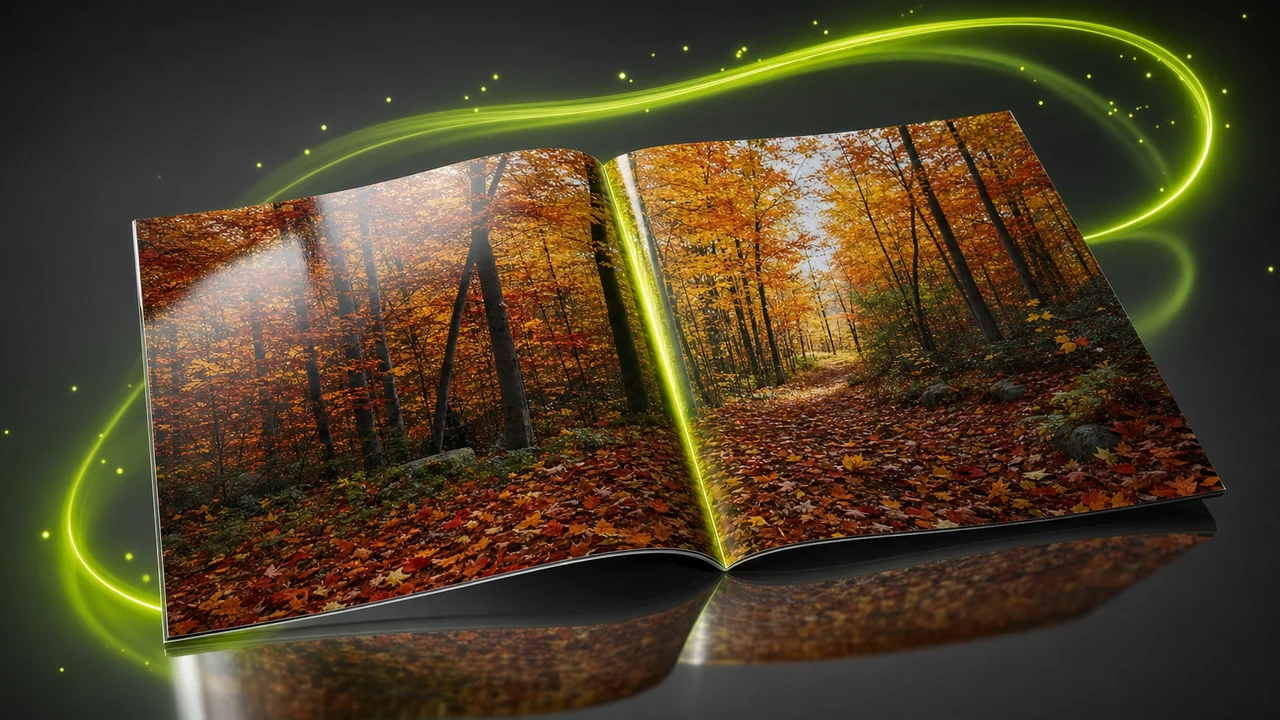
The order that keeps a conversion clean: all edits finished on the left, one crossing to the right.
JPG to WebP converter questions, answered
Question on the left, answer on the right. Eight things people check before they commit a library to the newer label.
Does Pixazo convert JPG to WebP?
Yes. Image conversion between HEIC, JPG, PNG, WebP, AVIF and more runs inside the P Agent, and JPG to WebP is one of those pairs.
Do I have to tell the Studio that my file is a JPG?
No. The source format is detected for you. You attach the image and ask for the format you want, and that is the whole instruction.
Will converting to WebP make my picture look better?
No. A conversion cannot add detail that is not in the source. It carries across what the JPG still holds and gives it a more capable container.
Can the JPG to WebP converter crop or resize the image while it converts?
No. It is a converter, not an editor, so it does not crop, resize, retouch, colour-correct, remove backgrounds or upscale. Make those changes first, then convert once.
My JPG has a white background — will WebP make it transparent?
No. WebP keeps alpha transparency in both of its modes, but the conversion does not create transparency that was never in the JPG. Cut the background out before you convert.
Is a WebP smaller than the JPG I started with?
At comparable visual quality WebP is smaller than both JPG and PNG. The exact difference depends on the picture, so compare your own file.
Where might a WebP file be rejected?
Every current major browser reads WebP, but plenty of older desktop software, print workflows and upload forms still refuse it. Keep the original JPG for those places.
What do I need before I can run the conversion?
A browser and a Pixazo account. The Studio runs in the browser, so there is nothing to download or install first.
About the author
Put your JPG on the left and take the WebP off the right
Attach the picture, ask in plain language, and the Studio handles the rest in your browser. All you need is a Pixazo account.
Building it into an app or automating in bulk? Use the JPG to WebP API.

