01 · Bridge
Modern MP4 → legacy AVI
MP4 is today's default. AVI has been around since 1992 and still runs in a surprising amount of legacy Windows software. This gets you between the two in one step.
Try the bridge →Turn a modern .MP4 video into a legacy .AVI that opens in older Windows software, embedded video players and vintage editors that never picked up MP4. Upload, convert, download in seconds. Free to start.
Four steps, all in the browser. Nothing to install, nothing to configure — this is how a clip crosses from the modern side to the legacy side.
Head to the P Agent; it loads in your browser on desktop or mobile with nothing to download.
Drag in your MP4 or pick it from your device. The tool reads the real video inside.
Start the conversion and the Studio re-wraps your video into a standard .AVI file.
Save the finished .AVI and drop it into whichever legacy player or editor needs it.
Ready to try it on your own MP4?
Runs in your browser · Free to start · No watermarkPixazo's MP4 to AVI converter takes the modern MP4 you drop in and re-wraps it into a standard .AVI. Source resolution kept, audio kept, no watermark. Runs in the browser through the P Agent.
MP4 is the format your phone, camera and every modern app records in. AVI is a Microsoft container from 1992 that a lot of older Windows software still expects. Same video, universal legacy wrapper. Free to start, scales with your Pixazo plan.
| Input formats | MP4 and other common video |
| Output formats | AVI |
| Best for | Legacy Windows software, older editors, embedded players |
| Runs in | Browser (desktop & mobile) |
| Watermark | None |
| Price | Free to start · scales with your plan |
| Install | None — upload, convert, download |
Three things it actually does: bridge the old and new, unlock legacy playback, and keep your source intact.
MP4 is today's default. AVI has been around since 1992 and still runs in a surprising amount of legacy Windows software. This gets you between the two in one step.
Try the bridge →
If an older Windows machine, embedded player or classic editor throws a codec error on your MP4, an AVI version usually opens without a fight.
Unlock playback →
The converter keeps your source resolution and re-wraps into a standard .AVI. No watermark, no forced quality drop, just an .AVI you can hand to the software that needs it.
Convert cleanly →Read down the columns and you can see, row by row, exactly what you're trading when you move a clip from modern MP4 into legacy AVI.
| MP4 — modern | AVI — legacy | |
|---|---|---|
| Era | Modern web / mobile | Legacy Windows era |
| Best for | Sharing, streaming, uploads | Legacy Windows apps, older editors |
| File size | Efficient | Can be larger |
| Typical codec | H.264 + AAC | Varies (DivX, XviD, MJPEG…) |
| Compatibility | Plays almost everywhere | Best on older Windows |
Prefer to see the split working on your own clip?
Drop an MP4 in and grab the .AVI on the other side.Almost nobody's asking "which format is newer" — they're asking "why does this specific older piece of software still not open my MP4?" These are the folks the AVI side is for.
Five quick notes — the kind of thing that saves you a re-run. Two are usage tips, three are honest limits, because pretending AVI is a modern format would be silly.
The converter re-wraps rather than re-invents. The cleaner your input MP4, the cleaner the AVI on the other side.
For modern sharing, keep MP4 (it's newer, smaller, and plays on more devices). Only reach for AVI when the target software actually demands it.
Very long videos need a bit more processing time than short ones — expect a pause proportional to the source length.
The AVI container generally isn't as efficient as MP4, so file size may go up. That's a property of the format, not the tool.
There's no trim, cut, colour or timeline here. Edit first in a video editor, then convert the finished MP4.
Have an MP4 that a legacy tool won't touch?
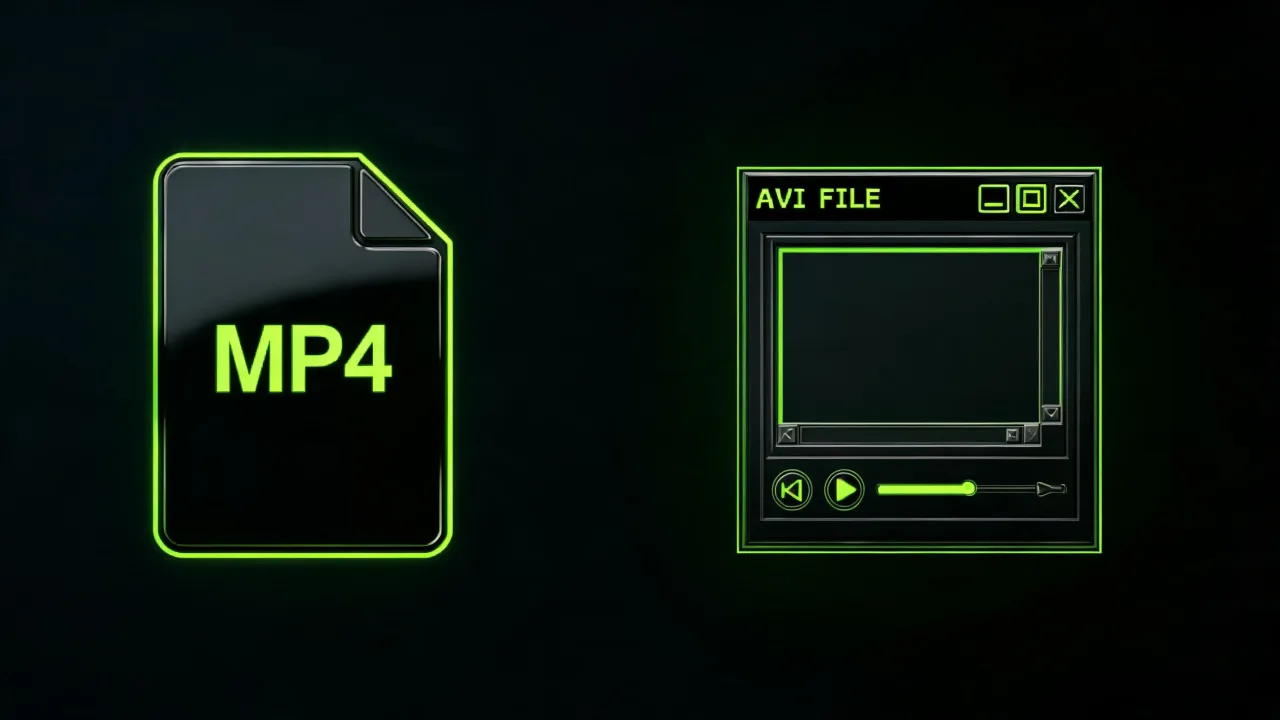
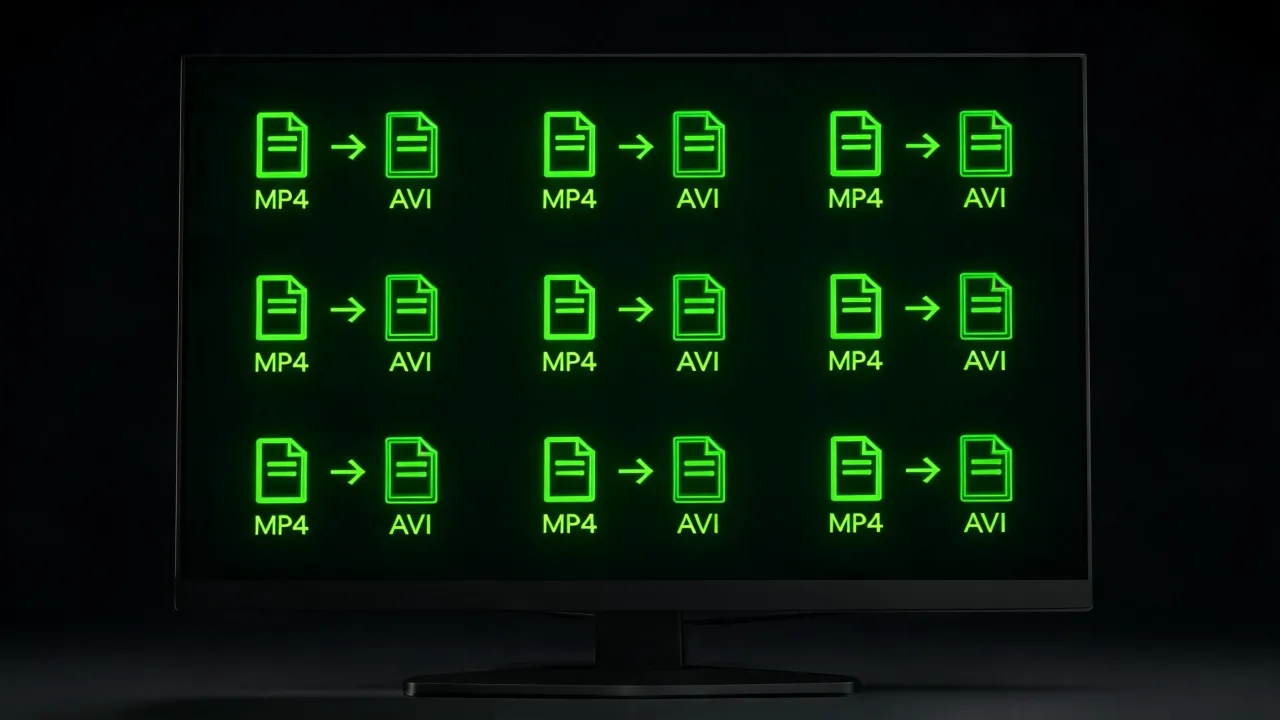
Drop it into the converter and grab the .AVI in seconds.A quick look at MP4 going into the converter and coming out the other side as a standard .AVI ready for legacy software.
Everything people actually ask before uploading a first file, in the order they usually ask it.
Yes, you can start free. It runs in Pixazo's P Agent, and higher usage follows your Pixazo plan.
Some legacy Windows editors, older embedded video systems and classic playback software only understand AVI. Converting is the fastest way to make an MP4 open there.
Converting re-wraps your video into a standard .AVI at the source resolution and aims to preserve quality. It can't add detail the original doesn't have.
Yes. Audio from your MP4 comes across into the AVI so sound is preserved.
Yes. It runs in your mobile browser with no app to install.
AVI is older than MP4, yes — but it's still the format that a lot of legacy Windows software understands. That's the specific job this tool solves.
No. Everything runs in the browser through an upload, convert, download flow.
No. This is a converter only; trimming and editing are separate steps in a video editor.
Drop your MP4 in on the modern side, take your .AVI out. Free to start, no watermark, plays where MP4 won't.
Convert MP4 to AVI free →Building it into an app or automating in bulk? Use the MP4 to AVI API.

