Skip to content
IN
Ingest sheet · Broadcast in, web out

MXF to MP4 Converter

MXF is what comes off a broadcast camera, out of Avid, off a playout server or an archive tape. MP4 is what the rest of the world can actually open. Drop the MXF into Pixazo's AI VFX Studio and it hands back an MP4 — in the browser, with nothing to install, free to start and with no watermark on the result.

Format auto-detectedRuns in the browserNo watermarkAudio carried over
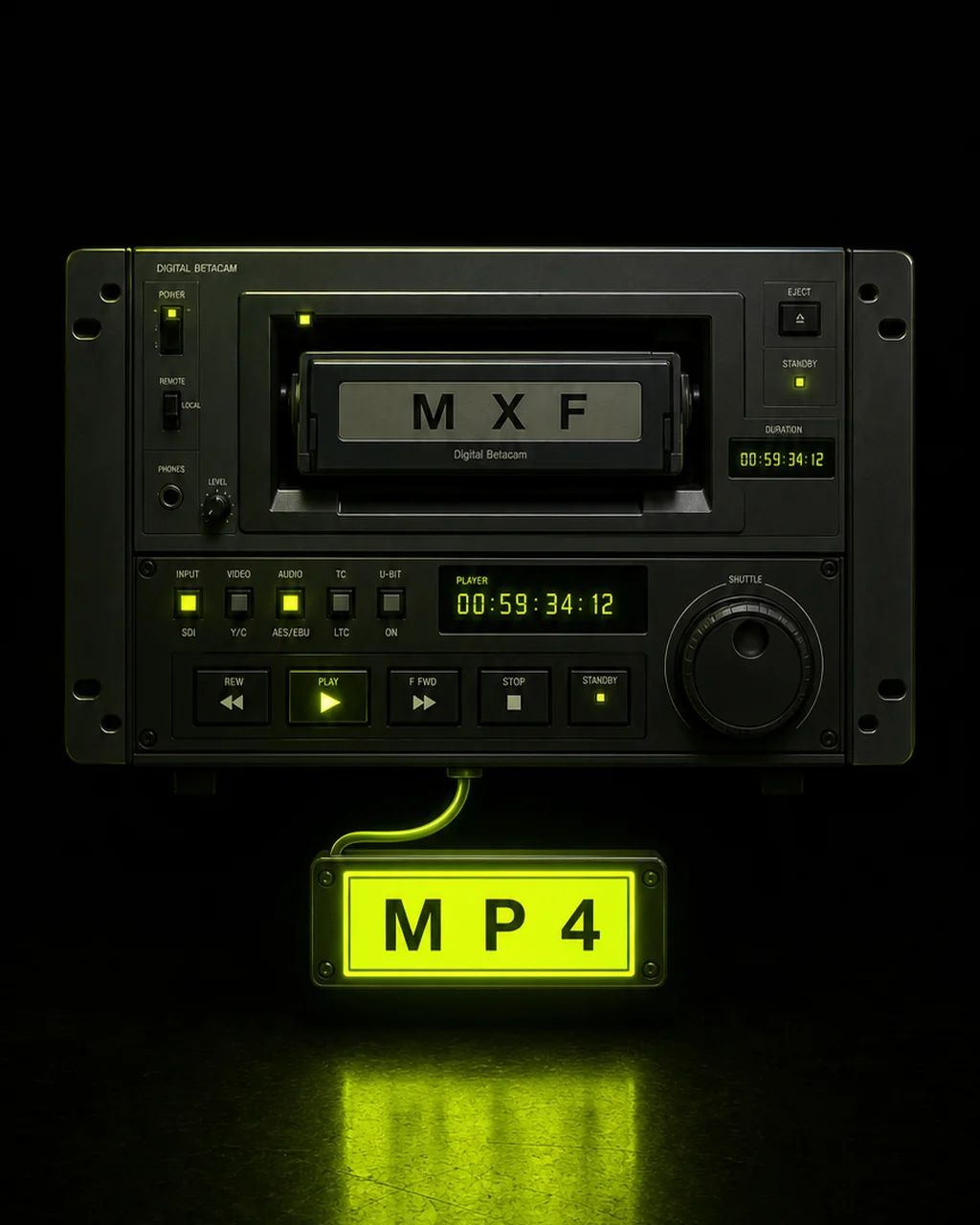
Broadcast camera MXF footage being prepared for MP4 conversion in Pixazo's AI VFX Studio, created with Pixazo AI
The file on the desk

Why a broadcast file stops at the facility door

MXF, the Material Exchange Format, was designed for professional workflows and nothing else. It carries the picture, the audio tracks and the metadata a station needs, wrapped so that edit systems and playout servers can read it reliably. That is exactly why it travels so badly the moment it leaves the building.

Input

An .mxf file — typically a camera original, an Avid export, a playout master or a digitised archive clip. You do not need to know which flavour you have; you only need the file itself.

Output

A standard MP4 (H.264/AAC) at your source resolution, playable straight off a phone, a browser tab, a smart TV or a social upload form. No watermark is burned into it.

Where it comes from

Sony, Panasonic and Canon broadcast bodies record MXF natively. Avid writes it. Broadcast servers ingest and emit it. Tape archives were digitised into it by the thousand hours. If you work anywhere near television, MXF finds you.

Where it's going

A newsroom CMS, a client review link, a YouTube or Instagram upload, a slide deck, a phone in someone's hand. All of those speak MP4 and none of them speak MXF. Conversion is the step between the two.

Job card

The conversion at a glance

Four things worth knowing before you upload. Everything here is what the Studio actually does — there is no fine print hiding underneath it.

Input formatsMXF, MOV, AVI, WMV, MKV
OutputMP4 (H.264/AAC)
Runs inYour browser
PriceFree to start

The format is detected from the file you upload, so you never have to declare that it is an MXF. Higher usage follows your Pixazo plan.

Rail · Scroll sideways

What the Studio does with a broadcast file

Three things happen between the upload and the download. Drag the rail across to read each one.

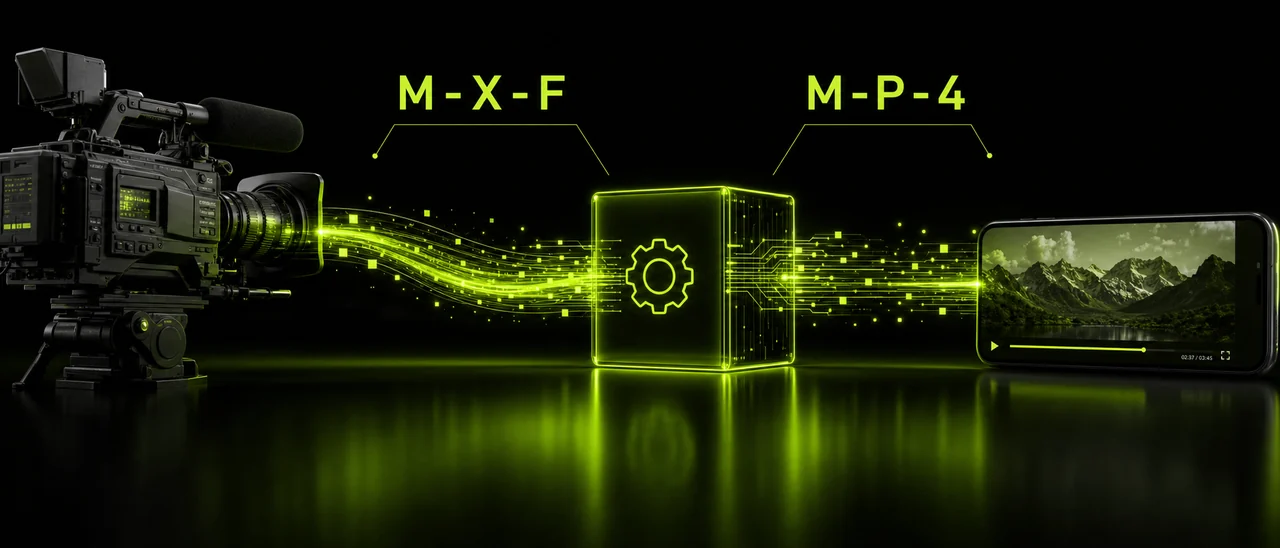
An MXF broadcast clip being read and identified automatically on upload, created with Pixazo AI
01 — Reads the wrapper

It works out what you handed it

MXF sits in the Studio's accept list alongside MOV, AVI, WMV and MKV. The format is detected from the file, so there is no dropdown to hunt for and no chance of picking the wrong one. You drop it in and the Studio takes it from there.
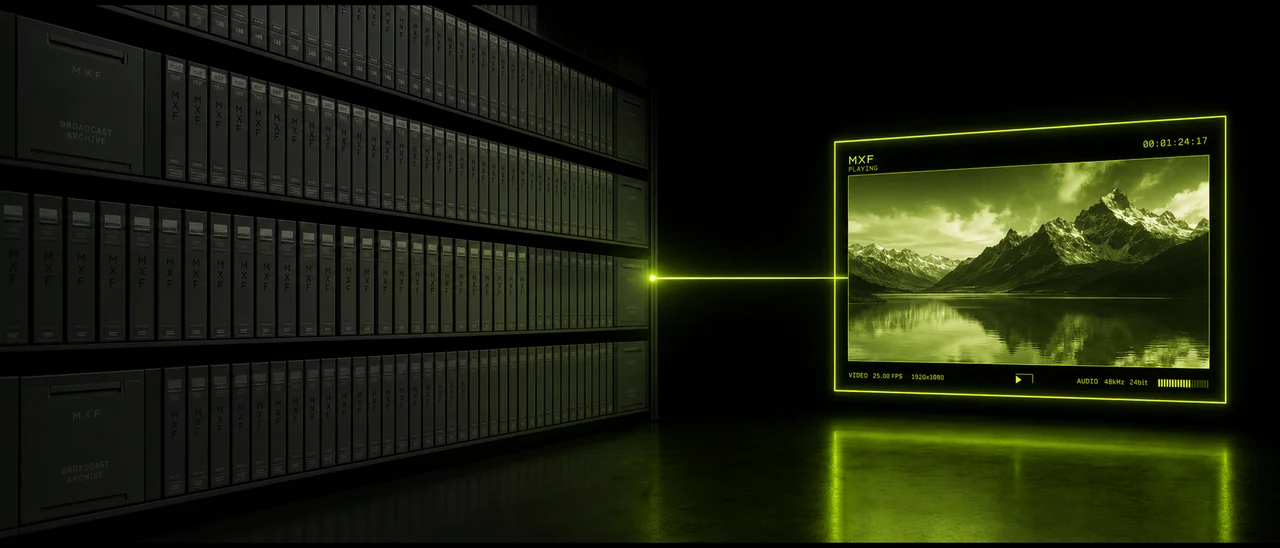
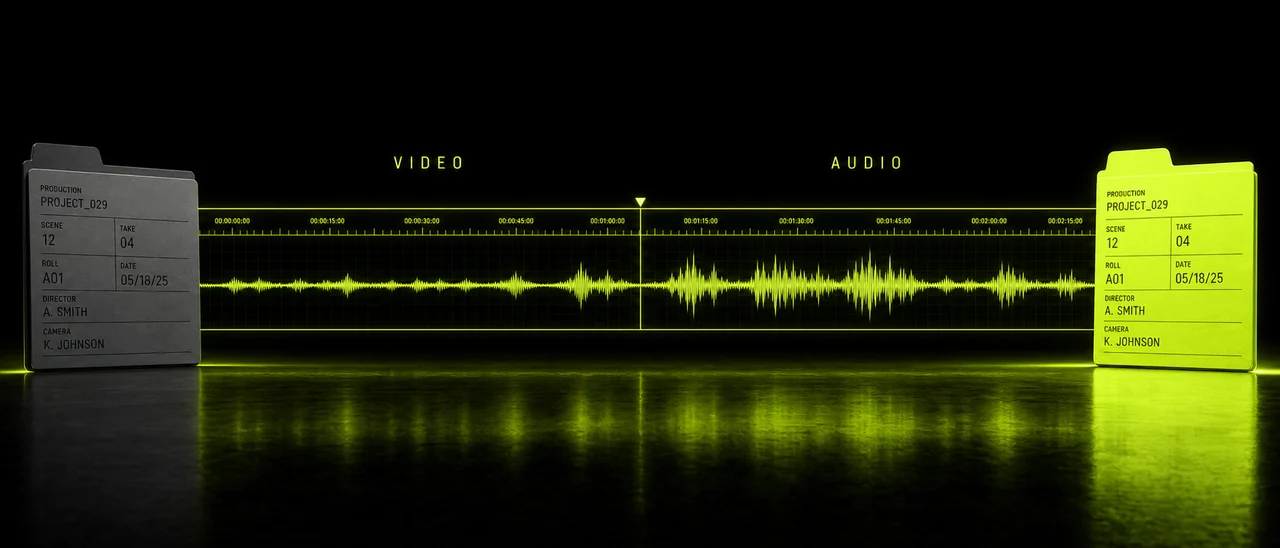
Broadcast footage re-encoded to an MP4 at source resolution with audio preserved, created with Pixazo AI
02 — Re-encodes the picture

Same frame, portable container

Your footage is re-encoded into an MP4 at the resolution it arrived at, aiming to keep the picture as close to the source as the format allows. The audio from the MXF comes across with it, so interviews and location sound stay attached to the pictures.

A finished MP4 downloading in a browser tab on desktop and mobile, created with Pixazo AI
03 — Hands it back clean

A file you can send anywhere

The MP4 downloads from the browser you started in, on a laptop or a phone, with no application to install and no watermark stamped across the frame. From there it goes to a CMS, a client, a platform or a colleague who has never heard of MXF.

Three panels · scroll or swipe the rail

Run sheet

Four steps from MXF to a finished MP4

Nothing to download, no account juggling, no codec pack. The whole run happens in a browser tab.

Step one

Open the Studio

Go to Pixazo's AI VFX Studio in any modern browser on desktop or mobile. You can start free, with no credit card.

Step two

Drop the MXF in

Upload the file straight from your drive, card reader or download folder. The Studio identifies the format itself.

Step three

Ask for MP4

Tell it you want the video as an MP4. You do not have to name the source format in the request — only the destination.

Step four

Download and send

Save the finished MP4 and hand it on. A long broadcast file takes longer than a short clip, so leave the tab open while it works.

Datasheet

MXF and MP4, line by line

Neither container is better than the other. They were built for different rooms, and knowing which room you are in tells you which file you need.

LineMXFMP4
Built forBroadcast acquisition, edit suites and station playoutDistribution to phones, browsers, TVs and social platforms
Typical sourceSony, Panasonic and Canon broadcast cameras, Avid, playout and archive systemsAlmost anything that publishes video
Everyday playbackNeeds professional software; consumer players usually refuse itOpens by default on virtually every device
Social and web uploadGenerally not acceptedThe expected upload format
Metadata depthRich professional metadata for facility workflowsLighter; tuned for delivery rather than production
File handlingLarge files that are awkward to email or shareManageable enough to send, host and stream
In Pixazo's StudioAccepted as an input formatWritten as an output, alongside MOV
Who files this job?

Who ends up holding an MXF?

Almost always someone who did not choose the format — it simply arrived that way, and now it has to go somewhere else.

  • News journalists cutting a web version of a broadcast package
  • Video editors handed camera originals from a broadcast crew
  • Archivists pulling digitised tape masters back into circulation
  • Producers sending rushes to a client who has no edit software
  • Social teams republishing a televised segment
  • Documentary researchers reviewing footage on a laptop
  • Sports and events crews turning match files into clips
  • Corporate comms teams handed an agency master
  • Students and interns given broadcast footage to work with
  • Podcast and YouTube teams licensing broadcast material
  • Press offices distributing b-roll to newsrooms
  • Anyone whose media player simply will not open the file
Read before you upload

What this converter will not do

Being straight about the edges is more useful than pretending there aren't any. Four limits, stated plainly.

Not an editor — no trimming or cutting No invented detail — it cannot add what the MXF never had Long files take time — broadcast masters are big No MXF out — the Studio writes MP4 and MOV only
Desk notes

Getting a usable MP4 out of broadcast footage

Four habits that save a second pass, learned from the way broadcast files behave in practice.

Note 01

Keep the original MXF

The MP4 is your delivery copy, not your master. Broadcast originals carry information that a delivery file is not meant to preserve, so archive the MXF and convert from it again if a different deliverable is asked for later.

Note 02

Cut after you convert, not before

This tool converts; it does not trim. If a two-hour ingest only needs ninety seconds of it, convert first and then take the MP4 into whatever editor you already use to make the cut.

Note 03

Check the audio on the way out

Audio from the MXF is carried into the MP4, but broadcast files often arrive with commentary, effects and clean feeds recorded separately. Play the result through before you send it so you know which sound you are shipping.

Note 04

Give a long master room to run

A short news clip finishes quickly; an unedited hour off a playout server does not. Start the job, leave the tab open, and do something else rather than reloading the page halfway through.

Queries

MXF to MP4, answered

The questions people actually ask before they upload a broadcast file to something they have not used before.

Is the MXF to MP4 converter free?

Yes, you can start free with no credit card. It runs in Pixazo's AI VFX Studio, and higher usage follows your Pixazo plan.

Why convert MXF to MP4?

MXF is a professional broadcast container built for edit suites and playout servers. MP4 is the universal one — it plays on phones, browsers, TVs and social platforms. Converting is how broadcast footage leaves the facility.

Do I need to tell it the file is MXF?

No. The Studio detects the format from the file you upload, so you can drop the MXF straight in.

Will converting reduce my video quality?

Conversion re-encodes your video into an MP4 at the source resolution and aims to preserve quality. It cannot add detail the original MXF didn't have.

Does it keep the audio?

Yes. Audio from your MXF comes across into the MP4.

Can I convert MXF on iPhone or Android?

Yes. It runs in your mobile browser with no app to install.

Can it convert MP4 back to MXF?

No. The Studio writes MP4 and MOV, so MXF works as an input format only. For an MXF deliverable you need a broadcast tool such as Adobe Media Encoder, Avid or FFmpeg.

Can it also edit or trim my video?

No. This is a converter only; trimming and editing are separate steps in a video editor.

Byline

About the author

DJ
By Content Marketing specialist · Pixazo · Reviewed & updated July 2026 Author page Pixazo on LinkedIn

Deepak Joshi is a Content Marketing specialist having a combined experience of 10+ years working in the digital world. He is one of the active contributors to Pixazo Blog and has keen interest creating and marketing content related to AI tools, No-Code technology, Design Industry, Social Influencers, and other trending topics. A health and sport enthusiast, Deepak loves to indulge in all kinds of sports & games.

Last line of the sheet

Take the footage out of the facility

Drop the MXF in, ask for MP4, and send the result to anyone with a screen. Browser only, no install, free to start.

Convert MXF to MP4 free
With Pixazo’s platform we deliver enterprise-class security and compliance to you and your customers through every interaction.