PNG to WebP converter
Pixazo's PNG to WebP converter takes that weight off the page. Every page has a download budget, and PNG photographs spend it fast. Hand the file to the P Agent, ask for WebP in plain language, and the same picture comes back in a format built to cost the browser less — transparency intact.
Line item 01 · what the swap costs
What the browser stops downloading
A conversion does not touch your composition. It changes the accounting — how the same pixels are written down, and therefore how many bytes a visitor has to pull before your page settles.
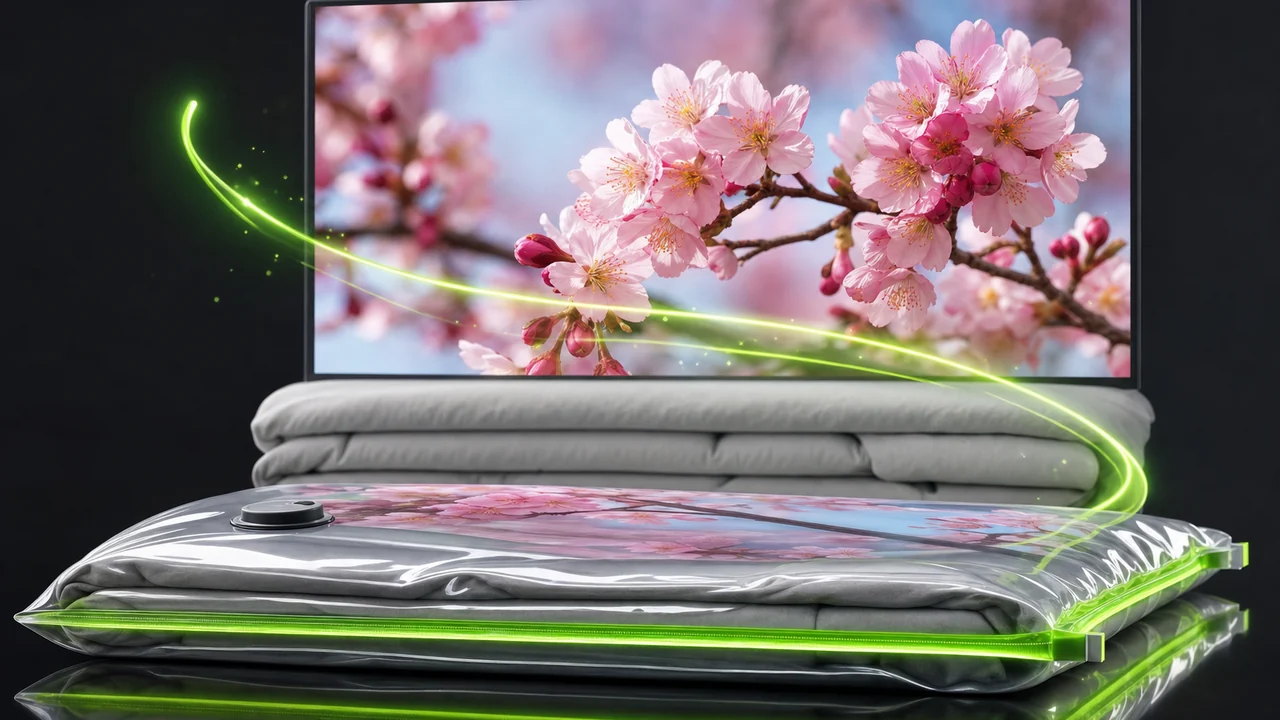
PNG is a lossless container. It stores every pixel exactly as it was saved and never throws anything away, which is precisely why it is the right home for flat graphics, screenshots, UI exports and logos — and precisely why a PNG of a photograph is heavy. There is no dial to turn down.
WebP was developed by Google and gives you two modes rather than one. In lossless mode it behaves like PNG's accountant: the pixels are preserved, but written more efficiently. In lossy mode it trades a small amount of fidelity for a much smaller line item. Either way, unlike JPG, alpha transparency survives — so a cut-out logo stays a cut-out logo.
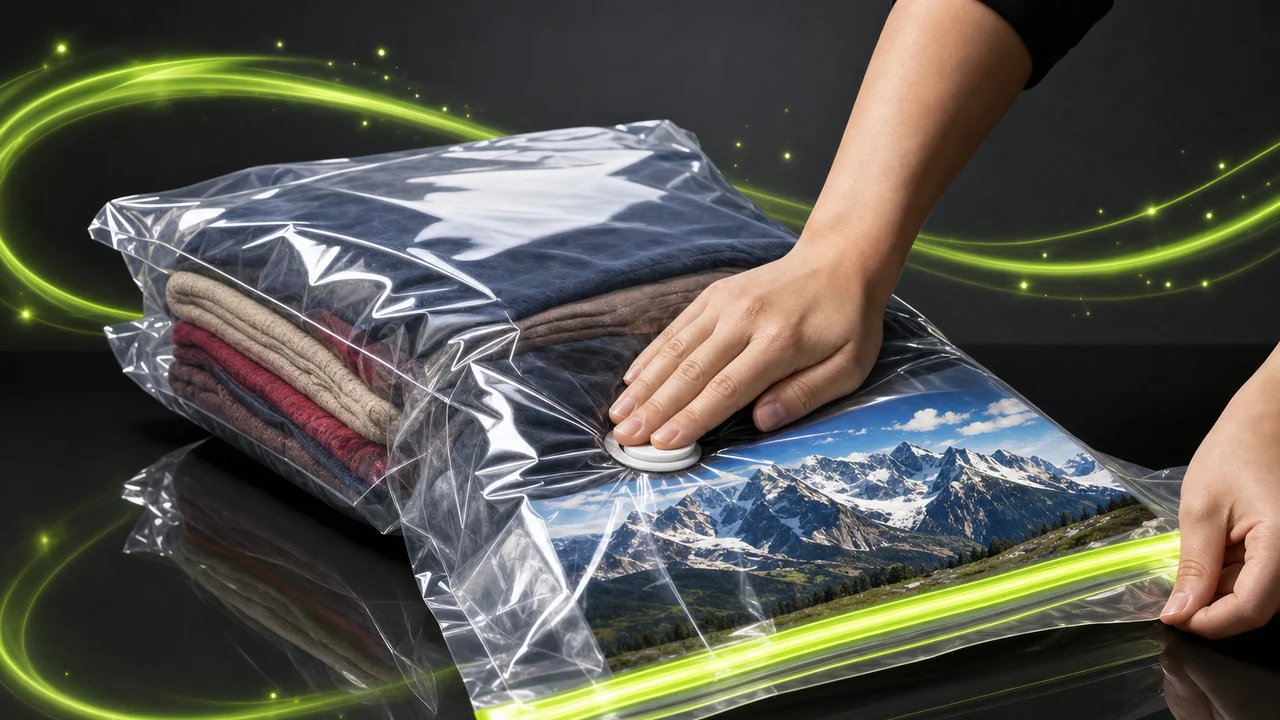
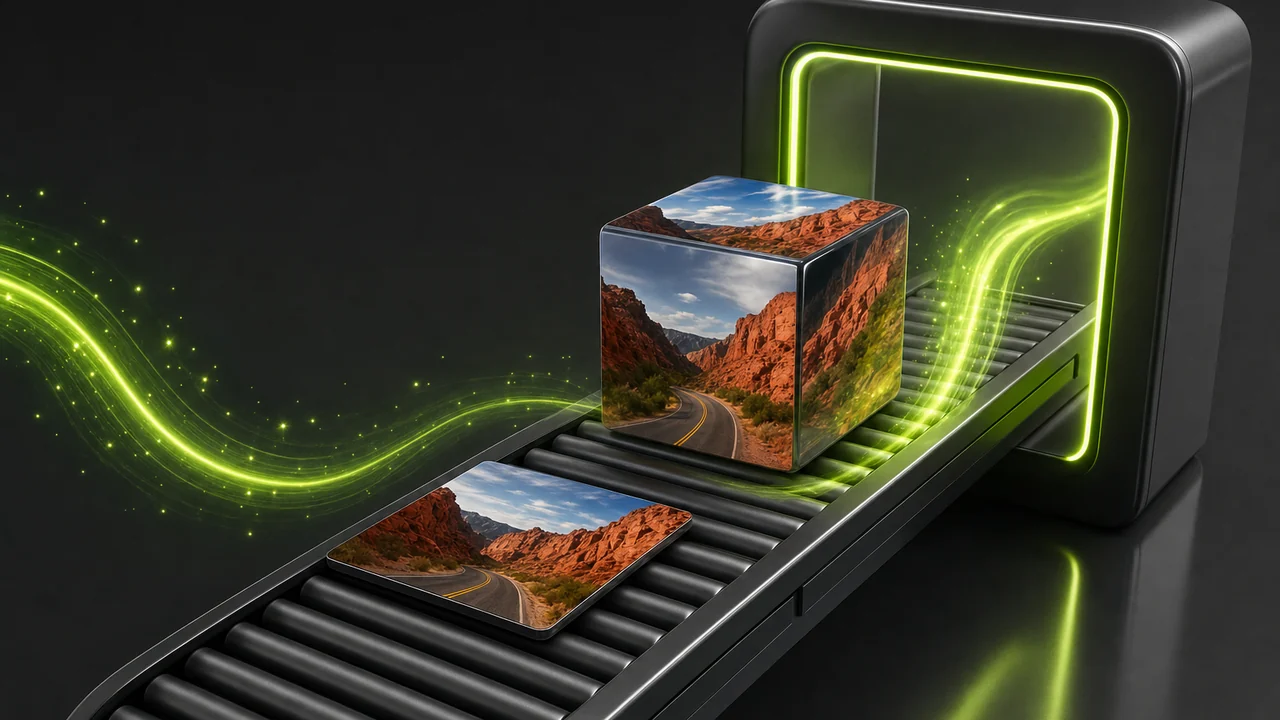
That is the whole trade: you are not editing the image, you are re-filing it in a format that spends less of the visitor's budget.
relative, illustrative — real weight depends on your artwork
Line item 02 · the budget sheet
Two formats, audited against the same page
Read this as a spending sheet rather than a scoreboard. Each format wins some rows outright, and the row that matters most is usually decided by where the file is going to be used.
| Budget line | PNG | WebP |
|---|---|---|
| Compression model | Lossless only — every pixel is kept exactly as saved. | Lossy or lossless, your call at export time. |
| Weight at comparable quality | Larger, and largest of all on photographic content. | Smaller than both JPG and PNG at comparable visual quality. |
| Alpha transparency | Supported. | Supported in both lossy and lossless mode. |
| Animation | None. | Can hold animation. |
| Browser support | Universal, and has been for decades. | Read by every current major browser. |
| Older software, print, upload forms | Accepted almost everywhere. | Plenty of older desktop software, print workflows and upload forms still refuse it. |
| Natural home | Flat graphics, screenshots, UI exports, logos, masters you keep. | Anything a browser has to download. |
Keep the PNG as your master. WebP is the delivery copy, not the archive.
Line item 03 · four moves
Running the PNG to WebP converter in four moves
The Studio takes a plain-language request, not a settings panel. You attach the picture, say what you want out, and it works out what went in.
Open the P Agent
Go to the Studio in your browser and sign in to your Pixazo account. Nothing is installed and there is no separate desktop app to fetch.
Attach the PNG
Add the image to the conversation as an attachment. You do not need to declare that it is a PNG — the Studio detects the source format itself.
Ask for WebP in plain words
Write the request the way you would say it, such as Convert @Image1 to WebP. Naming the target format is the whole instruction.
Check the edge, then save
Open the returned WebP and look at any transparent edges and fine type before you ship it. Save it, and keep the original PNG as your master.
Line item 04 · where the weight sits

The two exports that eat the most budget
In practice the heavy PNGs on a site are rarely icons. They are the two below: the photographic export somebody saved as PNG out of habit, and the transparency-dependent asset that could not be a JPG.
Line item 05 · who is paying
Whose page weight this conversion frees up
If somebody downstream of you has to download your image, you are inside this list. If the file is going to a printer or into legacy software, you probably are not.
- Front-end and web developersServing PNG photographs is the easiest weight to hand back. WebP is read by every current major browser, so the delivery copy needs no fallback gymnastics for modern traffic.
- Designers exporting for the webYour layered master stays where it is. What ships is a converted copy, and the transparency you built into the export is still there.
- Ecommerce and catalogue teamsProduct cut-outs are the classic transparent-PNG payload. Converting them keeps the alpha edge and lightens every category page that lists them.
- Content and marketing teamsScreenshots and hero art tend to arrive as PNG. Converting before publishing keeps the article's budget under control without a design round-trip.
- Anyone handed a folder of heavy PNGsYou did not choose the format, but you inherited the download cost. A conversion is the shortest route out.
Line item 06 · not on the invoice
Costs the PNG to WebP converter will not absorb
The Studio is a converter, not an editor. Knowing where that line falls saves you a wasted round trip, so here it is in plain terms.
It will not crop or resize on the way through
Cropping, resizing, retouching, colour correction, background removal and upscaling are not part of a conversion. Make those edits first, then convert once.
It cannot add detail that was never there
Converting a small or already-compressed image into a lossless format preserves what is present. It does not restore anything that was thrown away earlier.
It cannot make old software accept WebP
Plenty of older desktop applications, print workflows and upload forms still refuse WebP. If your destination is one of those, the format — not the PNG to WebP converter — is the blocker.
It is not an anonymous drop box
Conversion runs in the browser inside the P Agent, and it requires a Pixazo account. There is nothing to install beyond that.
Line item 07 · house rules

Keeping the payload honest
Five habits that keep a converted library predictable instead of a folder of mystery files.
- Finish the edit before you convert. Because the Studio converts rather than edits, any crop or retouch has to happen in your editor first. Convert once, at the end, and you avoid stacking a second round of processing onto an already-processed file.
- Keep the PNG as the master. Treat the WebP as a delivery copy. If you ever need to re-export or hand the artwork to print, you will want the lossless original still sitting there.
- Inspect transparent edges at full size. Alpha survives the PNG to WebP converter, but soft edges and thin outlines are where any quality change would show first. Zoom in on those, not on the middle of the picture.
- Match the mode to the artwork. Photographs are what WebP's lossy mode was built for. Flat graphics, screenshots and logos with hard edges and large blocks of colour are happier in lossless.
- Check the destination accepts WebP. Browsers are settled; upload forms, older desktop tools and print pipelines are not. Confirm the receiving end before you convert a whole set.
Line item 08 · budget review
PNG to WebP converter questions that come up in review
Short answers, all of them limited to what the P Agent actually does with a PNG.
Does Pixazo convert PNG to WebP?
Yes. Image conversion runs inside the P Agent, which converts images between HEIC, JPG, PNG, WebP, AVIF and more, so this pair is handled directly.
Do I have to tell it the file is a PNG?
No. You attach the image and ask in plain language, for example Convert @Image1 to WebP. The Studio detects the source format itself.
Will my transparent background survive?
Yes. WebP keeps alpha transparency in both its lossy and its lossless mode, which is the main reason it beats JPG as a destination for cut-out artwork.
Is a WebP smaller than the PNG it came from?
WebP is smaller than both JPG and PNG at comparable visual quality, and PNG files of photographs are especially large because PNG is lossless. How much you gain depends on your artwork, so check the result rather than assuming a figure.
Can it resize or clean up the image while converting?
No. It is a converter, not an editor: no cropping, resizing, retouching, colour correction, background removal or upscaling happens during a conversion. Do that work first, then convert.
Will WebP work everywhere I need it?
Every current major browser reads WebP. Older desktop software, print workflows and some upload forms still refuse it, so confirm the destination before converting a batch.
Can converting improve a blurry or already-compressed PNG?
No. A conversion cannot add detail that is not in the source. It preserves what is there and does not restore anything an earlier save discarded.
Do I need to install anything or create an account?
There is nothing to install — it runs in the browser. It does require a Pixazo account to use the P Agent.
Signed off by
About the author
Close the line item
Attach the PNG, ask for WebP, keep the transparency and hand the browser a lighter download. The master file stays exactly where you left it.
Building it into an app or automating in bulk? Use the PNG to WebP API.

