WebP to PNG converter
Pixazo's WebP to PNG converter moves a file into the column that accepts it. A WebP opens in every current browser and stalls almost everywhere else — the old design app, the print handoff, the upload form that only names JPG and PNG. Rewriting it as a lossless PNG moves the file into the column that accepts it, transparency intact.
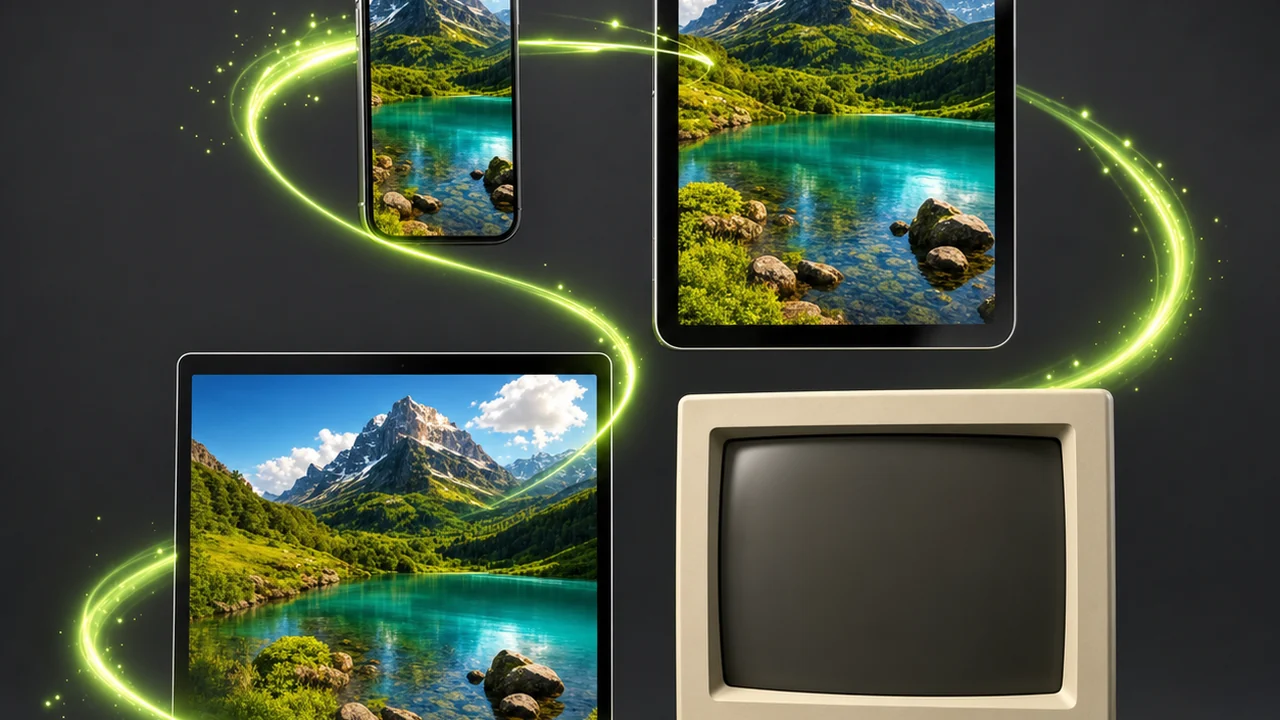
What the conversion rewrites, and what it leaves alone
WebP and PNG are two ways of writing the same grid of pixels to disk. Which properties survive the trip is the whole job.
WebP was built by Google with two modes: a lossy one that discards detail to shrink the file, and a lossless one that does not. In either mode it can hold alpha transparency, and it can hold animation. PNG has one mode, and that mode is lossless: every pixel comes back exactly as it was written. PNG supports alpha too, but it carries no animation at all.
So a still WebP with a transparent background becomes a PNG with a transparent background, and nothing is thrown away in the rewrite. The trade is size: a photograph WebP kept small in lossy mode becomes a noticeably larger PNG.
What the new container cannot do is undo a decision the WebP already made. A lossless format preserves what is in front of it; it does not reconstruct what an earlier lossy save removed.
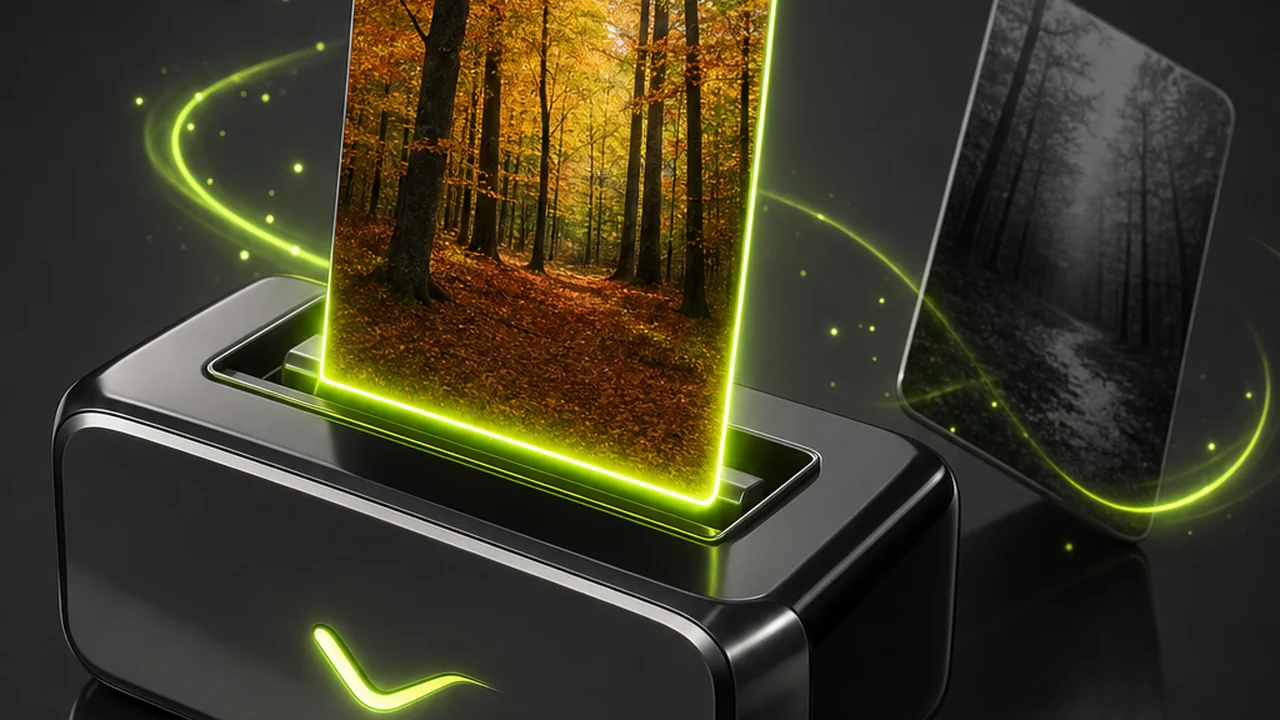
Carried across

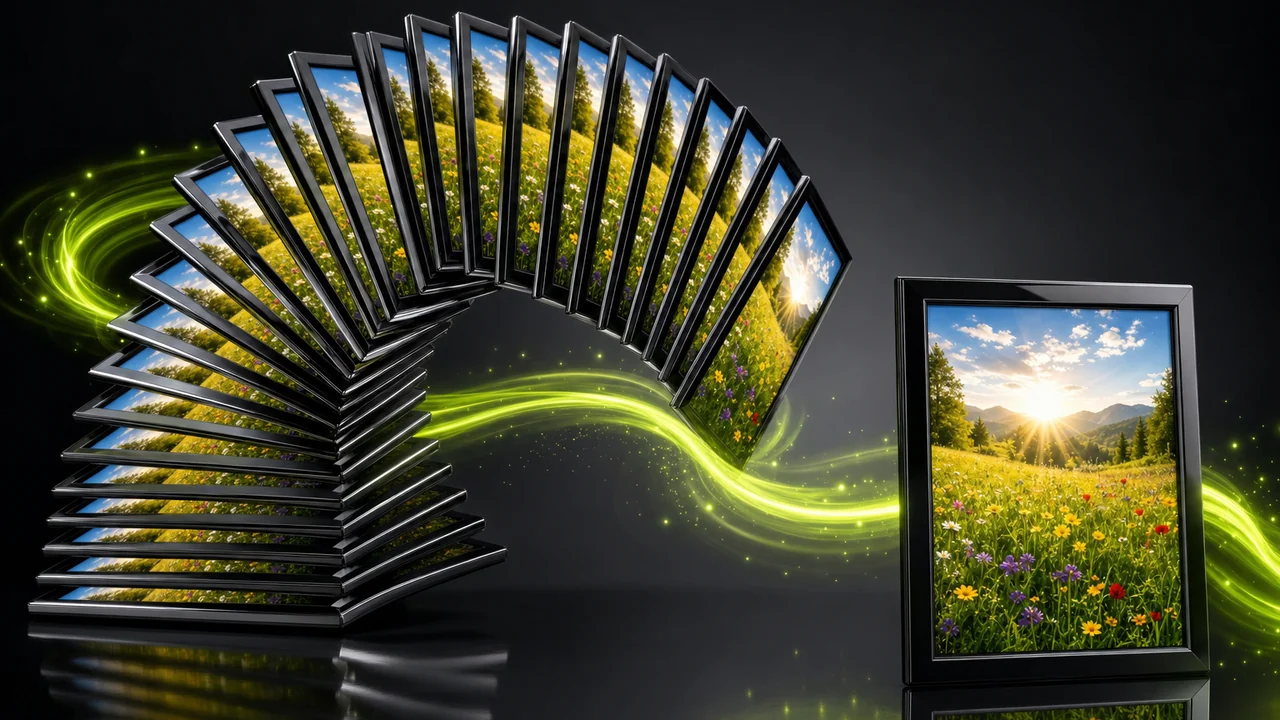
WebP to PNG: reading the matrix of where each format is welcome
Six destinations, and the honest answer for each. This is the grid people are really consulting when they search for a converter: not which format is better, but which one a particular door will open for.
Current web browsers
Every current major browser reads WebP, and PNG has been readable for far longer. On the open web this row is a tie — which is why a WebP that fails elsewhere feels so confusing.
Older desktop software
Plenty of older desktop applications never gained WebP support and simply refuse the file. PNG is what those installs already understand.
Print-bound workflows
Print production chains tend to stop at WebP. A lossless PNG keeps every pixel as saved, which is what those chains are built around.
Upload forms with a fixed list
Forms that enumerate accepted extensions often leave WebP off the list, and a validator does not negotiate.
Transparent assets
Unlike JPG, WebP holds alpha in both modes, and PNG holds it too. Either can carry a cut-out logo; only one is accepted everywhere.
Animated frames
WebP can hold animation. PNG cannot. If your source moves, PNG is the wrong destination — a limit of the format, not the tool.
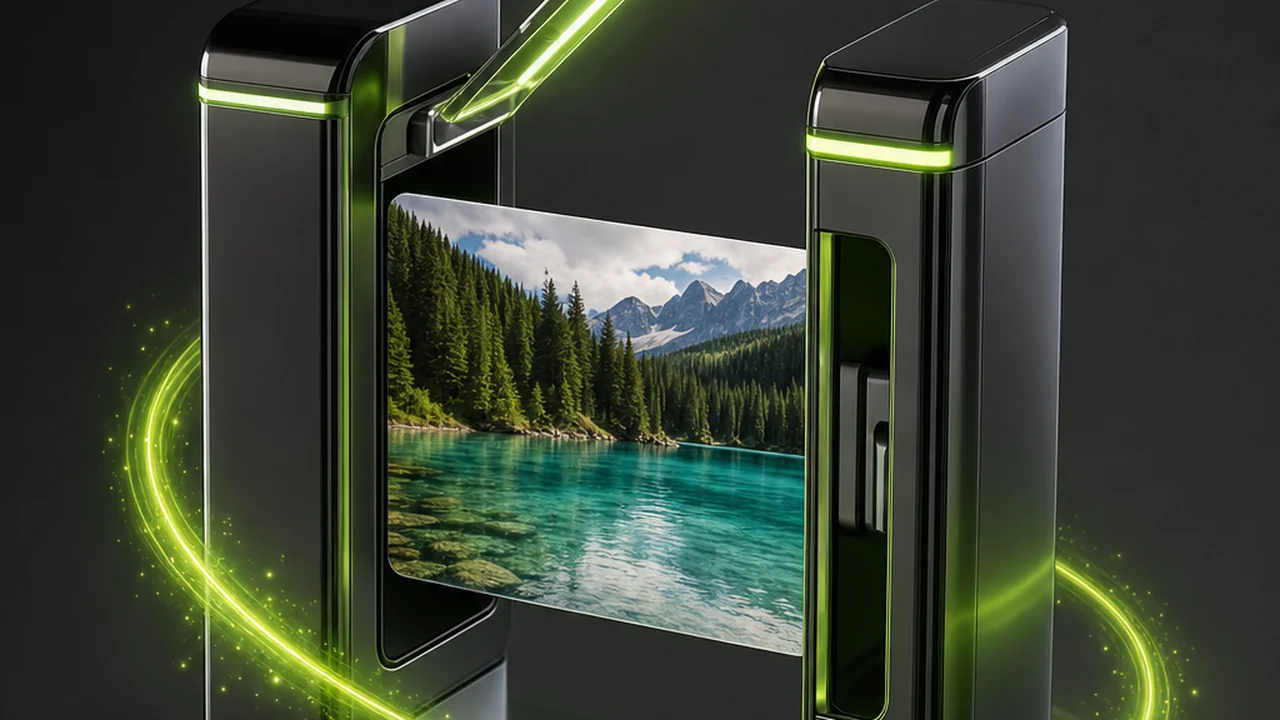
WebP against PNG, property by property
The comparison below is the matrix condensed into one table. It is deliberately free of benchmark numbers: how large a file lands depends on the picture, and a figure invented here would not survive contact with yours.
| Property | WebP | PNG |
|---|---|---|
| Compression | Lossy or losslessTwo modes. The lossy mode discards detail to shrink the file; the lossless mode does not. | Lossless onlyOne mode. Every pixel is kept exactly as it was saved. |
| File size at comparable quality | Smaller than both JPG and PNG at comparable visual quality. | Larger, especially for photographs, because nothing is discarded. |
| Transparency | Alpha transparency in either mode, unlike JPG. | Alpha transparency, and it is the format most tools expect it in. |
| Animation | Can hold animation. | None. |
| Browser support | Read by every current major browser. | Read everywhere on the web, and has been for a very long time. |
| Support outside the browser | Older desktop software, print workflows and some upload forms still refuse it. | The fallback those same workflows are built around. |
| Best suited to | Delivering images on the web, where its size advantage is the point. | Flat graphics, screenshots, UI exports and logos, plus any hand-off that must not lose a pixel. |
| Origin | Developed by Google. | A long-established lossless format for the web and for archives. |
How to convert WebP to PNG in four moves
Pixazo's image conversion lives inside the P Agent. You attach the file and ask in plain language — there is no format dropdown, because the Studio works out the source format itself.
Open the P Agent
Go to the P Agent in your browser and sign in — a Pixazo account is required. Nothing is installed, so the steps work on any machine.
Attach the WebP
Add your image to the conversation as an attachment. You do not need to declare that it is a WebP; the Studio detects the source format from the file itself.
Ask for PNG in plain language
Type a request such as Convert @Image1 to PNG. Name the destination format and nothing else — this is not the place to ask for a crop.
Check the alpha, then download
Open the returned PNG and confirm the transparent regions and edges look right. Then download it and hand it to whatever refused the WebP.
The destinations that turn a WebP away
These are the situations that send people looking for a WebP to PNG converter. In each one the picture is already correct; only the container is wrong.
Designers on an older install
A stock image or client asset arrives as WebP and the desktop application on the machine will not open it. A PNG lands in the same place without complaint.
Anyone fighting an upload form
The form lists its accepted extensions and WebP is not among them. Rather than re-export from a source file you may not have, convert the file you do have.
Teams preparing a print hand-off
Print-bound workflows expect a lossless file they can pass along untouched, and PNG keeps every pixel exactly as it was saved.
Developers shipping UI assets
Icons, screenshots and interface exports are flat graphics with hard edges and often a transparent background — PNG's home territory, alpha channel intact.
People archiving a graphic
When a file has to stay readable by whatever software exists years from now, a long-established lossless format is the sensible bet.
Cells the matrix leaves empty
A converter that pretends to be an editor wastes your time twice. Here is what the WebP to PNG converter does not attempt, so you can order your work around it.
It does not edit the picture
Conversion does not crop, resize, retouch, colour-correct, remove a background or upscale. Make those edits first, then convert once.
It cannot add detail that was never there
A small or already-compressed WebP becomes a lossless PNG of exactly that small, compressed picture. Lossless means faithful, not improved.
It will not make the PNG smaller than the WebP
At comparable visual quality WebP is the smaller format. Choosing PNG buys compatibility and losslessness; file size is the price.
It cannot give PNG a talent it lacks
PNG carries no animation. If your WebP moves, the format has nowhere to put the motion.
Habits that keep a converted PNG clean
None of these are settings to tick. They are the order-of-operations calls that separate a PNG you can hand over from one you put through the WebP to PNG converter twice.
Almost every disappointing conversion traces back to two causes: asking the converter to do an editor's job, or starting from the wrong file. Both are avoidable before you attach anything.
Work out the destination first. For a form or an old application, PNG is the answer. For a web page you control, the WebP you already have is very likely the better file to keep serving.
WebP to PNG, asked and answered
The questions that come up most once the matrix has done its work.
Does Pixazo actually convert WebP to PNG?
Yes. Pixazo's image conversion runs in the P Agent, which converts images between HEIC, JPG, PNG, WebP and AVIF. WebP to PNG is one of those pairs.
Do I have to tell it the file is a WebP?
No. The Studio detects the source format from the file you attach. You only name the format you want out, for example Convert @Image1 to PNG.
Will the transparent background survive the conversion?
It will. WebP keeps alpha in both of its modes and PNG supports alpha too, so a cut-out stays a cut-out rather than gaining a solid backdrop.
Why is my PNG bigger than the WebP it came from?
Because PNG is lossless and stores every pixel as saved, while WebP is smaller than both JPG and PNG at comparable visual quality. The extra size is the cost of losing nothing.
Can the conversion sharpen a blurry or heavily compressed WebP?
No. It cannot add detail that is not in the source; a lossless format preserves what is there and restores nothing.
Can I crop or resize during the same conversion?
No — this is a converter, not an editor. It does not crop, resize, retouch, colour-correct, remove backgrounds or upscale. Make those changes first, then convert once.
What happens to an animated WebP?
PNG carries no animation, so motion has nowhere to go. Convert still images to PNG and keep animated WebP files as they are.
Can I convert WebP to PNG online for free?
Yes. The WebP to PNG converter runs online in your browser with no installation, and you can start free. It does require a Pixazo account, so sign in before you attach your image.
About the author
Put your image in the column that accepts it
Attach the WebP, ask for PNG, keep the transparency. The WebP to PNG converter detects the source format, runs in your browser and hands back a lossless file the stubborn destinations will open.
Requires a Pixazo account. Conversion only — edits are a separate job.
Building it into an app or automating in bulk? Use the WebP to PNG API.

