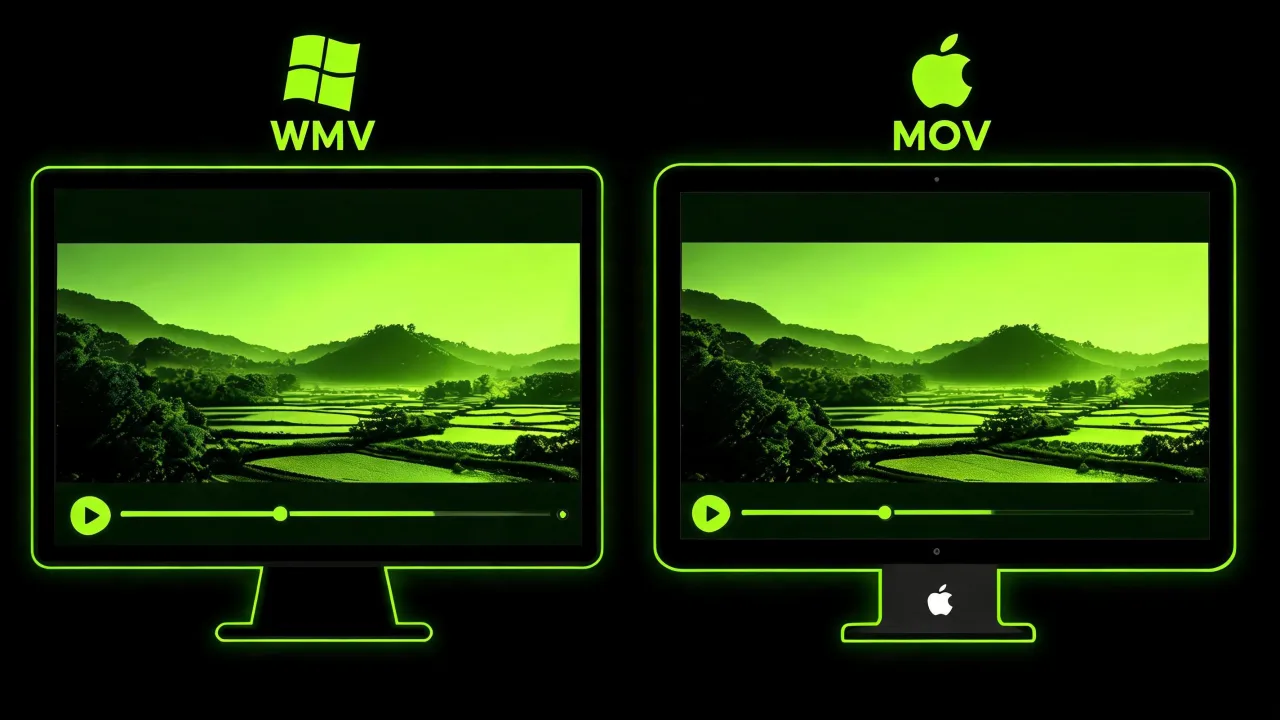
Windows-native becomes Apple-native
Re-wraps the .WMV as a .MOV so macOS, iOS and Mac editors accept the file without a plugin.
Turn a Windows Media .WMV into a QuickTime .MOV so Windows-recorded video plays natively on macOS, iPhone and iPad — and drops into Final Cut Pro or iMovie. Upload, convert, download. Free to start.
Three shots from the conversion pipeline: file in, tools on, MOV out.

It takes a Windows Media .WMV — the format Windows records and PowerPoint favours — and reissues it as a QuickTime .MOV that macOS, iOS and Mac editors accept without argument.
You don't download codec packs, you don't install QuickTime alternatives, and you don't lose resolution: the converter reads what's inside your WMV and reissues it as a standard MOV your Mac already understands.
WMV is Windows Media's home turf. On macOS, iOS or a Final Cut Pro timeline, it usually needs a plugin or refuses to open at all. Three things the converter does — in one step, without extra software.
Re-wraps the .WMV as a .MOV so macOS, iOS and Mac editors accept the file without a plugin.
The output is a standard QuickTime .MOV — drop it into Final Cut Pro, iMovie or the Photos app on iPhone and it plays without codec warnings or extra software.

Reads what's inside your WMV and re-wraps it as MOV at the source resolution. No watermark, no forced quality drop.
Open the tool, drop your WMV in, start the conversion, download the MOV. That's the whole workflow, whether you're on a Mac, a Windows machine, or a phone.
Head to the P Agent; nothing to download.
Drag in your Windows Media .WMV or pick it from your device.
Start the conversion and the Studio re-wraps your video into a QuickTime .MOV.
Save the finished .MOV and drop it into a Mac, iPhone or Final Cut Pro timeline.
Both play video. Neither is objectively better. What matters is which platform each one belongs on — and where your footage needs to go next.
| WMV | MOV — your output | |
|---|---|---|
| Home turf | Microsoft / Windows | Apple / macOS / iOS |
| Best for | PowerPoint, Windows apps | Native Mac editing |
| Native on | Windows | Apple |
| Cross-platform | Needs a player on Mac | Needs a modern player on Windows |
| Typical use | Windows enterprise / PowerPoint | Final Cut, iMovie, iPhone |
A few things worth knowing before you upload — and a couple of honest limits so nothing surprises you on the other side.
Long clips take a moment. Feature-length WMVs need time on the bench — leave the tab open.
Source resolution is preserved. The MOV lands watermark-free at the resolution your WMV came in at.
Very old WMVs may not be perfect first pass. That's the source, not the conversion.
It's a converter, not an editor. Trim and cut in Final Cut, iMovie or another editor afterwards.
The output is a standard MOV, not a ProRes master. Great for playback and everyday editing; not a mastering codec.
Yes, you can start free.
WMV is Windows-native and usually needs a plugin (or refuses to open) on modern Apple devices. MOV is QuickTime's home turf — macOS, iOS and Mac editors handle it cleanly.
Conversion re-wraps your video into a QuickTime .MOV at the source resolution and aims to preserve quality. It can't add detail the WMV didn't have.
Yes.
Yes. It runs in your mobile browser with no app to install.
Yes, most modern Windows setups play MOV via a modern player like VLC, though its natural home is macOS / iOS.
No.
No.
Adapt your Windows Media video into a QuickTime MOV that plays natively on Mac, iPhone, iPad and every Apple editor.

