AI Birthday Poster Maker: Create Birthday Posters in Minutes
Create custom birthday posters in seconds with Pixazo’s AI Birthday Poster Maker. Design stunning, personalized birthday posters — from elegant and sophisticated to bright and playful — for any birthday milestone. Free to try, no design skills needed.
Free to start — 100 credits.
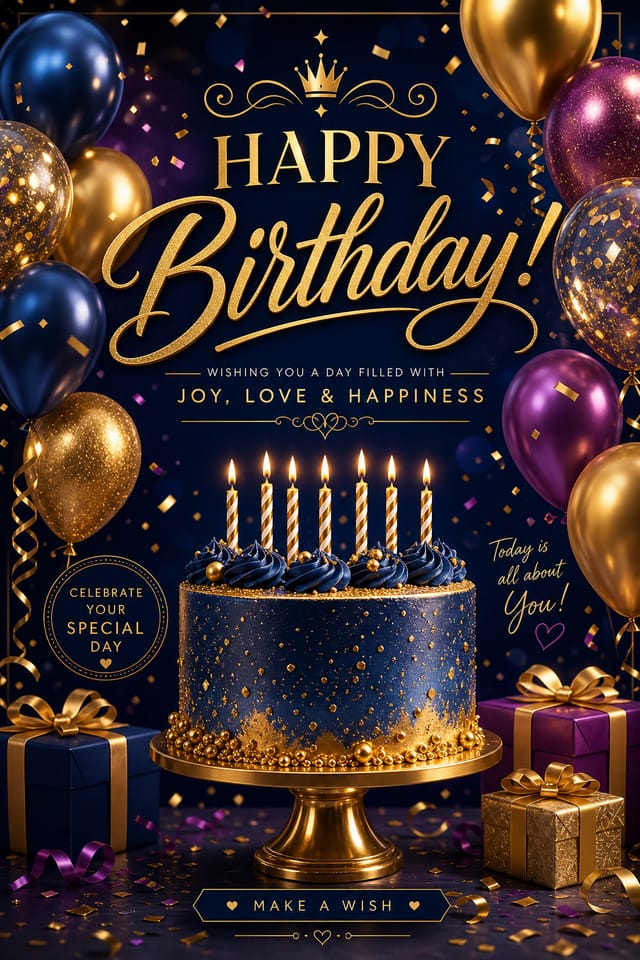
What Birthday Posters Can You Create?
Birthday posters span a remarkable range of visual styles and purposes. The AI Birthday Poster Maker generates designs tailored to specific celebration contexts, age groups, and aesthetic preferences. Whether you need a sophisticated adult milestone poster, a vibrant celebration design for younger ages, or something uniquely personalized, the system produces professional-quality output without requiring any design experience. Each poster incorporates your chosen color palette, typography preferences, and personal details like names, dates, and celebratory messages. High-resolution exports ensure prints display crisp text and vivid imagery whether displayed digitally or in print form.
How Do You Make a Birthday Poster with AI?
Two tiers, six candles — write the moment on one side, and watch the finished poster light up on the other.
Your Prompt
Write the Moment
Describe the celebration in simple language. Include the celebrant's name, age, personality traits, favorite colors, and the occasion type. Example: "Sophie, 25th birthday, loves travel and adventure, warm sunset tones, elegant minimalist design."
Choose Your Style
Select from multiple visual directions—elegant and timeless, bold and vibrant, playful and whimsical, luxury and refined. The AI generates variations matching each aesthetic direction instantly.
Refine & Export
Review the generated variations, select your preferred design, make minor adjustments to text or colors if desired, then download in high resolution (300 DPI for printing, 72 DPI for digital sharing).
The Generated Poster
Instant Variations
Pixazo generates 10+ distinct design variations in seconds, each balancing typography hierarchy, color harmony, and spatial layout. No template reuse—each design builds from your exact description.
Print-Ready Files
Export as PNG for digital sharing or PDF for professional printing. Standard poster sizes (24x36", A2, 16x20") are automatically formatted with proper bleed zones and resolution for laboratory and home printing.
Production Ready
Files are immediately usable—no design software, no manual resizing, no compatibility issues. Share digitally via email, social media, or messaging, or send directly to a print shop for professional output on cardstock, matte, or glossy paper.
Ready to make your birthday poster?
Turn a one-line idea into a print-ready birthday poster in seconds with the AI Birthday Poster Maker.
Create Your Birthday Poster 🎉Who Is the AI Birthday Poster Maker For?
Everyone who plans a celebration has a seat at this table. Check your name off the list.
Parents & Family Organizers
Create celebration posters for children's birthday parties, milestone anniversaries, or family gatherings without design skills or hiring expensive graphic designers.
Event Planners & Venues
Generate custom posters rapidly for multiple clients, produce variations on short timelines, and offer personalized design services as part of venue or event packages.
Small Businesses & Retailers
Create in-store promotion posters announcing birthday events, milestones, or seasonal celebrations tailored to your brand colors and messaging.
Content Creators & Social Media
Produce birthday-themed graphics for followers, fan communities, or influencer campaigns with fast turnaround and personalized visual styles matching your brand.
Corporate Teams
Celebrate employee birthdays, milestone anniversaries, or company celebrations with branded, personalized posters that reflect your corporate culture and values.
Design a birthday poster for any celebration
From milestone birthdays to kids’ parties — generate a custom birthday poster free, no design skills needed.
Start Your Free Birthday Poster 🎂Birthday Poster Gallery
Real styles pinned up like party photos — every one made from a single prompt. Tap through to make your own.
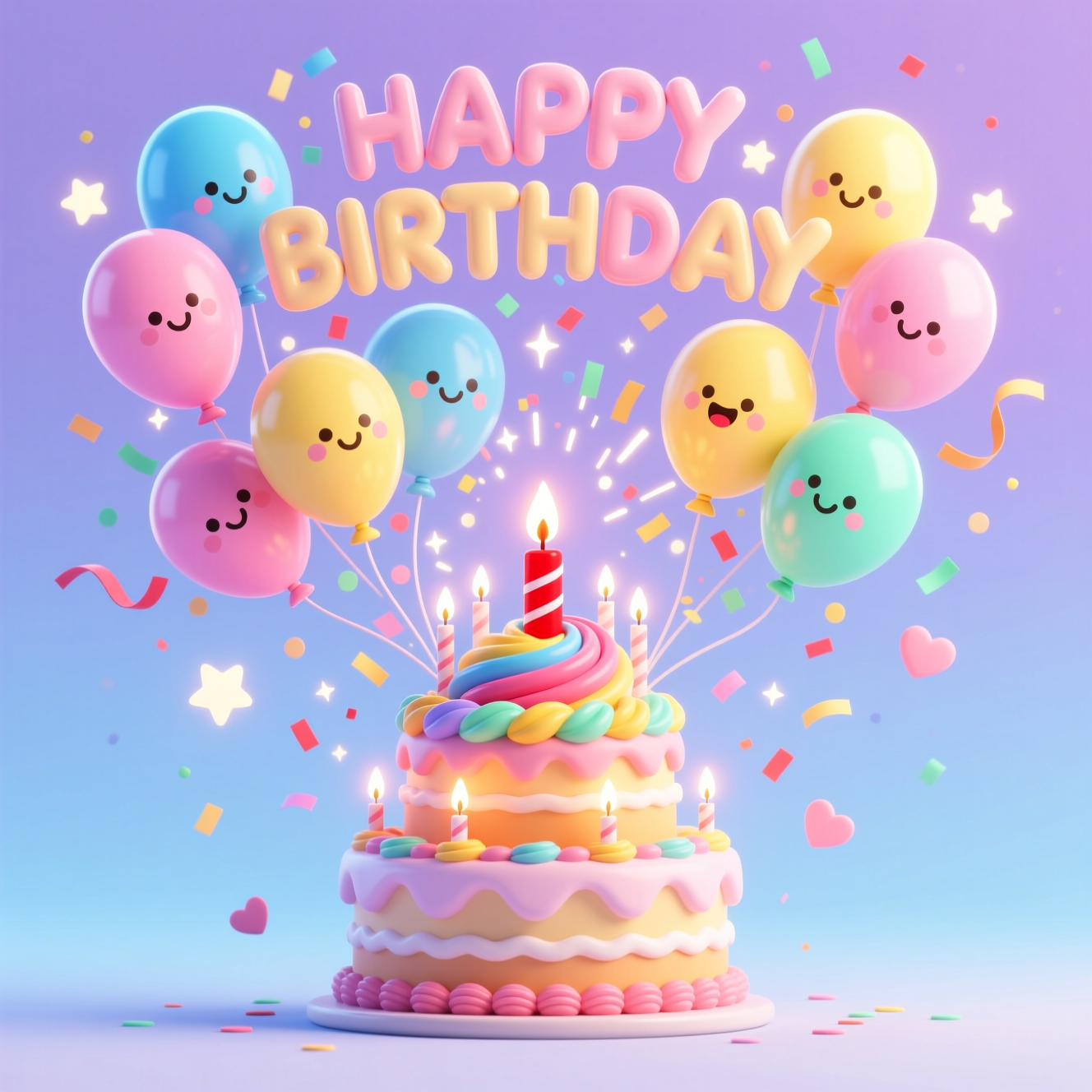
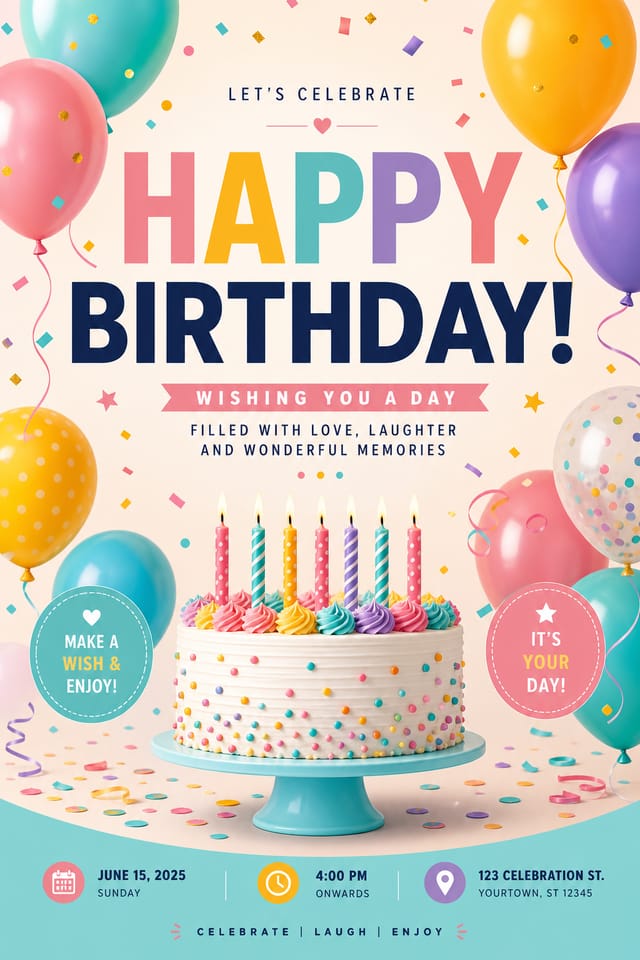
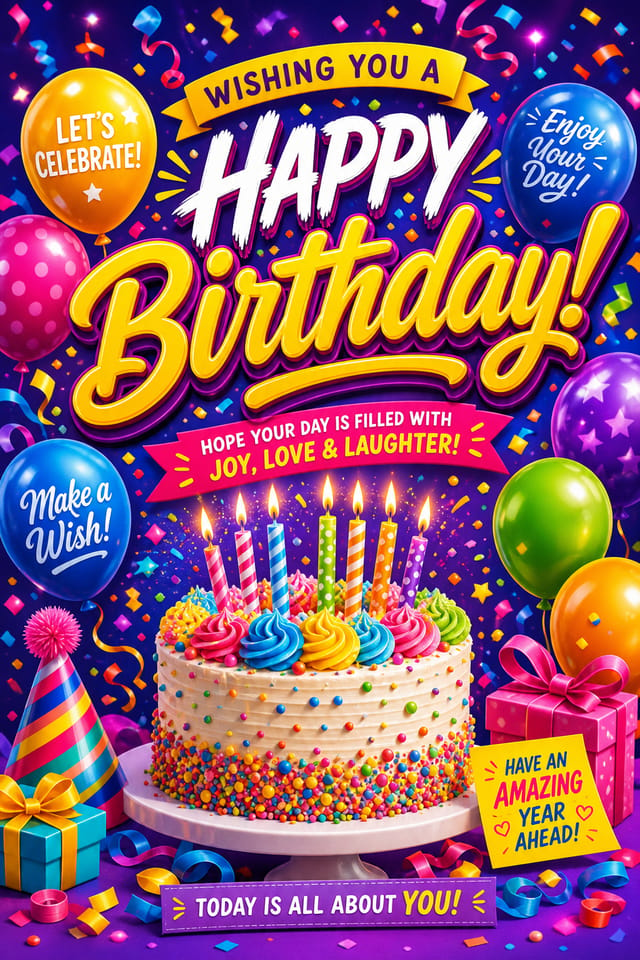
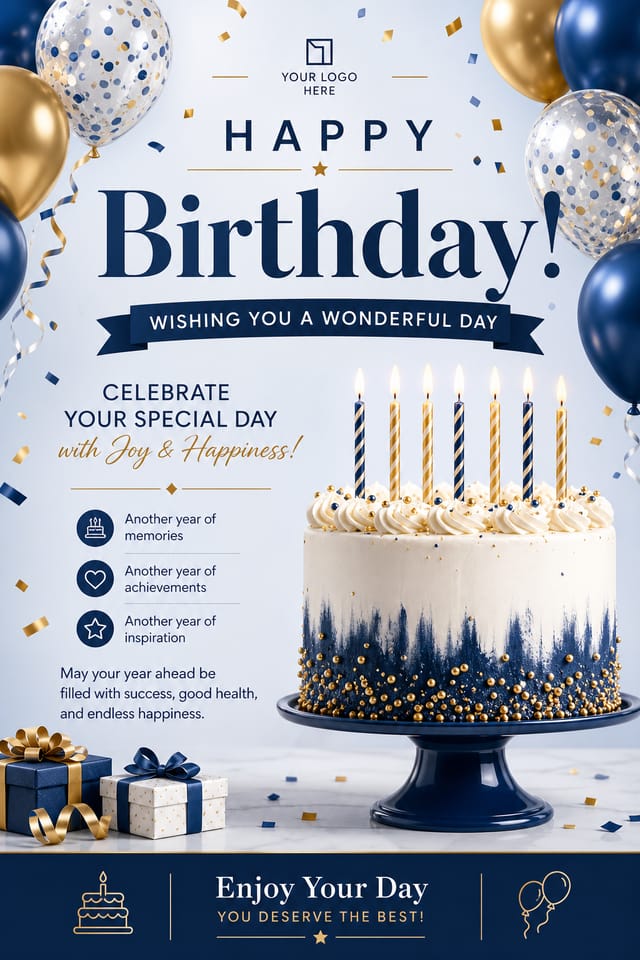
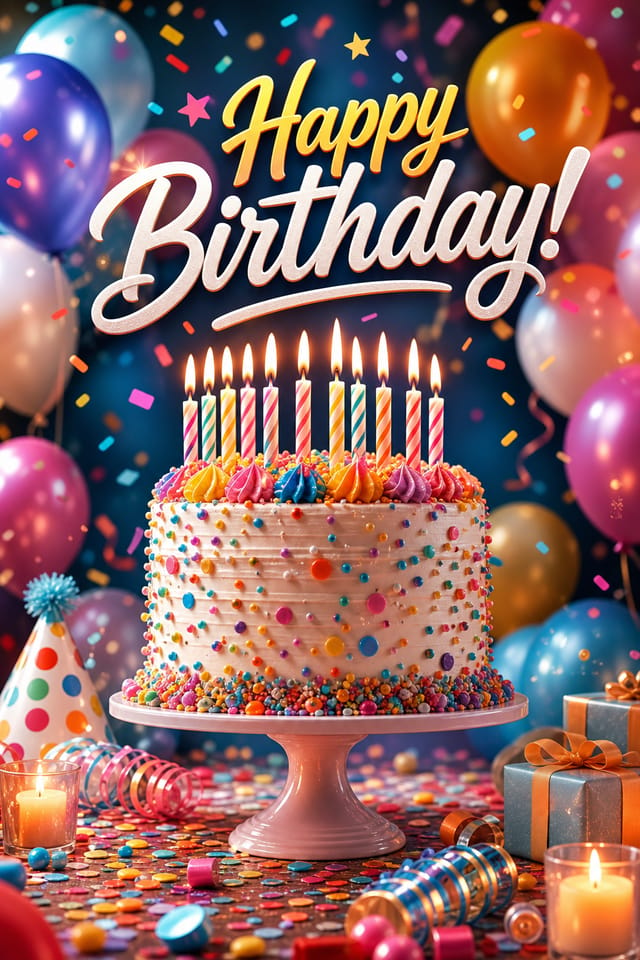
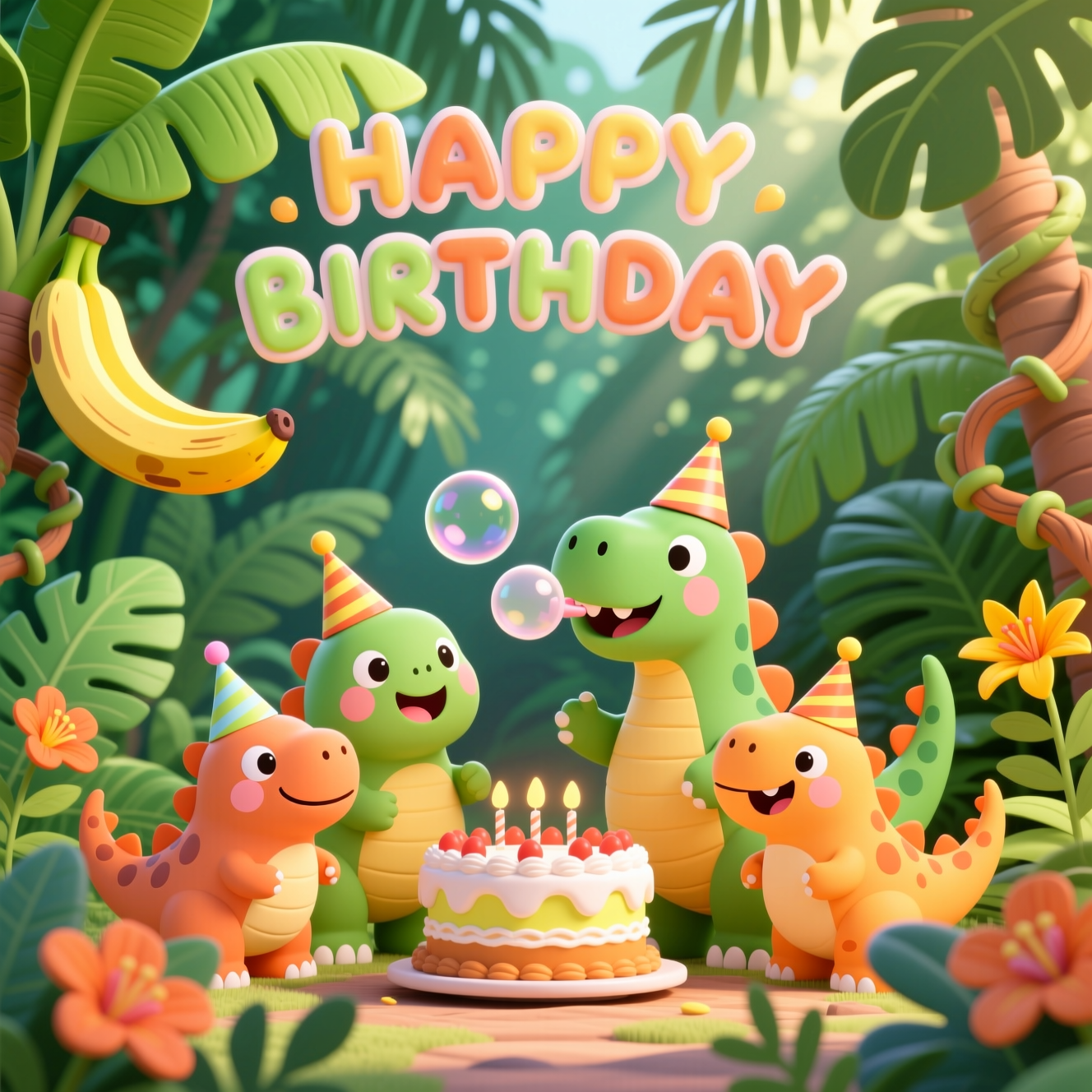
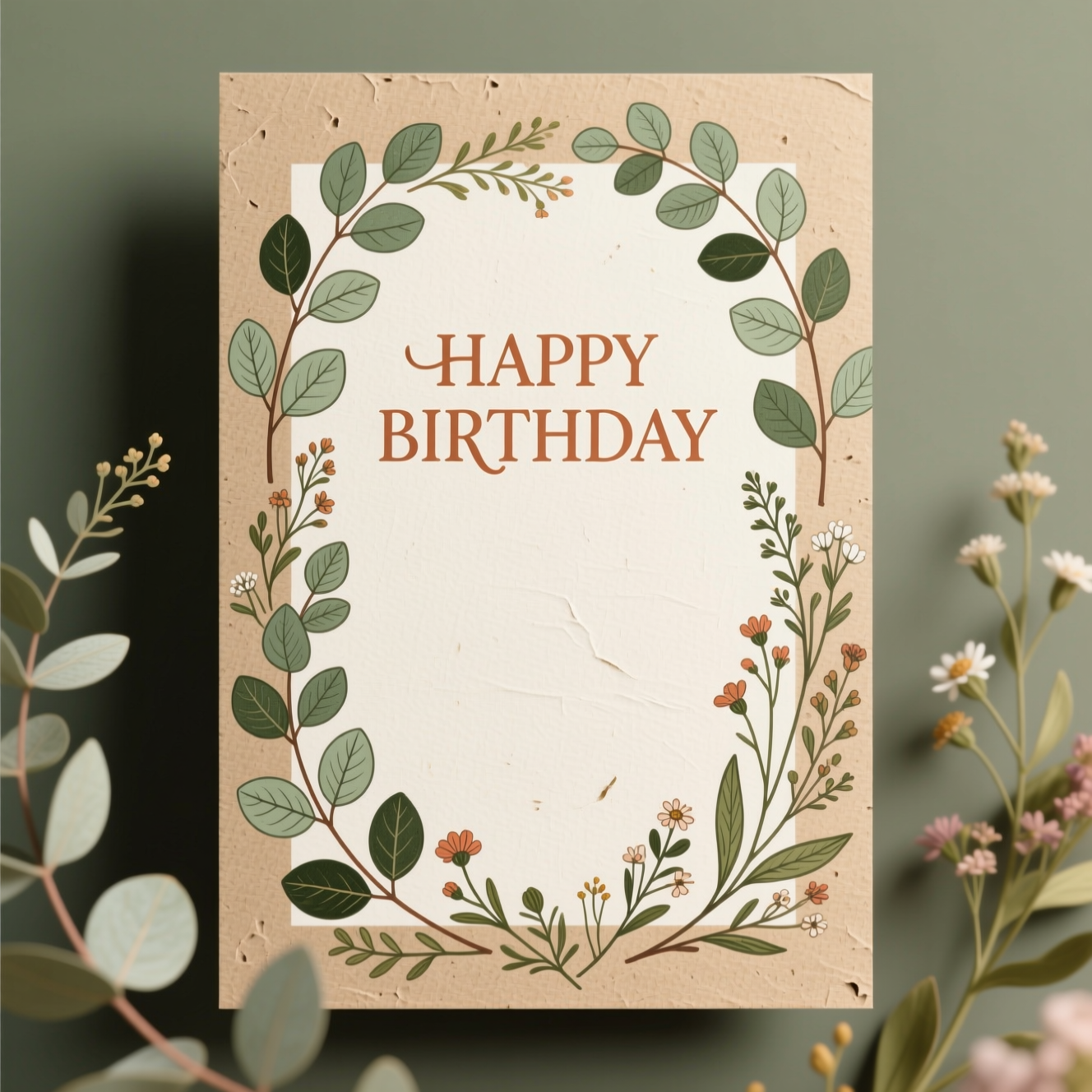
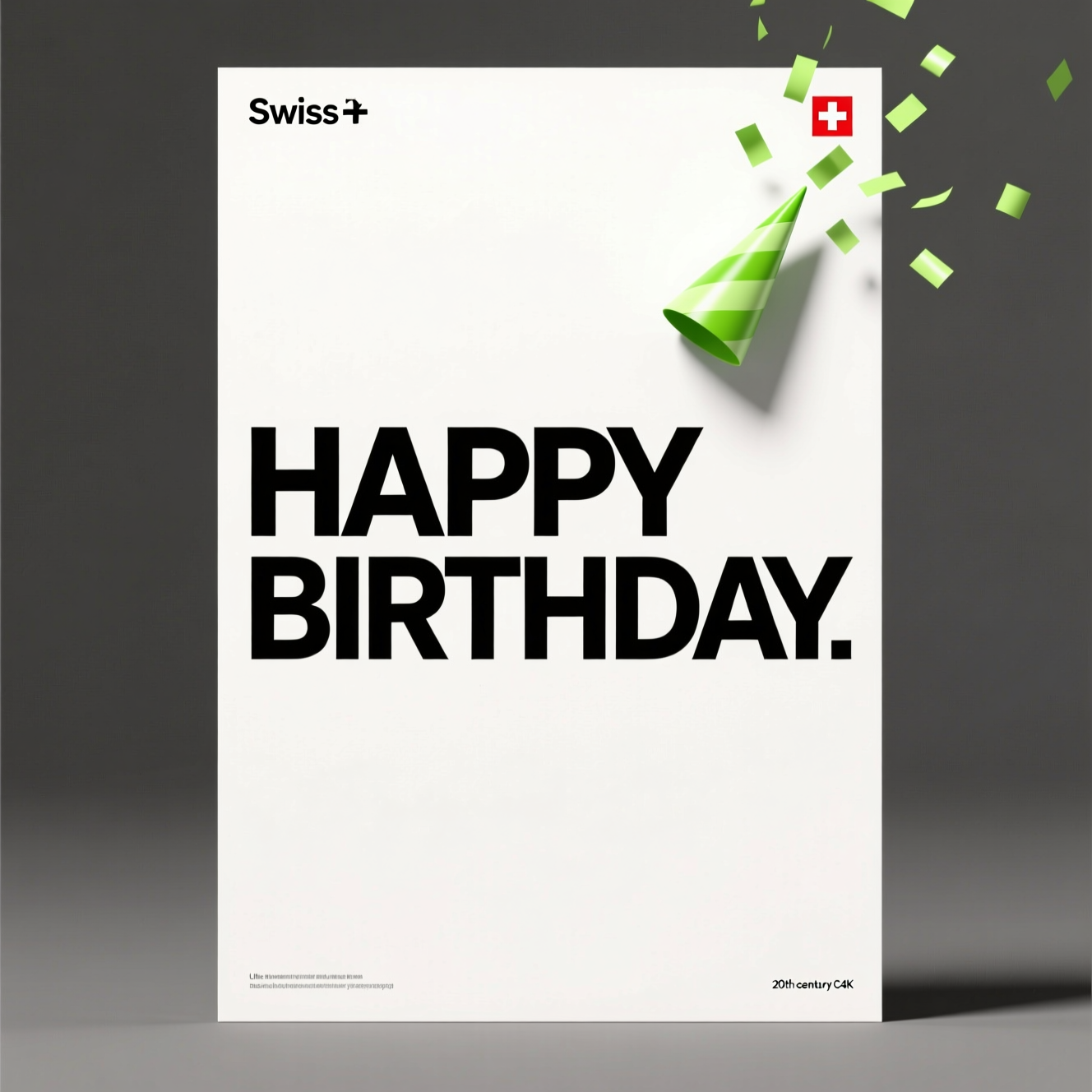
See a style you like? Make your own
Describe your idea and let the AI Birthday Poster Maker create your birthday poster.
Make a Birthday Poster with AI 🎈Community Birthday Poster Creations
Real posters, real celebrations — here's how the community put the AI Birthday Poster Maker to work.
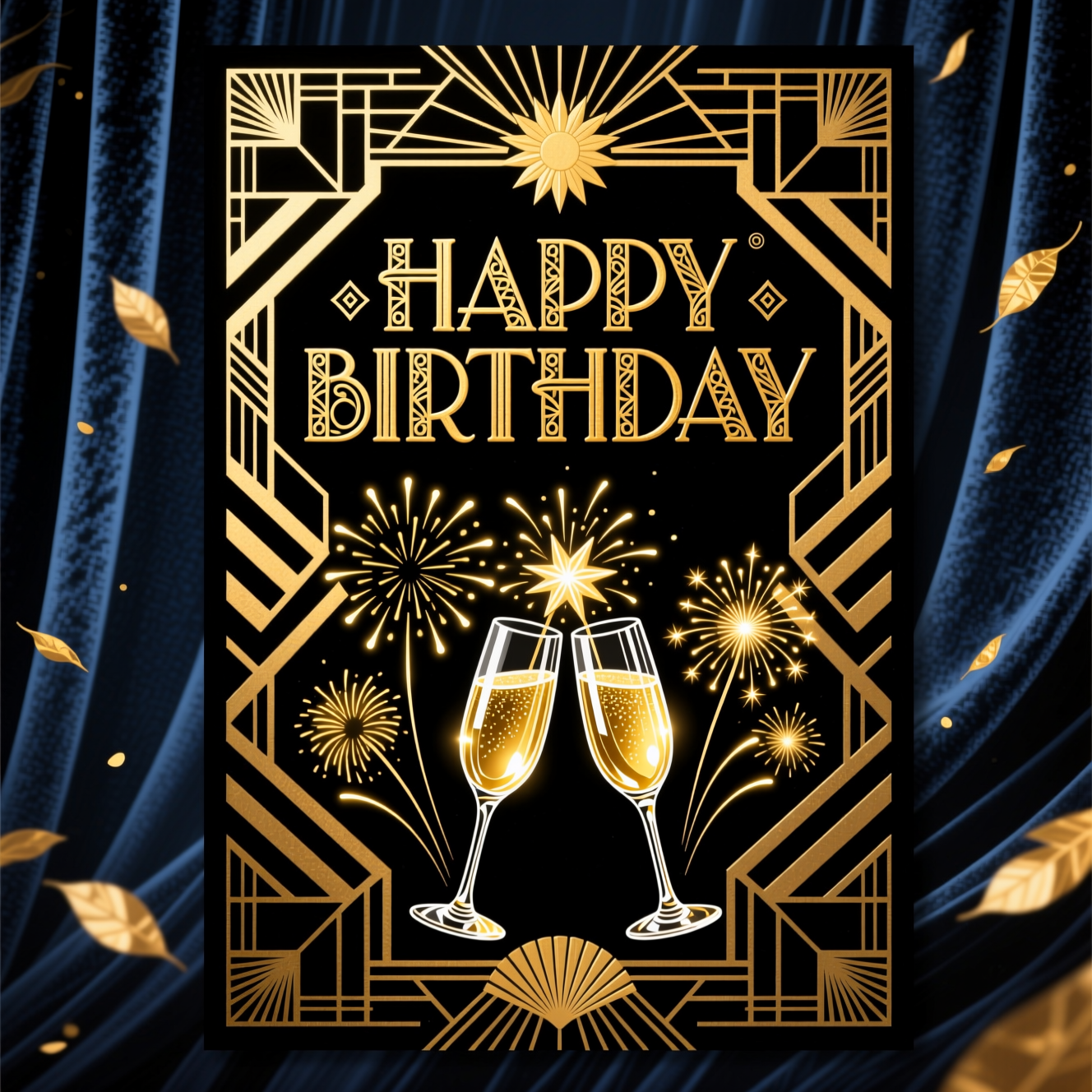
Elegant Milestone Celebration
"I needed something sophisticated for my mom's 60th birthday that didn't feel over-the-top. This golden design with the portrait frame felt perfect—it was ready to print in minutes, and the quality was absolutely professional. My mom loved it displayed at her dinner party."
sophisticated 60th birthday poster, luxury gold accents, portrait frame, elegant serif fonts, soft warm background, mother's celebration
Jennifer Chen • Event Coordinator • Toronto, Canada
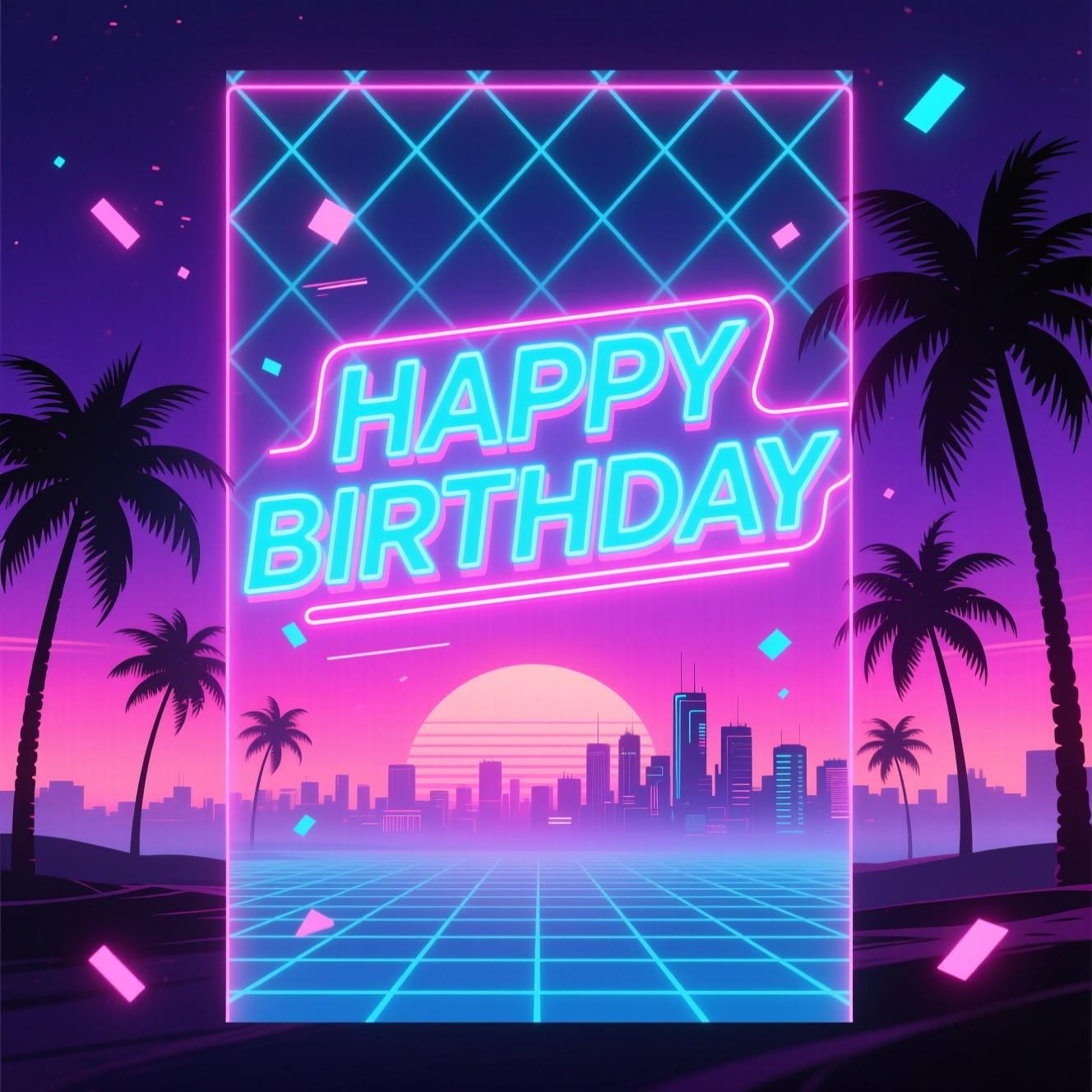
Modern 21st Birthday Announcement
"My son's 21st needed something modern and cool—not your typical party poster. The teal color with the geometric elements and clean typography felt contemporary. I sent him the preview before the party and he immediately wanted prints for his apartment. The quality held up perfectly when printed large."
21st birthday poster, teal modern design, geometric shapes, young adult style, clean typography, celebration announcement, photo portrait
Michael Rodriguez • Parent • Los Angeles, USA
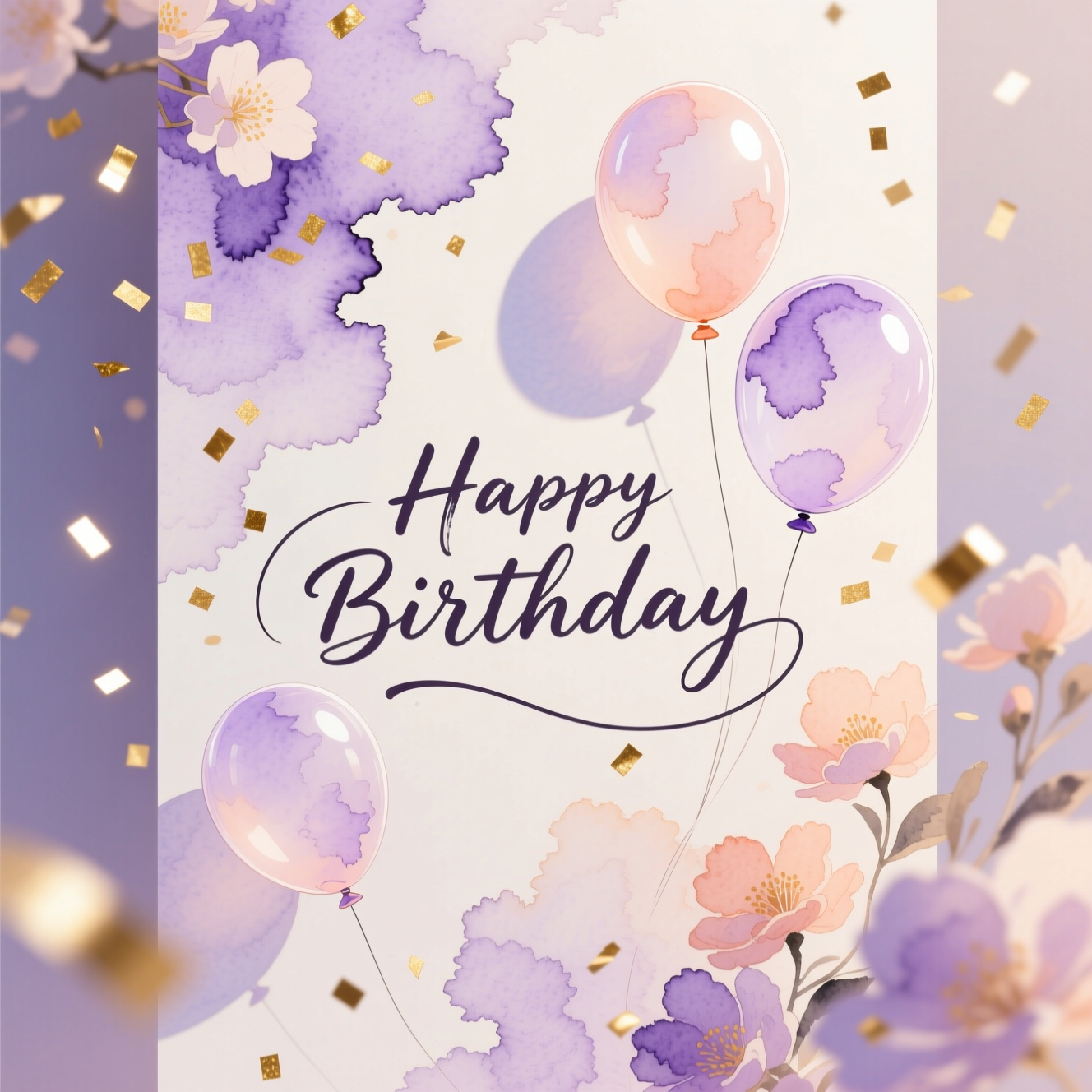
Whimsical Birthday Celebration
"As a party planner, I create designs for multiple clients each month. This AI tool cut my poster design time from 3 hours to 5 minutes. The floral design variations it generated let me show clients options instantly. I've now integrated Pixazo into my standard service offerings—clients love the personalization and quick turnaround."
birthday poster floral design, pastel pink colors, delicate flowers, circular portrait frame, elegant decorative elements, celebratory mood
Sophie Laurent • Party Planner • Paris, France
Ready to Create?
Generate your custom birthday poster in seconds. No design experience needed.
Start Creating Now 🎈Birthday Poster Design Options & Customization
The AI Birthday Poster Maker provides intuitive controls to refine your design in real time. Adjust composition, typography weight, color intensity, and layout orientation. View instant variations across different visual directions without waiting for re-generation—see exactly how each parameter affects the final output before downloading.
Birthday Poster Export Formats & Specifications
Birthday posters export in multiple formats optimized for different uses. Choose between print-ready PDF files with professional color profiles and high DPI, or digital PNG files sized for social media, email, and instant sharing. Standard poster dimensions are automatically generated; custom sizes are supported for specific printing requirements.
Print Ready
Digital Sharing
AI Birthday Poster Maker FAQs
Can I add custom photos to my birthday poster?
What if I don't like the first design variation?
Can I change text, fonts, or colors after generation?
What sizes and dimensions are available?
Can I print these posters locally or do I need professional printing?
How many design variations can I generate?
Are these posters copyright-free to use?
What's the best way to describe what I want in my prompt?
Can I make a happy birthday poster?
Can I make a birthday banner instead of a poster?
Can I put the birthday person's photo on it?
Can I make a matching invitation?
Create Your Birthday Poster Today
Transform how you celebrate birthdays. Generate professional, personalized posters in seconds with Pixazo's AI Birthday Poster Maker.
Open the Playground 🎊
