Campaign Poster : Create Free Campaign Posters in Minutes with AI
Create Custom Campaign Posters Quickly with Pixazo Best AI Campaign Poster Maker. Try for Free!
Get Started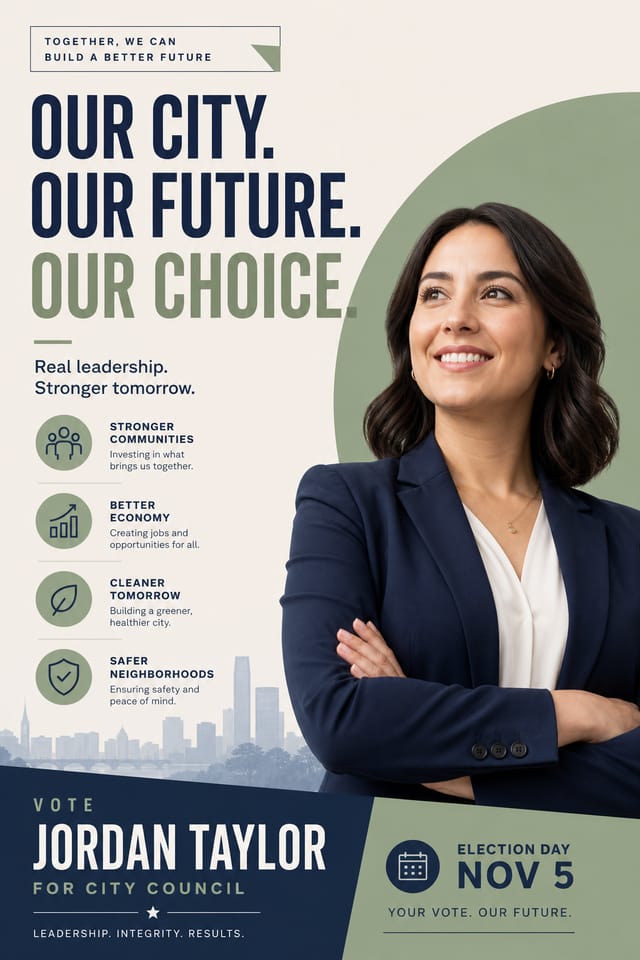
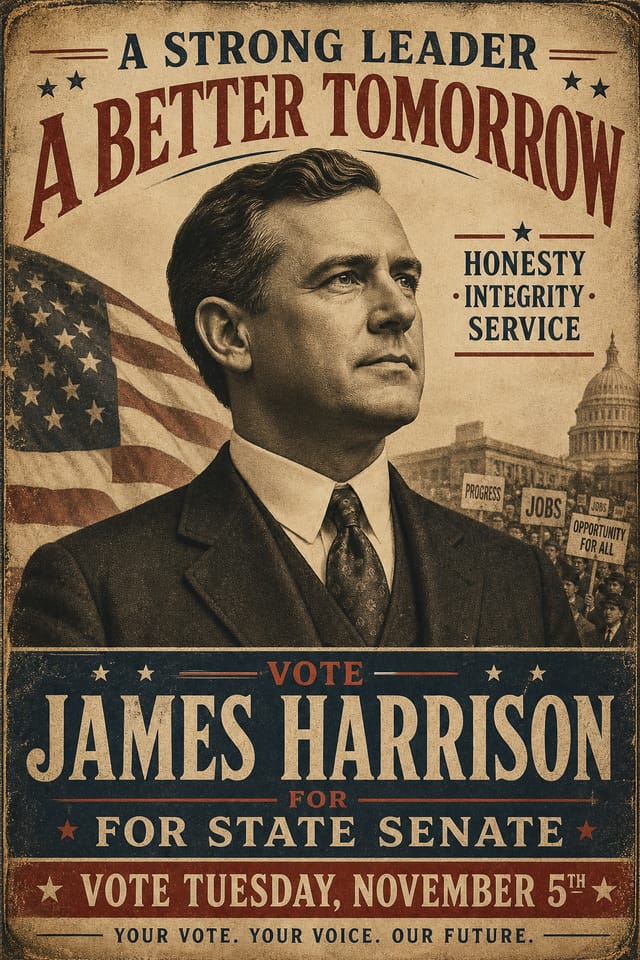
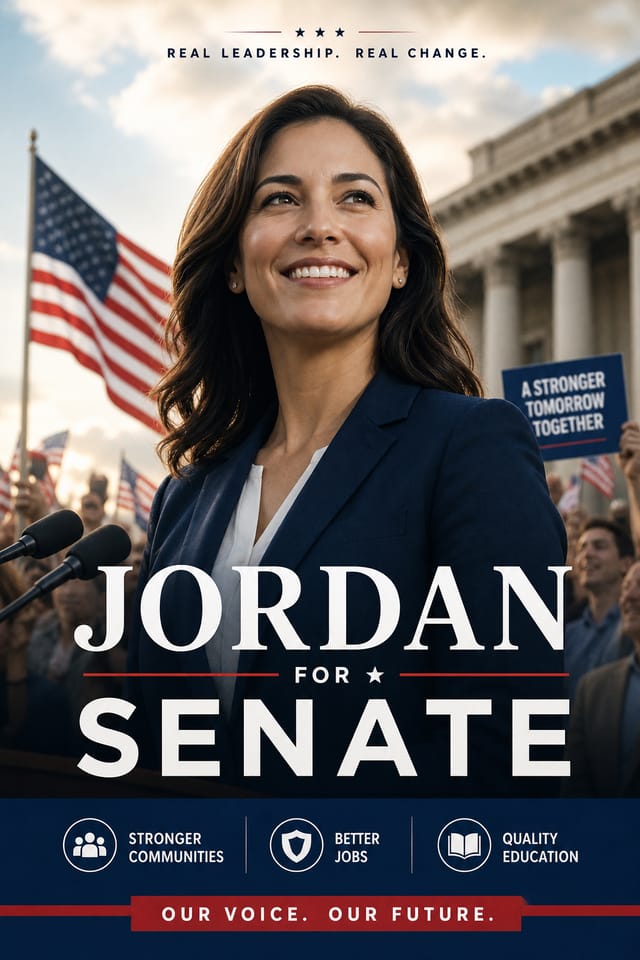
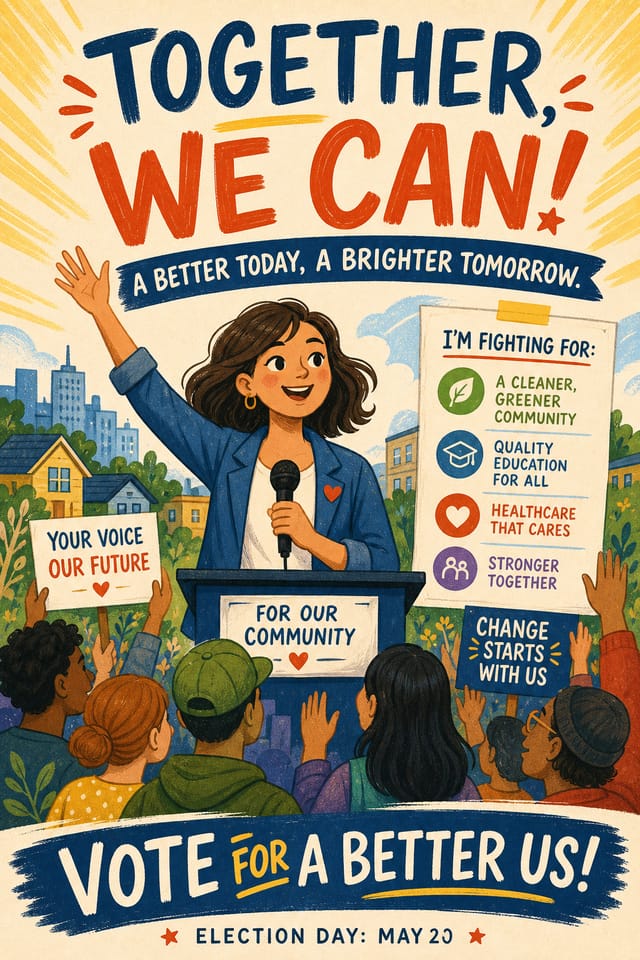

Campaign Poster Community: Designs Worth Seeing
Real creators sharing their campaign designs made with Pixazo AI.
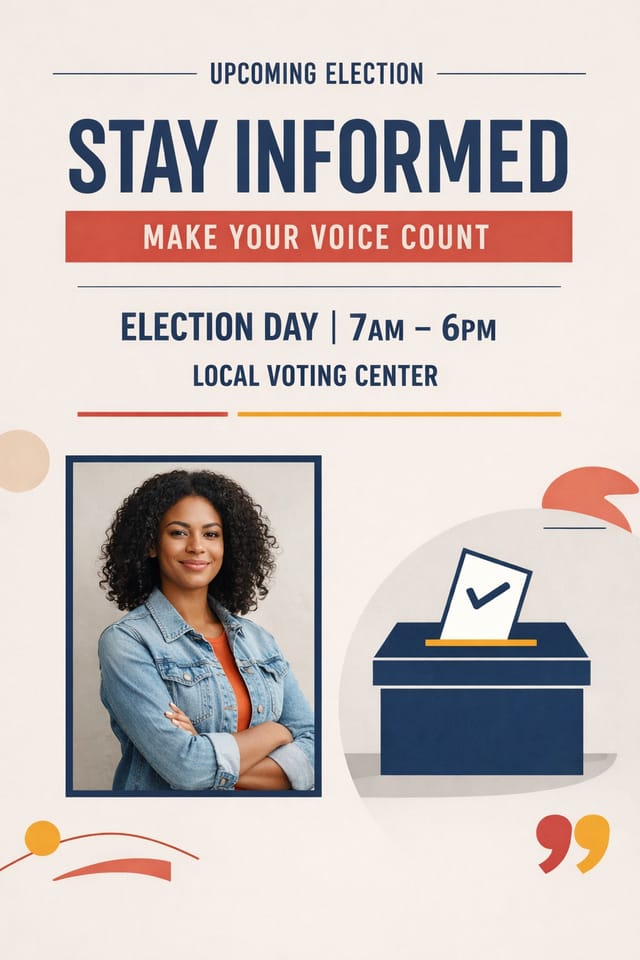
Campaign poster for large format print, elements scaled for visibility at distance, colors optimized for print output
Campaign poster with Japanese minimalism influence, abundant whitespace, single focal element, restrained palette of black, white, and one accent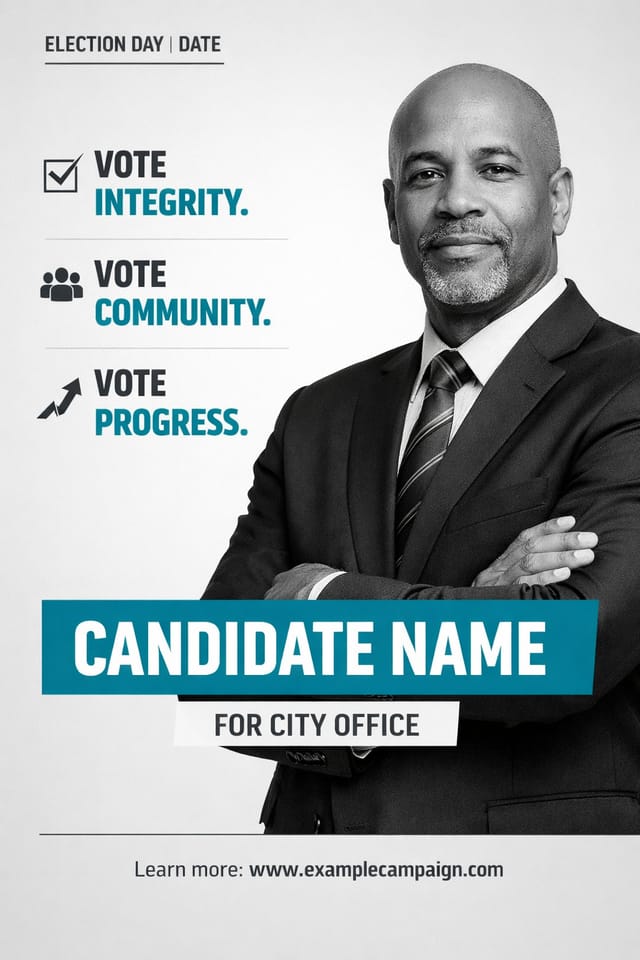
Two-color campaign poster, maximum contrast between primary and secondary color, typography set in one color per levelThe Campaign Poster Feature Set: Design Powers
Print-Ready Output
Generated campaign posters are sized and structured for professional printing. Download high-resolution files ready for production.
Context-Aware Design
Describe your campaign poster's purpose and audience. The AI adjusts visual weight, complexity, and clarity based on the intended use context.
Layered Style Application
Combine campaign style with other design parameters in a single prompt. The AI interprets complex requests and applies multiple style constraints simultaneously.
Resolution Control
Specify output dimensions for your campaign poster. Get files sized for web display, social media, or large-format printing.
Export Flexibility
Download your campaign poster in formats suited for your use case. Web-optimized versions for digital display, high-DPI files for print.
The Campaign Poster Process: The Simple Process
Begin with Your Vision
Start with a text description of your campaign poster concept. Specify the visual style, colors, layout direction, and key text. Detailed prompts produce more accurate campaign poster designs than general ones.
Validate the Output
Pixazo generates your campaign poster in seconds. Review the design and adjust your prompt to refine specific elements: change the color palette, shift the layout weight, or add visual elements you want included.
Lock In the Design
Download your completed campaign poster in the format that fits your use case. High-resolution files for print, web-optimized versions for digital, or PDF for production-ready delivery.
Watch: Creating Campaign Poster designs step by step
Where Campaign Posters Shine: Real Applications
Recruitment and Hiring Outreach
Generate campaign posters for job fairs, career pages, and employer branding initiatives. Designs that represent company culture visually.
Trade Show and Expo Booth Graphics
Create campaign posters for exhibition stands, pull-up banners, and booth backdrops. Large-format designs that attract foot traffic.
Product Launch Campaigns
Design campaign posters for new product introductions across digital and print channels. Materials that establish positioning from day one.
Internal Communications
Create campaign posters for all-hands meetings, policy announcements, and employee recognition programs. Professional materials for internal audiences.
Client and Investor Presentations
Design campaign posters that support pitch decks, quarterly reviews, and stakeholder updates. Visual summaries that communicate key metrics.
Campaign Poster Design Insights: Tips That Work
Check Alignment Carefully
Misaligned elements are one of the most common signs of amateur campaign poster design. Use grid lines and snap-to features to keep things precise.
Keep Typography Simple
Use no more than two typefaces per campaign poster. One for headlines, one for body text. Consistency in typography signals professionalism.
Consider the Context
Think about where your campaign poster will appear. A design optimized for social media needs different proportions and density than one for a physical bulletin board.
Start with a Clear Brief
Before generating any campaign poster, write down the core message, target audience, and intended use. A focused brief produces better results than iterating from a vague idea.
Prioritize Hierarchy
Every campaign poster needs a clear reading order. Make sure the most important information is the largest and most prominent element in the layout.
Design Criteria for Campaign Poster: A Designer's Perspective
Alignment and Grid
Strong campaign poster layouts align elements to an invisible grid. Consistent alignment builds trust and professionalism, while deliberate breaks from the grid create emphasis.
Typographic Clarity
Type choices in campaign poster design should serve legibility first. Font selection should reinforce the campaign aesthetic while remaining readable at intended viewing distances.
Reading Flow Direction
Arrange elements in campaign poster designs to follow natural reading patterns. The eye naturally moves from top-left to bottom-right in left-to-right languages. Work with this, not against it.
From Brief to Campaign Poster: Workflow Breakdown
Review Evaluate and refine
Compare generated campaign poster options against your brief. Mark what works and note specific changes needed for the next iteration.
Research Gather references
Collect examples of effective campaign poster designs, note what works, and identify patterns relevant to your project goals.
Export Deliver final files
Export your campaign poster in the required formats and resolutions. Organize deliverables for handoff to the production or publishing team.
Refine Polish the design
Apply targeted edits to your selected campaign poster. Adjust typography, spacing, and color until every element meets your quality standard.
Campaign Poster Generation: Prompt Techniques
Copy any prompt below and paste it into Pixazo to generate your design instantly.
High-impact campaign poster, immediate visual read at thumbnail size, clear headline dominance, supporting information structured logicallyCampaign poster design, clean layout, strong typography hierarchy, appropriate color palette for campaign aesthetic, high contrast between headline and backgroundMonochromatic campaign poster, single-hue palette with value variation for contrast, typographic hierarchy creates visual interest without color complexityPortrait-orientation campaign poster, vertical composition, headline at natural reading entry point, supporting information flows downward logicallySeries-compatible campaign poster design, visual language that extends to multiple formats, consistent design system across variantsAbout Campaign Posters: What People Ask
You can request high-contrast or color-blind-friendly palettes in your prompt. Specify 'accessible color palette' or 'deuteranopia-safe colors' and the AI will select campaign-appropriate colors that maintain sufficient contrast for users with color vision deficiencies.
Pixazo generates campaign posters in RGB color space. For professional offset printing that requires CMYK, convert the downloaded file using Adobe Photoshop, Illustrator, or a free tool like GIMP. The AI selects colors that translate well to print when you mention print use in your prompt.
The AI renders text as specified in your prompt, so double-check spelling and punctuation before generating. If text renders incorrectly in a campaign poster, adjust your prompt and regenerate. The AI follows your exact text input.
Designs generated through Pixazo are yours to use as you see fit. You retain full usage rights for commercial and personal applications. The platform does not claim ownership over your generated campaign poster output.
Pixazo generates high-resolution files suitable for both print and digital use. Specify your intended output format in your prompt. Print campaign posters benefit from high-DPI settings, while web and social media use works well with standard resolution output.
Evaluating Campaign Poster Makers: A Neutral Comparison
| Tool | Description |
|---|---|
| PicMonkey | Photo editor and design tool with brand kit management |
| Pixazo | AI-powered campaign poster generator with prompt-based design and professional output quality |
| Stencil | Lightweight image creator optimized for fast social media graphics |
| Adobe Express | Streamlined creative tool backed by Adobe's design ecosystem |
| Canva | Drag-and-drop editor with a large template library and collaboration features |
The Fine Print on Campaign Posters: Current Boundaries
Known limitations and trade-offs of AI-generated campaign design. Being specific about what AI poster generation can and cannot do helps you plan your workflow and set accurate expectations.

