Ganesh Chaturthi Poster Maker: Create Free Ganesh Chaturthi Posters in Minutes with AI
Create Custom Ganesh Chaturthi Posters Quickly with Pixazo Best AI Ganesh Chaturthi Poster Maker. Try for Free!
What is it?
Make a Ganesh Chaturthi poster just by typing
The AI Ganesh Chaturthi Poster Maker turns your words into a finished Ganesh Chaturthi poster. Just type what you want — the Ganesha idol, marigolds, diyas and a greeting like “Ganpati Bappa Morya” — and the AI designs it for you. It’s made for anyone who needs a festive poster fast: housing societies, temples and mandals, shops, teachers, or anyone sharing festival wishes. You get a high-resolution PNG or PDF for print and Instagram, and every poster is fresh — so the same idea gives two different designs.
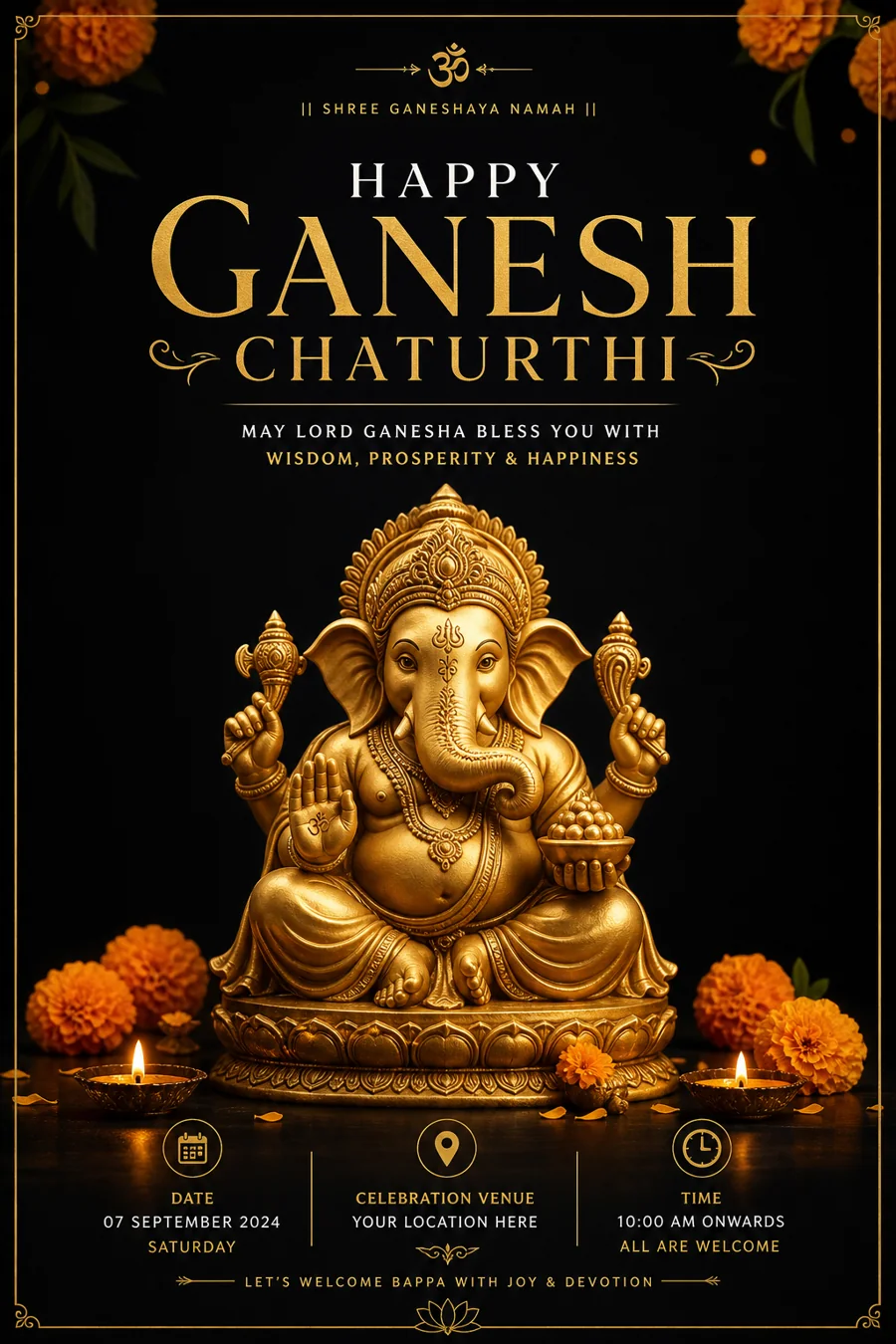
Styles
What styles of Ganesh Chaturthi poster can you make?
Five ready-made looks, each shown with a real Pixazo poster. Just name the style in your prompt and the AI builds the whole Ganesh Chaturthi poster for you.
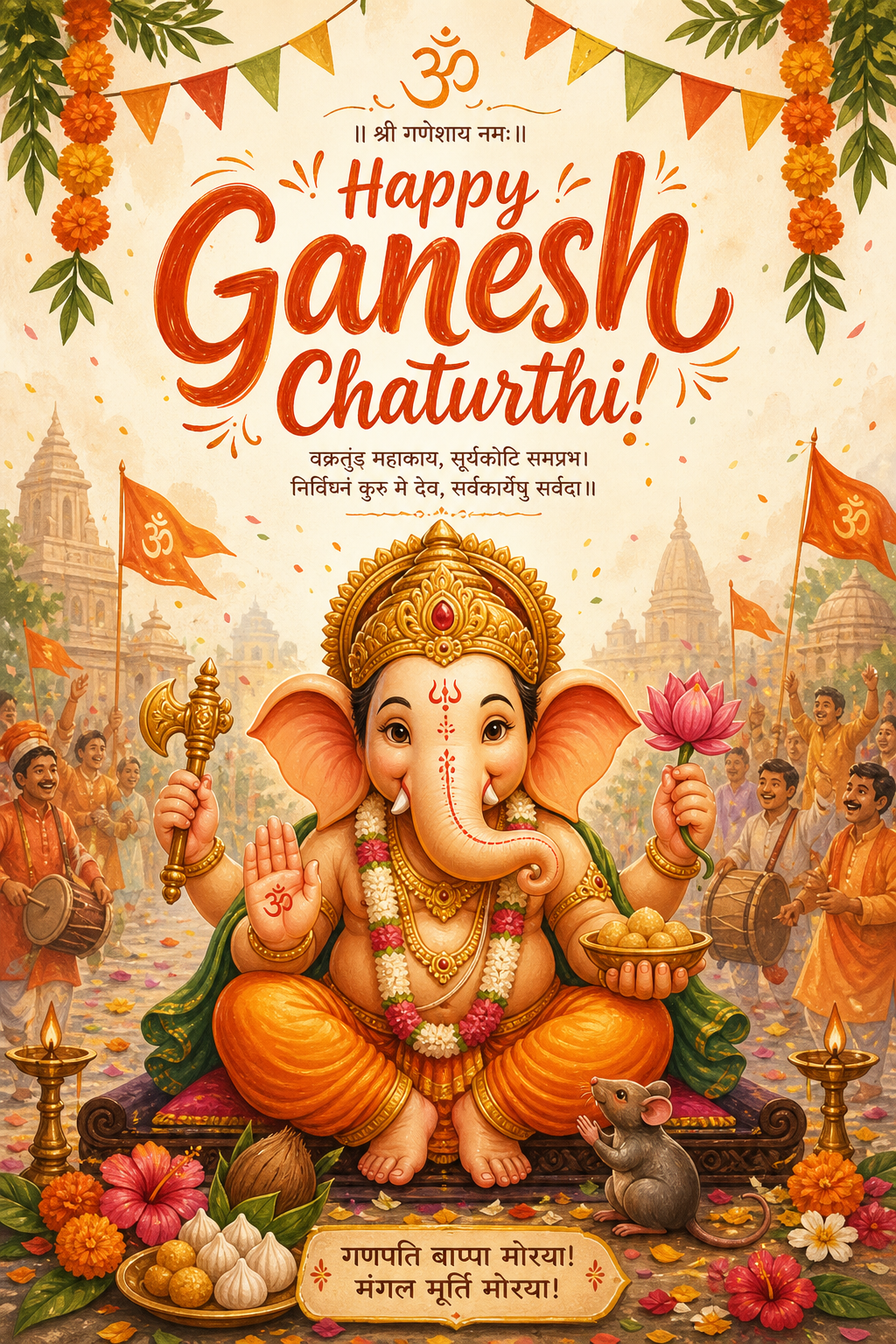
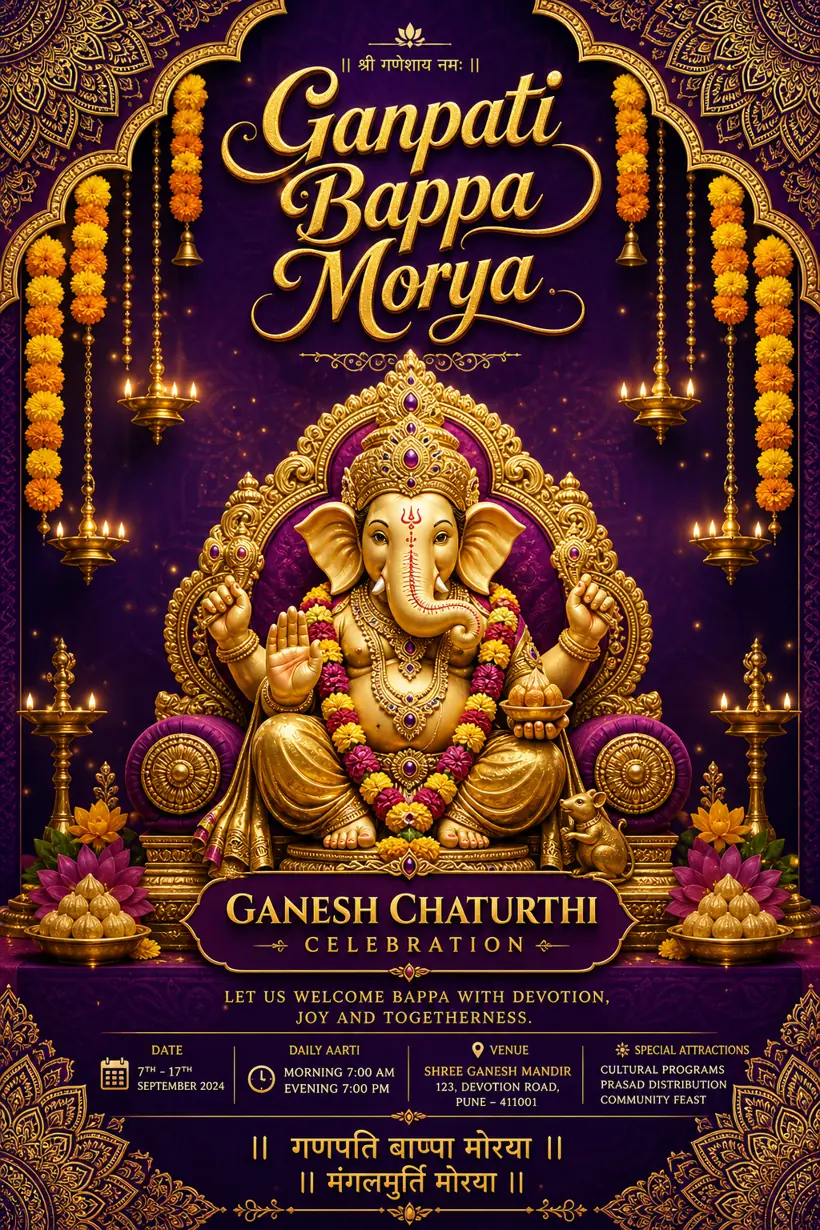
01Traditional mandap
The classic look — a Ganesha idol in a decorated pandal with marigolds, banana leaves and brass diyas.
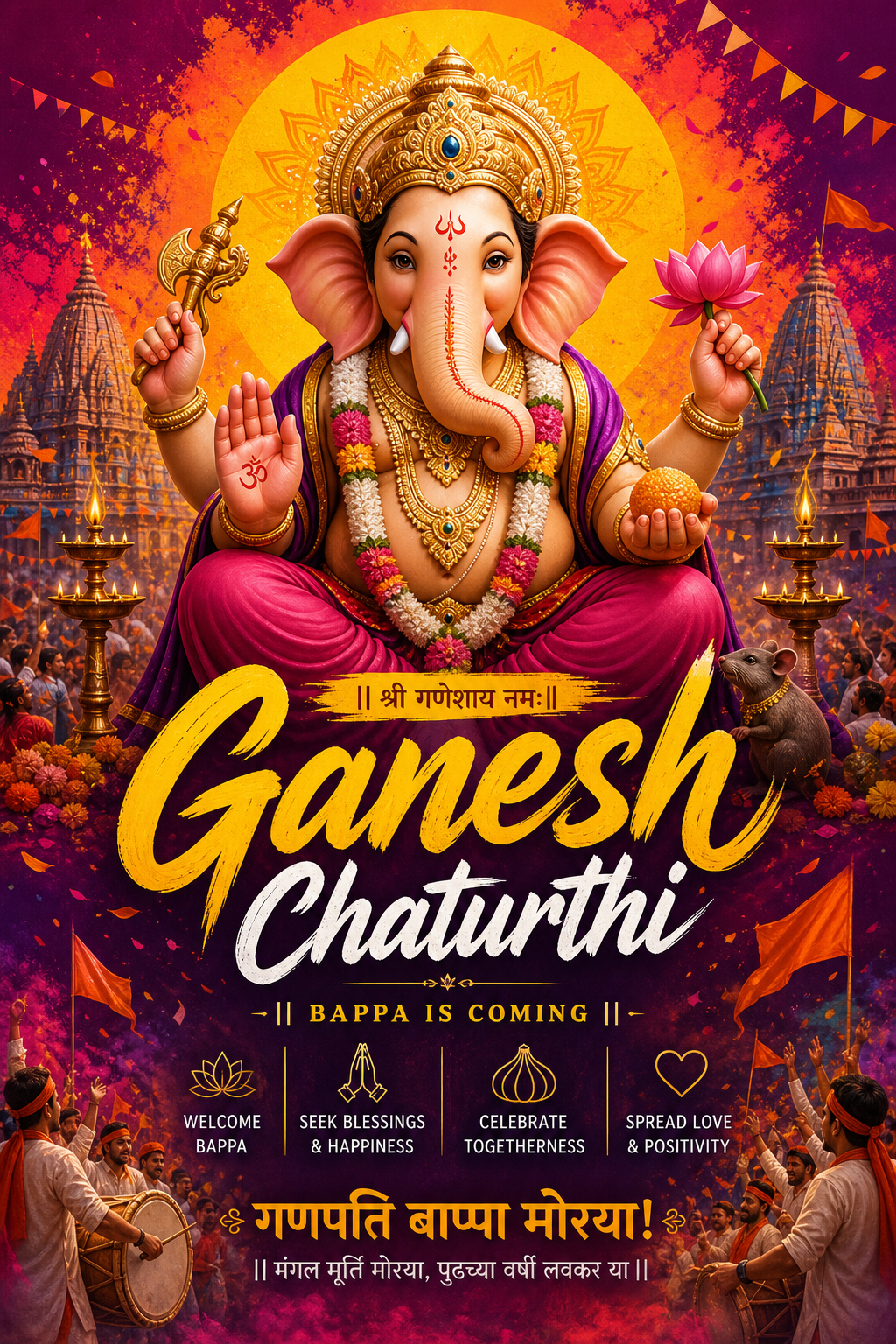
02Regal gold
Rich gold tones and ornate borders — a premium poster for invitations and society banners.
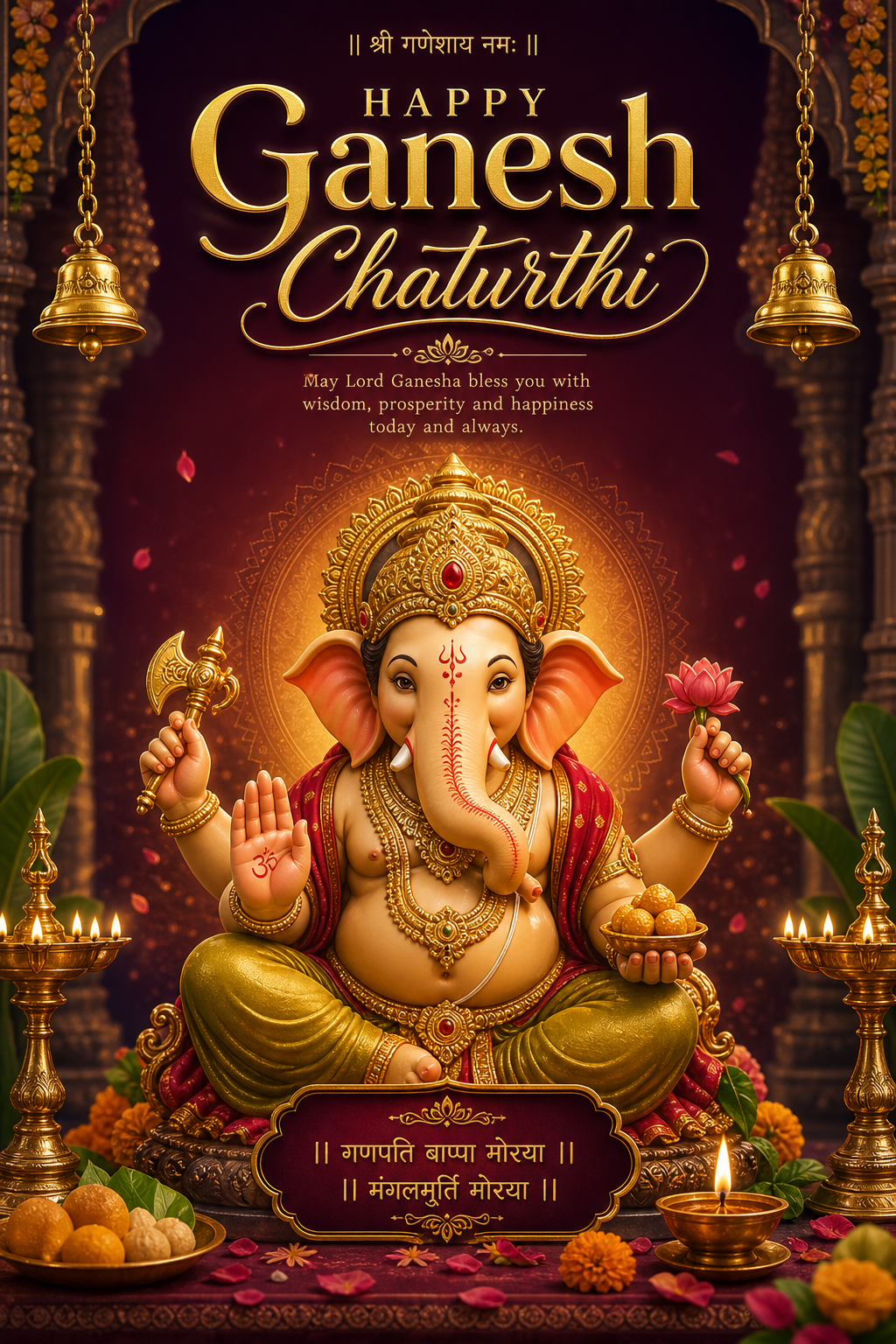
03Modern minimal
A clean, single-idol design with space for a bold headline — great for social posts and screens.
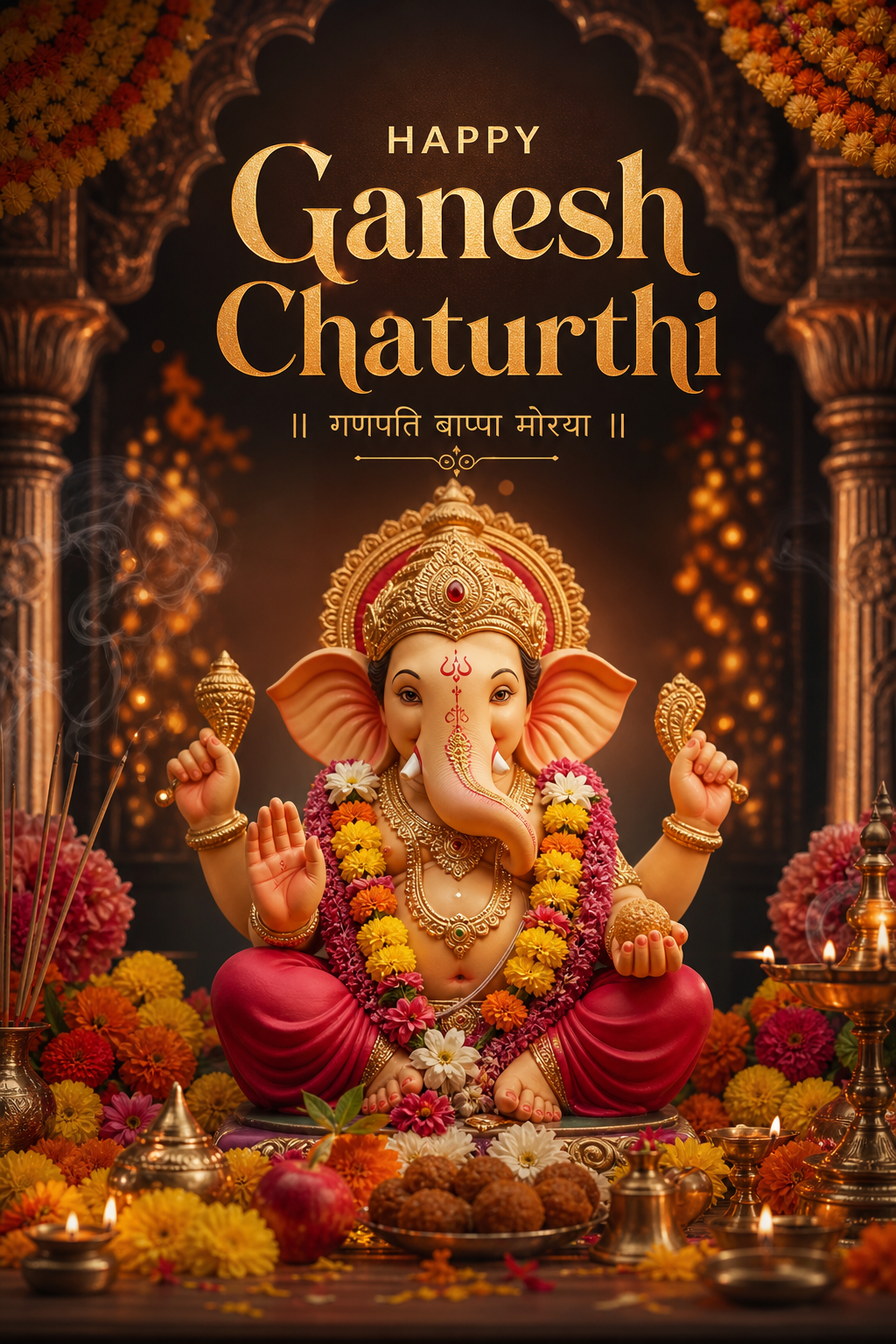
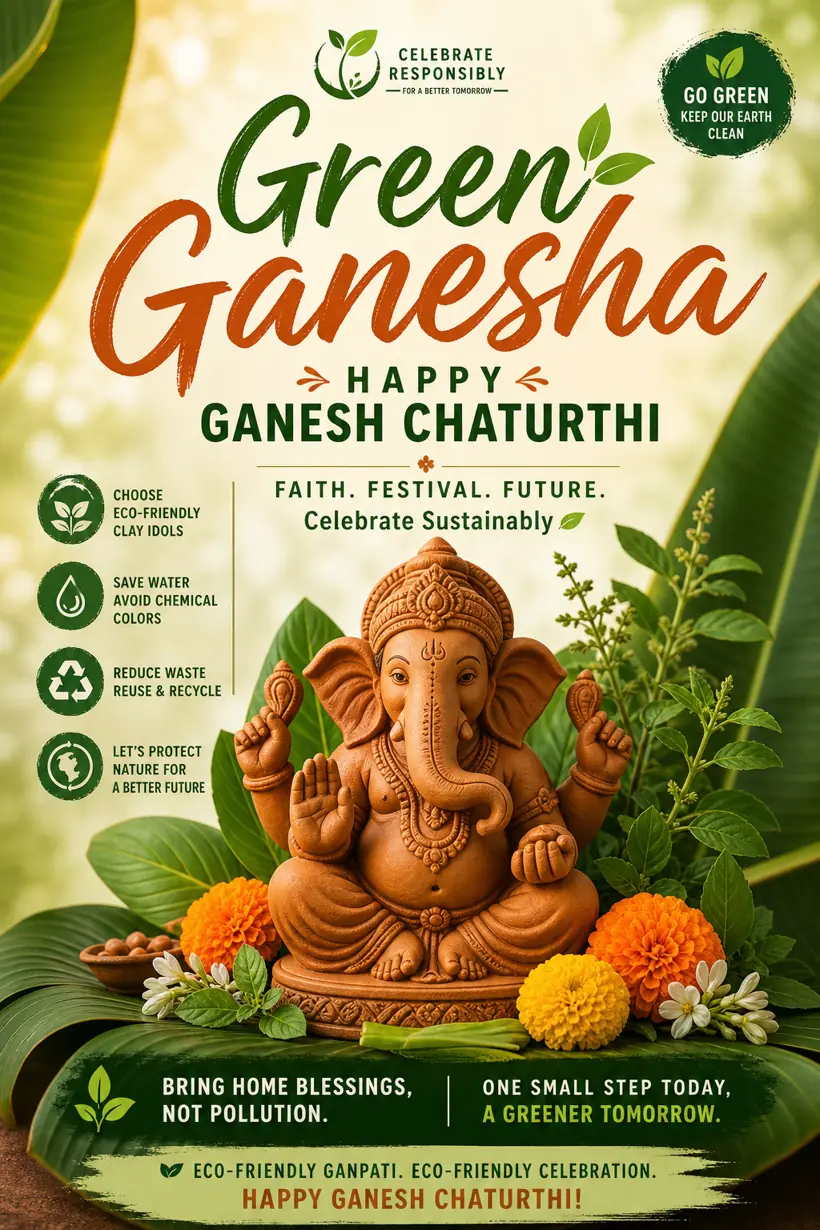
04Eco-friendly Ganesha
Earthy clay tones and natural decor for “eco Ganpati” and green-Ganesha messages.
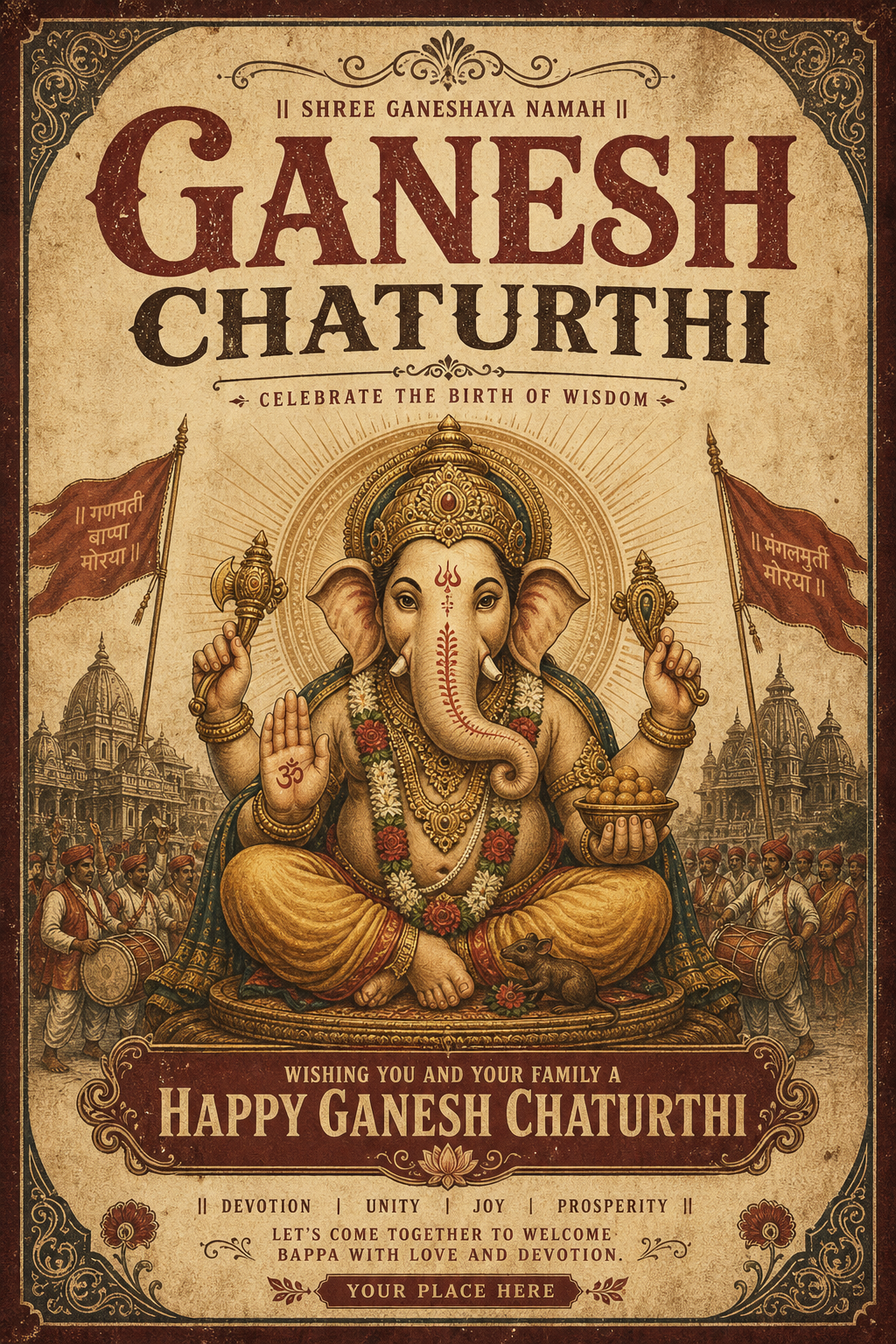
05Social story
A tall 9:16 Ganpati poster made for Instagram and WhatsApp status, with the greeting set for mobile.
Gallery
Ganesh Chaturthi posters made with Pixazo
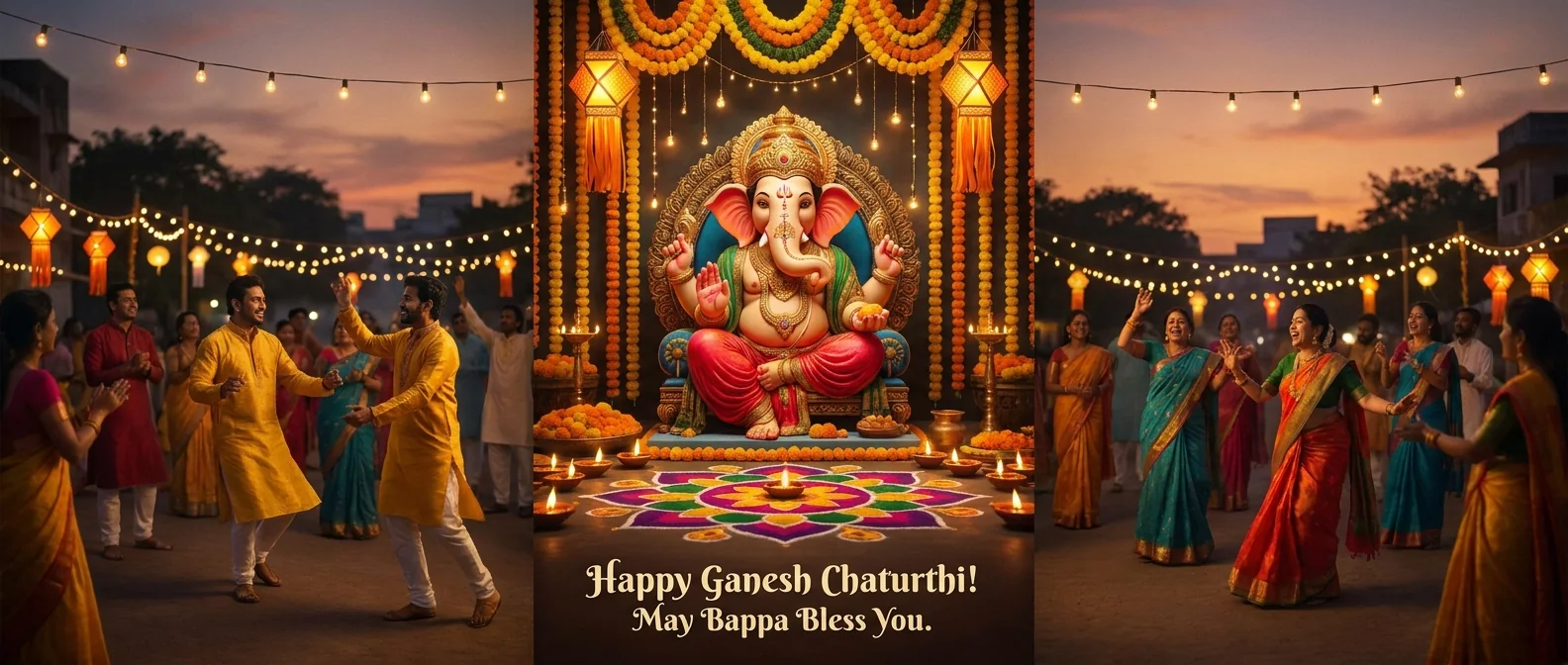
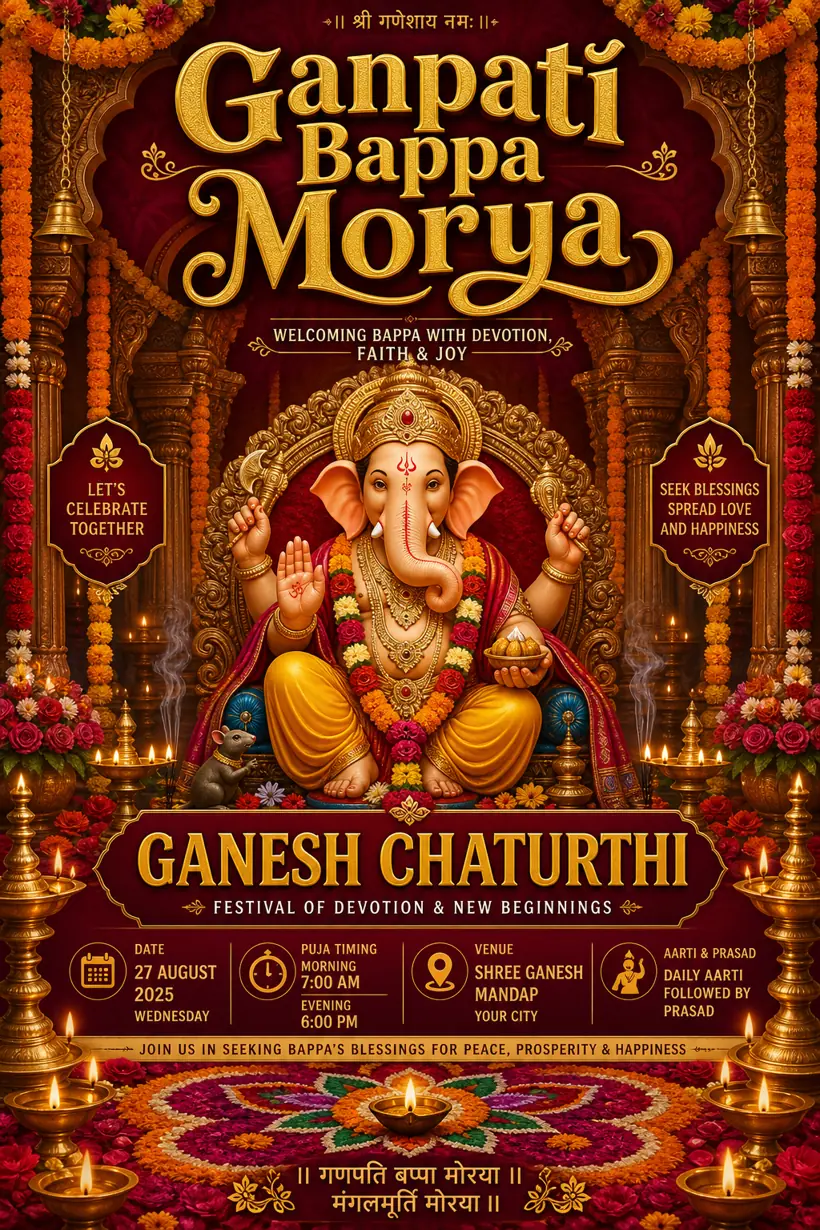
Every poster below was made by the AI Ganesh Chaturthi Poster Maker from one text prompt — banners, invitations and greetings, all ready to print or post. No two prompts give the same design.
Specs
What does the Ganesh Chaturthi Poster Maker give you?
What you get from the AI Ganesh Chaturthi Poster Maker, at a glance.
| Input | Plain-text prompt (English or Hinglish); no design skills needed |
| Output formats | PNG and PDF (print-ready), plus web-optimised JPG |
| Aspect ratios | Portrait poster, square, and 9:16 vertical for social stories |
| Resolution | High-resolution, suitable for A3 / A4 print |
| Free tier | 100 credits on signup |
| Watermark | Removed on paid plans |
| Commercial use | Allowed on paid plans |
How it works
How do you make a Ganesh Chaturthi poster with AI?
Four easy steps — most of it is just typing, right in the box above.
Describe the scene
Describe the idol, decor and greeting — “Ganpati on a marigold mandap, diyas, maroon and gold”.
Pick a style
Add a style — traditional, regal gold, minimal or eco — so the AI knows the mood.
Generate & refine
Get a few posters in seconds, then change a word to adjust the colour or text.
Download
Download a print-ready PNG or PDF and share or print it. Paid plans remove the watermark.
Who uses it
Where can you use your Ganesh Chaturthi posters?
One Ganesh Chaturthi poster can do a lot during the festival. Here’s where people use it.
Society & mandal notices
Aarti timings, visarjan schedule and welcome boards for your Ganpati pandal.
Social media wishes
Festival greetings for Instagram, WhatsApp status and Facebook in one tap.
Business promotions
Ganesh Chaturthi offers and sale posters for shops and services.
Invitations
Home Ganpati and aarti invites with the deity, date and address.
School & college events
Competition and celebration displays — plus a framed Ganesha print for the home mandir or office reception.
Honest limits
What will the AI Ganesh Chaturthi Poster Maker not do?
It’s an AI poster generator, not a human designer. A few things to know before you start.
- Text can come out wrong. Long Hindi or Marathi headlines and exact spellings may not render perfectly. Use the AI poster as artwork and add the final text in an editor when it matters.
- It won’t match an exact idol photo. It creates a fresh Ganesha, not a replica of your specific pandal idol.
- Fine print needs a check. Dates, addresses and phone numbers should be verified or re-typed before printing.
- It’s not unlimited. Each generation uses credits; new accounts start with 100 free.
Questions
What do people ask about the AI Ganesh Chaturthi Poster Maker?
Is the Ganesh Chaturthi Poster Maker free?
Do I need design skills to make a Ganpati poster?
Can I add “Ganpati Bappa Morya” or my society name?
What sizes and formats can I download?
Can I use the posters commercially?
How long does it take to make a Ganesh Chaturthi poster?

Reviewed by
Deepak Joshi
Deepak Joshi is a Content Marketing specialist with 10+ years of combined experience in the digital world. He is one of the active contributors to the Pixazo Blog and reviews Pixazo product pages for clarity, accuracy, and EEAT compliance.
Make your Ganesh Chaturthi poster now
Describe your Ganpati celebration and the AI Ganesh Chaturthi Poster Maker turns it into a print-ready poster in minutes.
Generate a free Ganesh Chaturthi poster →Free credits to start · print-ready PNG & PDF

