AI Vintage Photo Generator
Create vintage and retro images of 80’s and 90’s with our AI Vintage Photo Maker for free. Generate nostalgic vintage and retro-style AI photos with AI.
Choose an AI palette for artistic style.
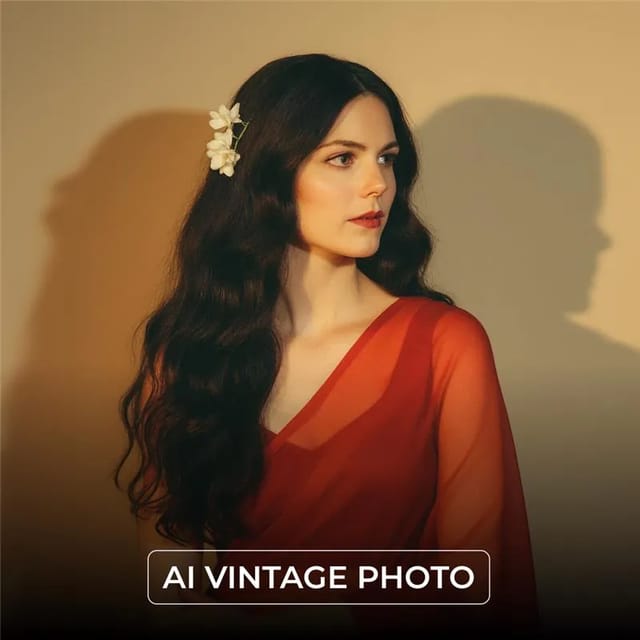
Pixazo PixelForge
AI Text to Image
Describe your vision for AI to illustrate.
Select the canvas size for your art.
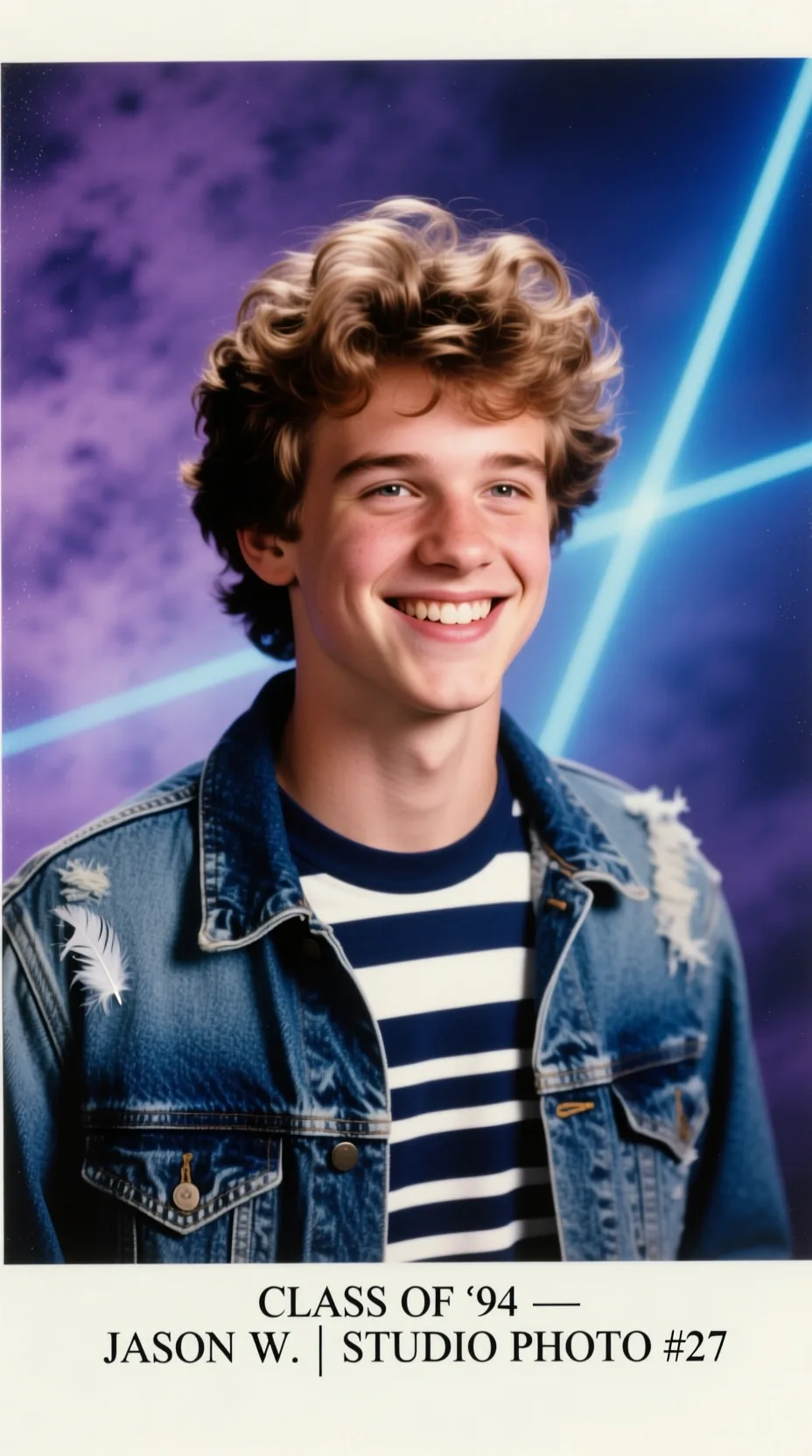
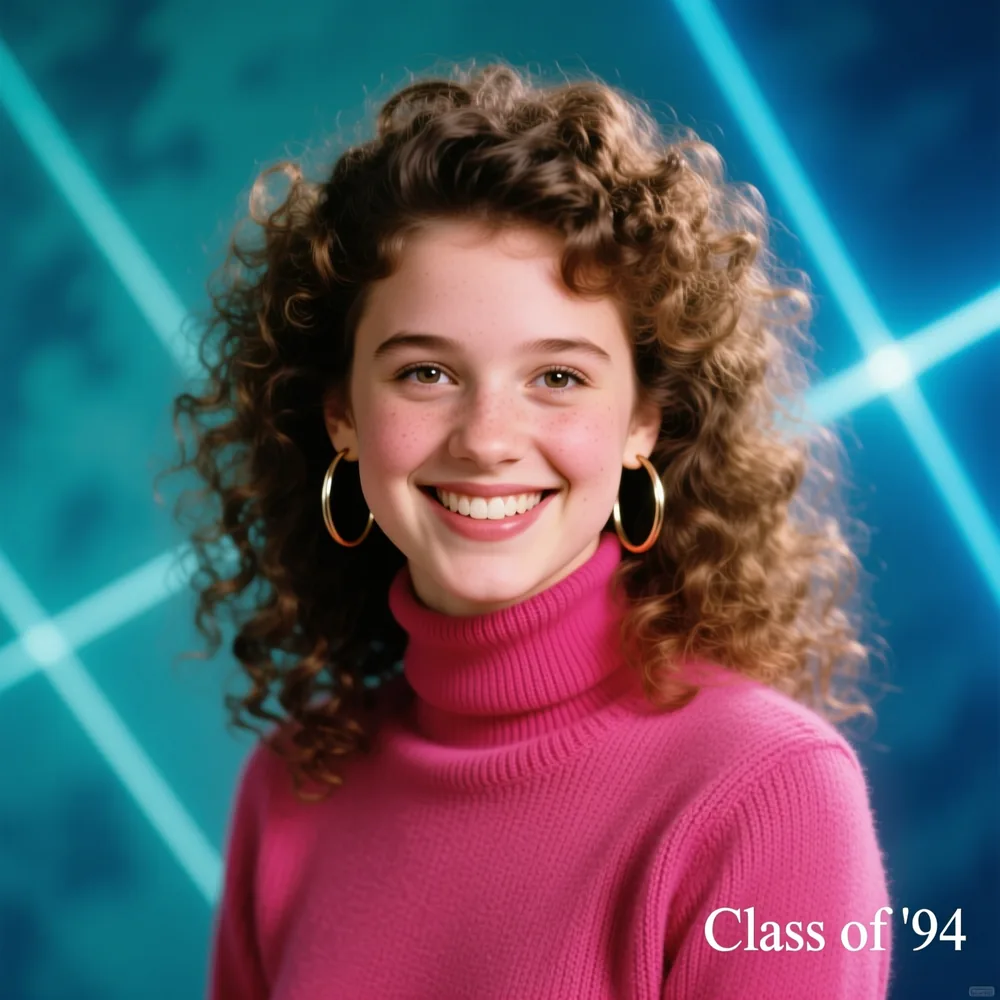
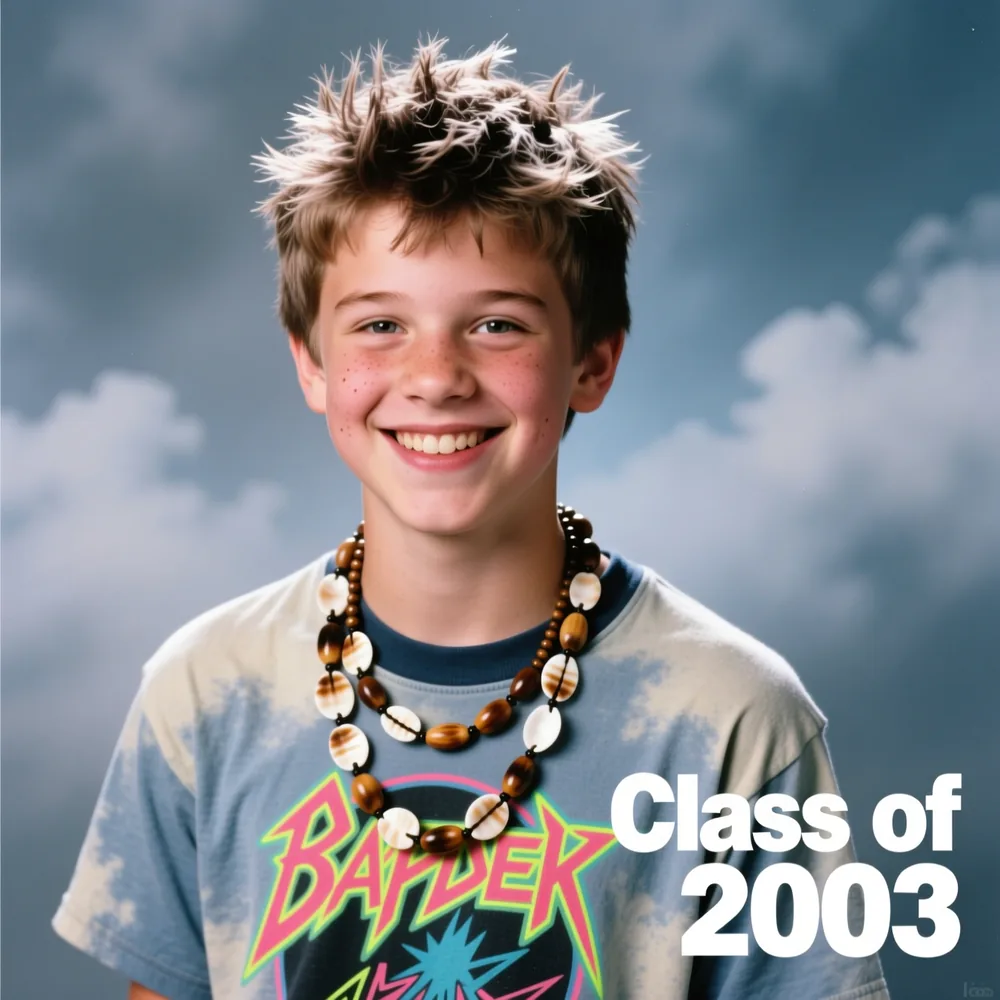
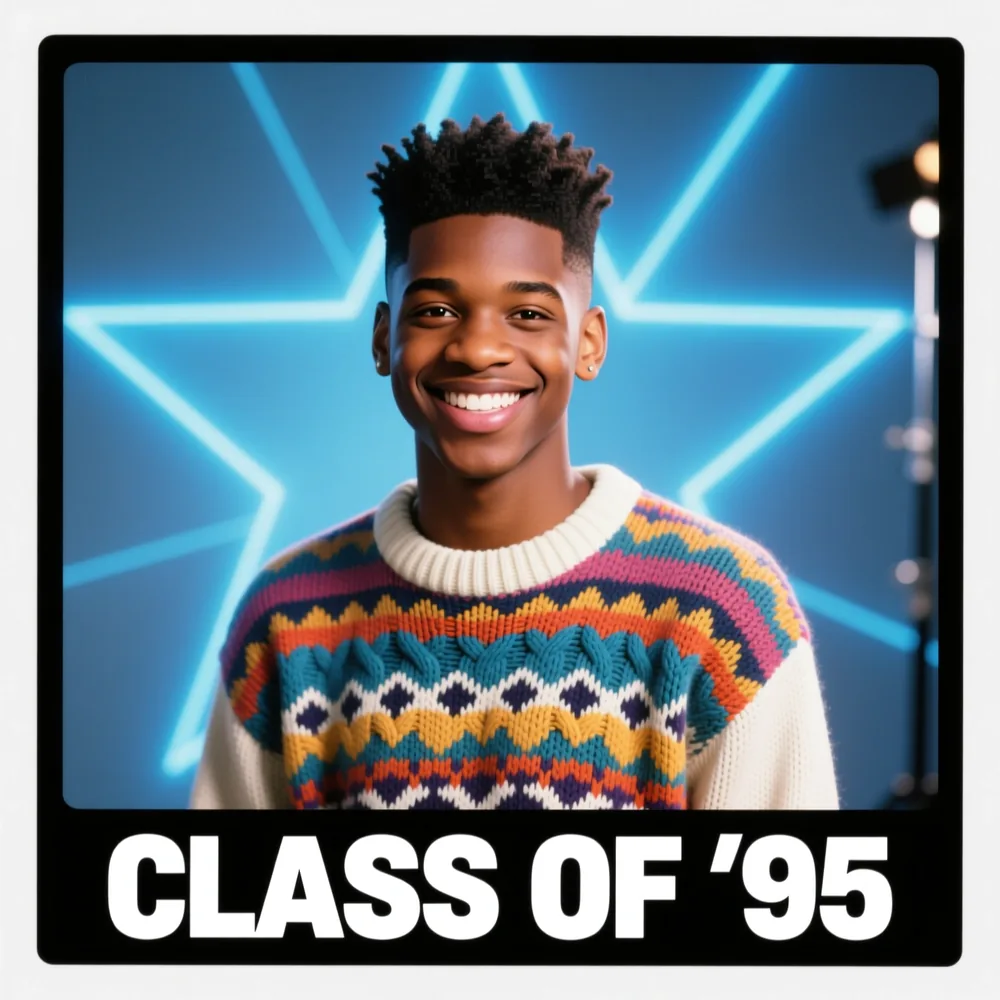
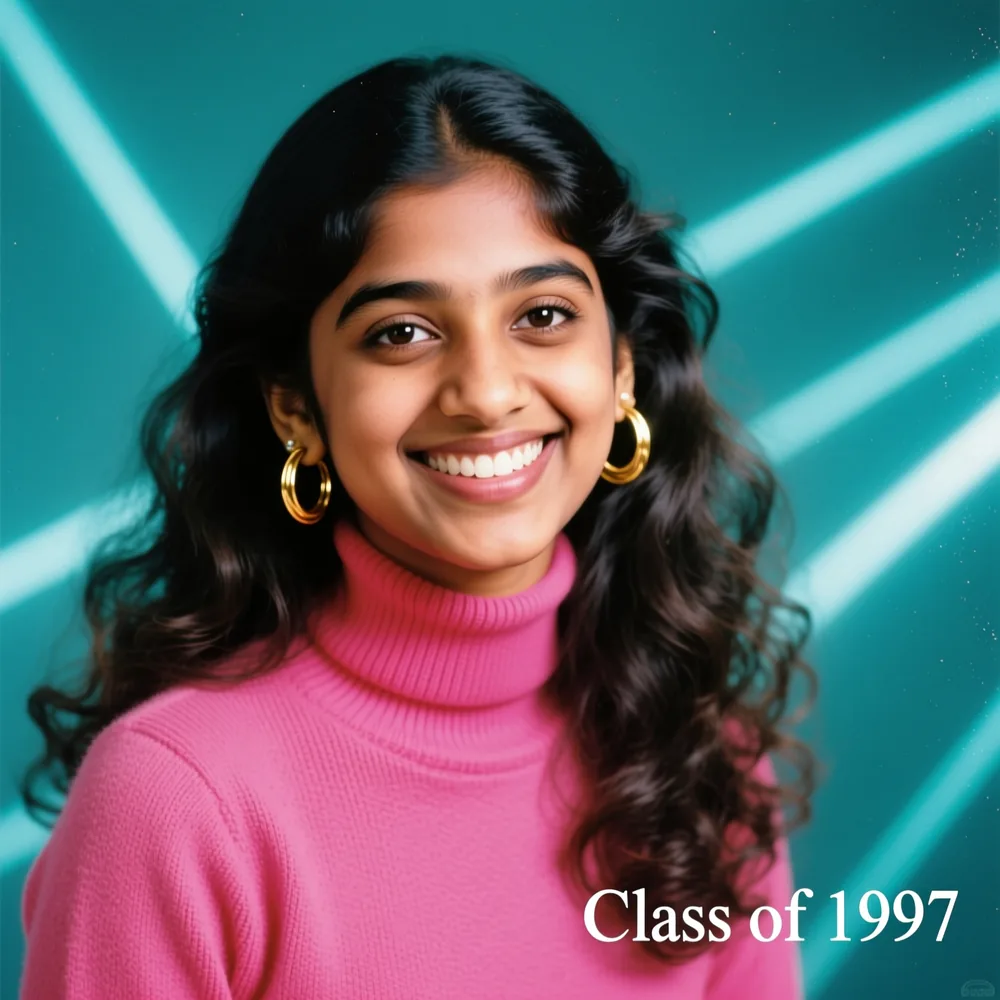
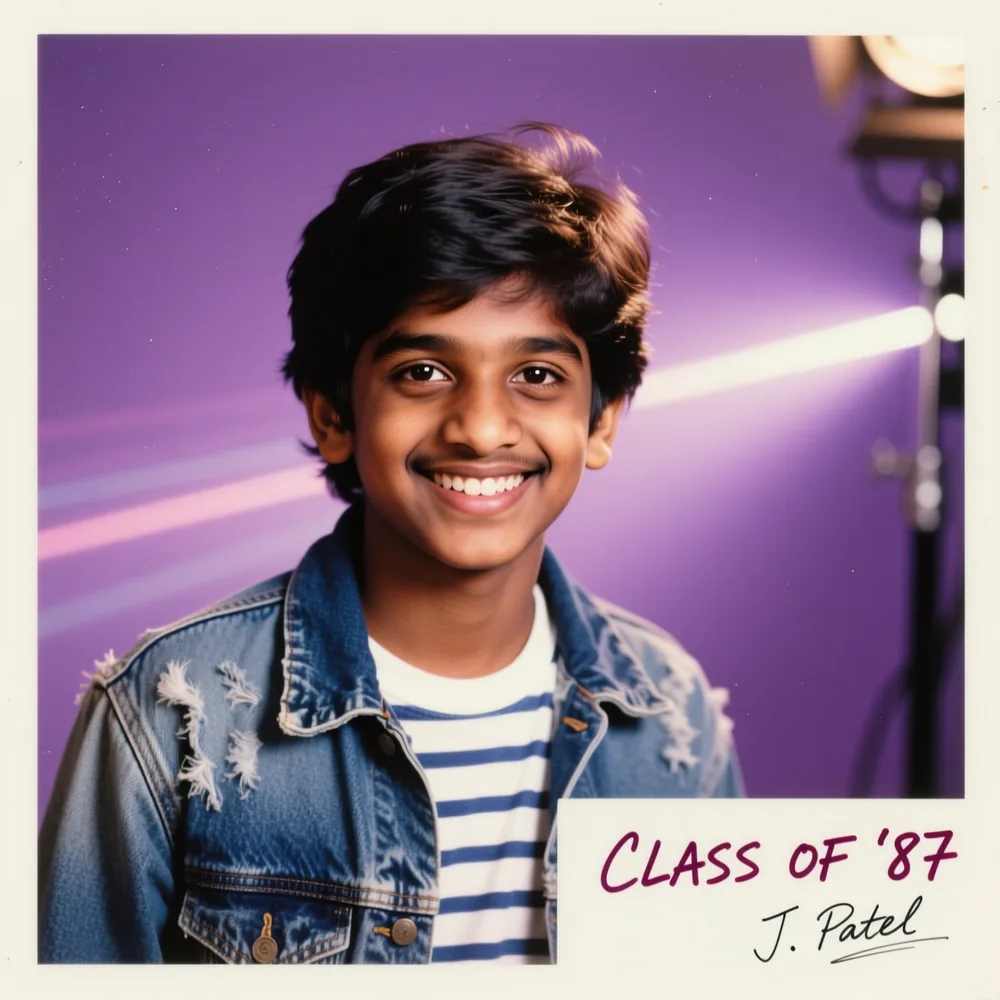
What is an AI Vintage Photo Generator?
An AI vintage photo generator turns your normal photos into 80s and 90s vintage-style, retro pictures. Upload a photo of yourself, and Pixazo adds vintage film filter effects — warm faded colours, soft grain and classic backdrops — in one click. It’s free to try and needs no editing skills.
A real vintage look
Warm film colours, soft grain and classic studio backdrops that make your photos look genuinely old and retro.
Upload and go
Just upload your photo — it goes straight to the AI agent on its own. The AI does the rest, with no Photoshop and no editing skills needed.
Refine it in the agent
The 80s style is applied for you. Prefer a different era or film look — like “90s film” or “sepia”? Just ask for it in the agent once your photo opens there.
Can one photo work for any era — 80s, 90s or 2000s?
The same photo can become any decade. Add a short prompt to pick the era, or let the AI vintage photo generator choose for you.
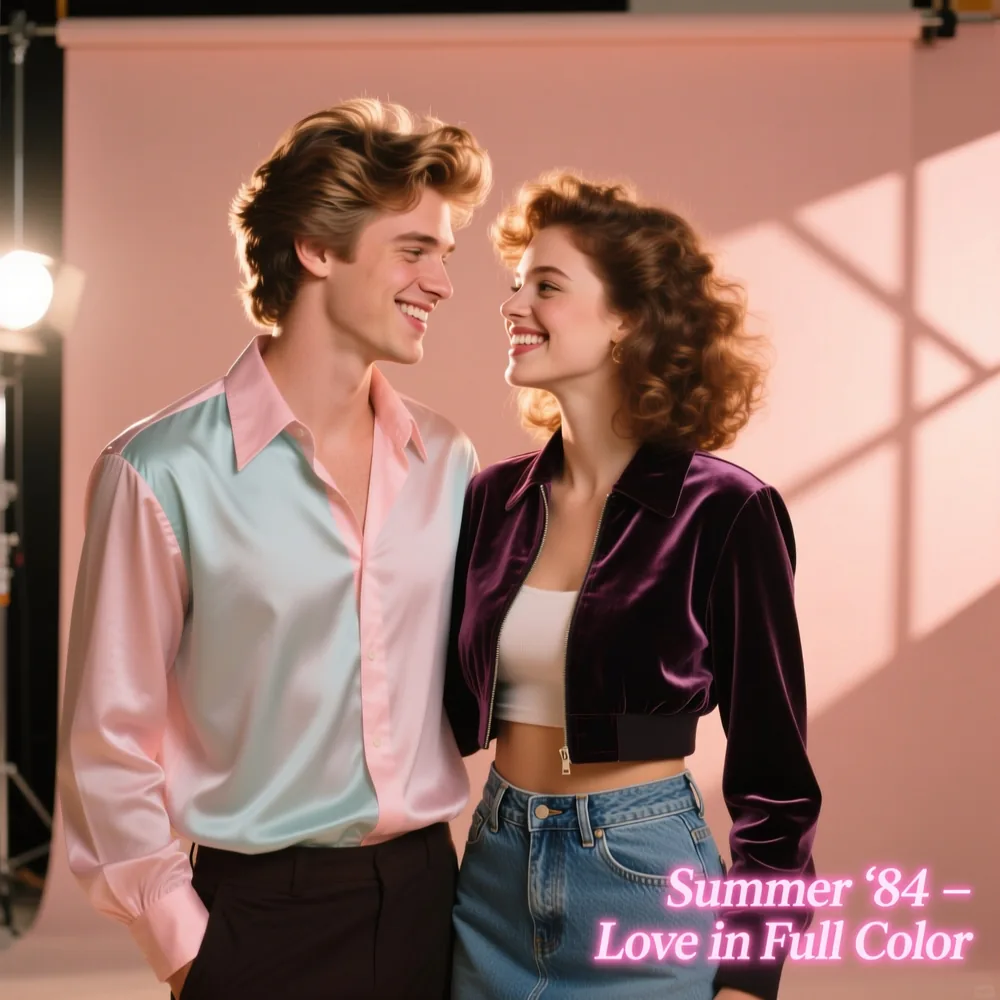
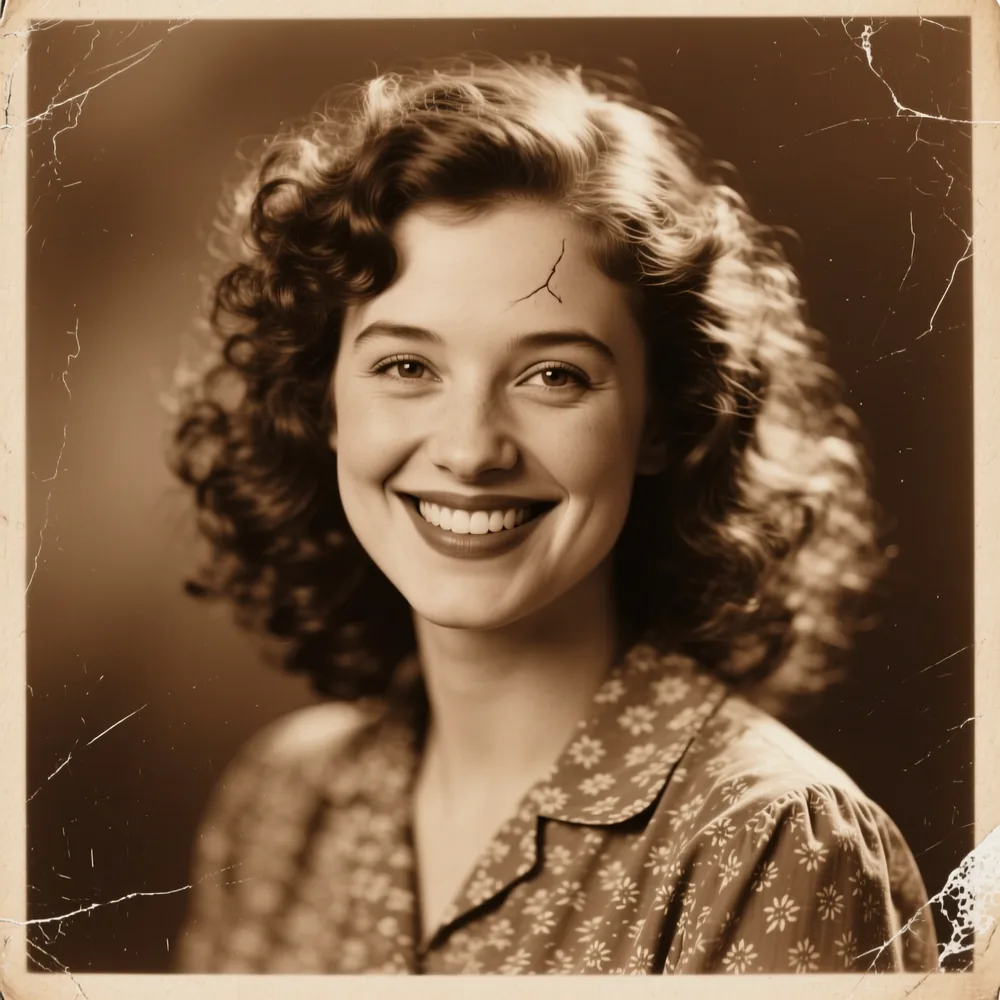
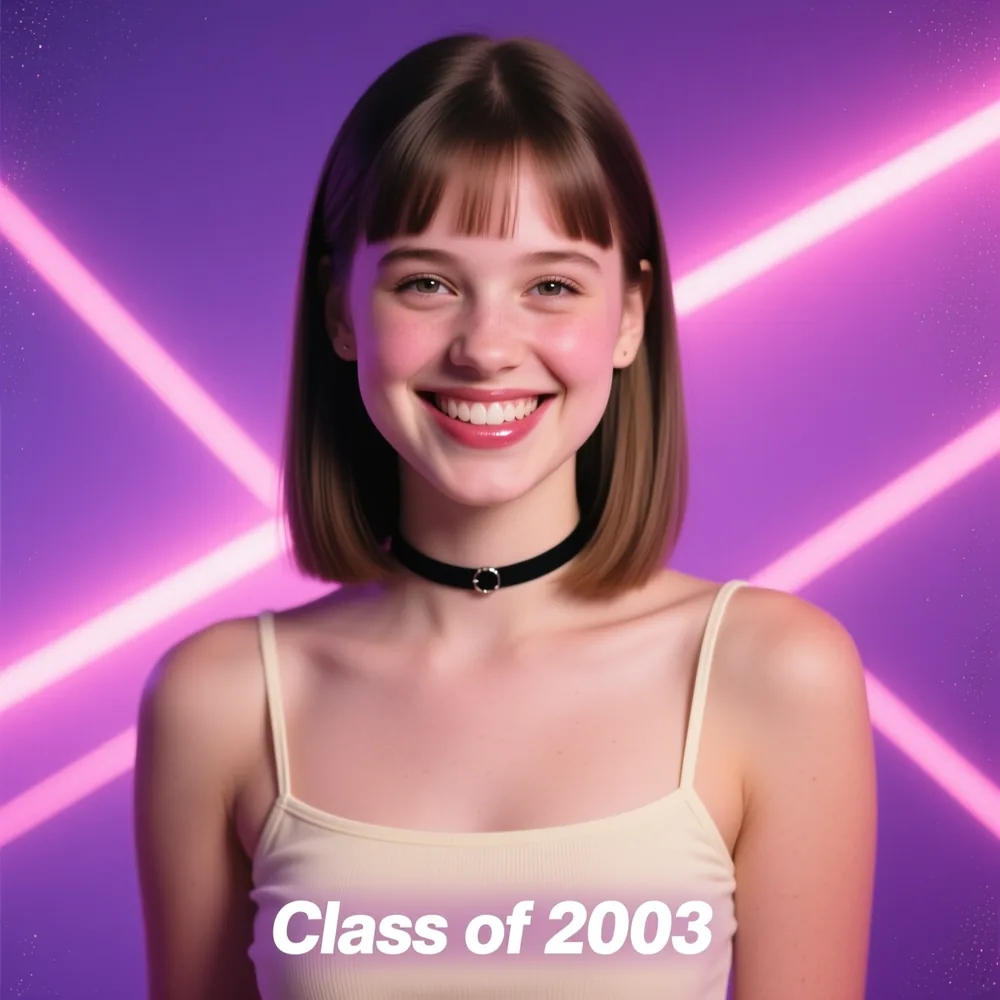
See yourself in the 80s, 90s or 2000s — it all starts with one photo.
Upload your photo →How do you make vintage photos in 5 steps?
From a normal photo to a finished vintage picture — here’s how it works.
Upload your photo
Drag & drop or browse to add your photo in the box above — one image, up to 5 MB.
It’s already 80s-styled
Your photo is set to an authentic 80s vintage look automatically — nothing to adjust here. Want a 90s or sepia vibe instead? Ask for it in the agent once your photo opens there.
It opens in the agent
No extra clicks — as soon as your photo finishes uploading it goes straight to Pixazo’s AI agent and the vintage conversion starts.
Watch it develop
The AI turns your photo into an 80s or 90s vintage portrait. Regenerate in the agent for a different look.
Download & share
Download your vintage photo in high quality and share it on Instagram, TikTok or Pinterest.
Ready to make your first vintage photo?
Upload your photo →What features make it easy?
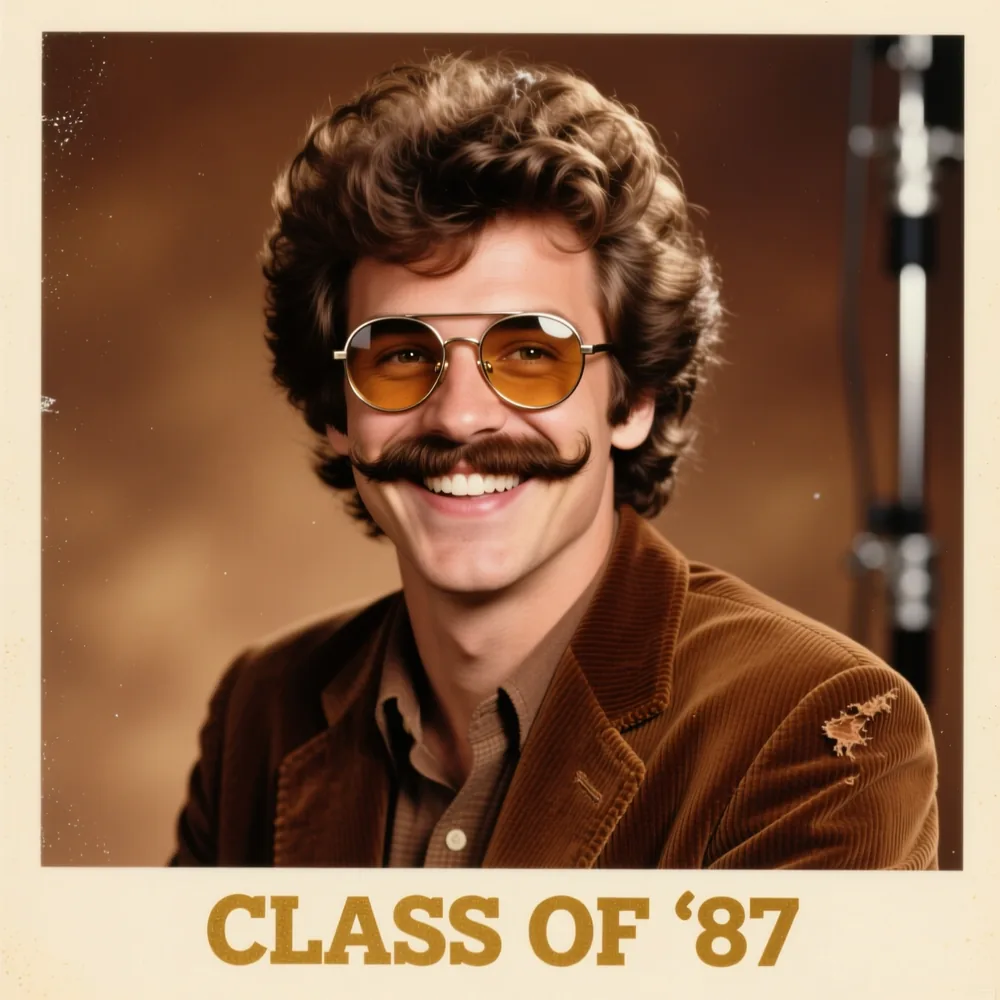
Upload single or couple photos and turn them into vintage portraits. The AI keeps the same faces and pose.
Leave it blank for an automatic look, or add a prompt to guide the vintage style yourself.
Choose from many looks — classic sepia, 80s film or laser-backdrop yearbook photos.
Like these features? Try them on your own photo — free.
Upload a photo →What are fun ways to use it?
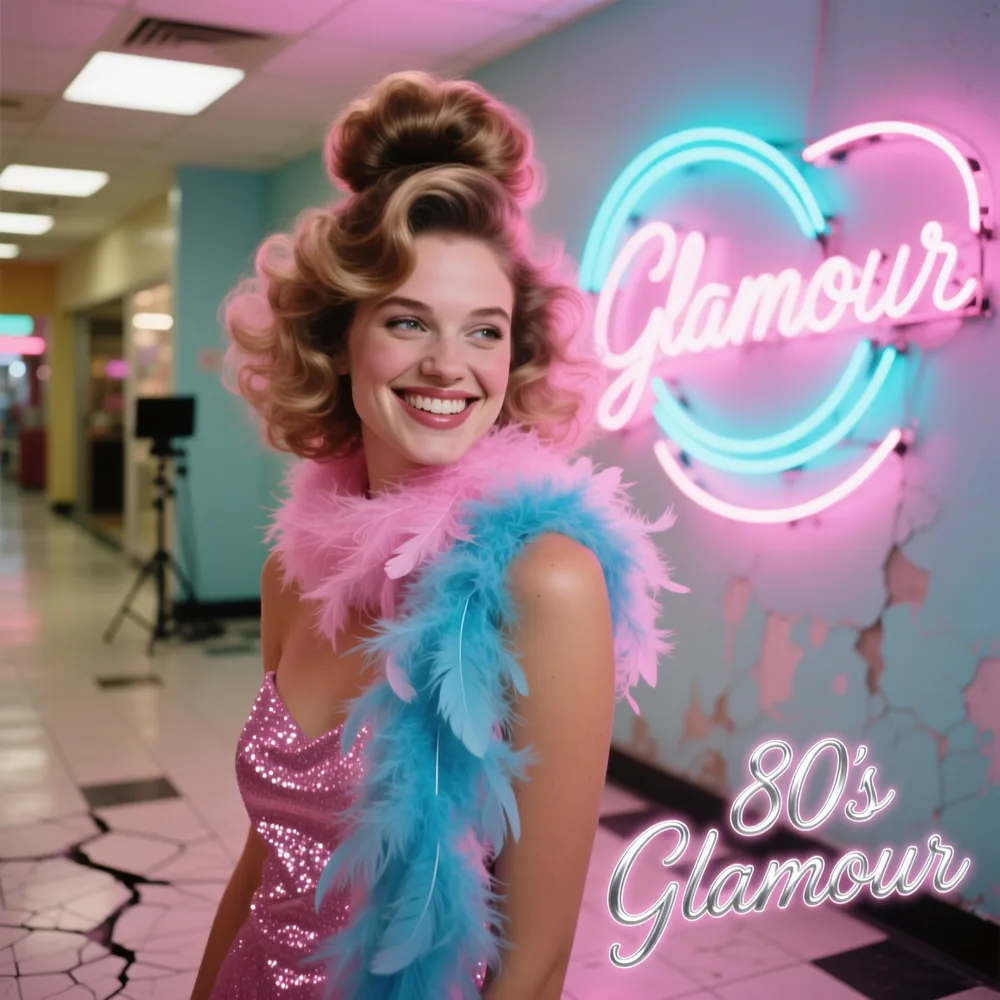
Turn a selfie into a retro profile picture with one click.
Give couple photos a nostalgic, vintage feel for anniversaries and save-the-dates.
Try styles like “retro film grain” or “80s vibe” to make each photo your own.
Stand out on Instagram, TikTok and YouTube with retro posts, and turn everyday selfies into shareable memories.
Add old-school charm to visuals for cafes, fashion brands and lifestyle products.
Give campaigns, invitations and event promos a nostalgic, handmade feel.
Make new photos look like they were taken decades ago.
Turn your selfie or couple photo into a vintage picture.
Make my vintage photo →What looks can you create?
You can create 80s and 90s retro style looks with vintage effects using Vintage Photo Generator. Every style has its own feel. Ask for a specific film or studio look, or try a few and keep your favourite.
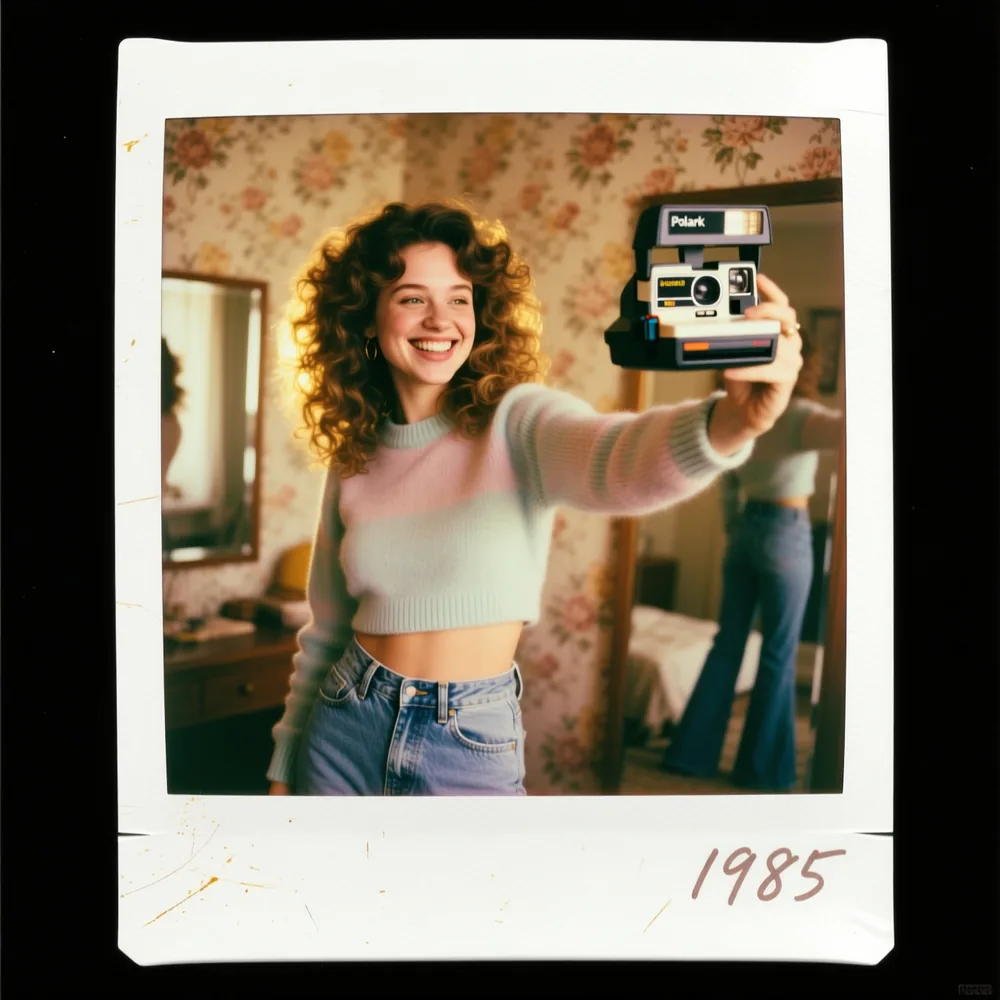
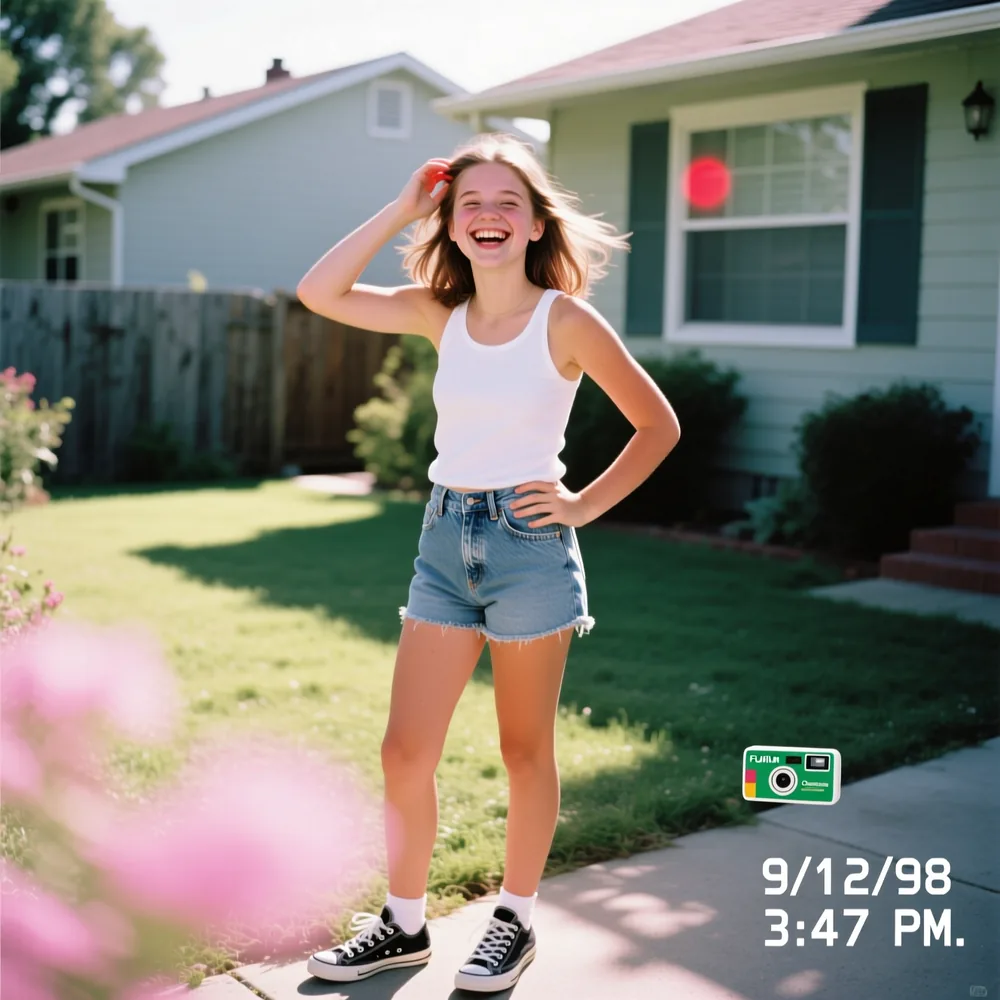
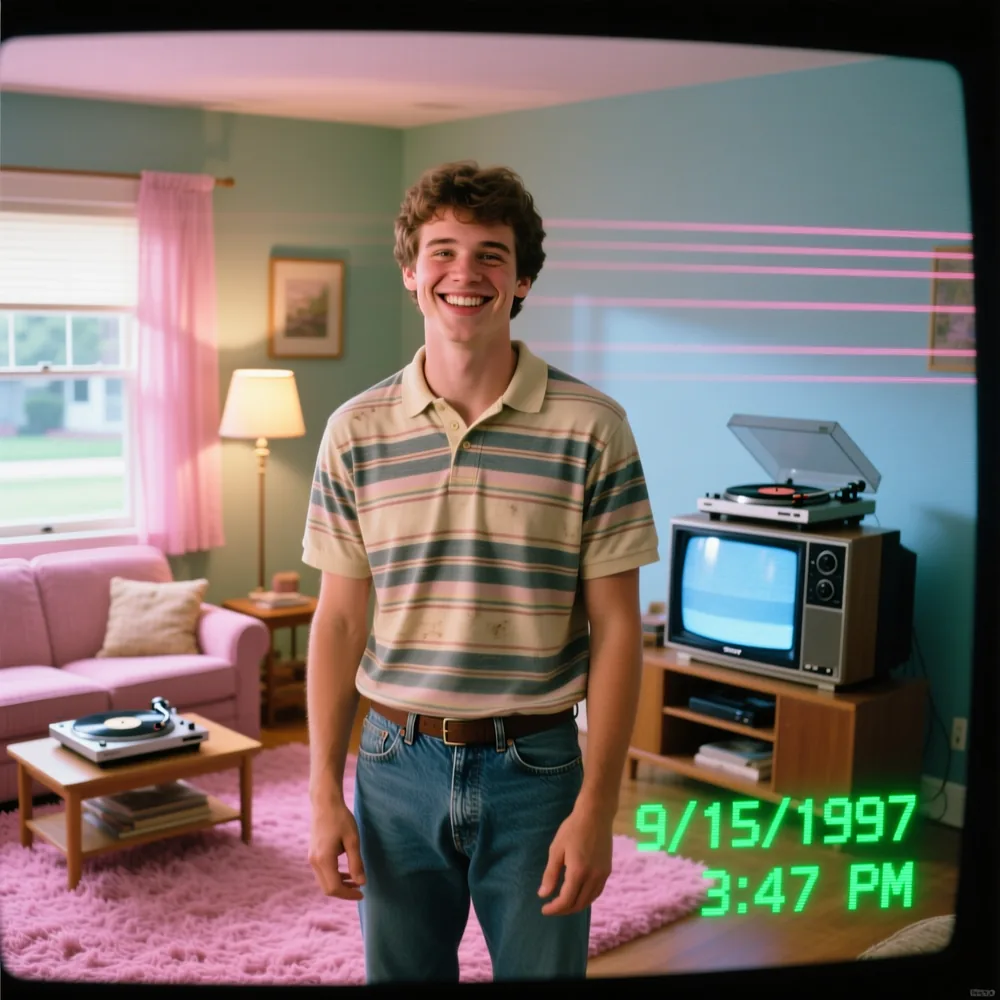
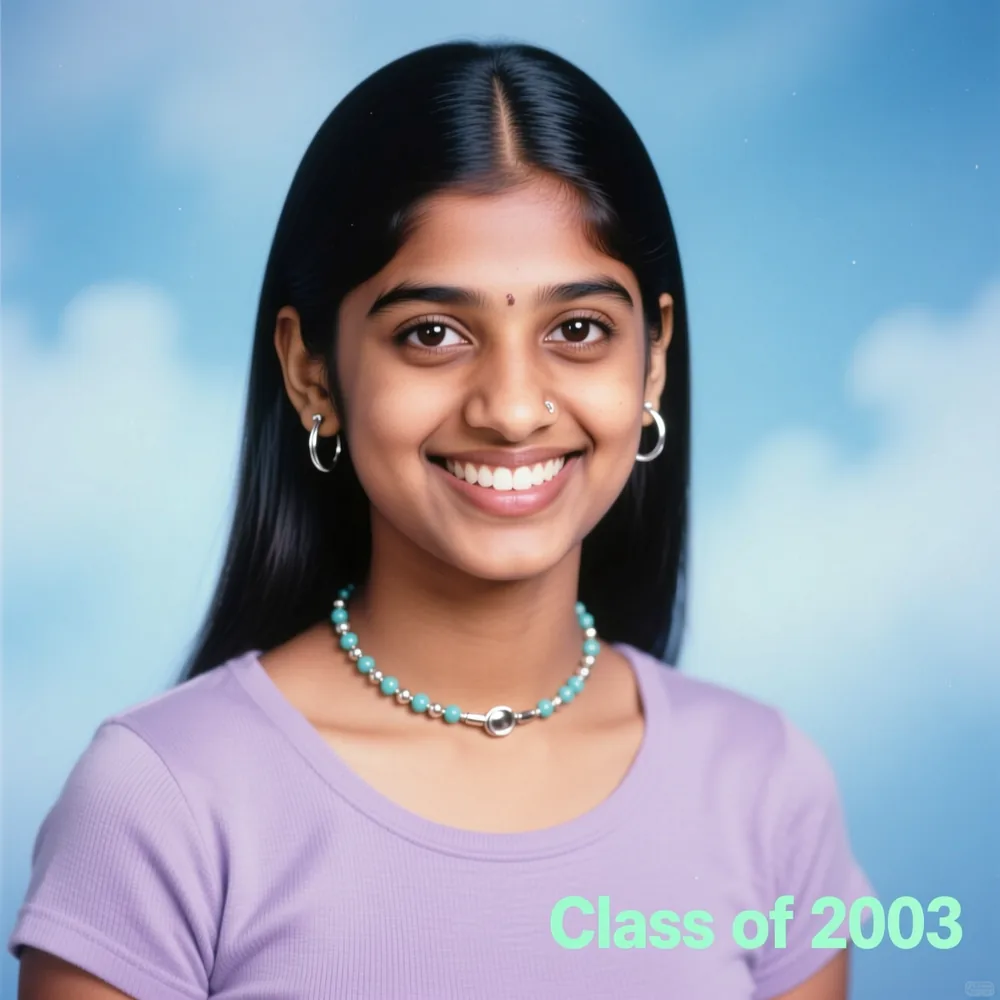
Found your look? Upload a photo and start creating.
Upload your photo →Frequently Asked Questions for AI Vintage Photo Maker
Q1Do I need to write a prompt to generate vintage photos?
No — prompts are optional. Upload your photo and the AI automatically applies a high-quality vintage style. You can add a prompt any time you want more control over the look.
Q2Can I upload couple photos or only solo pictures?
Both are supported. Upload selfies, solo portraits or couple shots and the AI transforms them into timeless vintage edits.
Q3What image formats are supported?
JPG, PNG, WebP and iPhone HEIC photos are all supported. Higher-quality photos produce sharper, more realistic vintage images.
Q4Is this tool free to use?
Yes — you can try the vintage photo generator free with trial credits. For higher-quality results and more style options you can upgrade any time.
Q5Do I need editing skills to use this tool?
Not at all. The AI handles everything automatically — no Photoshop or editing knowledge required. Just upload, click, and get your vintage-style photo.
Make your vintage photo now — upload a photo and let the AI do the rest.
Upload your photo, it’s free →Deepak Joshi is a Content Marketing specialist with 10+ years of combined experience in the digital world, and one of the active contributors to the Pixazo Blog. More from Deepak →

