

Skip to content
IN

AI Carousel Maker

Create carousels for free with AI Carousel Generator and boost your online presence without design expertise.

9:41
P your.brandCorporate · LinkedIn ···
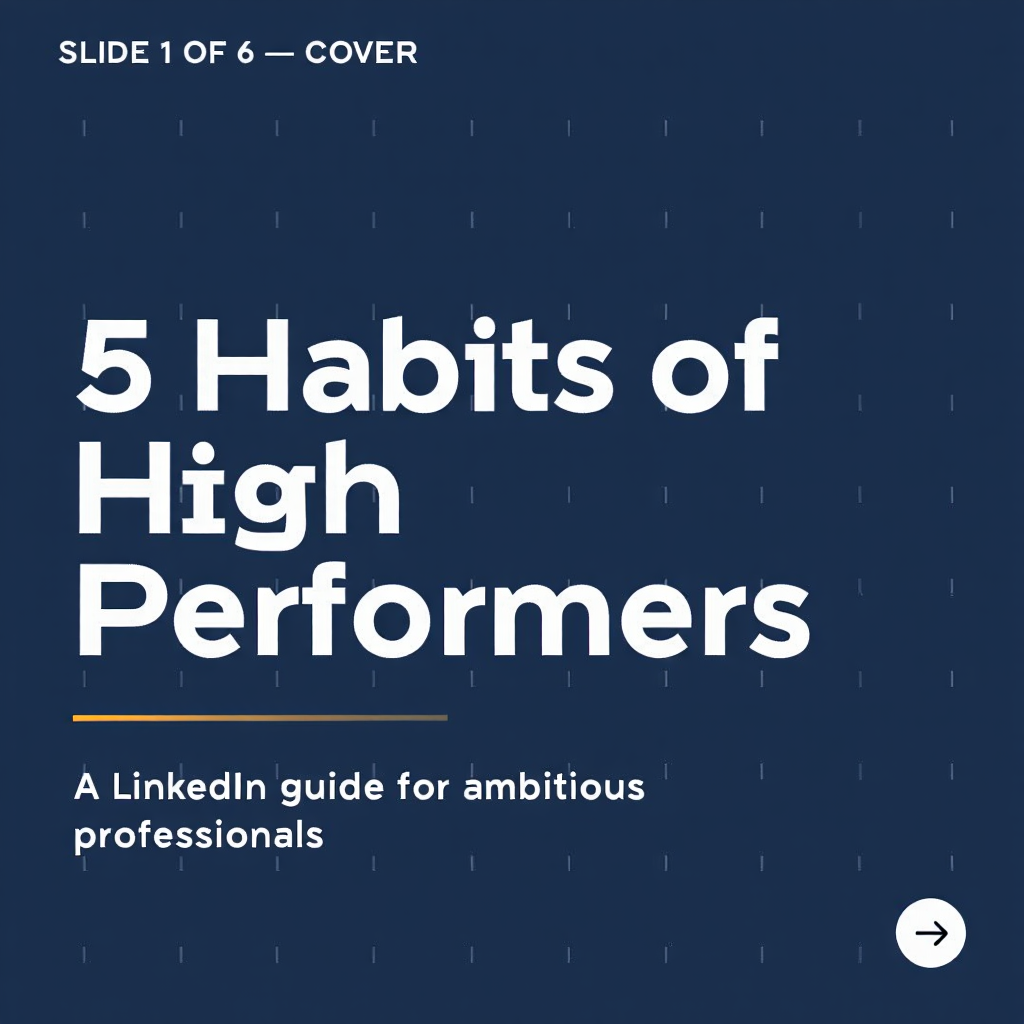
Corporate LinkedIn carousel slide 1 of 6 created with Pixazo AI1/6
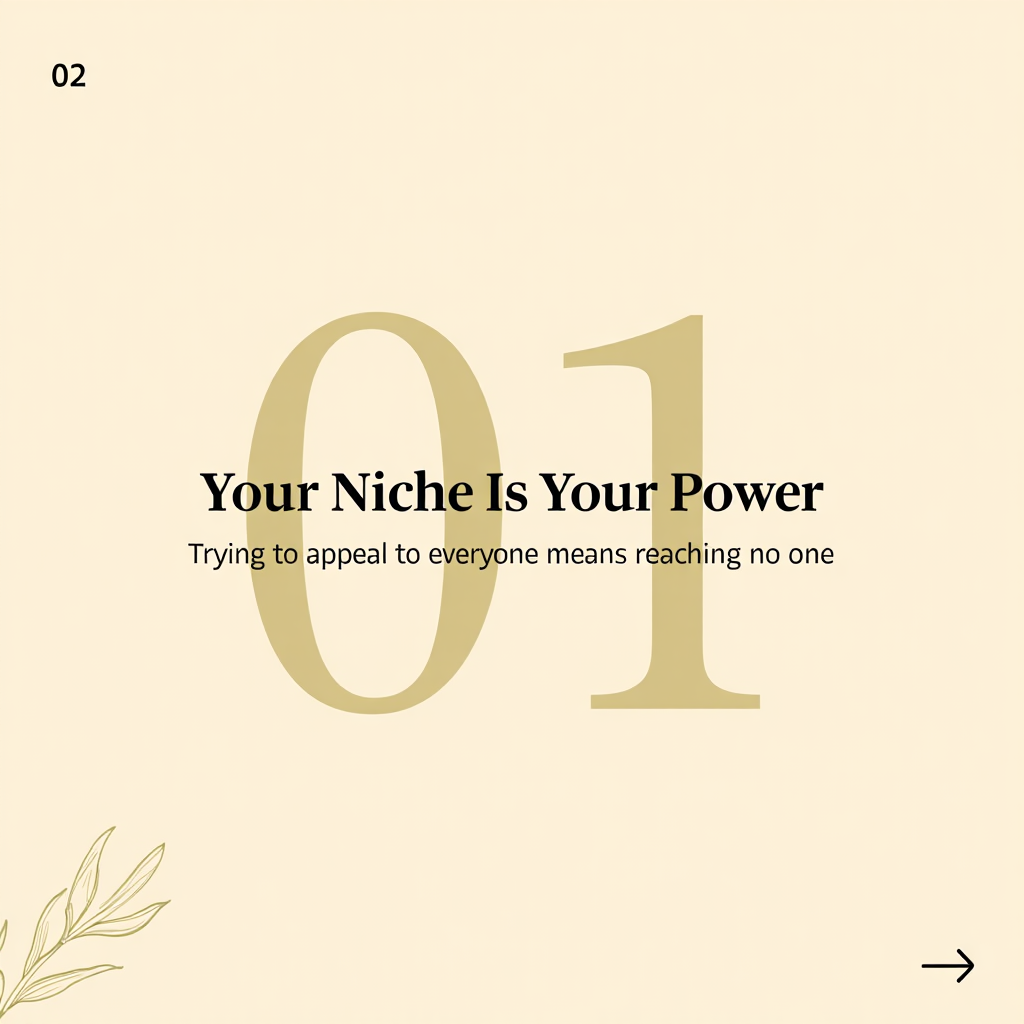
Corporate LinkedIn carousel slide 2 of 6 created with Pixazo AI2/6
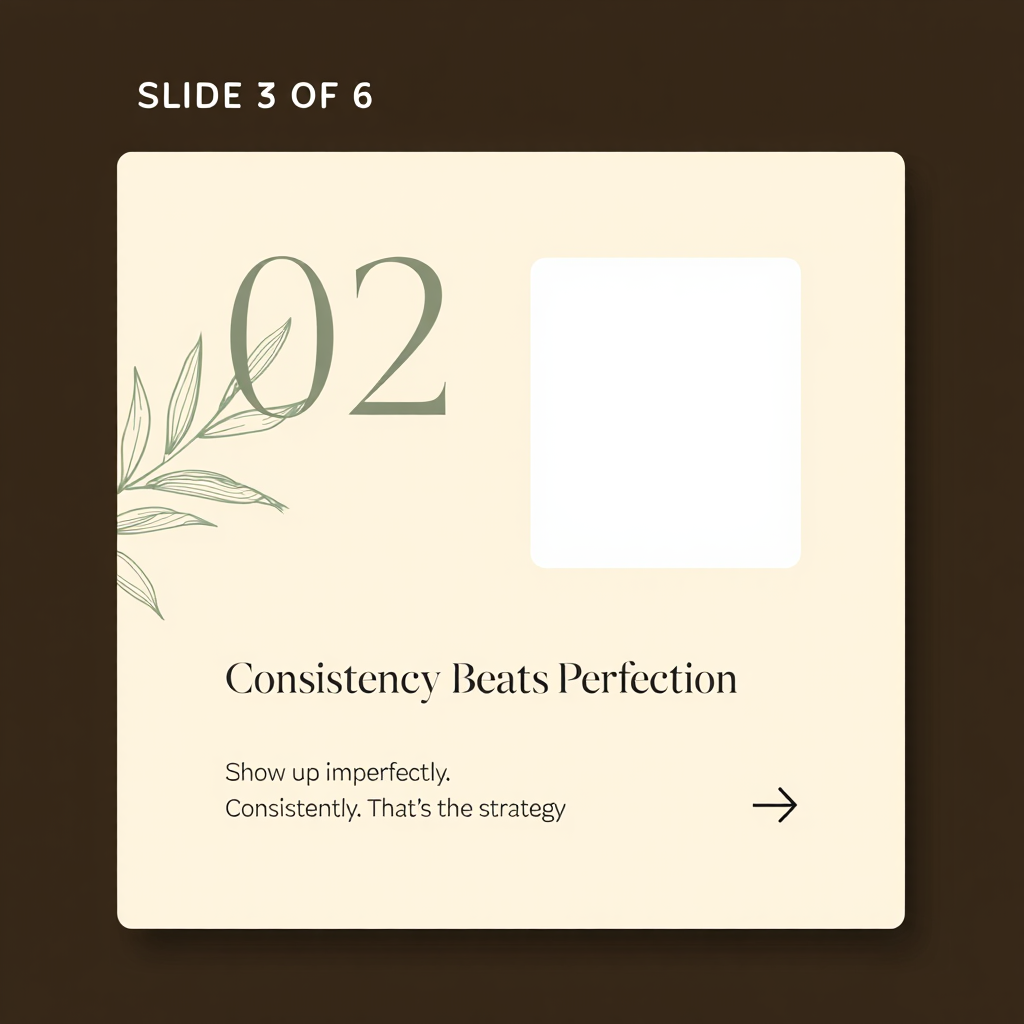
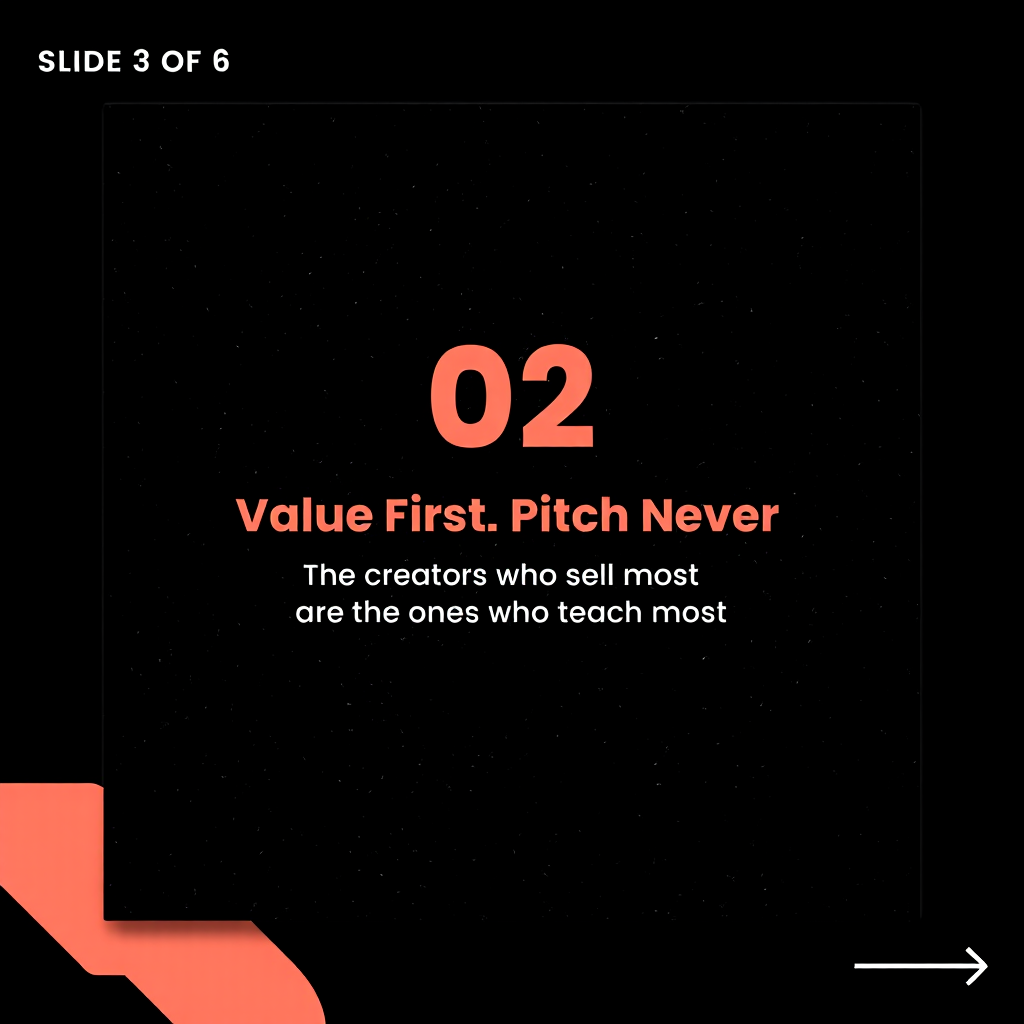
Corporate LinkedIn carousel slide 3 of 6 created with Pixazo AI3/6
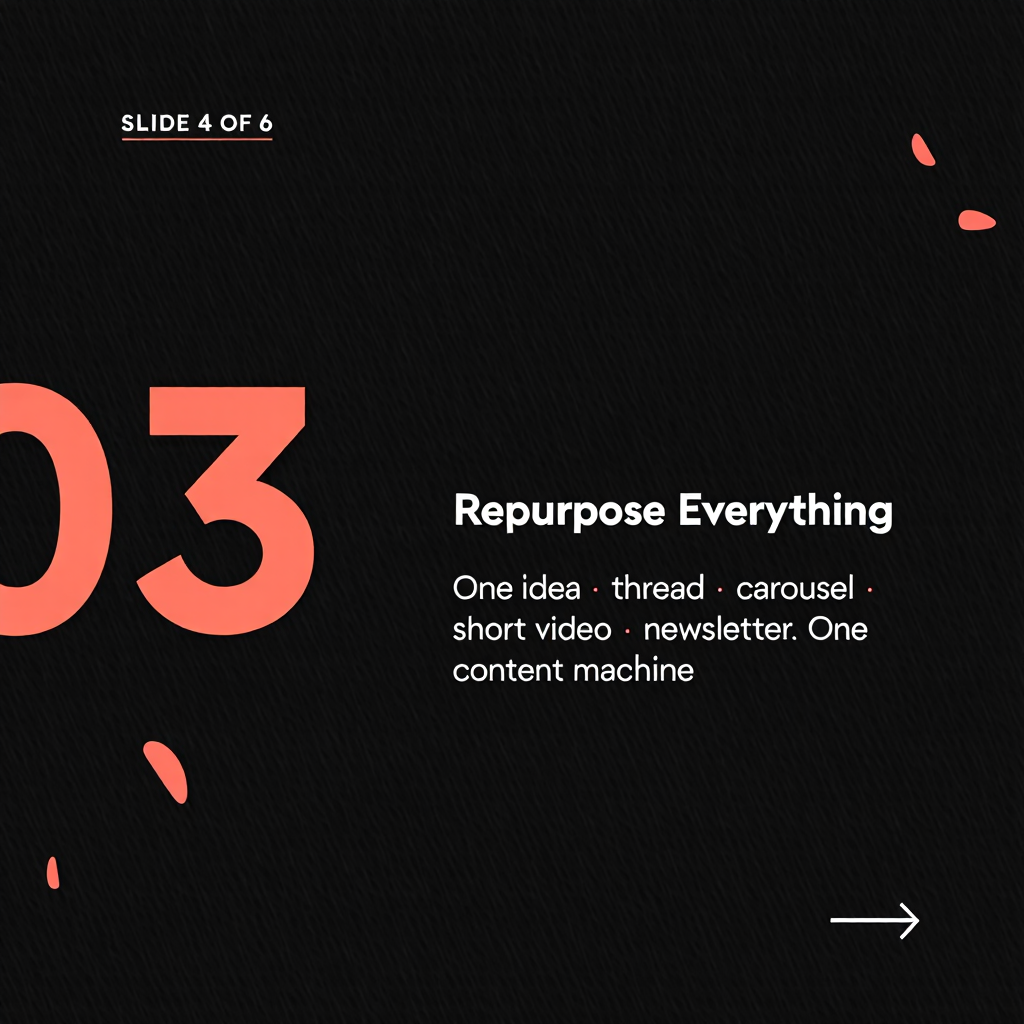
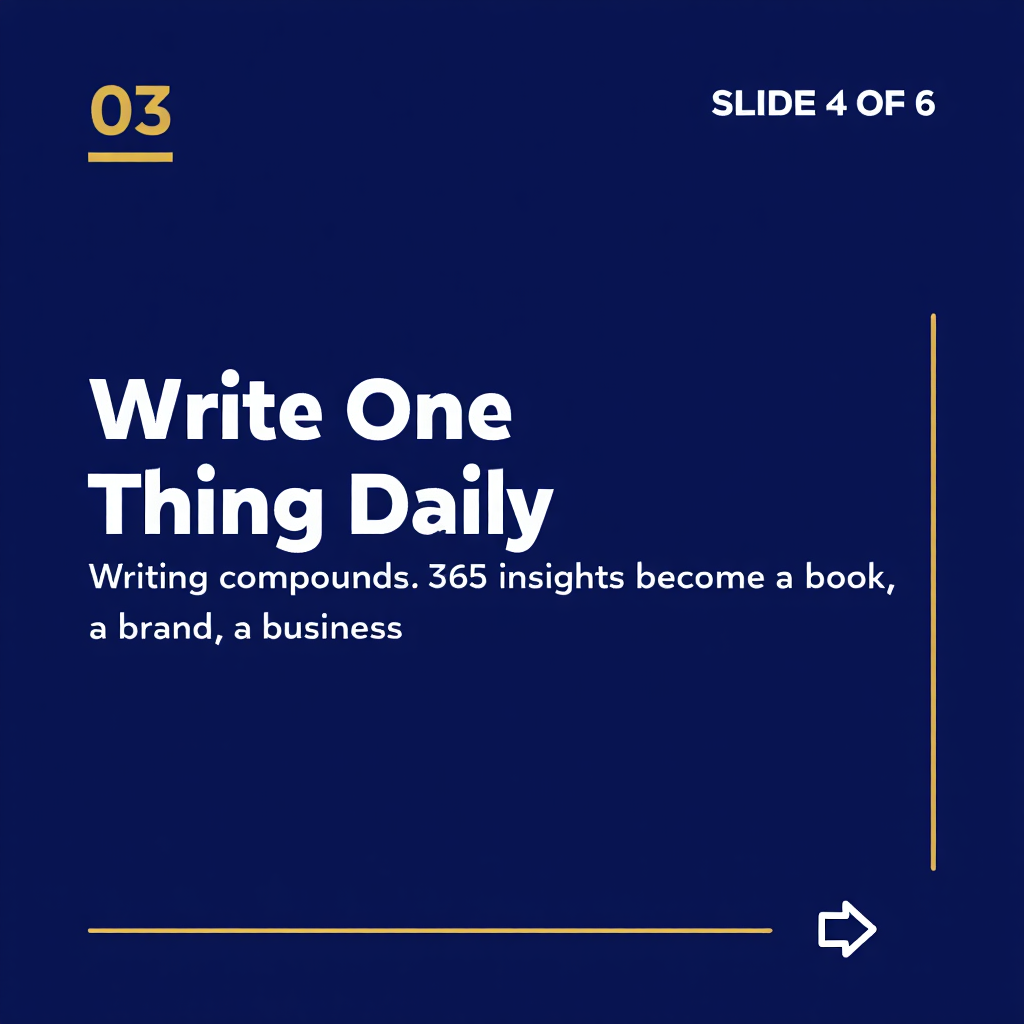
Corporate LinkedIn carousel slide 4 of 6 created with Pixazo AI4/6
Corporate LinkedIn carousel slide 5 of 6 created with Pixazo AI5/6
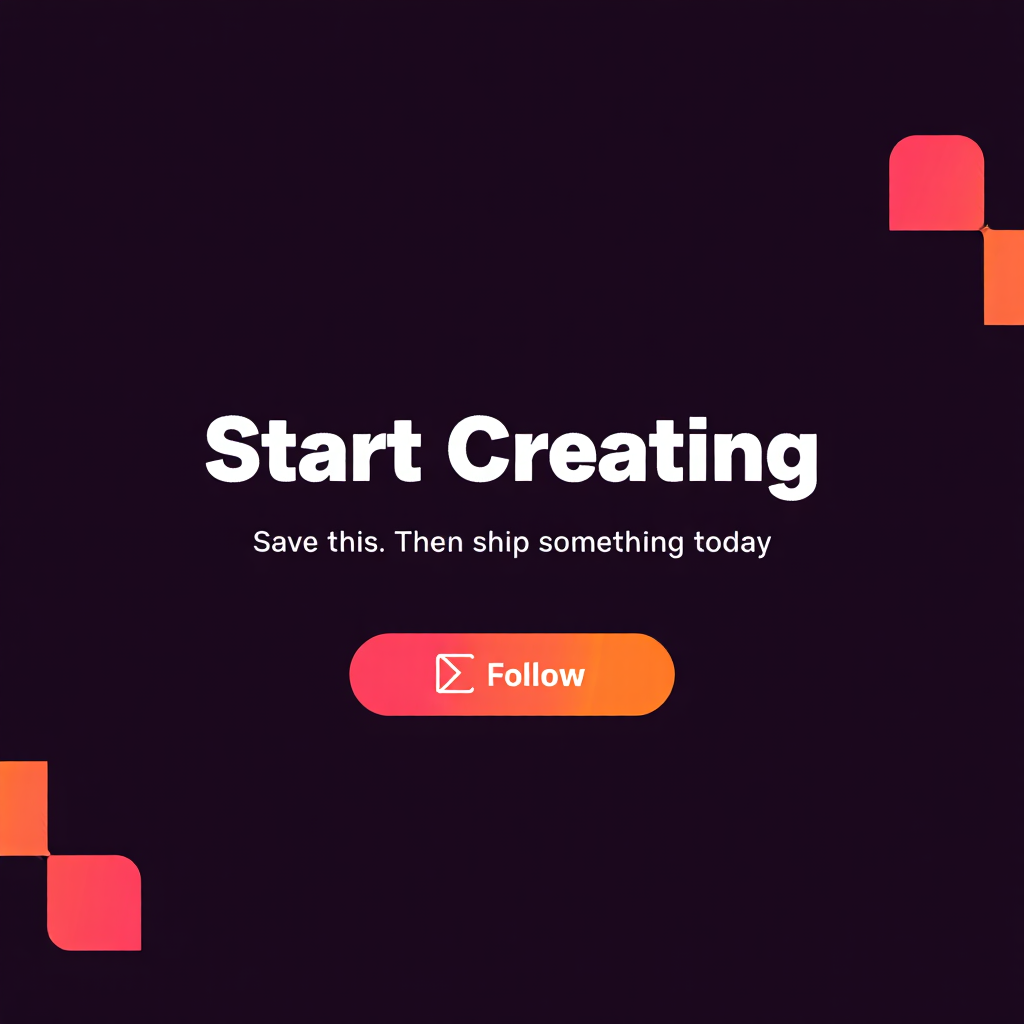
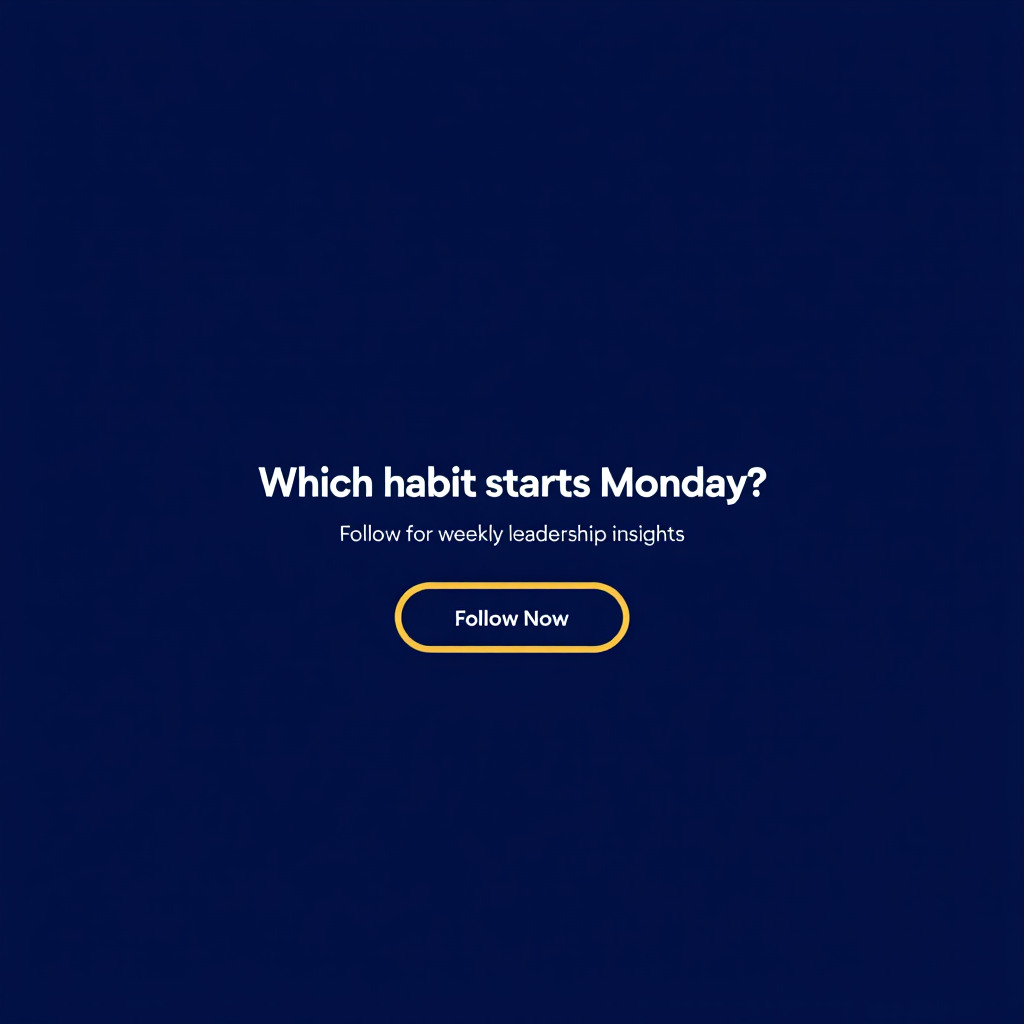
Corporate LinkedIn carousel slide 6 of 6 created with Pixazo AI6/6
1/6 swipe →
your.brandOne topic in, a swipeable carousel out.
📌 Pinned · in short

AI Carousel Maker, in short

The Pixazo AI Carousel Maker is a free AI carousel generator for LinkedIn and Instagram. Start with a topic, and the AI sets a clear slide order: a cover that hooks, body slides with one idea each, and a closing call to action — an easy way to grow your reach with no design skills.

It is made for marketers, creators, founders, and social media managers who want feed-ready decks without a full design app. You export the slides as separate PNG images or one PDF, in 1:1 (square) or 4:5 (portrait). You get speed with structure: you refine the words while the tool keeps the layout, font, and spacing the same on every slide.

What is a carousel post, and why use one?

A carousel is one social post that holds several slides you swipe through. Because people swipe for longer, carousels often earn more reach and saves than a single image. That makes a carousel maker handy for tips, guides, and stories that are easier to read one step at a time. Here is how the two main platforms compare.

LinkedIn carousel B2B · PDF

  • Best for thought-leadership, frameworks, and B2B tips.
  • Format is often a document or PDF post that readers swipe.
  • Tone is professional and helpful; useful advice wins.
  • Sizes 1:1 and 4:5 both work well in the feed.

Instagram carousel Visual · Image

  • Best for how-to tips, mini-guides, and personal brand posts.
  • Format is image slides you swipe in the grid and feed.
  • Tone is visual and personal; clean, readable text matters.
  • Sizes 4:5 portrait fills more of the feed.

Who is the carousel maker for?

It is for marketers, creators, founders, and social teams who post carousels often and want to move faster. Write a few bullet points about your topic and you get a finished carousel — no layout software or design background needed.

MarketersCreatorsFoundersSocial teams
In the feed

Swipe real carousels made with this tool

Each post below is a real deck built with the AI Carousel Maker. Swipe the slides, tap any one to zoom, and picture your topic in the same layout.

Y your.brandInstagram · carousel ···

Personal brand Instagram carousel slide 1 created with Pixazo AI1/6
Personal brand Instagram carousel slide 2 created with Pixazo AI2/6
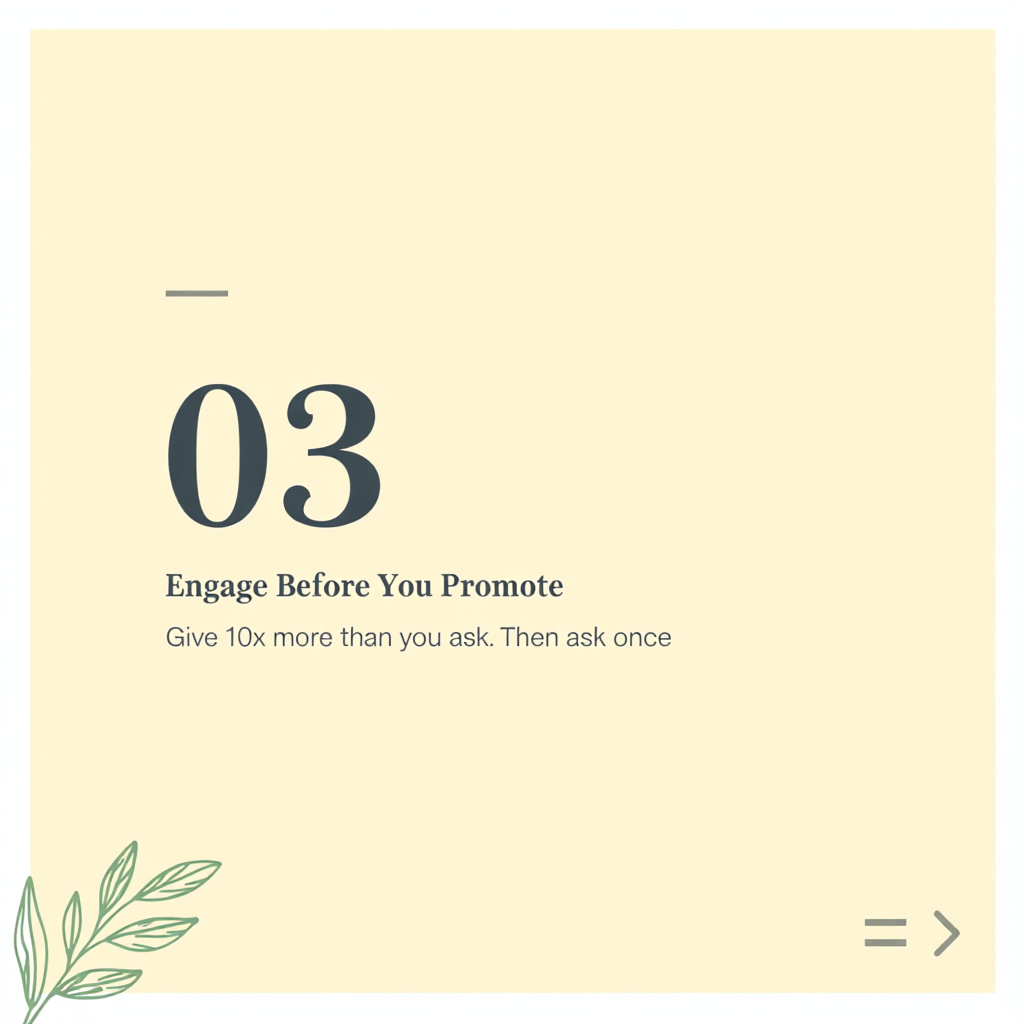
Personal brand Instagram carousel slide 3 created with Pixazo AI3/6
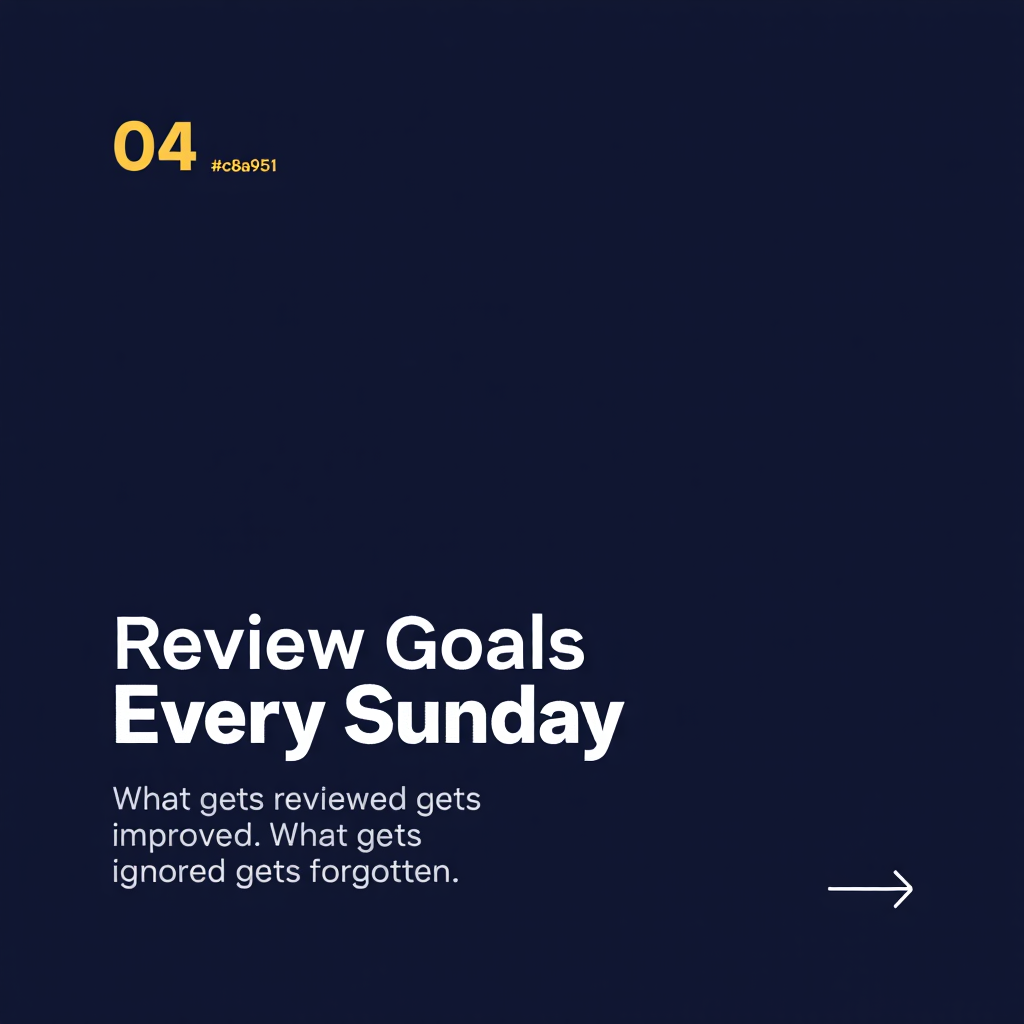
Personal brand Instagram carousel slide 4 created with Pixazo AI4/6
Personal brand Instagram carousel slide 5 created with Pixazo AI5/6
Personal brand Instagram carousel slide 6 created with Pixazo AI6/6
6 slides

drag / scroll to swipe · slide 1 of 6

Personal brand · Instagram carousel

Instagram carousels that grow your following

An Instagram carousel keeps people on your post for longer, which helps it reach more of your audience. This warm, editorial style suits a personal brand. It feels like a magazine page, not a hard sell.

Use it when you want to teach in a friendly voice: how-to tips, myth-busting, mini-guides, and behind-the-scenes stories. The clean text stays easy to read on a phone.

How-to tipsMini-guidesPersonal brand
How does the AI Carousel Maker work?

It works in six simple steps, from an idea to a posted carousel — free. You add your content, the AI builds and styles the slides, and you edit and export.

  1. Add your content

    Drop in a topic, a rough draft, or the key points you want the carousel to make.

  2. AI builds the deck

    Pixazo reads your input and sorts it into a cover, body slides, and a closing CTA.

  3. It styles every slide

    Each slide gets a clear headline, readable text, and the same font and spacing.

  4. Edit & reorder

    Rewrite the copy, reorder slides, and adjust the emphasis so it sounds like you.

  5. Preview the swipe

    Scroll the full deck end to end to check the story works before you post.

  6. Export & post

    Download PNG slides or one PDF, then upload to LinkedIn or Instagram.

Why use Pixazo as your carousel maker?

Because this free AI carousel generator mixes AI speed with a consistent design. You get a structured first draft in minutes, keep full control of the words, and boost your online presence without design expertise. Every example in the feed on this page — corporate, editorial, and bold — was made with this same carousel maker.

AI sets the slide order

Give it a topic or draft, and it sets the slide order. You get a cover that hooks, body slides with one point each, and a closing call to action, so the story flows across the swipe.

Made in minutes

Skip the manual layout work. Draft a full carousel in minutes, then spend your time on the words, not on moving text boxes around.

Neat, consistent text

Headlines and body text stay the same from slide to slide — same font, spacing, and order. The deck reads as one clean post, not a stack of random images.

Three visual styles

Corporate, editorial, or bold creator looks. Pick a style and every slide follows it, just like the three example posts in the feed on this page.

Remix & edit

Regenerate one slide, switch the visual style, or change the tone. You do not have to rebuild the whole deck from scratch.

Export square or portrait

Download 1:1 for the Instagram grid or 4:5 for more feed height. Save as separate PNG slides or one combined PDF.

C creator.studioCarousel · launch ···
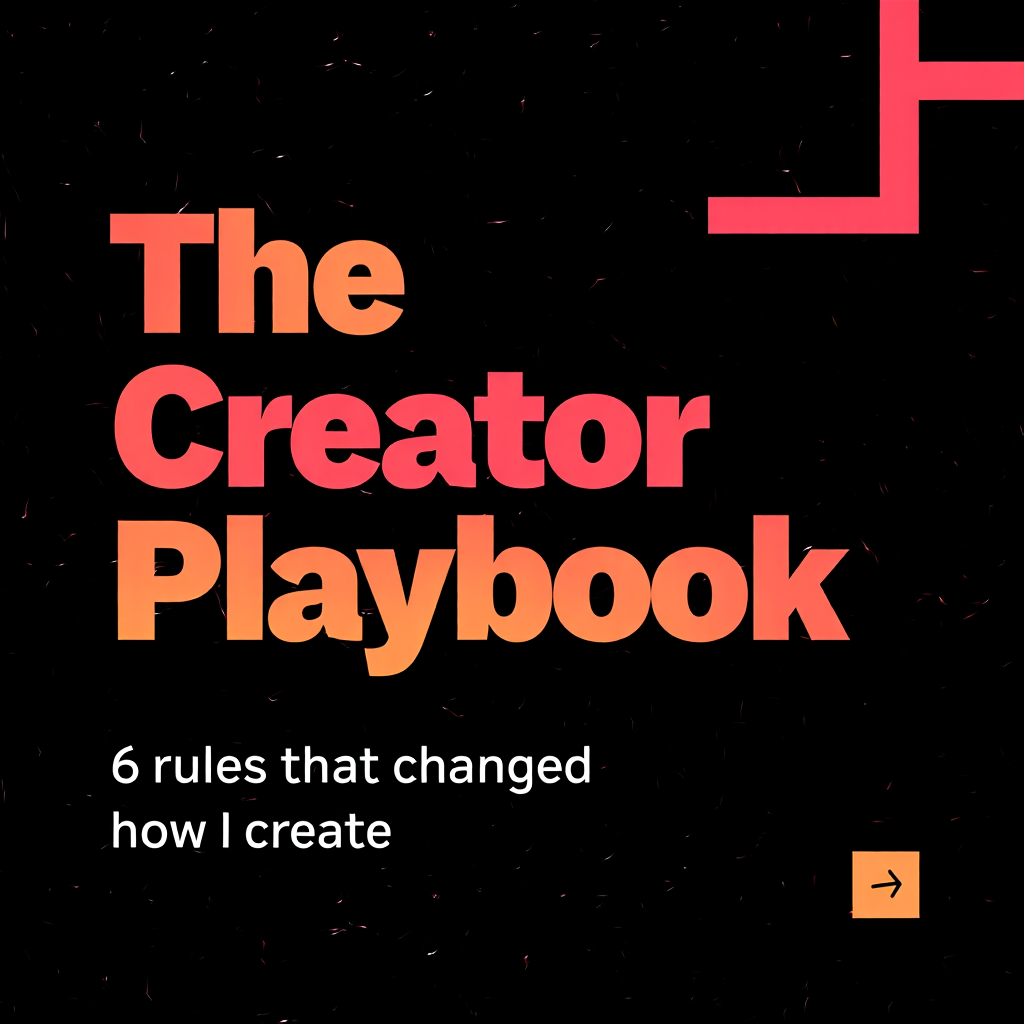
Bold creator carousel slide 1 created with Pixazo AI1/6
Bold creator carousel slide 2 created with Pixazo AI2/6
Bold creator carousel slide 3 created with Pixazo AI3/6
Bold creator carousel slide 4 created with Pixazo AI4/6
Bold creator carousel slide 5 created with Pixazo AI5/6
Bold creator carousel slide 6 created with Pixazo AI6/6
6 slides

drag / scroll to swipe · slide 1 of 6

Creator · Bold carousel

Bold carousels that stop the scroll

Need attention fast? A bold carousel does the work. Bright colours and big text make the cover hard to scroll past, then the rest of the deck delivers the payoff. It works the same on LinkedIn and Instagram.

This style fits product launches, case studies, and hiring posts — the moments when you want energy and a clear call to action on the last slide.

Product launchesCase studiesHiring posts

How many slides, what size, and how do you hook readers?

Start with two quick rules. Keep decks to 5–8 slides (10 max) so people finish the swipe. Export 1:1 for the grid or 4:5 for more feed height. Then win the first and last slide with a strong hook and a clear call to action.

How do you write a cover that earns the swipe?

  • Lead with the payoff. Say what the reader will get on the cover, e.g. "5 habits that doubled my reach."
  • Use a number or a question. "7 mistakes" or "Struggling to post often?" both pull people in.
  • Keep the cover short. One big idea and a few words. If it needs a paragraph, move it to slide two.
  • Tease the swipe. A small "swipe →" cue tells people there is more to see.

How do you end with a call to action that works?

  • End with one clear ask. Follow, comment, save, or click — pick one action for the last slide.
  • Make it easy to act. "Save this for later" beats a vague "learn more."
  • Repeat your handle. New readers should know who to follow after a good deck.
  • Match the ask to your goal. Reach wants saves and shares; leads want a click or a DM.
H hooks.dailyLinkedIn · carousel ···
LinkedIn hooks carousel slide 1 created with Pixazo AI1/6
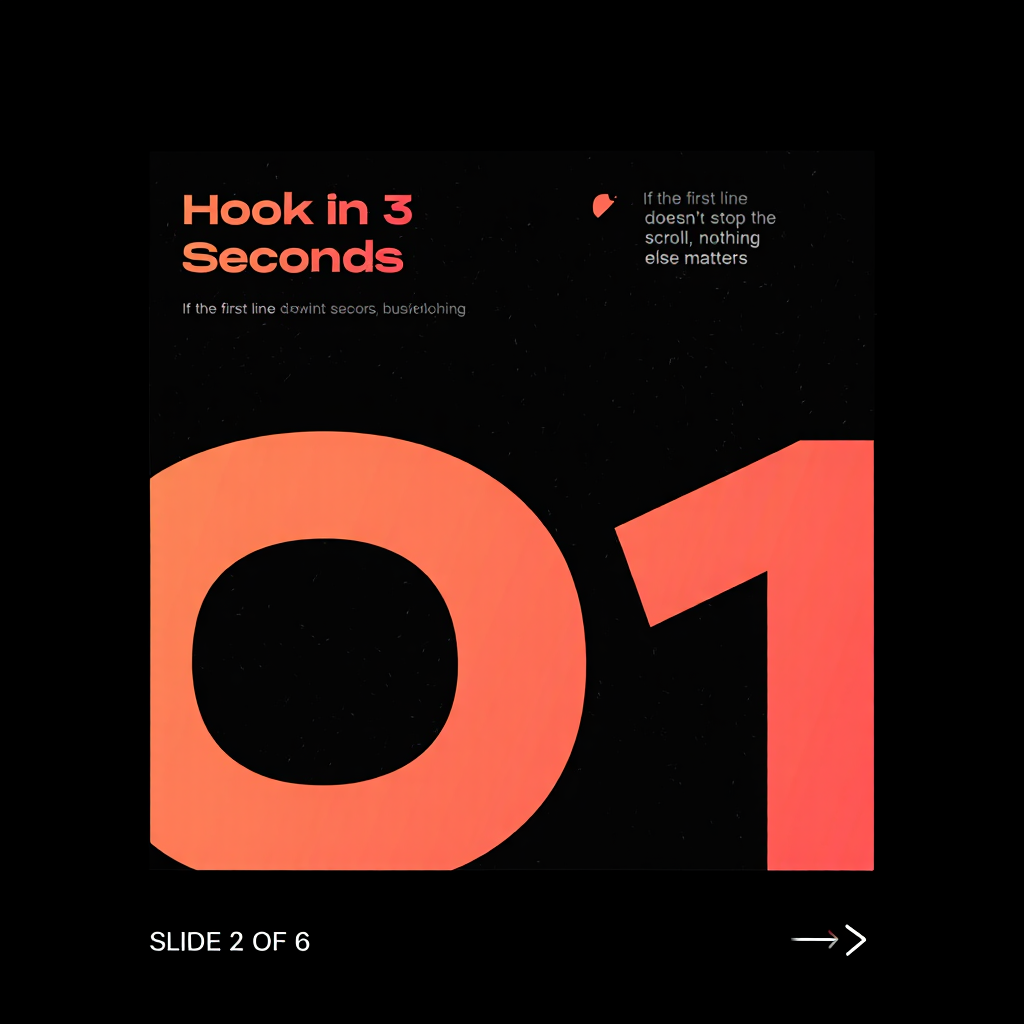
LinkedIn hooks carousel slide 2 created with Pixazo AI2/6
LinkedIn hooks carousel slide 3 created with Pixazo AI3/6
LinkedIn hooks carousel slide 4 created with Pixazo AI4/6
LinkedIn hooks carousel slide 5 created with Pixazo AI5/6
LinkedIn hooks carousel slide 6 created with Pixazo AI6/6
6 slides

drag / scroll to swipe · slide 1 of 6

Creator · LinkedIn hooks

Hooks that stop the scroll

The first slide decides whether a carousel gets read. This deck shows five proven hook formulas — a number, a callout, a result, a mistake, and a tease — each on its own slide, ready to swipe.

Cold-open hooksSwipe-worthy coversHigher completion

What are the AI Carousel Maker's specs?

Here are the key features, export formats, and limits at a glance.

Feature and specification summary for the Pixazo AI Carousel Maker.
SpecificationDetail
Slides per carouselUp to 10 (5–8 works best for readability)
Aspect ratios1:1 (square) and 4:5 (portrait)
Target platformsLinkedIn and Instagram carousels
Export formatPNG (one image per slide) or PDF (full deck)
AI modelReve 2 — tuned for document-style, text-heavy layouts
AI roleDrafts the slide order, layout, and copy; you edit and approve
Price tierFree to start; each generation uses Pixazo credits

What can it not do? (honest limits)

  • Not a full brand kit. It does not make vector logos or manage full brand-asset libraries.
  • No video slides. Output is static image or PDF carousels, not video.
  • Drafts need a review. The AI suggests the structure and copy, but you should edit the words. Treat the first pass as a starting point, not a finished post.
  • Built for text-led decks. It shines for copy-driven slides. It is not a photo-compositing tool.

AI Carousel Maker: frequently asked questions

What is the AI Carousel Maker?

The AI Carousel Maker is a Pixazo tool that makes multi-slide carousels for LinkedIn and Instagram. You give it a topic or draft copy. It then builds a slide sequence — a cover, body points, and a closing call to action — that you can edit and export as images or a PDF.

What is a carousel post, exactly?

A carousel is one social post that holds several slides you swipe through. Because people swipe for longer, carousels often get more reach and saves than a single image. They work well for tips, guides, frameworks, and stories that are easier to follow one step at a time.

What is the difference between a LinkedIn and an Instagram carousel?

The idea is the same, but the format and audience differ. A LinkedIn carousel is often document-style (often a PDF) and leans professional, which suits thought-leadership and B2B tips. An Instagram carousel uses image slides in 1:1 or 4:5 and leans visual and personal. Pixazo exports both formats, so you can reuse one idea on each platform.

How many slides should a carousel have?

You can add up to 10 slides, which is the limit most platforms allow in one post. In practice, 5 to 8 slides works best. That is enough room to make your point, but short enough that people finish the swipe.

What aspect ratios and sizes does it support?

It exports in 1:1 (square) and 4:5 (portrait). Square fits the Instagram grid neatly. Portrait takes up more height in the feed, which can help your post stand out. Both sizes work for LinkedIn and Instagram.

What file formats can I export?

You can export your carousel as separate PNG images, one per slide, ready to upload. You can also export one combined PDF for review, sharing, or a LinkedIn document post.

Is there a free version, and can I use it commercially?

Yes, you can start for free. Each generation uses a small number of Pixazo credits, based on the model you pick. You can use the carousels you make for commercial and marketing work. Check the current Pixazo terms for the plan details that apply to you.

What can the AI Carousel Maker not do?

It is not a full brand-kit or vector-logo tool, and it does not make video slides. The AI drafts the slide structure and copy, but you still review and edit the words. Treat the first draft as a strong start, not a finished, hands-off post.

Deepak Joshi
About the author · Updated September 15, 2026

Deepak Joshi

Content Marketing specialist

Deepak Joshi is a Content Marketing specialist having a combined experience of 10+ years working in the digital world. He is one of the active contributors to Pixazo Blog.

Create your next LinkedIn or Instagram carousel with AI

Start from a topic, let the AI order the slides, refine the copy, and export a feed-ready deck.

Follow Pixazo on Google