AI Billboard Ads Maker : Create Free Billboard Ads in Minutes
Create Custom Billboard Ads Quickly with Pixazo Best AI Billboard Ads Maker. Try for Free!
Get Started
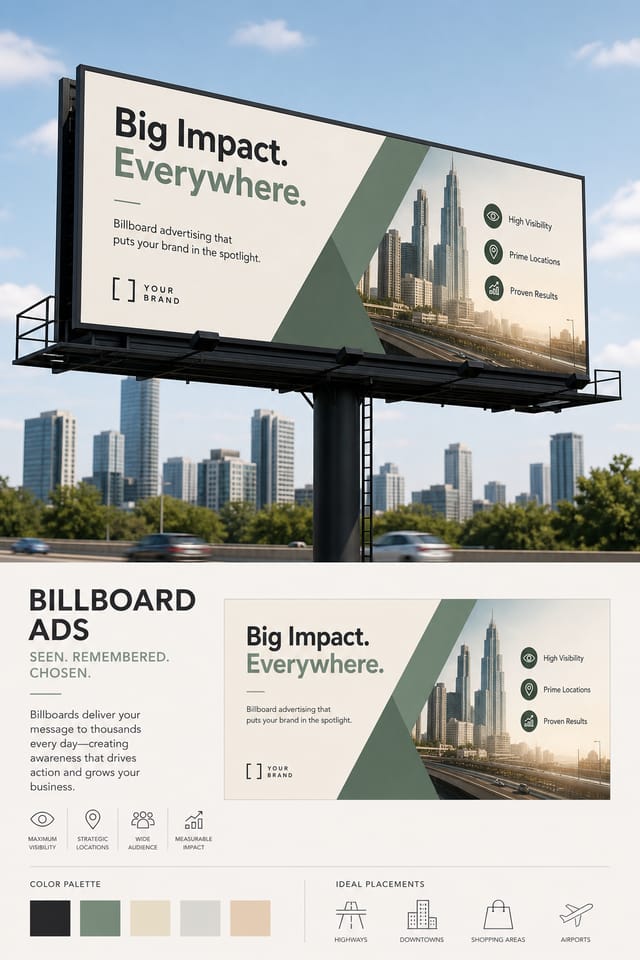
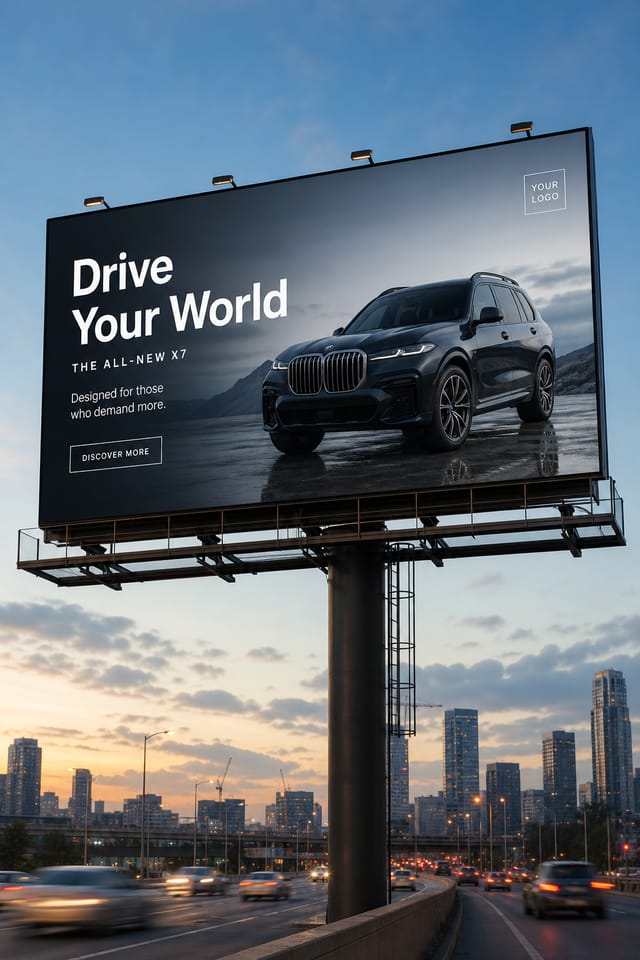
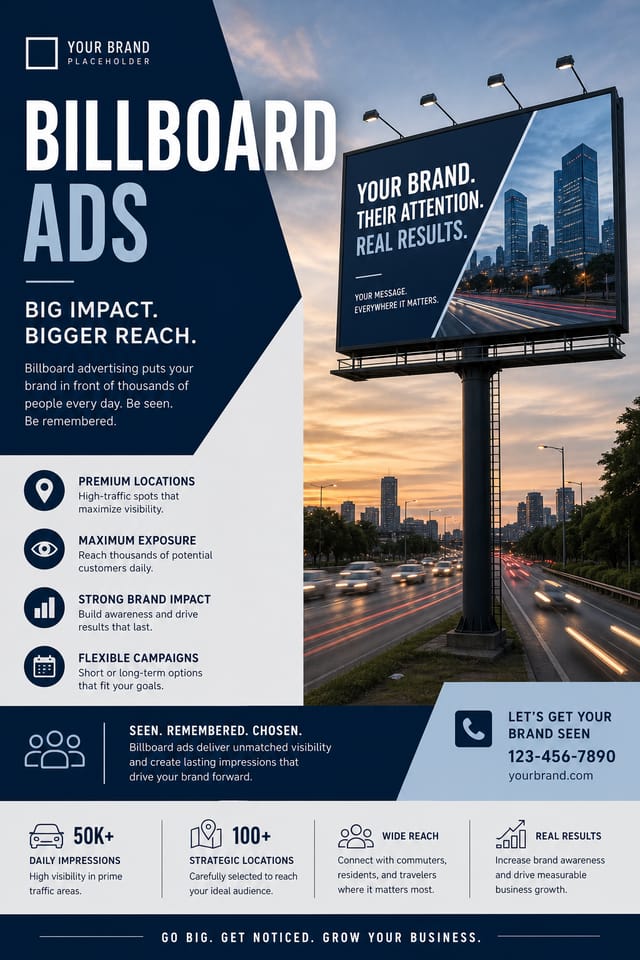
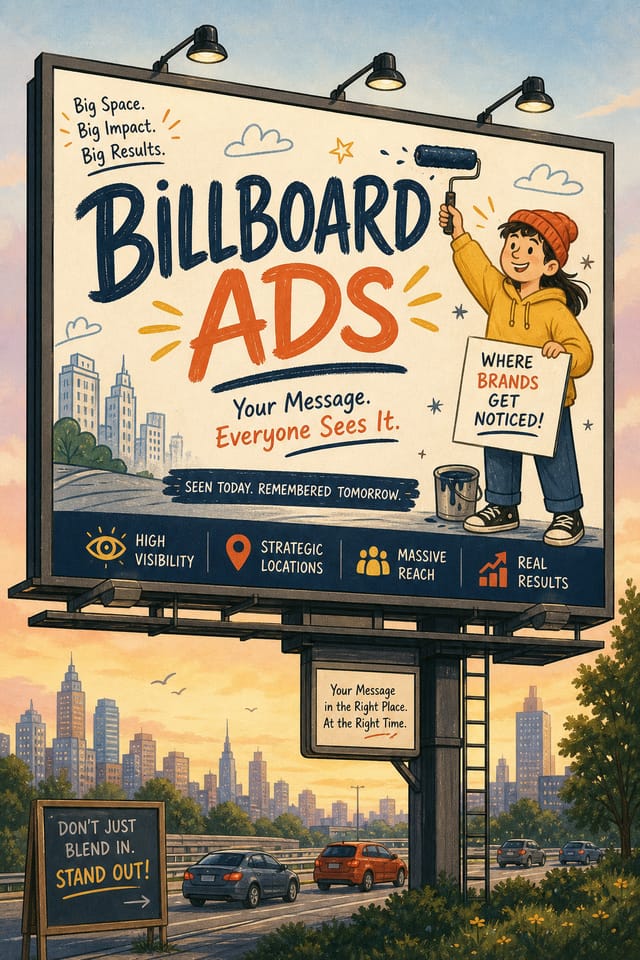
Design Variations for Billboard-Adss: Compared
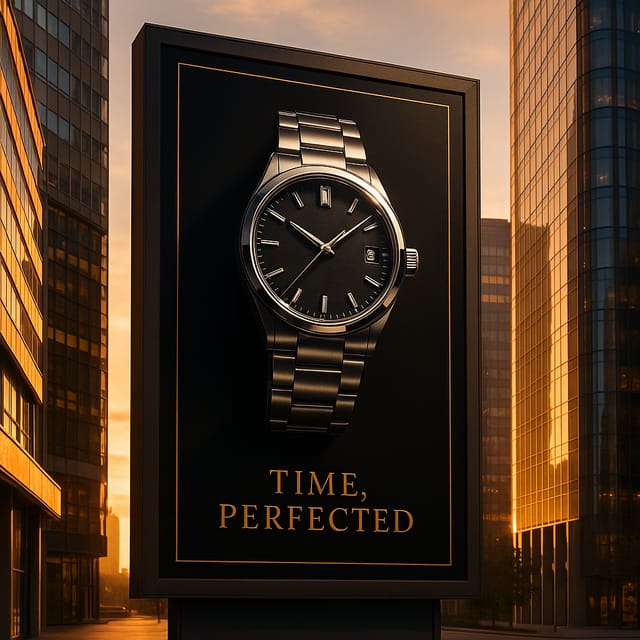
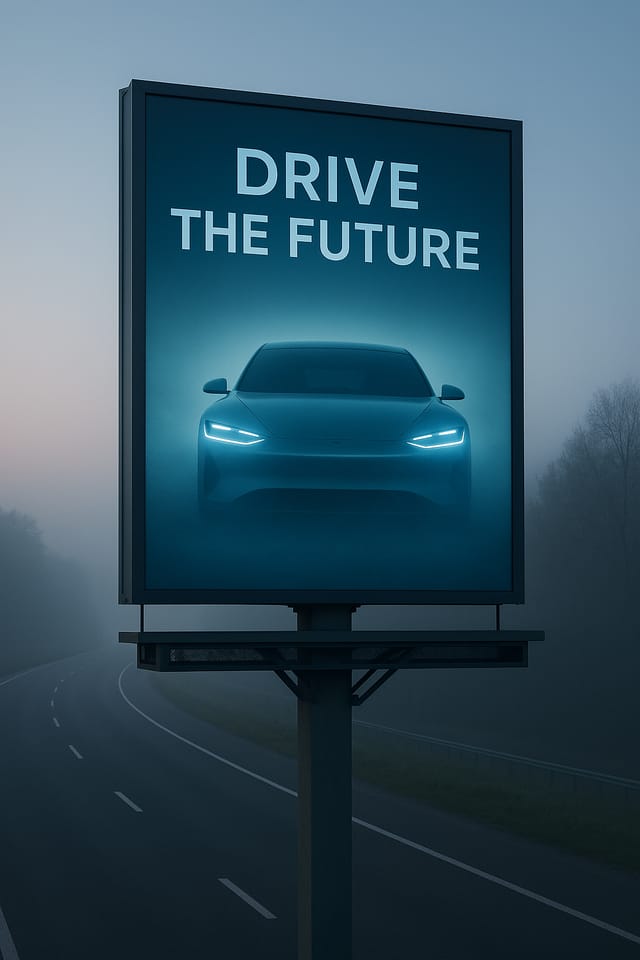
Atmospheric Billboard-Ads
Billboard-Ads design where mood takes priority. Color and composition work together to create a specific feeling.
Classic Billboard-Ads
Traditional billboard-ads design principles applied to modern billboard-ads format. Clean composition, conventional hierarchy, time-tested visual decisions.
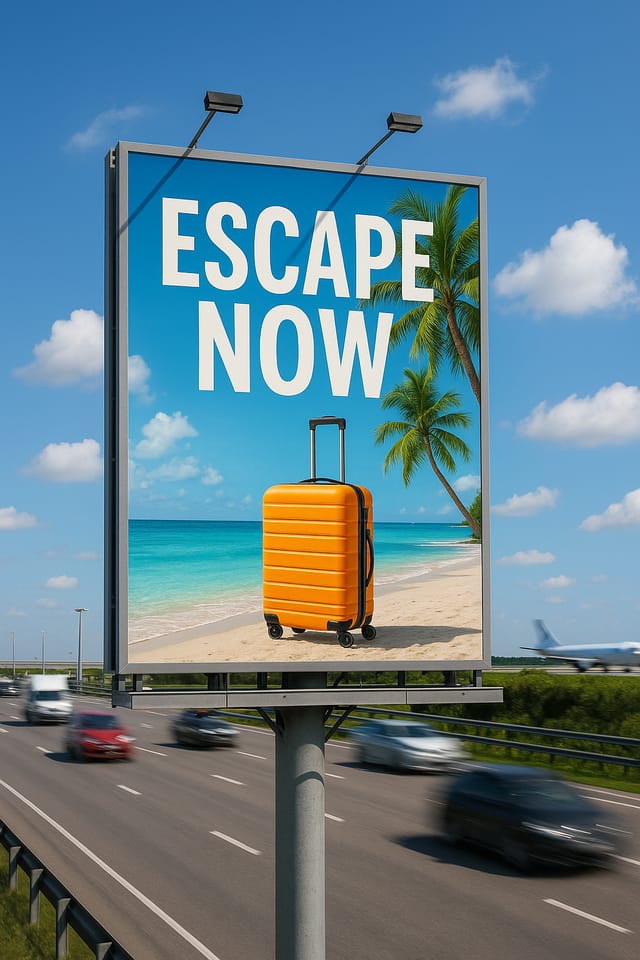
Textured Billboard-Ads
Billboard-Ads design with added surface depth. Background treatments add visual interest without disrupting legibility.
High-Contrast Billboard-Ads
Bold billboard-ads visual treatment with strong tonal contrast. Elements read clearly at any viewing distance.
Billboard-Ads Export Guide: Format Guide
PNG
Lossless image format ideal for billboard-ads designs with transparency, sharp text, and web display at predictable file sizes.
WEBP
Modern web format offering smaller file sizes than PNG or JPG for billboard-ads images without significant quality loss.
JPG
Compressed image format suited for billboard-ads designs with photographic elements where smaller file size matters more than pixel-perfect edges.
TIFF
High-fidelity format for billboard-ads files destined for professional printing, supporting CMYK color and lossless compression.
SVG
Scalable format for billboard-ads designs that need to render crisply at any resolution, commonly used for web and responsive layouts.
The Billboard-Ads Feature Set: Professional Features
Typography Matching
Typefaces are selected to match billboard-ads aesthetic expectations. The AI pairs fonts that reinforce your billboard-ads's visual identity.
Consistency Across Variants
Generate multiple billboard-adss for a project and maintain visual consistency across the set. Specify your core design parameters and vary secondary elements.
Print-Ready Output
Generated billboard-adss are sized and structured for professional printing. Download high-resolution files ready for production.
Commercial Use Rights
Designs generated with Pixazo are yours to use commercially. No additional licensing required for billboard-ads projects.
Fast Generation
Complete billboard-ads designs generate in seconds. No rendering queues, no waiting for batch processing.
How People Use Billboard-Adss: Who Benefits Most
E-Commerce Product Promotion
Design billboard-adss for online store banners, product launches, and seasonal sales. Conversion-focused visuals for digital retail.
Sports and Recreation
Produce billboard-adss for leagues, tournaments, and recreational programs. Energetic designs that build excitement and communicate schedules.
Restaurant and Food Service
Generate billboard-adss for menus, seasonal promotions, and restaurant branding. Designs that reflect cuisine style and dining atmosphere.
Non-Profit Campaigns
Create compelling billboard-ads campaign billboard-adss without allocating budget to design production. Focus resources on mission-critical activities.
Professional Projects
Create billboard-adss for client work, commercial campaigns, and professional applications where quality and style accuracy matter.
Billboard-Ads Production Steps: Workflow Breakdown
Export Deliver final files
Export your billboard-ads in the required formats and resolutions. Organize deliverables for handoff to the production or publishing team.
Research Gather references
Collect examples of effective billboard-ads designs, note what works, and identify patterns relevant to your project goals.
Refine Polish the design
Apply targeted edits to your selected billboard-ads. Adjust typography, spacing, and color until every element meets your quality standard.
Approve Final sign-off
Get stakeholder approval on the finished billboard-ads. Verify all text is accurate and the design meets brand and technical requirements.
Review Evaluate and refine
Compare generated billboard-ads options against your brief. Mark what works and note specific changes needed for the next iteration.
Billboard-Ads Dos and Don'ts: Rules Worth Following
Maintain brand alignment
Keep your billboard-ads design consistent with existing brand colors, fonts, and visual language for a cohesive identity.
Keep the message focused
A strong billboard-ads communicates one primary idea clearly. Supporting details should reinforce, not compete with, the main message.
Use a consistent visual hierarchy
Structure your billboard-ads so the viewer's eye follows a clear path from headline to supporting details to call-to-action.
Ignore accessibility
Low-contrast text and tiny font sizes in your billboard-ads exclude a significant portion of your potential audience.
Rely solely on AI output
AI-generated billboard-ads designs are a starting point. Human review catches issues with context, tone, and accuracy that AI can miss.
Forget the call to action
A billboard-ads without a clear next step for the viewer is a missed opportunity. Always include direction on what to do next.
The Path to Your Billboard-Ads: The Simple Process
Spell Out the Requirements
Start with a text description of your billboard-ads concept. Specify the visual style, colors, layout direction, and key text. Detailed prompts produce more accurate billboard-ads designs than general ones.
Watch It Come Together
Pixazo generates your billboard-ads in seconds. Review the design and adjust your prompt to refine specific elements: change the color palette, shift the layout weight, or add visual elements you want included.
Course-Correct the Design
Refine the billboard-ads by updating your description with precise changes. Add constraints you didn't include initially or remove elements that aren't working. The AI responds to specific direction.
Wrap It Up
Download your completed billboard-ads in the format that fits your use case. High-resolution files for print, web-optimized versions for digital, or PDF for production-ready delivery.
Watch: Creating Billboard Ads Billboard Ads designs step by step
Billboard-Ads AI Results: Numbers to Know
Output formats available for every billboard-ads generation
Output formats available for every billboard-ads generation
Languages supported for text rendering in billboard-ads desi
Languages supported for text rendering in billboard-ads designs
From initial prompt to finished billboard-ads in a simple wo
From initial prompt to finished billboard-ads in a simple workflow
Where Billboard-Ads AI: Known Limitations
Known limitations and trade-offs of AI-generated billboard ads design. Understanding what the AI handles well and where it falls short helps you structure your billboard-ads design workflow effectively.
Billboard-Ads Prompts: Prompts That Work
Copy any prompt below and paste it into Pixazo to generate your design instantly.
Full-bleed billboard-ads, background treatment extends to edges, foreground elements positioned for compositional balance, strong central hierarchyTextured billboard-ads, surface treatment adds depth without obscuring legibility, texture consistent with billboard-ads aestheticTwo-color billboard-ads design, high contrast between primary and secondary color, clean separation between graphic and text zonesClean billboard-ads design, geometric structure, disciplined typography, color accent used selectively for emphasis, printer-optimized resolutionBillboard-Ads design, clean layout, strong typography hierarchy, appropriate color palette for billboard-ads aesthetic, high contrast between headline and backgroundLarge-format billboard-ads design, elements sized for visibility at print scale, no fine detail that would be lost in productionNew to Billboard-Adss? FAQ
Describe your core design parameters in each prompt and vary only the specific elements that should change across the series. Maintaining consistent color palette, typographic approach, and compositional structure across billboard-ads variations creates a coherent series.
Longer, more detailed prompts generally produce more accurate results for billboard-ads design. Include all the relevant information: style direction, color preferences, content to display, intended use, and any specific design elements you want. There is no strict character limit.
Designs created with Pixazo are available for commercial use. You can use your billboard-adss for client projects, product sales, advertising, and other commercial applications without additional licensing fees.
Common sizes include 1080x1080 for Instagram feed, 1080x1920 for stories and reels, 1200x628 for Facebook links, 1500x500 for Twitter headers, and 1080x1350 for Pinterest. Specify the platform in your prompt and Pixazo optimizes billboard-ads layout for that format.
The AI recognizes billboard-ads design as a distinct visual category with its own conventions. Specifying billboard-ads style in your prompt triggers appropriate design decisions around color, typography, and composition rather than defaulting to generic poster layout.
Real Billboard-Adss: Creator Highlights
Real creators sharing their billboard ads designs made with Pixazo AI.