Typography Design 101: Guidelines and Terms


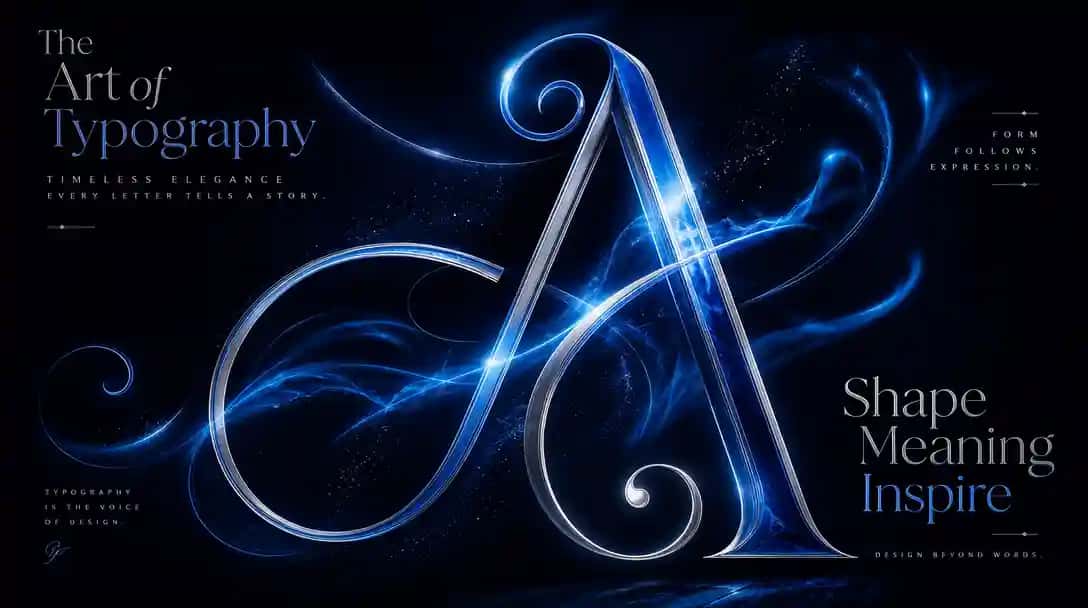
Have you ever appreciated the subtle text details on a website, poster, or cereal box? Believe it or not, those seemingly simple letters are the product of a specialized design field called typography. Typography design goes beyond just choosing a font. It encompasses the art and science of arranging letters, words, and paragraphs to create visually appealing and readable content. Understanding the principles of typography is essential in graphic design, as it impacts how viewers perceive your message and the overall quality of your project. You can try this yourself with Pixazo. You can try the Add Text to Photo tool to do it in a few clicks.
Typeface vs. Font
You might often hear the terms “typeface” and “font” being used interchangeably, but they actually refer to two different (yet related) things in typography. Let us discuss typeface vs. font in detail. A typeface refers to the design of the letters, numbers, and symbols that share a common design style. Think of it as the “family” of the letters, like serif, sans serif, script, or slab serif. Each typeface has its own unique characteristics and is designed to create a specific look and feel.
Suggested Read: Bad Logo Design: Why Some Logos Just Don't Work
On the other hand, a font is more specific. It refers to the particular set of characters in a specific style and weight within a typeface family. For example, Bold, Italic, Light, Thin, or Semibold are all different fonts within the same typeface family. So, when you’re choosing a font, you’re selecting a specific variation of a typeface to use in your design.
Suggested Read: How to Design a Flyer for Your Business (Step-by-Step Guide)
Conclusion
Lastly, we hope you’re well-equipped to upgrade your design projects by understanding the core principles, exploring essential terms, and the anatomy of letters. As you gain experience, experiment with different fonts, explore advanced techniques like kerning and leading and keep an eye on design trends to create striking designs.
Suggested Read: 12 Timeless Web Design Trends for 2026 and Beyond
Frequently Asked Questions
What is typography in design?
Typography is the art of arranging type to make written content readable, clear, and visually appealing. It covers font choice, size, spacing, alignment, and hierarchy across a design.
What are the basic typography terms I should know?
Key terms include typeface and font, serif and sans serif, kerning, tracking, leading, hierarchy, and x-height. Learning these helps you describe and control how text looks and reads.
How many fonts should I use in one design?
Two fonts is a safe standard, often one for headings and one for body text, with three as a reasonable maximum. Limiting fonts keeps the design cohesive and easy to read.
What is the difference between a typeface and a font?
A typeface is the overall design family, like Helvetica, while a font is a specific style and size within it, like Helvetica Bold 12pt. In everyday use the terms are often treated as the same thing.
How do I choose the right typography for a project?
Match the tone of the type to the message, prioritize legibility, and ensure the fonts pair well and scale across devices. Test your choices at different sizes and on real backgrounds before finalizing.
Suggested Read: Top 13 Graphic Design Mistakes to Avoid
Suggested Read: 43+ Funny Graphic Design Examples About Designers
Suggested Read: 15 Best Color Palette Generators for Designers in 2026
Suggested Read: How to Make a Resume in 2026 (AI-Assisted, With Examples)
Deepak Joshi
Author · Pixazo
Deepak writes about generative AI models, APIs, and the workflows teams use to ship them. Reviewed by Abhinav Girdhar.