25 Letterhead Design Examples and Free Templates


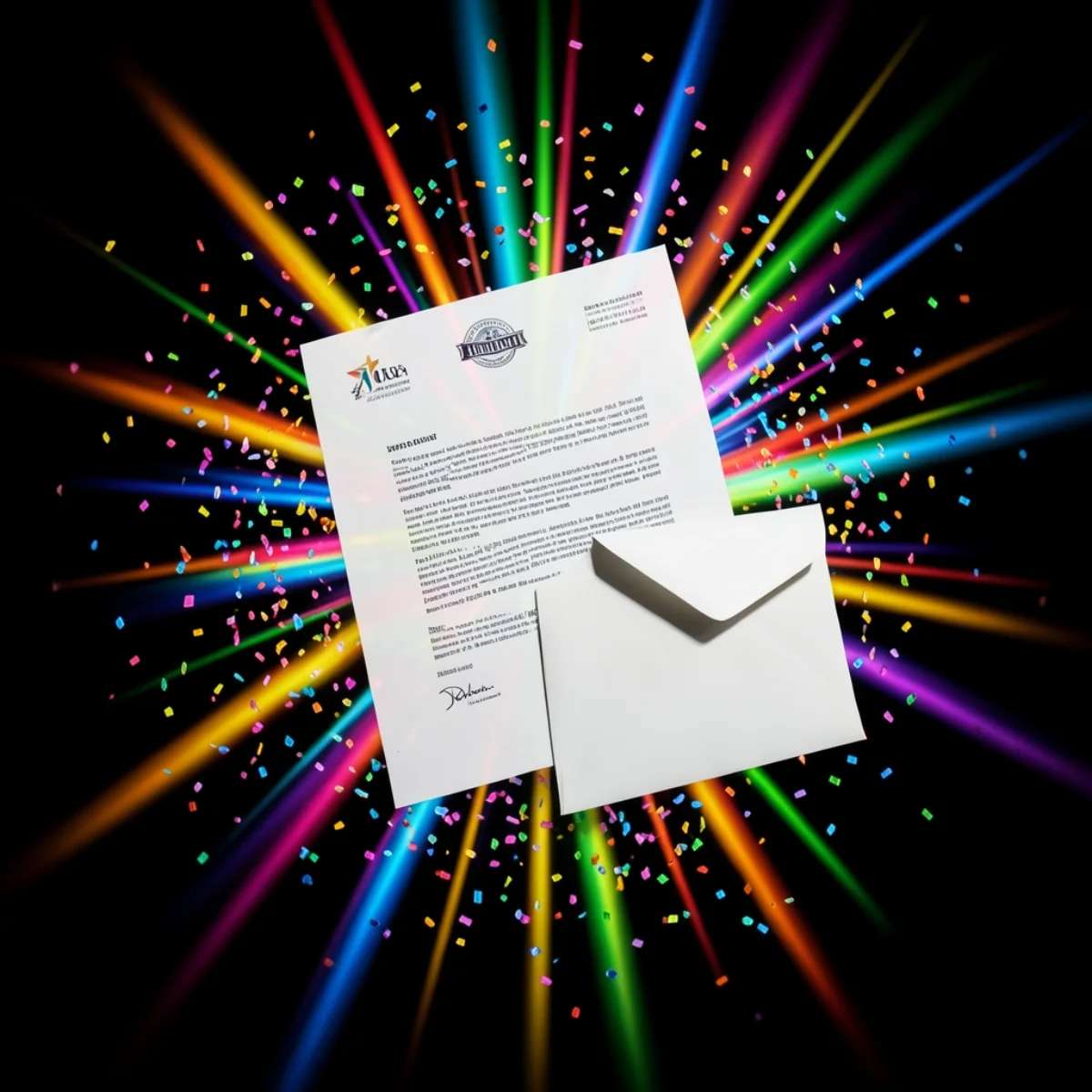
A good letterhead makes your business look established and keeps your brand consistent on every letter, invoice and quote. You do not need a designer to make one. This guide shows 25 letterhead design examples across five styles, with simple tips for each. You will also see what a letterhead should include, the right size and file format, and the mistakes to avoid. When you are ready, you can make your own in a couple of minutes with the AI letterhead maker, free to try.
How to make a letterhead with Pixazo
The AI letterhead maker does the layout for you in four steps, about two minutes start to finish:
Why a good letterhead matters
A letterhead does more than look tidy. It makes your business look established, builds trust with clients, and keeps your brand consistent across quotes, invoices, contracts and formal letters. It is also a quick signal that a document is official and really came from you. Design it once and you reuse it on everything, so every letter you send reinforces your brand.
What to put on a letterhead
A letterhead only needs a few core details, placed in the header and footer so the middle of the page stays clear for the letter itself. Here is what to include.
Letterhead size and file format
A letterhead is the same size as a standard sheet of paper. In most of the world that is A4 (210 by 297 mm); in North America it is US Letter (8.5 by 11 inches). Design it at 300 DPI so the logo and text stay sharp when it prints. Keep a wide, clean margin at the top for the header, and leave the middle of the page empty, since that is where the letter itself goes.
Export two versions so it works everywhere. Save a print-ready PDF for your printer, and a PNG for email and digital documents. Many people also save a Word or Google Docs version with the header locked in place, so the whole team can type letters without moving the design. If your design runs to the edge of the page, add a 3 mm bleed and keep the text inside a safe margin, so nothing important gets trimmed off.
Classic and corporate letterheads
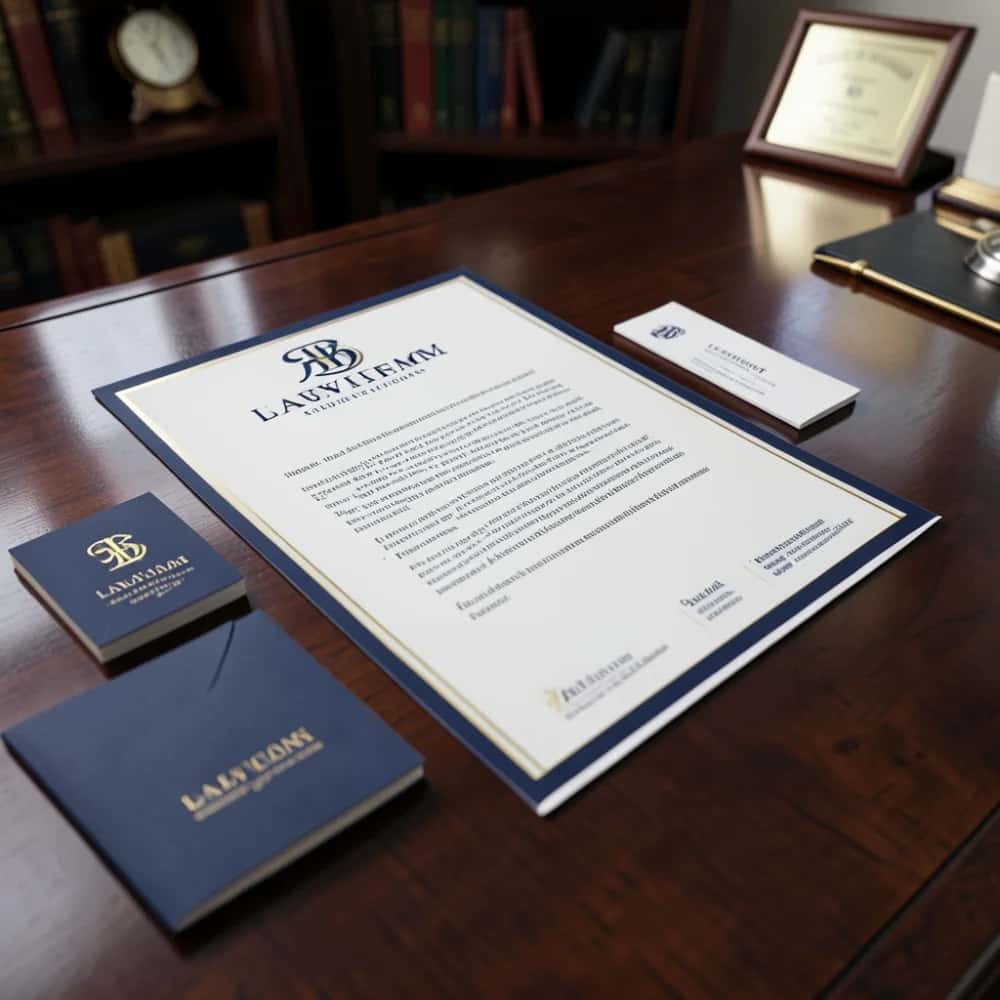
Classic letterheads suit law firms, banks, corporates and any business that wants to look established and dependable. Five ideas:
Modern and minimal letterheads
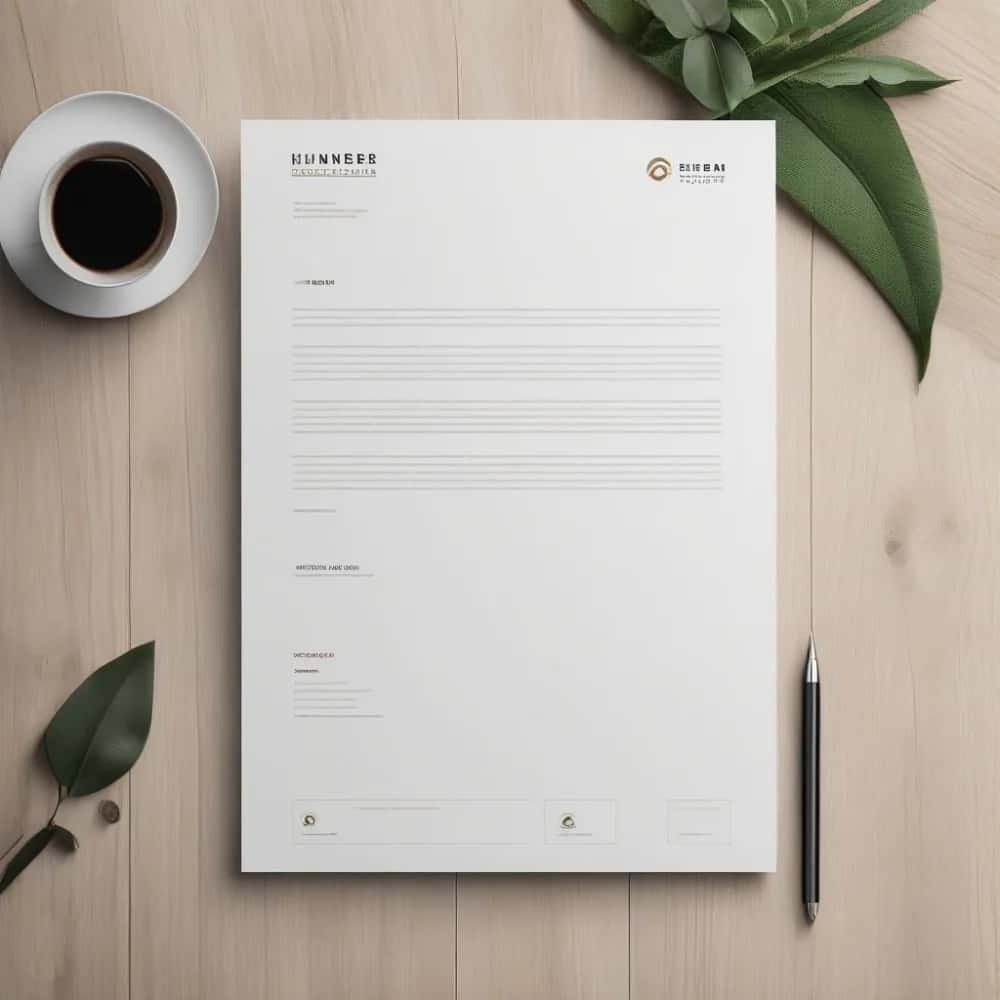
Minimal letterheads suit tech companies, startups and modern brands that want a clean, uncluttered look. Five ideas:
Creative and agency letterheads
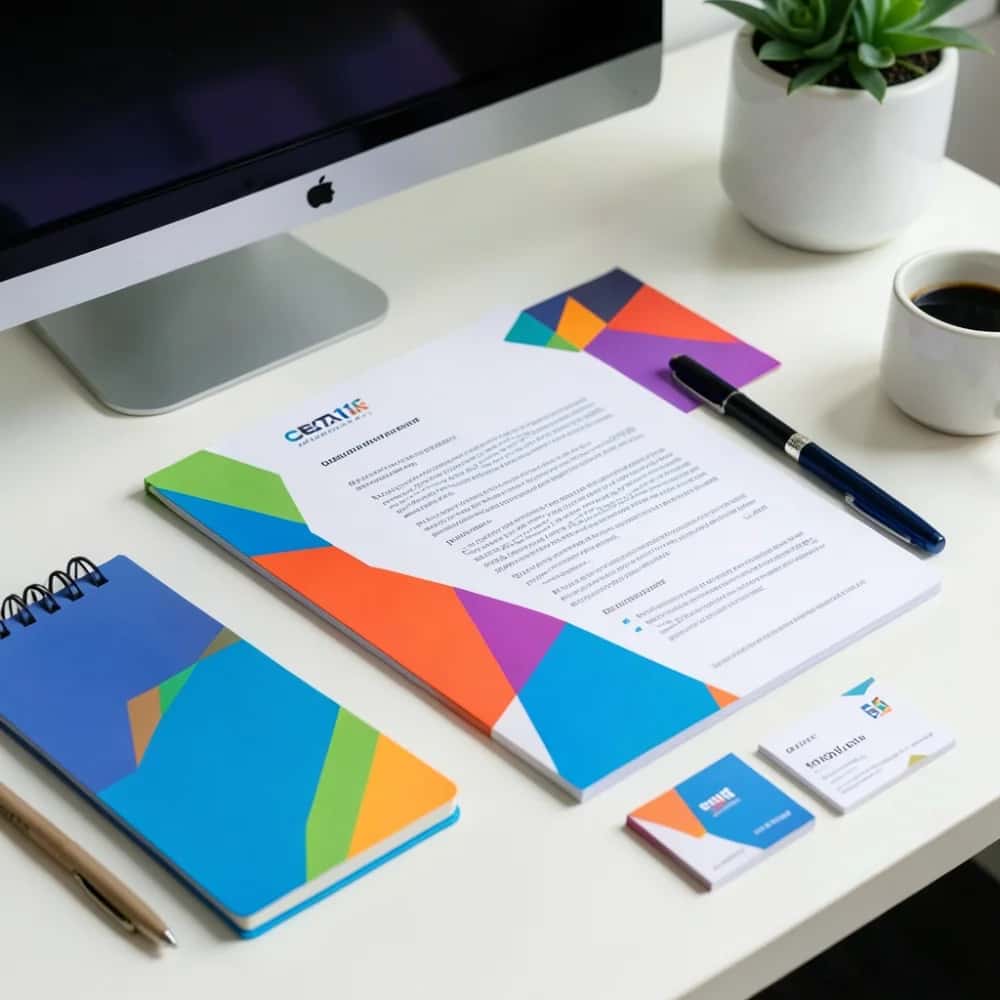
Creative letterheads suit design studios, agencies and brands that want their personality to show through. Five ideas:
Suggested Read: 10 Best AI Letterhead Generator Tools in 2026
Professional services letterheads
These styles suit regulated professions, where trust and a formal, careful tone matter most. Five ideas:
Suggested Read: Why a Letterhead is Crucial for Your Business
Personal and small-business letterheads
Personal and small-business letterheads suit freelancers, shops, non-profits and events that want a warm, human feel. Five ideas:
Suggested Read: 10 Best AI Business Card Maker Tools in 2026
Common letterhead mistakes to avoid
A few simple mistakes make a letterhead look unprofessional. Run through this list before you print or send:
- Too much in the header. Keep it to your logo and contact details, not a full page of graphics.
- No room for the letter. Leave the middle of the page clear so your text has space to breathe.
- A low-resolution logo. Use a sharp logo file so it does not look blurry when printed at full size.
- Off-brand colours. Match your logo and brand palette rather than picking random colours.
- Only a print file. Export a PNG as well as a PDF so the letterhead also works in email and digital documents.
Letterhead design tips
- Keep it simple. A logo, your details and a clear header are enough. Leave room for the letter itself.
- Match your brand. Use the same colours and fonts as your logo and business card so everything looks like one set.
- Mind the margins. Keep text inside safe margins so nothing gets cut when it prints.
- Make a digital version too. Export a PNG for email and PDFs, not just for print.
Suggested Read: 10 Best AI Logo Generators in 2026
Final thoughts
Pick a style that fits your business, classic, minimal, creative, professional or personal, and keep the design clean and on-brand. When you are ready, the AI letterhead maker turns any of these ideas into a finished, print-ready letterhead in a couple of minutes. It pairs well with a matching logo and email signature for a consistent brand.
Suggested Read: 10 Best Email Signature Generators (Free and Paid)
Frequently asked questions
Q. What size is a letterhead?
A letterhead is usually the same size as a standard sheet of paper: A4 (210 x 297 mm) in most countries, or US Letter (8.5 x 11 inches) in North America. Design it at 300 DPI so it prints sharply.
Q. How do I make a letterhead for free?
Open the AI letterhead maker, describe your brand, pick a layout, drop in your logo and details, then export a print-ready PDF or a PNG. It is free to try.
Q. What should a letterhead include?
Your logo or business name, and your contact details: address, phone, email and website. Many businesses also add a tagline or a registration number in the footer.
Q. Should a letterhead be designed for print or digital?
Both. Export a 300 DPI PDF for printing and a PNG for emails and digital documents, so your letters look the same everywhere.
Q. What colours work best on a letterhead?
Stick to your brand colours, usually one or two, plus black for the body text. Keep the colour on the header and logo so the letter stays easy to read. If you are not sure, a dark neutral with one brand accent is a safe, professional choice.
Deepak Joshi
Author · Pixazo
Deepak writes about generative AI models, APIs, and the workflows teams use to ship them. Reviewed by Abhinav Girdhar.