How to Make a Poster: Sizes, Layout and Free Templates



A good poster gets one clear message across in a few seconds. To make one, you need three things: the right size, a simple layout, and a template you can edit fast. This guide covers all three. You will find the main poster sizes for print and online, a simple way to lay a poster out, and how to make a poster for free with the AI poster maker.
Poster sizes: print and digital
Pick the size first, because it affects everything else. For print, use inches or millimetres at 300 DPI. For online, use pixels. A simple rule: the further away people stand, the bigger the poster and headline should be. A notice people read up close can be A4. A poster seen across a room or street should be A2 or bigger. Here are the common poster sizes.
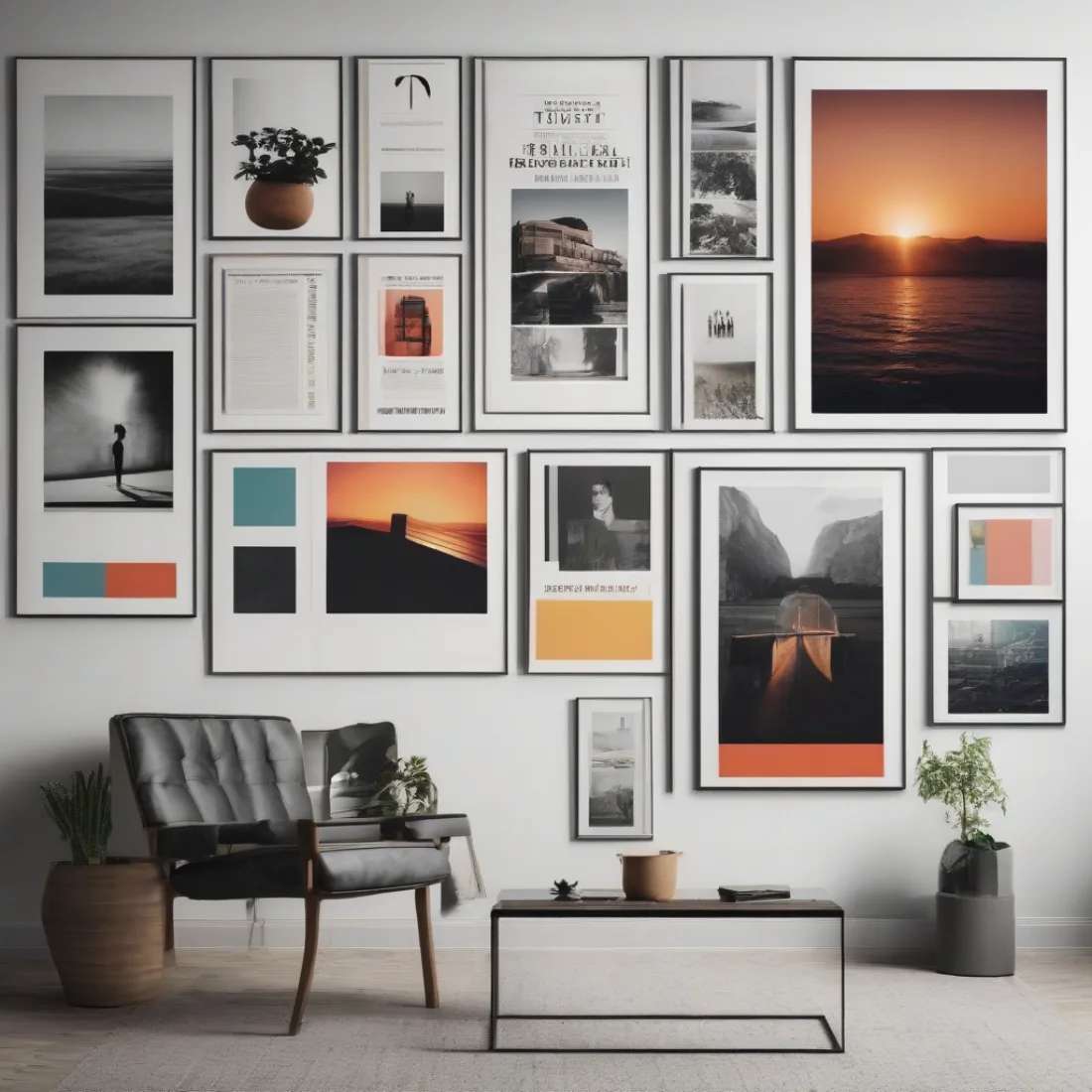
Print sizes (portrait)
| Name | Inches | Millimetres | Best for |
|---|---|---|---|
| A4 / Letter | 8.3 × 11.7 | 210 × 297 | indoor notices, handouts |
| Tabloid / A3 | 11.7 × 16.5 | 297 × 420 | shops, classrooms |
| Standard poster | 18 × 24 | 457 × 610 | events, the all-rounder |
| A2 | 16.5 × 23.4 | 420 × 594 | retail, lobbies |
| Movie one-sheet | 27 × 40 | 686 × 1016 | cinema-style display |
| A1 / A0 | 23.4 × 33.1+ | 594 × 841+ | large-format, trade shows |
Digital sizes (pixels)
| Platform | Dimensions | Ratio |
|---|---|---|
| Instagram post | 1080 × 1080 | 1:1 |
| Story / Reel / TikTok | 1080 × 1920 | 9:16 |
| Facebook post | 1200 × 630 | 1.91:1 |
| 1000 × 1500 | 2:3 | |
| X / Twitter | 1600 × 900 | 16:9 |
| Web hero banner | 1920 × 1080 | 16:9 |
The layout blueprint
Most good posters use the same simple layout: a headline at the top, a main image in the middle, and the details at the bottom. Split the poster into three parts.
- One main focus. If everything is big, nothing stands out. Make the image or the headline the star, not both.
- Rule of thirds. Place the important parts a little off-centre instead of dead in the middle. It looks more balanced.
- Leave space. Keep clear margins and do not fill every corner. Empty space makes a poster easy to read from far away.
- Line things up. Keep the edges aligned. It looks neat and professional.
Suggested Read: 11 Best AI Poster Makers to Explore
How to make a poster with Pixazo in 4 steps
The fastest way is to let the AI poster maker design it for you. You describe the poster in plain words, then fix anything you do not like. Here are the four steps:
Write a short brief. Say what the poster is for, the mood you want, the colours, the font style, and which line is the headline. The more detail you give, the closer the first design will be.
The poster appears as soon as you submit. Check it against your brief: Is it clear? Is it easy to read? Does the headline stand out first? You also choose the poster shape (portrait, square or landscape) before you generate.
Not quite right? Just edit your description in plain words, like “make the headline bigger” or “use softer colours”. You can redo it as many times as you want until it looks right.
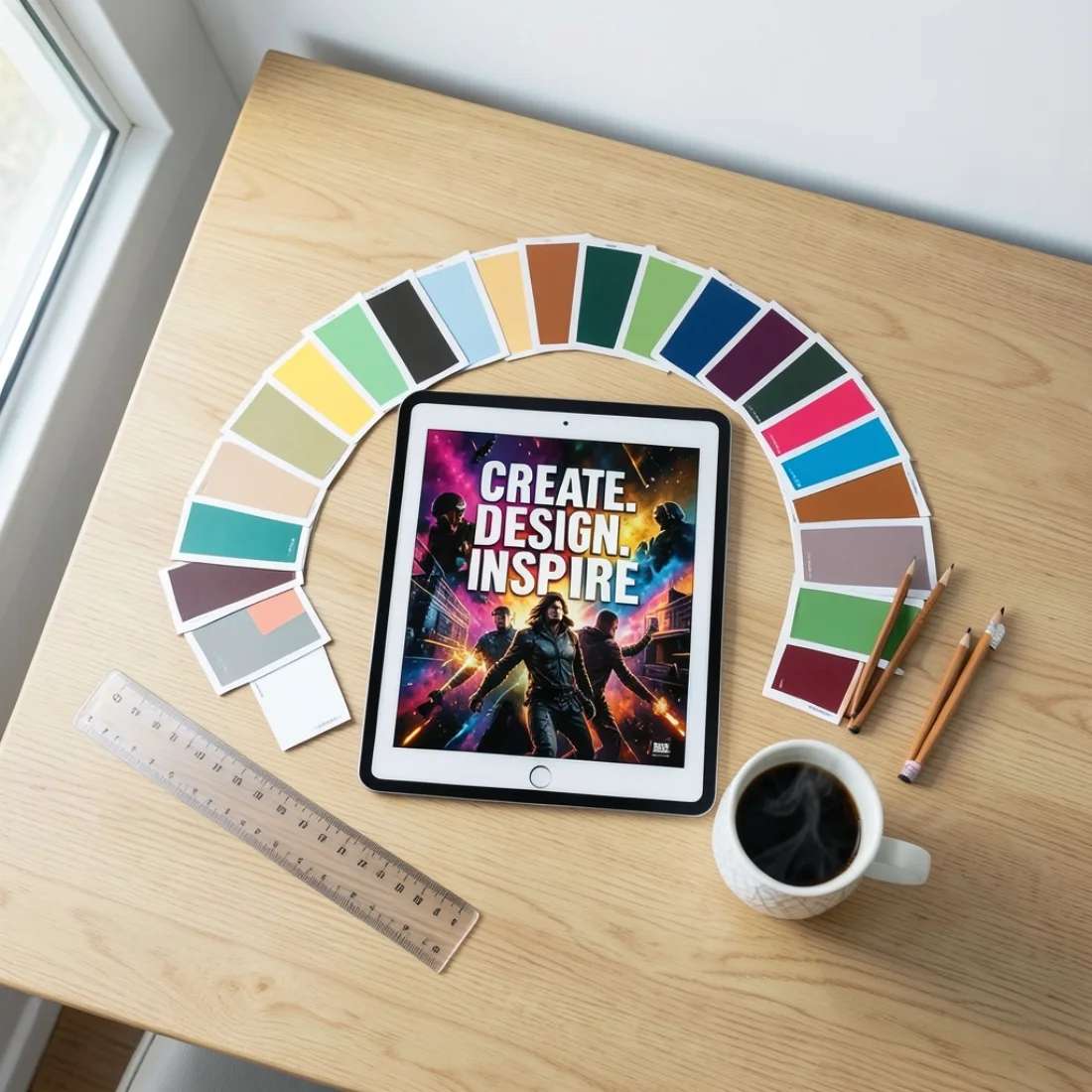
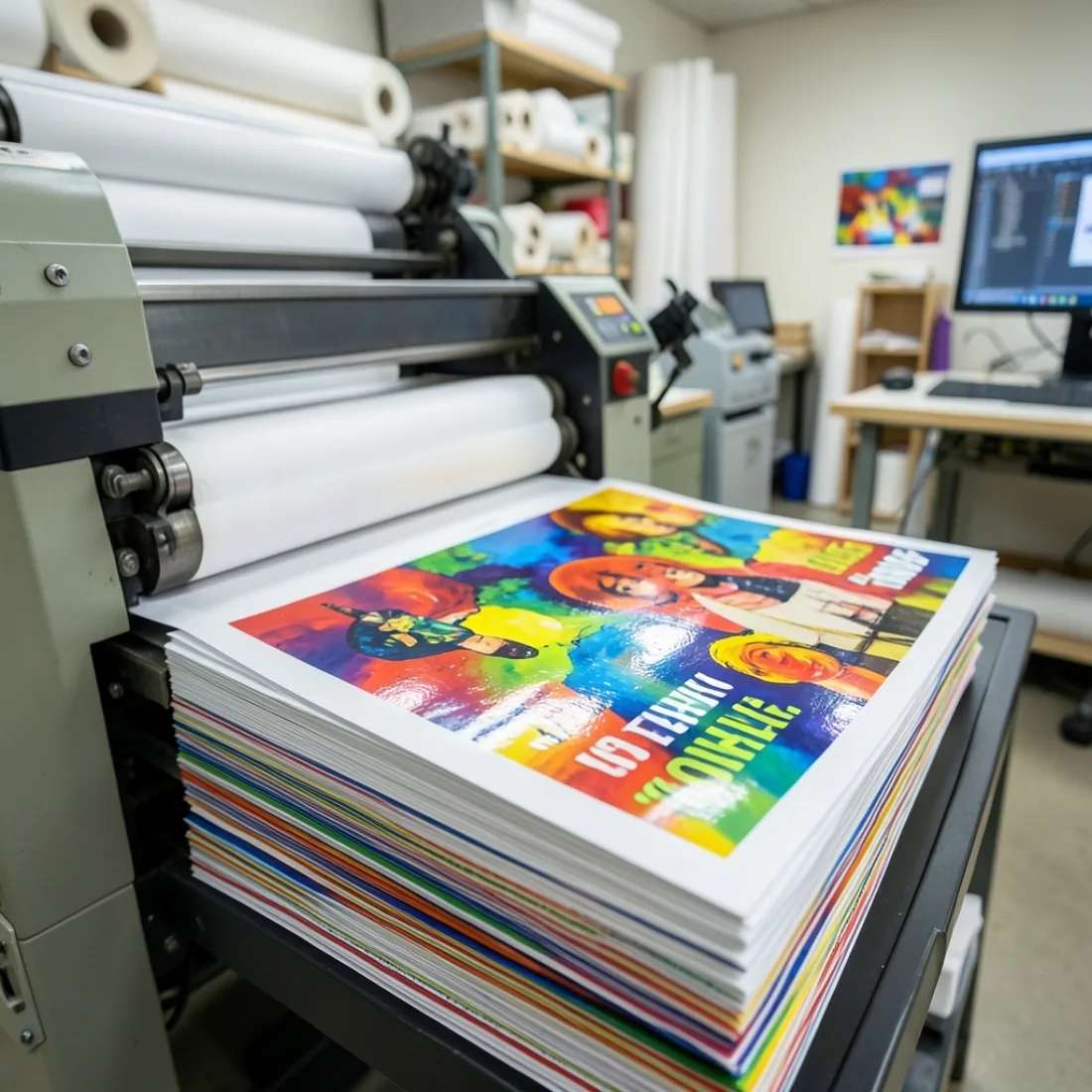
Download the finished poster in one click. You get a full-size file (up to 4096 px), with no watermark and no extra fees. Use 300 DPI for print; any size works for screen.
Suggested Read: How to Create a Minimalist Poster Design [9 Tips & Tricks]
Free templates and the fast way
You do not have to start from scratch. Describe the poster you want in the AI poster maker and it builds a full, editable design at the size you picked. Popular types:
Need ideas for a specific occasion? Our classroom poster ideas give you plenty of concepts you can recreate in a couple of clicks. Making one for a business event? The same steps work for a business flyer.
Suggested Read: 70 Best Stylish Fonts for Design
Common poster mistakes to avoid
Most weak posters fail for the same few reasons. Check this list before you export:
- Too much text. A poster is a hook, not a flyer. If people cannot get it in three seconds, cut words until they can.
- No clear focus. Too many headlines or equal-sized parts leave the eye with nowhere to go. Pick one main element.
- Low contrast. Pale text on a busy photo disappears from a distance. Put a solid colour panel behind the words.
- Low-resolution images. A small photo stretched to A2 looks blurry. Start with a large, high-quality image.
- No call to action. Tell people what to do next: a date, an address, a QR code or a short link.
- Forgetting the bleed. Skip the 3 mm bleed and the printer may leave thin white edges or cut into your text.
Suggested Read: 55+ 4th of July Poster Ideas
Final thoughts
Making a poster comes down to three choices: the right size for where it will go, a simple layout with one clear focus, and a template you can edit fast. Get those right and the rest is easy. Open the AI poster maker, pick a size, and you will have a finished, print-ready poster in minutes. No design software needed.
Suggested Read: 21+ Classroom Poster Design Ideas to Inspire Minds
Frequently asked questions
Q. What is the standard poster size?
The most common printed poster size is 18×24 inches (457×610 mm). Other popular sizes are A3 (11.7×16.5 in) for smaller notices, A2 (16.5×23.4 in) for events, and the 27×40-inch movie “one-sheet”. For social media, 1080×1080 (feed) and 1080×1920 (stories) are standard.
Q. What resolution should a poster be?
Design print posters at 300 DPI so text and images stay sharp at large sizes. For screen-only posters, 72 PPI is fine. Always build at the final dimensions rather than enlarging a small file, which causes blur.
Q. How do I make a poster for free?
Open the Pixazo AI poster maker, describe the poster you want, choose a print or social size, edit the text and images, then export. It is free with a credit card, so you can try a few designs before you download.
Q. Should a poster be CMYK or RGB?
Use CMYK for anything going to a professional printer, because that is the ink model presses use. Use RGB for posters that will only be viewed on screens. Pixazo can export both.
Q. What should every poster include?
A single clear headline, one main image, and the key details: what it is, when, where, and what to do next (a website or QR code). Keep the text short so it reads from a distance.
Deepak Joshi
Author · Pixazo
Deepak writes about generative AI models, APIs, and the workflows teams use to ship them. Reviewed by Abhinav Girdhar.