How to Use an AI Hairstyle Changer: Your 2026 Step-by-Step Guide


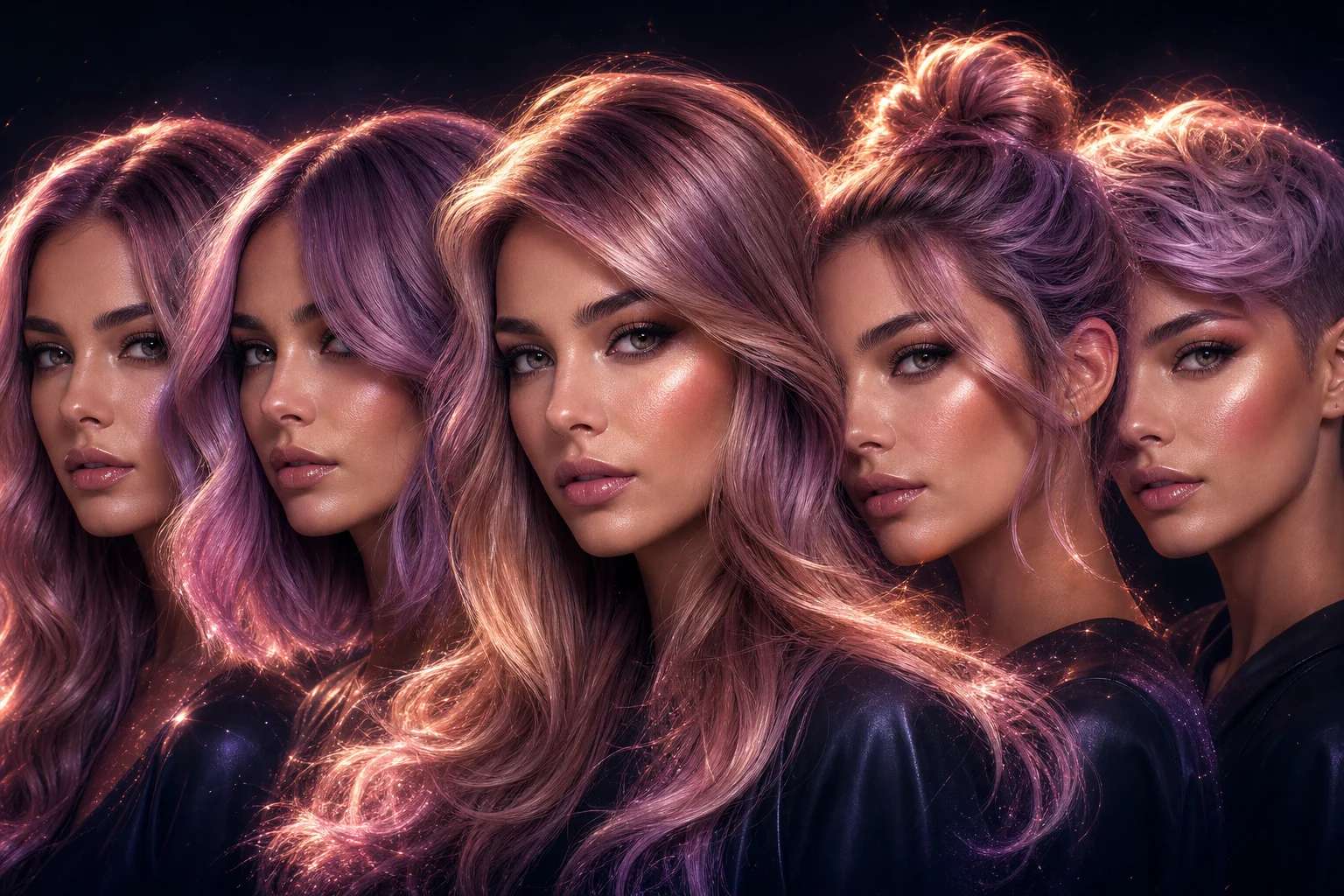
If you have ever wanted to know what you would look like with a pixie cut, a bold balayage, or a full head of curls before touching a pair of scissors, an AI hairstyle changer is the tool you have been waiting for. In recent years these tools have moved from novelty to genuine utility — and if you have not tried one yet, this guide will show you exactly how to get started, step by step. If you want to try it, use AI Image Generator.
Step 1: Choose Your AI Image Platform
Start by selecting an AI image generation platform that supports portrait editing or image-to-image transformation. Platforms that allow you to upload your own photo and guide the output with a text prompt give you the most control. Pixazo’s AI image generator lets you upload a photo and apply style transformations using detailed prompts — making it a practical starting point for hairstyle experimentation.
Step 2: Upload a Clear, Front-Facing Photo
For the best results, use a photo where:
- Your face is clearly visible — front-facing or at a slight three-quarter angle
- Lighting is even, with no harsh shadows falling across one side of your face
- Your current hair is not covering your face, neck, or shoulders
- The background is relatively plain so the AI can focus on your hair rather than a complex scene
- Resolution is at least 800 x 800 pixels for accurate rendering
Step 3: Describe the Hairstyle You Want
Depending on the platform, you will either type a text prompt or select from preset style options. Text prompts give you the most flexibility. Be as specific as possible — instead of “change the hair,” write something like “same person with a short textured bob and warm chestnut highlights, soft natural lighting.” The more detail you provide, the closer the result will be to what you are picturing.
Including a specific style name helps significantly. Terms like “French bob,” “wolf cut,” “blunt lob,” “shag,” or “layered curtain bangs” give the AI clearer direction than physical descriptions alone.
Step 4: Review, Adjust, and Regenerate
AI tools rarely produce the exact result on the first attempt. Most platforms let you refine your prompt, adjust parameters like style strength or color intensity, and regenerate. Treat the first output as a starting point rather than a finished product. Running four to six variations of the same prompt and picking the best one is a reliable strategy.
Step 5: Save and Compare
Download your transformed images and compare them side by side with your original photo. Many users find it helpful to share the results with a friend, partner, or stylist before making a real-world decision. A visual comparison often reveals details you would not notice looking at a single image in isolation.
AI Hair Color Changer: Experiment Without the Salon Chair
One of the most popular applications of an AI hair color changer is testing bold or unusual colors before committing to a dye job. Going from brunette to platinum blonde or adding a vivid color like deep burgundy or electric teal is a major change — one that can be difficult and expensive to reverse.
With an AI hair color changer, you can see how platinum blonde, copper red, ash gray, or virtually any shade looks on your specific face and skin tone within seconds. This is particularly valuable for:
- Choosing between shades: Is warm honey-blonde better than a cooler ash-blonde for your complexion? Generate both and compare them on your actual face.
- Communicating with your stylist: Instead of describing a desired color in vague terms, you can walk into a salon with a realistic AI preview of what you want — reducing miscommunication significantly.
- Testing fashion colors: Want to see how pastel lavender or vivid copper looks on you without bleaching your hair? AI color changers make this completely risk-free.
- Planning a multi-step transformation: Generate a series of progressive color stages to plan a gradual coloring journey across multiple appointments.
When prompting an AI tool for hair color changes, specify not just the target color but the technique — “balayage,” “ombre,” “full block color,” or “babylights” — to get results that look salon-realistic rather than flat or painted on.
Virtual Hair Try On with AI: What the Experience Actually Looks Like
A virtual hair try on with AI goes well beyond a simple color swap. It allows you to simulate complete style transformations — length, cut, texture, and volume — so you can see whether a dramatic change will work for you before committing to it in real life.
The experience typically works like this: you upload a photo, describe or select a style, and within seconds you see a photorealistic rendering of yourself with the new hairstyle applied. Modern AI models handle complex variables like how a specific cut frames a particular face shape, how curly hair appears at different volume levels, and how certain styles interact with hairline placement and ear exposure.
What makes virtual try-on genuinely useful — beyond the novelty — is the confidence it builds around high-stakes decisions. Deciding to cut off ten inches of hair or go for a full undercut can be nerve-wracking. Seeing a realistic preview shifts the experience from a gamble to an informed choice.
For the most realistic virtual try-on results:
- Use a high-resolution photo that includes your neck and shoulders so the AI can accurately scale and place the hairstyle
- Try multiple lighting conditions in your prompts — a style that looks great in bright light may appear differently in warm indoor lighting
- If the platform supports inpainting (masking only the hair area), use it — it preserves your face and background exactly and produces cleaner blending than full-image generation
- Generate several variations of the same style and pick the most convincing before deciding
Ready to try it yourself? Head to Pixazo’s AI image generator to start experimenting with your own photos and style prompts today.
Use Cases: Who Benefits Most from an AI Hairstyle Generator?
An AI hairstyle generator is not just a personal styling toy. Here are the most common real-world contexts where these tools deliver clear, practical value:
Individuals Planning a Significant Hair Change
Anyone considering a major style shift — a dramatic length cut, a complete color overhaul, or moving from straight to curly — benefits from seeing the result before committing. The stakes are especially high for people with long hair who have grown it over years and are considering going short for the first time.
Salon Professionals and Hairstylists
Hairdressers use AI style previews to support client consultations. Rather than showing a stock photo of a stranger with a particular cut, stylists can show clients what the haircut would look like on their actual face — improving client confidence and significantly reducing the chance of post-appointment disappointment.
Content Creators and Influencers
Creators building a personal brand aesthetic or exploring a new visual direction can use AI hairstyle tools to preview looks without physically changing their appearance. This is useful for planning before-and-after content, experimenting with different styles for different platforms, or generating diverse visual references for creative projects.
Fashion and Beauty Brands
E-commerce companies selling wigs, hair extensions, or hair care products use virtual try-on experiences to let shoppers preview how a product looks on their own face before purchasing. This reduces return rates and increases buyer confidence at the point of sale.
Wig and Extension Shoppers
People shopping for wigs or extensions — for fashion, medical reasons, or performance — can use virtual try-on tools to identify styles that suit their face shape and aesthetic before spending money on a physical product. This is one of the clearest practical applications for AI hairstyle tools in everyday commerce.
Film, Animation, and Game Design Professionals
Character designers and concept artists use AI hairstyle generation to rapidly prototype different looks for characters, speeding up the early ideation phase of a production and providing concrete visual options to share with directors or art leads.
Suggested Read: How to Remove Watermarks With AI Watermark Remover?
How to Change Your Hairstyle with AI for Free
A common question for anyone getting started is whether it is possible to change hairstyle with AI without paying for a subscription. The short answer is yes — many platforms offer free tiers or trial credits that let you run several style transformations at no cost.
Here is what to look for when seeking a free AI hairstyle option:
- Credit-based systems: Many AI image platforms provide a set number of free credits per day or per new account. These are often sufficient to experiment with several style variations before deciding whether to upgrade to a paid plan.
- Free tier with limits: Some tools allow free use with a daily generation cap or lower output resolution. For casual exploration and personal style decisions, this is usually more than adequate.
- No-signup demos: A few platforms let you try one or two transformations without creating an account — useful when you just want a quick answer on a single look.
Suggested Read: Best AI Photo Text Editor Tools in 2026
Pixazo’s AI tools directory includes image generation tools that new users can access with free credits — making it a practical starting point if you want to try a virtual hairstyle transformation — it’s free with a credit card.
When working within a free credit limit, prioritize prompt quality over quantity. A well-written, specific prompt on your first attempt is far more efficient than burning through credits refining a vague one.
Tips for Getting the Most Realistic AI Hairstyle Results
Based on hands-on experimentation across a range of use cases, these are the techniques that most consistently produce accurate, realistic AI hairstyle outputs:
- Be specific in your prompt: “Short wavy bob with caramel highlights, even natural lighting, no flyaways” will outperform “change the hairstyle” every single time.
- Use named style references: Haircut terms like “French bob,” “wolf cut,” “blunt lob,” “shag,” or “textured crop” communicate far more precisely to the model than physical descriptions alone.
- Match your photo’s lighting to your prompt: If your source photo was taken in warm indoor light, mention it in your prompt. Consistency between the photo’s lighting and the described output reduces blending artifacts.
- Use inpainting for targeted edits: If the platform supports masking, restrict the editable area to just your hair. The AI will preserve your face, background, and clothing perfectly while regenerating only the hair region — producing cleaner, more natural results.
- Generate in batches and compare: Run four to six variations of the same prompt before deciding. AI image generation has natural variance, and having multiple outputs to compare dramatically improves the quality of your final selection.
- Iterate progressively for dramatic changes: If moving from very long to very short hair, generating an intermediate length first and then prompting from that result can produce more realistic transitions than attempting a single large transformation.
Suggested Read: How to Convert Photo to Pencil Sketch: Step-by-Step Guide in 2026
Frequently Asked Questions
Can I use an AI hairstyle changer on any photo?
Most AI hairstyle tools work best with clear, well-lit photos where your face is fully visible. Heavily filtered images, extreme side angles, or photos with complex backlighting can reduce the accuracy of the transformation. A neutral front-facing or slight three-quarter photo taken in good natural light gives the AI the clearest possible starting point for a realistic result.
Suggested Read: How to Design Wallpaper On Your Own?
How realistic are AI hair color changer results?
Modern AI hair color tools can produce highly realistic results when given detailed prompts and quality source photos. The best outputs can be difficult to distinguish from professional photo retouching. That said, very complex lighting scenarios or highly detailed backgrounds can still introduce minor inconsistencies — strand-level detail in challenging scenes remains the most common limitation.
Suggested Read: How to Change Background Color Using AI: A Step-by-Step Guide in 2026
Is a virtual hair try on with AI accurate enough to use before a real cut?
It is accurate enough to give you a strong, reliable visual impression — especially for major changes like dramatic length reductions or full color overhauls. Most hairstylists who incorporate these previews into client consultations treat them as a directional tool rather than a guarantee: the AI preview helps align expectations and opens the conversation, while the final styling decision is made collaboratively in the chair.
Can I change my hairstyle with AI for free?
Yes. Many AI image generation platforms offer free credits or a limited free tier that allows several hairstyle previews at no cost. Pixazo’s platform includes free credits for new users, making it a practical option for anyone who wants to experiment with virtual hairstyle changes before committing to a paid plan.
Suggested Read: How to design a ticket for your event?
What is the best approach when using an AI hairstyle generator for the first time?
Start with a moderate change rather than the most dramatic transformation you are considering. A smaller adjustment helps you calibrate how the tool handles your photo — the lighting, face proportions, and skin tone rendering — before moving on to more significant style changes. Once you are satisfied with the output quality on a moderate change, prompting for bolder transformations becomes much more predictable and efficient.
Suggested Read: How to Remove TikTok Filter: A Step-by-Step Guide
Deepak Joshi
Author · Pixazo
Deepak writes about generative AI models, APIs, and the workflows teams use to ship them. Reviewed by Abhinav Girdhar.