
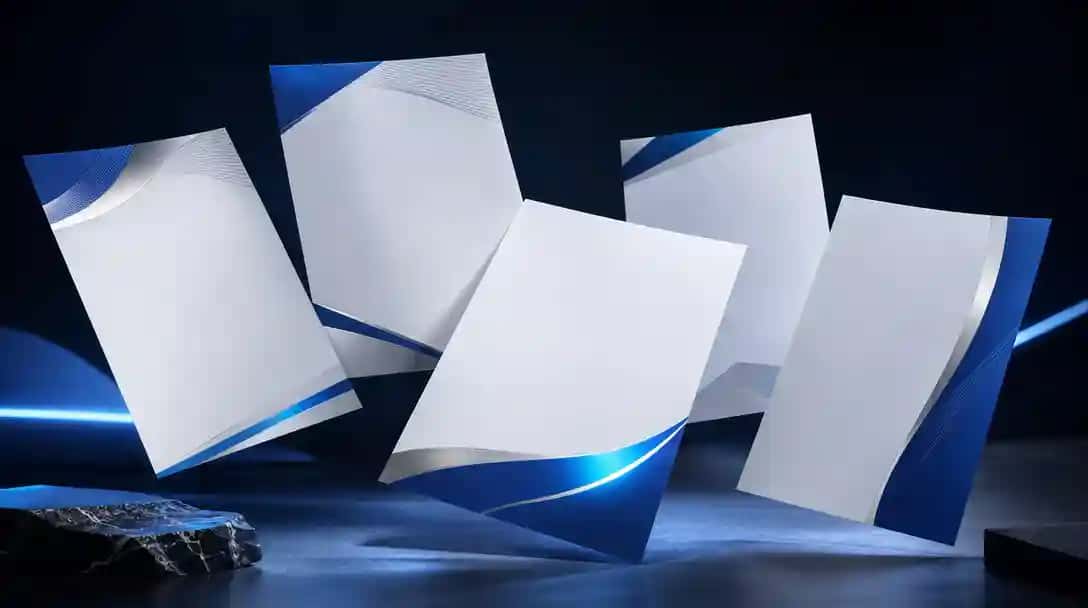
What Are AI Letterhead Generator Tools?
AI letterhead generator tools use artificial intelligence to help you create professional letterheads quickly and with minimal design effort. These tools utilize natural language processing, smart layout engines, and pre-designed template libraries to deliver high-quality, customized letterhead designs based on user prompts or branding inputs.
Ideal for business correspondence, academic purposes, and formal invitations, these platforms offer drag and drop functionality, real-time editing, and high-resolution downloads. Whether you’re looking to make professional letterheads for your brand or want to experiment with creative letterhead designs, AI-powered platforms streamline the entire process.
With an online letterhead generator like the AI Letterhead Generator by Pixazo, users can create your letterhead online in just a few steps. These tools represent the best AI letterhead generator solutions for producing sleek, print-ready outputs—saving time while ensuring consistency across business materials.
How Do AI Letterhead Generator Tools Work?
AI letterhead generator tools function by interpreting user inputs—such as brand colors, logos, and layout choices—and translating them into structured, professional letterhead designs. These tools use prompt parsing modules to extract key visual and branding elements, which are then mapped onto templates using a rendering engine. The result is a clean, well-aligned layout across header, footer, and body sections, with smart placement of text, logos, and decorative elements. Many platforms allow further customization through icon libraries, negative prompting, and export options including PDF, PNG, and SVG formats.
Advanced tools like Pixazo also support multi-page stationery, brand-kit embedding, and collaborative editing features. Some AI-powered letterhead generator platforms leverage GAN-based style transfer or vector synthesis, letting users incorporate existing visuals into their letterhead designs. This blend of AI innovation and classic design control allows users to create professional letterheads effortlessly. For a deeper understanding of why well-crafted letterheads matter, explore the importance of letterhead in branding and communication.
How We Select the Best AI Design Generator Platforms at Pixazo
At Pixazo, we carefully evaluate AI design generator platforms to help users skip the overwhelming trial-and-error process. Our experts, with extensive experience in AI-powered design tools, assess each platform based on creativity, ease of use, customization options, and overall performance. We put these tools to the test by creating designs across different categories to ensure they deliver high-quality results effortlessly. Every recommendation is based on thorough research and real-world testing, with no paid placements or outside influence. Want to know how we pick the best AI design platforms? Explore our detailed evaluation process.
Disclaimer – Portions of this article were drafted with AI and reviewed by Jayesh Chaubey
What Is the Feature Comparison of the Best AI Letterhead Generator Tools?
The best AI letterhead generators stand out through their templates, smart editing tools, export formats, and pricing. Some prioritize quick, affordable access, while others focus on brand-kit support, vector exports, and creative flexibility. Many also include features from larger design platforms, such as layout optimization and image editing.
Tools like Pixazo, for example, provide an AI image generator that enhances your headers and footers with custom visuals—streamlining the overall design experience.
The table below highlights the top AI letterhead generators to help freelancers, business owners, and marketers find the best fit for professional and polished stationery design.
| Tool | Features | Pros | Cons | Best For |
|---|---|---|---|---|
| Pixazo | Prompt‑driven design automation | Intuitive no‑code interface | Credits-based usage | Businesses & marketers needing rapid brand‑aligned letterheads |
| Venngage | AI letterhead generator & brand kit | Generous free tier (5 designs/day) | Paid plan needed for premium templates | Professionals & educators needing branded stationery |
| Zoviz | AI‑powered brand kit generator | Complete brand kit in one tool | Not free—one‑time purchase | Startups & SMEs wanting an all‑in‑one branding solution |
| Design.com | Thousands of professional templates | Massive template library | Template‑only—no generative AI | Users wanting quick, template‑based letterheads |
| Visme | Professional letterhead templates | Easy print‑ready outputs | Limited AI‑driven customization | Educators & content creators needing print‑ready stationery |
| Template.Net | Prompt‑based AI generation | Truly free and editable | Basic template sophistication | Individuals & small orgs wanting quick, free letterheads |
| Simplified | Drag‑and‑drop AI design editor | Advanced AI‑driven editing | Letterhead templates limited | Marketing teams & SMBs needing brand consistency |
| Bottr | Event‑based chatbot framework | Simple API for bots | No letterhead generation capability | Developers building chatbots (not for letterheads) |
| Texta.AI | AI content & copy generation | High‑quality text output | No graphic letterhead design | Content creators needing AI‑written copy (not designs) |
| Turbologo | AI‑based letterhead templates | Logo+letterhead in one tool | Limited advanced layout controls | Small businesses needing simple, logo‑based letterheads |
What Is the Best AI Letterhead Generator for Creators and Businesses?
The best AI letterhead generator offers brand consistency, design flexibility, and high-quality exports—no design skills required. These tools allow creators and businessesto generate professional stationery quickly using prompts or customizable templates.
- Pixazo – Quick brand‑aligned letterheads from prompts using a vast template library.
- Venngage – Robust brand kits and industry‑specific templates with collaboration features.
- Zoviz – Complete AI‑driven brand kit generator including letterheads, business cards, and more.
- Design.com – Extensive template library with vector and high‑resolution exports.
- Visme – Professional letterhead templates with print‑ready PDF and online sharing.
- Template .Net – Free AI letterhead generator with editable, on‑brand templates.
- Simplified – AI‑driven editor with brand kits and real‑time collaboration.
- Bottr – A chatbot framework (no letterhead support).
- Texta.AI – AI content generation (no graphic design features).
- Turbologo – AI‑based letterhead maker with integrated logo design and free usage.
1. Pixazo
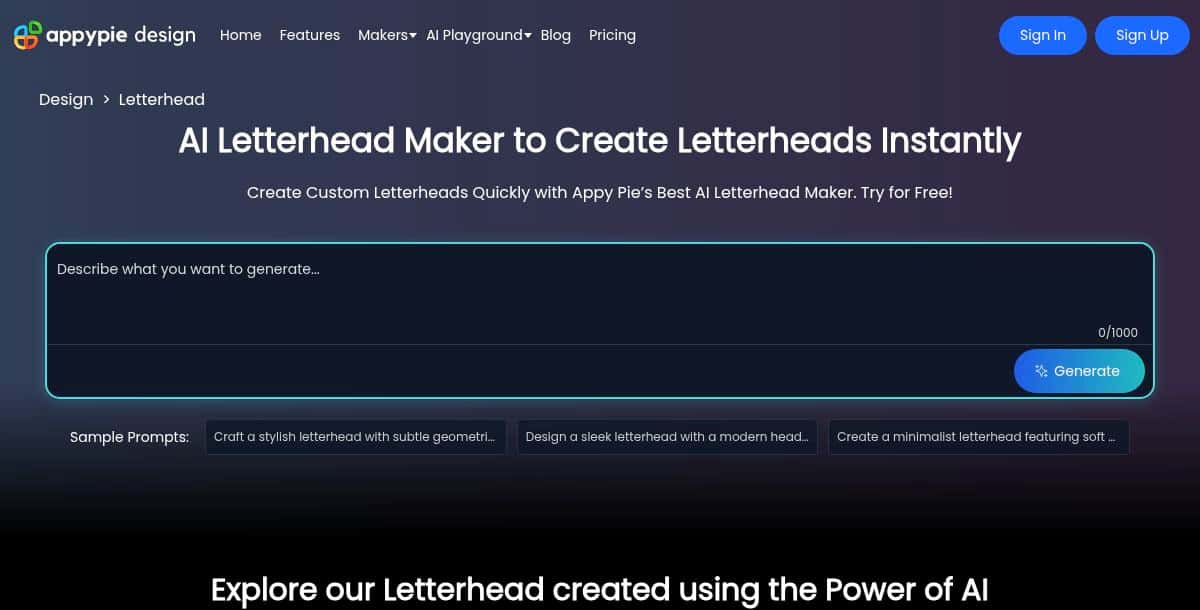
Pixazo AI Letterhead Generator empowers non-designers and small teams to produce polished, branded letterheads swiftly. Leveraging a powerful AI engine and a library of over 500,000 templates, users generate multiple design concepts simply by typing a descriptive prompt. The intuitive command-based AI editor allows easy customization of colors, fonts, logos, and layouts to match your brand guidelines. Exports are available in high-resolution formats for both digital distribution and professional printing.
Key Features:
- Prompt-based AI design generation
- Library of 500,000+ templates
- AI editor for colors, fonts, and logos
- High-resolution exports
- Quick Generation and Flawless Output
Pros:
- Extremely fast concept generation
- No design skills required
- Versatile output designs
Cons:
- Limited free-tier credits for full-resolution downloads
- Unlimited exports require subscription
Best For:
Startups, freelancers, small businesses, and individuals needing on-brand letterheads without hiring a designer.
How It Works:
- Log in and navigate to the AI Letterhead Maker.
- Enter a prompt (e.g., “Clean tech startup letterhead with blue accents”).
- Preview the AI-generated output and customize it in the way you want using AI editor.
- Export in high-quality format for print or digital use.
2. Venngage
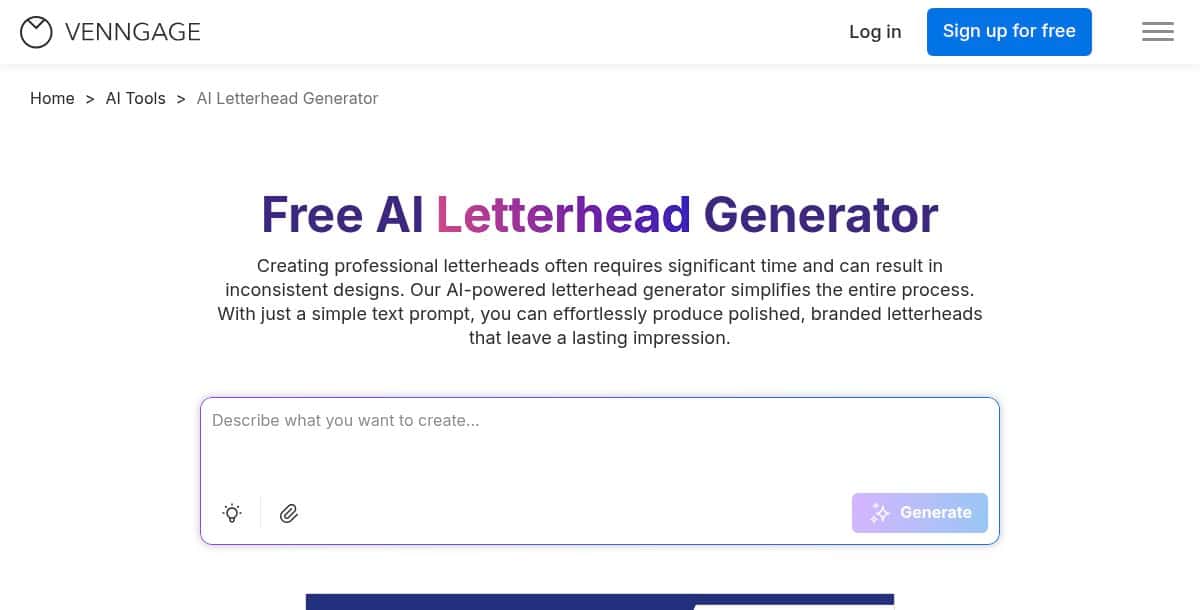
Venngage’s letterhead solution combines AI-powered generation with a robust Brand Kit and collaborative editor. Organizations maintain consistent branding by uploading logos, setting color palettes, and defining fonts in a central Brand Kit that applies across all templates. Users choose from hundreds of industry-specific layouts or accelerate ideation via an AI prompt. The drag-and-drop editor supports icons, stock photos, charts, and custom graphics. Real-time collaboration features enable teams to comment, co-edit, and finalize designs simultaneously. Flexible export options include PNG, PDF, and PowerPoint, making Venngage ideal for both print and digital stationery and presentations.
Key Features:
- Industry-specific templates
- Centralized Brand Kit
- AI draft generation
- Drag-and-drop editor
- Real-time collaboration
- Exports: PNG, PDF, PPT
Pros:
- Ensures brand consistency
- Ideal for remote teams
- Combines AI speed with manual editing
Cons:
- Brand Kit and collaboration in higher-tier plans
- Initial learning curve
Best For:
Marketing teams, agencies, and organizations needing collaborative, on-brand stationery.
How It Works:
- Upload logos and build your Brand Kit.
- Choose a template or use AI to generate drafts.
- Apply Brand Kit with one click.
- Invite teammates to review and edit.
- Export final letterheads.
3. Zoviz
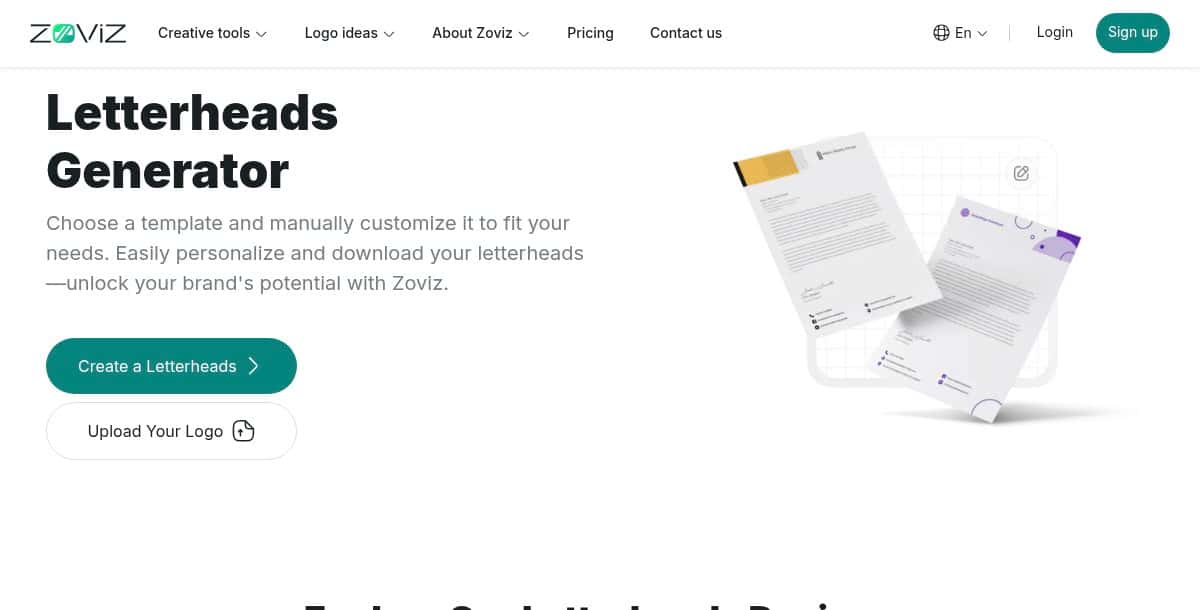
Zoviz is an end-to-end AI branding platform that automates logo creation and generates a full suite of brand assets—including letterheads, business cards, social media graphics, email signatures, and a brand book. Users provide their brand name, slogan, or paste a website URL, and Zoviz’s AI extracts colors, typography, and style. Within minutes, you receive cohesive, print-ready files in PNG, JPG, SVG, EPS, and PDF formats. A one-time payment model with unlimited revisions makes it a cost-effective solution for startups and agencies seeking a turnkey brand identity package.
Key Features:
- AI logo creation
- Full brand kit generation
- Website URL style extraction
- Downloads in multiple formats
- Lifetime access, unlimited revisions
Pros:
- Complete branding in one purchase
- Rapid delivery of assets
- No recurring fees
Cons:
- Upfront cost may deter some budgets
- Limited manual fine-tuning
Best For:
Startups and small agencies wanting a turnkey brand identity kit.
How It Works:
- Submit your brand name or URL.
- Select from AI-generated logos and styles.
- Review and choose preferred designs.
- Download the complete brand kit.
4. Design.com
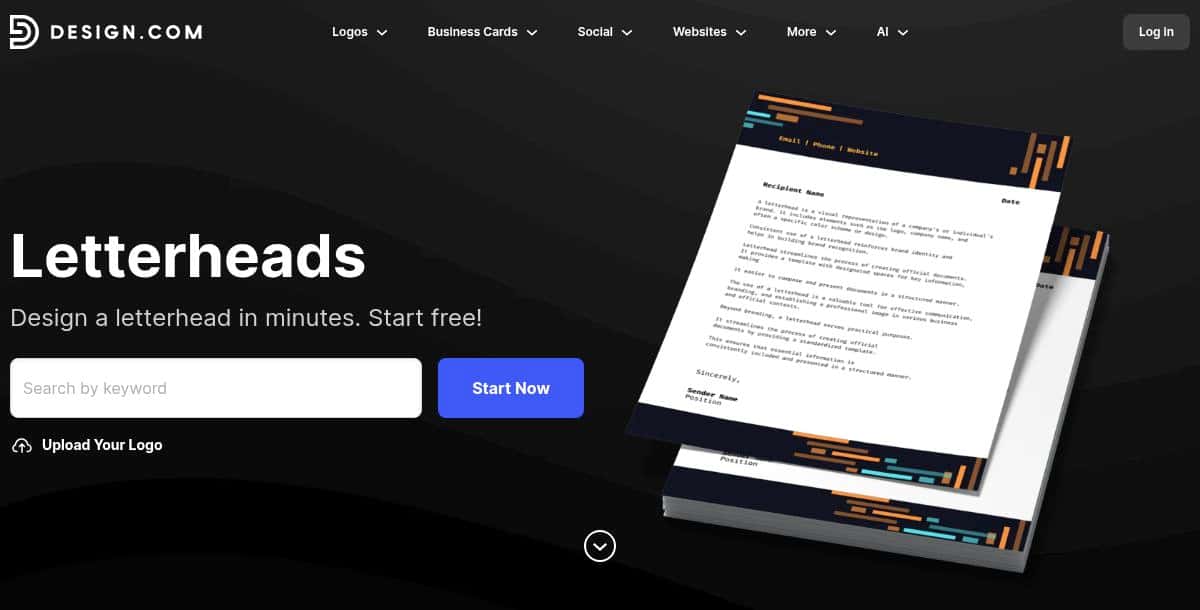
Design.com’s Letterhead Maker offers thousands of handcrafted templates by professional designers. Filter by keyword (e.g., “modern,” “legal”), then customize every element—colors, fonts, layouts, gradients—in the online editor. Exports include raster (PNG, JPEG) and vector (SVG, EPS, PDF) formats, ensuring crisp output at any size. Matching collateral such as social media graphics, email signatures, and flyers is also available. With 24/7 expert support, novice users can achieve gallery-quality stationery quickly and confidently.
Key Features:
- Designer-crafted templates
- Keyword search filtering
- Unlimited customization
- Raster & vector exports
- 24/7 expert support
Pros:
- High-quality, trend-driven designs
- Scalable vector outputs
- Professional support
Cons:
- No AI generation
- Export requires subscription
Best For:
Businesses and individuals seeking professional-grade letterheads.
How It Works:
- Search or browse templates.
- Customize logo, text, and design.
- Download in chosen format.
5. Visme
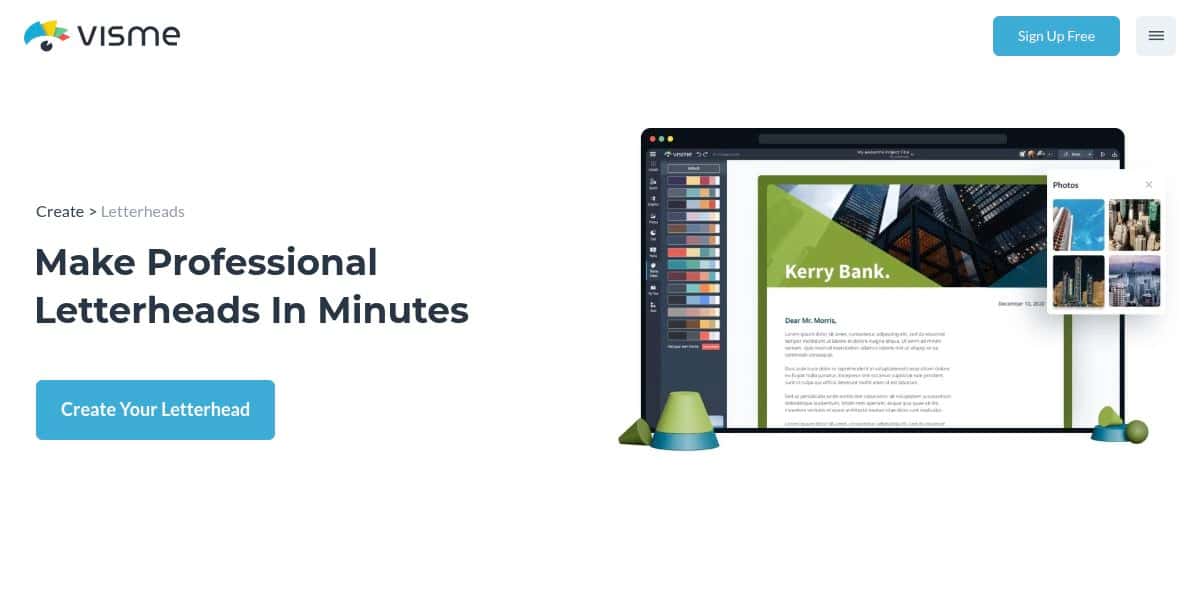
Visme is a visual content platform with a dedicated Letterhead Maker powered by its Brand Wizard. After defining fonts, colors, and logos once, these assets auto-apply across letterheads, infographics, presentations, and reports. The drag-and-drop editor includes icons, stock images, shapes, and data widgets for tailored designs. Finished letterheads export as print-ready PDFs or shareable online links. Team collaboration features—comments, version history, shared workspaces—enable review and refinement within a single environment.
Key Features:
- Brand Wizard for asset management
- Professional template library
- Drag-and-drop editor
- Print PDF & shareable link exports
- Collaboration tools
Pros:
- Uniform branding across content
- Print and digital support
- Integrated content suite
Cons:
- Editor lag on complex projects
- Advanced features require subscription
Best For:
Marketing teams and designers producing diverse branded collateral.
How It Works:
- Import assets into Brand Wizard.
- Select or create a letterhead.
- Customize via drag-and-drop.
- Export or share online.
6. Template.net
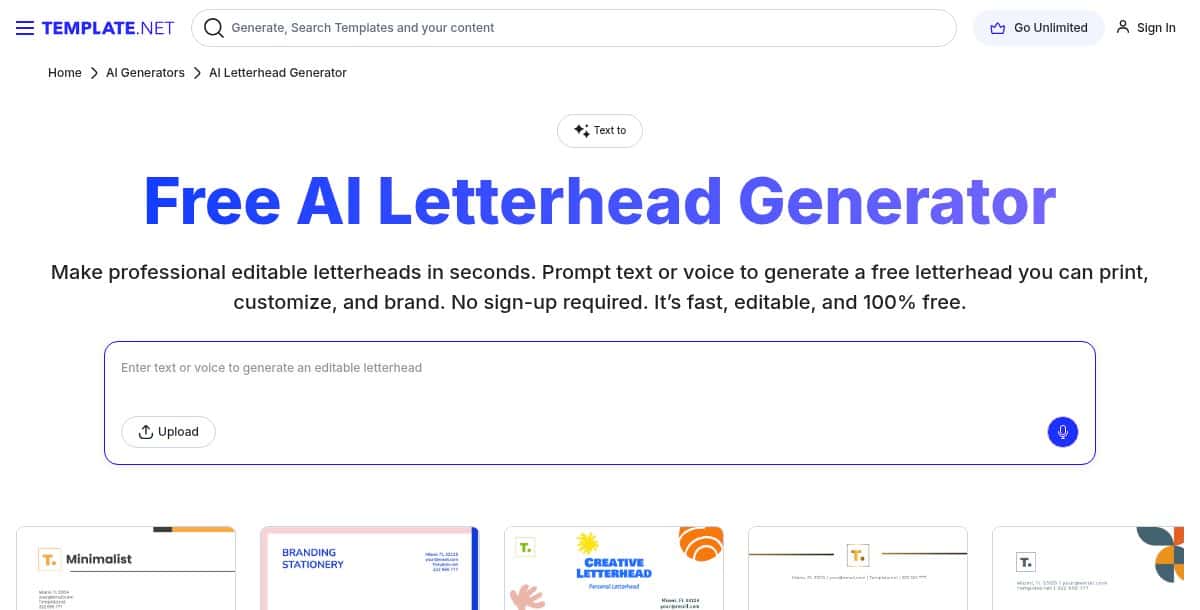
Template .net’s free AI Letterhead Generator creates on-brand letterheads via simple text prompts. Describe your preferred style—“minimalist legal firm” or “vibrant creative studio”—and AI instantly produces editable templates. Outputs in Word, Google Docs, PowerPoint, PDF, SVG, and HTML make post-generation edits easy. No sign-up or credits are required for basic use, and multilingual prompt support caters to global audiences. While drafts may need refinement, the zero-cost model and broad format flexibility make it ideal for budget-conscious users.
Key Features:
- Prompt-driven AI generation
- Free downloads, no sign-up
- Multiple editable formats
- Multilingual prompts
Pros:
- Completely free
- Wide format compatibility
- Instant generation
Cons:
- Drafts need manual tweaks
- Limited graphic controls
Best For:
Students, nonprofits, and small businesses needing quick, editable letterheads at no cost.
How It Works:
- Go to the AI Letterhead Generator.
- Enter a style prompt.
- Select and download a draft.
- Edit in Word or Google Docs.
7. Simplified
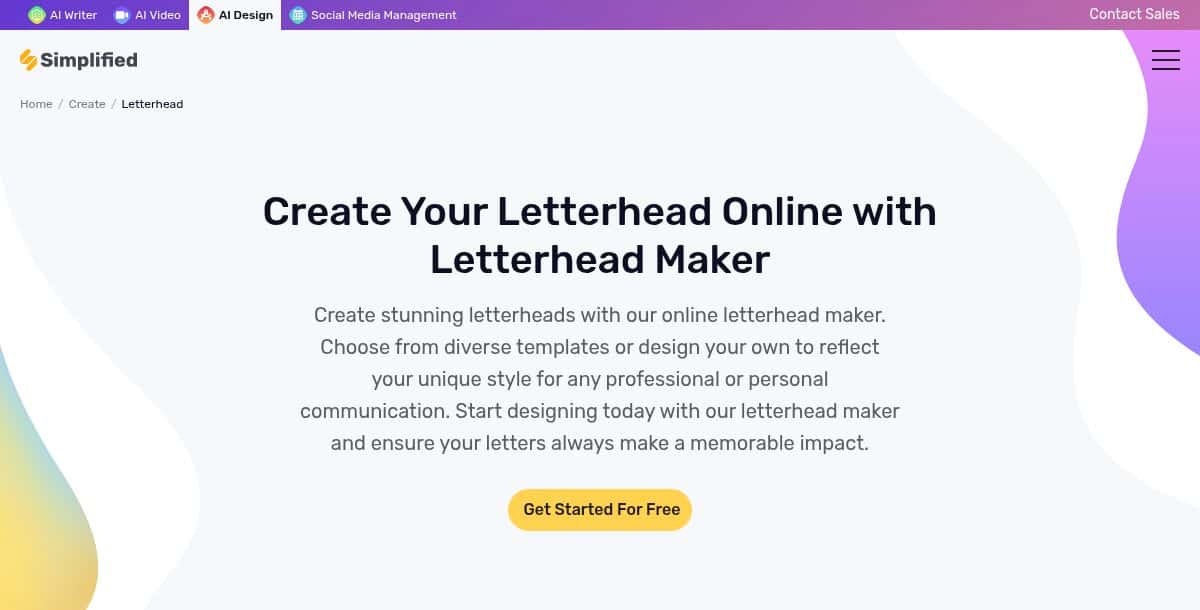
Simplified is an all-in-one design and marketing platform with AI editing, a Brand Kit, and real-time collaboration. Beyond letterheads, it supports business cards, social media graphics, ads, and more. Users upload logos, set colors, and choose fonts to generate a Brand Book. The drag-and-drop editor includes AI-assisted tools like background removal and text suggestions. Teams can co-edit, comment, and lock brand elements. High-res exports in PNG, JPEG, PDF, and SVG ensure ready-to-print outputs, making it a centralized hub for consistent brand collateral.
Key Features:
- AI-assisted drag-and-drop editor
- Central Brand Kit & Book
- Real-time collaboration
- Template library for all collateral
- High-resolution exports
Pros:
- Unified marketing workspace
- Strong brand governance
- Collaboration-first design
Cons:
- Overkill for simple needs
- Advanced features require subscription
Best For:
Agencies and marketing teams needing governed brand consistency and collaborative workflows.
How It Works:
- Upload assets into the Brand Kit.
- Select or start a letterhead template.
- Use AI tools and manual edits.
- Share for feedback and lock elements.
- Export final designs.
8. Bottr
Bottr is an open-source, event-based chatbot framework built on Node.js and Express.js. It enables developers to create interactive conversational agents for web and messaging platforms by defining event handlers such as message_received or button_clicked. Bottr excels at rapid prototyping and integrates easily with NLP and database modules. It provides no graphic-design or stationery-creation capabilities, focusing solely on chat automation and custom dialogue flows.
Key Features:
- Event-based architecture
- Chainable action workflows
- Extensible plugin ecosystem
- Simple messaging API
Pros:
- Free and open-source
- Lightweight and modular
- Flexible integrations
Cons:
- Requires JavaScript/Node.js skills
- No design or branding features
Best For:
Developers building custom chatbots and conversational interfaces.
How It Works:
- Install with
npm install bottr. - Import and configure in a Node.js project.
- Define event handlers and action chains.
- Deploy and integrate with messaging APIs.
9. Texta.AI
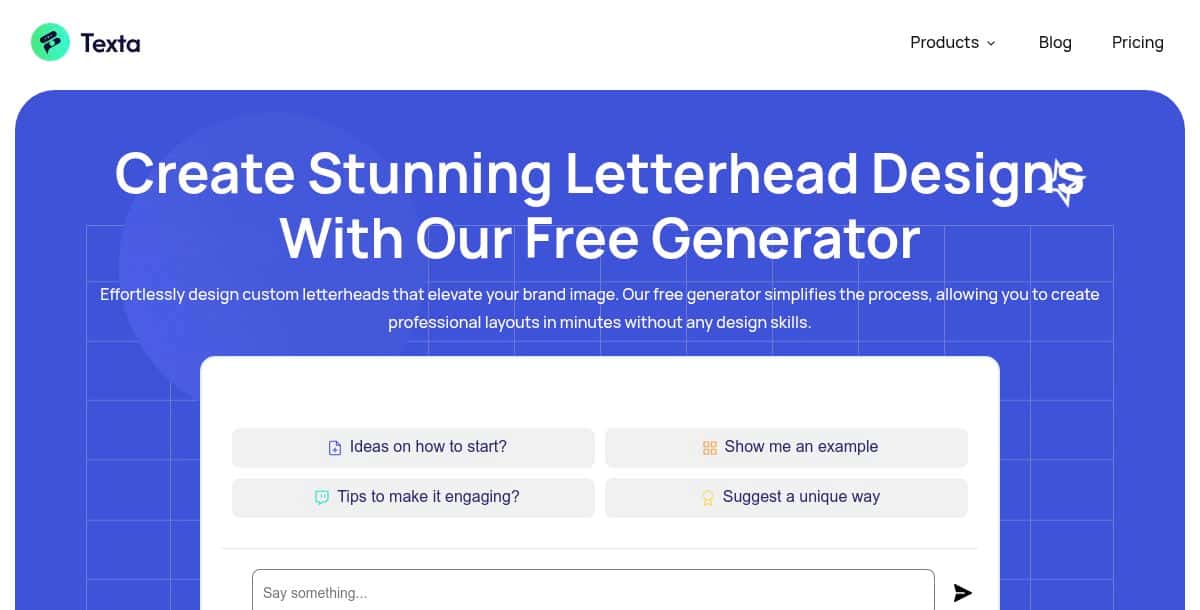
Texta.AI is an AI copywriting platform that generates marketing copy, blog posts, email sequences, social media captions, and SEO-optimized articles. Offering over 50 templates (AIDA, PAS, product descriptions, ad headlines), it guides users through inputting product details, target audience, desired tone, and keywords. Within seconds, Texta AI produces draft text ready for refinement. Features include real-time grammar checks, readability scores, and keyword suggestions to improve SEO. It focuses purely on text generation and does not include any graphic design or letterhead creation tools.
Key Features:
- AI-powered copy templates
- SEO optimization tools
- Grammar and readability enhancements
- Customizable tone and audience
Pros:
- Fast content generation
- SEO and readability improvements
- User-friendly interface
Cons:
- No collaboration features
- No graphic design capabilities
Best For:
Solo marketers, small agencies, and content creators needing rapid, SEO-focused copy.
How It Works:
- Select a copy template.
- Enter product details, tone, and keywords.
- Click “Generate” to get draft content.
- Edit and publish the text.
10. Turbologo
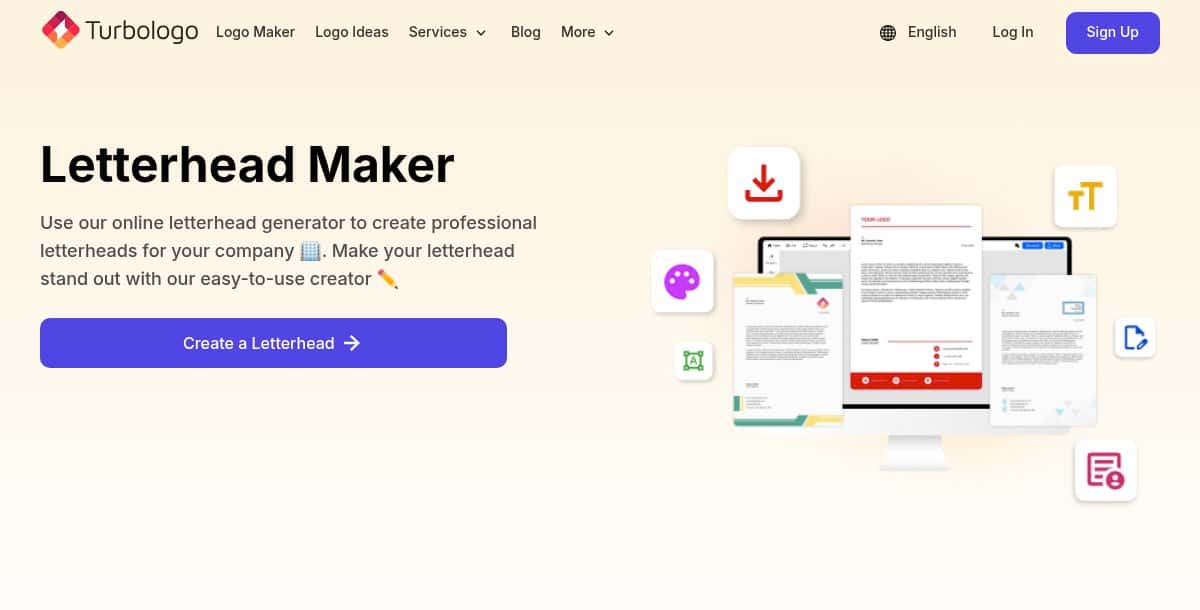
Turbologo is an AI-driven branding tool that merges logo creation with letterhead design in one workflow. Users provide their company name, industry, and style preferences to generate dozens of logo concepts. Once a logo is selected, Turbologo’s Letterhead Maker auto-applies it to stationery templates. The editor lets you tweak colors, fonts, and layouts before exporting in vector (SVG, PDF) or raster (PNG, JPEG) formats. A preview-free model allows unlimited experimentation; you pay a one-time fee only when satisfied with the final assets.
Key Features:
- Integrated logo and letterhead generation
- Extensive template library
- Customization of colors, fonts, layouts
- Vector and raster exports
- Free previews, one-time purchase
Pros:
- Unified branding workflow
- No upfront preview cost
- High-quality vectors
Cons:
- One-time fees may add up
- Limited deep-edit capabilities
Best For:
Entrepreneurs and small businesses seeking a quick, all-in-one logo and letterhead solution.
How It Works:
- Enter your business name and style cues.
- Select and refine a logo concept.
- Proceed to Letterhead Maker for auto-application.
- Customize and preview designs.
- Purchase and download final assets.
What Does the Future of AI Letterhead Generator Tools Look Like?
The future of AI letterhead generators lies in smarter automation, real-time collaboration, and deeper brand integration. These tools are rapidly evolving to support multi-user workflows, personalized design decisions, and seamless online-offline functionality.
- Real-Time Collaborative Editing: Multiple users adjusting layouts and brand assets simultaneously in the cloud.
- On-Device AI Rendering: Offline letterhead creation on desktop and mobile for privacy and speed.
- Context-Aware Design: AI that reads document context to adapt header styles, colors, and typography dynamically—especially valuable when aligning with other brand assets like logos.
- Interactive Stationery: Embeddable QR codes, clickable digital elements, and multimedia headers for web-native documents.
What Other Creative Tools Are Advancing Alongside AI Letterhead Generators?
Several AI-powered creative tools are evolving in parallel with letterhead generators, helping users build a complete and cohesive personal or business brand. These tools streamline visual identity and communication across various touchpoints, making them ideal companions in professional design workflows.
- AI business card generator: Helps you instantly create branded business cards that match your letterhead’s look and feel, maintaining visual consistency across printed materials.
- AI headshot generator: Allows professionals to generate polished profile images for inclusion on letterheads, resumes, or digital documents, reinforcing credibility.
- AI passport photo maker: Ideal for official documents or identity kits where standardized images need to accompany formal stationery like letterheads.
- AI Background Changer: Lets you clean up or brand-match your headshots or other visuals used in headers and footers of your letterhead templates.
- AI Email Signature Generator: Complements your letterhead by ensuring your email footers carry the same professionalism and brand identity across digital channels.
Which AI Letterhead Generator Is Best Choice for Your Business?
The right tool depends on your workflow, team size, and branding goals. Whether you’re looking for quick letterhead generation or a complete brand identity suite, there’s a solution designed to match your specific needs.
If speed and simplicity are key, AI-first tools like Pixazo, Template.net, and Simplified are the way to go. These platforms allow you to generate professional letterheads directly from text prompts, making them ideal for freelancers, startups, and anyone who needs fast results with little to no learning curve.
For a complete brand package in one purchase, Zoviz and Turbologo are excellent options. They provide logos, stationery, social media assets, and brand books in a single bundle, perfect for entrepreneurs and small agencies that want consistent branding without managing multiple tools.
When collaboration and brand consistency matter most, turn to platforms like Venngage, Visme, and Design.com. These tools offer real-time co-editing, brand kits, and template controls that help marketing teams and larger organizations stay on-brand across all materials.
In summary, match your choice to your workflow: use AI-first tools for speed, brand-kit platforms for comprehensive identity packages, and collaboration-centric tools for team-driven, consistent branding. Each option fits a different need—choose based on your scale, budget, and customization level.
Frequently Asked Questions
1. What is the best AI letterhead generator for fast and simple designs?
Pixazo is ideal for fast and simple letterhead creation. It lets users generate branded letterheads from prompts using a vast template library, with no design skills required.
2. Which AI tool is best for creating a full brand kit including letterheads?
Zoviz offers a complete AI-driven brand kit solution. It includes letterheads, logos, business cards, and social media assets, all in one seamless package.
3. Can I collaborate with my team while designing letterheads?
Yes, tools like Venngage, Visme, and Simplified support real-time collaboration. They allow team members to co-edit, comment, and manage brand consistency across projects.
4. Are there any free AI tools for creating letterheads?
Template .Net provides a free AI letterhead generator. It offers editable, brand-aligned templates that are easy to customize without cost.
5. Which platform offers the best letterhead exports for print or professional use?
Design.com and Visme are excellent for high-quality exports. They support vector formats and print-ready PDFs, making them suitable for professional and commercial use.

Deepak Joshi
Author · Pixazo
Deepak writes about generative AI models, APIs, and the workflows teams use to ship them. Reviewed by Abhinav Girdhar.