Pixazo Launches Flawless Text Model


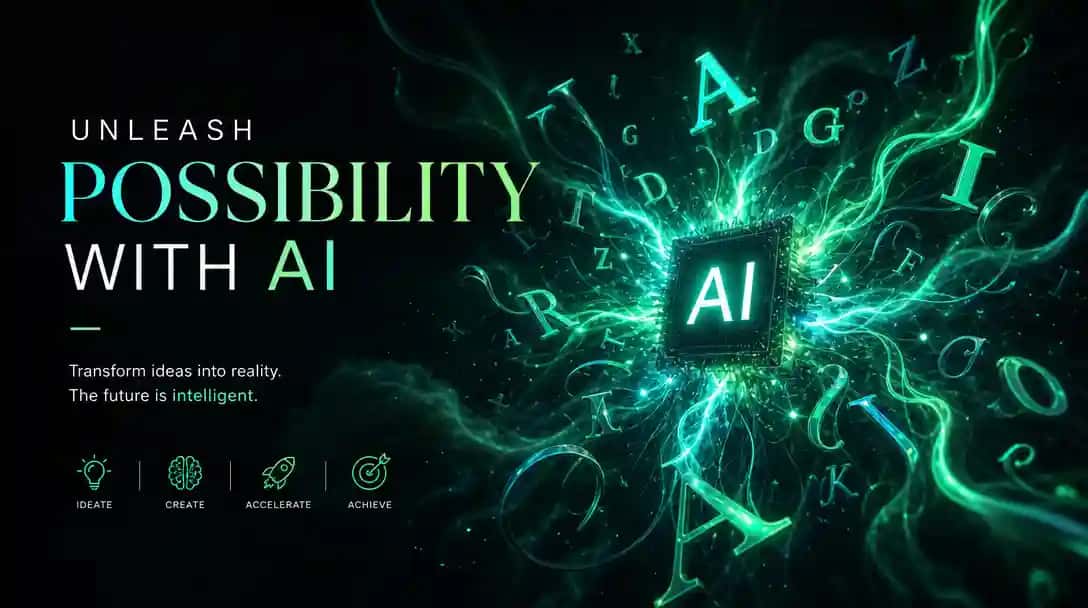
Pixazo has released a transforming model in its AI image generator: Flawless Text. This feature strengthens AI Design Generator tools and solves a major issue common to AI-generated images by ensuring that the text included is accurate, clear, and visually well-integrated. Flawless Text enables users to produce images featuring perfect text, a development that saves businesses time and improves the quality of marketing and branding materials. AI Text To 3D Model Generator lets you try this in your browser.
The Issue Flawless Text Solves
A common frustration with images generated by an AI Image Generator has been the difficulty in getting text right. Often, text in these AI-generated images appears distorted, misspelled, or poorly integrated into the visuals. For businesses, this means additional time spent fixing errors and adjusting text—an inefficient and sometimes costly process. Pixazo’s Flawless Text model changes this by addressing these text issues directly. It ensures that text in images appears accurate, clear, and positioned in a way that enhances the overall design, making it ready for professional use without the need for further corrections.
What Flawless Text Brings to the Table
The Flawless Text model introduces three main improvements for users:
- Clear and Readable Text: With Flawless Text model, the images you will generate appear in a clear and readable format, eliminating issues with distorted or jumbled letters. This is particularly beneficial for creating professional marketing materials where readability is essential.
- Accurate Text Based on User Input: Flawless Text provides clear and legible text exactly as you input it, giving you control over accuracy and style. You can select fonts that align with your brand to maintain consistency. This empowers you to create precise, polished visuals that reflect your brand perfectly.
- Balanced Integration in Images: Flawless Text ensures that the text fits naturally within the image without clashing with other design elements. Letters and characters are adjusted to appear professional and visually pleasing, creating a polished final product.
How Flawless Text Helps Businesses
The benefits of Flawless Text are clear. For marketing teams, social media managers, content creators, and business owners, the feature reduces the time and effort required to create professional visuals. This feature offers several practical benefits:
- Time Savings: Flawless Text minimizes the need for time-consuming text corrections. Users can now generate images with accurate text on the first try, cutting down on the time spent editing or reworking content.
Suggested Read: Pixazo Launches Wan 2.5 with Cinematic Quality and One-Prompt Audio-Video Sync
- Improved Professionalism: With text that looks clear and correct, businesses can create marketing materials that leave a positive impression on their audience, supporting brand reputation and enhancing visual communication.
Suggested Read: 10 Best AI Voice Generators for Text-to-Speech in 2026
- Enhanced Branding: High-quality images that don’t require additional fixes contribute to stronger branding. Using the Flawless Text feature, teams can focus on building cohesive brand materials without worrying about basic text issues.
Abhinav Girdhar, CEO of Pixazo, expressed enthusiasm about the Flawless Text launch, highlighting the critical role of accurate text in AI-generated images. He shared, “Our team has worked tirelessly to enhance text accuracy in AI-generated images. This new advancement sets a new industry standard, ensuring the text produced by our models remains error-free.” His remarks underline Pixazo’s dedication to delivering innovative solutions that tackle genuine business challenges.
Suggested Read: Practical Applications of AI Text to Video generation across industries
Technical Flexibility with Flawless Text API
Beyond its use within the Pixazo platform, Flawless Text is also available as an API for developers. This offers users the ability to integrate the feature into their own applications or customize it for specific needs. The Flawless Text API makes it possible to control how the text appears, offering flexibility for teams with specific design or technical requirements. This makes Flawless Text a useful tool not only for Pixazo users but also for developers looking to enhance text
Suggested Read: Hume AI vs ElevenLabs: Comparing Two Expressive Text-to-Speech Models
Why This Innovation Matters
Before the Flawless Text update, businesses often had to allocate additional resources to correct text issues in AI-generated images. This meant longer design timelines and higher costs for simple edits. With Flawless Text, businesses can generate images that are visually appealing, with text that is accurate on the first try. This improvement not only saves time but also boosts the quality of marketing materials, making it easier for brands to connect with their audience through polished, professional visuals.
Suggested Read: Introducing Krea 2 API on Pixazo API for Style-Aware, Reference-Driven Image Generation
Frequently Asked Questions
What is Pixazo’s Flawless Text model?
It is a Pixazo image model designed to render clear, accurate, and readable text within generated images, an area where many AI models struggle. It is aimed at designs like posters, logos, ads, and social graphics that depend on legible words.
Why is text hard for AI image models?
Many image models treat letters as shapes rather than language, so they often produce garbled or misspelled words. Models built specifically for text handling improve spelling, spacing, and legibility in the final image.
What can I create with a text-focused image model?
It is well suited for posters, quotes, greeting cards, product mockups, banners, and any design where the wording must be correct and clean. Accurate text rendering reduces the need for manual fixes in an editor.
Do I need to write prompts differently for accurate text?
It helps to clearly specify the exact words you want in quotes and describe placement and style. Keeping the desired text short and unambiguous usually improves how faithfully it appears.
Can I edit the text after generating an image?
You can regenerate with an adjusted prompt or refine the design in an editor if small tweaks are needed. Starting with a text-focused model reduces how much post-editing you typically have to do.
Deepak Joshi
Author · Pixazo
Deepak writes about generative AI models, APIs, and the workflows teams use to ship them. Reviewed by Abhinav Girdhar.