11 Best AI Image Enhancers in 2026


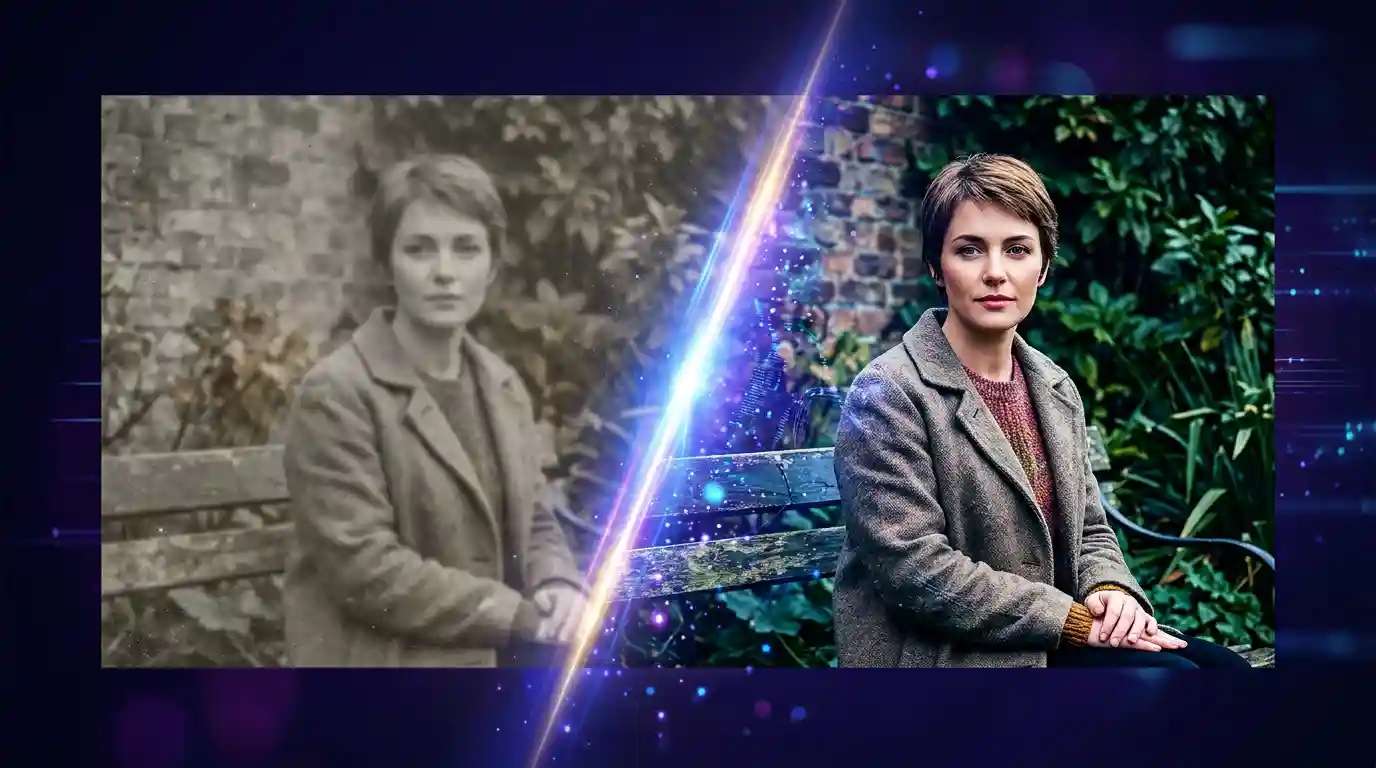
Do you want your photos or designs to look sharp and professional? AI Image Enhancer tools can help. These tools use advanced technology to improve the quality of images, making them clearer, brighter, and more detailed. High-quality images are essential to grab attention and convey information effectively in fields like photography, marketing, and research. This review will explore some of the best AI Image Enhancer tools available, helping you choose the right option for your needs.
Ways to Effectively Use AI Image Enhancers
To get the most out of AI Image Enhancers, follow these best practices:
- Start with a high-resolution image: The clearer your original image, the better the AI can enhance it. Avoid using blurry or low-quality photos for the best results.
- Choose the right settings: Many AI tools offer different enhancement options like brightness, sharpness, or noise reduction. Adjust these based on your specific needs rather than using the default settings.
- Preview the changes: Most tools let you preview the enhanced image before saving it. This helps you fine-tune adjustments to get the desired outcome.
- Avoid over-editing: Too much enhancement can make an image look unnatural. Keep changes subtle for a more realistic result.
- Use the right tool for the job: Different AI Image Enhancers specialize in various aspects of image improvement. Choose one that matches your specific goal, whether it’s for photography, social media, or research.
Best AI Image Enhancers to Photo Enthusiasts
| Tool | Pros | Cons | Pricing |
|---|---|---|---|
| VanceAI | High-quality upscaling Automatic processing | Limited free access Subscription required for advanced features | Free: 5 credits/month Paid: From $4.95/month |
| Fotor | Simple for non-designers Wide variety of templates | Ads in free version Limited advanced tools | Free version Paid: From $4.99/month |
| Let’s Enhance | Excellent for enlarging images Batch processing | Limited editing tools Slow with large files | Free trial: 10 credits Paid: From $9/month |
| Luminar Neo | High-end editing AI simplifies complex tasks | Steep learning curve Heavy software | One-time: $249 Subscription: From $11.95/month |
| Adobe Photoshop | Comprehensive features Professional tools | Expensive Requires learning | $54.99/month (with Creative Cloud) |
| Pixazo’s AI Image Enhancer | Easy to use Fast processing | Limited free trial features | Free trial Basic: $8/month |
| Pixlr | Free version Accessible in any browser | Ads in free version Fewer advanced tools | Plus: $1.99/month Premium: $7.99/month Team: $12.99/month |
| Upscaler | Preserves detail Fast and simple | Limited to upscaling only | Free |
| Stable Diffusion | Free and open-source High-quality generation | Requires technical skills High hardware requirements | Free Subscription: From $7/month |
| Pixelcut | User-friendly Ideal for e-commerce | Limited to mobile editing Subscription required for advanced features | From $10/month |
| Remini | Effective for old photo restoration Simple processing | Limited to restoration Free version has ads | Free version Premium: From $4.99/month |
1. VanceAI
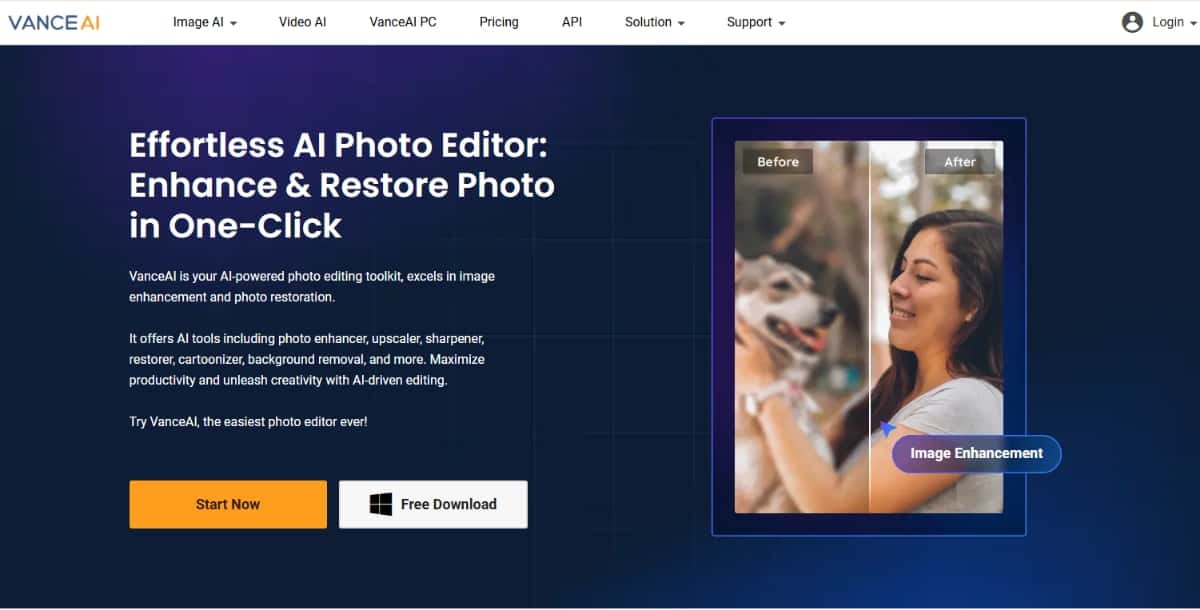
VanceAI is an online tool that helps you improve your photos using artificial intelligence. With VanceAI, you can easily enhance your images by making them clearer, removing noise, and adding color. It also offers features like image upscaling, which increases the size of your pictures without losing quality. VanceAI is user-friendly, so anyone can use it, whether you’re a photographer or just someone who wants to make their photos look better.
Key Features:
- AI upscaling, denoising, and sharpening.
- Restoration of old photos.
- AI cartoon and sketch generators.
Pros:
- High-quality upscaling results.
- Automatic processing saves time.
Cons:
- Limited free access.
- Subscription is required for advanced features.
Pricing Plan:
- Free plan: 5 credits per month.
- Paid plans start at $4.95/month for 100 credits.
2. Fotor
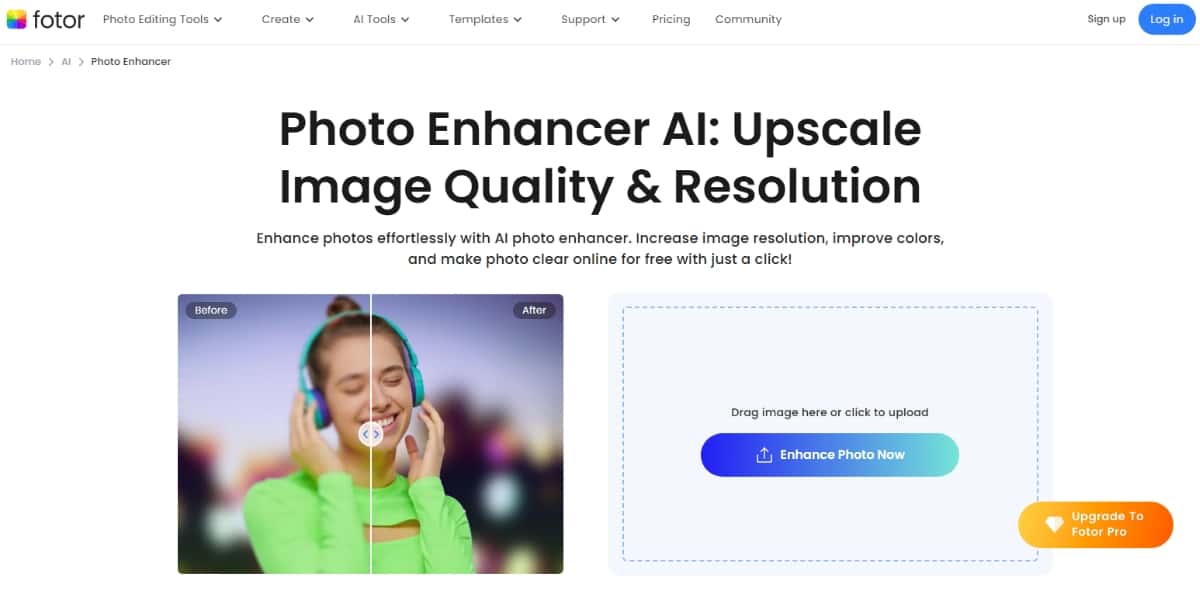
Fotor is an easy-to-use online tool that helps you improve your photos. With just a few clicks, you can make your pictures look clearer and brighter. It offers features like one-click enhancements, where you can quickly fix colors and lighting. You can also adjust details such as sharpness and contrast. Fotor Photo Enhancer is great for anyone, whether you’re a beginner or a professional. You can use it on your computer or smartphone, making it convenient to enhance your images anytime, anywhere.
Key Features:
- AI-powered photo enhancer and one-tap beautification.
- Customizable design templates.
- Background remover and object removal.
Pros:
- Simple to use for non-designers.
- Wide variety of templates and tools.
- Free version available.
Cons:
- Ads in the free version.
- Limited advanced tools compared to competitors.
Pricing Plan:
- Free version with basic features.
- Paid plans start at $4.99/month.
3. Let’s Enhance
Let’s Enhance is an easy-to-use online tool that helps improve your photos. It uses advanced technology to make your images clearer, sharper, and more vibrant. Whether your photo is blurry, low-quality, or has poor colors, Photo Enhancer can fix these issues in just a few clicks. Let’s Enhance is great for anyone who wants to make their pictures look better for social media, printing, or personal use. Try it today and see the difference!
Key Features:
- AI upscaling up to 16x.
- Color and tone correction.
- Batch processing support.
Pros:
- Excellent for enlarging images without pixelation.
- User-friendly interface.
- Supports large batch uploads.
Cons:
- Limited editing tools outside of enhancement.
- Can be slow with very large files.
Pricing Plan:
- Free trial with 10 credits.
- Paid plans start at $9/month.
4. Luminar Neo
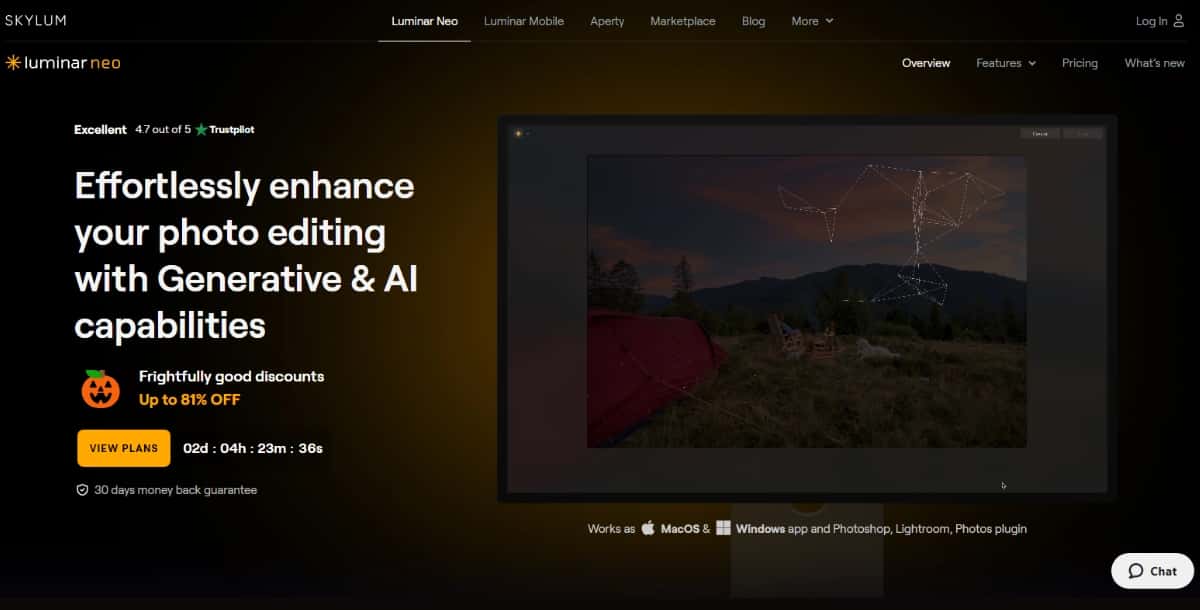
Luminar Neo is a photo editing software that helps you make your pictures look amazing. It’s designed for both beginners and experienced photographers. With Luminar Neo, you can easily enhance your photos using tools like AI sky replacement, which lets you change the sky in your images, and portrait retouching, which helps you improve skin tones and remove blemishes.
Key Features:
- AI-powered sky replacement, portrait retouching, and object removal.
- Non-destructive layer editing.
- Smart contrast and color enhancement tools.
Pros:
- High-end photo editing capabilities.
- AI simplifies complex edits.
- Clean interface with customizable options.
Cons:
- Steeper learning curve for beginners.
- Heavy software can slow down some systems.
Pricing Plan:
- One-time purchase at $249 or subscription starting at $11.95/month.
5. Adobe Photoshop
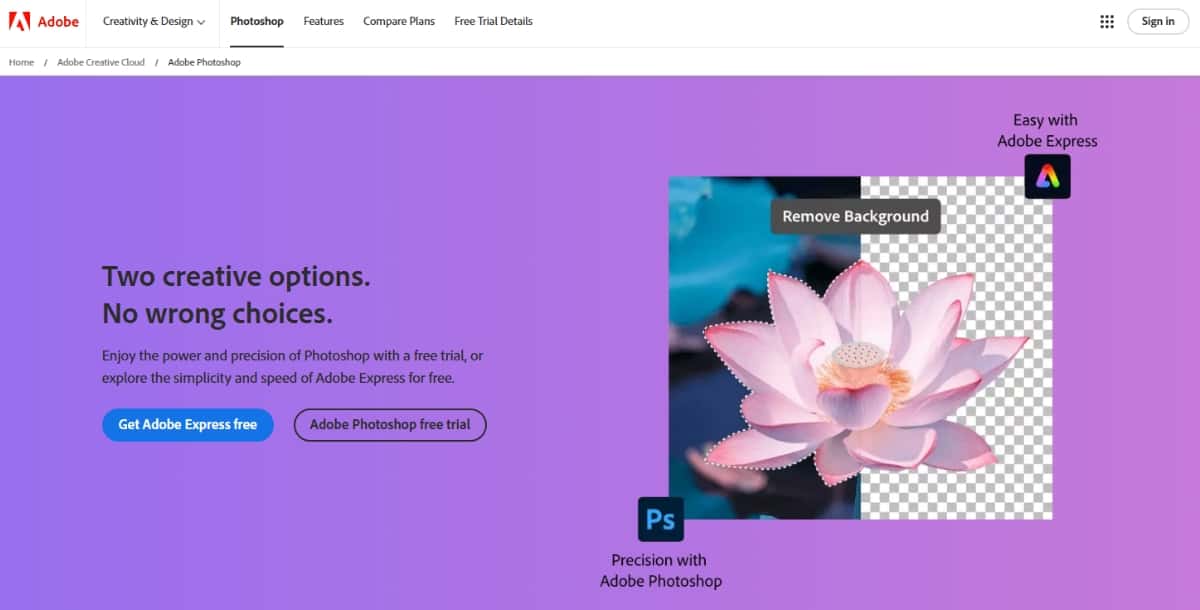
Adobe Photoshop is a powerful software program used for editing and creating images. It is popular among photographers, designers, and artists because it offers a wide range of tools and features. With Photoshop, you can enhance photos, remove unwanted objects, adjust colors, and add text or graphics. It also allows you to work with layers, which makes it easier to combine different elements in your design. Whether you are a beginner or a professional, Photoshop provides the tools you need to bring your creative ideas to life.
Key Features:
- Advanced AI tools like Neural Filters.
- Precise control over layers, masks, and selections.
- Wide range of plugins and integrations.
Suggested Read: Introducing FLUX.1 Kontext API, GFPGAN API & CodeFormer API on Pixazo API
Pros:
- A comprehensive set of features for professionals.
- Continuous updates and support.
- Extensive tutorials and community support.
Cons:
- Expensive for casual users.
- Requires learning to master.
Pricing Plan:
- $54.99 per month (includes all Adobe Creative Cloud applications).
6. Pixazo’s AI Image Enhancer
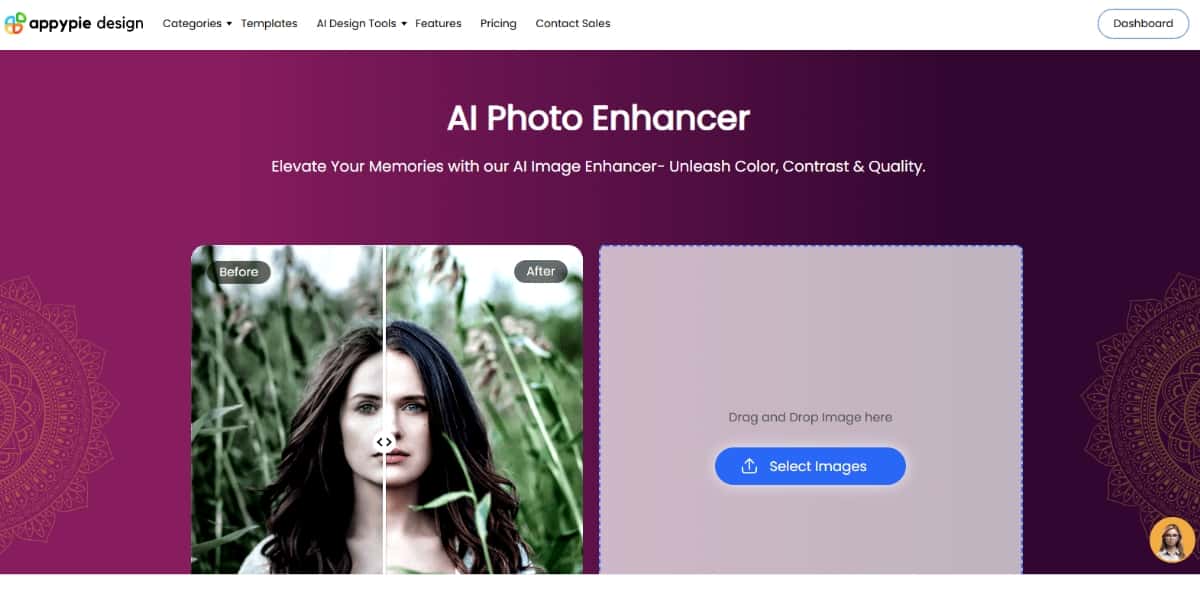
Pixazo’s AI Image Enhancer is a user-friendly tool designed to improve the quality of your images quickly and easily. Whether you have blurry photos, low-resolution pictures, or images that need a little extra brightness, this tool can help. With just a few clicks, you can enhance your images to look sharper and more vibrant. The AI technology works automatically, making it simple for anyone to use, even if you don’t have any editing experience. You can upload your images directly to the platform, and the enhancer will process them in seconds.
Key Features:
- AI-based image upscaling and enhancement.
- Supports multiple file formats.
- Real-time processing and previews.
Pros:
- Easy-to-use, intuitive interface.
- Fast processing.
- Offers additional creative tools like logo design and video editing.
Cons:
- Limited generations in the free trial.
Suggested Read: Best AI Image Upscaler Tools in 2026
Pricing Plan:
- Free trial available.
- Basic plan: $8/month.
7. Pixlr
Pixlr is a free online photo editing tool that helps you create and edit images easily. It offers a user-friendly interface, making it suitable for both beginners and experienced users. With Pixlr, you can apply filters, adjust colors, add text, and use various effects to enhance your photos. You can also work with layers, which allows for more advanced editing. Pixlr is accessible on any device with an internet connection, so you can edit your images anytime and anywhere.
Key Features:
- AI-powered background removal.
- Filters, overlays, and effects.
- Quick fix tools for exposure, contrast, and sharpness.
Pros:
- Free version with robust features.
- Accessible on any browser.
- Ideal for quick edits and social media posts.
Cons:
- Ads in the free version.
- Fewer advanced tools compared to desktop software.
Pricing Plan: Pixlr offers 3 pricing plans.
- Plus: $1.99/month
- Premium: $7.99/month
- Team: $12.99/month
Suggested Read: 11 Best Poster Makers to Explore
8. Upscaler
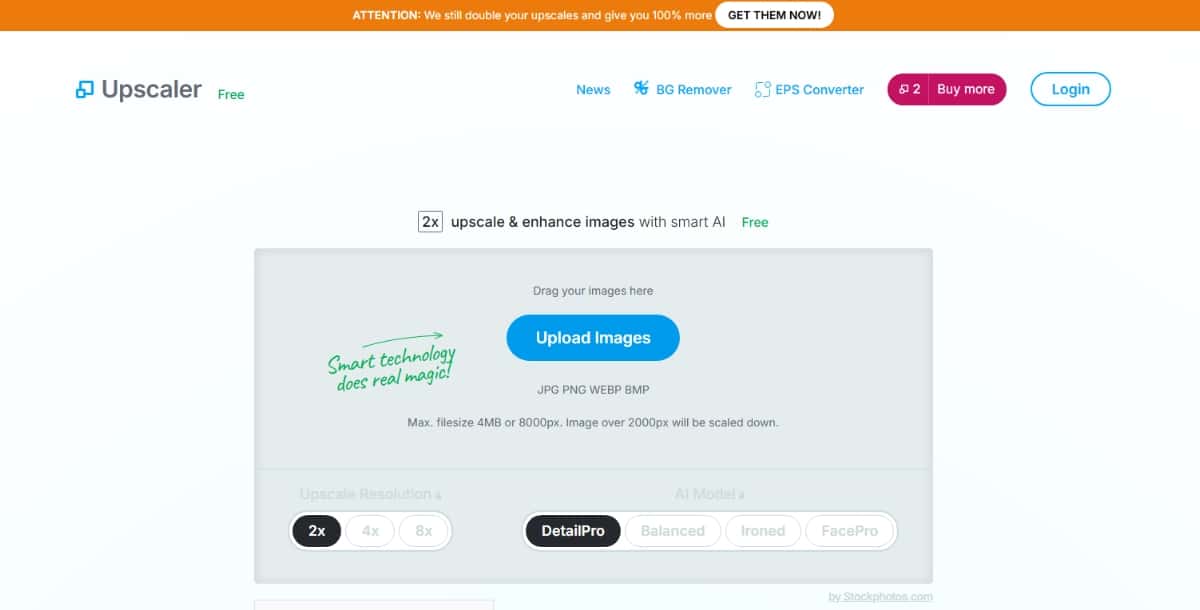
Upscaler is an online tool that helps you make your images larger and clearer. It uses advanced technology to improve the quality of photos without losing details. Whether you have a small image that needs to be printed bigger or you want to enhance a low-resolution picture, Upscaler can help. It works quickly and is easy to use—just upload your image, and it will automatically improve it. With Upscaler, you can create high-quality images for your projects, social media, or any other use.
Key Features:
- Upscaling images up to 8x.
- AI-based noise reduction.
- Supports multiple file types.
Pros:
- Preserves details during enlargement.
- Fast and easy to use.
- No downloads are required.
Cons:
- Limited to upscaling only.
- Requires a subscription for extended usage.
Pricing Plan:
- Free
9. Stable Diffusion
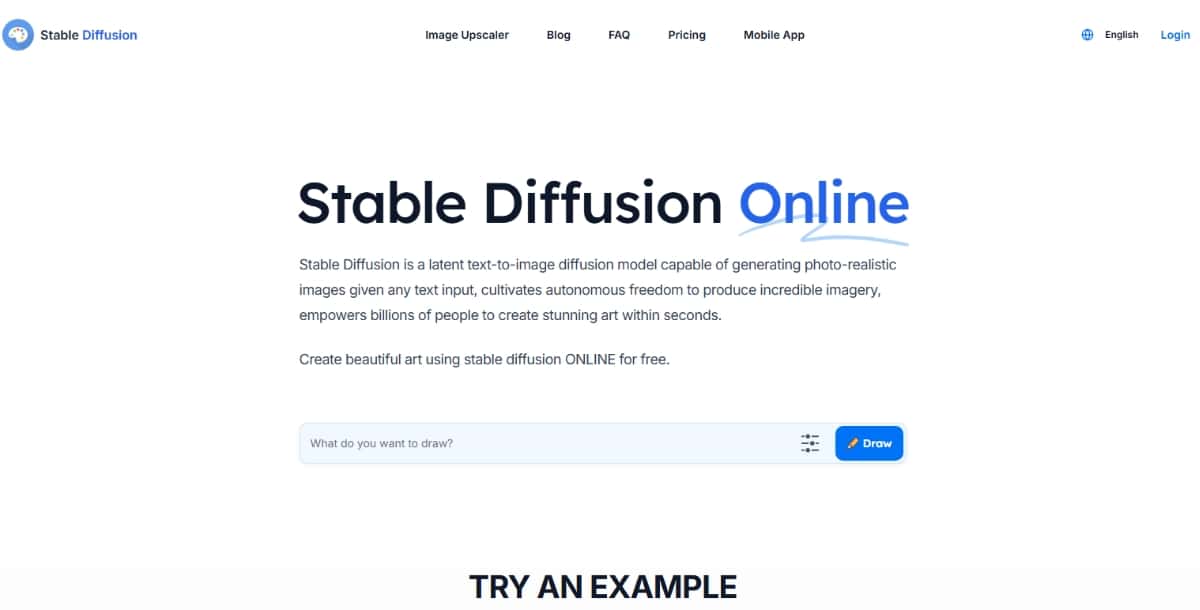
Stable Diffusion is a powerful tool that creates images from text descriptions. It uses a type of artificial intelligence called a neural network, which learns from a large amount of data. This allows it to understand how to generate realistic images based on the words you provide. With Stable Diffusion Integration, it seamlessly combines with other platforms and workflows, enhancing creative potential and accessibility. It is known for its ability to produce high-quality and detailed images quickly.
Key Features:
- AI-based image generation from text.
- Customization options for model training.
- High resolution and detailed outputs.
Suggested Read: Introducing Pixelcut Video Background Removal API on Pixazo API
Pros:
- Free and open-source.
- Capable of generating unique images.
- Suitable for both individual and professional use.
Cons:
- Requires technical knowledge to implement.
- Hardware requirements can be demanding.
Pricing Plan:
- Free to use.
- Subscription starting from $7/month
10. Pixelcut
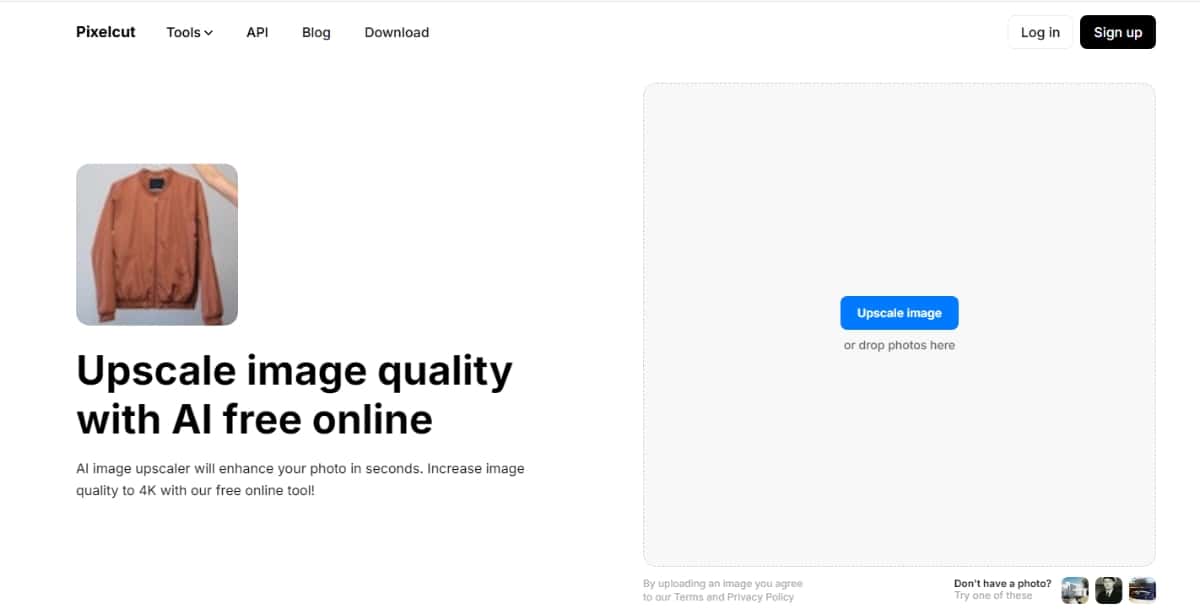
Pixelcut is an easy-to-use online tool designed for creating stunning images and graphics. It helps you remove backgrounds from photos, which is great for making clean and professional-looking images for your projects. Pixelcut also offers a variety of templates and editing features, allowing you to customize your designs quickly. Whether you’re making social media posts, product images, or personal projects, Pixelcut makes it simple to create eye-catching visuals without needing advanced design skills.
Key Features:
- AI background remover and image enhancer.
- Templates for product photos and ads.
- Instant export to social media.
Pros:
- Extremely user-friendly.
- Designed for mobile, ideal for on-the-go editing.
- Focuses on e-commerce needs.
Cons:
- Limited to mobile editing.
- Subscription is required for advanced features.
Suggested Read: AI Images That Look Real: How to Make AI Photos More Realistic?
Pricing Plan:
- Credit plan starting from $10/month
11. Remini
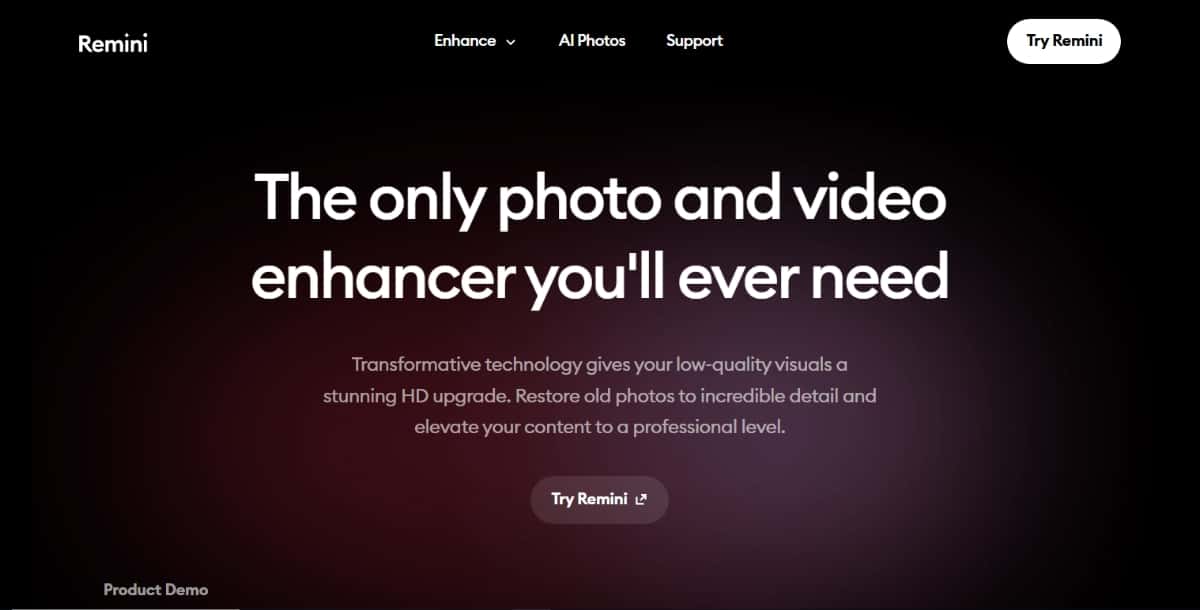
Remini is a popular photo enhancement app that helps you improve the quality of your pictures. It uses advanced artificial intelligence to turn blurry or low-resolution images into clear and sharp photos. With Remini, you can restore old photos, enhance details, and even colorize black-and-white images. The app is user-friendly and allows you to quickly edit your pictures with just a few taps. Whether you want to fix family photos or make your selfies look better, Remini is a great tool to bring your images back to life.
Key Features:
- AI restoration of old and blurred photos.
- Real-time processing for videos and images.
- Facial feature enhancement.
Pros:
- Works well for restoring old photos.
- Simple and quick processing.
- Effective facial enhancements.
Cons:
- Limited to restoration and enhancement.
- The free version includes ads.
Pricing Plan:
- Free version available.
- Premium plans start at $4.99/month.
Summary
In conclusion, AI image enhancers have become essential tools for anyone looking to improve image quality quickly and efficiently. Whether you’re a photographer, marketer, or casual user, these tools offer a range of features from simple one-click enhancements to advanced photo restoration and upscaling. Each tool has its own strengths and weaknesses, so it’s important to choose the one that best suits your specific needs and budget.
Whether you’re a designer or a small business owner, our roundup of the best AI HD image converters highlights the top tools for you.
If you’re still unsure which tool to choose, consider starting with the free versions or trials to test them out before committing to a paid plan.
Suggested Read: 11 Best AI Design Websites You Should Try in 2026
Frequently Asked Questions
What does an AI image enhancer do?
An AI image enhancer improves photo quality by sharpening details, reducing noise, correcting color, and increasing resolution. It can rescue blurry, dark, or low resolution images and make them look crisper.
Are AI image enhancers free?
Many offer free enhancements at limited resolution or with watermarks, while paid plans unlock higher resolution, batch processing, and watermark free output. Free versions are fine for quick, casual improvements.
Can AI enhance old or blurry photos?
Yes, AI enhancers are especially good at restoring old, blurry, or pixelated images by reconstructing detail and sharpening edges. Results vary with the original quality, but improvements are often dramatic.
Will an AI image enhancer change how my photo looks?
Enhancers aim to preserve the original while improving clarity, though aggressive settings can slightly alter details or add artificial detail. Comparing before and after and adjusting the strength helps keep results natural.
Which AI image enhancer is the best?
The best tool depends on your goal, whether it is upscaling, denoising, face restoration, or color correction. Trying a few on your own images, including Pixazo, reveals which produces the most natural results.
Deepak Joshi
Author · Pixazo
Deepak writes about generative AI models, APIs, and the workflows teams use to ship them. Reviewed by Abhinav Girdhar.