AI Images That Look Real: How to Make AI Photos More Realistic?


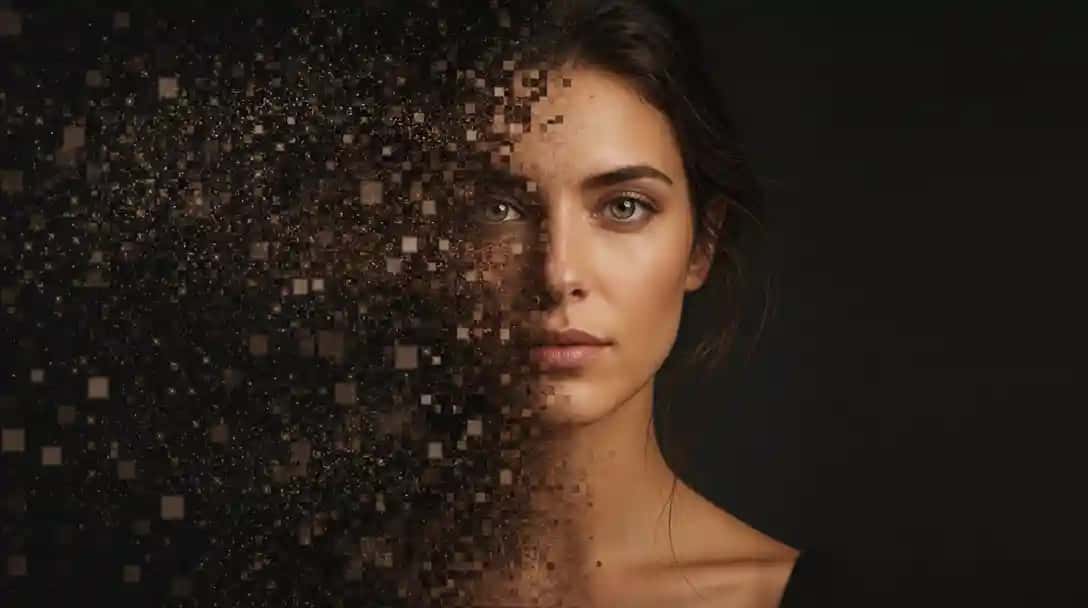
AI can generate images in seconds—but creating AI images that look real is still a challenge. Pixazo is available if you want to try it.
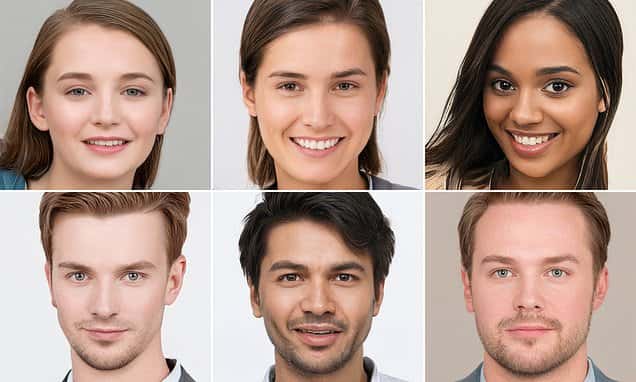
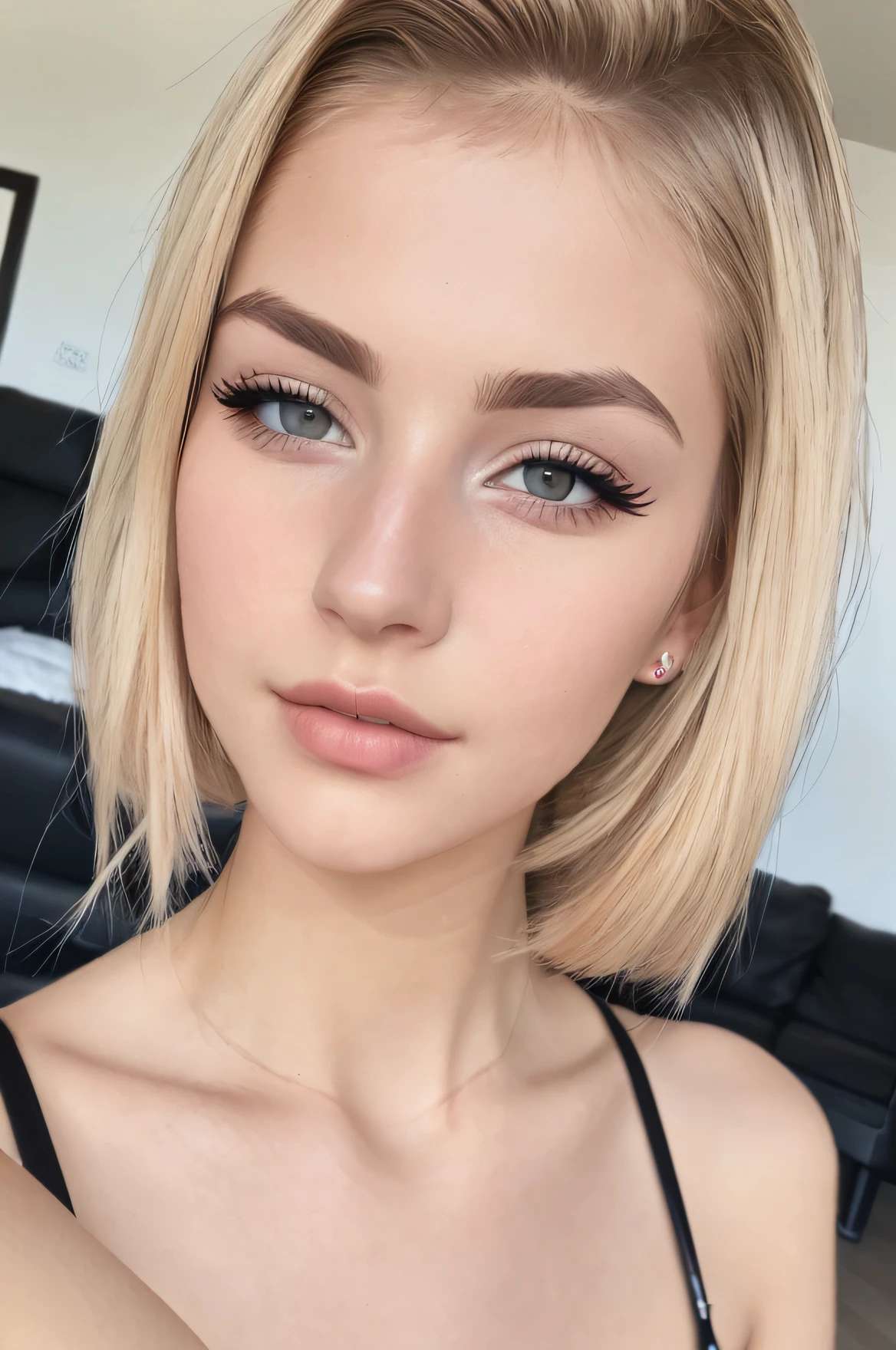
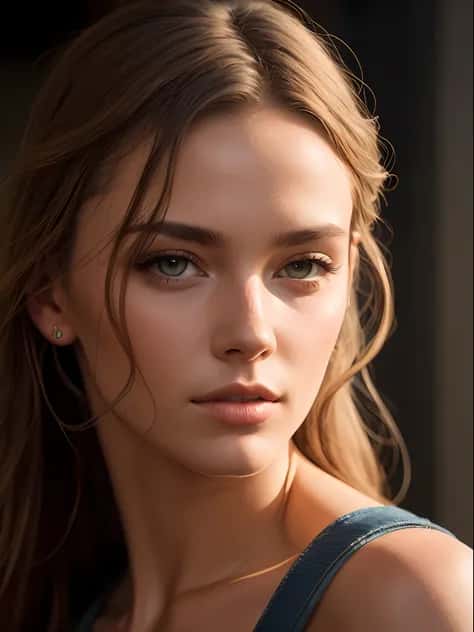
Many AI photos suffer from plastic-looking skin, flat lighting, or faces that feel artificial. In this guide, you’ll learn how to make AI images more realistic, with a deep focus on real skin texture, human facial detail, and photorealism, and how Pixazo is designed specifically to solve these problems.
What Makes an AI Image Look Real?
A realistic AI picture is not defined by resolution alone. Realism comes from how closely an image mimics real-world photography and human detail.
Real AI Images Have:
- Natural lighting and shadows
- Realistic skin texture (pores, micro-details, imperfections)
- Accurate human proportions
- Subtle facial expressions
- Depth, background context, and environment
Pixazo focuses on realism at the detail level, not artificial perfection.
Why Do Many AI Images Look Fake?
Most AI generated images that look real fail because of a few common mistakes:
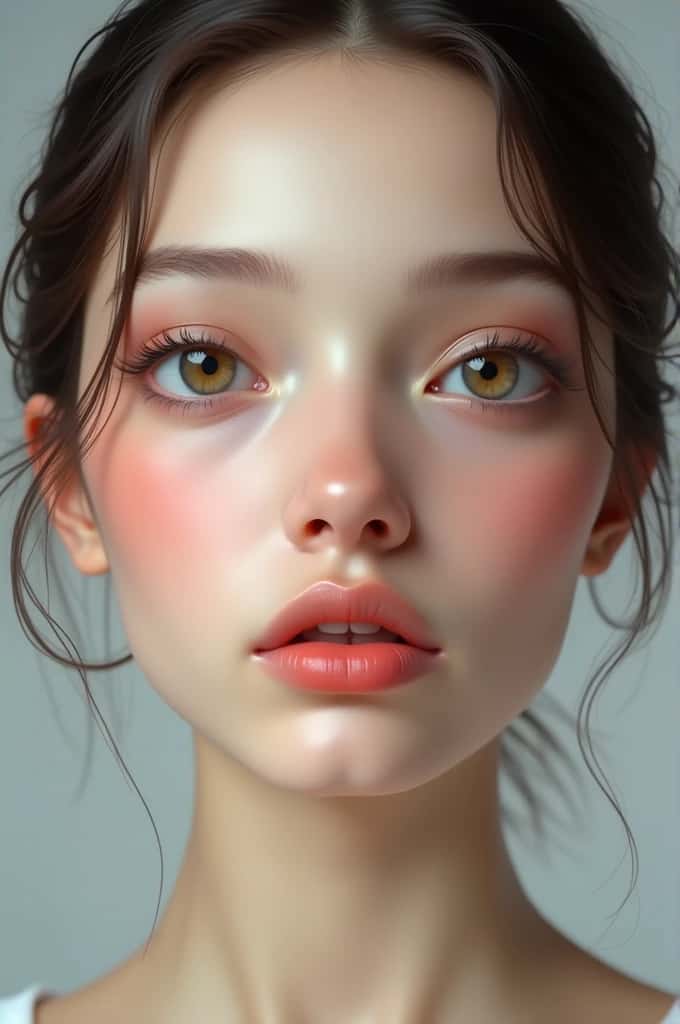
- Over-smoothed or waxy skin
- Unreal or studio-perfect lighting
- Perfect facial symmetry
- Missing texture in skin and hair
- Flat or contextless backgrounds
Fixing these requires understanding how realism actually works.
How to Make AI Images More Realistic?
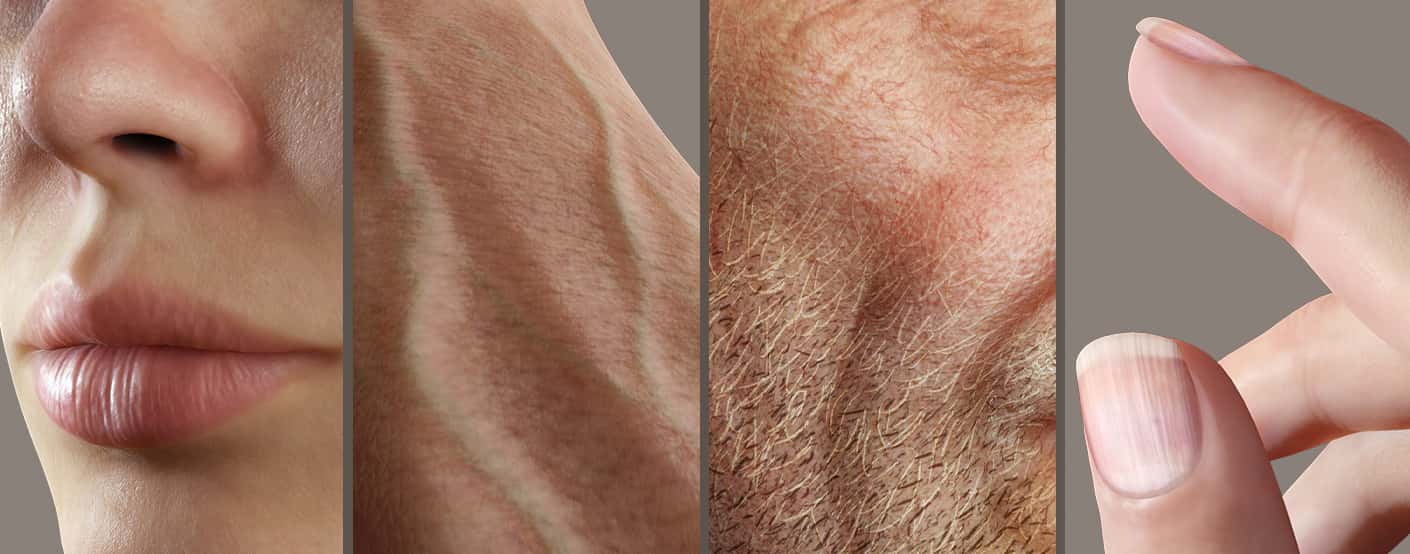
1. Prioritize Real Skin Texture
Skin is the first thing people notice—and the easiest way to spot fake AI.
Real skin texture includes:
- Visible pores
- Subtle freckles or blemishes
- Natural tonal variation
- Fine wrinkles and folds
Pixazo preserves human skin texture instead of erasing it, avoiding the plastic AI look.
2. Use Natural, Imperfect Lighting
Perfect lighting looks artificial.
For AI pictures that look real, use:
- Soft window light
- Side lighting with gentle shadows
- Indoor ambient lighting
- Natural daylight
Lighting imperfections make images believable.
3. Add Photography Context (Critical)
AI responds extremely well to photography language.
Include details like:
- DSLR photo
- 50mm or 85mm lens
- Shallow depth of field
- Natural bokeh
Example:
Photo realistic AI portrait, DSLR photo, 85mm lens, natural skin texture, soft window lighting
4. Embrace Human Imperfection
Perfect faces feel fake.
To generate realistic AI images, include:
- Age
- Emotion
- Slight asymmetry
- Natural expressions
Pixazo avoids uncanny valley effects by modeling subtle imperfection.
5. Place Subjects in Real Environments
Floating faces look artificial.
Realism improves when subjects appear:
- Near windows
- In offices or homes
- On streets or lifestyle settings
Context adds depth and authenticity.
Pixazo Prompt Templates for Realistic AI Images
🧬 Real Skin Texture Prompt
Ultra realistic portrait photo, natural skin texture with visible pores, subtle blemishes, fine wrinkles, human skin tones, soft window light, DSLR photo, 85mm lens, no airbrushing, no plastic skin
👤 Realistic AI Portrait Prompt
Photo realistic AI portrait of a 35-year-old person, natural facial asymmetry, subtle smile, real skin texture, soft shadows, professional DSLR photography
❌ Negative Prompt (Use Always)
plastic skin, over-smoothed face, cartoon, illustration, cgi, waxy texture, perfect symmetry, fake lighting
How Pixazo Creates AI Images That Look Real?
Pixazo is built specifically for photorealistic AI generation, not stylized art.
What Makes Pixazo Different?
- Advanced realism-focused AI models
- Accurate skin texture and facial detail rendering
- Natural lighting simulation
- Human-correct proportions
- Consistent realism across images
Pixazo is ideal for:
- Realistic AI portraits
- Marketing visuals
- Website imagery
- Social media content
Realistic AI Portraits: Faces That Feel Human
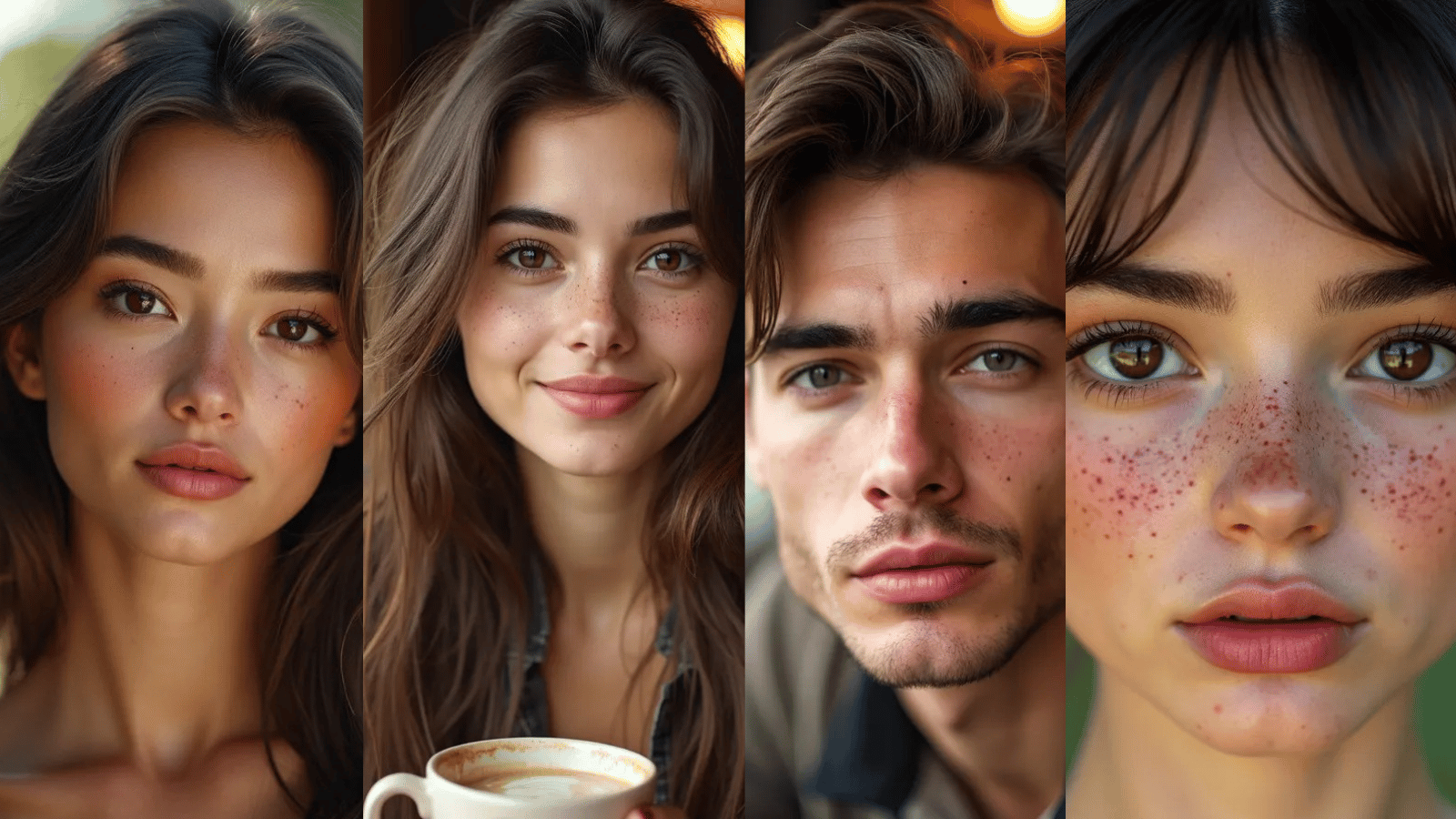
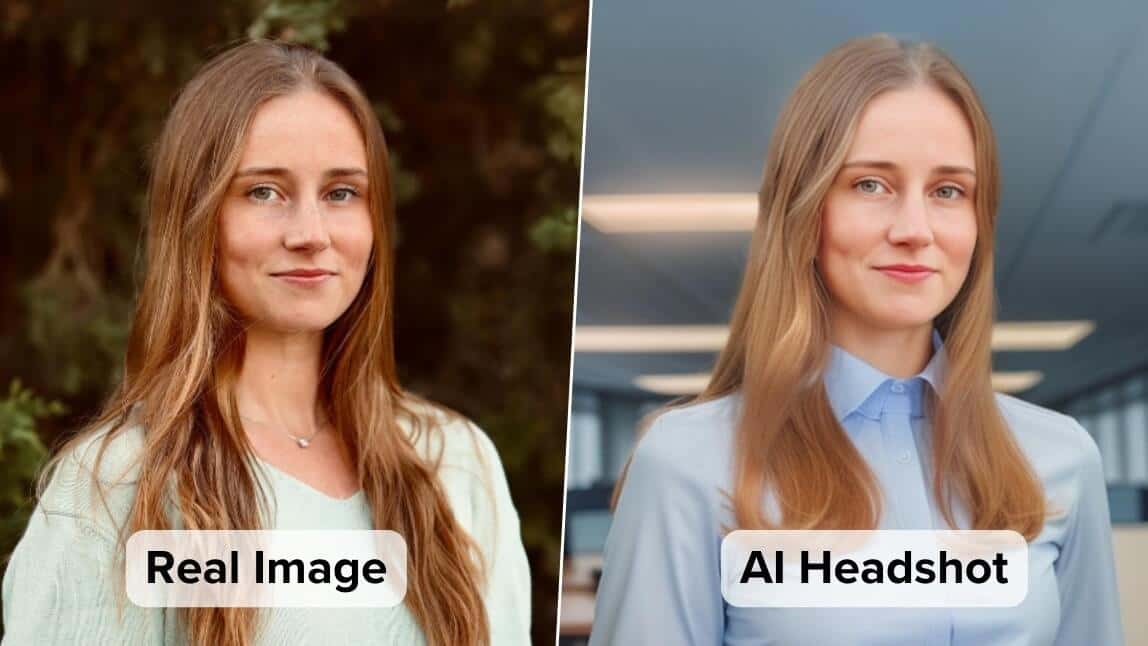
Pixazo generates realistic AI portraits by preserving facial micro-details, natural expressions, and skin texture. The result is portraits that feel photographed—not generated.
Perfect for:
- Professional headshots
- Brand visuals
- Profile images
Suggested Read: How to Create Custom GIFs With AI: A Practical Guide (2026)
Real Skin Texture: The Key to Realism
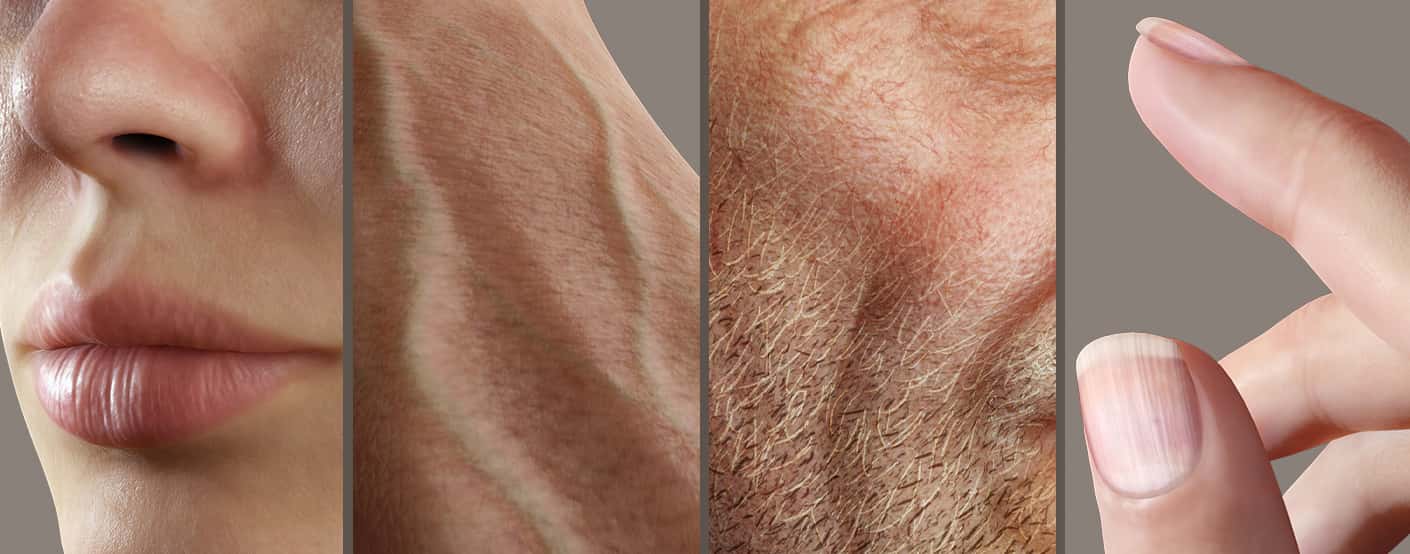
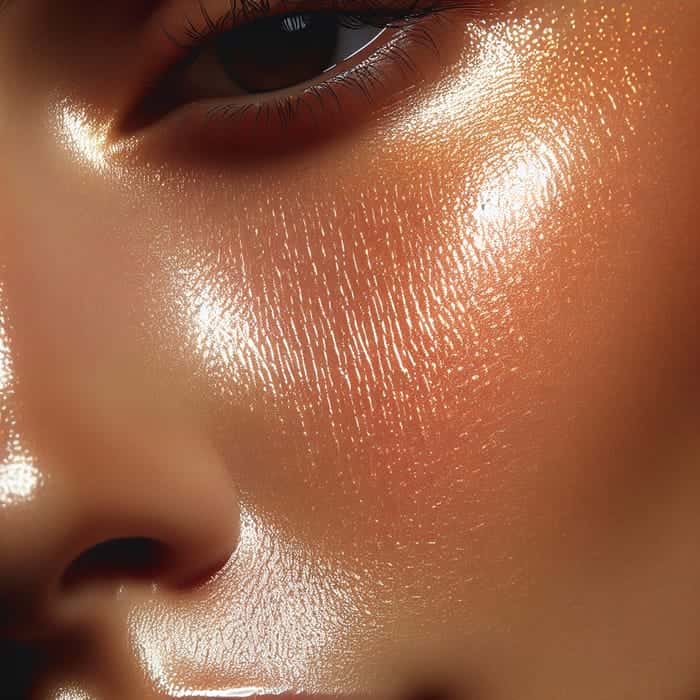
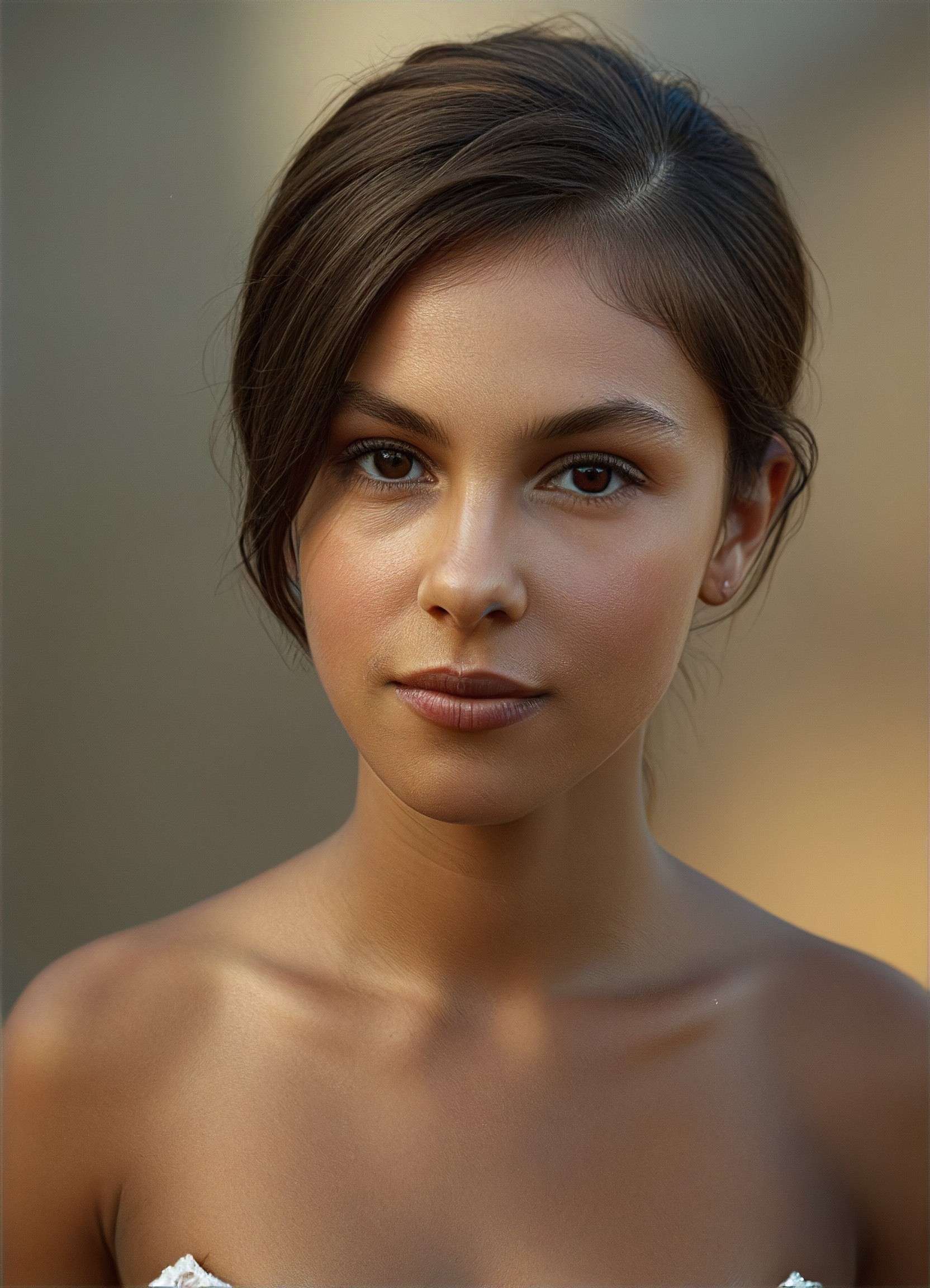
Skin realism is the difference between believable and fake.
Pixazo focuses on:
- Pores and micro-texture
- Natural skin tone variation
- Avoiding over-smoothing
- Preserving human detail
This is why Pixazo images avoid the common plastic AI skin problem.
Suggested Read: 1980s AI Photo Trend: How to Turn Your Photos Into Retro ’80s Portraits
Common Mistakes That Reduce Realism
Avoid these when creating AI images:
- ❌ Over-smoothed skin
- ❌ Perfect facial symmetry
- ❌ Unreal lighting
- ❌ Flat backgrounds
- ❌ Excessive post-processing
Pixazo’s guided workflows help prevent these automatically.
Suggested Read: How to Add Emoji to Photo: 5 Best Ways To Make Photos Engaging
AI Images That Look Real vs Stylized AI Art
| Realistic AI Images | Stylized AI Art |
|---|---|
| Real skin texture | Smooth or painterly |
| Natural lighting | Dramatic or artificial |
| Human imperfections | Idealized faces |
| Photo-like realism | Illustration-like |
Pixazo is built for realism-first generation.
Final Thoughts: Realism Is About Human Detail
Creating AI generated images that look real isn’t about hype or higher resolution. It’s about:
- Skin texture
- Lighting behavior
- Human imperfection
- Environmental context
Suggested Read: Best AI Image and Video Generators in 2026: Tested and Compared
Pixazo brings all of this together so you can generate photo realistic AI images that feel authentic, not artificial.
✨ Create AI Images That Look Real with Pixazo
If your goal is realistic AI images, Pixazo is built for that purpose—no plastic skin, no uncanny faces, just believable visuals.
Suggested Read: Best AI Image Upscaler Tools in 2026
Frequently Asked Questions
How do you make AI images look real?
AI images look real when they use natural lighting, real skin texture, subtle imperfections, accurate facial proportions, and realistic environments instead of perfect or stylized visuals.
Why do AI images look fake?
AI images often look fake due to plastic skin, perfect symmetry, flat lighting, and missing texture. Realism requires imperfection and natural light behavior.
Suggested Read: 11 Best AI Image Enhancers in 2026
What is real skin texture in AI images?
Real skin texture includes visible pores, fine wrinkles, blemishes, and natural tone variation that mimic real human skin.
Can AI generate realistic human faces?
Yes. With proper models and prompts, AI can generate realistic human faces that preserve skin texture, facial asymmetry, and natural expressions.
Suggested Read: 35+ Prompts to Create Amazing Images using AI
Deepak Joshi
Author · Pixazo
Deepak writes about generative AI models, APIs, and the workflows teams use to ship them. Reviewed by Abhinav Girdhar.