Best AI Image Upscaler Tools in 2026


Not all pictures are perfect when you first take them. Sometimes they are too small or blurry. That is where AI image upscalers come in. These tools use artificial intelligence to make your images look clearer and bigger without losing quality. It feels like magic, but it is just smart technology at work. If you want to try it, use AI Image Upscaler.
In 2026, people will use more images than ever before. Social media posts, business websites, online shops, and even school projects all need high-quality images. If your image is low in quality, it might not look good on screen. That is why AI image upscaling tools are getting popular.
This blog will help you find the best AI image upscaler tools in 2026. We will look at the top ten tools that can make your pictures better. Each one has its own strengths, and we will explain them in a very easy way so that anyone can understand.
What is an AI Image Upscaler?
An AI image upscaler is a tool that makes your pictures bigger and clearer using artificial intelligence. In the past, if you tried to make a small image larger, it would often turn blurry or pixelated. But with AI, the tool studies the image, understands what is in it, and fills in the missing details in a smart way. It does not just stretch the picture. It actually improves it.
AI upscalers are used in many places today. Some common uses include:
- Printing: If you want to print a photo in a large size, the image must be sharp. AI helps turn a small photo into a high-quality one fit for printing.
- eCommerce: Online sellers need clear product images. A good image can help attract buyers.
- Digital art: Artists use upscalers to improve their drawings or make them ready for posters or screens.
- Social media: People want their photos to look great on platforms like Instagram or Facebook. AI makes low-quality photos look better with just one click.
In the old days, people had to use editing tools to try and sharpen images by hand. That took time and skill. AI makes it faster and easier. You do not need to be a designer. You just upload your image, and the tool does the rest.
How We Select the Best AI Design Generator Platforms at Pixazo
At Pixazo, we carefully evaluate AI design generator platforms to help users skip the overwhelming trial-and-error process. Our experts, with extensive experience in AI-powered design tools, assess each platform based on creativity, ease of use, customization options, and overall performance. We put these tools to the test by creating designs across different categories to ensure they deliver high-quality results effortlessly. Every recommendation is based on thorough research and real-world testing, with no paid placements or outside influence. Want to know how we pick the best AI design platforms? Explore our detailed evaluation process.
Top 10 AI Image Upscalers of 2026
- Nero AI Image Upscaler
- Up to 4× scaling with built-in artifact removal
- Export up to 268 MP (16000 × 16000 pixels)
- Bulk processing of multiple files per session
- Desktop/mobile apps and developer API
- Extremely high maximum resolution output
- Free credits are available to try before buying more
- Limited free credits; heavy users must purchase more
- Bulk online jobs beyond credits require a paid subscription
- Restoring and sharpening archival or old photographs
- Preparing large-format prints, banners, and posters
- Enhancing e-commerce product images for high-detail catalogs
- Upscale.Media by PixelBin.io
- Three scale factors: 2×, 4×, and 8×
- Bulk enhancement of multiple images per upload
- Plugins for Photoshop and Figma integration
- API for automated, large-scale workflows
- Very high resolution support for professional needs
- Generous free tier plus paid credits for commercial use
- Free credits are limited monthly; heavy users must buy more
- Sign up is required to unlock top features and the API.
- Agency-level bulk upscaling for client projects
- Preparing images for print publications and large displays
- Embedding high-throughput upscaling into custom applications
- Img Upscaler
- 4× upscaling with clarity preservation
- Suite of AI tools: unblur, background remover, color enhancer
- Free monthly credits plus paid plans for extra usage
- Automatic deletion of files thirty minutes after processing
- Comprehensive AI editing toolkit in one platform
- Strong privacy policy with timed file removal
- Free tier is limited to three credits per month
- Does not support RAW or TIFF formats
- Enhancing product photos for online stores
- Improving visuals for blog posts, slideshows, and presentations
- Quick, one-off edits for social media content
- Pixelcut
- Choice of 2× or 4× upscaling
- Texture-preserving algorithms for sharp, natural results
- Batch processing of multiple files at once
- Developer API and mobile apps for on-the-go use
- Fully free for up to 4× scaling
- Fast, minimal-effort results
- No support for higher than 4× enlargement
- Web-only—no desktop or offline version
- Upscaling e-commerce product images
- Enhancing portraits and travel photos for social media
- Bulk resizing of design mockups and art portfolios
- Freepik AI Upscaler
- Upscale to resolutions as high as 10 K pixels
- Bulk upscaling of up to 20 images at once
- Three style modes for creative variation
- API access for automated workflows
- Very high resolution limits are ideal for print
- Creative modes for natural or artistic results
- Free users are limited to two 2 K upscales per day
- Full 10 K and bulk features require a Premium+ subscription
- Generating print-quality visuals for magazines and brochures
- Batch processing marketing materials and ad creatives
- Stylizing digital art with fine-tuned AI effects
- Pixazo AI Image Upscaler
- AI-powered detail prediction for lifelike upscales
- Intuitive web interface plus a developer API for automation
- Rapid processing of single or multiple images in seconds
- Enterprise-grade encryption and auto-deletion of files
- Produces artifact-free, high-fidelity upscales
- No design or coding skills required to use the web app
- Only a limited trial is free; ongoing use requires a paid plan
- Batch processing requires API integration and developer setup
- Generating sharp assets for print brochures, posters, and banners
- Upscaling photos and graphics for blogs, social media, and e-commerce
- Embedding into mobile apps or websites to upscale user images on the fly
- PicsArt Image Upscaler
- Instant 2×, 4×, or custom scaling
- Texture and detail preservation
- Batch upscaling (up to three images per operation)
- API support for platform integration
- Completely free with no hidden fees
- Browser-based—no installation required
- Output resolution capped at 4096 pixels
- Limited batch size in the free tier
- Sharpening social media posts and stories
- Quick e-commerce product previews
- Pre-editing upscaling before detailed graphic work
- iLoveIMG.com
- 2× and 4× resolution options
- No-account, free use for images under 6 MP
- Seamless workflow with other iLoveIMG tools (resize, crop, convert)
- Premium plan support for larger files and higher limits
- Beginner-friendly with no signup needed
- Part of a comprehensive online image-editing suite
- Free upscaling capped at 6 MP per image
- Only two preset scaling factors (no custom ratios)
- Resizing blog and website graphics
- Quick personal photo enhancements
- Preparing visuals for slide decks and documents
- Up Scaler
- Fixed scale ratios of 200% or 400%
- Batch processing of up to five images (free tier)
- Integrated editor for cropping, annotations, and filters
- Privacy guarantee—uploads are deleted within 24 hours
- Free for all users, including commercial usage
- Simple, end-to-end editing workflow
- Free batch limit of five images per session
- Max output limited to 4096 × 4096 px in the free tier
- Rapid enhancement of personal and small-business photos
- Pre-processing images before detailed design edits
- Batch upscaling for small e-commerce catalogs
- BetterImage.ai
- Options for 2× or 4× upscaling
- Advanced AI sharpening tuned for portraits and textures
- Output up to 6000 px width (24 MP)
- Fast, secure cloud processing with no signup required
- Completely free and user-friendly
- Optimized for portrait and detail enhancement
- No batch processing—one image at a time
- Limited to a maximum of 4× scaling
- Restoring and enhancing portrait photographs
- Preparing profile and marketing images for social media
- One-off high-resolution upscaling for prints and presentations
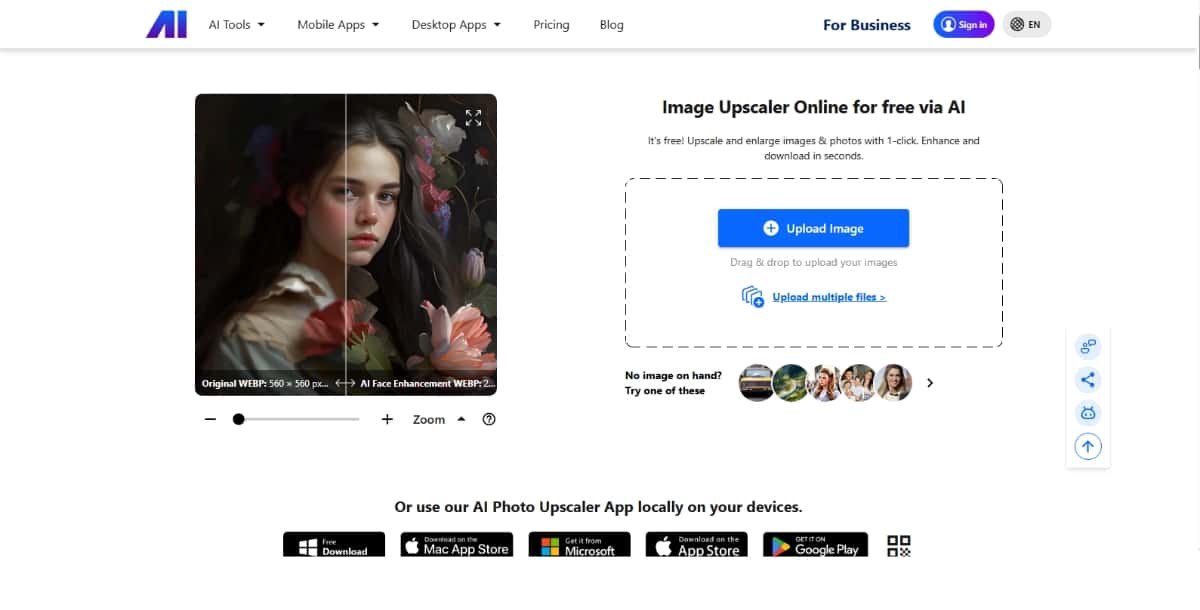
Nero AI Image Upscaler is a free, one-click web application powered by deep convolutional neural networks. It can enlarge images up to 4×, remove JPEG artifacts automatically, and export files as large as 16000 × 16000 pixels. Bulk processing, desktop and mobile apps, and an API are available for more advanced workflows.
Key features
Pros and cons
Pros
Cons
Best use cases
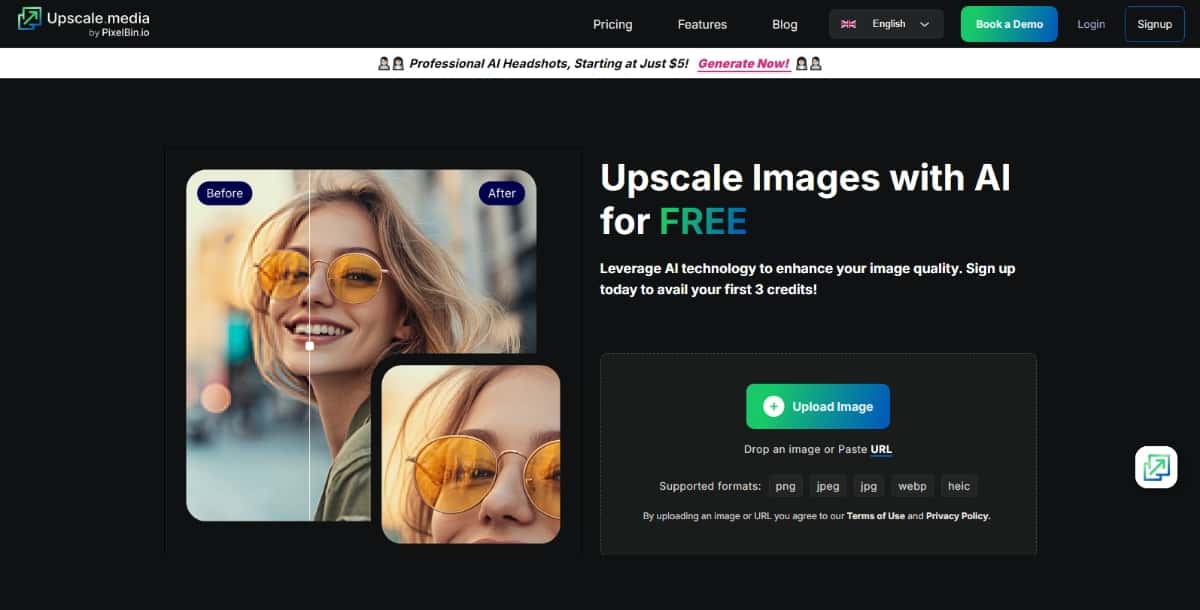
Upscale.Media is a free AI-powered web app that enlarges images by 2×, 4×, or 8× and outputs up to 10000 × 10000 px. It supports PNG, JPG, WEBP, and HEIC formats, offers bulk uploads, and provides plugins for Photoshop and Figma. An API enables enterprise integration and high-volume pipelines.
Key features
Pros and cons
Pros
Cons
Best use cases
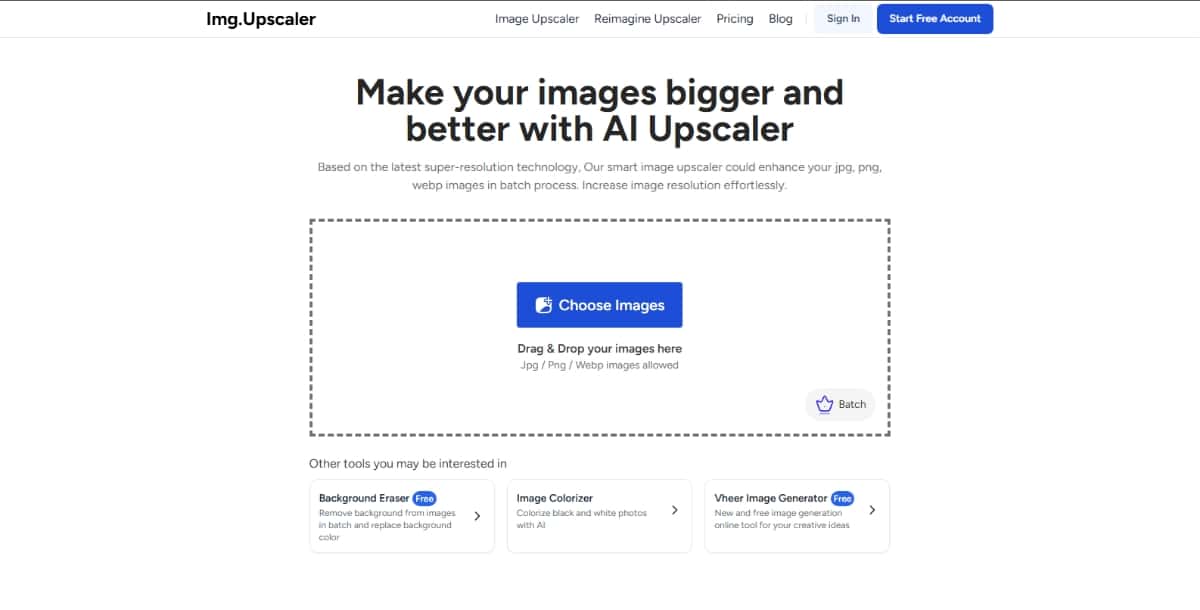
Img Upscaler’s core is a convolutional neural network trained to enhance image resolution by up to 4× without quality loss. The platform also offers related AI tools—unblur, background removal, and color enhancement—and provides free monthly credits with optional subscription plans. All files are auto-deleted thirty minutes after upload for user privacy.
Key features
Pros and cons
Pros
Cons
Best use cases
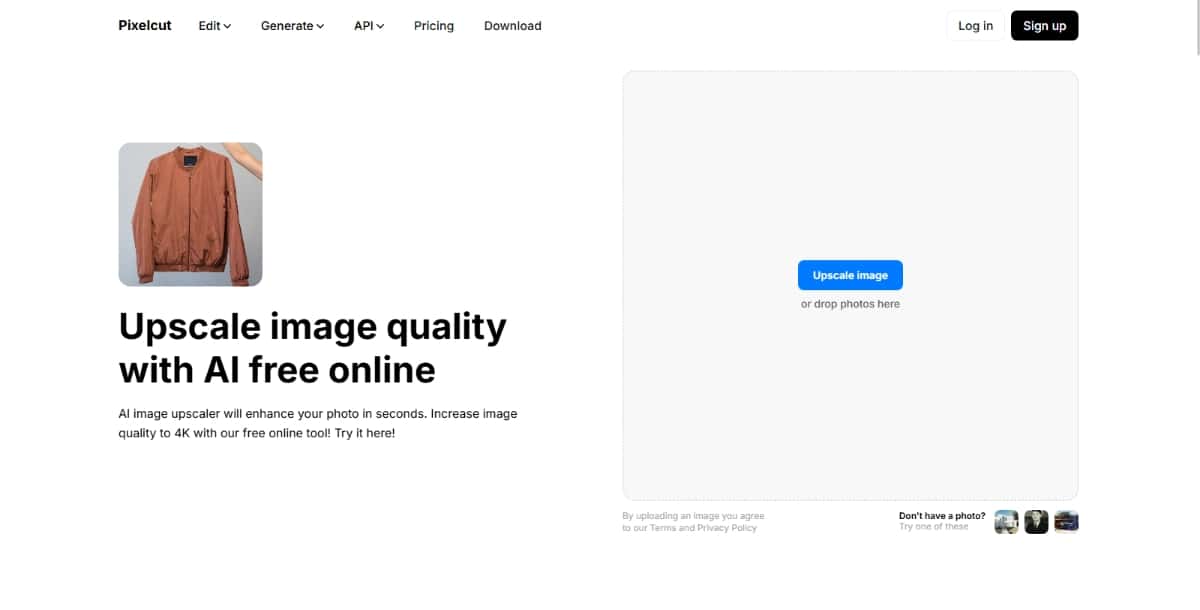
Pixelcut offers free online upscaling to 2× or 4×, outputting up to 4K-quality images in seconds. Its AI preserves textures and fine detail, and it supports batch uploads, a mobile app, and an API for seamless integration into custom workflows.
Key features
Pros and cons
Pros
Cons
Best use cases
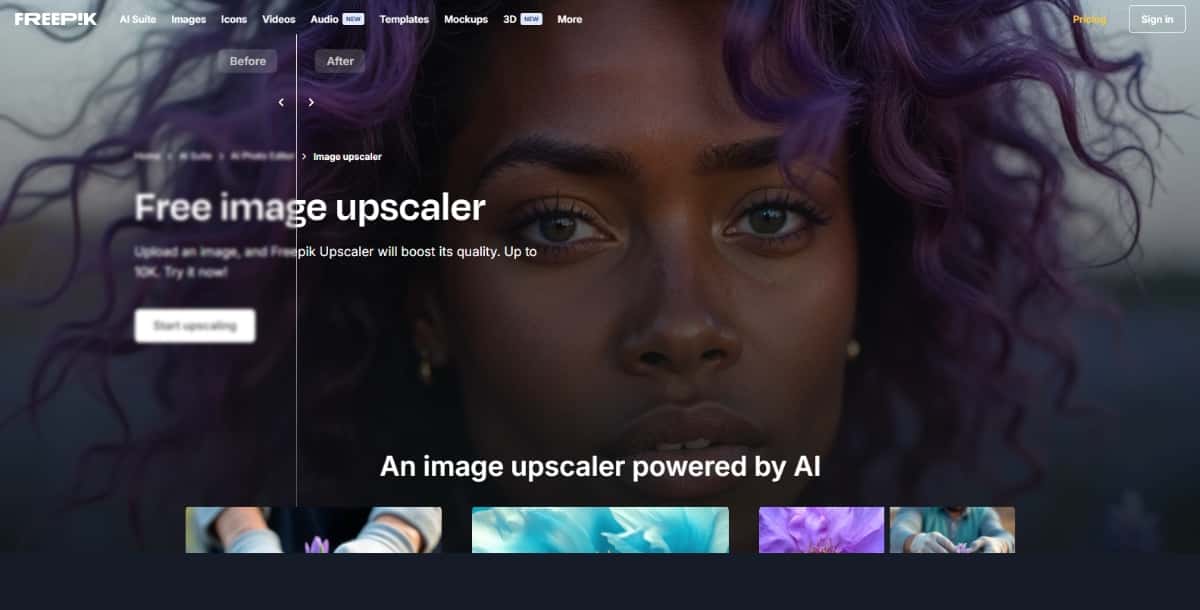
Freepik AI Upscaler boosts image resolution up to 10000 × 10000 pixels and offers three creative modes—Classic, Magnific, and Custom—for stylistic control. It supports bulk processing of up to 20 images per session and provides an API for seamless integration into design pipelines.
Key features
Pros and cons
Pros
Cons
Best use cases
Pixazo AI Image Upscaler turns low-resolution photos, illustrations, and graphics into crisp, high-resolution images. Its deep-learning engine analyzes every pixel and predicts new detail so that enlargements look natural rather than blocky. Processing takes only a few seconds and can handle single files or batches. All uploads are encrypted and automatically deleted after processing to ensure privacy.
Key features
Pros and cons
Pros
Cons
Best use cases
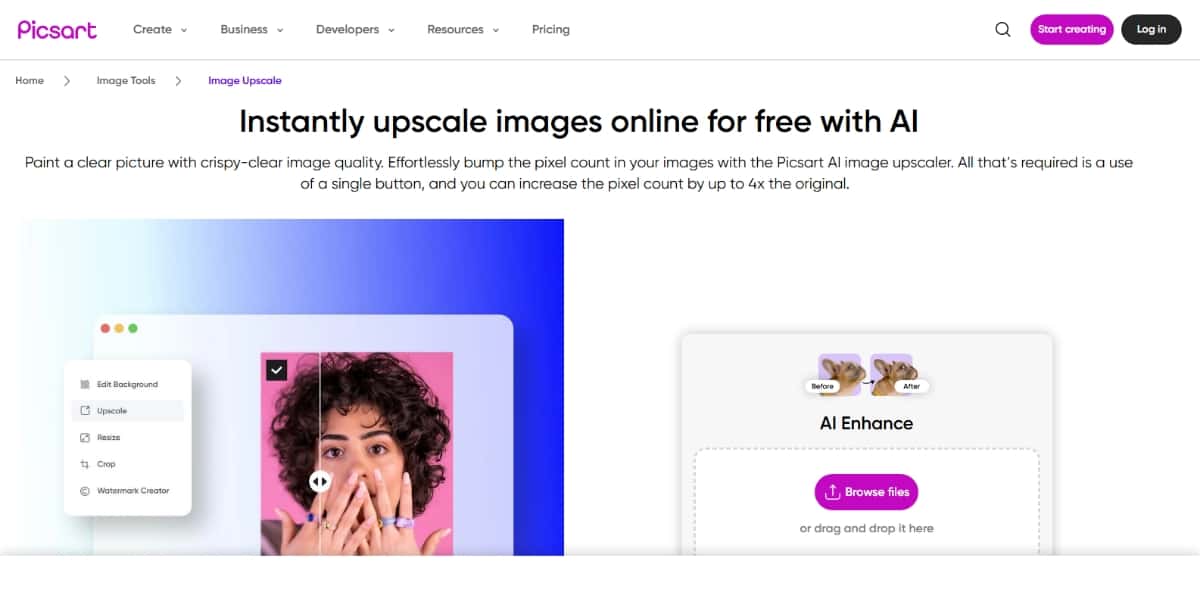
PicsArt’s free browser-based upscaler increases pixel count by 2×, 4×, or a custom amount in one click. It preserves textures, offers batch processing of up to three images, and provides an API to integrate upscaling into other apps or services.
Key features
Suggested Read: Introducing FLUX.1 Kontext API, GFPGAN API & CodeFormer API on Pixazo API
Pros and cons
Pros
Cons
Best use cases
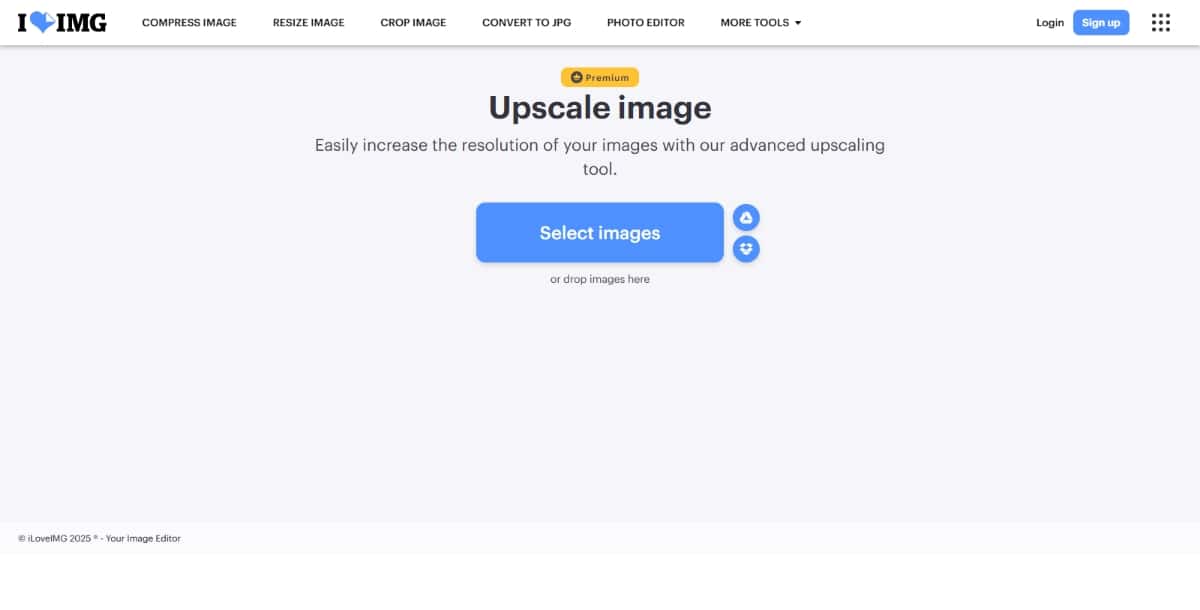
iLoveIMG’s Upscale tool uses an easy drag-and-drop interface to double or quadruple image resolution. It integrates with a broader suite of online image editors. Free users can upscale images up to 6 MP; larger files require a premium subscription.
Key features
Pros and cons
Pros
Suggested Read: 10 Best AI Image Inpainting/Replacer Tools to Edit Photos Like a Pro in 2026
Cons
Best use cases
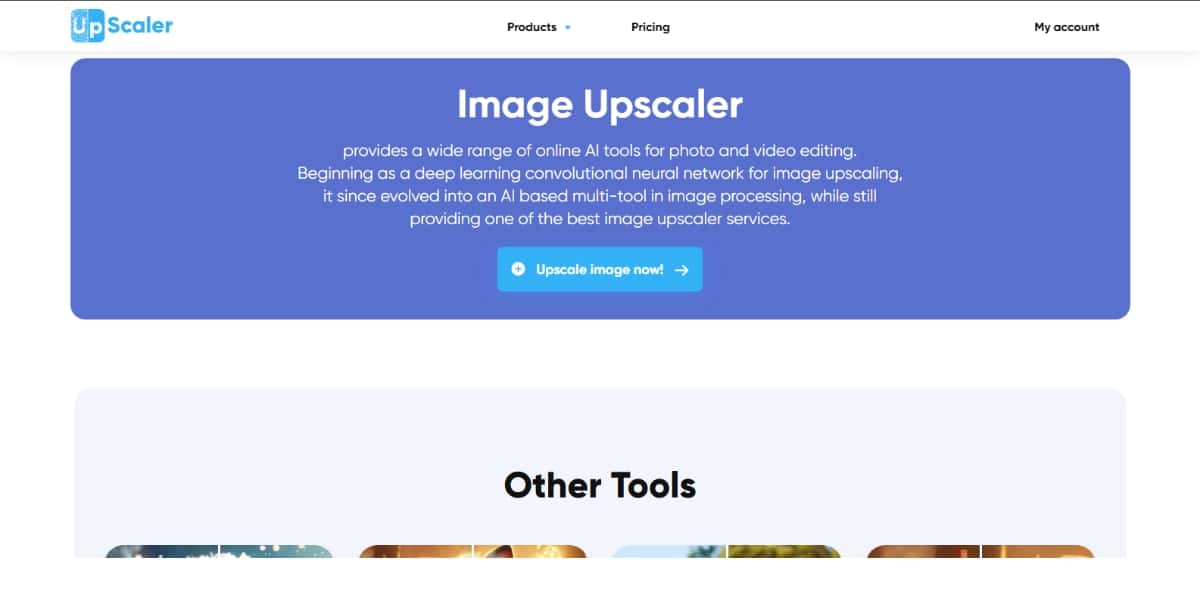
Up Scaler is a free online tool that uses super-resolution AI to enlarge JPG, PNG, and WEBP images by 200% or 400% without losing quality. It includes a built-in editor for cropping, filters, and annotations, clears uploads within 24 hours for privacy, and allows commercial use at no cost.
Key features
Pros and cons
Pros
Cons
Suggested Read: AI Images That Look Real: How to Make AI Photos More Realistic?
Best use cases
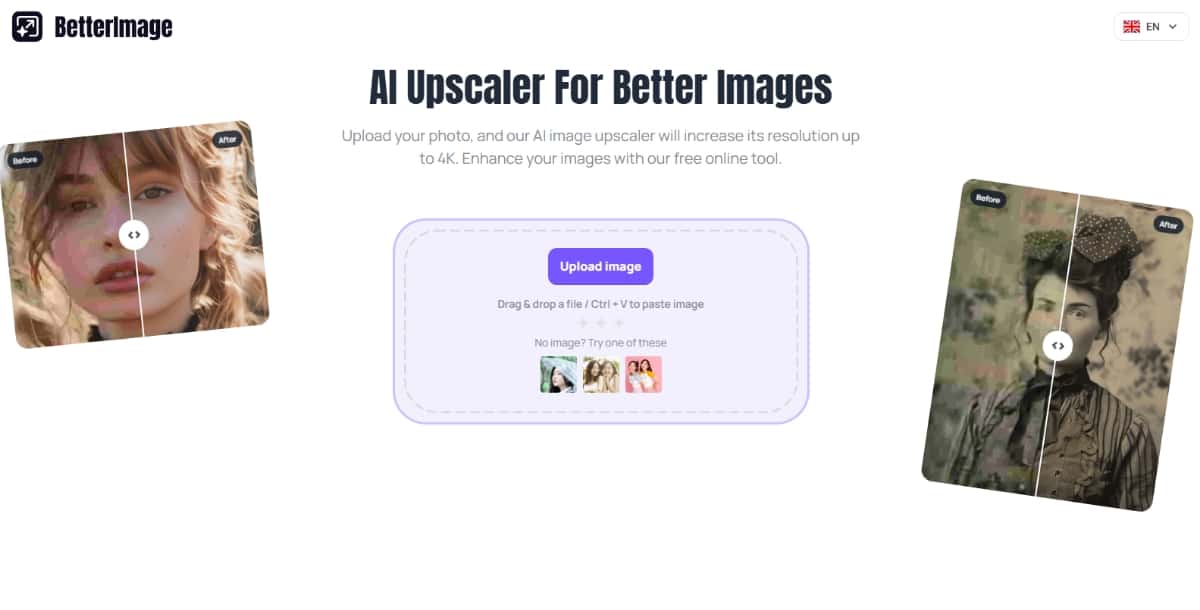
BetterImage is a free, cloud-based AI upscaler that boosts photo resolution up to 4× and sharpens details with models optimized for faces and fine textures. It supports outputs up to 6000 px wide (24 MP), processes images in seconds, and continuously updates its AI for better results.
Key features
Pros and cons
Pros
Cons
Best use cases
Suggested Read: 10 Best AI Photo Restoration Tools in 2026
| Tool | Key Features | Pros | Cons | Best Use Cases |
|---|---|---|---|---|
| Nero AI Image Upscaler | Up to 4× scaling; JPEG artifact removal; Export up to 16 000×16 000 px; Desktop & mobile apps | Extremely high output resolution; Free trial credits | Limited free credits; Paid subscription for heavy use | Archival photo restoration; Large-format prints; High-detail e-commerce catalog |
| Upscale.Media by PixelBin.io | 2×, 4× & 8× upscaling; Bulk uploads; Photoshop & Figma plugins; High-res output | Professional-grade resolution; Plugin support | Limited free credits; Signup required | Agency bulk projects; Print publications; Integrated design pipelines |
| Img Upscaler | 4× upscaling; Unblur, background remover & enhancer tools; Free monthly credits; Auto-deletion | All-in-one editing suite; Strong privacy | 3 free credits/month; No RAW or TIFF support | E-commerce photos; Blog visuals; Quick social media fixes |
| Pixelcut | 2×/4× upscaling; Texture preservation; Batch processing; Developer API & mobile apps | Completely free; Fast results | Max 4× only; Web-only | Product images; Portraits for social; Bulk design mockups |
| Freepik AI Upscaler | Upscale to 10 000×10 000 px; Bulk up to 20 images; Classic/Magnific/Custom modes; API access | Print-quality limits; Creative style control | 2 free 2 K upscales/day; Premium+ for full features | Magazine & brochure visuals; Bulk marketing assets; Stylized digital art |
| Pixazo AI Image Upscaler | AI detail prediction; Web interface & API; Fast batch processing; Encrypted uploads & auto-deletion | High-fidelity results; No coding needed | Free trial only; API setup required for batches | Print & marketing assets; Blog & social media images; In-app upscaling |
| PicsArt Image Upscaler | 2×, 4× or custom scaling; Texture preservation; Batch of 3 images; Integration API | Free with no hidden fees; Browser-based | Max 4096 px output; Small batch size | Social media posts; E-commerce previews; Pre-edit upscaling |
| iLoveIMG.com | 2×/4× scaling; Drag-and-drop UI; No account for files <6 MP; Suite integration | Very beginner-friendly; Part of larger toolset | Free cap at 6 MP; Only two scale options | Blog & website graphics; Personal photo edits; Presentation images |
| Up Scaler | 200%/400% scaling; Batch up to 5 images; Built-in crop/filter/editor; Privacy deletion | Free for commercial use; End-to-end editor | Batch limit of 5; Max 4096×4096 px | Small-business photos; Pre-design processing; Quick catalog updates |
| BetterImage.AI | 2×/4× upscaling; AI sharpening for faces & textures; Up to 6000 px width; No signup | Free & user-friendly; Optimized portrait enhancement | No batch support; Max 4× only | Portrait restoration; Profile & marketing images; One-off high-res prints |
Suggested Read: Best Free & Open-Source AI Image Generators to Self-Host in 2026
How to Choose the Right Image Upscaler
Not every image upscaler is the same. Some are good for personal use, while others are made for professional work. Before you choose one, it helps to think about how you plan to use it. Here are a few tips to help you decide.
Personal Use vs Professional Use
If you just want to improve photos for fun or for social media, a simple tool is enough. You do not need a lot of features.
- Look for free or beginner-friendly tools like Iloveimg.com or PicsArt.
- These tools are easy to use and get the job done fast.
If you are using the tool for work, like for design, business, or online selling, then you need better quality and more control.
- Try tools like Upscale.Media, Pixazo AI Image Upscaler, or Pixelcut.
- These are more powerful and give better results for sharp and clear images.
Free vs Paid Tools
Some tools are free, but they may have limits. You might only be able to upscale a few images per day or get smaller file sizes.
- Free tools are good for testing and small tasks.
- Paid tools are better for regular or heavy use. They usually offer faster speed, better quality, and more features.
Suggested Read: How to Use an AI Hairstyle Changer: Your 2026 Step-by-Step Guide
If you are not sure, start with the free version and upgrade later if you need more.
Web-Based vs App-Based Tools
Web-based tools work directly in your browser. You do not have to install anything.
- Great for quick use or if you are using a shared computer.
- Tools like Iloveimg.com and Upscale.Media are web-based.
App-based tools need to be downloaded on your computer or phone.
- These often work faster and can handle larger images.
- Some tools, like Pixelcut, also offer mobile apps for editing on the go.
Suggested Read: How to Restore Old Photos With AI (Free, No Photoshop)
Final Thoughts
AI image upscaling is no longer a thing of the future. It is here now and helping people every day. Whether you are a student, a business owner, or someone who just wants better photos, there is a tool out there for you. Additionally, Pixazo offers an AI Image Generator and an AI Video Generator tool that you can use to upscale your other design needs.
Some of the top choices we covered include:
- Pixazo AI Image Upscaler for easy and fast improvements
- Img.Upscaler and Upscale.Media for clear and detailed images
- Pixelcut and PicsArt for social media and design work
- Iloveimg.com for simple, free upscaling
Each tool has something special to offer. The best way to find the right one is to try them out yourself. Most offer free versions, so you can explore and decide which suits your needs best. If you’re still asking what is the best AI headshot generator app, hands-on testing is the most effective way to find your perfect match.
AI is changing how we work with images. In the past, editing was hard and took a lot of time. Now, it is quick and smart. You do not need to be an expert. With just a few clicks, your blurry photo can become sharp and clear.
As AI keeps improving, we will see even better AI design tools in the future. But for now, the ones we shared in this blog are among the best you can find in 2026.
Suggested Read: 11 Best AI Image Enhancers in 2026
Frequently Asked Questions
What is an AI image upscaler?
An AI image upscaler increases a picture’s resolution while using AI to add realistic detail and reduce blur. It is used to enlarge photos, restore old images, and prepare visuals for print.
Does upscaling actually improve image quality?
AI upscalers can sharpen edges and reconstruct plausible detail, giving better results than simple stretching, though they cannot invent information that was never captured. Very low-quality sources have limits.
Are AI image upscalers free?
Many offer free upscales at limited size or with watermarks, while larger dimensions and batch processing usually need a paid plan. Free tiers suit occasional use.
Can I upscale images for commercial printing?
Yes, upscalers are commonly used to prepare artwork and photos for print, and Pixazo offers an image upscaling tool for higher resolution output. Always check the final size meets your print requirements.
How much can I enlarge an image with AI?
Common tools support two-times to four-times enlargement and sometimes more, though extreme scaling can introduce artifacts. Starting from a decent source gives the cleanest results.
Deepak Joshi
Author · Pixazo
Deepak writes about generative AI models, APIs, and the workflows teams use to ship them. Reviewed by Abhinav Girdhar.