11 Best Poster Makers to Explore


Creating posters can be a challenging task, especially if you don’t have a background in design. That’s where AI poster makers come in. These tools use artificial intelligence to make designing posters easy, fast, and fun. With just a few clicks, you can create eye-catching posters without any special skills. AI technology helps you choose the right colors, layouts, and styles, making sure your posters look professional every time. Want to try it? Head to AI Poster Maker.
Suggested Read: Beer Poster Trend on TikTok: A Complete Guide
AI is changing the way we design posters by making the process more accessible and efficient. AI Poster Maker saves time, reduces costs, and allows anyone to create high-quality posters, whether for business, events, or personal use.
This blog will explore some of the best AI poster maker tools available today. Our goal is to help you find the right tool that fits your needs, so you can start creating stunning posters with ease.
How Do AI Poster Makers Work?
AI poster makers use artificial intelligence to help you create posters quickly and easily. They work by analyzing elements of design like colors, fonts, images, and layouts to come up with the best combinations for your poster. Here’s a simple breakdown of how they work:
- User Input: You start by giving the AI some basic information about your poster. This can include the theme, the text you want to use, colors, and any images you want to include.
- AI Design Suggestions: Based on your input, the AI uses its built-in knowledge of design rules to create different poster layouts. It picks the best colors, fonts, and image placements to make your poster look balanced and professional.
- Customization Options: Even though the AI provides ready-made designs, you can still customize your poster. You can change colors, move text around, add new images, or make any adjustments to match your style.
- Quick Edits and Adjustments: The AI helps you make quick edits without much effort. For example, if you want to see how your poster looks with a different background color, you can change it with a single click, and the AI will adjust everything to fit the new look.
- Automatic Formatting: AI poster makers automatically format your design to ensure that all the elements are well-aligned and visually appealing. This means you don’t have to worry about details like spacing or image sizes—the AI handles that for you.
- Final Preview and Download: Once you’re happy with your design, you can preview it to see how it looks in full size. Then, you can download the poster in different formats, ready to be printed or shared online.
Best Poster Makers in 2026
| Tool | Pros | Cons | Pricing |
|---|---|---|---|
| Adobe Express | High-quality design resources, versatile | Some advanced features require a subscription | $54.99/month (includes all Adobe Creative Cloud apps) |
| Fotor | Quick design process, affordable | Limited advanced tools for professionals | Free version; Paid plans start at $4.99/month |
| PosterMyWall | Easy collaboration, extensive template library | Advanced features locked behind a paywall | Free plan; Subscription starts at $9.95/month |
| Visme | Extensive customization, branding tools | Can be overwhelming for beginners | Starter plan: $29/month; higher for business plans |
| Piktochart | Simple interface, good variety of templates | Limited customization for complex designs | Free plan; Paid plan starts at $29/month |
| Pixazo’s AI Poster Maker | Easy for beginners, quick creation | Limited advanced design features in the free trial | Free trial; Basic plan: $8/month |
| Stencil | Fast, easy to use, ideal for social media | Limited design features compared to others | Free plan; Paid plan starts at $15/month |
| Inkscape | Free, powerful, suitable for professionals | Steeper learning curve for beginners | Completely free |
| VistaCreate | User-friendly, versatile design options | Some advanced features require a subscription | Free and premium plans; Premium starts at $13/month |
| DesignCap | Great for beginners, affordable | Less suitable for detailed projects | Free plan; Paid plan starts at $5.99/month |
| Designhill Poster Maker | Fast creation, good for non-designers | Limited options for advanced customization | Contest-based pricing: $99-$999 |
1. Adobe Express
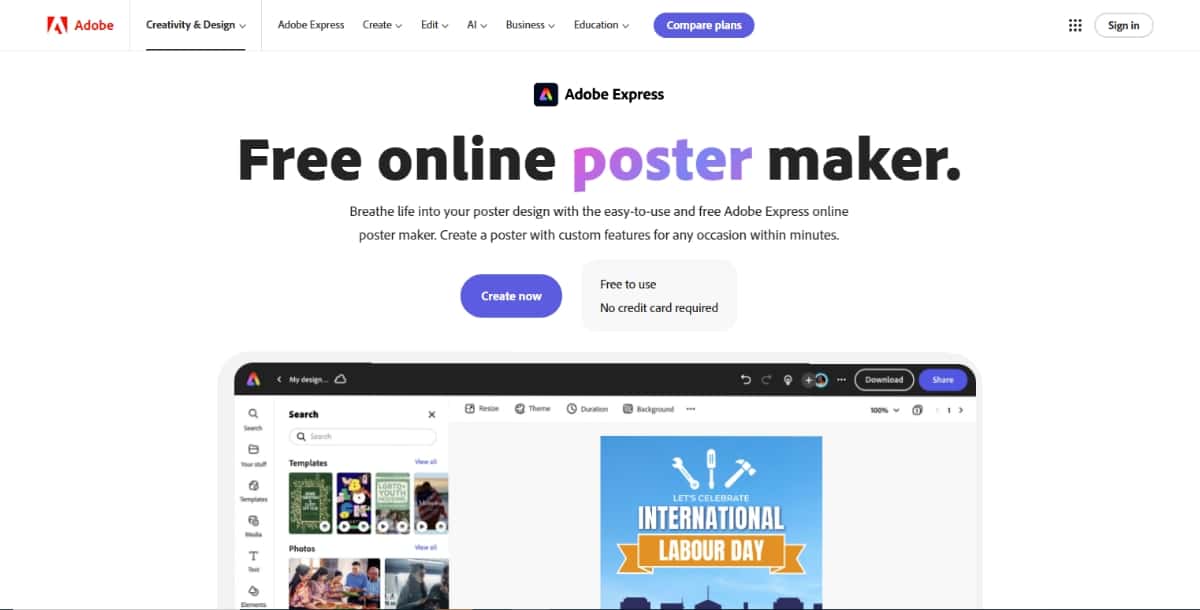
Adobe Express is a user-friendly online tool for creating posters, graphics, and social media content. It offers many templates and customization options to help you make professional-looking designs without needing advanced skills.
Suggested Read: 21+ Classroom Poster Design Ideas: Inspire Minds With Visual Impact
Features
- Templates: Access a variety of pre-made templates for different themes and occasions.
- Drag-and-Drop Interface: Easy to use, allowing users to add images, text, and other elements quickly.
- Branding Tools: Create and save brand assets, including logos and color palettes.
- Collaboration: Work with team members on projects in real time.
Pros
- Simple and intuitive interface.
- Extensive library of templates and images.
- Integrated with Adobe Creative Cloud for additional features.
Cons
- Some advanced features require a subscription.
- Limited offline capabilities.
Pricing Plan
- $54.99 per month (includes all Adobe Creative Cloud applications).
2. Fotor
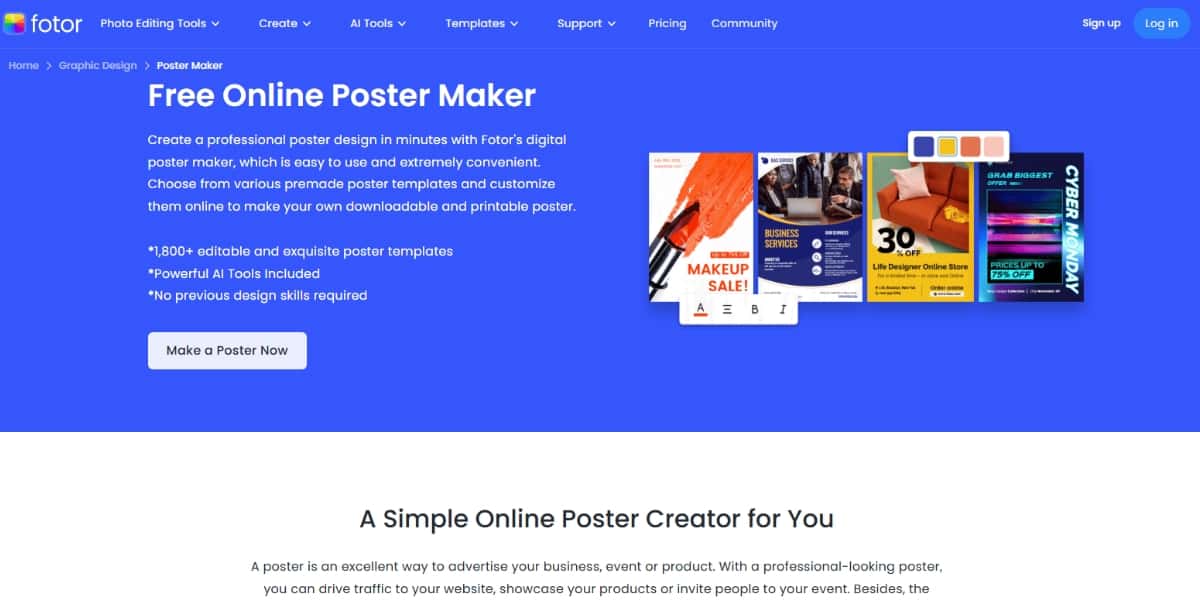
Fotor is an online design tool that enables you to create posters and other visual content easily. It is suitable for both beginners and more experienced users, offering a mix of templates and editing tools.
Features
- Template Library: Choose from thousands of customizable templates for posters, flyers, and more.
- Photo Editing: Built-in photo editing features for enhancing images before adding them to your designs.
- Text Options: A wide selection of fonts and text styles to personalize your poster.
- Social Media Integration: Share your designs directly on social media platforms.
Pros
- User-friendly and accessible for all skill levels.
- Good selection of templates and editing tools.
- Free version available with essential features.
Cons
- Some features may be limited in the free version.
- Ads in the free version can be distracting.
Pricing Plan
- Free version with basic features.
- Paid plans start at $4.99/month.
3. PosterMyWall
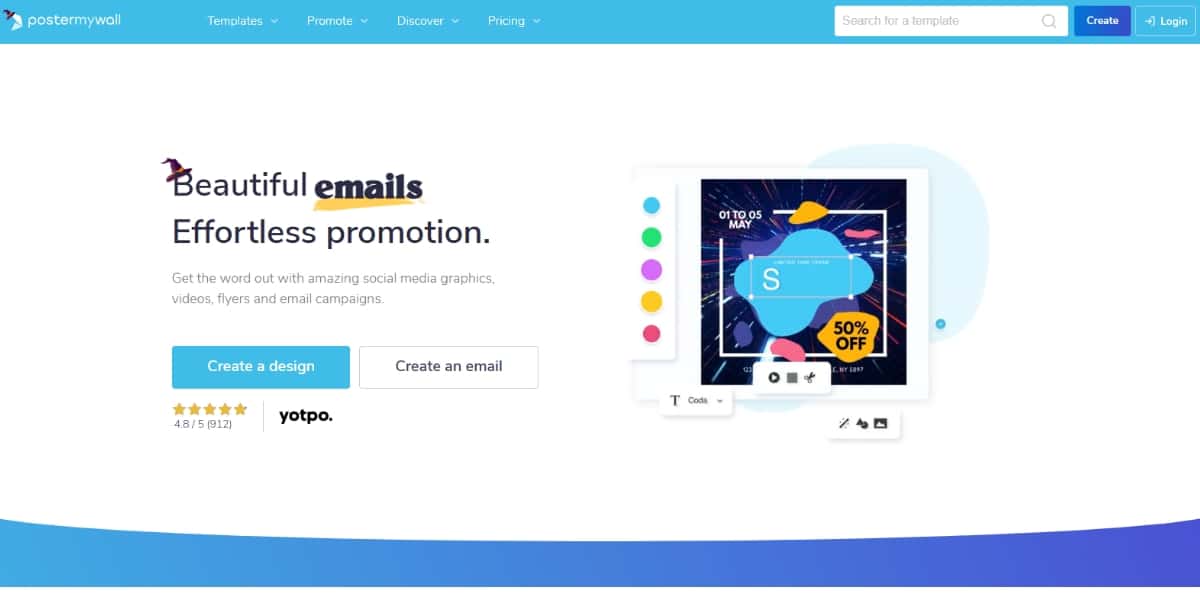
PosterMyWall is an online tool designed for creating posters, flyers, and social media graphics. It offers an easy-to-use interface with many templates to choose from.
Suggested Read: 33 Best Social Media Icon Sets You Must Explore
Features
- Template Library: Access thousands of templates for various occasions.
- Easy Editing: Simple drag-and-drop features for easy customization.
- Animation Options: You can create animated graphics for social media.
- Stock Photos: Access a library of images to use in your designs.
Pros
- User-friendly, ideal for beginners.
- No design skills are needed to create professional-looking posters.
- Quick sharing options for social media.
Cons
- Some features are limited in the free version.
- Watermarks on free downloads.
- Subscription required for advanced features.
Pricing Plan
- Offers a free plan
- Subscription starts at $9.95/month
4. Visme
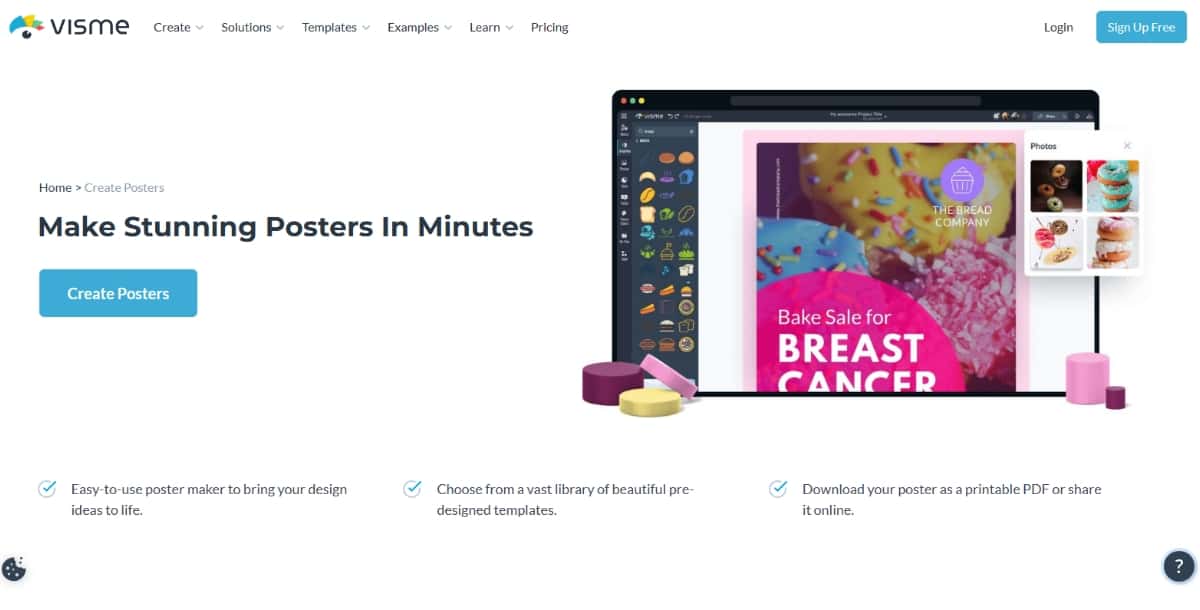
Visme is an online platform designed for creating engaging visual content, including posters. It is focused on businesses and educators, providing tools to design effective visual materials.
Features
- Customizable Templates: Access to thousands of templates tailored for various uses.
- Data Visualization Tools: Create infographics and charts to include in your posters.
- Animations and Interactivity: Add animated elements to your designs for a more dynamic presentation.
- Collaboration Features: Work with others on projects seamlessly.
Pros
- Extensive template options.
- Excellent for creating infographics and presentations.
- Collaborative features for team projects.
Cons
- Some users may find the interface complex at first.
- Pricing can be higher than other tools for full access.
Pricing Plan
- Starter plans begin at $29/month, with higher pricing for team and business plans.
5. Piktochart
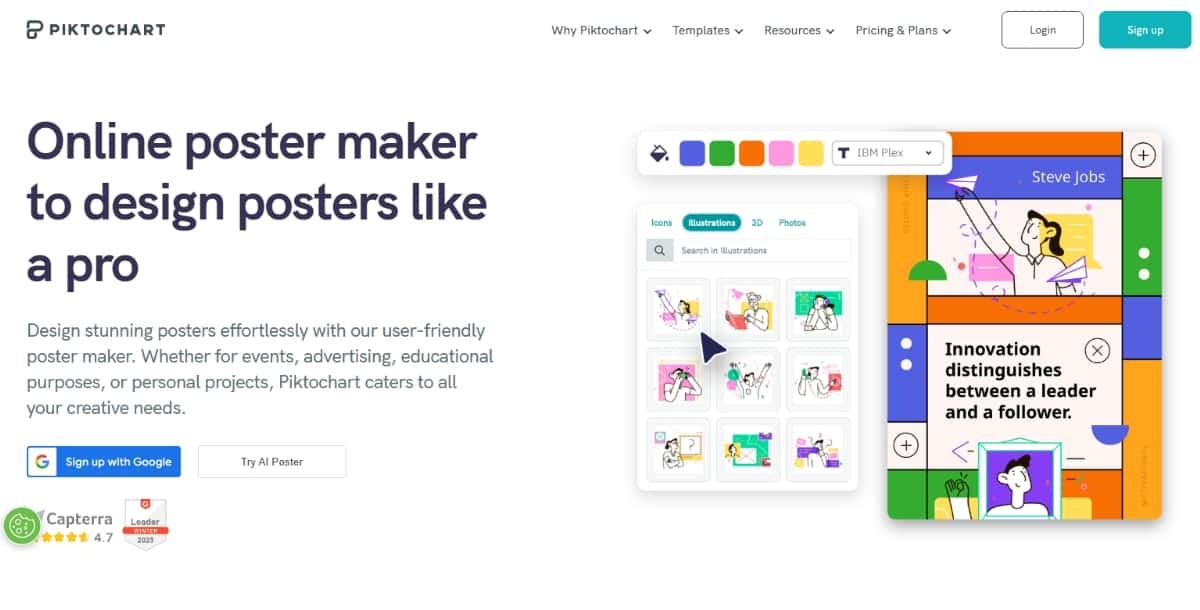
Piktochart is an online design tool that focuses on creating infographics, presentations, and posters. It is suitable for those who want to combine visuals with data effectively.
Suggested Read: The Definitive Guide to the Right TikTok Video Size
Features
- Infographic and Poster Templates: A range of templates tailored for various topics and styles.
- Data Tools: Import data to create charts and graphs easily.
- Customization Options: Modify templates to fit your needs with various design elements.
- Download and Share: Save your projects in different formats or share them online.
Pros
- Strong focus on data visualization.
- User-friendly interface with helpful guides.
- Variety of templates for different needs.
Cons
- Limited design features in the free version.
- Can be slow with large projects.
Pricing Plan
- Free plan available.
- Paid plan starts $29/month
6. Pixazo’s AI Poster Maker
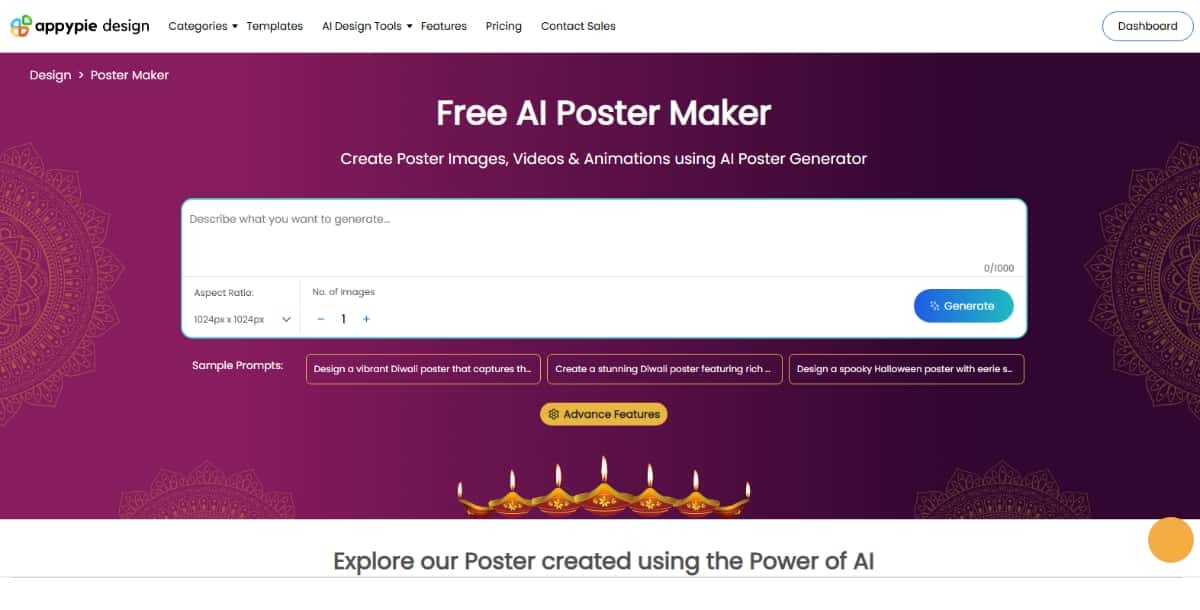
Pixazo’s AI Poster Maker allows users to generate posters by using pre-designed templates or creating custom designs. It is part of the Pixazo suite, a broader tool that provides AI-driven design options. The poster maker includes various templates aimed at different purposes—such as research posters, awareness campaigns, and social media graphics. Users can select templates, adjust colors, add text, and include icons to fit their unique design needs.
Key Features
- Customizable Templates: The platform provides a wide selection of templates for different themes. Users can select pre-designed layouts or start with a blank canvas.
- Simple Editing Tools: Pixazo’s tools allow you to easily adjust text, colors, and images to personalize posters. For further customization, the software includes options like background removers and image enhancers.
- AI-powered Generation: The AI engine helps users with design posters, enhancing color schemes and layouts to make professional-looking posters quickly.
- Multi-format Options: Posters can be saved in different formats to fit online or print needs. The tool supports standard resolutions and allows users to choose from multiple formats.
Pros
- User-Friendly: The platform is accessible for beginners and doesn’t require prior design experience.
- Multiple Template Choices: With various poster templates available, users have options for professional or casual designs.
- Flexibility: It is adaptable for various uses, from research and business to personal projects.
- No Installation Needed: The poster maker is web-based, allowing users to work without downloading software.
Cons
- Time Taking: For more complex design tasks, Pixazo’s AI Poster Maker may not quickly generate posters.
- Basic Customization Options: Some users may find the customization options limited compared to fully-fledged design software.
Pricing Plan
- Free trial available.
- Basic plan: $8/month.
7. Stencil
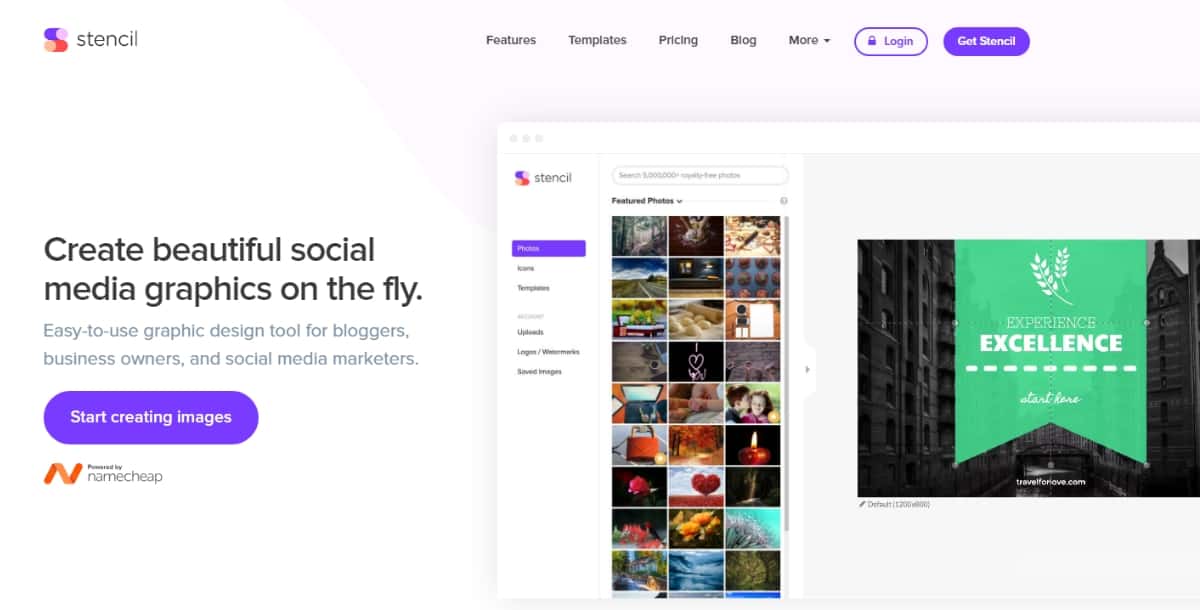
Stencil is an online graphic design tool aimed at marketers and bloggers who need to create images quickly. It specializes in social media graphics, but it also supports poster creation.
Features
- Quick Design Options: Fast template access for creating visuals in seconds.
- Image Library: A vast selection of stock photos and icons available for use.
- Custom Branding: Save brand colors and logos for consistency in your designs.
- Browser Extension: Allows users to create images directly from any webpage.
Pros
- Quick and easy to use.
- Extensive library of graphics and templates.
- Affordable pricing plans.
Cons
- Limited customization compared to more advanced tools.
- Not as suitable for complex designs.
Pricing Plan
- Offers a free plan.
- Paid plan starts at $15/ month.
8. Inkscape
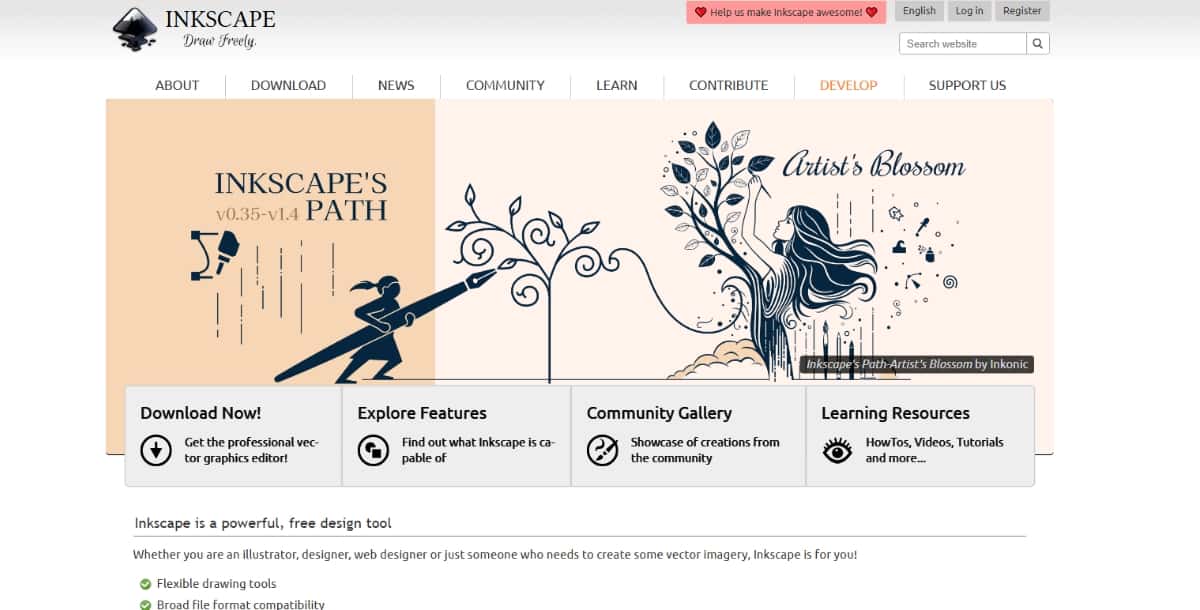
Inkscape is a free and open-source vector graphics editor. It is widely used for creating a variety of graphics, including posters. The software allows you to create scalable images that can be printed in any size without losing quality.
Suggested Read: 51+ Free Commercial Fonts You Can Use To Amplify Your Design
Features
- Vector Graphics: You can create detailed images that maintain quality at any size.
- Wide Format Support: It supports many file formats, including SVG, PNG, and PDF.
- Text Tool: This feature allows you to add and customize text easily.
- Layers: You can work on different elements separately using layers.
- Extensions: Inkscape has various extensions to add functionality.
Pros
- Free to use with no subscription fees.
- Strong community support with plenty of tutorials available.
- Highly customizable with various plugins.
Cons
- Steeper learning curve for beginners.
- Limited templates compared to other tools.
- Performance can lag on older computers.
Pricing Plan
- Inkscape is entirely free, with no hidden costs.
9. VistaCreate
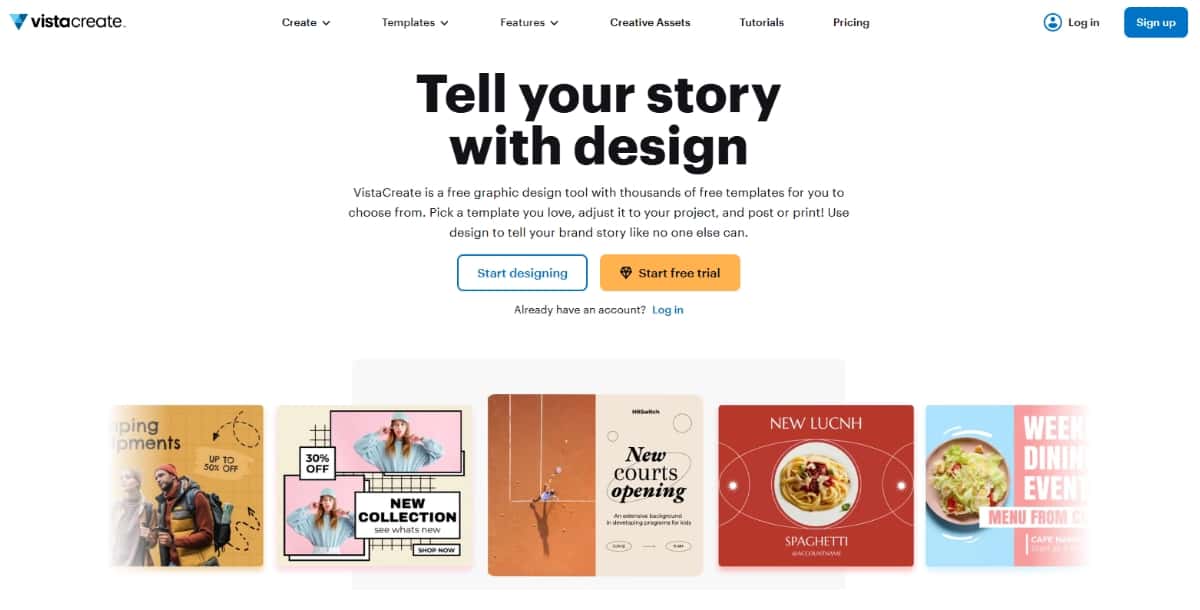
VistaCreate, formerly known as Crello, is a graphic design tool that allows you to create posters, social media graphics, and more. It features a user-friendly interface with many design resources.
Features
- Templates: A wide selection of templates for posters and other graphics.
- Animation Tools: Create animated designs easily.
- Stock Library: Access millions of images, videos, and audio tracks.
- Brand Kit: Create and save your brand elements for easy access.
Pros
- Easy to use, suitable for all skill levels.
- Offers both static and animated design options.
- Affordable pricing for premium features.
Cons
- Some features are only available with a paid plan.
- Limited design capabilities compared to professional software.
- Performance may vary on slower internet connections.
Pricing Plan
- Offers both free and premium plans with advanced tools.
- The premium plan starts at $13 per month.
10. DesignCap
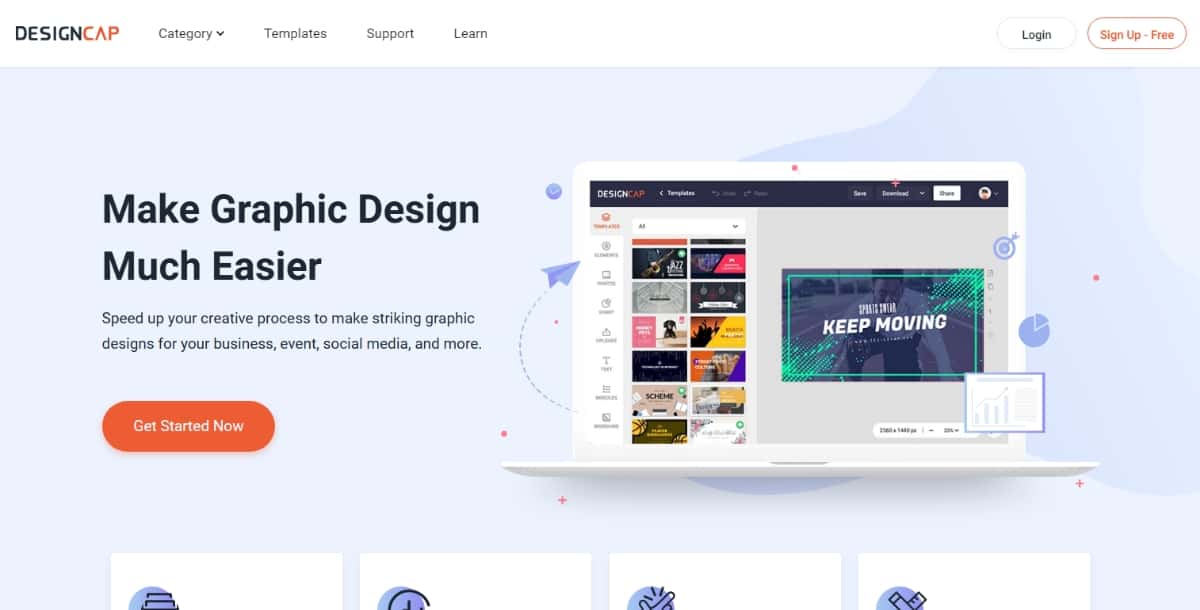
DesignCap is an online graphic design tool focused on creating posters, infographics, and more. It provides a simple platform to design various visual content.
Features
- Templates: A large collection of templates tailored for posters.
- Editing Tools: Various tools to edit text, colors, and images easily.
- Export Options: Download your designs in multiple formats.
- Collaborative Features: Share your designs with team members for feedback.
Pros
- Intuitive design interface.
- A good selection of free templates.
- Supports collaboration with team members.
Cons
- Limited features in the free version.
- Higher quality downloads require a paid plan.
- Some design options may feel restrictive.
Pricing Plan
- Free to use with optional paid plans for more features.
- Paid plan starts from $5.99 per month.
11. Designhill Poster Maker
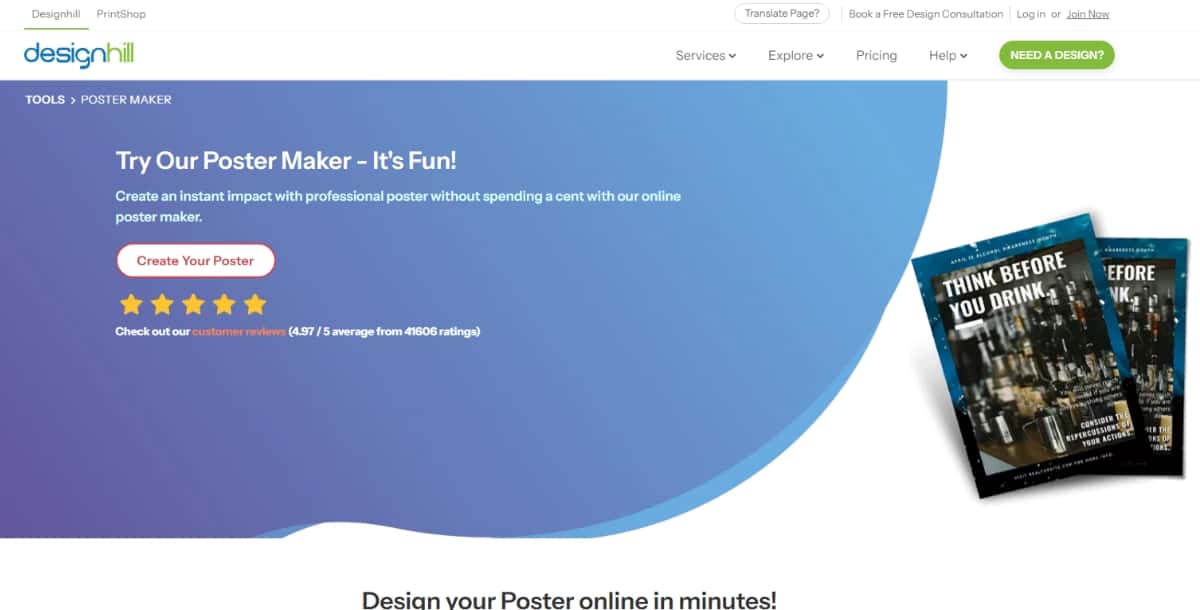
Designhill Poster Maker is an online platform that allows you to create posters quickly and efficiently. It features an easy-to-navigate interface suitable for beginners.
Features
- AI-Powered Tools: Use AI to generate designs based on your preferences.
- Template Gallery: Access a range of professionally designed templates.
- Customization Options: Edit colors, fonts, and layouts easily.
- Export and Print: Download your designs for print or online use.
Pros
- AI tools help simplify the design process.
- Extensive template options for various needs.
- Straightforward editing tools.
Cons
- Some features are limited without a subscription.
- Free version may not include all design elements.
- Performance can vary based on internet speed.
Pricing Plan
- Based on contest packages, ranging from $99-$999.
Suggested Read: Online Color Mixer: How to Mix Paint Colors Digitally and Build Perfect Palettes
Summary
In conclusion, AI poster makers are powerful tools that help both beginners and professionals create high-quality posters quickly and easily. With a wide range of tools for everyone depending on their needs and budget. These tools save time, offer creativity through templates, and simplify the design process, making poster creation accessible to all. You can explore and choose the one that best fits your specific design goals.
Deepak Joshi
Author · Pixazo
Deepak writes about generative AI models, APIs, and the workflows teams use to ship them. Reviewed by Abhinav Girdhar.