Lawyer Business Card : Create Free Lawyer Business Cards in Minutes with AI
Create Custom Lawyer Business Cards Quickly with Pixazo Best AI Lawyer Business Card Maker. Try for Free!
Get Started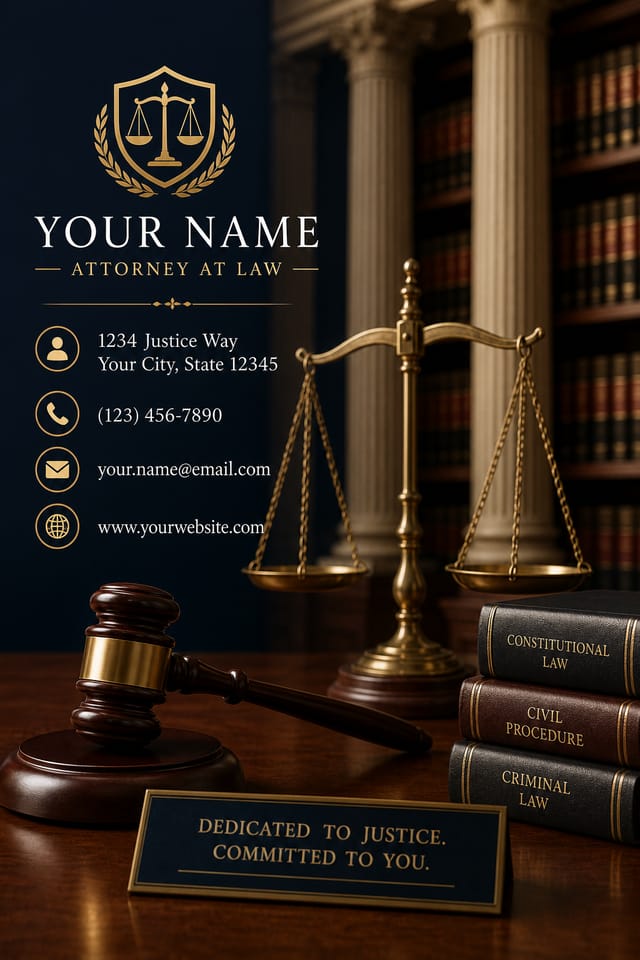
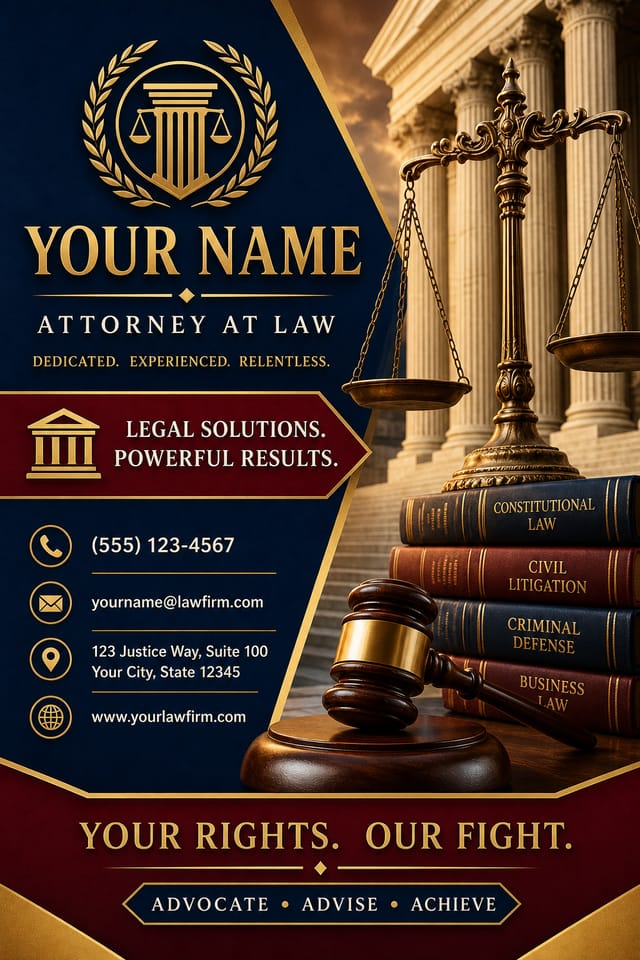
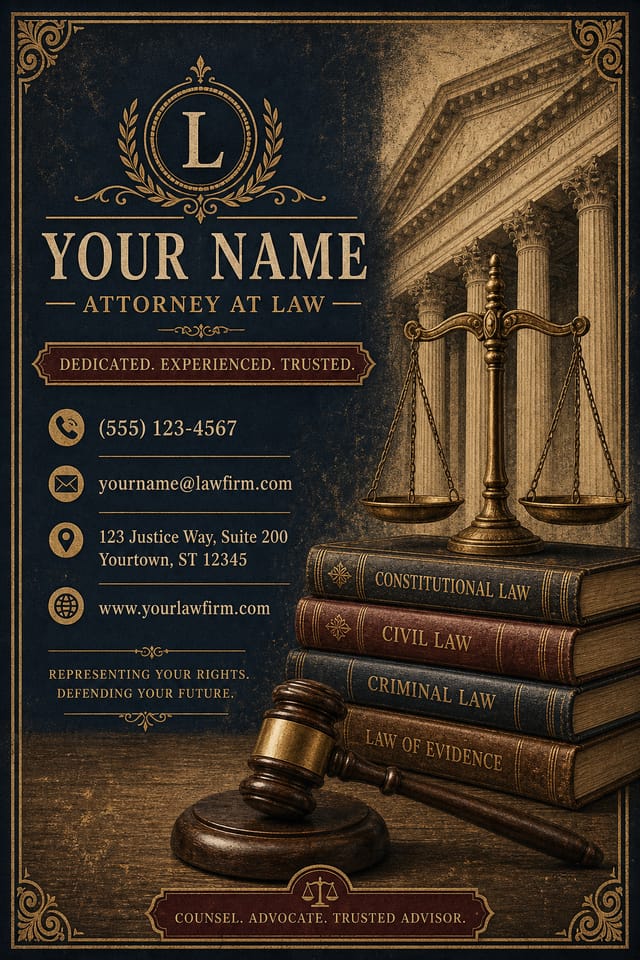
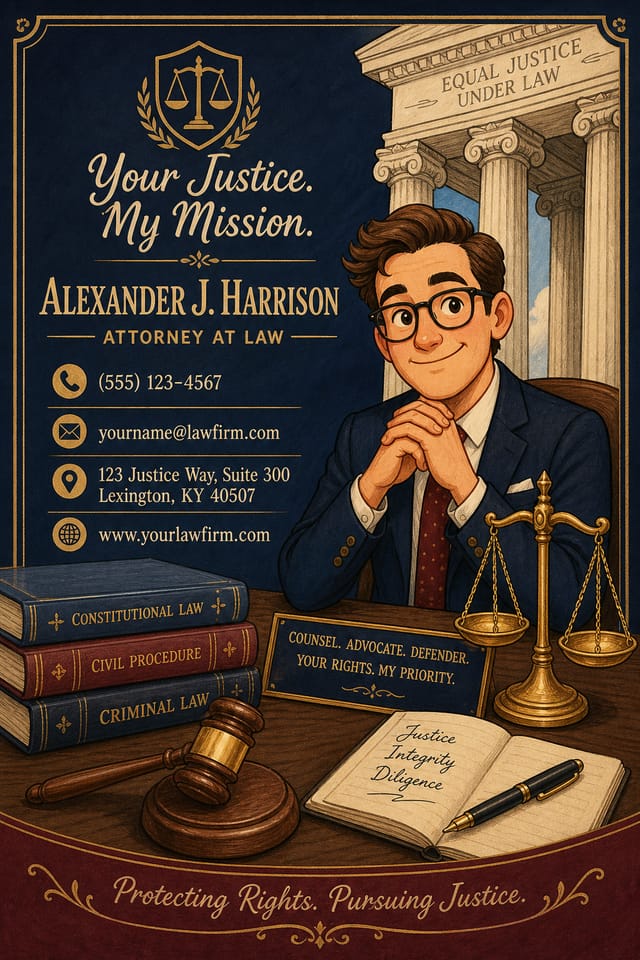
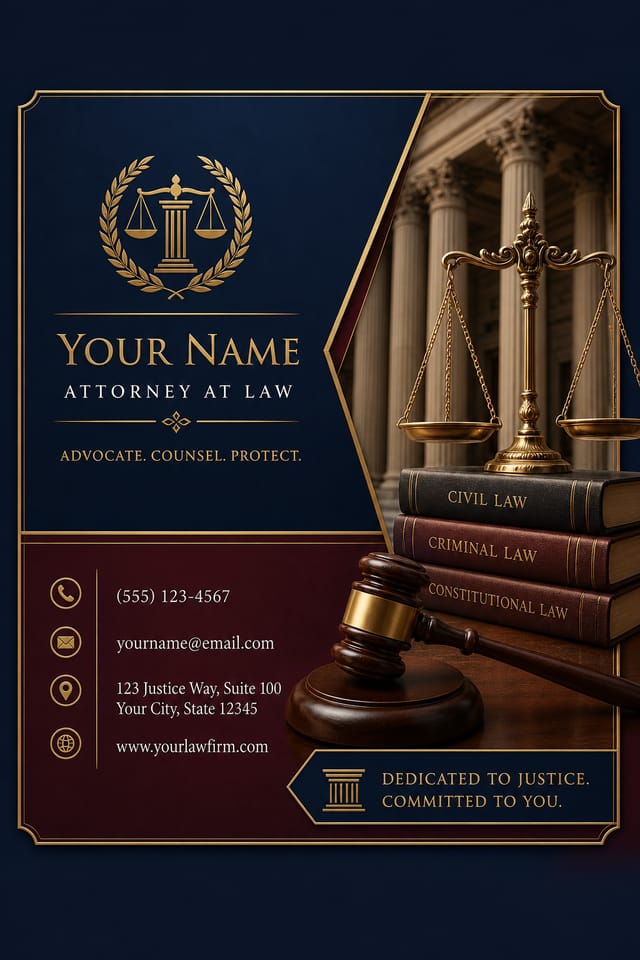
AI Lawyer Business-Card Creator: Built for Creators
Pixazo's lawyer business-card maker understands what makes lawyer designs work. Describe your concept and get a polished layout instantly.
Create Your Lawyer Business Card FreeLawyer Business-Card AI: Design Powers
Fast Generation
Complete lawyer business-card designs generate in seconds. No rendering queues, no waiting for batch processing.
Color Temperature Control
Specify warm, cool, or neutral color direction for your lawyer business-card. The AI builds the full palette around your temperature preference.
Background Variation
Generate lawyer business-cards with different background treatments. Solid, gradient, textured, or pattern backgrounds all available for lawyer style.
Typography Matching
Typefaces are selected to match lawyer aesthetic expectations. The AI pairs fonts that reinforce your lawyer business-card's visual identity.
Resolution Control
Specify output dimensions for your lawyer business-card. Get files sized for web display, social media, or large-format printing.
Negative Space Handling
The AI manages whitespace in lawyer business-card designs according to lawyer aesthetic conventions, not generic poster defaults.
The Path to Your Lawyer Business-Card: What Actually Happens
Declare the Design Direction
Start with a text description of your lawyer business-card concept. Specify the visual style, colors, layout direction, and key text. Detailed prompts produce more accurate lawyer business-card designs than general ones.
Observe the AI Output
The AI produces a lawyer business-card based on your description. If the first result isn't exactly right, adjust the prompt to address what needs changing. Most designs reach the target within a few iterations.
Optimize the Layout
Iterate on your lawyer business-card by modifying the aspects that need work. Regenerate with a more targeted prompt until the design matches your vision. Most refinements take one or two iterations.
Clinch the File
Download your completed lawyer business-card in the format that fits your use case. High-resolution files for print, web-optimized versions for digital, or PDF for production-ready delivery.
Watch: Creating Lawyer Business Card designs step by step
Lawyer Business-Card Essentials: A Quick FAQ
Include your specific colors in the prompt, either by hex code or descriptive terms. 'Navy and copper with white text' or '#1a1a2e and #c9a84c palette' both work. The AI builds a lawyer-appropriate palette around your specified colors.
Canva uses fixed templates you customize manually. Pixazo generates original lawyer business-card designs from your description, so every output is unique. For lawyer work specifically, the AI applies style-specific design decisions rather than offering generic drag-and-drop templates.
Include 'transparent background' in your prompt to generate a lawyer business-card with no background fill. Download as PNG to preserve transparency. This is useful for lawyer designs that will be composited over other imagery or placed on colored surfaces.
Designs created with Pixazo are available for commercial use. You can use your lawyer business-cards for client projects, product sales, advertising, and other commercial applications without additional licensing fees.
Describe your core design parameters in each prompt and vary only the specific elements that should change across the series. Maintaining consistent color palette, typographic approach, and compositional structure across lawyer business-card variations creates a coherent series.
You can request high-contrast or color-blind-friendly palettes in your prompt. Specify 'accessible color palette' or 'deuteranopia-safe colors' and the AI will select lawyer-appropriate colors that maintain sufficient contrast for users with color vision deficiencies.
Lawyer Business-Card Tools in Detail: What Each Does
Resolution Control
Export lawyer business-cards at resolutions from web-optimized to print-quality 4K
Format Flexibility
Download your lawyer business-card as PNG, JPG, or PDF depending on your use case
Batch Generation
Create multiple lawyer business-card variations from a single prompt efficiently
Putting Lawyer Business-Cards to Work: Where They Fit
Real Estate Marketing
Create lawyer business-cards for property listings, open houses, and agent branding. Professional visuals that elevate property presentation.
Retail and Hospitality
Produce lawyer in-store and venue business-cards that communicate quality through design. Lawyer aesthetics signal attention to customer experience.
Content Creation Workflow
Incorporate lawyer business-card generation into a content production workflow. Fast output enables higher publishing frequency.
Travel and Tourism Promotion
Design lawyer business-cards for destinations, tour packages, and hospitality brands. Aspirational visuals that inspire booking decisions.
What Lawyer Business-Card AI Offers: Performance Metrics
Lawyer Business-Card Creator Tips: From Experienced Designers
Keep Typography Simple
Use no more than two typefaces per lawyer business-card. One for headlines, one for body text. Consistency in typography signals professionalism.
Test at Actual Size
Always preview your lawyer business-card at the dimensions it will be displayed. Design details that look fine at 100% can disappear or crowd at real-world scale.
Iterate with Variations
Generate 3-5 versions of your lawyer business-card before committing. Comparing variations side by side often reveals the strongest direction.
Use High Contrast for Readability
Whether your lawyer business-card is displayed on screen or in print, strong contrast between text and background ensures the message gets through at any size.
Sample Lawyer Business-Card Prompt Starters
Copy any prompt below and paste it into Pixazo to generate your design instantly.
Monochromatic lawyer business-card, single-hue palette with value variation for contrast, typographic hierarchy creates visual interest without color complexitySeries-compatible lawyer business-card design, visual language that extends to multiple formats, consistent design system across variantsClean lawyer business-card design, geometric structure, disciplined typography, color accent used selectively for emphasis, printer-optimized resolutionEditorial-style lawyer business-card, text-dominant design, typographic treatment carries visual weight, layout proportions inspired by print publication designLawyer aesthetic business-card, palette drawn from lawyer design tradition, layout proportions consistent with lawyer conventions, purposeful use of each elementGeometric lawyer business-card, structured grid system, angular composition, colors in blocks rather than gradients, modern clean finishFormat Options for Lawyer Business-Cards: Output Formats Compared
WEBP
Modern web format offering smaller file sizes than PNG or JPG for lawyer business-card images without significant quality loss.
SVG
Scalable format for lawyer business-card designs that need to render crisply at any resolution, commonly used for web and responsive layouts.
JPG
Compressed image format suited for lawyer business-card designs with photographic elements where smaller file size matters more than pixel-perfect edges.
TIFF
High-fidelity format for lawyer business-card files destined for professional printing, supporting CMYK color and lossless compression.
Print-ready format for lawyer business-card files that preserves fonts, colors, and layout across different devices and print services.
Lawyer Design Community: Designs Worth Seeing
Real creators sharing their lawyer designs made with Pixazo AI.

Lawyer business-card at 1080x1920 pixels for Instagram stories, bold sans-serif headline centered, gradient background in lawyer tones, call-to-action at bottom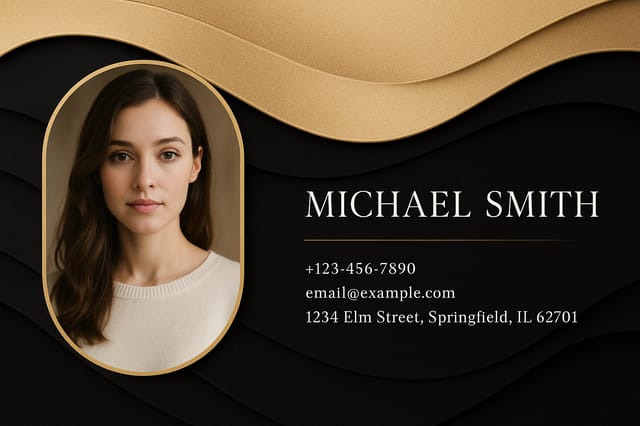
Eco-friendly themed lawyer business-card, natural green and kraft tones, organic shapes, sustainability messaging, handcrafted aesthetic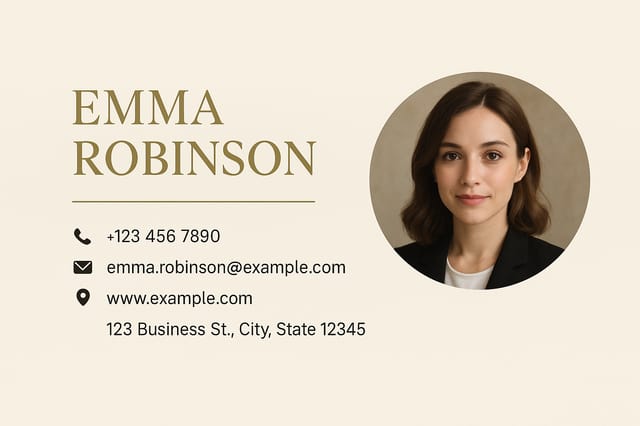
Monochromatic lawyer business-card, single hue in multiple values, typographic hierarchy creates depth without color complexityThe Fine Print on Lawyer Business-Cards: Honest Expectations
Known limitations and trade-offs of AI-generated lawyer design. Every AI design tool has boundaries. Knowing these limits before you start helps you get the most out of lawyer business-card generation.

