AI Raksha Bandhan Card Maker
Create Rakhi cards for free using our AI Raksha Bandhan Card Maker.
Make a Raksha Bandhan card →Free credits to start. No watermark on the download.
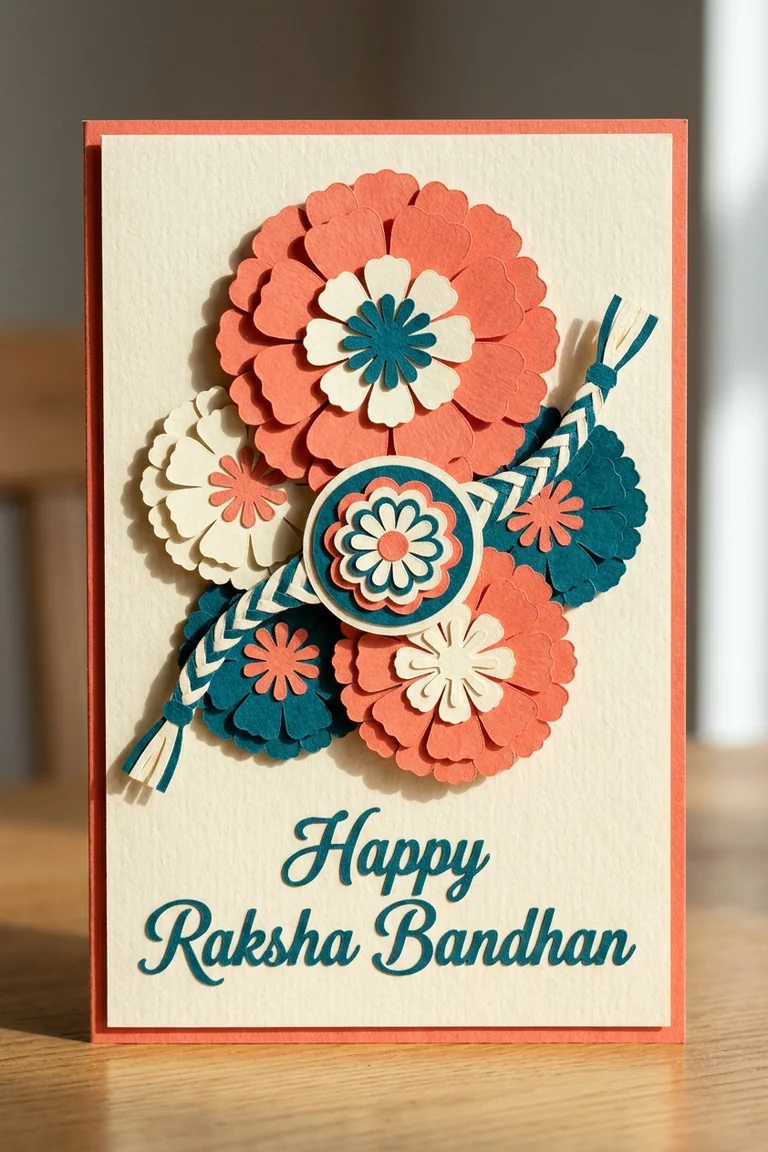
What does the Raksha Bandhan card maker actually do?
The card maker takes a line of description and returns a finished Raksha Bandhan card — artwork, festival palette, rakhi motif, and clear space held open for your message. It is not a template library. Each run is a fresh generation, which is why the same prompt will not hand you the same card twice.
You control it entirely through the prompt box, and a few details move the result more than any style keyword: the name, spelled the way your sibling actually spells it; the language — Hindi, English, or a line of each; and the tone, because a card to an elder sister and a card to a younger brother are not the same card, however similar the thread on the front looks.
Say who it is for
“For my elder sister” changes the layout more than any style keyword will.
Quote the message
Put the exact words in quotation marks so the model sets them rather than inventing its own greeting.
Name the motif
Rakhi thread, thali, sweets, tilak. One motif reads cleanly; four compete.
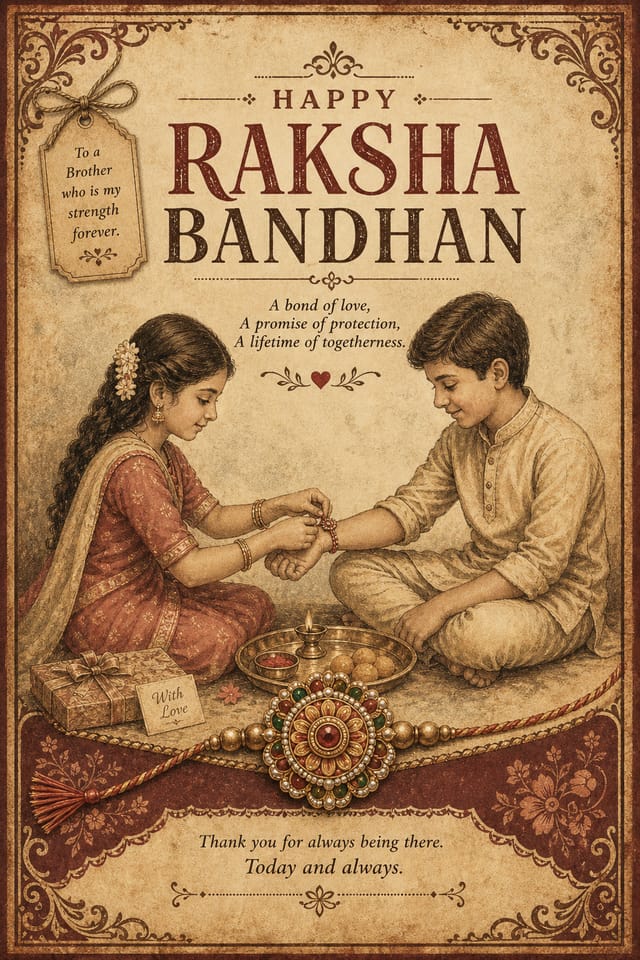
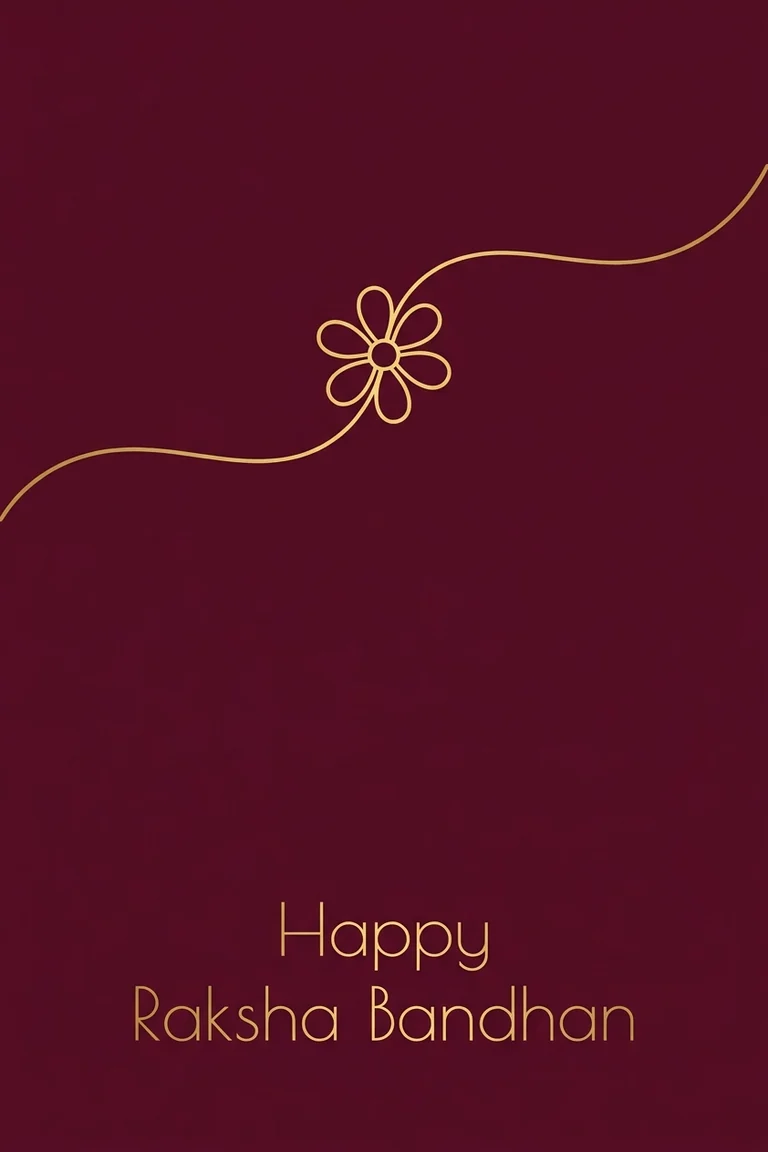
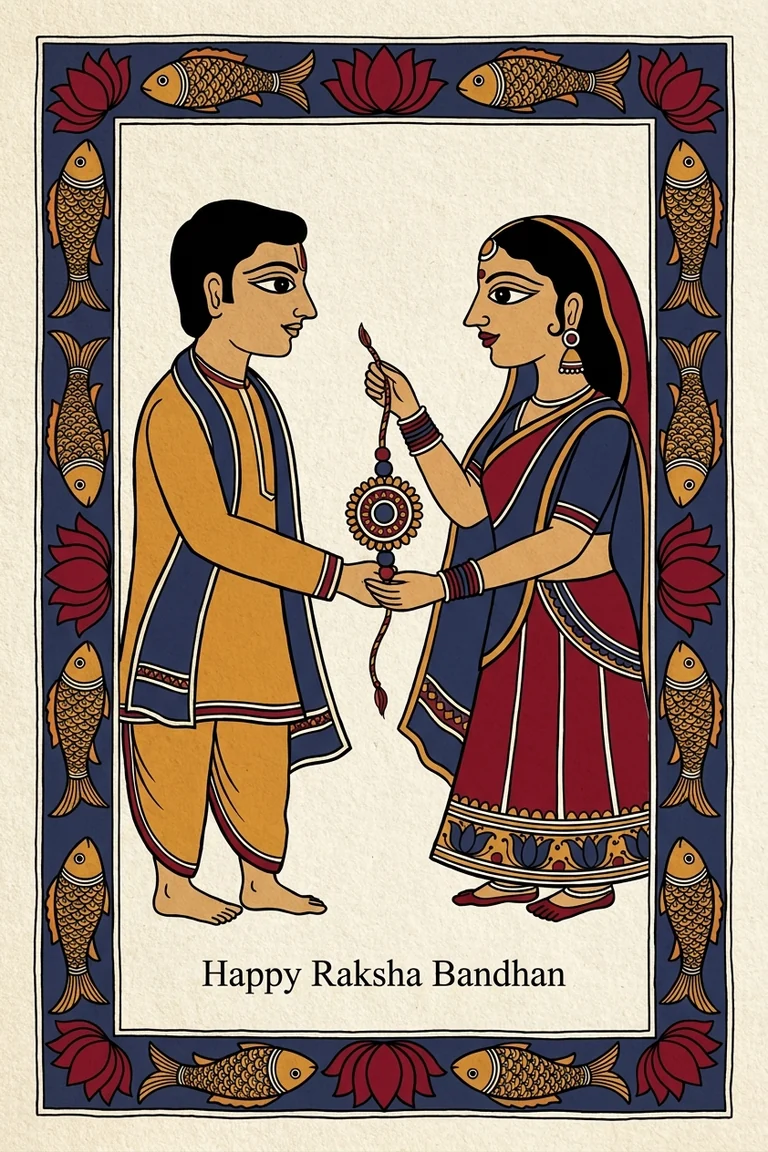
Card styles the maker will produce
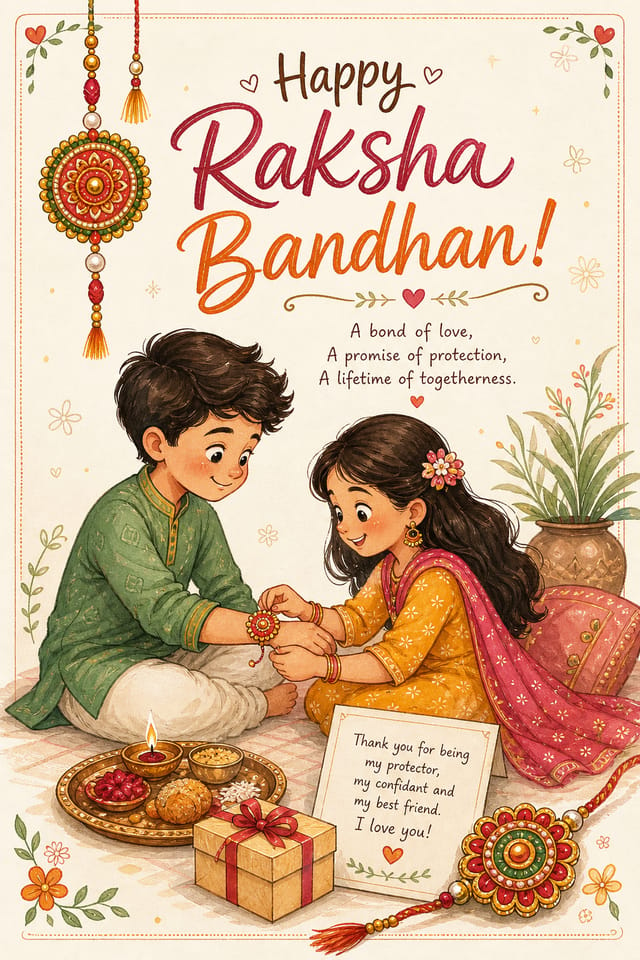
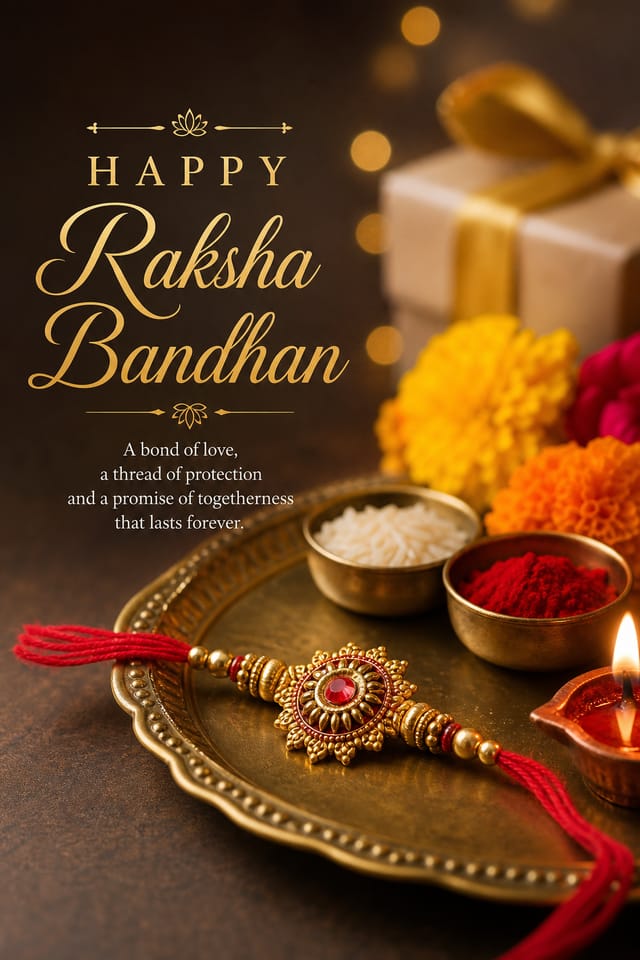
Every card below came out of this maker. They are not templates you fill in — each is a fresh generation, which is why the same prompt will not return the same card twice.
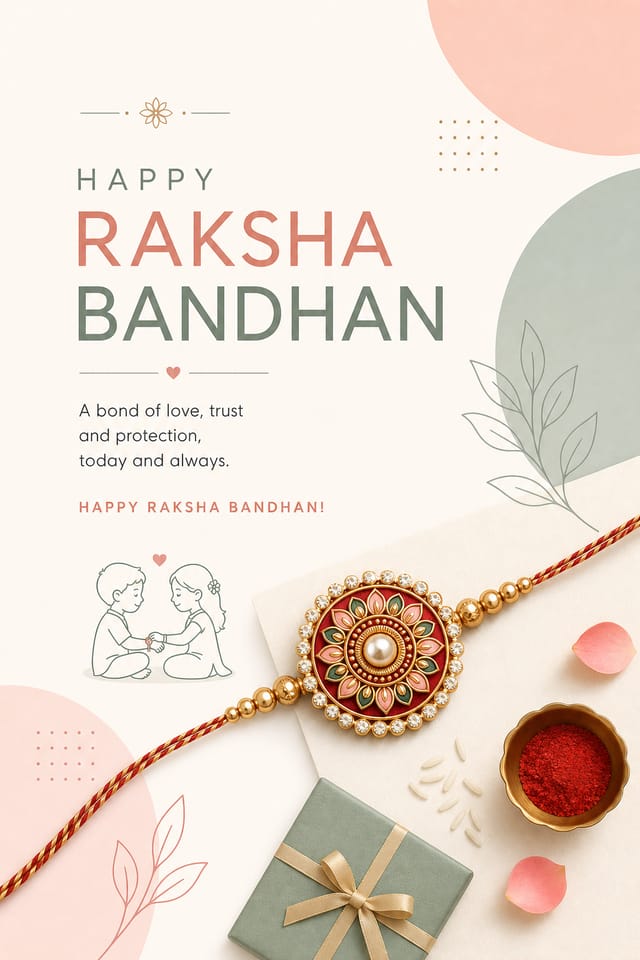
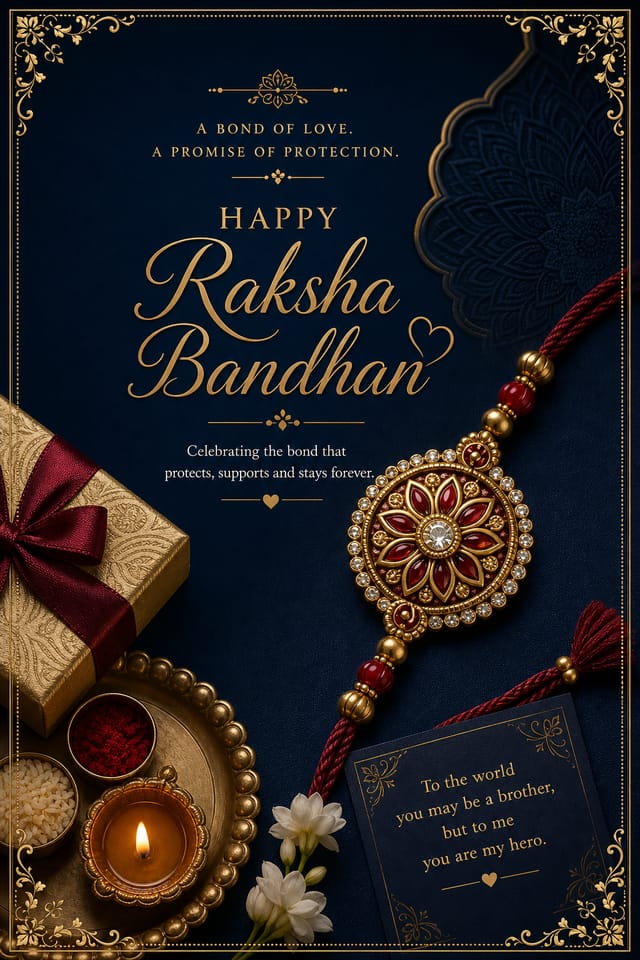
Free credits to start · no watermark · the credit cost is shown before you spend it
What should you type into the card maker?
The maker will set whatever words you give it, so the prompt box is where the card is really written. Most people freeze, write “Happy Raksha Bandhan”, and send something indistinguishable from a forwarded image. A specific line is what makes it read as yours, and it costs nothing to generate.
The pattern that works is small and concrete: one shared memory, one thing you mean now. “Still the person I call first” lands harder than a paragraph about the bond between siblings, because it could only have been written by you. If you want the card set in two languages, write both lines in the prompt in quotation marks and say which goes on top.
For an elder sister
Lead with thanks for something particular rather than a general tribute. Formal type suits it.
For a younger brother
Shorter, lighter, funnier. Illustrated styles carry a joke better than a photo-real render does.
For a cousin or a friend
Say the relationship out loud in the card, since Raksha Bandhan reaches well past siblings by blood.
Sending it long distance
If the rakhi itself is in the post, the card is what arrives on the day. Say when the thread will follow.
How does the card maker work, from prompt to download?
The whole run usually takes less time than choosing a card in a shop.
1 · Describe the person
Who it is for, what you want it to say, and the language you want it set in.
2 · Pick a direction
Modern, elegant, vintage, illustrated or photo-real. Switching keeps your wording.
3 · Read the text
Check the spelling of the name before anything else. This is where AI cards fail.
4 · Download
No watermark. Print it, or send the file straight to a chat.
Free credits to start · no watermark · the credit cost is shown before you spend it
What does the maker hand you to send or print?
What the maker returns is a flat image file, and most rakhi cards never touch paper — they go to a phone. A square or portrait card survives a chat window better than a wide one, and dark backgrounds hold up better than pale ones once a messaging app compresses the file.
If it is going to print, generate at the largest size available and check the text at full zoom before you send it anywhere. Fine type is the first thing to soften on cheap card stock, which is a good reason to keep the message short and the type large.
Card shapes and sizes the maker outputs
The card you send on WhatsApp and the card you print are not the same file, and generating for the wrong one is the most common waste of credits here.
Square, for a chat
1:1 fills the preview in most messaging apps without cropping the message out of frame.
Portrait, for a post
4:5 or 9:16 if it is going to a story or a feed, where a square gets letterboxed.
Portrait, for print
Generate at the largest size on offer, then check the smallest text at 100% before you commit it to paper.
Dark over pale
Compression is unkind to soft pastel gradients. A darker card survives a chat window better.
Free credits to start · no watermark on the download
Telling the card maker who the card is for
Naming the recipient in the prompt changes the layout more than any style keyword does — the maker leaves different room for a line to an elder sister than for one to a younger brother. Start from the relationship, not the occasion.
An older sister
Lead with something she did that you never thanked her for. Specific beats poetic — the exam she sat up through, the argument she took your side in.
A younger brother
Affection with a little needling in it reads as genuine. A line that could only be written about him is worth more than a blessing that could go to anyone.
A cousin you rarely see
Acknowledge the gap instead of writing around it. “It has been three years and I still count you as family” opens better than a generic verse.
A first Raksha Bandhan
A new sibling, a marriage into the family, a friend made family by choice. Say plainly that this is the first, because that is the whole sentiment.
Across a distance
If the rakhi is travelling by post, the card carries the moment the thread cannot. Name the date you will call.
Length
Keep the finished message under about sixty words. A card is read standing up, usually with other people waiting.
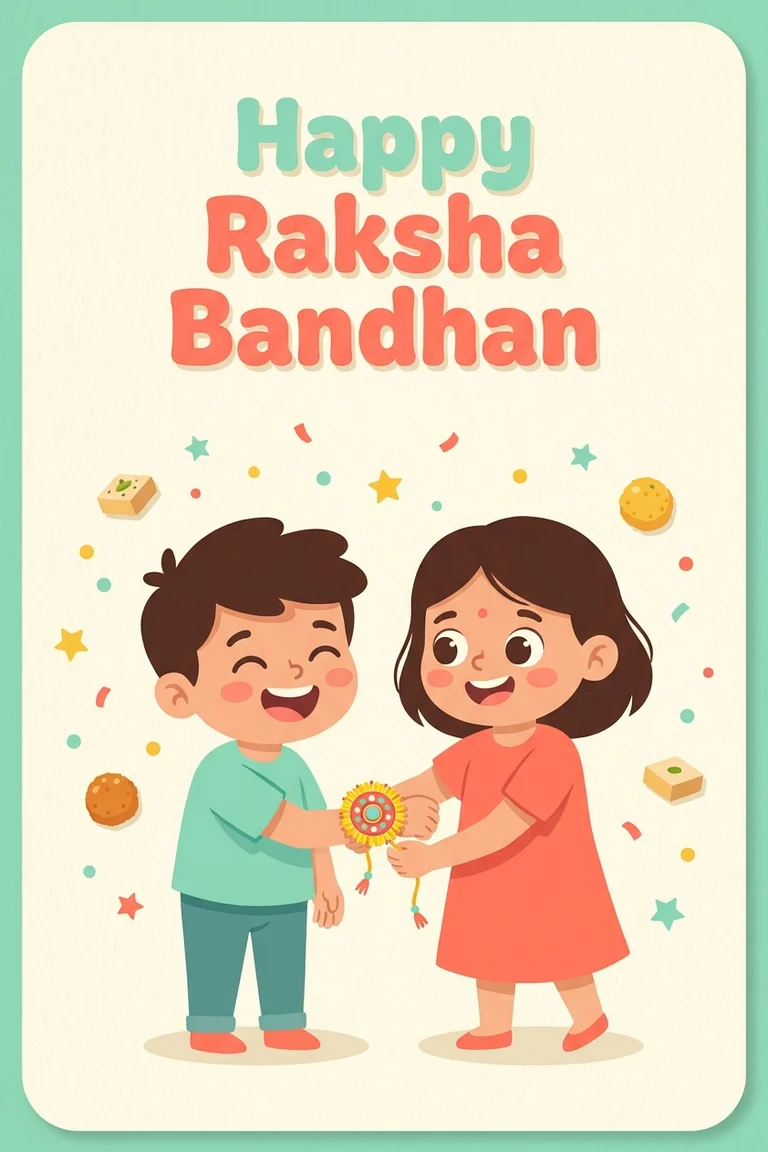
Making a bilingual card in the maker
Most families land somewhere in between, and the maker will follow whichever you ask for — but the two scripts do not come back equally reliable.
A Devanagari greeting with an English message underneath is the most common combination, and it reads as deliberate rather than confused. But generation handles Devanagari far less reliably than Latin script — matras drift and conjuncts break. The safer route is to generate the card with the greeting area kept clear, then set शुभ रक्षाबंधन as real text over the artwork, where the letterforms are guaranteed correct.
If you are writing the message by hand after printing, leave more room than you think you need. Handwriting runs to roughly twice the height of set type.
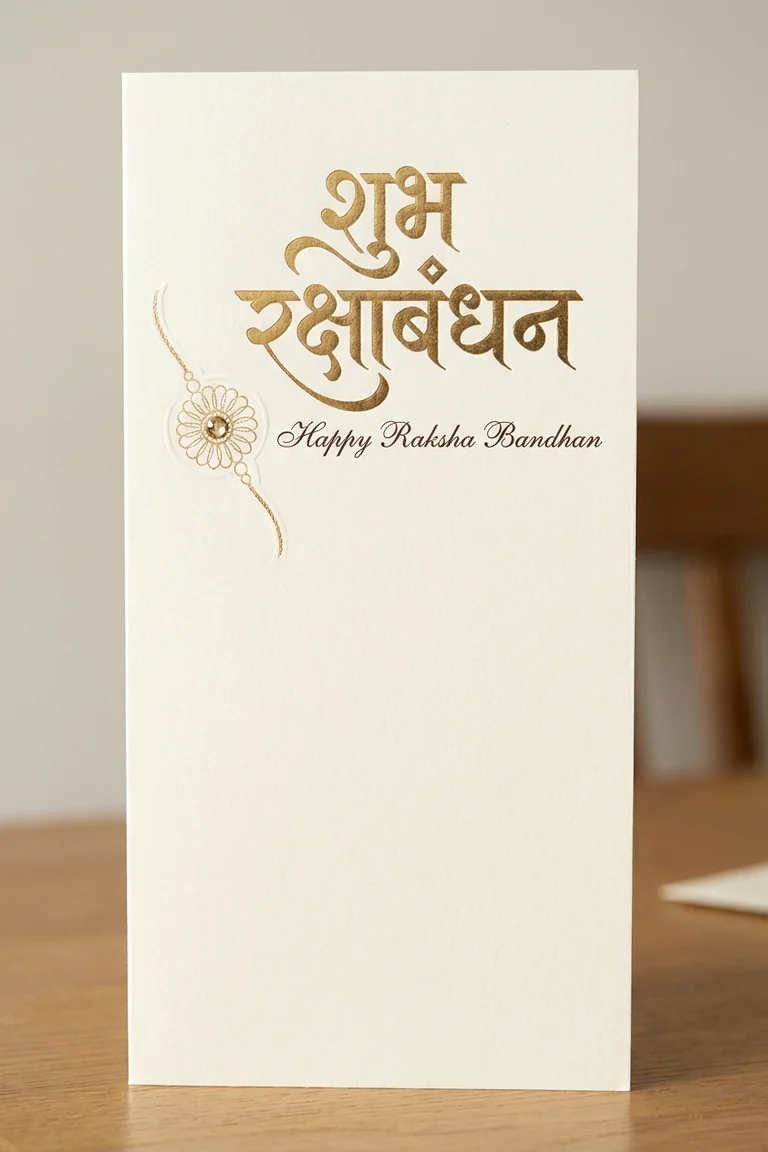
Setting the maker up for print or for chat
The two destinations pull the design in opposite directions, so tell the maker which one you are aiming at before you spend a run, not after.
Printed and folded
Portrait, generous margins, nothing important within a centimetre of the trim. Home printers drift, and a design bleeding off the edge gets cut unevenly.
Sent on chat
Square or portrait, one clear focal point, text large enough to survive compression. Chat apps re-encode hard and thin strokes go first.
Paper weight
Anything under about 200 gsm will not stand when folded. Matte holds ink better than glossy for deep reds.
The envelope
If a rakhi is going inside, the card needs to be a few millimetres smaller than the envelope, not the same size.
Free credits to start · no watermark · the credit cost is shown before you spend it
What will the card maker not do for you?
Worth knowing before you spend credits rather than after.
Perfect Devanagari, every time
Hindi type can garble. Keep the line short, quote it exactly, and expect to re-run.
A likeness of your sibling
It will not reproduce a real person’s face. Add a photo yourself afterwards if you want one.
The same card twice
There is no seed to lock. If you like one, download it before you generate again.
Exact brand colour
No hex matching. Draft here, finish in a design tool if the colour has to be precise.
Questions people ask before the first card
Is the Raksha Bandhan card maker free?
You start with free credits. Each run costs credits, and the exact figure is printed on the Generate button before you commit to it.
Can I write the message in Hindi?
Yes. Put the line in quotation marks in your prompt so it is set rather than paraphrased, keep it short, and check the rendering before you download — Devanagari is harder for image models than Latin script.
Will the card have a watermark?
No. Downloads are watermark-free, and a paid plan adds a commercial-use licence if you are selling the design rather than sending it.
Can I print it?
Yes. Generate at the largest size offered, inspect the text at full zoom, and keep the message short so the type stays large enough to survive printing.
Ready when you are
Describe the sibling, pick a style, and the maker returns a card you can download and send — usually inside a minute.
Make a Raksha Bandhan card →Free credits to start · no watermark on the download
Content Marketing specialist · Pixazo
Deepak Joshi is a Content Marketing specialist having a combined experience of 10+ years working in the digital world. He is one of the active contributors to Pixazo Blog and has keen interest creating and marketing content related to AI tools, No-Code technology, Design Industry, Social Influencers, and other trending topics. A health and sport enthusiast, Deepak loves to indulge in all kinds of sports & games.