JPG to MP4 Converter
A JPG is one frozen exposure. To convert JPG to MP4, a model has to generate the motion the photo never held — fanning your single frame into a sequence, then writing it back as a standard MP4.
- Starts from your own still
- Newly generated frames
- Short clips
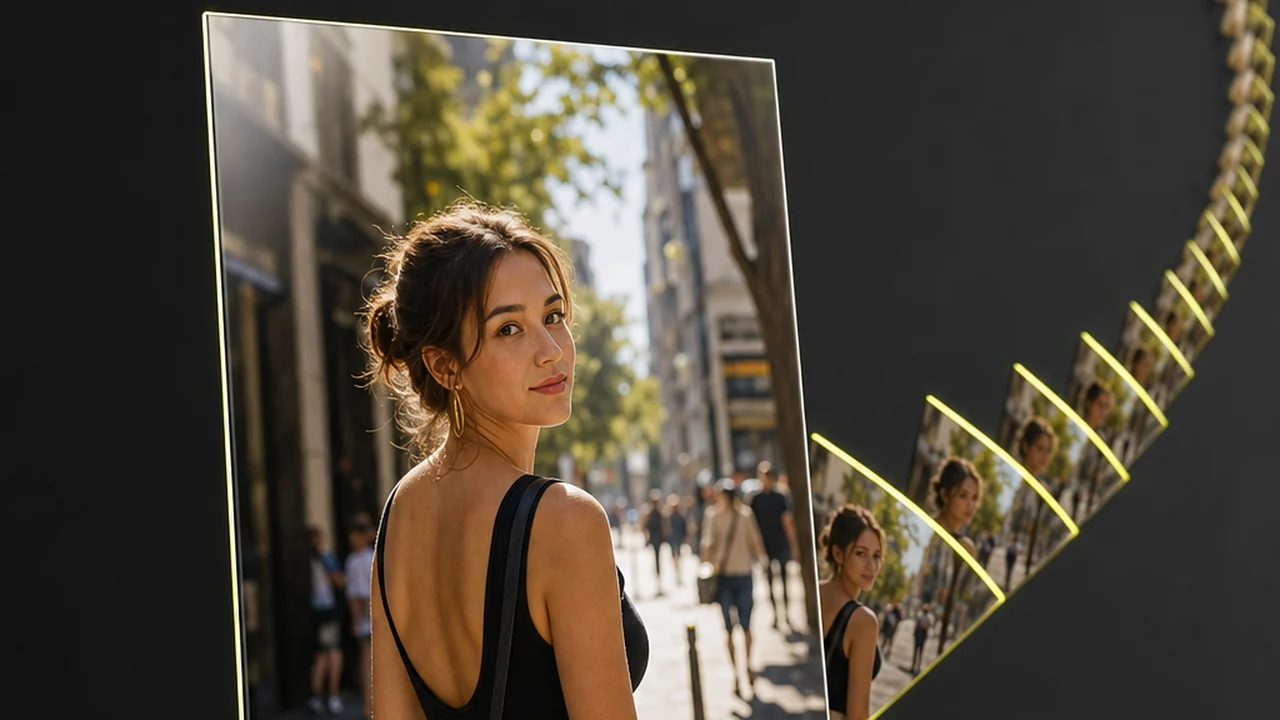
What Pixazo genuinely does insteadAI clip generation stands in for a JPG to MP4 converter. You give it your JPG plus a description of the movement, and a model generates a short clip that starts from your image. Nothing is unpacked out of the photograph, because there is nothing in there to unpack.
Why converting JPG to MP4 means generating, not extracting
A JPG to MP4 converter has real work to do, because the two files are not the same thing in a different wrapper. A JPG is a single grid of pixels — one exposure, frozen. An MP4 is a timeline: a run of frames plus the timing that plays them back. So the converter has to generate the motion between frames, not repackage a track that was never there.
So when you convert JPG to MP4, it is a generation job, not a file swap. You are asking for frames that do not exist yet, and nothing in the photo records what happened a second later. No decoder and no clever repackaging can recover it. Something has to invent those frames.
There is one literal version of what a JPG to MP4 converter could do: hold your photo on screen for five seconds and wrap it in an MP4 container. It works, and a platform sometimes demands exactly that. But nothing moves — it is a photo wearing a video extension. Most people asking to turn a photo to video want the camera to travel.
Pixazo takes the other route. Its Pixazo reads your still as the opening frame and generates the seconds that follow, guided by the movement you describe.
So which is it? An AI JPG to MP4 converter — it generates the motion instead of extracting it. Any JPG to MP4 converter promising a lossless swap is either building a slideshow or generating motion and calling it conversion.
In place of a JPG to MP4 converter, the bright cell is your photograph. Every dim cell is a frame a model has to imagine. That gap is the job.
How do you convert JPG to MP4 on Pixazo?
Four steps that replace trying to convert JPG to MP4: bring in the still, say how it should move, review the take, keep the clip. Step three carries the weight — that sentence is where the attempt succeeds or falls flat.
Open the studio
Head to Pixazo in your browser and open the studio. Nothing to install — the whole flow runs in the tab.
Load your JPG
Pick a still with one clear subject and a little breathing room around it. A photo cropped tight leaves the camera nowhere to travel.
Direct the motion
Write how the shot should move, a slow push in or a gentle orbit. That prompt is what converts your JPG to MP4.
Preview, then download the MP4
The model renders a short clip from your frame. Preview it, adjust the wording if the drift is off, then download your MP4.
What actually comes out when you convert JPG to MP4?
Knowing how the output is made is the difference between a clip you can ship and a surprise you have to explain.
The model generates new pixels. Your first frame stays close to the photograph you uploaded; everything after it is the model's interpretation of how that scene would continue. It is not a lossless re-wrapping of your file.
Results vary between runs. The same still and the same description give two different takes. That is normal for generative video, and it is why this is closer to shooting coverage than to pressing a convert button.
Clips are short. Expect a few seconds. Longer generations tend to drift away from the frame you started with.
What lands is a standard MP4 — the same file you would upload anywhere or drop onto an editing timeline.
Which camera move should you ask for?
Three moves cover most of what people want from a still, and each asks something different of the photo you feed it.
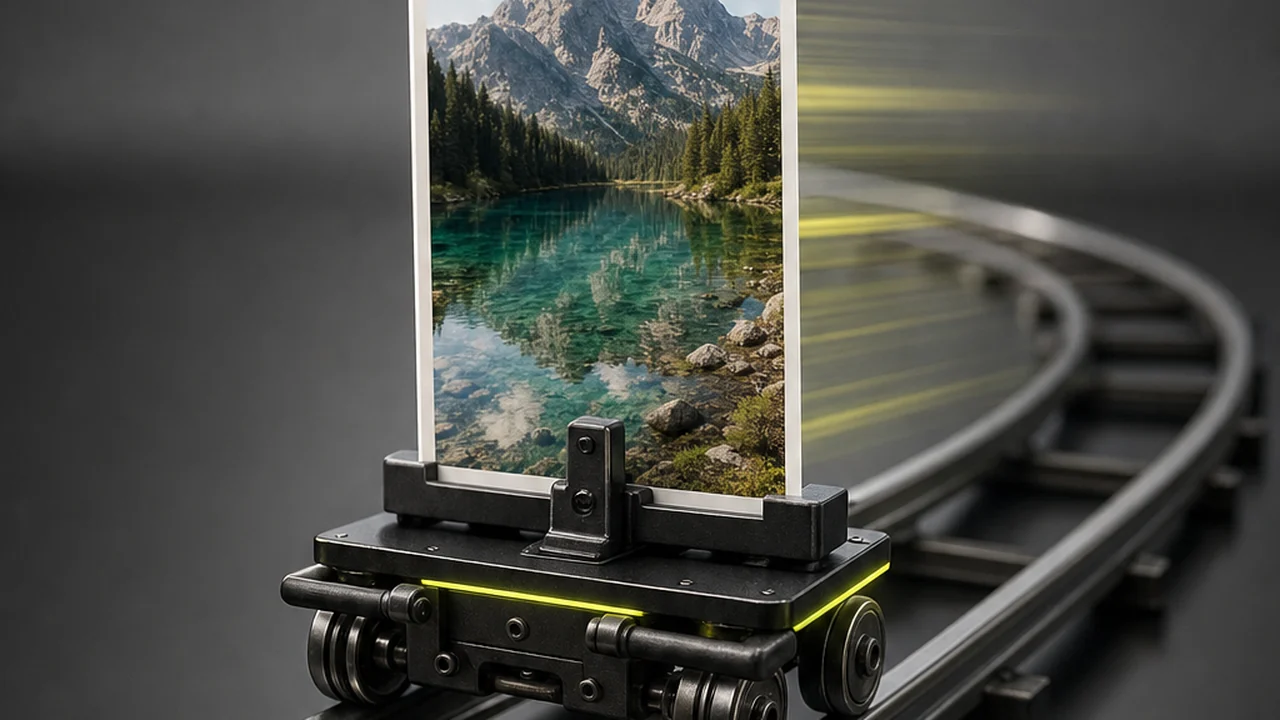
The slow push in
The camera creeps toward your subject. The most forgiving move, because the frame keeps most of what your photo already showed and there is less to invent at the edges.
“slow push in toward the subject, steady, no shake”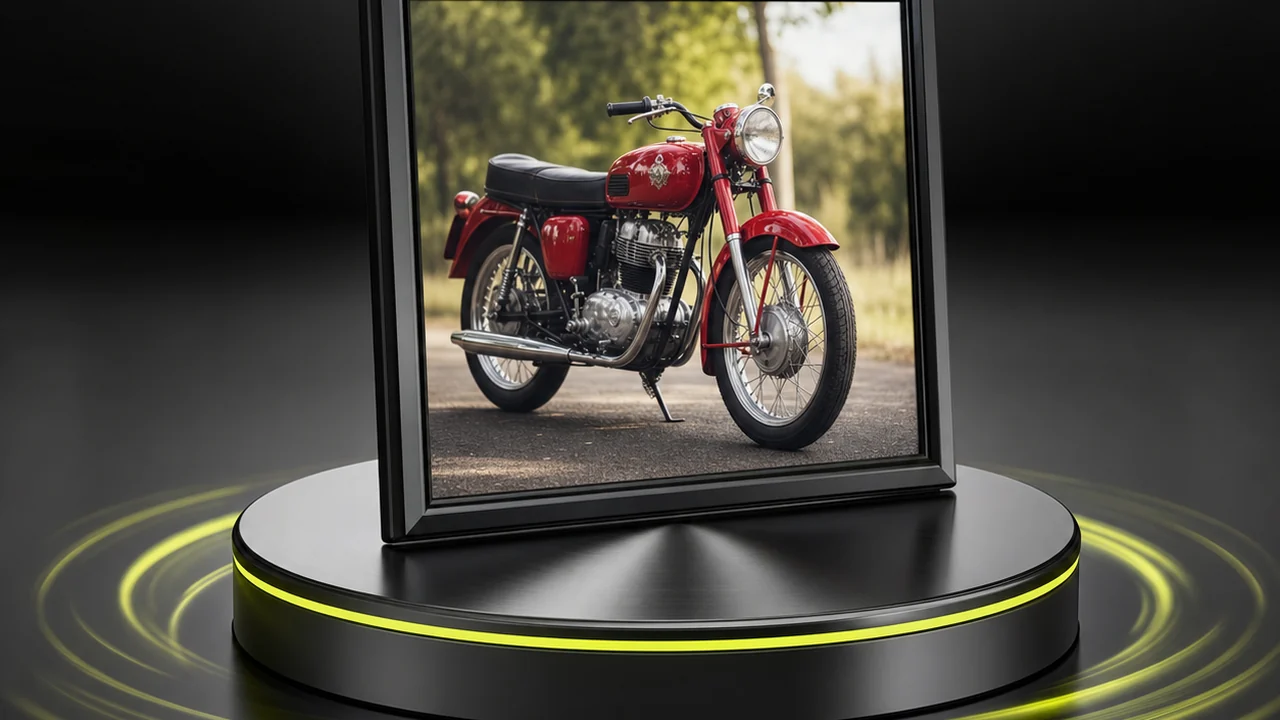
The gentle orbit
The camera arcs around the subject, revealing a sliver of what was hidden. The most cinematic and the most invented, so keep the arc small and the subject simple.
“gentle orbit to the left, subject stays centred”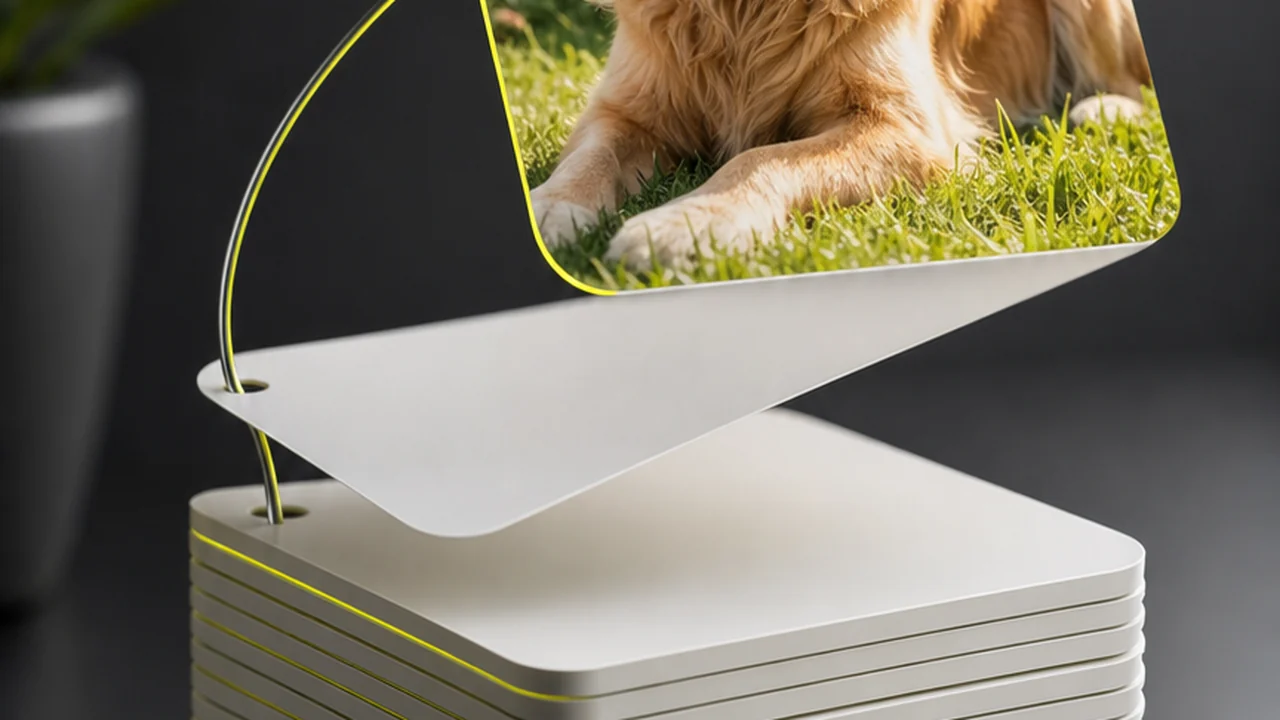
The held frame with life in it
The camera barely moves and the scene does: steam curling, hair lifting, leaves drifting past. Often the most convincing, because your composition stays intact.
“camera locked off, steam rising, fabric moving softly”Shot notes: how to describe the movement
The prompt is a direction to a camera operator, not a caption for the picture. Five notes that reliably improve a take.
- Name the move, then the speed. “Slow push in” beats “cinematic”. Vague adjectives leave the model guessing, and it guesses busier than you wanted.
- Do not re-describe the photo. The still already says what is in the scene. Spend your words on what changes.
- Give the subject room. A frame cropped tight to a face leaves nowhere to travel, so the move becomes a slow zoom into pixels.
- Keep one thing moving. A camera move plus three moving subjects is where things warp. Pick the movement that matters.
- Shoot more than one take. Two or three runs, then choose. Quicker than writing the perfect prompt first time.
Limits: what to expect when you convert JPG to MP4
Stated plainly, because most disappointment here comes from expecting a conversion and receiving an interpretation.
- Not lossless. The output is a new render, not your file in a different wrapper. Pixel-exact fidelity past the first frame is not on offer.
- Not repeatable. Two runs from the same still differ. Save the take you like — you may not reproduce it.
- Not long. Seconds, not minutes. Stitching longer sequences is an editing job, not a generation setting.
- Not reliable on fine detail. Text on signs, hands, logos and dense backgrounds drift first once the camera moves.
- Not a multi-photo slideshow. Sequencing several images with transitions is editing; this creates motion from one still.
One still versus one clip
Spec| Your JPG | The MP4 you get | |
|---|---|---|
| Holds | One instant | Motion over time |
| Frames | 1 | Dozens per second, generated |
| Origin | Your camera | Your frame plus a model |
| Repeatable | Yes, it is a file | No, every run is a take |
| Best judged on | Composition | Whether the movement is believable |
Converting JPG to MP4 means a model generates the motion — a single still cannot contain it.
Convert JPG to MP4 freeWhere does a photo to video clip earn its place?
A few seconds of movement changes how a still behaves in a feed, a deck or an ad slot.
Product stills that move
A slow push in gives a flat catalogue photo enough presence to hold a paid placement.
Social posts from a photo
Feeds reward motion, and a short clip from an existing still often outperforms the still.
Archive and heritage shots
Add a restrained camera move to an old photograph so a story can open on it.
Slide and deck openers
Replace a static title image with a few seconds of drift behind your first line.
Concept and mood tests
Check whether a framing survives movement before booking a shoot.
B-roll you never shot
Fill a small gap in an edit with movement generated from a photo you already own.
No photo at all, just a written description? That is the AI video generator , and the rest of the catalogue sits in the AI tools directory .
Frequently asked questions
What people ask about turning a JPG into an MP4 clip.
Is there a real JPG to MP4 converter that just changes the file?
You can turn a JPG into an MP4 — that is exactly what Pixazo does, and it is real. What you cannot do is a plain file re-wrap: a still photo has no timeline to copy across, so the motion is generated rather than extracted. Worth knowing the difference, because a generated clip is created for you, not pulled out of the file
Can I convert JPG to MP4 for free anywhere?
You can start free on Pixazo and generate short clips from your own photos. Because every clip is rendered rather than repackaged, longer or higher-resolution output draws on your plan.
Will the clip look exactly like my photo?
The first frame stays very close to your still; the rest is generated. Faces, hands, text on signs and fine background detail drift first as the camera moves, so check those before you publish.
Why do two runs from the same photo look different?
The model samples a new interpretation each time, so the same still and prompt can produce different movement. Treat each run as a take, and expect two or three before one lands.
How long can the clip be?
Short — a handful of seconds, not a minute. One photograph rarely holds enough information to justify a longer shot.
Can I turn several JPGs into one MP4 slideshow?
That is a different job. A slideshow sequences photos with cuts and adds no new movement, which is video editing rather than generation.
Does it work with PNG, HEIC or a photo from my phone?
Common photo formats work, and a JPG straight off a phone is a fine starting frame. Resolution and a clean, well-lit subject matter far more than the extension.
Is the output a normal MP4 I can post anywhere?
Yes. You download a standard MP4, so it uploads to social platforms and drops into an editing timeline as-is.
Should I use this or a text prompt on its own?
Start from a JPG when a specific photo has to be recognisable — your product, your room, your portrait. If nothing does, the AI video generator builds the whole shot from a written description.
Your photo already has the first frame.
Upload the still, describe the movement, and let the model generate the seconds that follow. Short clips, a standard MP4 at the end.
Convert JPG to MP4 free- Free to start
- Runs in your browser
- Standard MP4

