MP4 to WebP Converter
The MP4 to WebP converter pulls one frame from your video and saves it as a lightweight WebP image.
- Free to start
- Still image out
Pixazo pulls a frame from your clip and writes it as a still WebP image. It does not produce an animated WebP — there is no motion in the file you get back. If you came here wanting a short looping clip rather than a photograph, use the AI GIF generator instead, which turns a video into an animated GIF. Everything below is about the still.
What is MP4 to WebP conversion, really?
An MP4 is a container full of frames — often several hundred for every ten seconds of footage — plus an audio track and the timing that stitches them together. A WebP is one picture. So the job is not a like-for-like swap the way a document goes from one word processor to another; it is a selection. You choose the moment worth keeping, and everything else stays behind on the heavy pan.
That is exactly what happens when you convert MP4 to WebP inside the P Agent. It decodes your clip, you scrub to the frame you want, and it writes that frame out as a WebP image at the video’s own pixel dimensions. What lands in your downloads folder is a photograph, not a shortened video.
The reason people reach for WebP rather than JPG or PNG is weight. WebP was built for the web specifically to carry the same visible picture in a smaller file, which is why it has become the default export for hero images, thumbnails and open-graph cards. Turning a video frame to WebP gives you a still that is cheap to serve and quick to paint.
Weighbridge docket
SPEC| Goes in | MP4 — and other common video containers |
| Comes out | A single still WebP image |
| Animated WebP | Not produced |
| Output size | The source video’s own frame dimensions |
| Audio | Discarded — a still has no soundtrack |
| Runs in | Browser, desktop and mobile |
| Watermark | None |
| Price | Free to start · scales with your Pixazo plan |
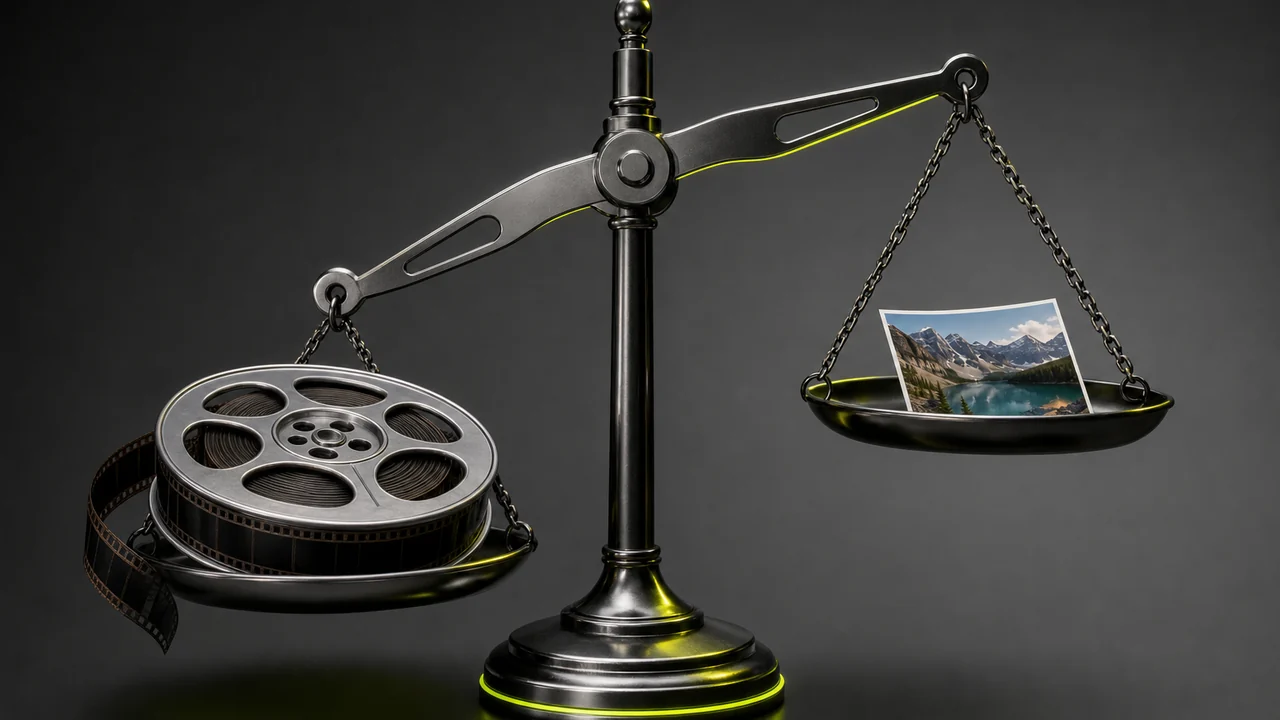
How does the MP4 to WebP converter work?
Four counterweights to convert MP4 to WebP, added one at a time. Open the studio, load the clip, pick the frame, save the WebP — and the scale settles.
Open the studio
Load the P Agent in your browser. Nothing to install, and it works the same on a laptop or a phone.
Drop your MP4 on the pan
Drag the clip in or pick it from your device. MP4 is the common case, and other everyday video containers load too.
Scrub to the frame
Move along the timeline until the moment you want is on screen, then extract that frame. This is the choice the whole job hangs on.
Save it as WebP
Write the extracted frame out as a WebP image and download it. No watermark, no sign-up wall before you have seen the result.
Still WebP or animated WebP — which pan are you on?
WebP is two formats wearing one file extension. Getting this wrong is the single most common disappointment with frame extraction, so it is worth thirty seconds of your time.
A still WebP — one frozen frame
One picture, no timeline, no loop. It behaves exactly like a JPG or a PNG: you can set it as a thumbnail, drop it in a document, upload it as a profile picture or serve it as a hero image.
This is the honest, supported path. Frame extraction picks the moment, and the image writer stores it in WebP.
Pan reading · featherweight
An animated WebP — a looping clip
Animated WebP packs many frames plus timing into one file, the way a GIF does. Pixazo does not build that from a video, and no setting on this page will make it happen.
If motion is what you actually need, the AI GIF generator converts a video into an animated GIF, which is the closest supported equivalent.
Pan reading · off the scale

The MP4 to WebP converter weight ledger
Here is what actually comes off the scale when a clip becomes a single still, and where WebP sits against the other still formats you could have picked.
The rails above show the ordering, not measured sizes — your own numbers depend on the frame, the resolution and the quality setting. On the general point, Google’s own WebP documentation puts lossy WebP at roughly a quarter to a third smaller than a comparable JPEG. A flat graphic or a screen recording frame will compress far better than a grainy handheld night shot, so treat any single figure as a starting expectation rather than a promise.
What do you save, line by line?
LEDGER| Line item | What comes off the scale |
|---|---|
| Every frame but one | The overwhelming majority of the file. A clip carries hundreds of frames per ten seconds; you keep one, and the rest of that weight simply goes away. |
| The audio track | Gone entirely. Useful if you needed the picture and nothing else, and a problem if you did not — see the limits below. |
| Container overhead | Indexes, timing tables and stream metadata that only a video player needs. A still image has no use for any of it. |
| Codec vs image encoding | You trade a video codec for a still image encoder. WebP at a sensible quality setting is the lightest of the mainstream still formats. |
| What you do not save | Detail. The frame was already compressed inside the video, and re-encoding it as WebP cannot put back anything the camera or the codec discarded. |
Same picture, a fraction of the weight — try the MP4 to WebP converter.
Weigh a frame nowHow much detail survives when you convert MP4 to WebP?
Worth being precise about this, because it is where expectations usually part company with physics. The frame inside your MP4 is already a compressed thing. Video codecs lean hard on the fact that one frame looks a lot like the next, so a mid-sequence frame may be stored as little more than a description of what changed. Pull it out and you get exactly what was stored — no more.
Converting MP4 to WebP does not repair it. WebP is a very efficient container for the pixels it is handed, and at a high quality setting the difference from the decoded frame is hard to see. But softness, compression blocking or motion blur that was baked into the footage travels straight through into the still. A sharp still starts with sharp footage: higher bitrate, higher resolution, and a moment where the subject is not mid-swing.
Two practical habits help. First, prefer a frame where motion has settled — the pause at the top of a gesture rather than the middle of it. Second, if you have the original at a higher resolution, extract from that rather than from a version already squeezed down for a social upload.
Where does converting MP4 to WebP earn its keep?
A still lifted from footage is often the cheapest good image you already own. These are the jobs it does best.

Video thumbnails and poster frames
The best thumbnail for a video is usually already inside it. Grab the frame that sells the clip and serve it as a WebP so the page paints before the player loads.
Open-graph and social cards
Link previews want one strong still at a modest file size. A frame from the video keeps the card visually honest about what people will actually watch.
Documentation and support screenshots
Recorded a screen walkthrough? Pull the key moments out as stills and drop them into a help article, where a reader can study them at their own pace.
Contact sheets and shot review
Stills across a clip make an editorial decision easy to argue about. Lightweight WebP files mean a long review page still scrolls smoothly.
What can the MP4 to WebP converter not do?
Every honest scale shows the load on both sides. These are the limits, stated plainly, so nothing here surprises you after the download.
- It does not make an animated WebP. This is the big one. You get a single still frame written as a WebP image, never a looping multi-frame file. For motion, the AI GIF generator converts video into an animated GIF instead.
- It cannot recover detail. The frame was already compressed inside the video. Re-encoding it as WebP makes a smaller file, not a better picture — softness and blocking in the footage carry straight through.
- A few very old apps still cannot open WebP. Every current browser reads it, but legacy desktop software and some older enterprise tooling do not. If you are handing the file to an unknown system, a JPG is the safer package.
- It does not keep the audio. A still image has no soundtrack. If you wanted the sound rather than the picture, converting MP4 to MP3 is the job you are looking for.
- It is not an image editor. Extraction hands you the frame as it was shot. Cropping, colour work and retouching are separate steps somewhere else.
- It does not upscale. The still comes out at the video’s own frame dimensions. A 720p clip yields a 720p still, however you save it.
Frequently asked questions about converting MP4 to WebP
Is the MP4 to WebP converter free to use?
Yes. You can convert MP4 to WebP free to start. Frame extraction and WebP export run inside Pixazo's P Agent, and heavier usage follows whichever Pixazo plan you are on.
Do I get an animated WebP or a still image?
A still image. One frame is lifted from the clip and written as a single WebP picture with no motion and no loop. Pixazo does not build an animated WebP from a video, so if you need movement the AI GIF generator is the tool to use instead.
Will the WebP be smaller than a JPG of the same frame?
Usually, yes. WebP was designed to carry the same visible picture in a smaller file than JPG at a comparable quality setting, though the exact saving depends on the frame itself. A flat graphic compresses far better than a grainy low-light shot.
What resolution will the still be?
The same frame dimensions as the source video. A 1080p clip gives a 1080p still and a 720p clip gives a 720p one. There is no upscaling step, so starting from the highest-quality copy of the footage you have is always worth it.
Can I extract more than one frame from the clip?
Yes. You can go back to the timeline, pick another moment and export that as a separate WebP file. Each export is its own still image rather than frames bundled into one animated file.
Does the audio come across?
No. A still image cannot hold a soundtrack, so the audio is discarded during extraction. If the sound is what you actually wanted, converting the MP4 to MP3 is the job to run instead.
Will a WebP still open everywhere?
In every current web browser and on modern phones and desktops, yes. A small number of older desktop applications and some legacy enterprise tools still do not read WebP, so hand over a JPG when the destination is unknown.
Does it work on a phone, and is there a watermark?
It runs in a mobile browser, so you can load a clip, scrub to a frame and save the WebP on an iPhone or an Android device with nothing to install. The still comes out clean, with no watermark added over the frame.
Convert MP4 to WebP: one frame, a fraction of the weight.
Lift the moment you care about out of your clip and save it as a light, browser-friendly still. Free to start, no watermark, and no pretending it moves.
Grab a frame as WebP- Free to start
- No install
- Still image out

