MP4 to MP3 Converter
Pull the audio straight out of any MP4 and save it as a clean MP3 — upload, extract, download in seconds. Great for podcasts, music and voiceovers. No app, no watermark, free to start.
- Free to start
- No install
- MP3 / WAV / M4A
What is the MP4 to MP3 converter, and who is it for?
The short answer: it is a free tool that lifts the existing soundtrack out of a video and hands it back as an audio file — it extracts, it does not create.
The MP4 to MP3 converter is a free online tool that lifts the audio track out of a video and saves it as a standalone MP3, WAV or M4A file. It separates the existing sound from the picture — it does not generate or add any new audio.
It is for anyone who needs the sound more than the footage: turning a recorded talk or interview into a podcast-ready MP3, pulling a soundtrack for offline listening, saving a lecture as audio, or prepping a clean file for transcription.
The tool reads the audio inside your MP4 (and other common video formats), exports it in the format you choose, and returns it with no watermark. Everything runs in the browser inside Pixazo's P Agent, on desktop or mobile.
What it does not do: it extracts, it does not create. This is not an AI music or voice generator, and it is not an audio editor — it gives you the existing soundtrack as a file, nothing more.
MP4 to MP3 — at a glance
| Input formats | MP4 and other common video (MOV, MKV, WebM…) |
| Output formats | MP3, WAV or M4A (AAC) |
| Extracts | Existing audio only, no generation |
| Works in | Any — audio is extracted as recorded |
| Runs in | Browser (desktop & mobile) |
| Watermark | None |
| Price | Free to start · scales with your Pixazo plan |
How do you convert MP4 to MP3?
Getting the sound out of a video takes four simple steps — open the tool, upload your MP4, extract the audio, and download the MP3. It all runs in your browser inside Pixazo's P Agent.
Open the extractor
Head to the P Agent — it loads in your browser on desktop or mobile, with nothing to download.
Upload your MP4
Drag in your video or pick it from your device. The tool reads the audio track inside, whatever the video codec.
Extract the audio
Choose MP3, WAV or M4A and the Studio separates the sound from the picture into a clean audio file.
Download your MP3
Save the finished audio and use it anywhere — podcast host, music app, editor or phone.
What does the MP4 to MP3 converter do?
One focused tool that lifts the sound out of your video and hands you a standalone audio file — no editor to learn, no picture attached.
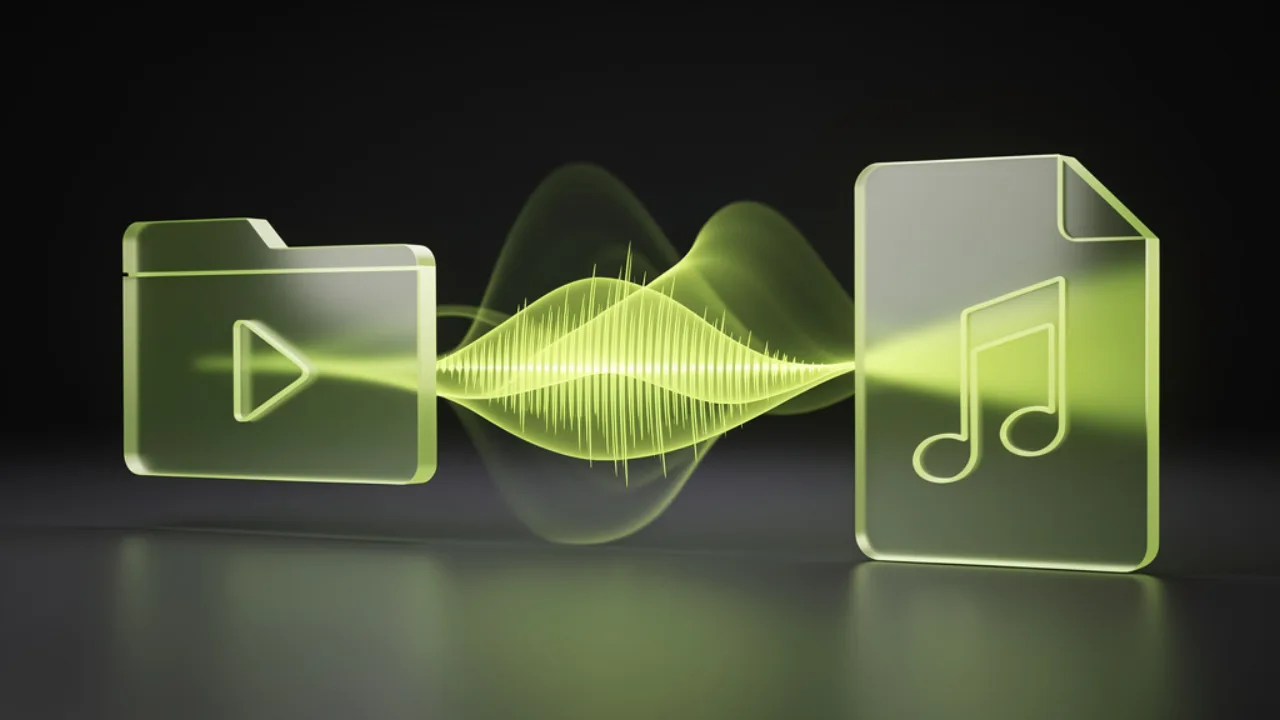
Lift the audio out of any video
Point the tool at your MP4 and it separates the sound from the picture, handing you a clean audio file. The video itself stays untouched — you just get its soundtrack as something you can play and share on its own.
Convert MP4 to MP3 free
MP3 that plays on every device and app
MP3 is the most universal audio format there is. Your extracted file drops straight into podcast hosts, music apps, car stereos and phones — no special player, no conversion step, just sound that works everywhere.
Get a universal MP3
Choose MP3, WAV or M4A
Need a small file to share or an uncompressed master to edit? Export MP3 for everyday use, WAV when you want the audio uncompressed, or M4A for Apple-friendly playback — your call, same one-step flow.
Try the extractorWhich audio formats can you export?
Pull the sound out of your video as the audio format you actually need — MP3 for universal playback, WAV when you want an uncompressed master, or M4A for Apple-friendly files.
| Output format | Best for | Supported |
|---|---|---|
| MP3 | Universal playback, small files, podcasts & music apps | ✓ Yes |
| WAV | Uncompressed master audio for editing | ✓ Yes |
| M4A (AAC) | Apple Music, iPhone, and modern players | ✓ Yes |
Tip: choose MP3 for sharing and WAV if you'll edit the audio afterwards.
What do people pull MP3 out of?
Any time the sound matters more than the picture, extracting the audio track gives you a clean file you can listen to, share, or edit on its own.
Podcasts & interviews
Recorded a conversation on video? Lift the audio into an MP3 you can publish or send without the footage.
Music from a clip
Grab the soundtrack from a performance or music video as an audio file for offline listening.
Lectures & talks
Turn a recorded class or webinar into audio you can replay on the go, hands-free.
Voiceovers & VO takes
Extract a narration take from a video recording to reuse in another edit.
Ringtones & clips
Save a short piece of audio from a video to use as a tone or notification sound.
Transcription prep
Get a clean audio file ready to feed into a transcription workflow later.
How do you get a clean MP3 every time?
A few practical notes — including an honest line on what this tool does and doesn't do.
- Start from the best source you have. Extraction copies the existing audio; it can't add clarity that was never recorded, so use your original video.
- Pick MP3 for sharing, WAV for editing. MP3 is smaller and plays everywhere; WAV keeps an uncompressed master if you plan to work on the sound.
- Long recordings take a moment. A two-hour video has a lot of audio to process — let the extraction finish before you download.
- Good to know — it extracts, it doesn't generate. This tool lifts the audio that's already in your video. It isn't an AI music or voice generator.
- Good to know — it's audio only. The output is a sound file with no picture; the original video is left untouched.
MP4 to MP3: frequently asked questions
Quick answers to the things people ask most before extracting audio.
Is the MP4 to MP3 converter free?+
Does it add or generate any music?+
Will the audio quality drop?+
Can I convert MP4 to MP3 on my phone?+
What audio formats can I download?+
Does it work with other video formats too?+
Do I need to install anything?+
Can it edit the audio?+
Audio, lifted from video
About the author
Get the audio out of your video.
Turn any MP4 into a clean MP3, WAV or M4A in a few clicks — free to start, no watermark.
Convert MP4 to MP3 free- Free to start
- No install
- No watermark

